Inspiration
Traditional UI development requires users to identify elements using technical descriptions such as file names, CSS selectors, component names, or spatial explanations like “the second button on the right.” This is slow and unnatural, especially for designers, PMs, non-technical users, and people who want to reduce their reliance on a keyboard and mouse.
Gaze was inspired by the way people naturally direct another person: they point toward something and explain what they want changed. The project uses head movement as the pointing mechanism and voice as the instruction mechanism, making frontend editing feel more like directing a collaborator than navigating a codebase.
The central idea is summarized as: “Cursor, but you point with your head and direct with your voice.”
What it does
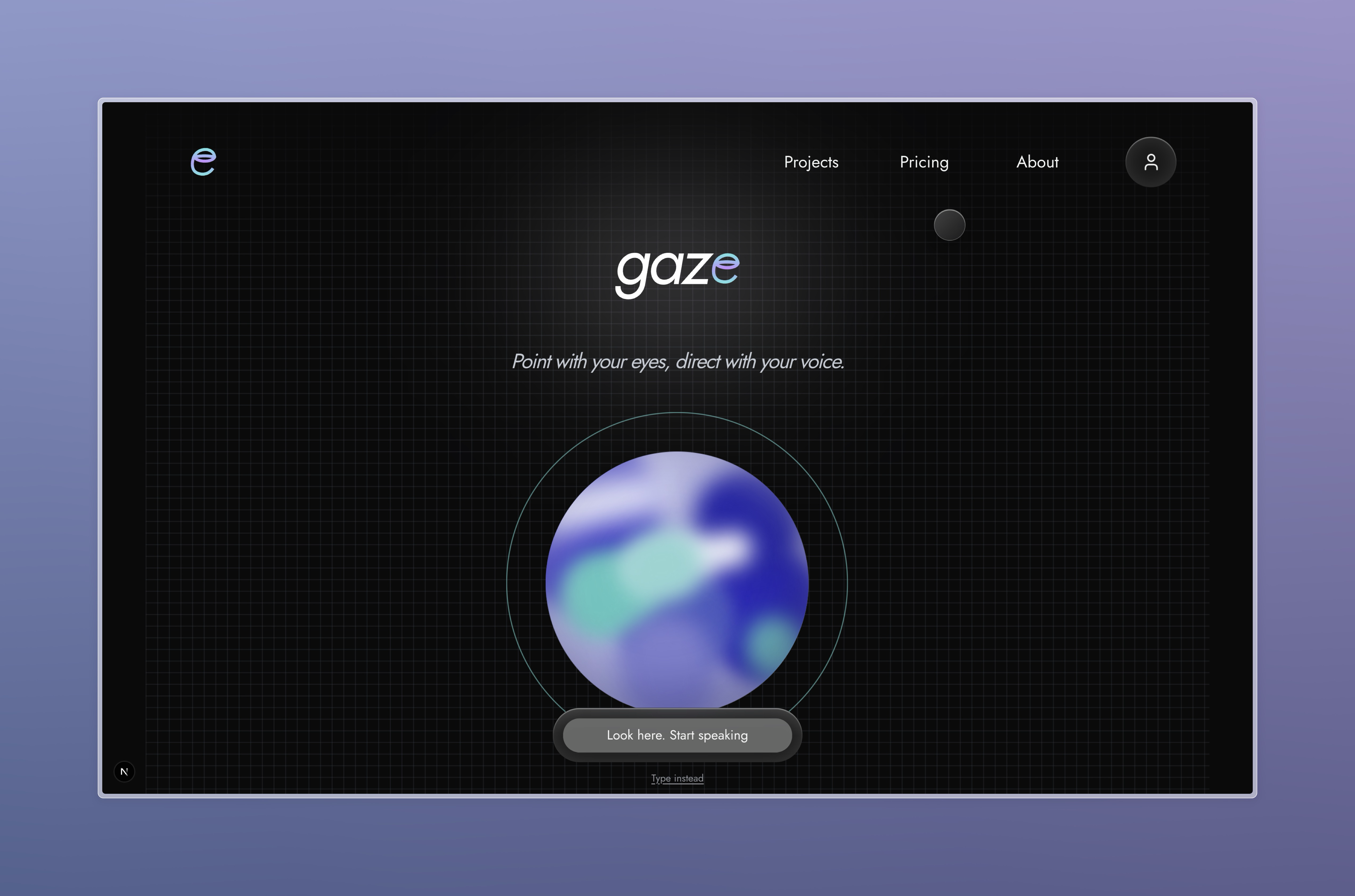
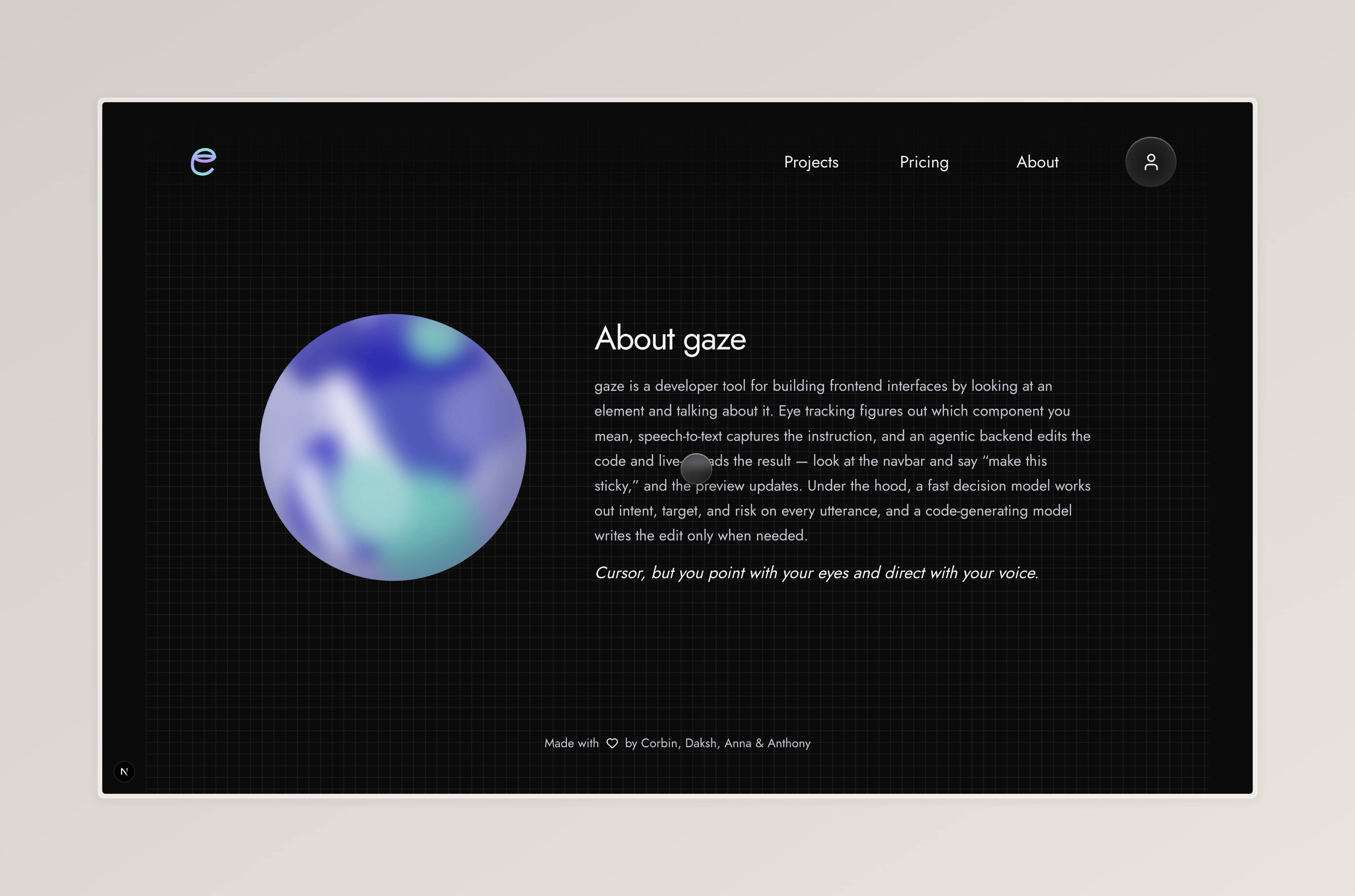
Gaze allows a user to build and modify frontend interfaces by steering an on-screen pointer with their head and describing a change aloud.
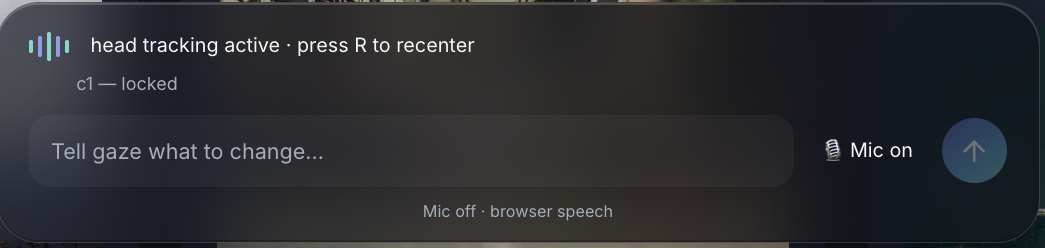
The current implementation uses a webcam and head tracking rather than eye tracking. MediaPipe detects the user’s face and uses a nose landmark as a normalized head-position signal. The first valid position is automatically treated as the neutral position, so there is no calibration screen or nine-point calibration step. The user can press R at any time to recenter the head-tracking pointer.
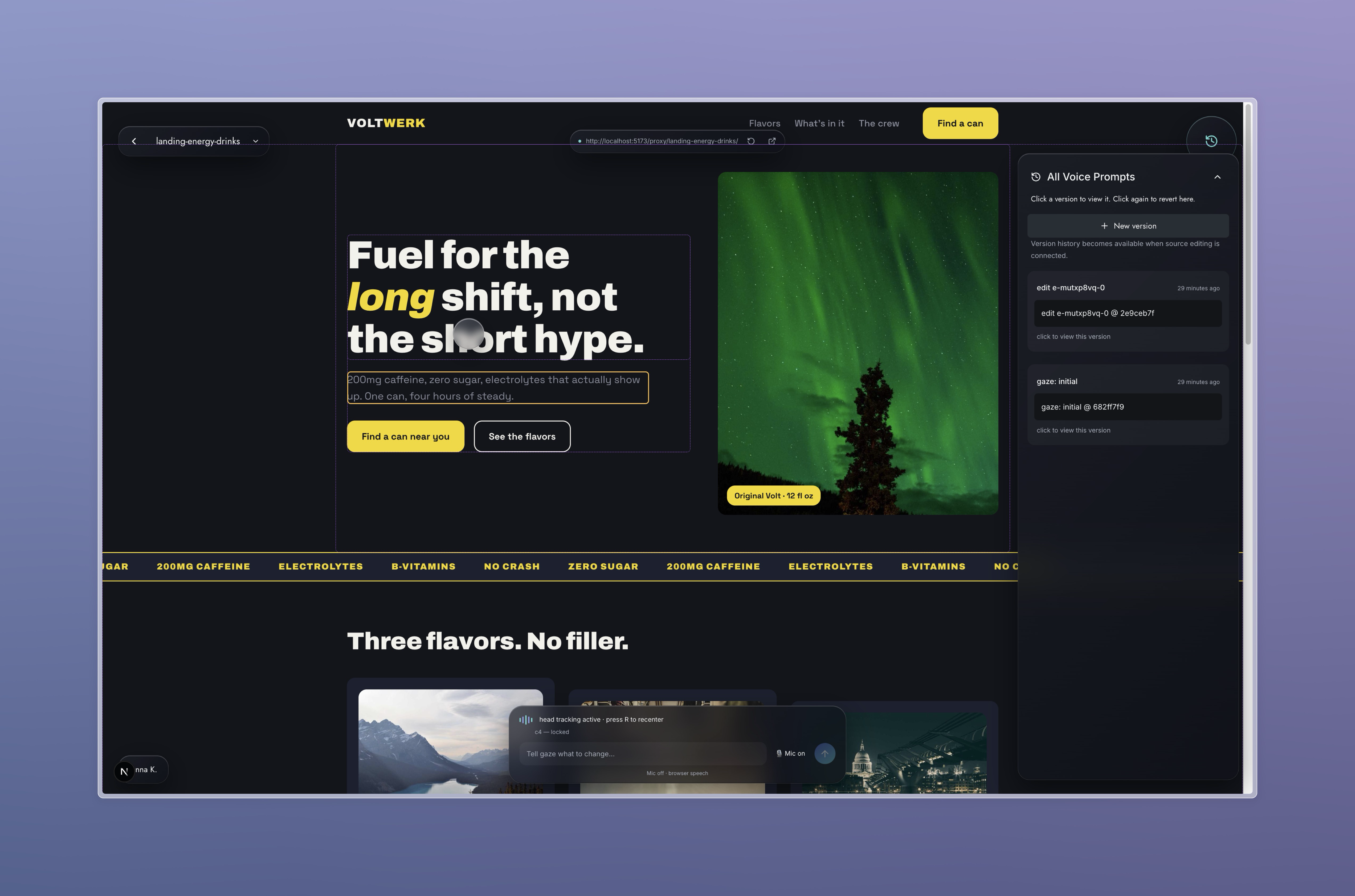
As the user moves their head around the preview, Gaze maps that movement to a viewport point and identifies nearby meaningful DOM elements. The interface shows candidate outlines and stabilizes the selected target using smoothing and dwell time. When speech starts, the current target is locked so later head movement does not change the element being edited. Mouse and keyboard selection remain available as fallbacks.
The user can then speak an instruction such as:
“Make this bigger and use a gradient.”
The system combines the speech transcript with the head-selected element. Jev makes fast structured decisions about the user’s intent, target, confidence, risk, and the appropriate editing route. When a code change is necessary, a code-generating LLM locates the relevant source file, proposes and applies the edit, and runs the appropriate checks.
The preview then live-reloads so the user can immediately see the result. Changes are automatically applied and remain undoable through a simple undo circle and version controls, without requiring the user to understand Git.
How we built it
The repository combines a Next.js frontend in apps/frontend with a Node-based browser harness in apps/desktop. The frontend provides the product UI and workspace; the harness manages the preview probe, head tracking, speech, decision pipeline, source edits, and Git operations.
Head tracking uses @mediapipe/tasks-vision, MediaPipe Face Landmarker, and the webcam’s nose landmark. The tracker maps head position to a viewport point, while an injected preview probe uses elementsFromPoint to inspect rendered DOM elements. React source metadata such as data-source connects preview elements to their source files.
Speech uses browser Web Speech recognition with an ElevenLabs Scribe v2 fallback. Jev handles structured intent, target, routing, and verification decisions. Deterministic Tier-1 operations handle common edits, while Gemini 3.5 Flash-Lite handles broader source changes. Successful edits pass a build gate and are recorded through the repository-local Git snapshot, Undo, and version-history system.
Challenges we ran into
The main tracking challenge was making webcam head movement feel like a useful pointing device without relying on eye-position sensing. A face landmark is an indirect input, so the system needs a neutral reference, movement gains, horizontal mirroring, smoothing, and recentering to keep the pointer controllable. Camera permission failures, a missing face, or a camera already being used elsewhere also have to fail gracefully.
Another difficult problem is mapping a rendered DOM element back to the correct source file and component. This is relatively manageable in a controlled template project but becomes much riskier for arbitrary existing repositories. The system needs development-time source metadata so that the agent receives a useful connection between what the user sees and what it needs to edit.
The system also has to balance speed and capability. A generative model is useful for semantic changes but is slower and less predictable than a deterministic patch. The implementation therefore uses a closed catalog of supported operations for common edits and reserves the Gemini path for requests that need generated source changes.
Speech recognition creates a separate source of risk. If the transcript is wrong, the agent may make the wrong change even if gaze selection is correct. The UI therefore needs to make speech state visible and support transcript review or correction where appropriate.
Accomplishments that we're proud of
The repository contains a working implementation of the main interaction pieces:
- A webcam head-tracking sensor built with MediaPipe Face Landmarker
- Smoothed head-controlled pointer movement with mouse fallback
- Preview DOM probing, meaningful-element snapping, candidate stabilization, dwell locking, and speech-time target locking
- A glass pointer blob and visible candidate outlines in the frontend
- Browser Web Speech recognition with an ElevenLabs Scribe v2 fallback
- A live Jev decision layer with a deterministic mock fallback
- Deterministic Tier-1 edit operations for common styling and text changes
- Gemini 3.5 Flash-Lite integration for broader code edits
- Build-gated source edits with bounded retries and truthful failure reporting
- Git-backed snapshots, Undo, version history, checkout, revert, and confirm operations
What we learned
- Head tracking can provide a practical pointing input without specialized eye-tracking hardware, but it needs smoothing, recentering, and mouse fallback to stay reliable.
- Separating fast structured decisions from generated code edits makes it possible to use deterministic patches for common changes and an LLM for more complex requests.
- Source mapping, build checks, and Git snapshots are essential for making automated edits safe and recoverable.
What’s next for Gaze
The immediate next step is to make the head-point–speak–change–undo loop dependable across repeated runs. That means continuing to tune the neutral-position behavior, head-movement gains, smoothing, dwell time, candidate radius, and recenter interaction under real camera conditions.
After the core loop is reliable, the product plan identifies several product and technical directions:
- Improve head-tracking robustness across lighting conditions, camera positions, and different users.
- Strengthen DOM-to-source mapping so the system can work with more than the controlled demo template.
- Expand the catalog of deterministic no-LLM edits so more common changes can meet the sub-two-second target.
- Improve the code-editing agent’s build checks, retry behavior, and verification.
- Add support for starting from an existing local repository.
- Revisit importing existing websites once the core interaction is stable.
- Add multi-select head-pointer commands such as selecting multiple cards at once.
- Add voice replies or agent narration.
- Add side-by-side version comparison.
- Expand the mocked pricing and usage experience into a more complete product model.
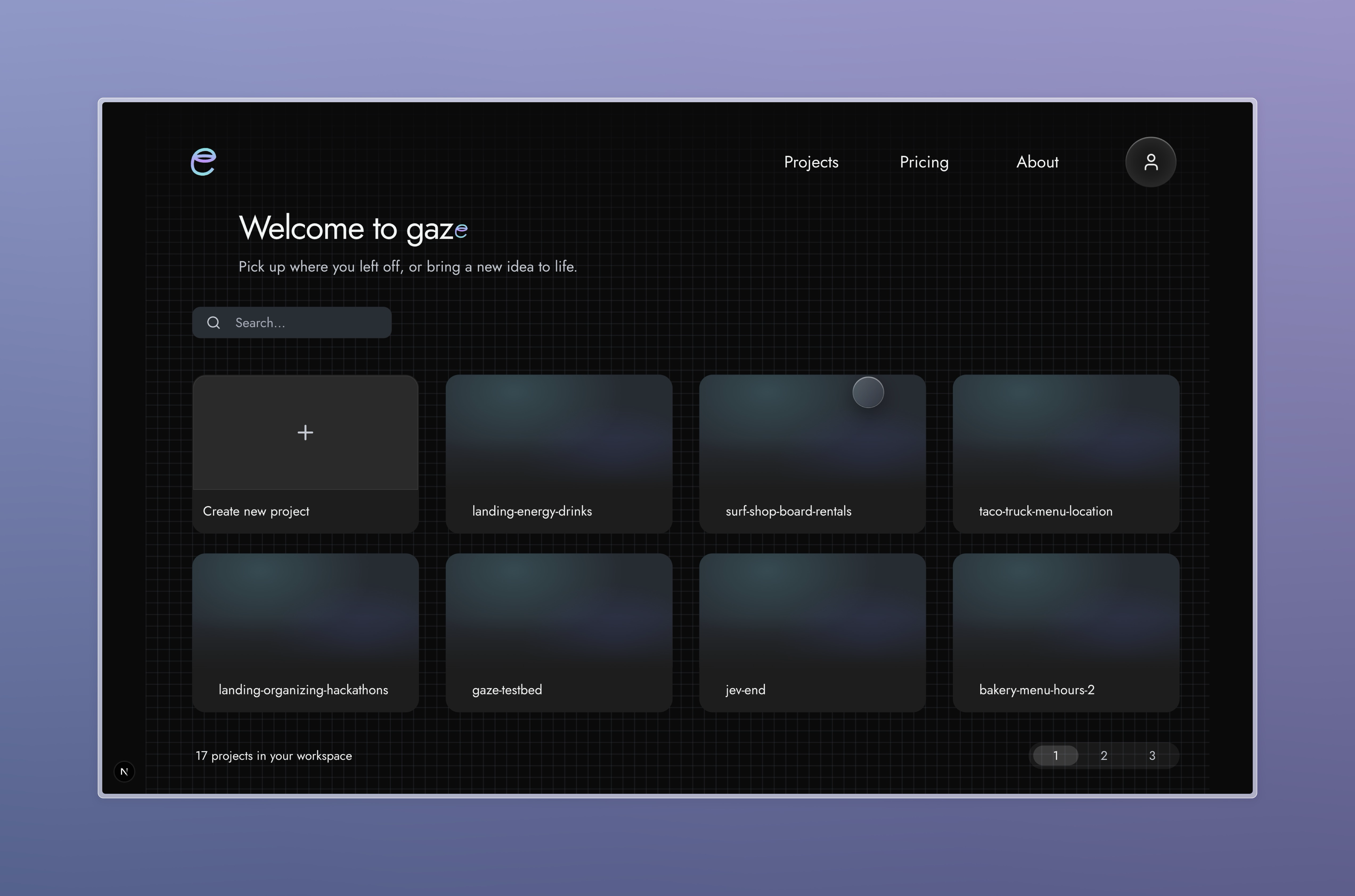
- Continue polishing the glass UI, landing page, pricing page, version timeline, settings, and BYOK experience.
The overall direction is to broaden compatibility and product depth without compromising the speed, safety, and simplicity of the core Gaze experience.
Built With
- elevenlabs-api
- gemini-3.5-flash-lite-api
- git
- javascript
- jev-/-typesafe-ai-api
- next.js
- react
- tailwind-css
- typescript
- vercel
- web-speech-api
- webgazer.js


Log in or sign up for Devpost to join the conversation.