Inspiration
Every friend group has the same group chat: “we should hang out!” followed by three days of “I’m free Saturday maybe?”, “wait what time?”, “what are we even doing?”, and then nothing happens. Planning is the hardest part of hanging out. Scheduling, deciding, and splitting the bill each live in a different app (a calendar, a group poll, Venmo or Splitwise), and none of them feel like anything. We wanted to turn planning into something the whole group does together, live, on their phones, instead of one person playing project manager. GATHER is our answer: a shared space where a friend group finds a time, picks a plan, and settles up, with everyone’s screen updating in real time.
What it does
GATHER is a private app for a friend group of 5 to 10 people. Members join with an invite code, and the app walks the group through the full path from “we should hang out” to “who owes whom”:
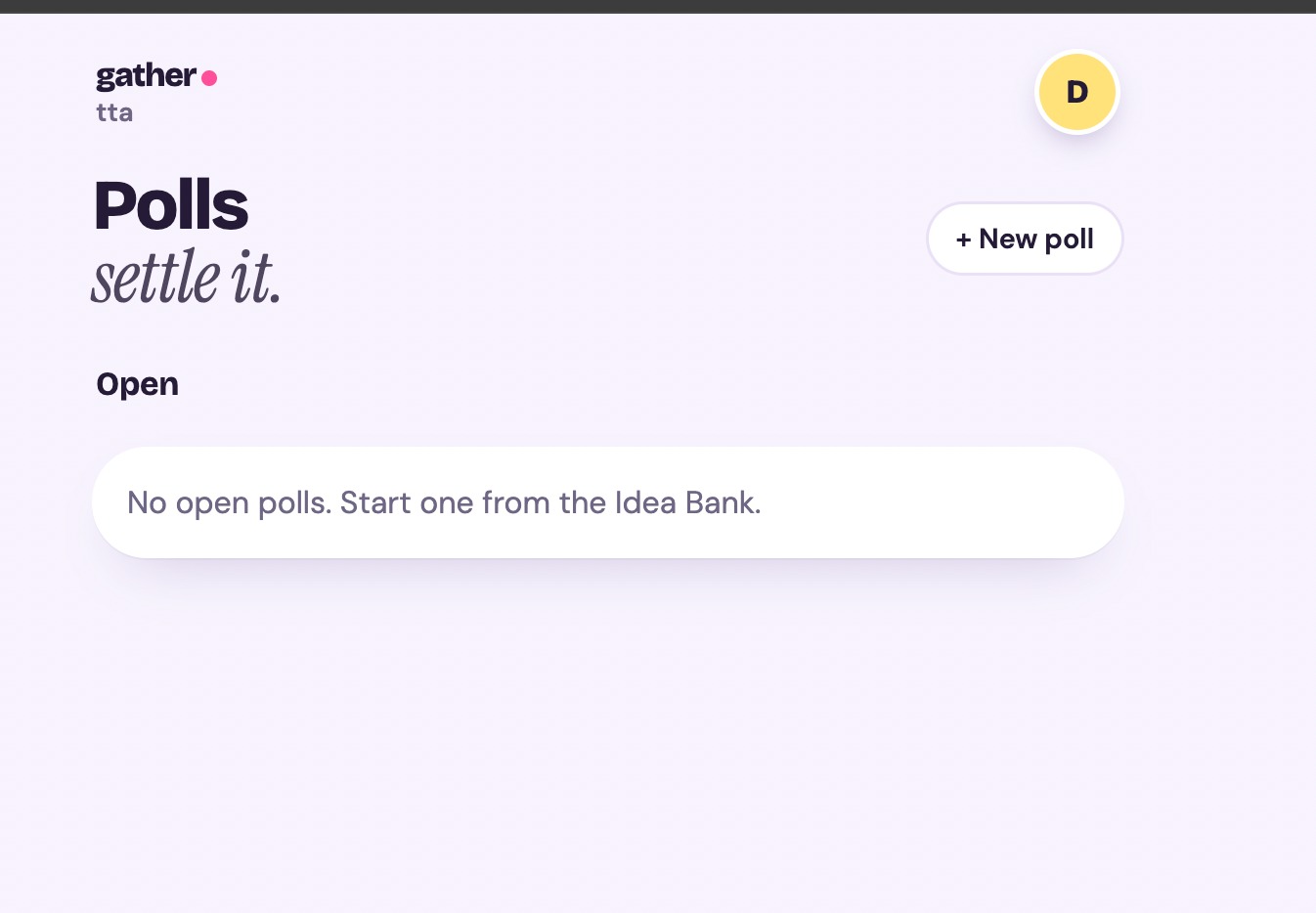
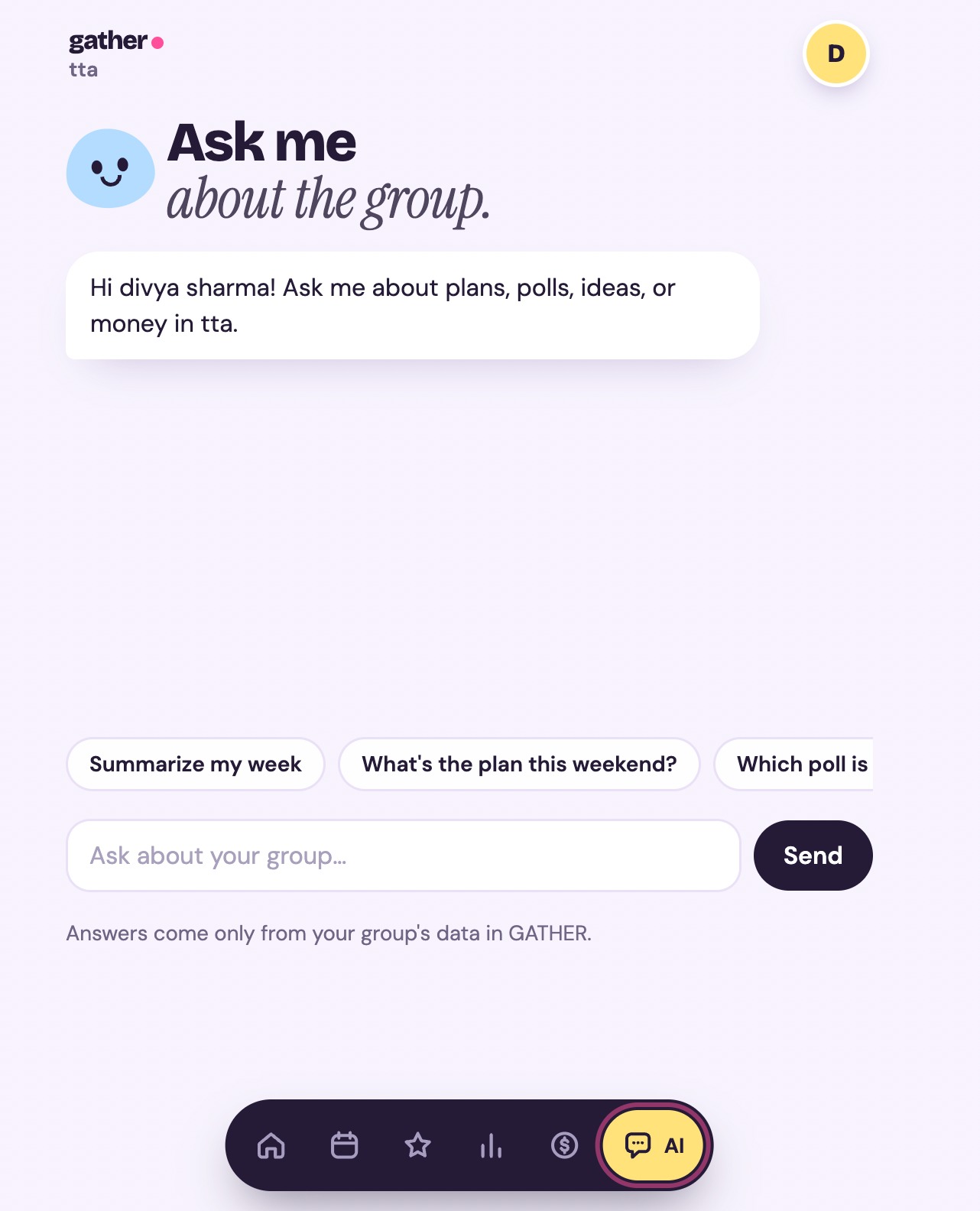
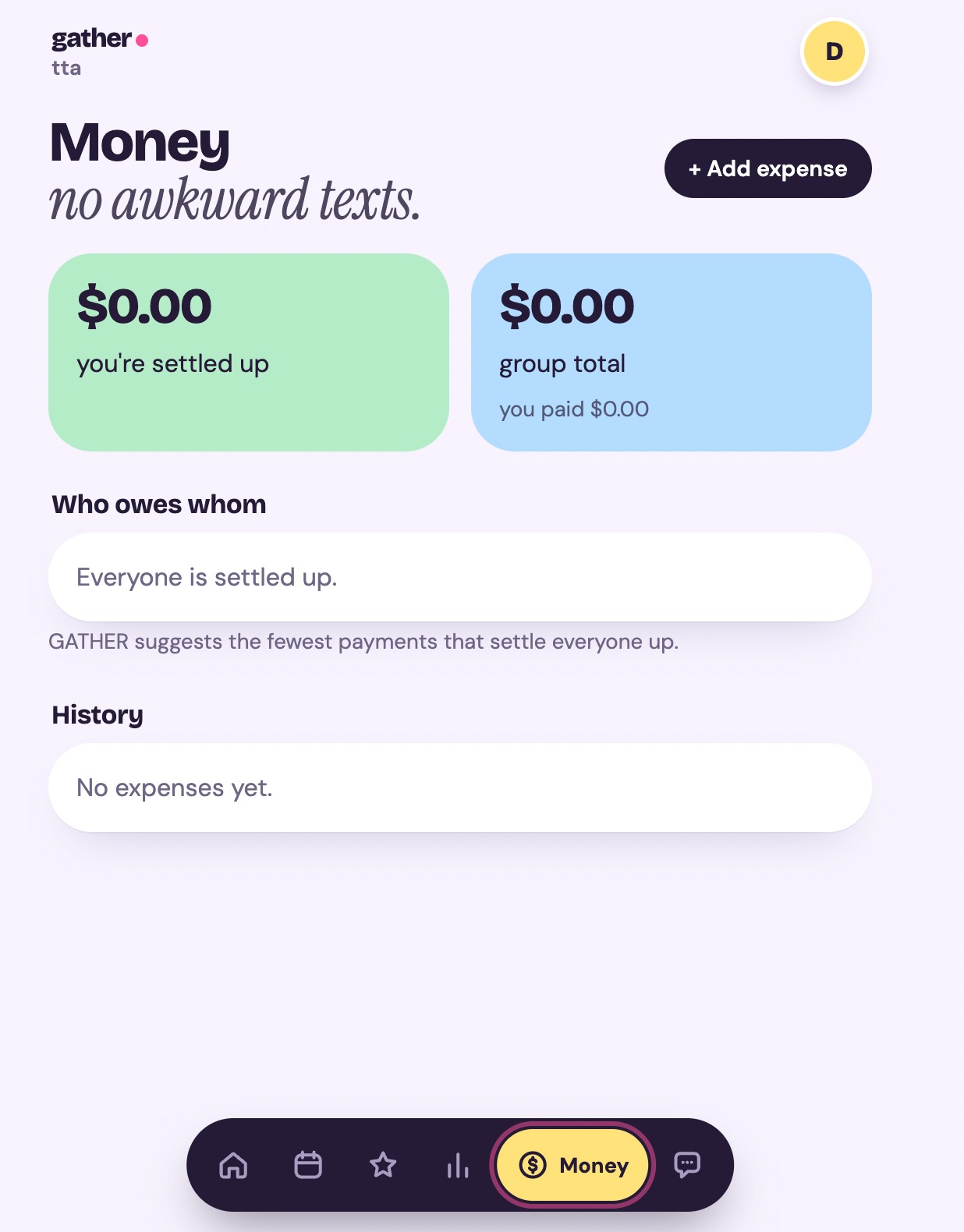
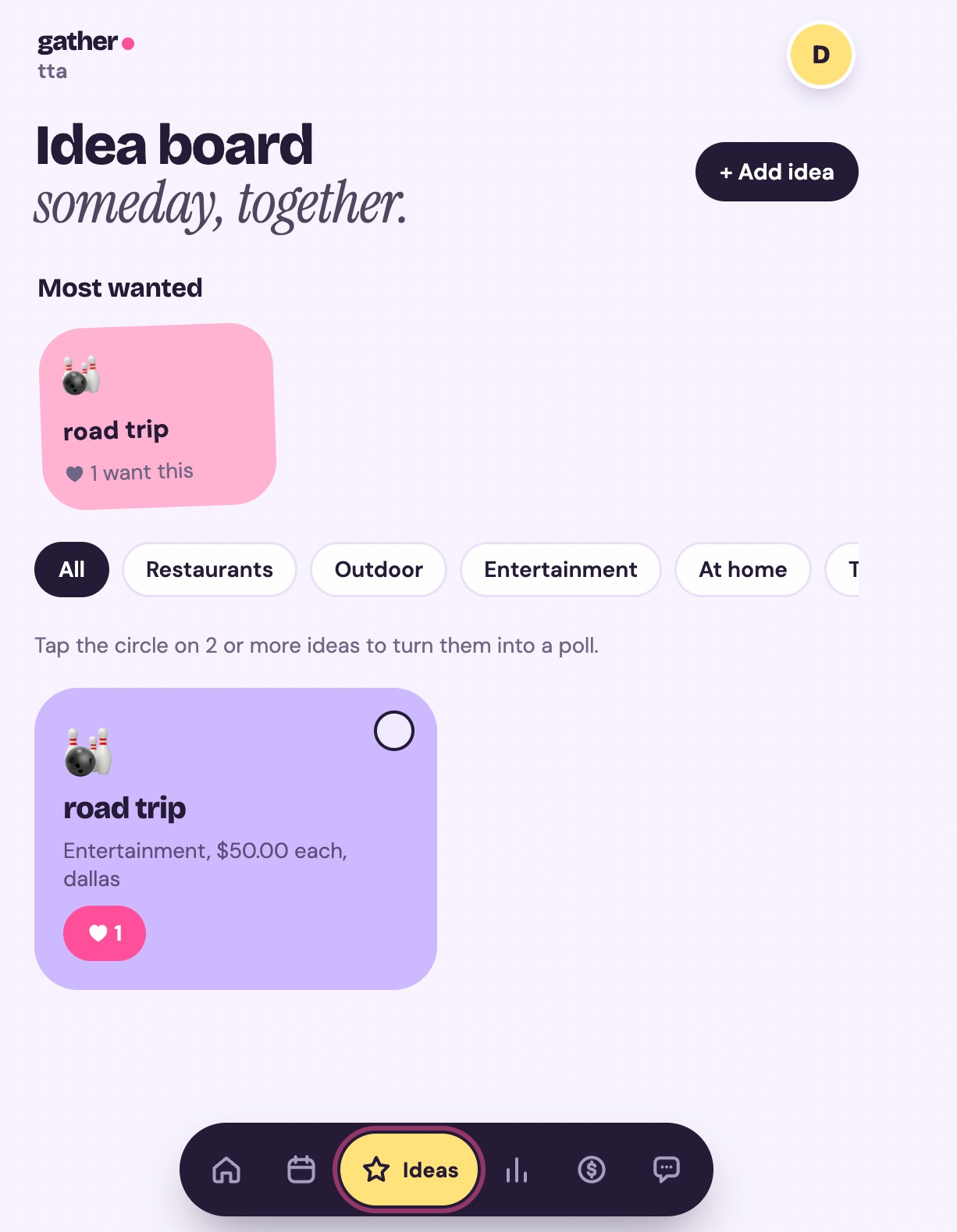
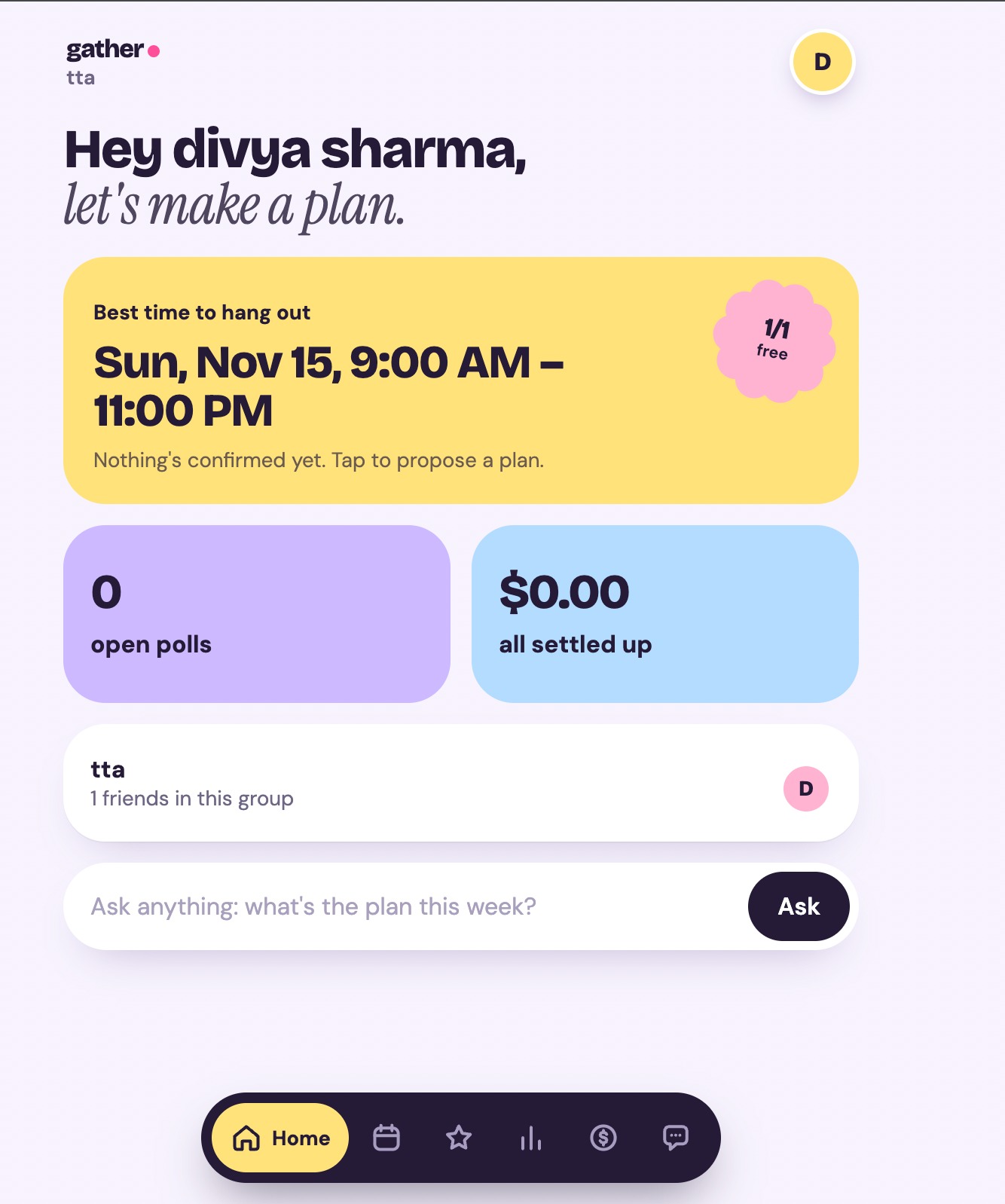
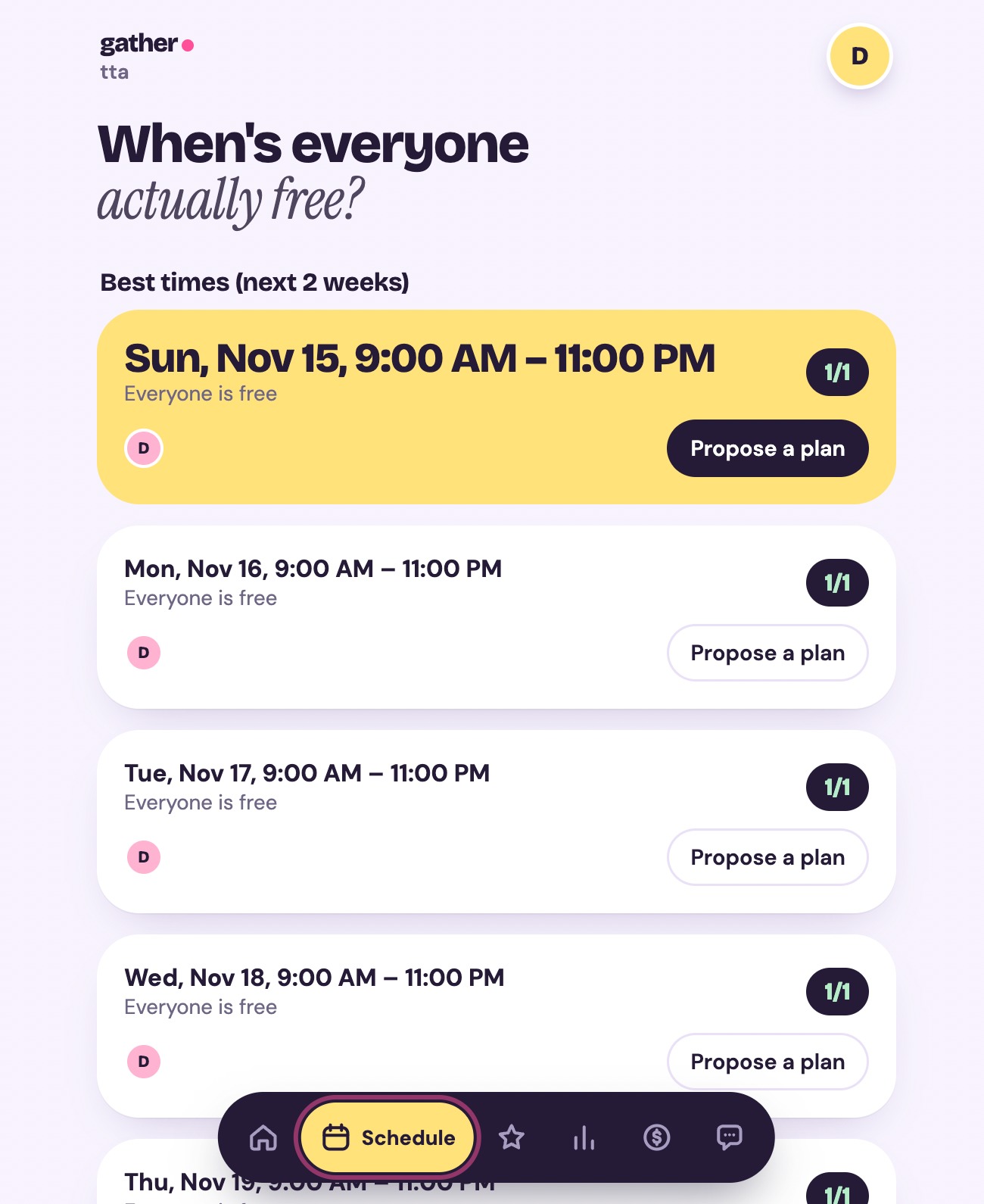
Availability: Everyone taps their free hours on a shared grid, or connects Google Calendar. GATHER ranks the best time slots for the whole group and shows how many people are free in each. Idea Bank: A Pinterest-style board where friends drop ideas for what to do. Each idea gets a color and emoji by category, and friends can heart the ones they like. Polls: Pick ideas from the board and start a poll. Everyone votes once (and can change their vote), and the group only ever sees vote counts, never who voted for what. Plans: The winning idea becomes a proposed event at the best time. Members answer Yes, Maybe, or No, and once it’s confirmed every phone gets a celebration banner. Expenses: Log the bill after the outing. GATHER splits it and calculates the fewest payments needed so everyone is settled. GATHER AI: Ask questions about your group (“when is everyone free?”, “summarize my week”) and get answers based on your group’s own data.
The key is that it’s live. When one friend votes or confirms a plan, everyone else sees it instantly with no refreshing.
How we built it Front end: React with Vite, designed to look like a soft pastel Pinterest board: chunky rounded cards, scalloped sticker shapes, colored avatar bubbles, and a floating pill navigation bar. Each feature has its own color (yellow for times, lilac for polls, mint for confirmed plans, sky and pink for money). Fonts are bundled so the design works even with no internet, which matters for a LAN demo. Back end: Node.js and Express with PostgreSQL. The server is the single source of truth for all game state, and every route checks that the user belongs to the group before doing anything. Real-time layer: Socket.IO. After any successful write, the server emits one group:updated event to that group’s room, and the screens showing that data refetch. One shared hook handles this for every feature, so we didn’t write separate sync code for each one. Google Calendar: OAuth with the free/busy scope only, so GATHER sees when you’re busy but never your event names. AI assistant: Uses an LLM when an API key is set, and falls back to a built-in summary of the group’s data when it isn’t, so the demo never depends on the internet. Security measures: bcrypt password hashing, login rate limiting, session tokens in httpOnly cookies, a membership check on every route and socket room, database-enforced single voting, vote counts only (no voter identities), server-computed expense splits in integer cents, AES-256-GCM encrypted calendar tokens, one-time OAuth state to prevent CSRF, zod validation on every input, rate limits on the API and sockets, and helmet security headers. Testing: Logic tests for slot ranking, bill splitting, and settle-up, a 49-check end-to-end script that includes attacks (double voting, reading another group’s data, a script-tag idea), and a two-browser test confirming live updates across users. Challenges we ran into Google sign-in vs. a local network. Google only redirects back to HTTPS or localhost addresses after sign-in, not a LAN IP like 192.168.x.x, which is exactly how friends’ phones reach a laptop. We solved it by routing the OAuth callback through an HTTPS tunnel and adding friends as test users. We also built a manual availability grid so the app works fully offline if Google fails. Scope. We had a lot of ideas (calendar sync, polls, expenses, AI, idea board) and about five hours. We split the work across six people with a shared API contract so front end and back end could be built at the same time, and we cut anything that wasn’t core. Making a productivity app feel like a multiplayer experience. Early on we realized a plain scheduling app is mostly asynchronous. We redesigned around live moments: everyone’s votes, availability, and confirmations show up on every phone instantly. Security that doesn’t get in the way. Our login rate limiter locked us out of our own testing, so we changed it to count only failed attempts. Design cleanup. Restyling the front end left behind duplicate files from an earlier attempt, so we removed them to keep a single consistent design. Accomplishments that we’re proud of A complete flow, from “when are we free?” to “who owes whom,” working end to end with live updates across devices. A design that doesn’t look like a typical hackathon project. It feels like something friends would actually want to open. Security we can demo live: in front of the judges we can open DevTools and try to vote twice, read another group’s data, or inject a script tag, and show the server rejecting each one. Privacy by design: calendar access is free/busy only, and polls never reveal who voted for what. All of it working on a local network, with a fallback for the parts that need the internet. What we learned Real-time design gets simpler when the server owns the state and just tells clients what changed, instead of every feature syncing itself. Security is easier to build in from the start than to add later, and it makes a much better demo when you can show it working. OAuth, redirects, and HTTPS have a lot of hidden requirements, and network setup can take as long as the code itself. Clear ownership and an agreed API contract let a team of six work in parallel without blocking each other. Polish matters more than feature count, so we spent time making fewer things work well. What’s next for GATHER A native mobile app (iOS and Android) with push notifications for votes, confirmed plans, and reminders. Live “Plan Night” mode: a Jackbox-style session where the group plans an outing together in minutes, with a host screen, live availability heatmap, bracket-style idea battles, and secret veto cards. Smarter AI: an assistant that can propose plans, remind people who haven’t responded, and look up places. Flake score and hype points to make showing up and contributing ideas a friendly competition. Custom expense splits and direct payment links. Public deployment so any friend group can use it without setting anything up.
