-
-
App Logo
-
main
-
social
-
coding
-
credits
-
gaming
-
homework
Description for Gateway Project By Omkar Page and Tejas Panja
Most people waste dozens of hours trying to open all the tabs they need one by one. Before the creation of this app, we were the same. But with Gateway, you can save hours of your time by opening all the tabs you need at once.

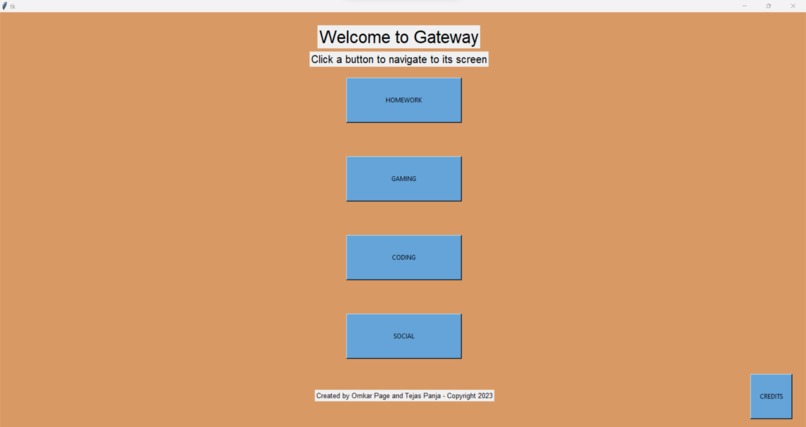
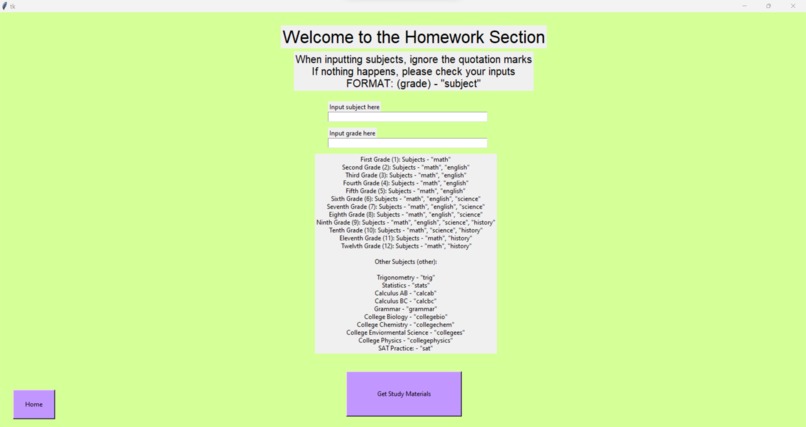
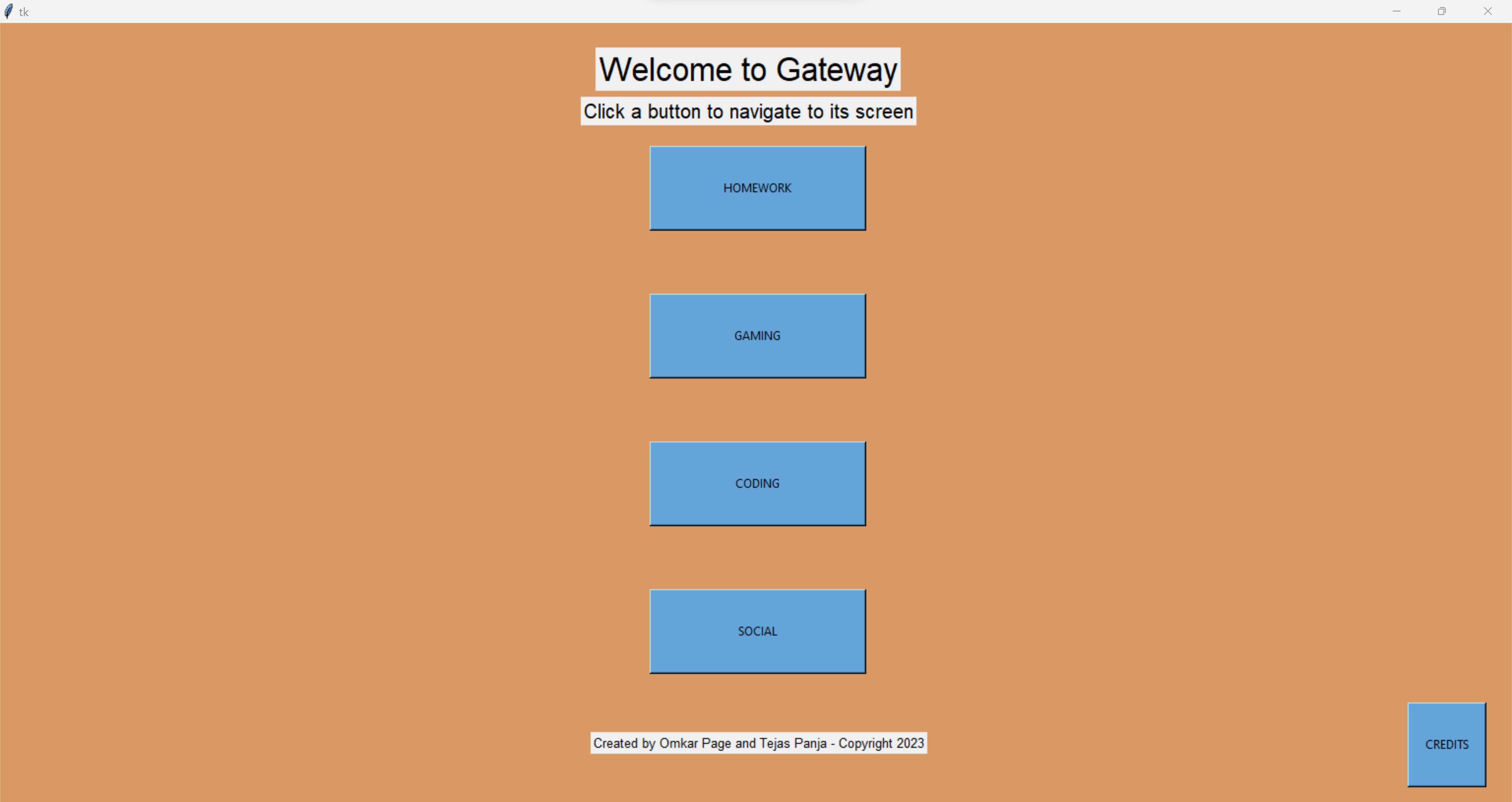
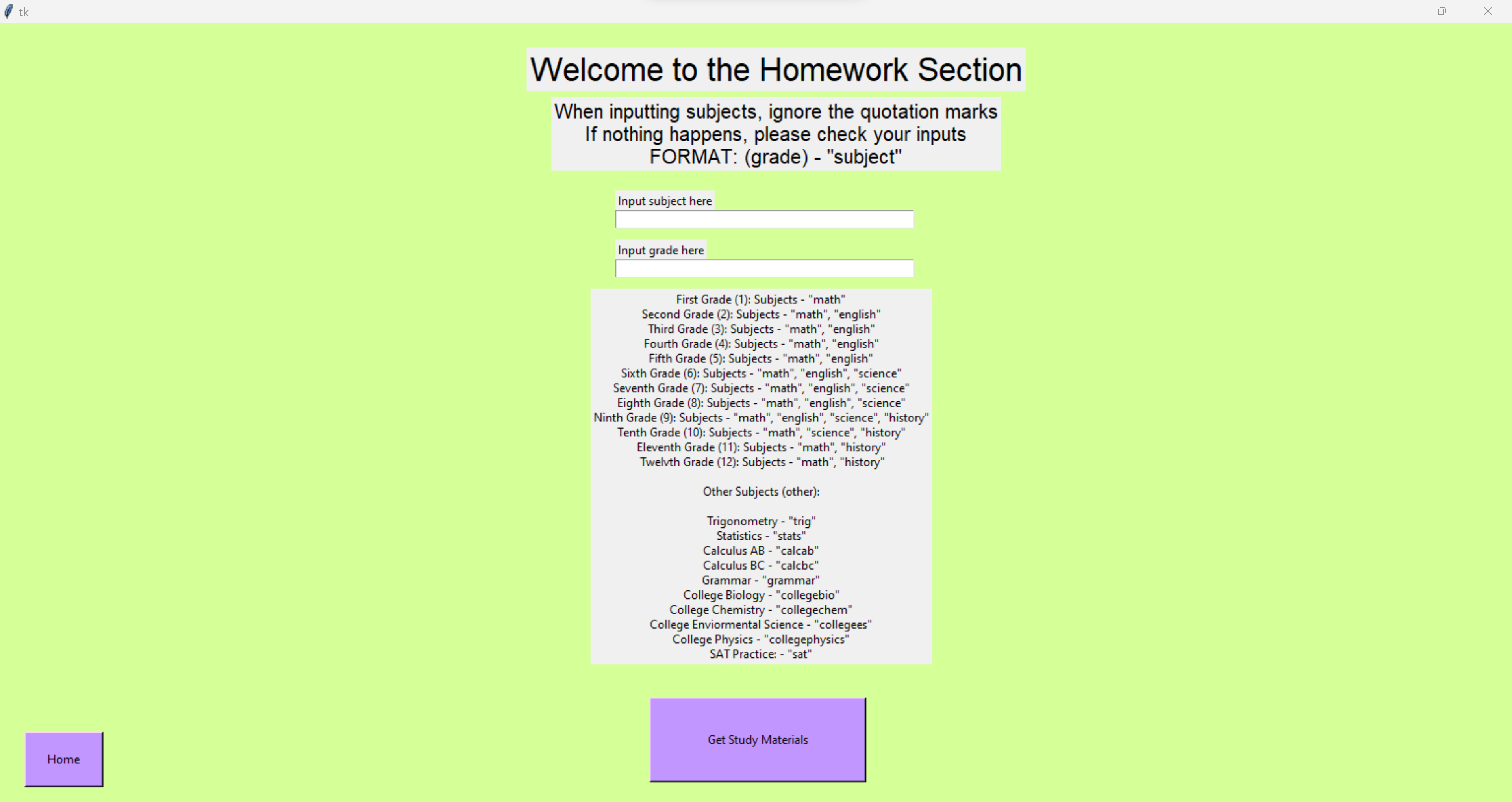
The app opens to the home page, which has 5 buttons: homework, gaming, social, coding, and credits. When you click on one of the buttons, it redirects you to its respective page. The homework screen consists of 2 inputs: the subject you want to study and the grade. Below, there is a list of the possible subjects for each grade (1st - college). By selecting the grade and subject then pressing the button, it will open the recommended resources for that subject to help you study.

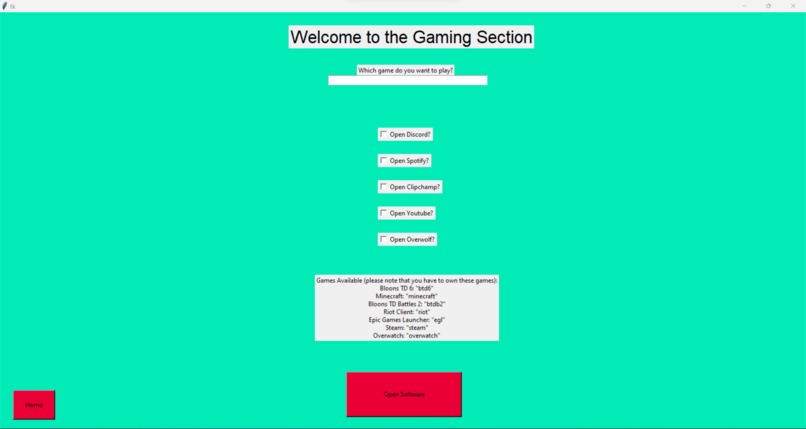
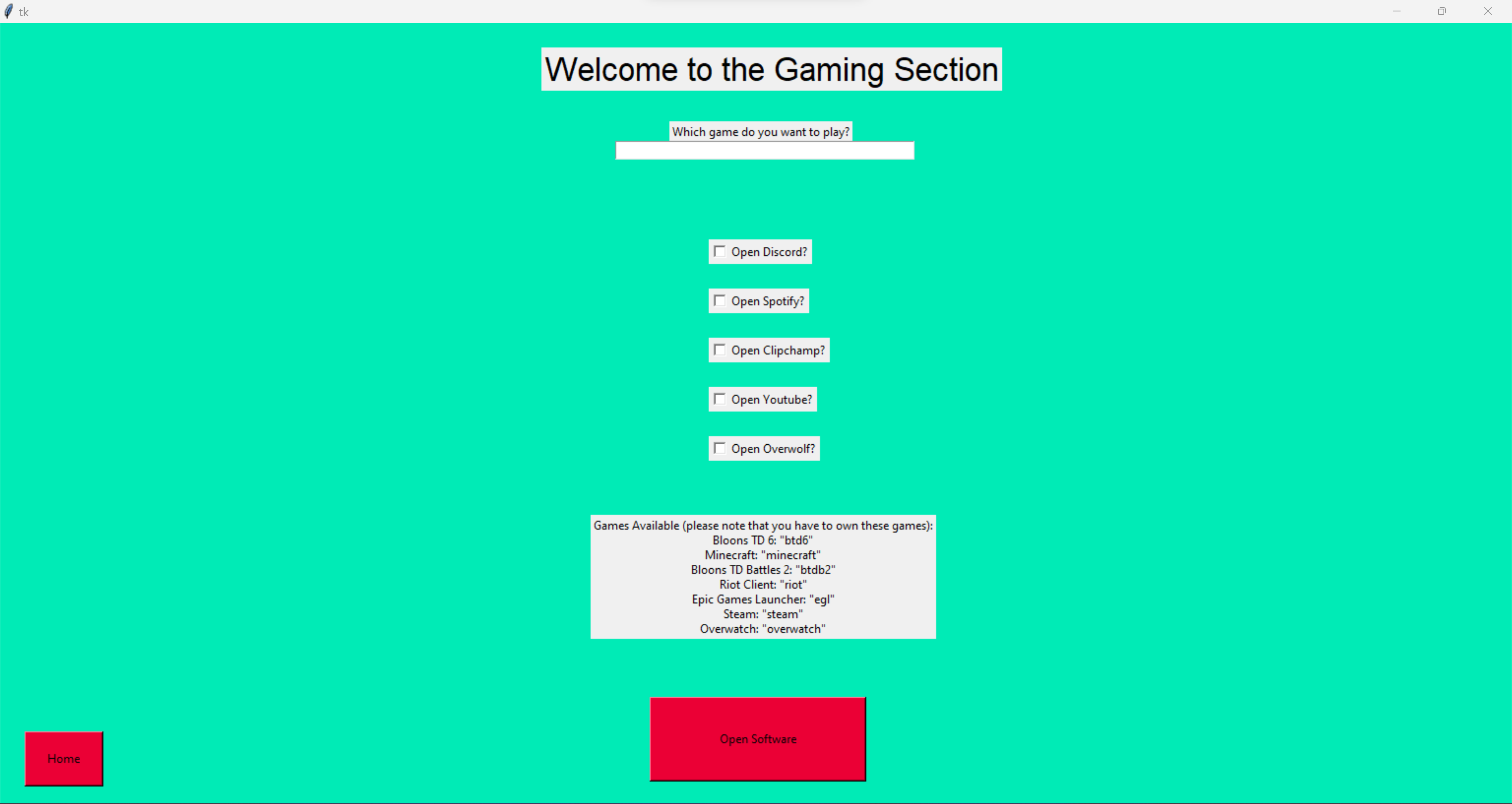
Clicking the gaming button directs you to a screen with multiple checkboxes and one input bar. Below, there is a list of games which are compatible. It’s a limited amount due to us not having an infinite game library, but you can type a game into the bar, and check the boxes depending on what other tools you want to open (Discord, Overwolf, Clipchamp, etc.). By clicking the button at the bottom, you can open all the selected games/apps.

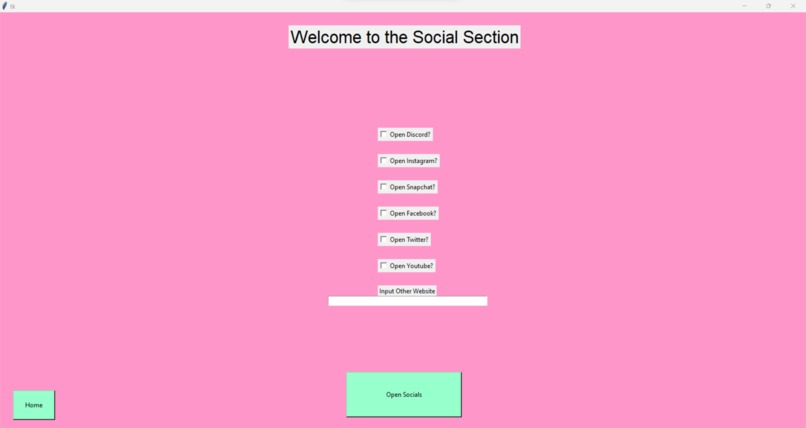
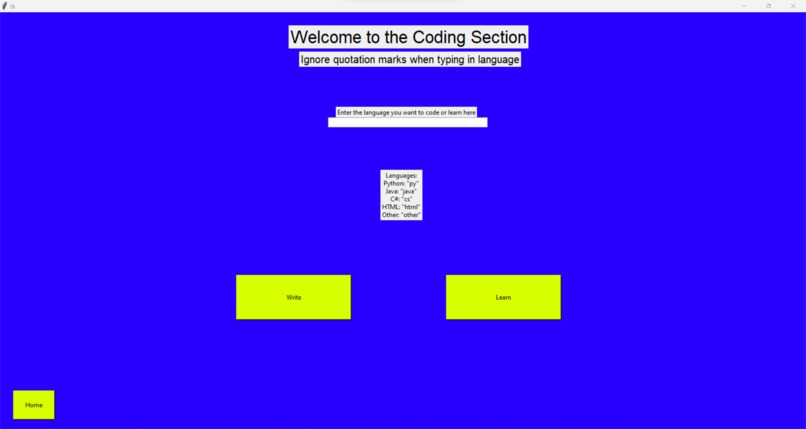
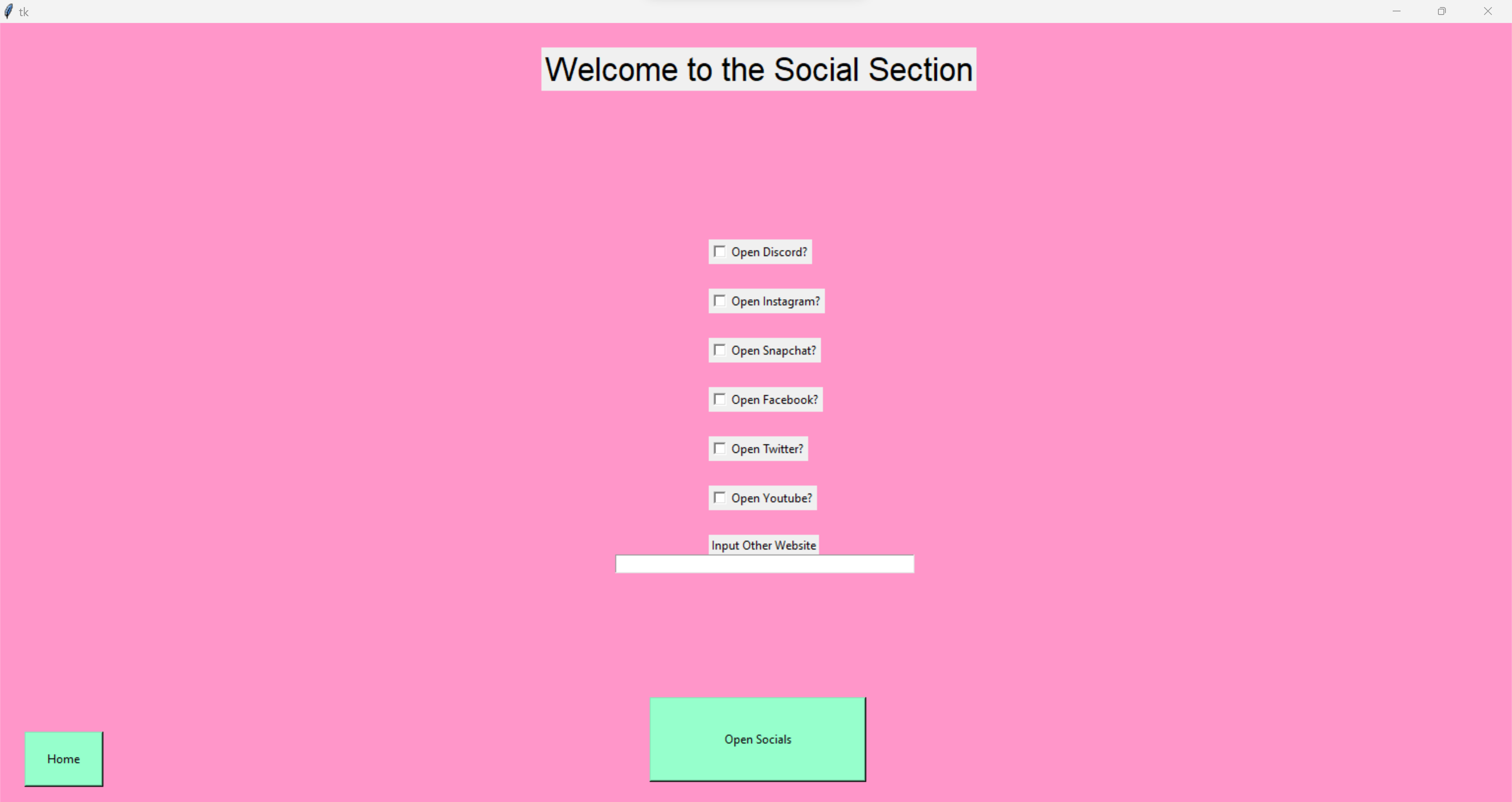
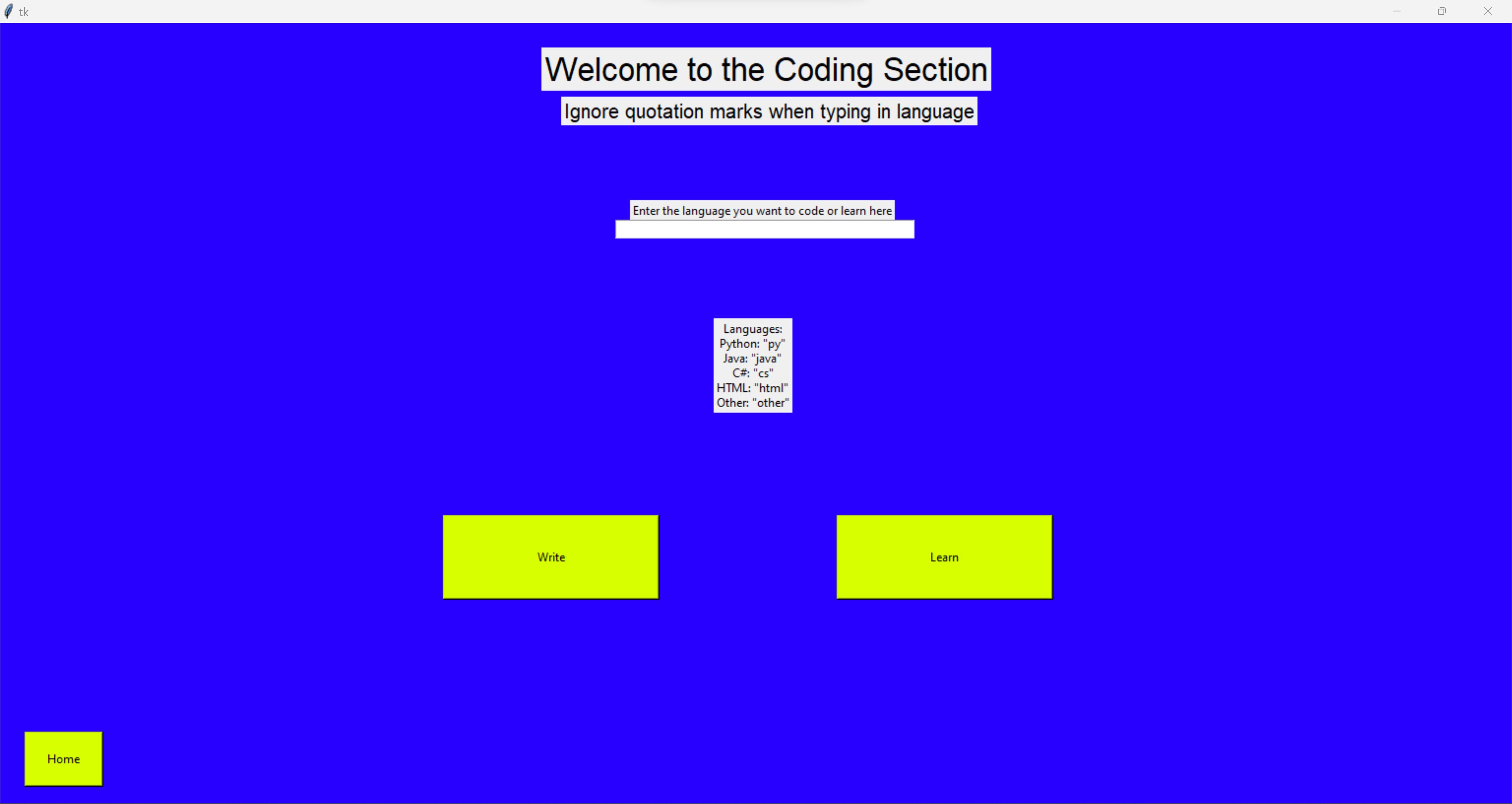
Clicking the coding button gives you an input bar and two buttons which say learn and write. By inputting a language (list provided below), you can either learn it, which will open up Codecademy, stack overflow, and a documentation for that language, or write it, which will open an editor for that app and stack overflow. Social is similar, where it has 5 options to open and a link opener with it.

The program takes the inputs from the checkboxes and input lines from Tkinter and calls functions from custom libraries to match the user input when the button is clicked. The functions use App Opener and Webbrowser to open the apps and webpages.

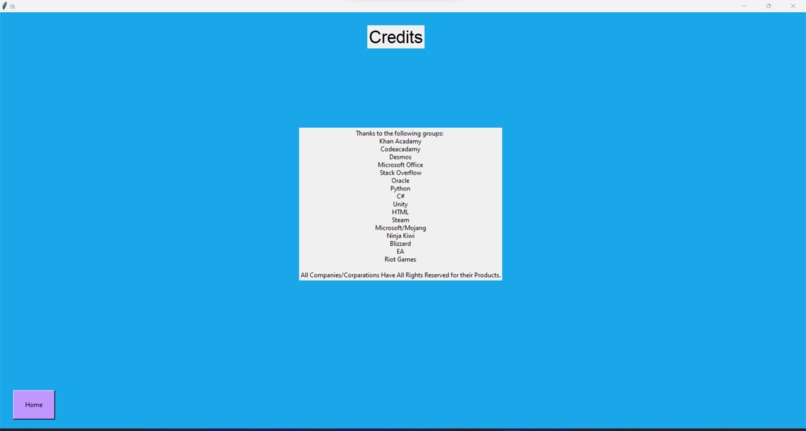
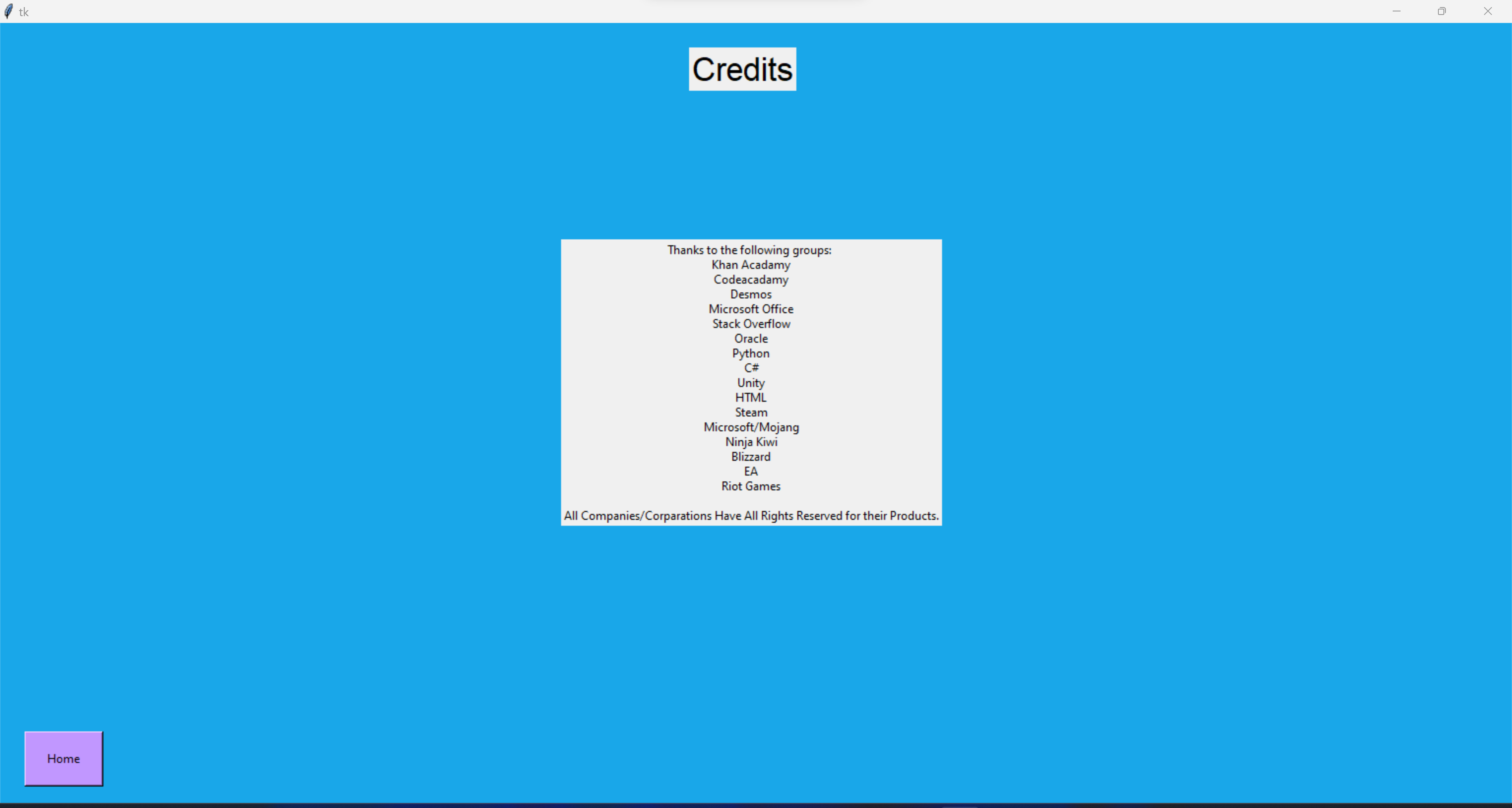
The credits screen just gives credits to all the companies websites/applications that we used. In conclusion, the Gateway app is a great way to automate daily tab-opening using modules and libraries like Tkinter, App Opener, and Webbrowser to open tabs and provide GUI elements like input bars, buttons, and labels. Instead of opening all the tabs yourself, open Gateway and be done with one click.
Built With
- appopener
- python
- tkinter
- visual-studio-code
- webbrowser

Log in or sign up for Devpost to join the conversation.