-
-
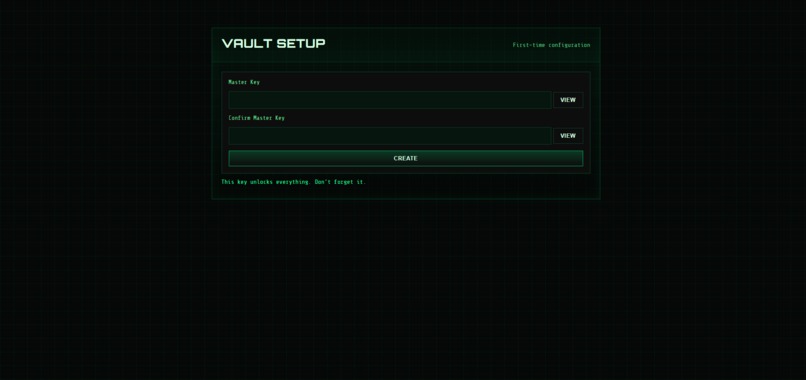
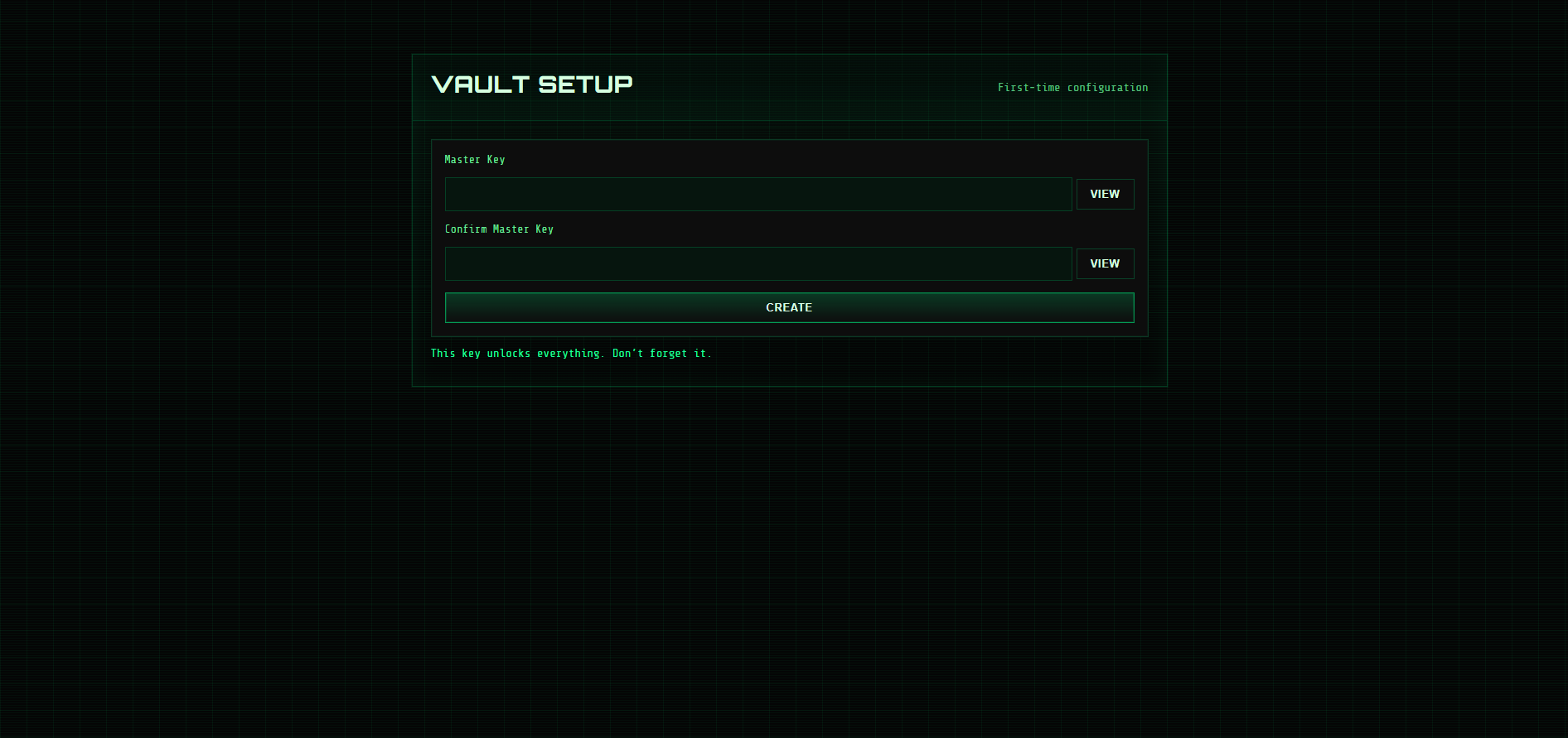
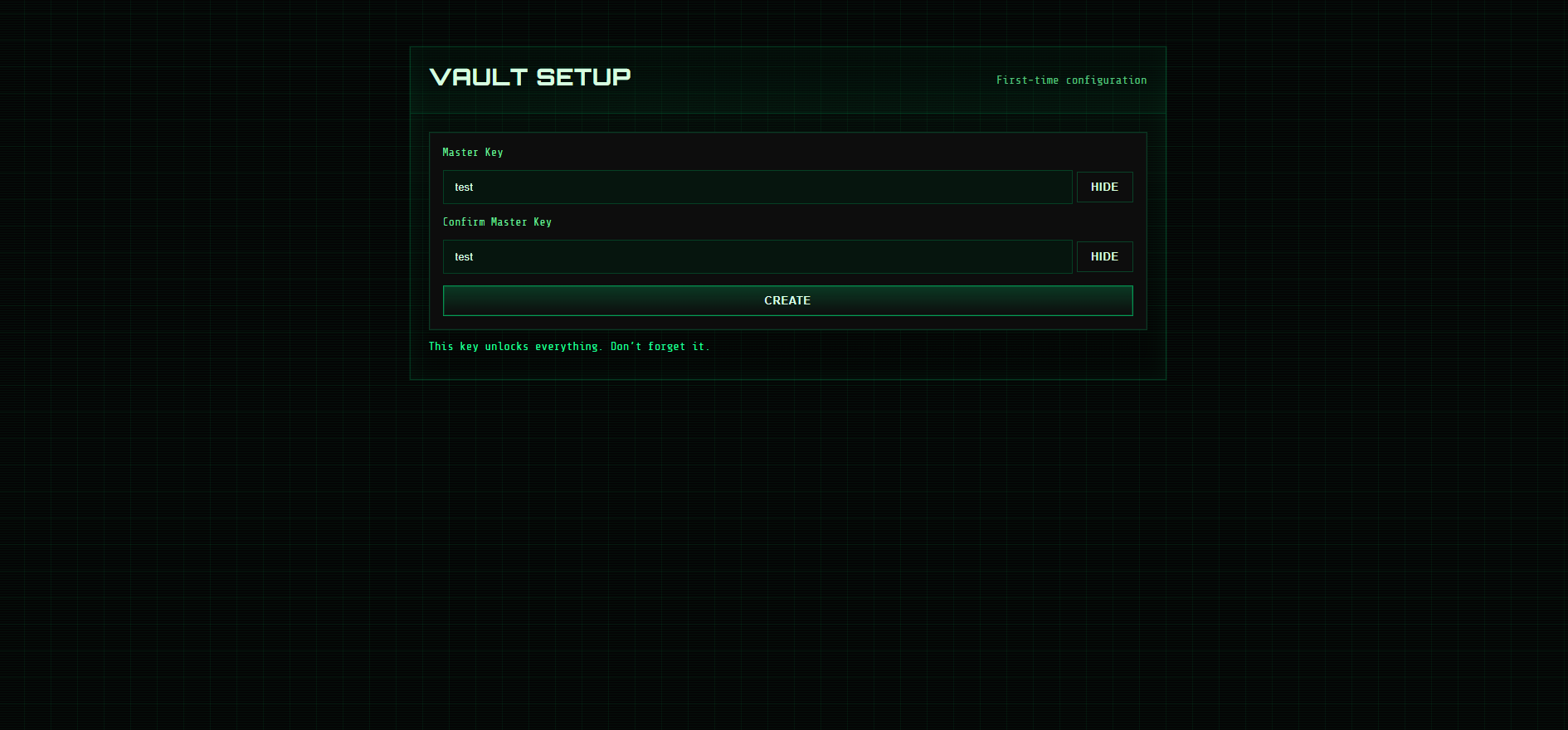
Initialize master key
-
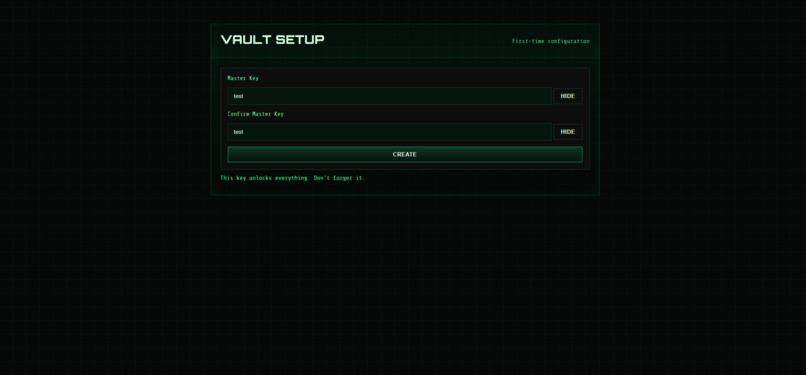
Viewing master keys
-
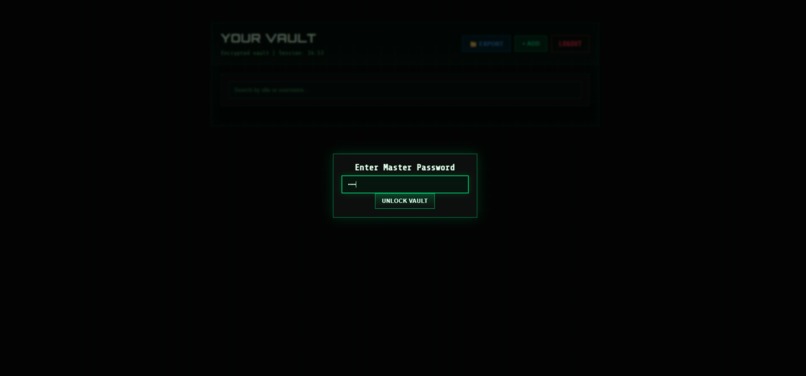
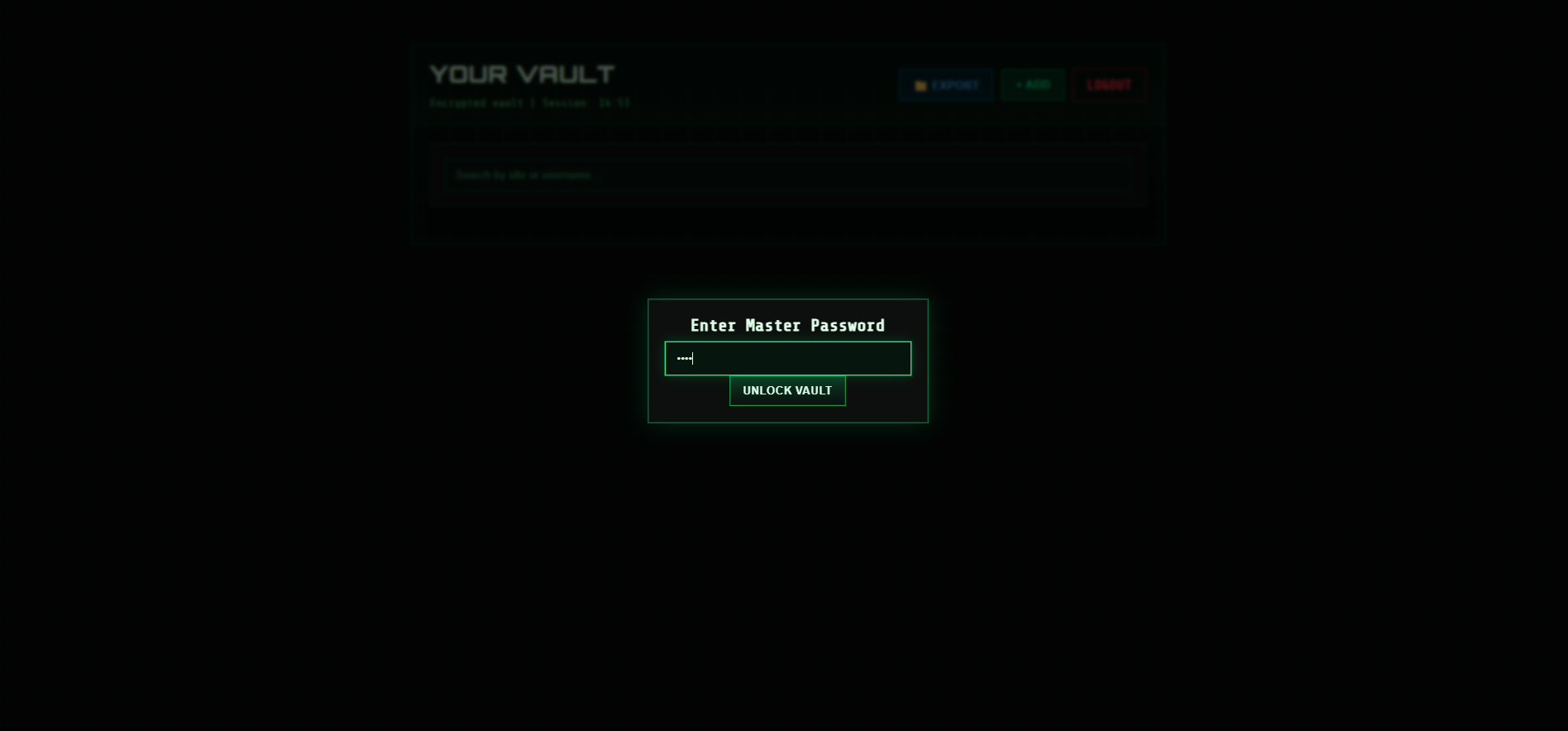
Login screen
-
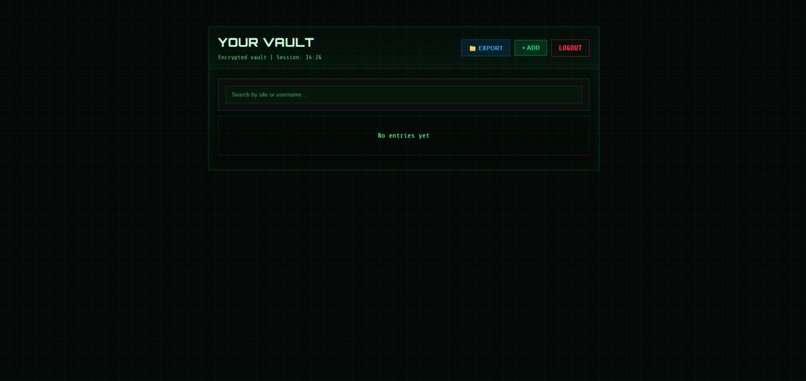
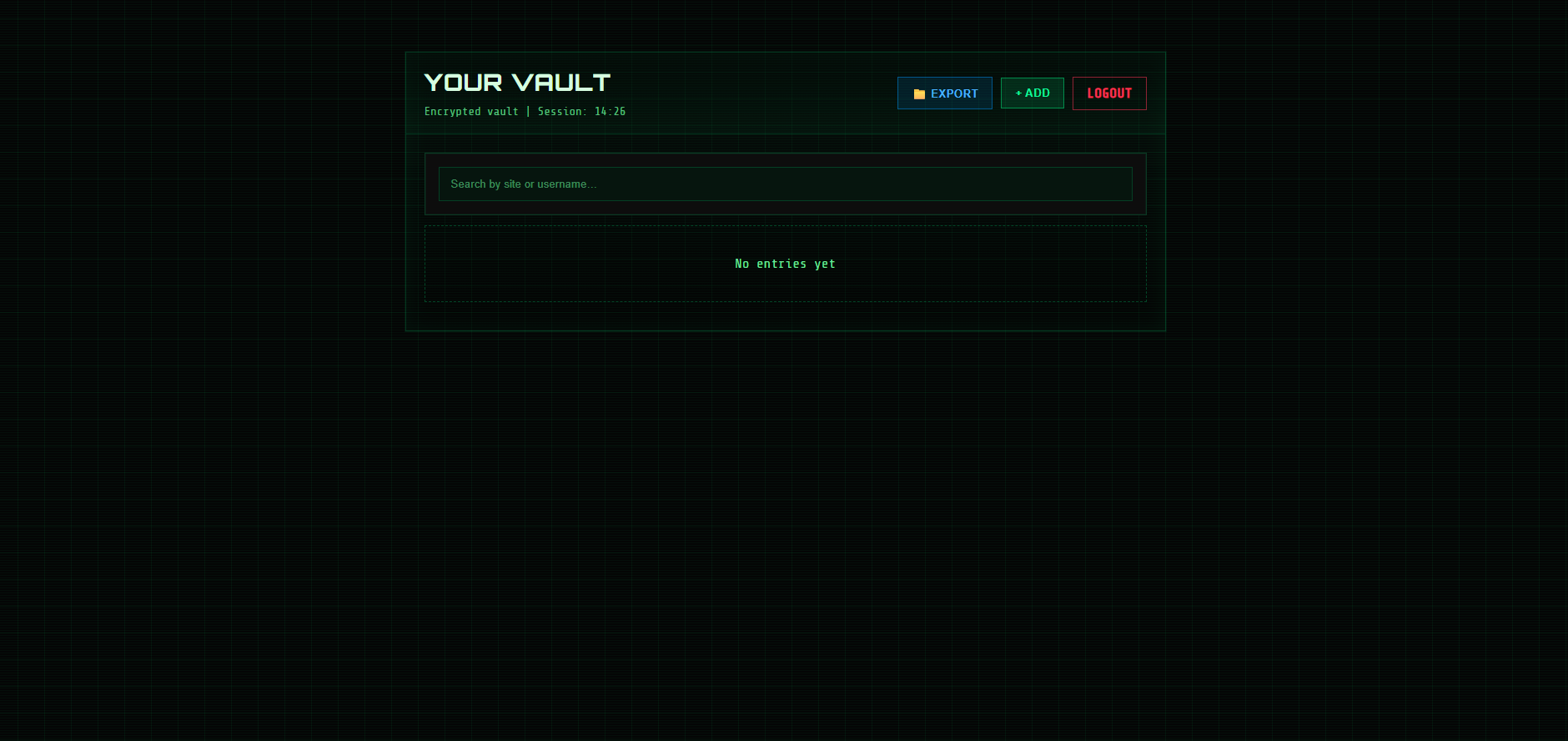
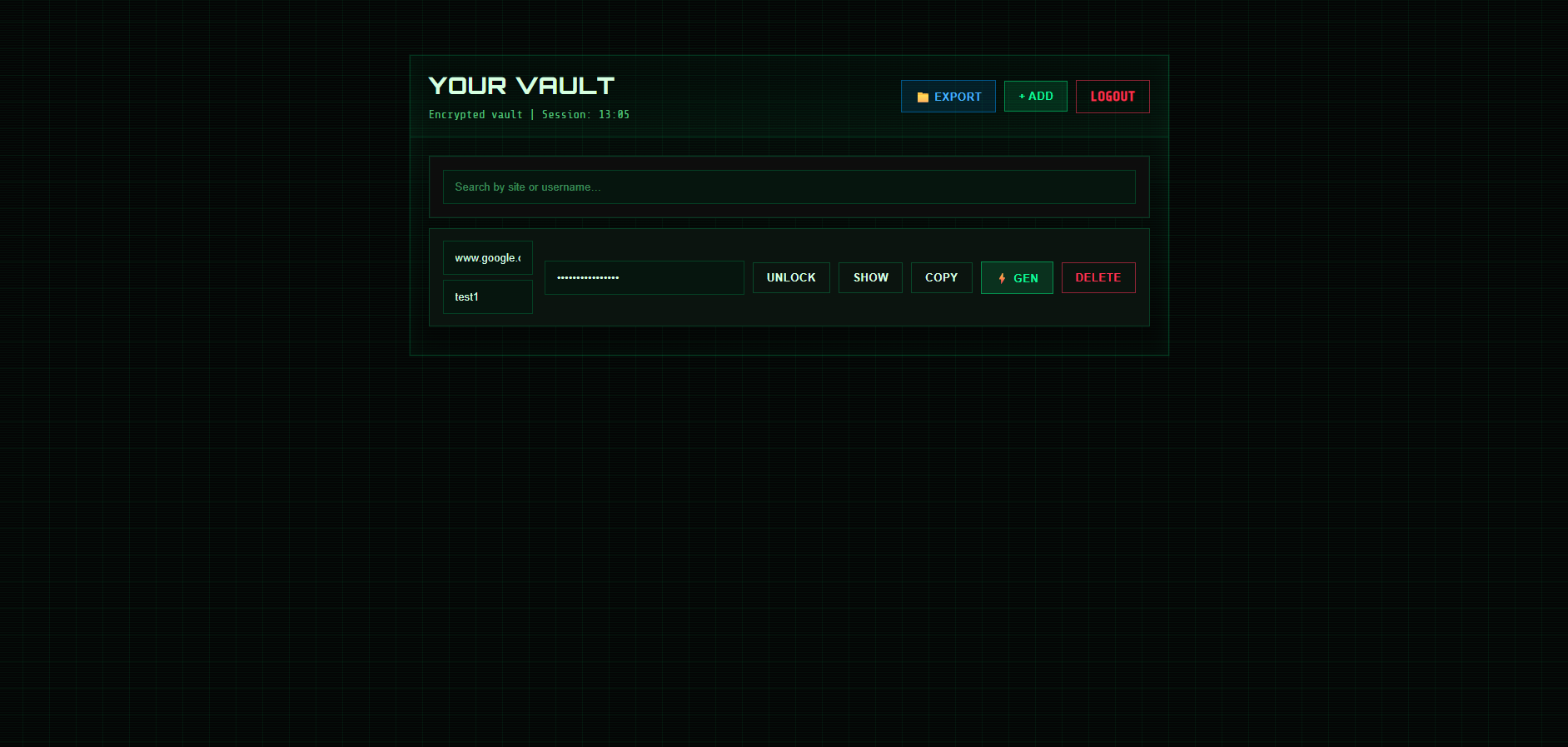
Default vault screen
-
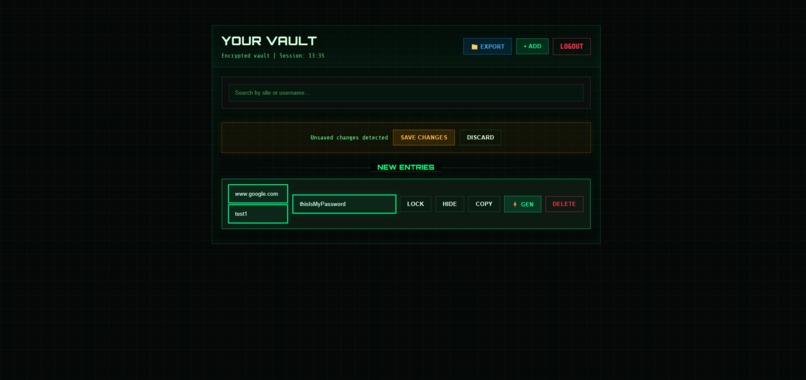
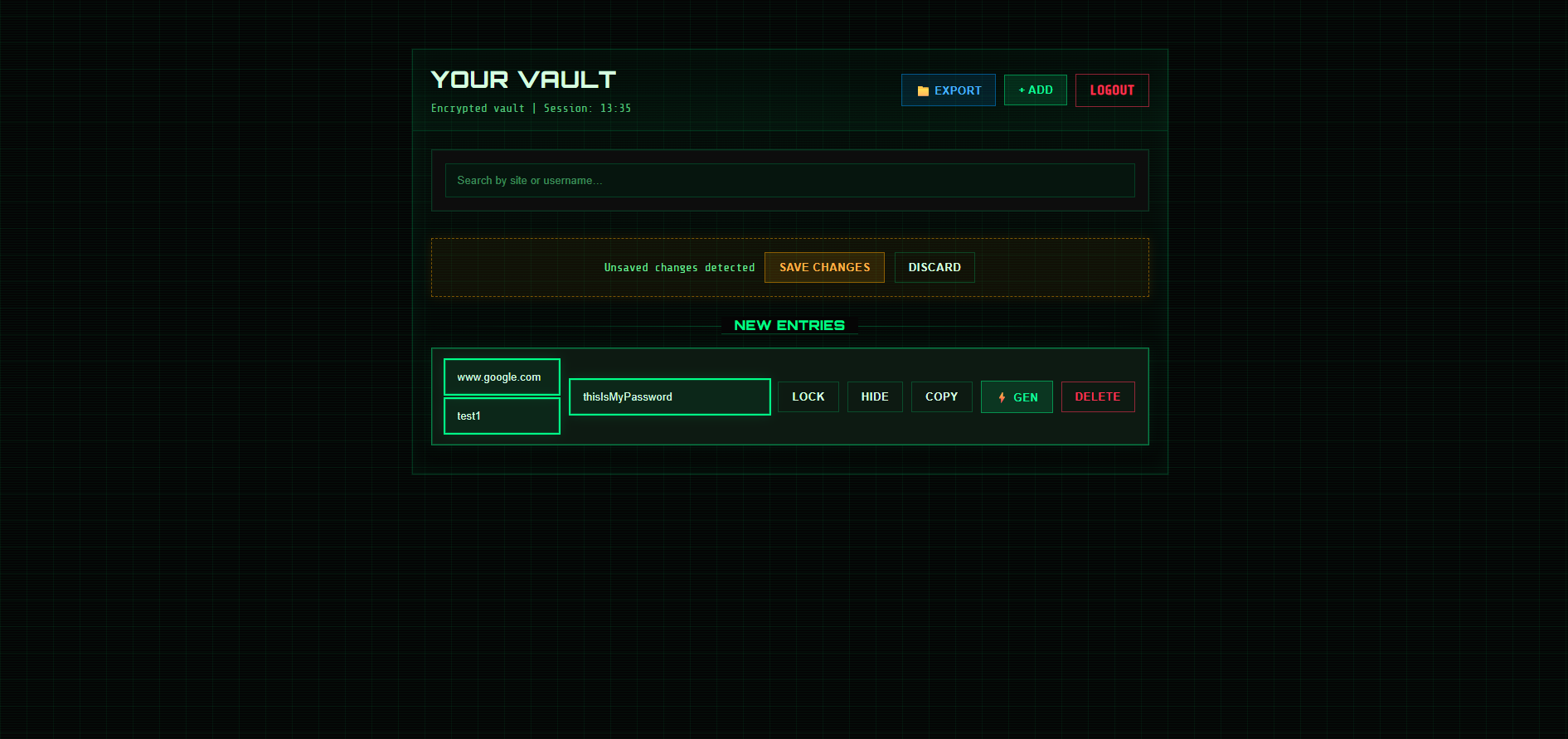
Adding password to vault
-
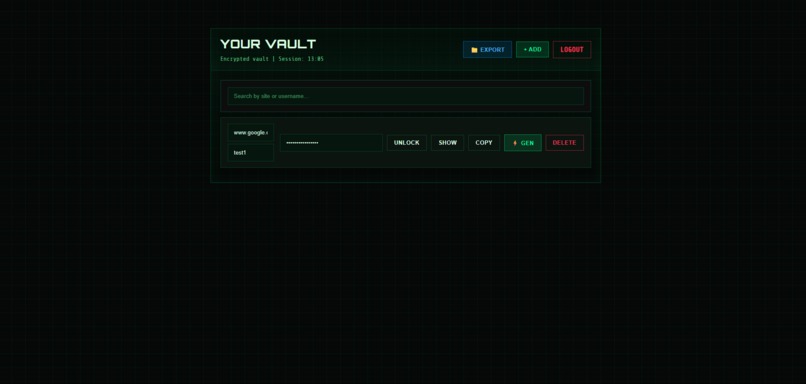
Hidden password in vault
-
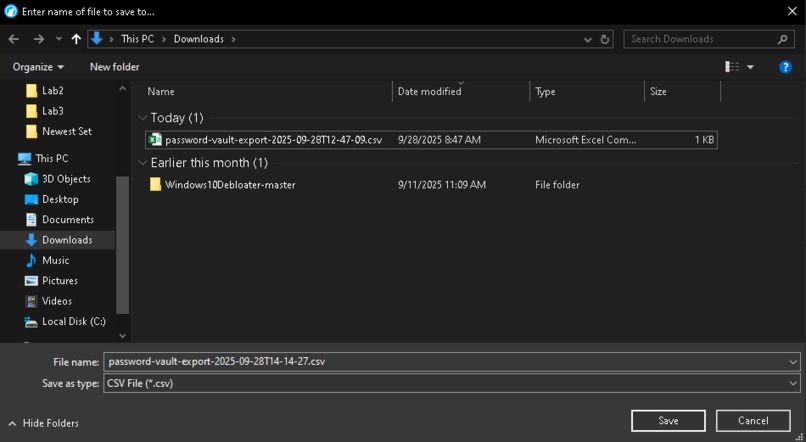
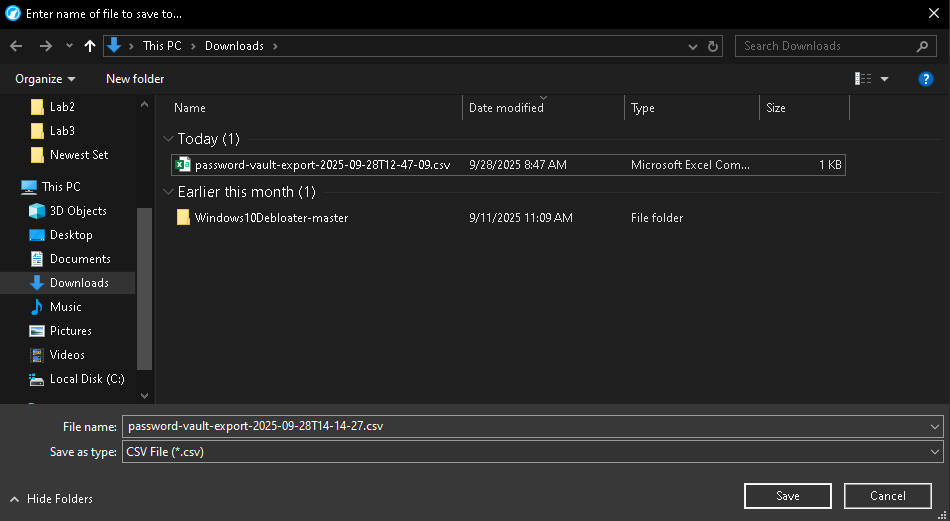
Saving CSV export
GateKeeper
Authors: Lathe Edelmann, Kody Norton, Aidan Levy
GateKeeper is a lightweight, zero-trust password vault designed to give you complete control over your data. It uses client-side AES-265 and SHA-256 encryption to ensure that only you can decrypt and view your secrets. The server stores nothing but encrypted blobs, and never sees your plaintext passwords.
Link to Github: https://github.com/thishelps/test2341324
Features
- Master Key Setup: A one-time master password setup is required locally on the host machine.
- Client-Side Encryption: All encryption and decryption happen in the browser using the AES-256 and Shaw-256 algorithms.
- Shared Vault: A single encrypted JSON vault file is shared across devices after authentication.
- 15-Minute Session Timeout: Auto-locks vault after inactivity.
- Password Management: Add, view, export, and delete entries in your vault.
- Browser-Based UI: Clean, responsive front-end built with HTML, CSS, and JavaScript.
- Flask Backend: Minimal server that manages vault storage and setup.
- Ngrok Plug and Play: Easy to set up with Ngrok for port forwarding.
Project Structure
GateKeeper/ │ ├── app.py # Flask backend server ├── settings.env # Environment file (auto-generated) ├── data/ │ └── shared_vault.json # Encrypted vault data (created on first use) │ ├── templates/ │ ├── index.html # Main vault + login interface │ ├── list.html # Vault list with debug info │ ├── setup.html # One-time master key setup page │ └── deviceregister.html # Device registration page │ └── static/ └── style.css # UI styles
Getting Started
Prerequisites
- Python 3.9+
- pip / venv
Installation
# Clone repository
git clone https://github.com/thishelps/test2341324.git
cd test2341324

# Create virtual environment
python -m venv .venv
source .venv/bin/activate   # (Linux/macOS)
.venv\Scripts\activate      # (Windows PowerShell)

# Install dependencies
pip install -r req.txt
Running the Server
python app.py
By default, the server runs at:
- https://127.0.0.1:8443
- https://:8443
Usage
First-Time Setup
- Open https://127.0.0.1:8443/setup
- Only localhost can initialize the master key.
- Enter and confirm master password.
- This creates the settings.env file and initializes the shared vault.
Login
- Navigate to https://127.0.0.1:8443/
- Enter your master password to unlock your vault.
- Vault entries are decrypted locally in your browser.
Vault Management
- Add new entries (site, username, password).
- Copy passwords to clipboard securely.
- Delete or update entries.
- Vault data is re-encrypted and saved to shared_vault.json.
Session Timeout
- The vault auto-locks after 15 minutes.
- Session timer is visible in the UI header.
Security Notes
- The server never sees or stores your plaintext data -- only excrypted blobs.
- The master password is not recoverable. If lost, the vault cannot be decrypted.
- Only the host machine may initialize the vault to prevent remote tampering.
API Endpoints
- GET/ -- Redirections to setup or list page
- GET|POST /setup -- Initialize master key (localhost only)
- GET /list -- Vault UI
- GET|POST /api/list -- Fetch or update encrypted vault
- GET /logout -- lear session
Development Notes
- Encryption: AES-GCM (256-bit) with PBKDF2 key derivation
- Iterations: 600,000
- Vault format:
json
{
"vault_format": "encrypted",
"encrypted_vault": "<base64>",
"verification_token": "<base64>",
"modified": "<ISO timestamp>",
"created": "<ISO timestamp>",
"last_modified_by": "<session_id>"
}


Log in or sign up for Devpost to join the conversation.