-
-
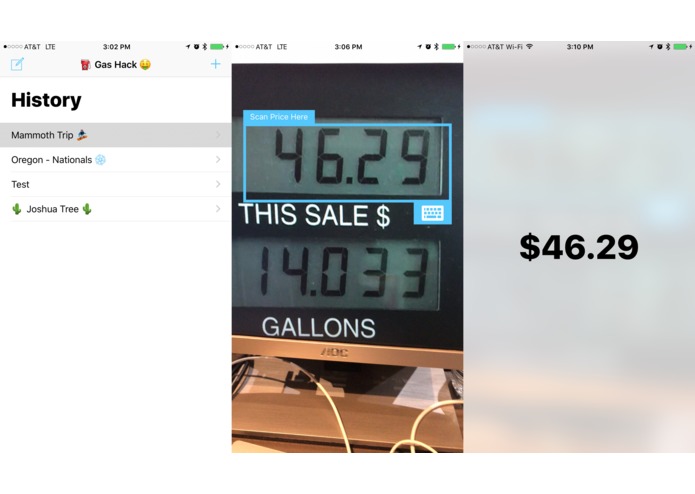
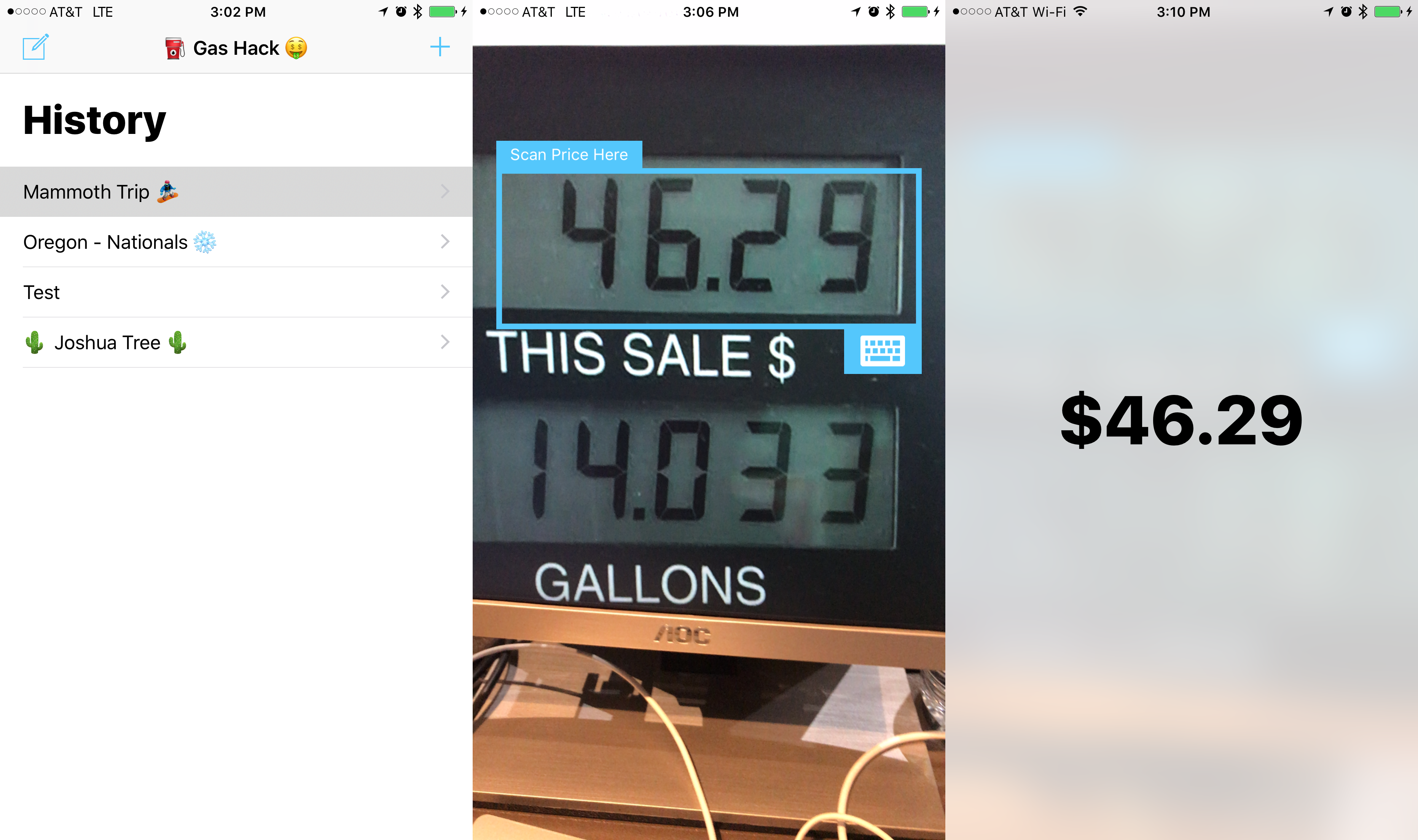
View all trips which can be activated at anytime and scanning the pump with results
-
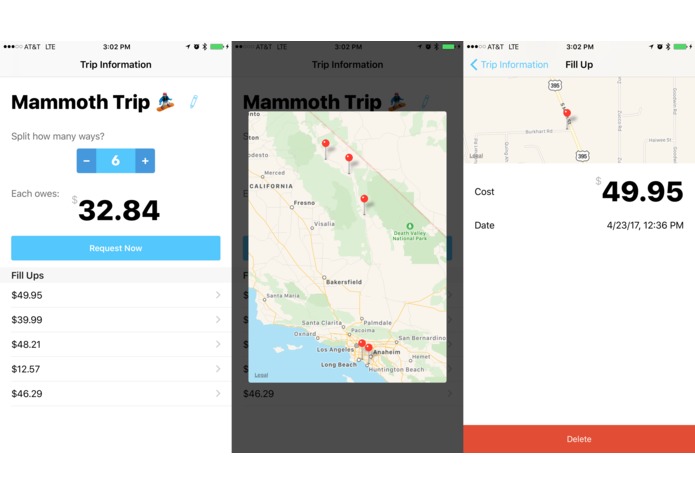
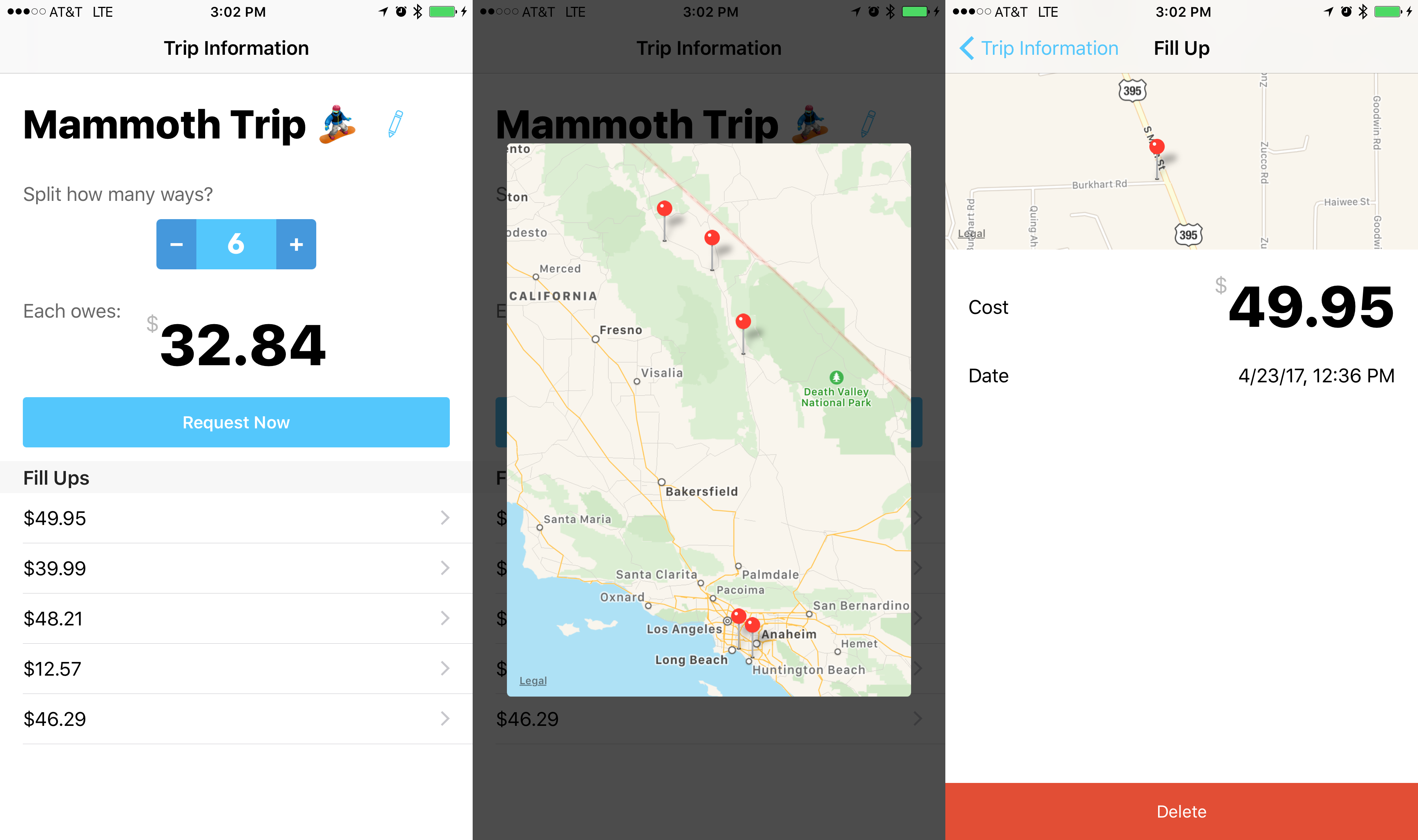
Trip specific information
-
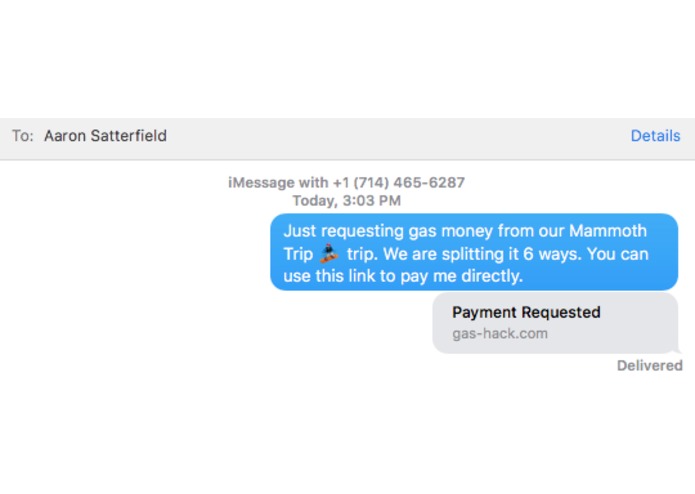
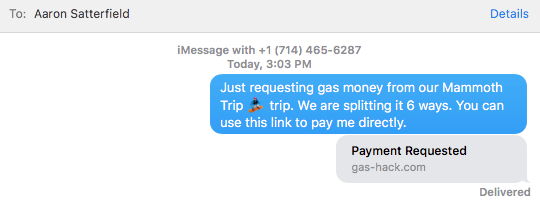
Message Sent
-
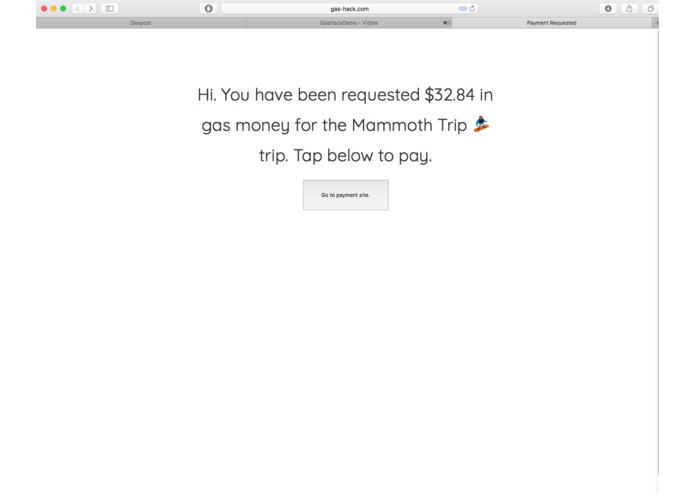
Opening link from anywhere
-
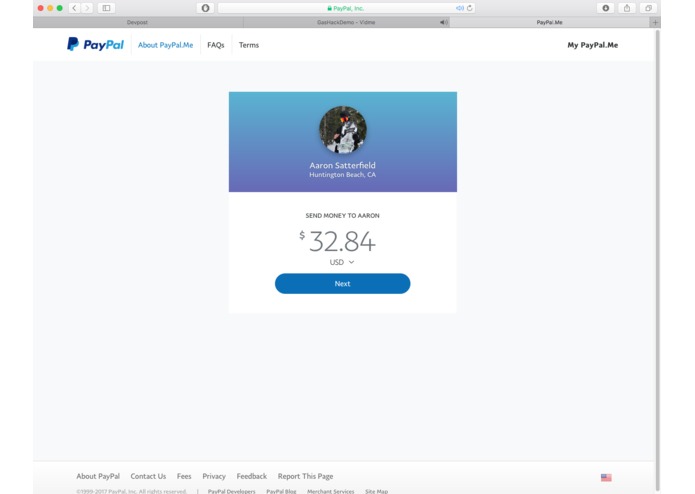
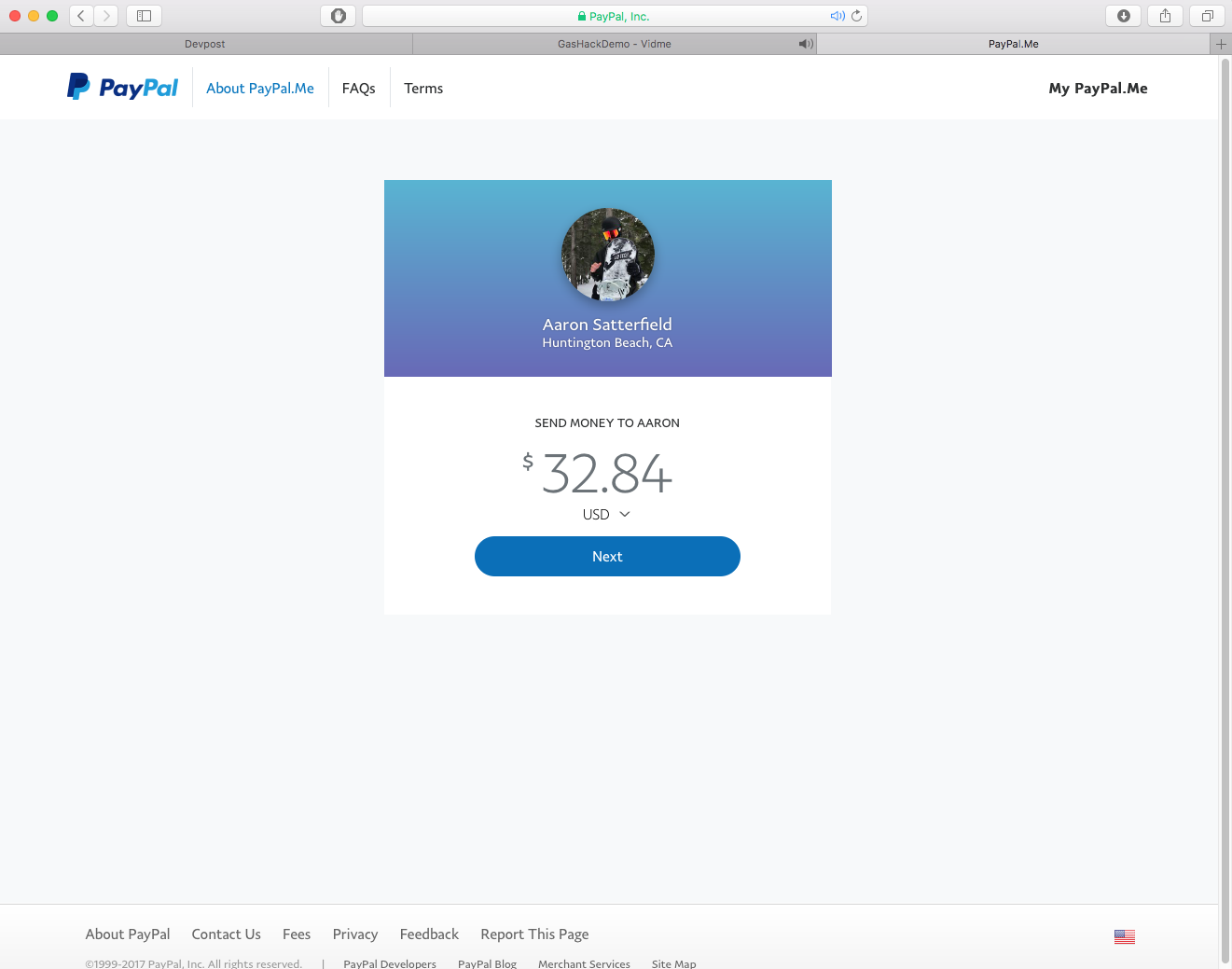
Sent to PayPal with the amount pre-filled
Inspiration
I am a member of the Snowboard team here at Cal State LB. Every-other weekend during the snow season I make the 6 hr drive to Mammoth with my truck loaded down and full of other team members. Typically I charge $20 for gas - knowingly undercharging, but it's not worth the hassle of trying to keep track of all the receipts. I made this app to make tracking, splitting and requesting payments easier for everyone involved where no one walks away feeling cheated.
What it does
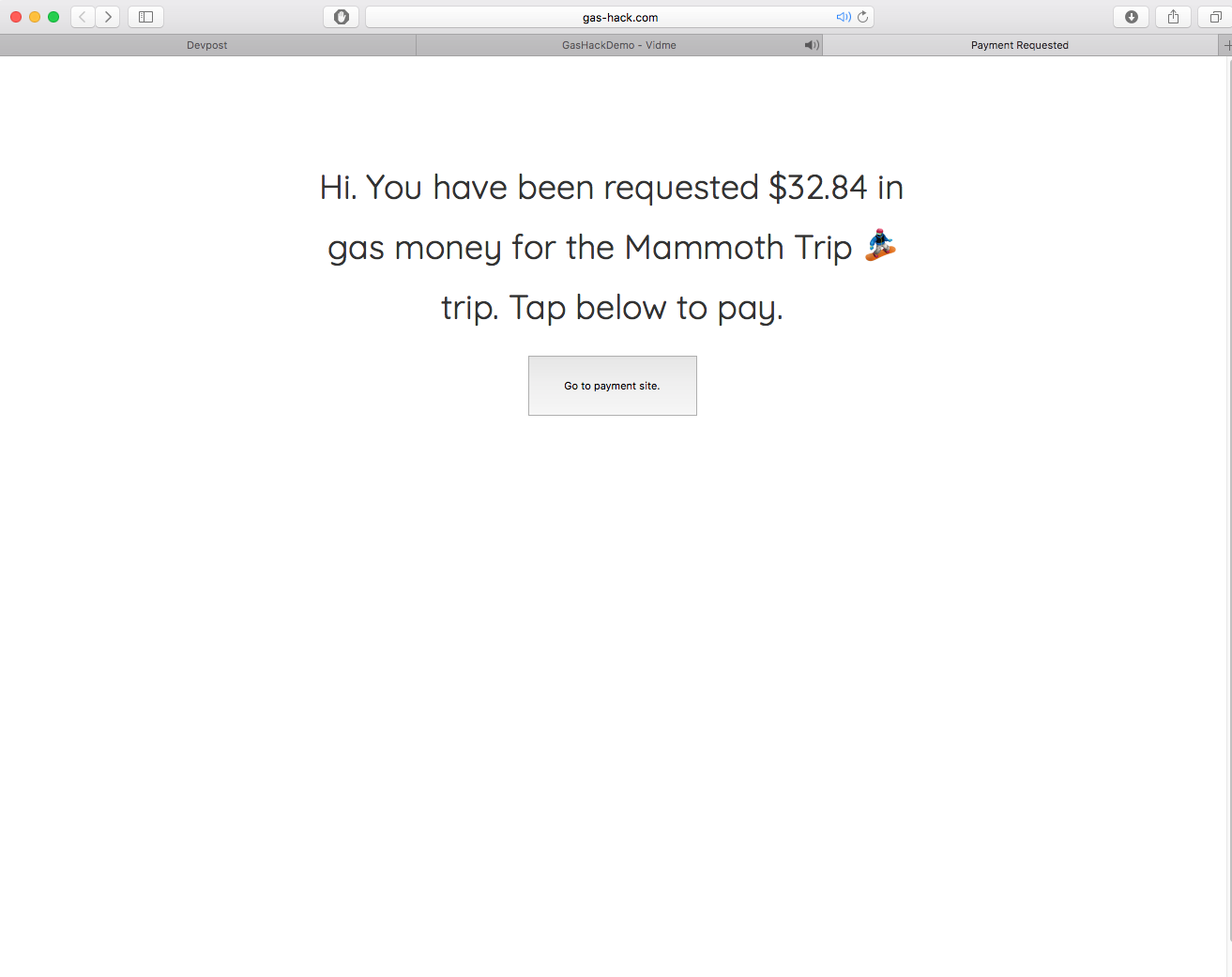
Right when the app starts you can immediately, scan the gas pump to save the price. It tracks the date and location of the fill-up as well. It adds this data to your current trip where you can choose how many people you would like to split the gas with. When you are ready to get paid you can tap the request button and send a url to your riders requesting payment. When the payer opens the url they are directed to a website that tells them information about the the trip, how much they owe and a button to send the money directly to their driver via PayPal.
How I built it
Image Processing
I used OpenCV for the image processing, translated some open code from Python into Objective-C++ wrapper that my Swift iOS app can interact with. This wrapper handles processing the pixel data from the camera and once the image is processed for OCR, the bounding boxes of recognized potential digits are passed to Swift-OCR to do the digit recognition based of a training set I created. See my demo video in the links about how the image processing is done. Basically the blue boxes in the top image are potential digits, red are rejected, green is a potential decimal. It looks for a valid cost according to certain rules when to determine a success has been found. The black and white image is what the OCR processor sees in order to do the image recognition.
Sending Payment Requests
Once the user chooses to request payment the data is sent to a unique location in Firebase to store for our web server to retrieve. The web server is build in Swift using a open source framework called Vapor and is hosted on Heroku. When a trip url is passed to the server, it gets the data from firebase and displays it. It has a button that sends to user to a PayPal.me page with the correct payment amount. _ Note: PayPal.me is a lot different than the typical PayPal checkout. It is basically Venmo, but since Venmo closed it's APIs this is the best I could do. _
Users are able to generate their PayPal.me link inside the app. Once it is copied to the clipboard the app recognizes this and saves it.
Challenges I ran into
I don't want to set up an SSL to have universal links so users who have the app on their phone are deep linked into the app to see even more details about the trip when they go to pay.
Accomplishments that I'm proud of
OpenCV is difficult to work with on iOS but I am proud that I was able to create something that honestly works and powered through the difficult problems.
What I learned
Learned ALOT more about OCR and image processing with OpenCV and just how powerful it can be. Also this was my first time doing any frontend work with the Vapor web framework. I was happy I was able to accomplish this as well.
What's next for GasHack
We'll see. I am very busy at work but I know for a fact that I will be using this app in the snow season. If the idea is further validated you may see it along with my other apps in the App Store.

Log in or sign up for Devpost to join the conversation.