-
-
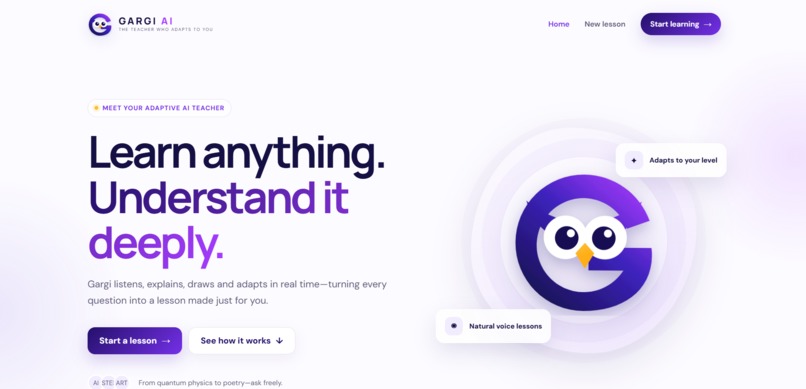
homepage
-
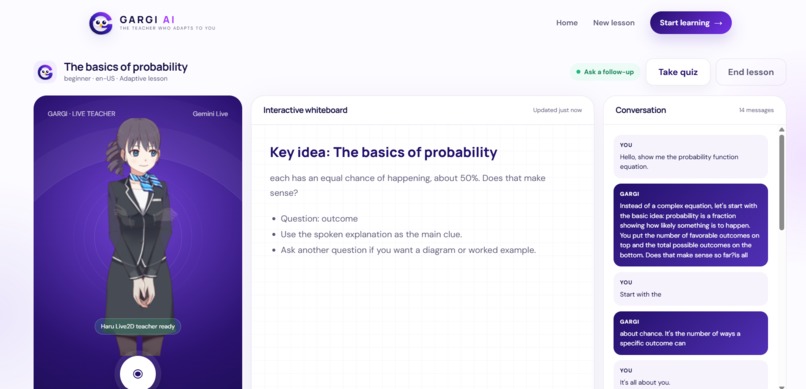
main ui
-
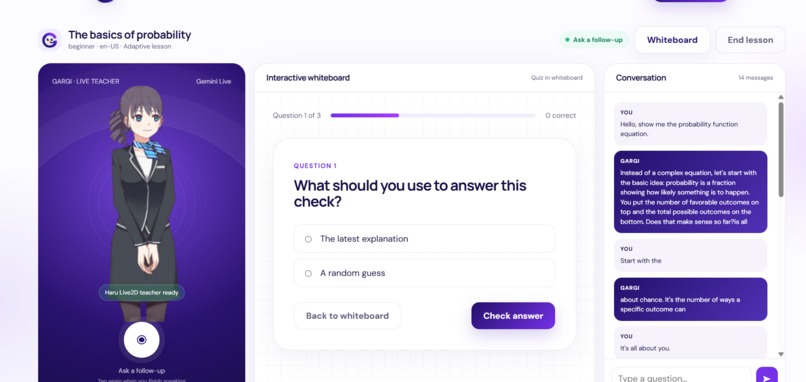
quiz
Inspiration
Most learning tools are still passive. You watch a video, read notes, or ask a chatbot, but you rarely get the feeling of a real teacher who listens, draws the idea, checks your understanding, and adapts in the moment.
Gargi AI was inspired by a simple question: what if every learner could open a browser and instantly get a personal teacher, not just an answer box?
What it does
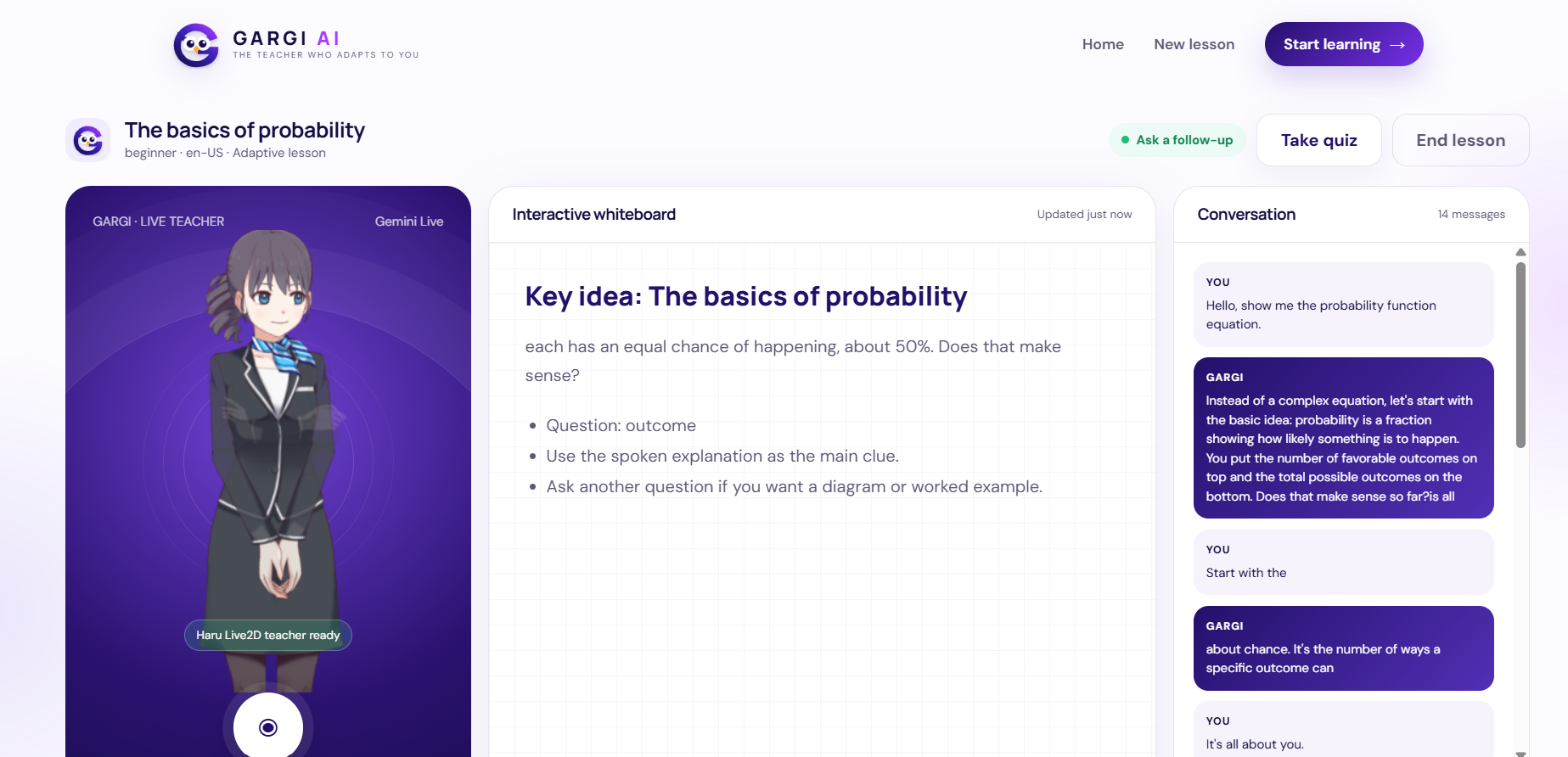
Gargi AI turns any topic into a live 1:1 classroom. A student can speak or type naturally, and Gargi responds as a real-time AI teacher with a Live2D avatar, voice, adaptive explanations, and a visual whiteboard.
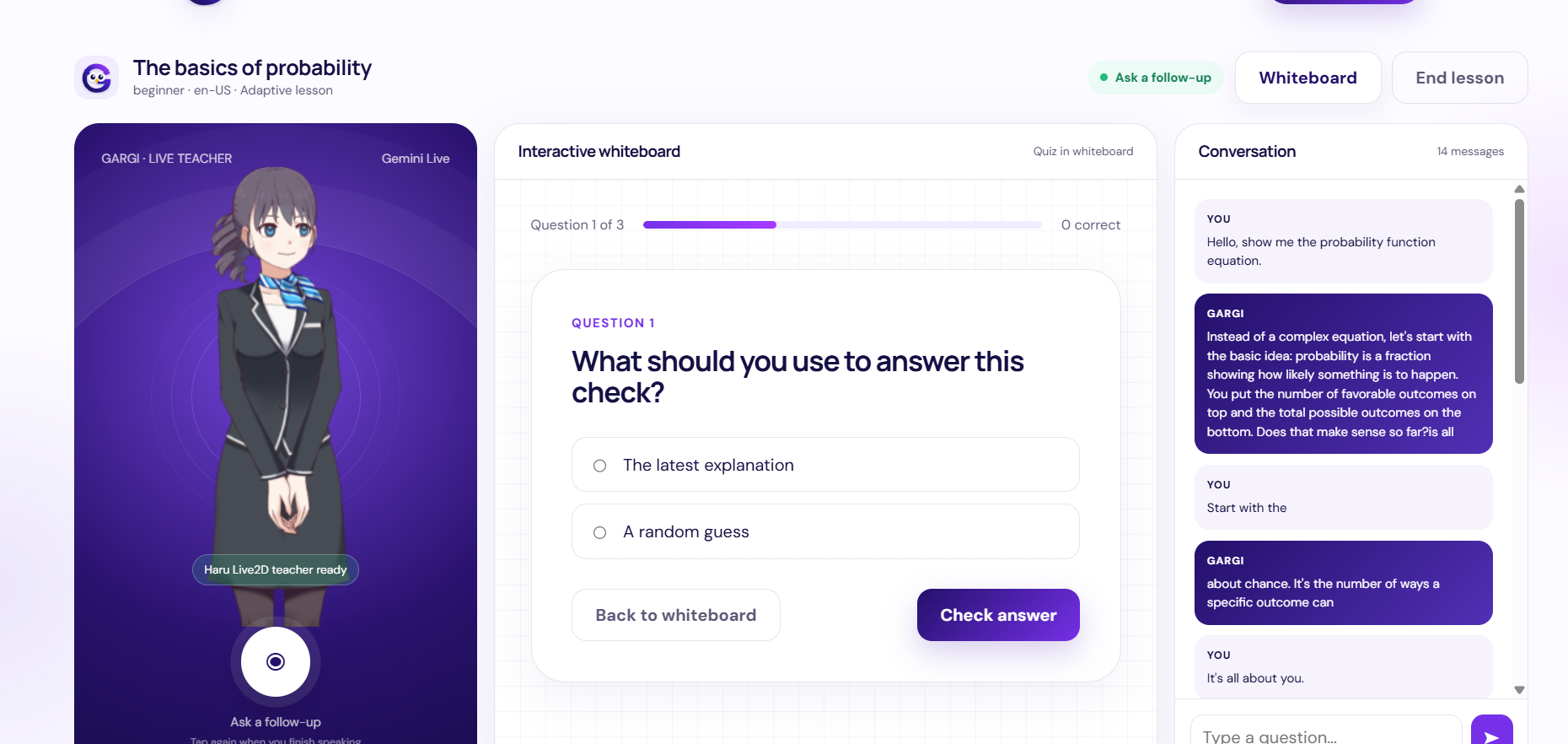
As the lesson develops, Gargi builds whiteboard notes, renders readable equations and diagrams, and generates an inline quiz directly inside the whiteboard area. The learner does not have to jump between pages or tools: conversation, teaching, visuals, and assessment all happen in one classroom.
The result is not just "AI answers questions." It is an AI teaching loop: ask, explain, visualize, quiz, adapt.
How we built it
The backend is built with FastAPI, SQLite, SQLAlchemy, and WebSockets. Gemini powers the live teaching conversation and lesson asset generation. The frontend is built with JavaScript, HTML, and CSS, with PixiJS and pixi-live2d-display rendering the Haru Live2D Cubism teacher avatar.
The app captures microphone audio, streams it through a live WebSocket lesson, displays ASR and teacher transcripts, plays voice responses, animates avatar lip-sync, and updates the whiteboard after each completed answer. Lesson messages, whiteboard artifacts, quiz questions, and quiz attempts are persisted so the session has memory.
We also built resilience into the demo. When API demand or quota limits block lesson artifact generation, Gargi creates a fallback whiteboard and quiz instead of breaking the flow. When live audio is unavailable, browser speech synthesis speaks the streamed teacher text in near real time while the avatar keeps lip-syncing.
Challenges
The hardest part was making many moving pieces feel like one smooth classroom: microphone capture, WebSocket streaming, Gemini Live responses, fallback TTS, Live2D rendering, lip-sync, whiteboard generation, equation rendering, diagrams, and inline quizzes.
Another major challenge was reliability. Real AI products have to survive rate limits, latency, and temporary provider failures. We had to design the app so the learner still gets a usable lesson even when one part of the AI pipeline fails.
We also iterated heavily on the UI so the avatar, conversation, whiteboard, equations, diagrams, and quizzes all fit into a single focused learning space.
What we learned
We learned that great AI education tools need more than a strong model. They need interaction design, graceful fallbacks, clear visual explanations, and fast feedback.
We also learned that small details change how "alive" the product feels: instant stop controls, readable math, inline quizzes, real-time transcripts, avatar placement, and lip-sync all make the difference between a chatbot and a classroom.
What's next
Next, we want to add deeper lesson memory, richer diagram rendering, more expressive avatar emotions, multi-language tutoring, progress tracking, and deployment so students can use Gargi AI from anywhere.
Our long-term vision is a personal AI teacher for every learner: always available, adaptive, visual, conversational, and affordable.
Built With
- css
- edge-tts
- fastapi
- gemini
- gemini-live
- html
- javascript
- live2d-cubism
- pixi-live2d-display
- pixijs
- python
- speech-synthesis-api
- sqlalchemy
- sqlite
- web-audio-api
- websockets


Log in or sign up for Devpost to join the conversation.