-
-
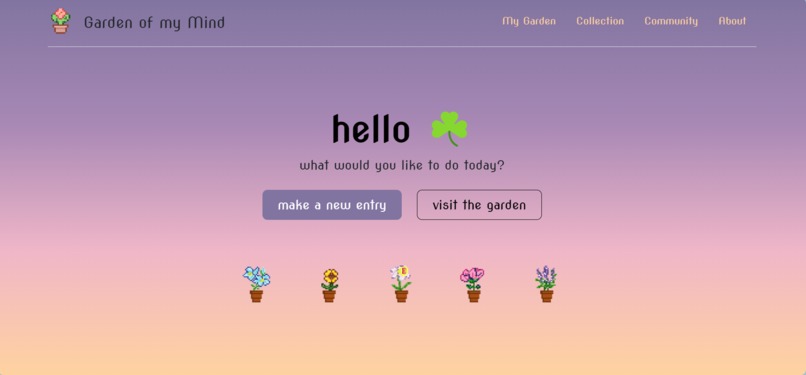
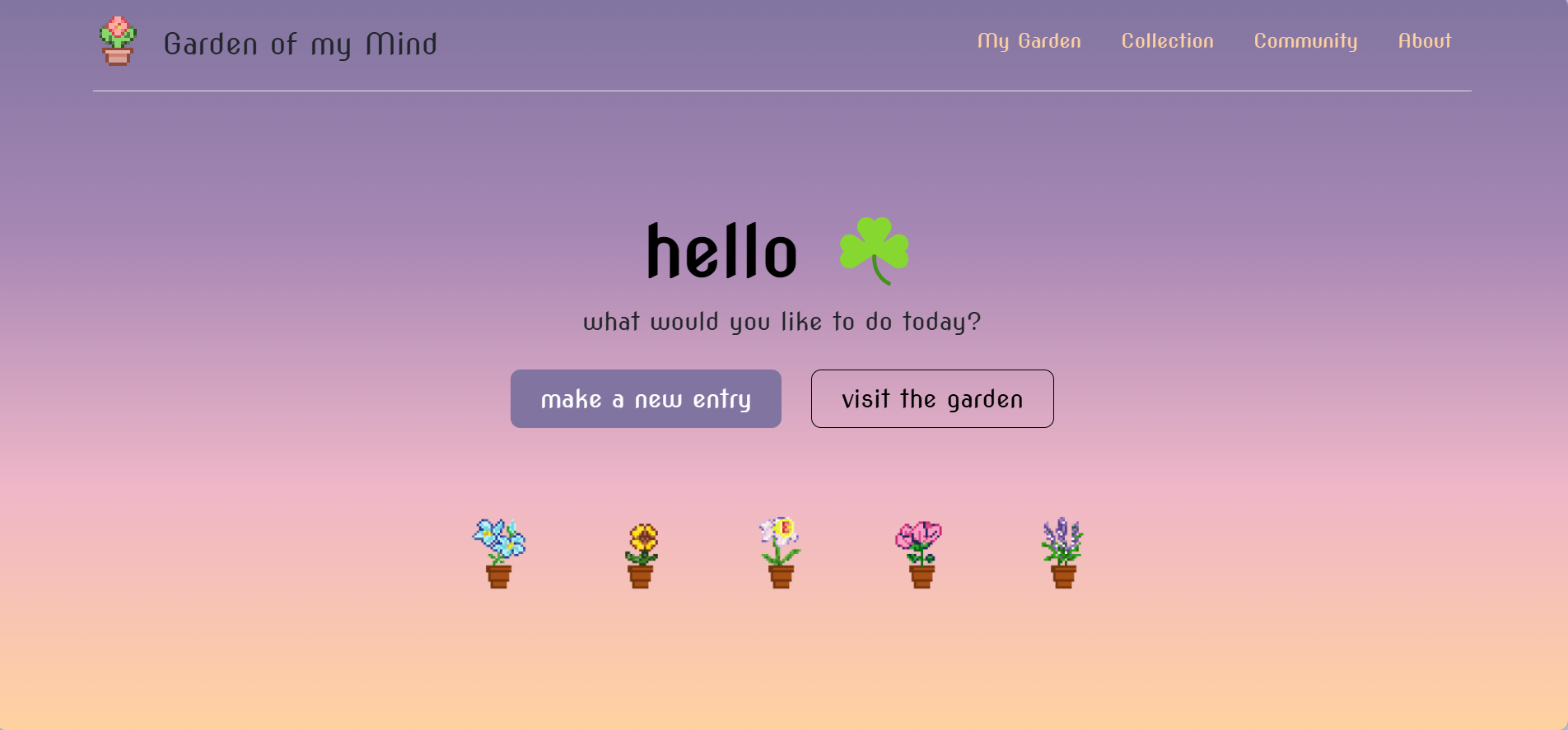
Homepage
-
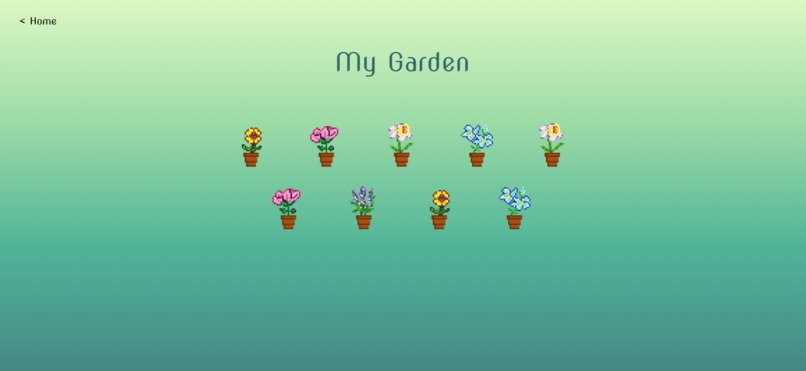
Sample Garden
-
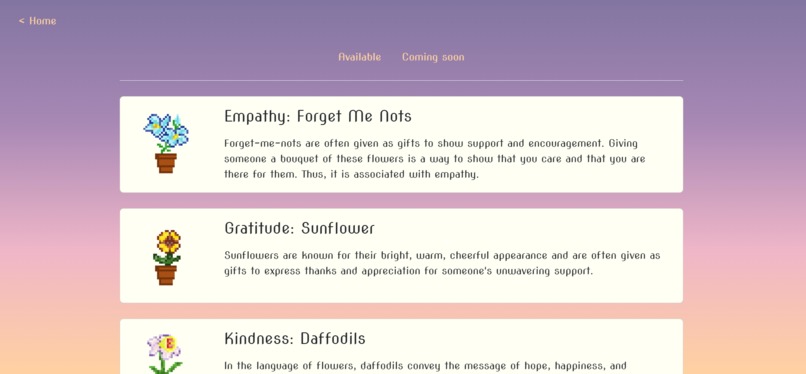
Flowers available
Inspiration
The fast-paced world often leaves little room for reflection and self-care. I wanted to create a space where mindfulness could be celebrated in a fun and rewarding way and encourage users to cultivate mindfulness through small, meaningful actions.
What it does
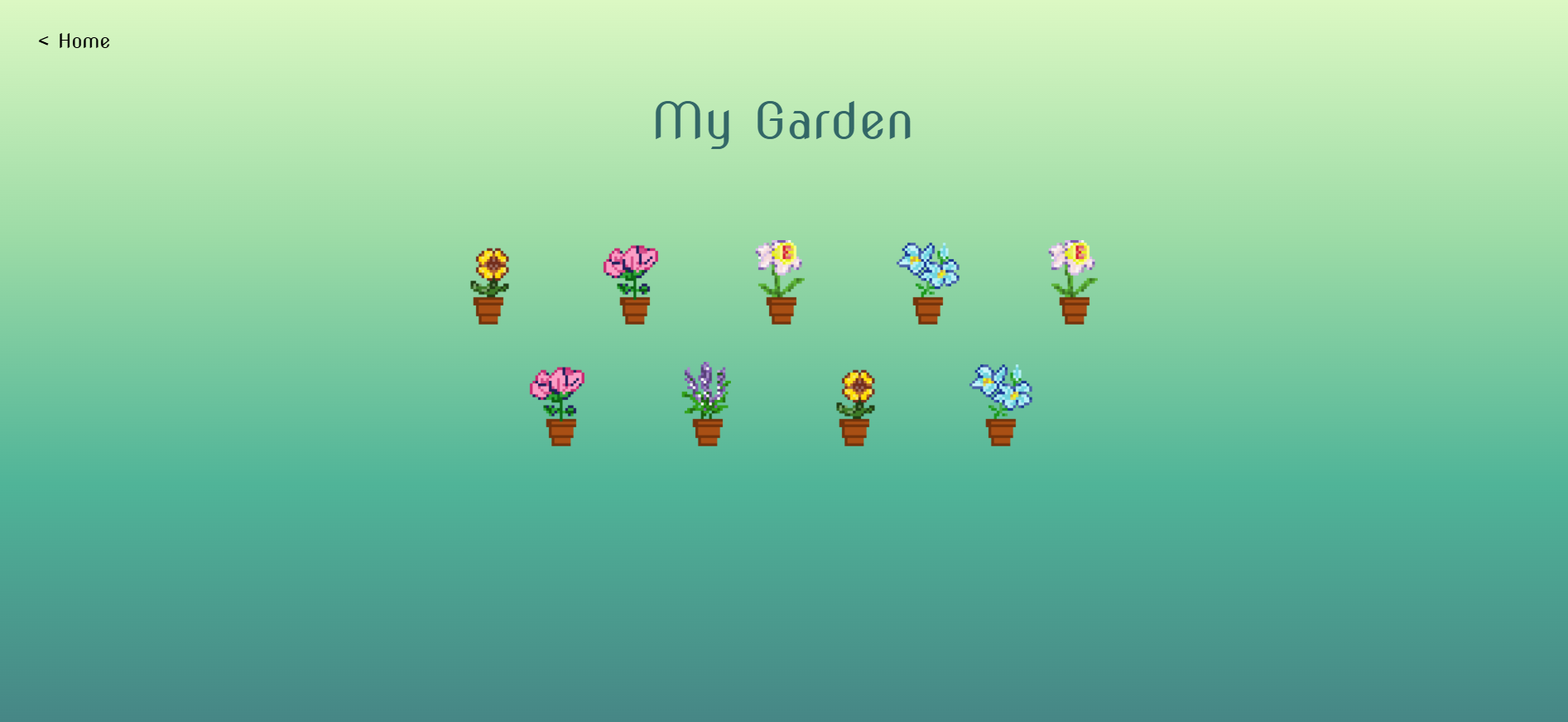
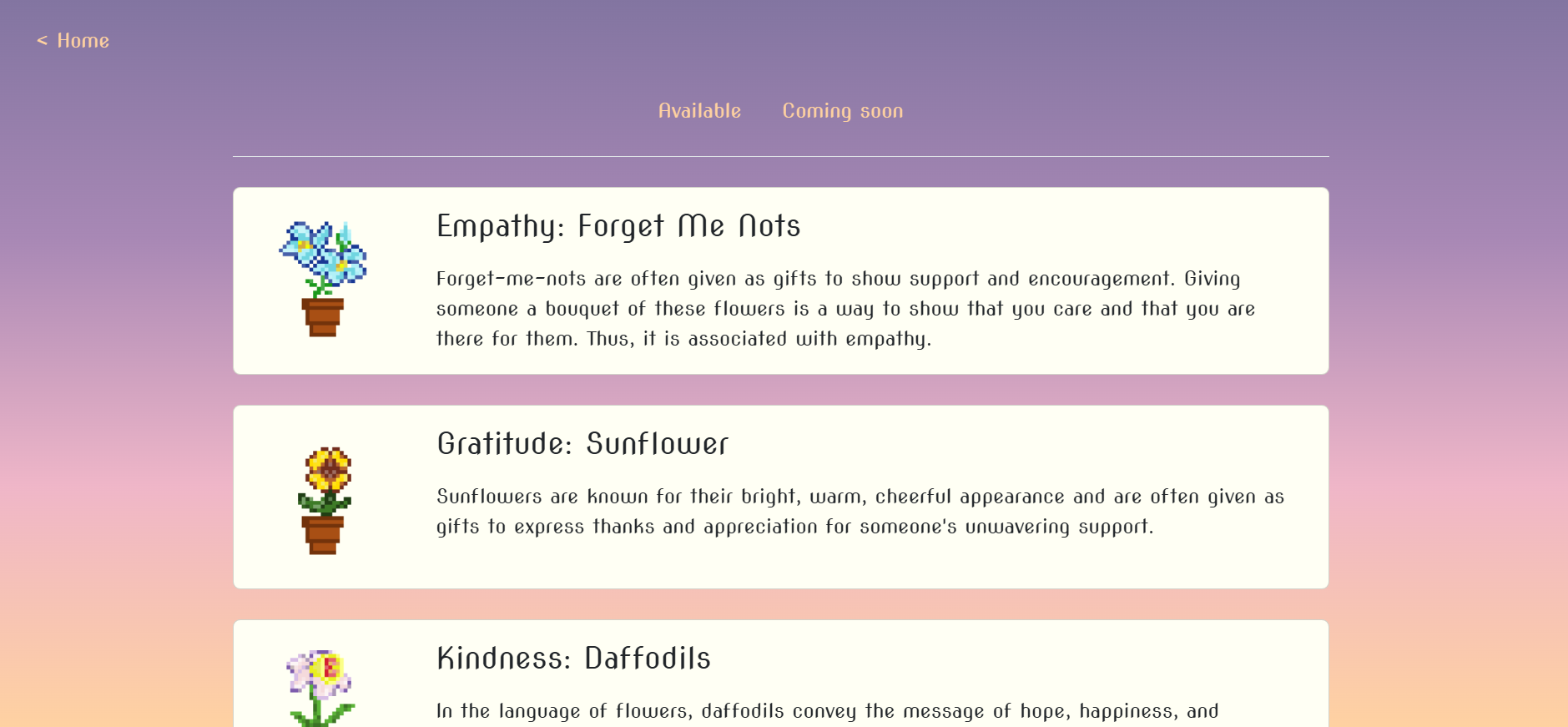
This web app allows users to grow a virtual garden of pixel art flowers by practising mindfulness. Each time a user demonstrates a positive virtue or takes a mindful action, they can collect a flower representative of that virtue and add it to their garden. Over time, the garden becomes a visual representation of their journey to a healthier, balanced mind.
Note: If you want to reset your password or delete your account, send an email to [email protected] with the Email ID linked to your account.
How I built it
I used Firebase for account creation, Firestore database to store data, and HTML, CSS, and JavaScript for everything else! The pixel flowers were made by me using Pixilart. I found flowers to represent each virtue from Foliage Friend.
Challenges I ran into
Account creation and authentication:
- I had no idea how user accounts could be made but then I found Firebase and that it does everything, so the next thing was to use it. It took a lot of console.logs to figure out why nothing was working (I was using two different versions 😭)
Storing and Retrieving Data:
- I am using Firestore to store data for this project and I spent quite a lot of time trying to understand why I wasn't able to retrieve data at first (turns out I was using two different versions of Firebase and Firestore).
- I wanted to also store users' journal entries so they could read them afterwards when they selected a flower from the garden but I am using the free version of Firebase so not enough space :(
Accomplishments that I'm proud of
- Successfully building a functional web app as a beginner in web development.
- Creating a platform that helps people in practising mindfulness.
What I learned
- Using HTML, CSS, and JavaScript to create an interactive and visually appealing website.
- Using Firebase for authentication purposes and the Firestore database to store data.
- Focusing on creating a simple, intuitive interface to enhance user experience.
- The importance of time management and breaking the project into manageable tasks.
What's next for Garden of my Mind
- Allow users to sign up & login through their Google accounts.
- Implement the 'Community' tab, where users can visit other gardens.
- Store journal entries so they can be viewed later.
- Use AI to analyse the journal entry and suggest the virtue automatically.
- Redesign a few pages.
Built With
- css
- firebase
- firestore
- html
- javascript


Log in or sign up for Devpost to join the conversation.