-
-

logo
-
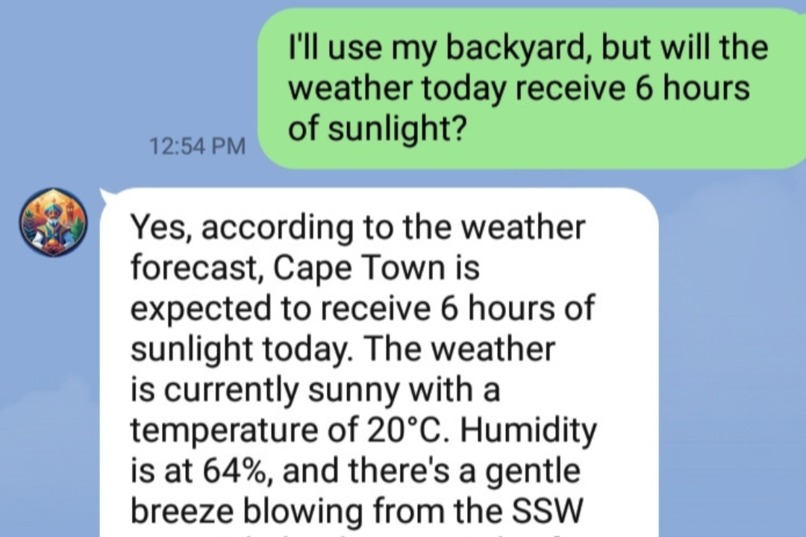
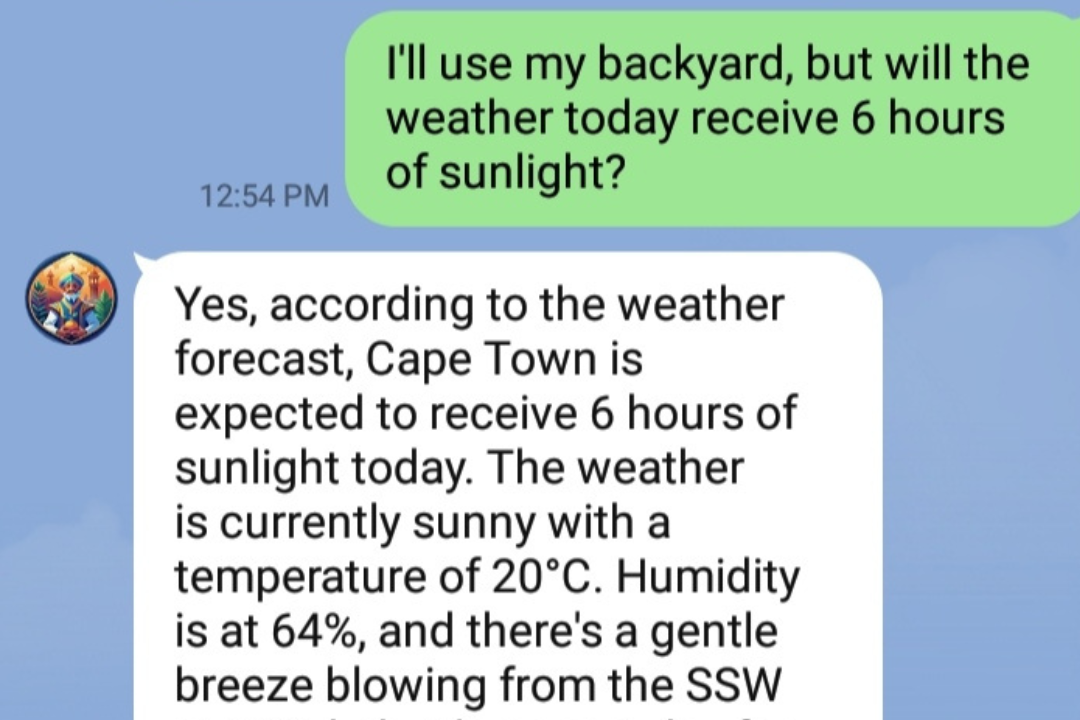
Genie explaining the gardener's garden location weather.
-
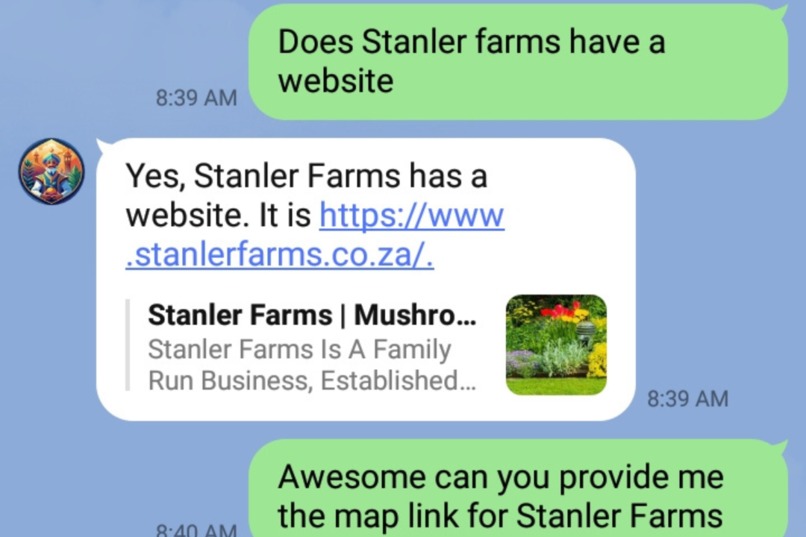
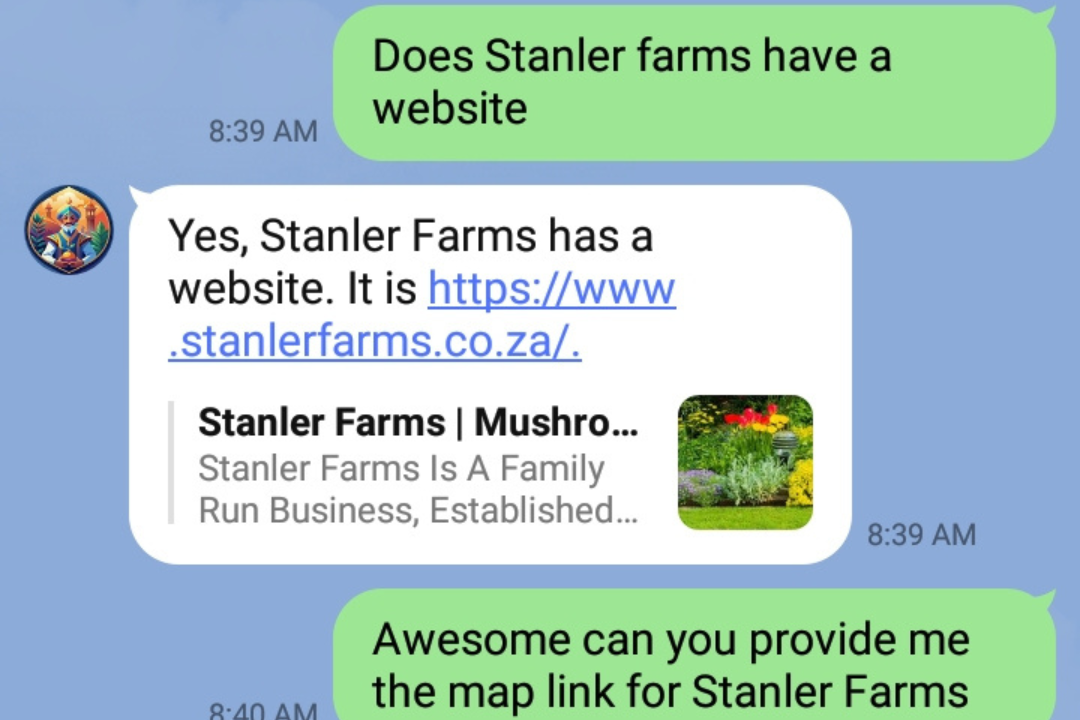
Ask Genie for a website link.
-
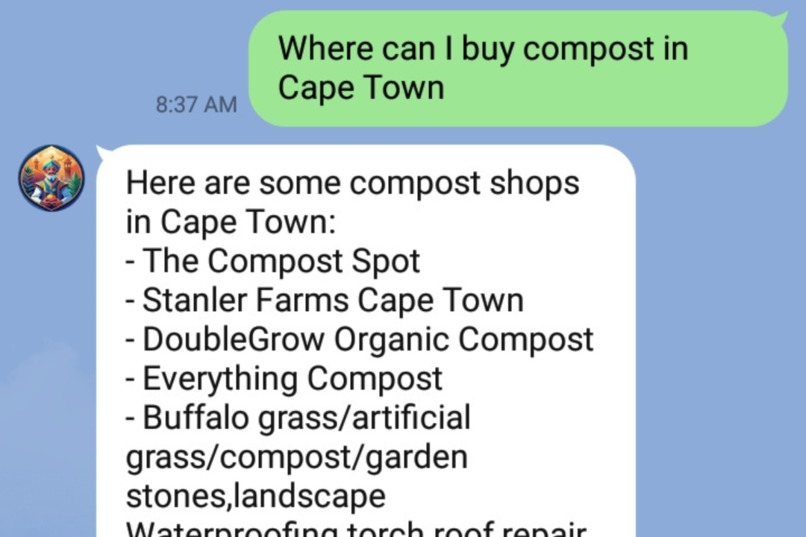
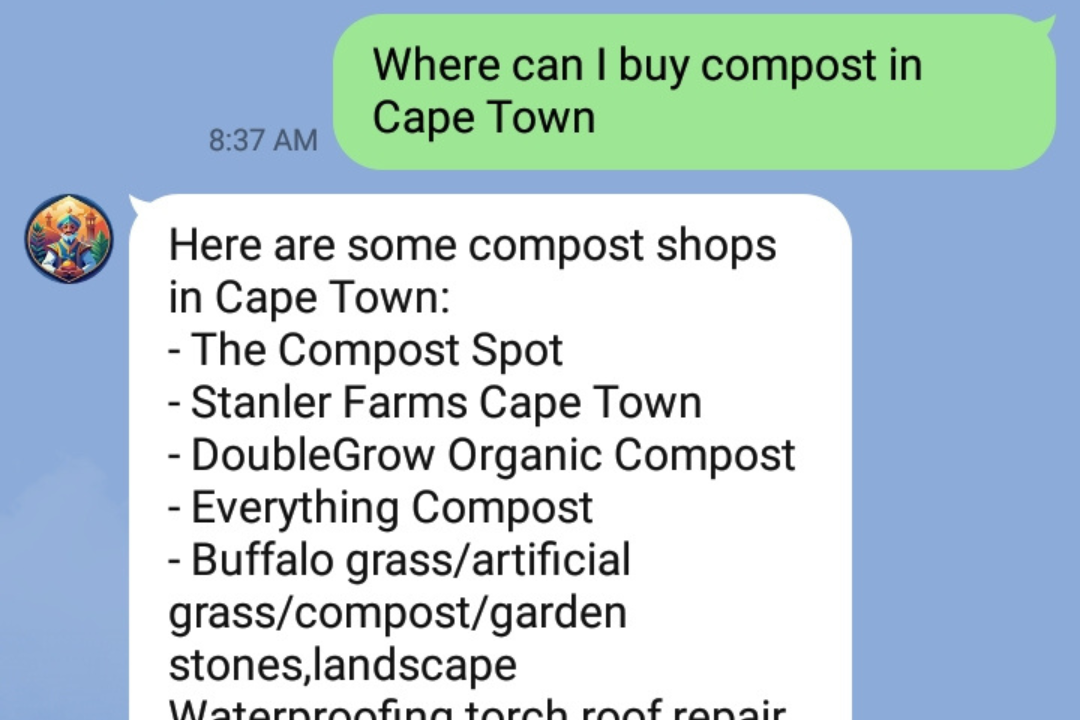
Ask Genie where you to buy your gardening supplies.
-
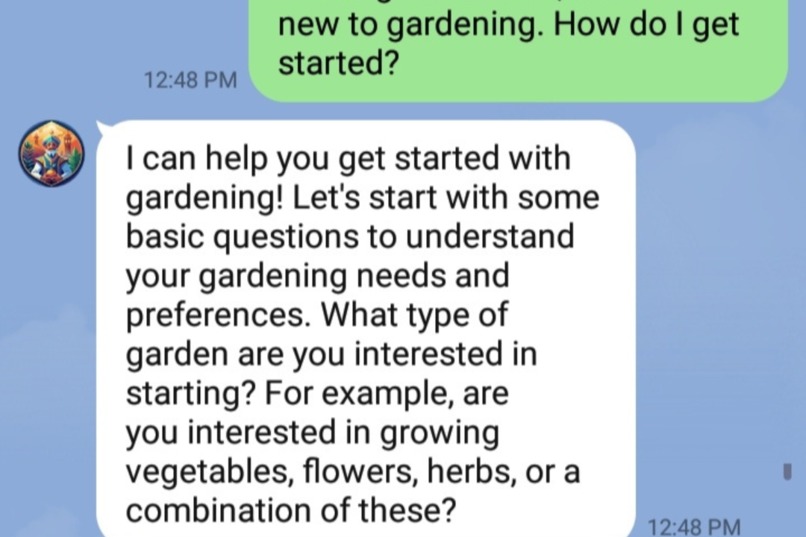
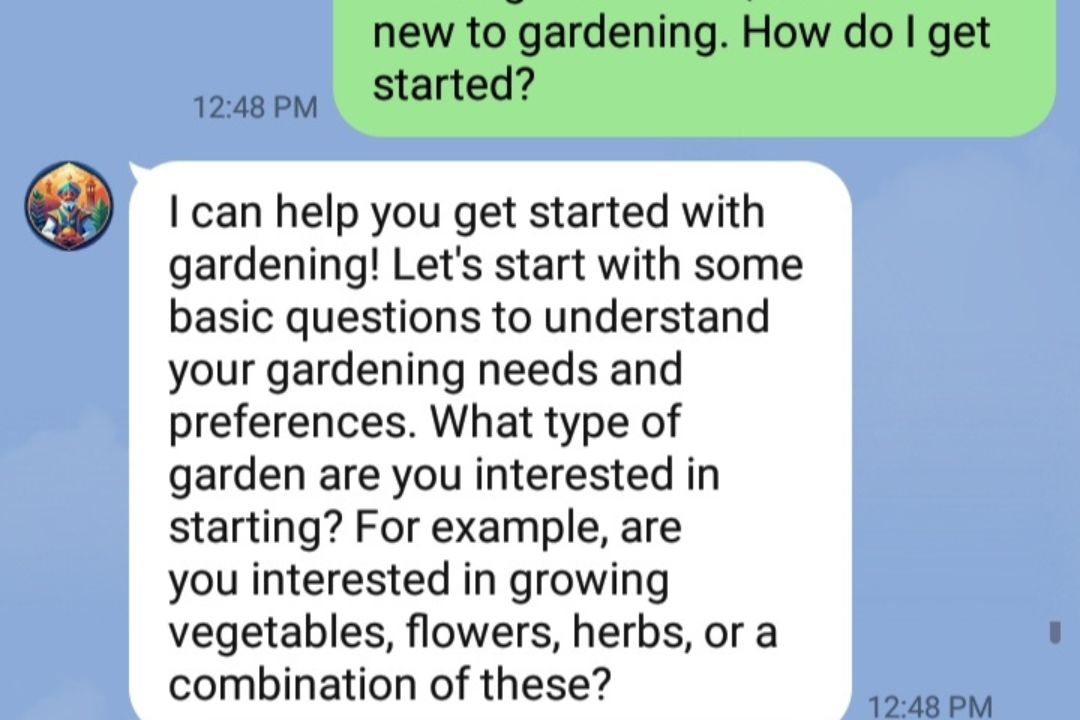
Genie explaining how to get started with gardening.
-
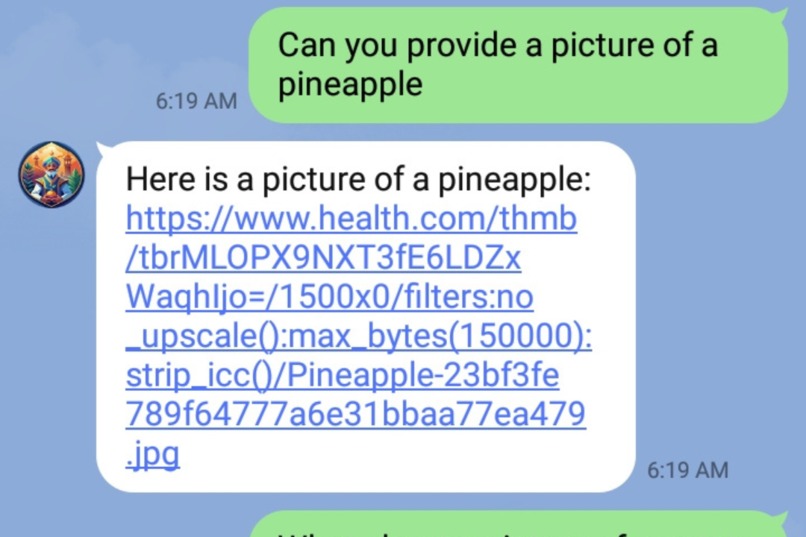
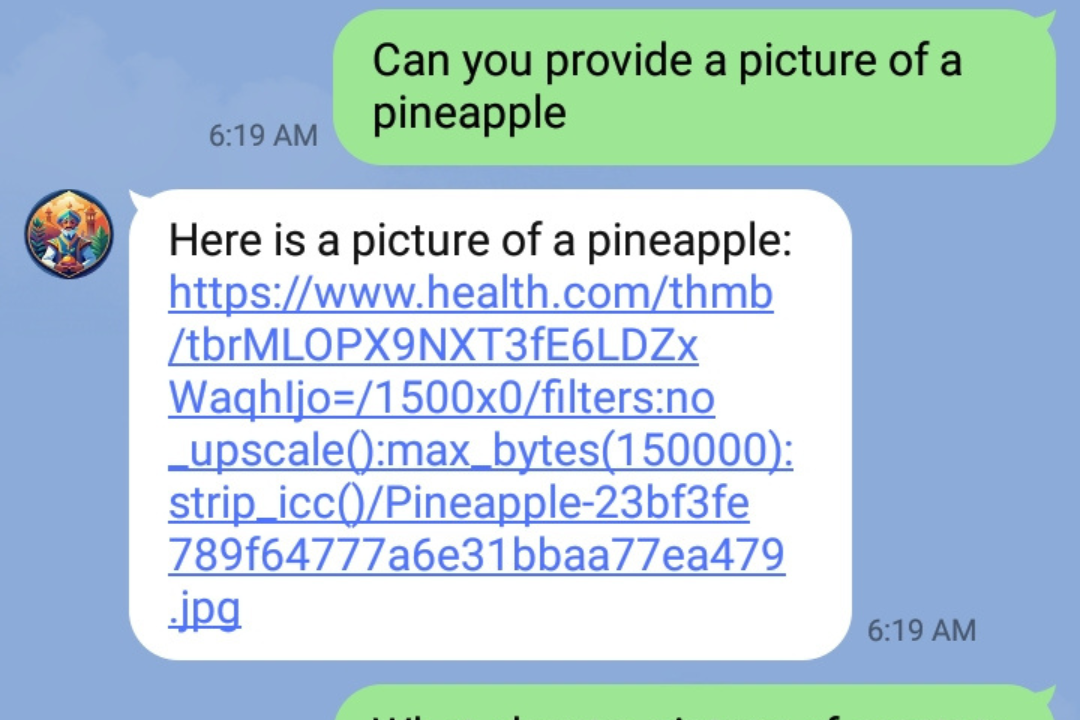
Ask Genie for a picture.
-
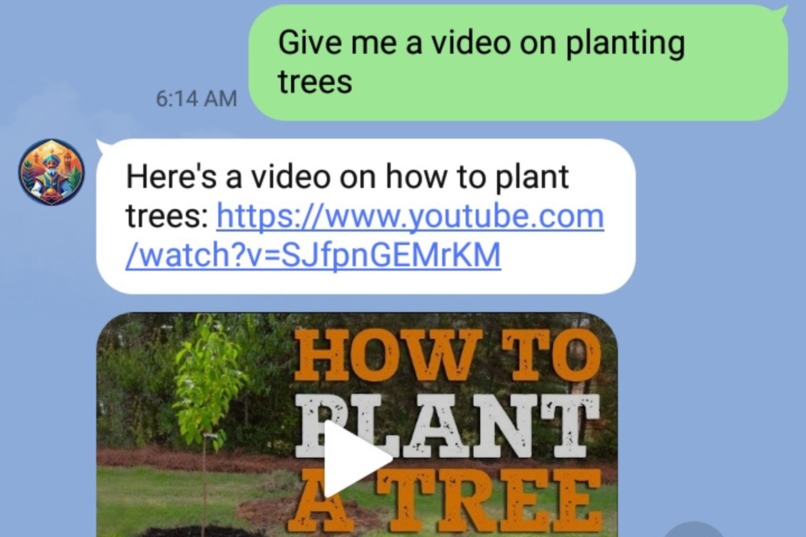
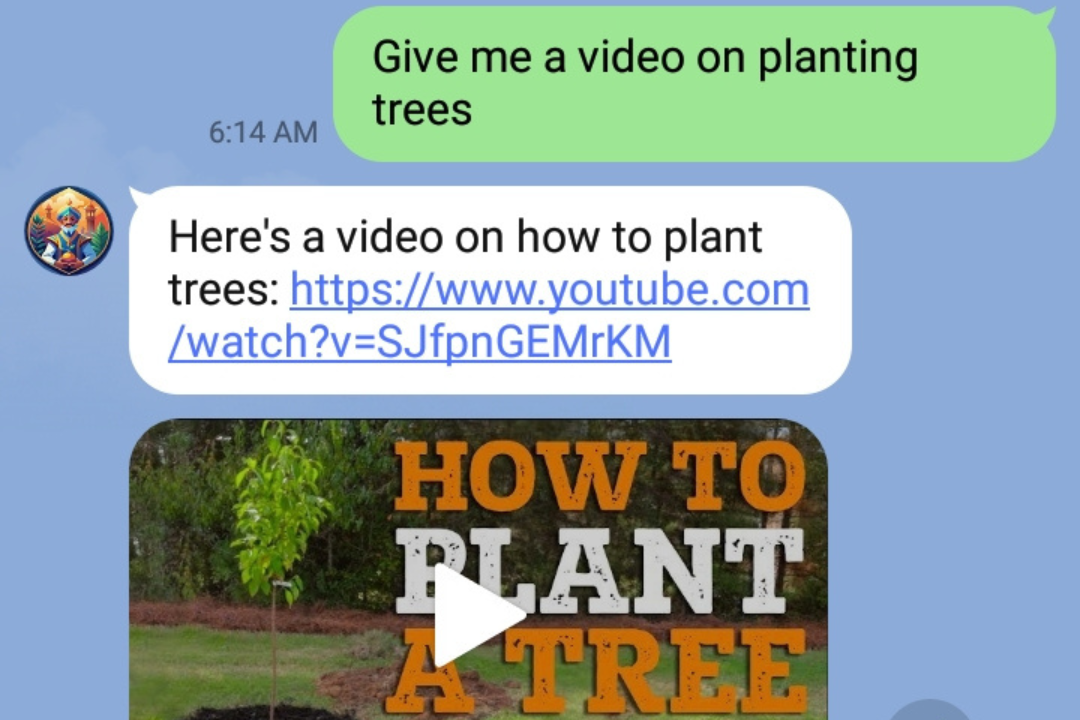
Ask Genie for a video.
-
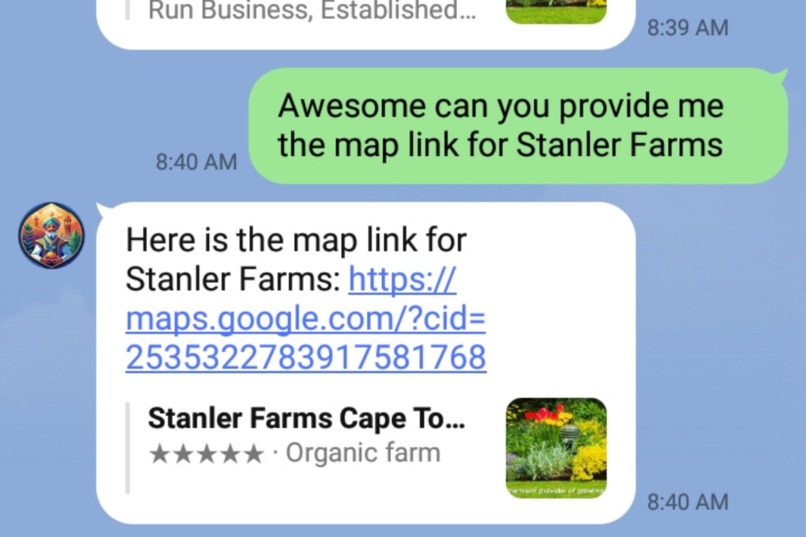
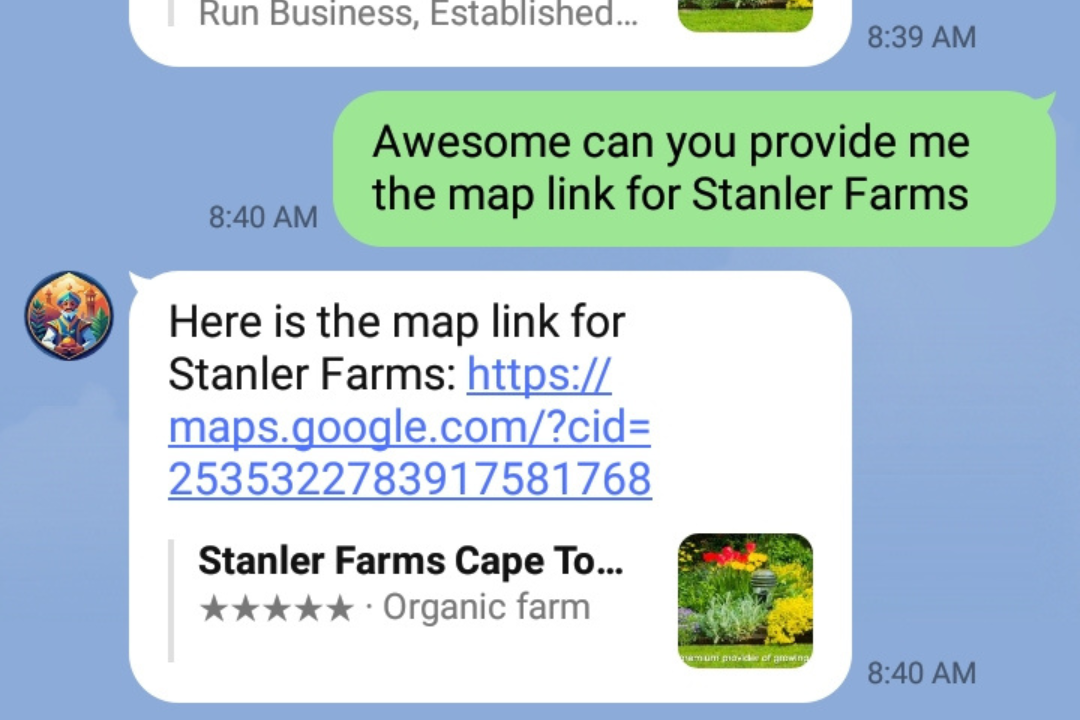
Ask Genie for the store map link.

Inspiration
I've always wanted to grow my own food, but I had so many questions and felt so unsure of what I was doing that I eventually gave up. This experience made me realize how beneficial it would be to have a chatbot that is inexpensive and doesn't consume a large amount of mobile data. This could help a large group of people, not only in South Africa but worldwide. The ease of having a chatbot within a messaging platform is particularly beneficial, considering that mobile devices generated most of the web traffic in Africa, with over 75% as of July 2023. I am to provide a easy to access expert in gardening knowlegde, as Garden Genie makes being self-suffienct easier then ever before. Growing your own food, wheather in your backyard of balcony, can benefit people all around the world.
What it does
Garden Genie, provide users with essential gardening information and real-time weather tailored to their specific location, It helps people with no gardening experience start growing their own food by offering:
- Gardening Tips and Information: Garden Genie provides detailed and bite-sized information on various crops, gardening techniques, and best practices.
- Personalized Assistance: Through the use of Vertex AI, gardeners can ask questions about gardening and recieve expert-level responses tailored to their gardening needs.
- Weather: The integration with WeatherAPI ensures users recieve weather forcasts to plan for their gardening activities effectively.
- YouTube Videos: The integration with YouTube API ensures gardeners recieve relevant videos if asked upon.
- Search Places: The integration with Google Places API ensures users can ask for nearby places that sell or provide gardening services according to their location. They can also request information related to those business, such as phone numbers, website URLs, addresses, and Google Map links.
- User-Friendly Interface: Integrated into the LINE messager app as a bot friend, making it easy for users to interact with Garden Genie without needing a seperate application.
- Low Data Consumption: Designed to function efficiently with minimal data usage, ensuring affordability for users in data-limited enviroments.
How we built it
This project was built using a combination of Google Cloud's Vertex AI Agent Console, Cloud Functions, Line messenger web hooks, and multiple APIs. Below is a step-by-step overview of the development process:
APIs Setup:
- WeatherAPI: Incorporated to provide real-time weather updates, critical for gardening activities.
- YouTube Data API: Incorporated Youtube video search to provide relevant videos to the gardener.
- Places API: Incorporated places data for businesses that sell or provide services for gardeners.
Vertex AI Agents:
- Developed several AI agents using Vertex AI to manage different types of user queries. Each agent was specialized to ensure efficient processing and prevent system crashes.
- Configured agents to break down complex questions into manageable steps, enhancing performance and reliability.
Cloud Functions:
- Deployed the API integration code using Google Cloud Functions, ensuring scalability and efficient request handling.
- Implemented error handling to manage potential API failures and provide fall responses, ensuring uninterrupted user experience.
LINE Messenger Integration:
- Integrated the chatbot into the LINE messenger app as a bot friend, allowing gardeners to interact with Garden Genie within a familiar platform.
Challenges we ran into
API Crashes: Initial system crashes due to the inability of AI agents to handle complex queries in a single step.
- Solution: Addressed this by breaking down the instructions into smaller. managable steps. Instead of processing a complex instruction all at once, the AI agents were configured to handle each part of the instructions sequentially. This approach not only prevented system crashes but also improved the accuracy and relevance of the chatbot responses.
Resouce Limitations: Managing resource constraints of Cloud Functions and ensuring optimal performance was a continous challenge. The API functioned on the Vertex Agent Console but showed no response during production integration with LINE.
- Solution: Overcame resource limitations by optimixing the Cloud Functions for performance and resouce usage. Thus including minimizing the payload size, and reducing the number of external API calls. Additionally, montinored the Cloud Functions' performance and adjusted the configurations to ensure they operated within the resource limits.
Instruction Handling: Vertex AI sometimes failed to answer the gardeners questions because the instructions were not broken down into simple steps.
- Solution: Developed multiple AI agents, each specialized in handling specific types of queries (e.g., weather, gardening tips, getting started). A general agent was responsible for redirecting specific questions to the appropriate specialized agents. This specialization ensured that each query was handled by an agent optimized to answer the gardener's question.
Accomplishments that we're proud of
- Seamless Integration: Successfully integrated multiple APIs to provide a cohesive and functional chatbot.
- Efficent AI Agents: Crafted AI Agents capable of handling complex instructions and queries without crashing.
- LINE Messenger Integration: Successfully integrated the chatbit into LINE, providing a familiar and accesible platform for users.
What we learned
Thoughout the development of this project, I gained invaluable insights into integrating advanced technologies to create a user-friendly and robust chatbot:
- API Integration: I mastered the integration of multiple APIs and implemtation of Cloud Functions to deliver comprehensive and relevant information to gardeners.
- Vertex AI: Leveraged Google's Vertex AI to develop intelligent agents capable of handling complex queries and providing accurate answers.
- Error Hanling: Enhanced my understanding of implementing robust error-handling mechanisms to ensure the system's reliability, even in the face of API crashes.
- Platform Integration: Learned how to effectively integrate the chatbot into popular messenger platforms like LINE, enhancing gardener accessibility and engagement.
What's next for Garden Genie
- Offline Mode: Develop an offline mode to ensure users can access critical gardening information even without an internet connection.
- Integration with More Platforms: Integrate Garden Genie to other popular messenger platforms, such as WhatsApp or Facebook Messenger, to reach a wider audience.
- Image Analysis: Enable gardeners to upload images of their soil, plants, crops, or pests for analysis. This feature will either use a custom dataset stored in Google Cloud buckets, categorized for different crops/plants, or leverage an exisiting API that processes images to fit our gardeners' needs.
API Code
# Sample code block for Cloud Functions

## search-weather main.py
import httpx
import functions_framework

@functions_framework.http
def search_weather(request):
    """HTTP Cloud Function.
    Args:
        request (flask.Request): The request object.
        <https://flask.palletsprojects.com/en/1.1.x/api/#incoming-request-data>
    Returns:
        The response text, or any set of values that can be turned into a
        Response object using `make_response`
        <https://flask.palletsprojects.com/en/1.1.x/api/#flask.make_response>.
    """
    query = request.get_json()['q']

    api_key = "your_api_key"
    url = f"http://api.weatherapi.com/v1/current.json?key={api_key}&q={query}&aqi=no"

    response = httpx.get(url)
    data = response.json()

    return {"result": data}

## search-weather requirements.txt
functions-framework==3.*
httpx

## Weather API YAML
openapi: 3.0.2
info:
  title: "Weather API function"
  description: "A simple API that searches for weather data and returns the result."
  version: "1.0.0"
servers:
  - url: "https://us-central1-gardengenie.cloudfunctions.net"

paths:
  /search-weather: # name of the Cloud Function
    post:
      summary: "Searches for weather data"
      operationId: "searchWeather"
      requestBody:
        description: Query
        content:
          application/json:
            schema:
              $ref: '#/components/schemas/searchWeather'
      responses:
        "200":
          description: "A successful response."
          content:
            application/json:
              schema:
                type: object
                properties:
                  result:
                    type: object

components:
  schemas:
    searchWeather:
      required:
        - q
      type: object
      properties:
        q:
          type: string

## search-youtube main.py
import httpx
import functions_framework

@functions_framework.http
def search_youtube(request):
  """HTTP Cloud Function.
  Args:
      request (flask.Request): The request object.
      <https://flask.palletsprojects.com/en/1.1.x/api/#incoming-request-data>
  Returns:
      The response text, or any set of values that can be turned into a
      Response object using `make_response`
      <https://flask.palletsprojects.com/en/1.1.x/api/#flask.make_response>.
  """
  query = request.get_json()['q']
  api_key = "Enter API Key Here"
  url = f"https://www.googleapis.com/youtube/v3/search?part=id,snippet&q={query}&key={api_key}"

  response = httpx.get(url)
  data = response.json()

  return {"result": data}

## search-youtube requirements.txt
functions-framework==3.*
httpx

## Youtube API YAML
openapi: 3.0.2
info:
  title: "YouTube API function"
  description: "A simple API that searches for YouTube videos and returns the result."
  version: "1.0.0"
servers:
  - url: "https://us-central1-gardengenie.cloudfunctions.net"

paths:
  /search-youtube: # name of the Cloud Function
    post:
      summary: "Searches for YouTube videos"
      operationId: "searchYouTube"
      requestBody:
        description: Query
        content:
          application/json:
            schema:
              $ref: '#/components/schemas/searchYouTube'
      responses:
        "200":
          description: "A successful response."
          content:
            application/json:
              schema:
                type: object
                properties:
                  result:
                    type: object

components:
  schemas:
    searchYouTube:
      required:
        - q
      type: object
      properties:
        q:
          type: string
Built With
- google-cloud
- google-cloud-functions
- google-places
- google-vertex-ai
- weatherapi
- youtube


Log in or sign up for Devpost to join the conversation.