-
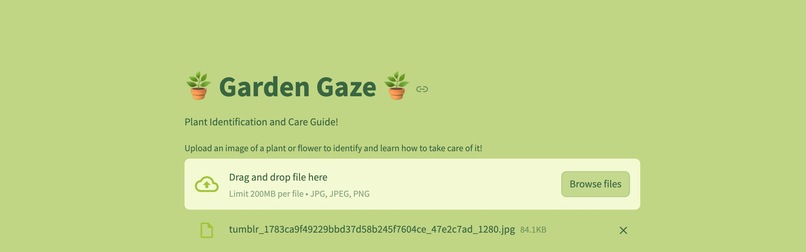
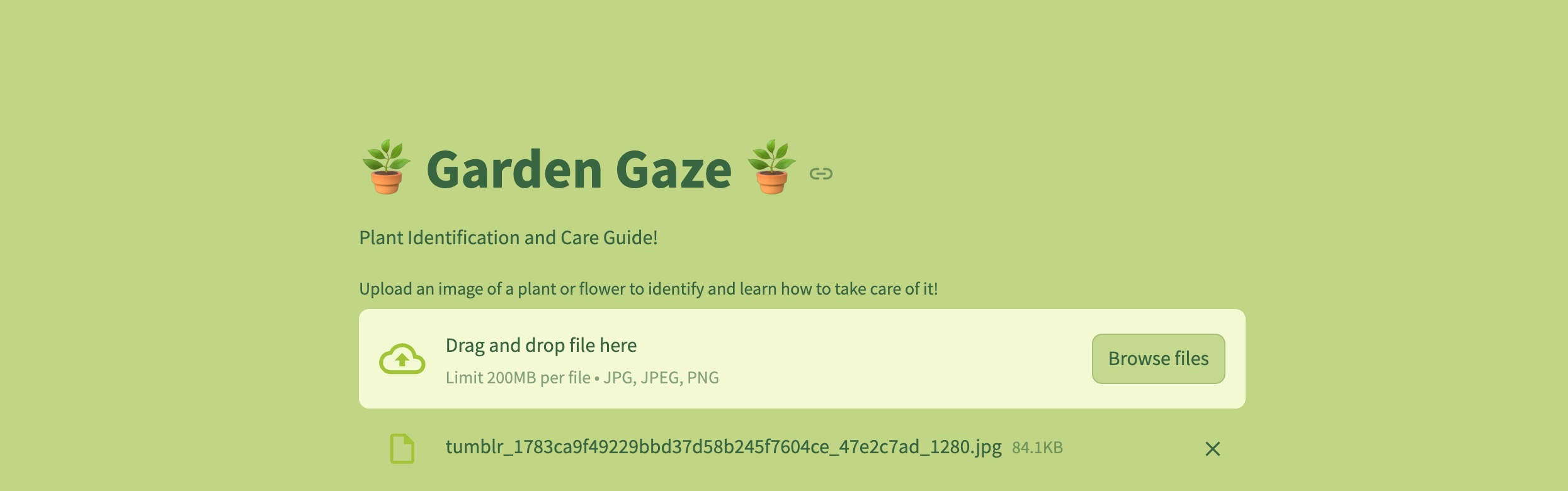
Main page
-
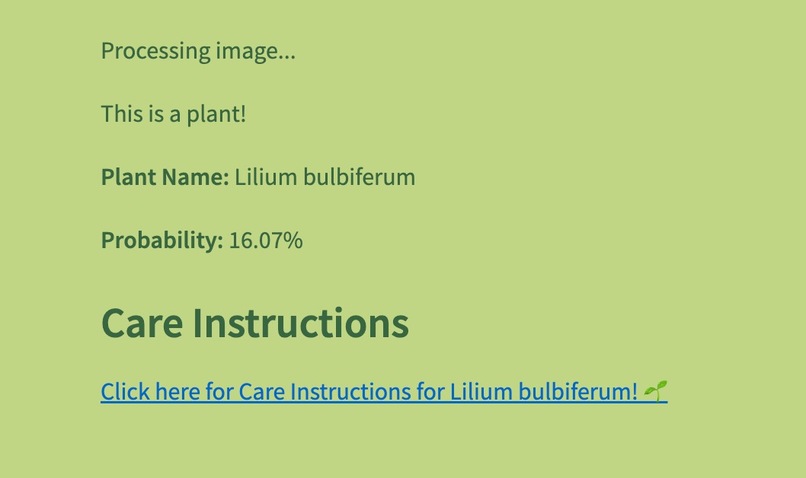
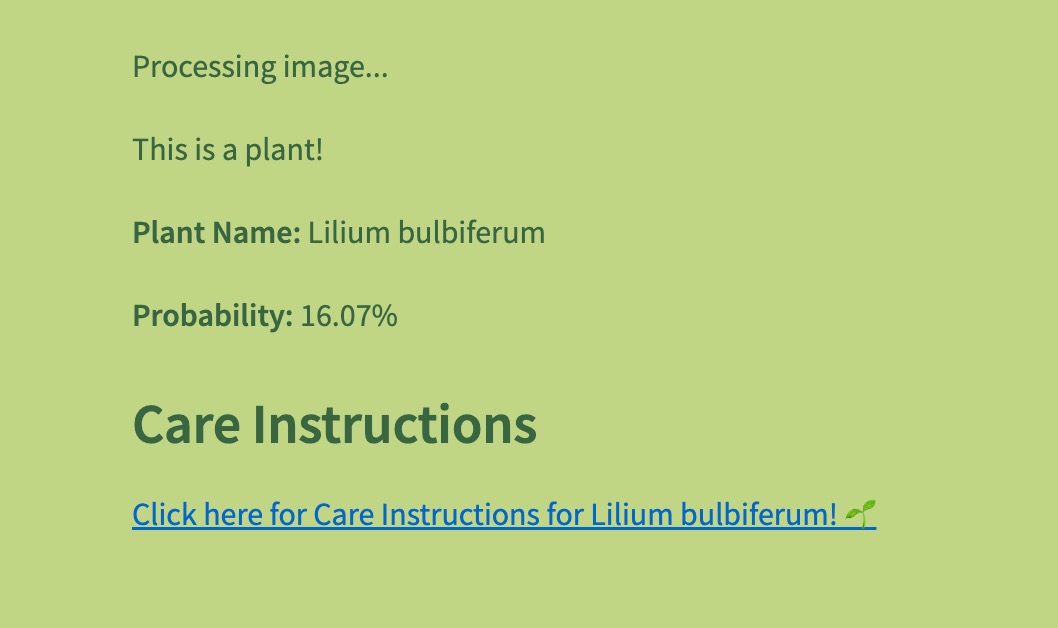
Output
-
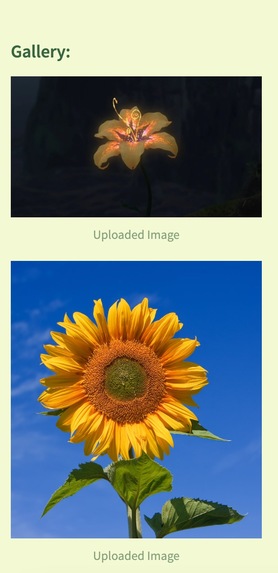
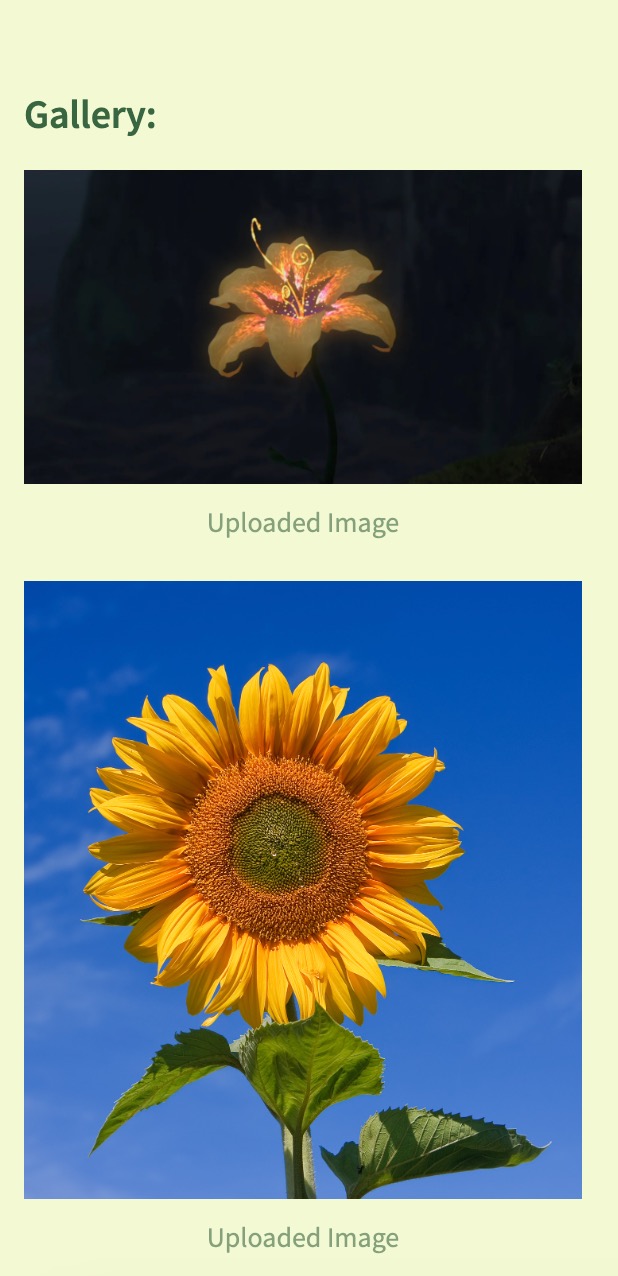
Side bar Gallery
Our ✨Inspiration✨
As avid plant lovers, we come across plants or flowers that we may intend to add to our own garden, however, sometimes we don't know how to take care of them, or even what they're called! That's why we invented "Garden Gaze," a web based application made on Streamlit, that allows a user to upload an image, and can instantly learn a bit about the plant and how to effectively take care of it! Our project focuses on plant health and allows plant owners to take care of their plants!
What does Garden Gaze do?
When walking across a flower, you can simply take a picture of it and upload it onto Garden Gaze, and within seconds, you will know exactly what plant it is, its classification, and a weblink directing you to plant care instructions. Along with this, you will be able to save all of your findings in a gallery, where you can admire all the beautiful plants and flowers :)
How we built it
We built Garden Gaze using Streamlit, a free and open-source framework, which gave us a smooth UX/UI design layout to work with. We built the backend in Python, and some HTML/CSS for the colour scheme of our application. The IDE we used was sublime-text. Additionally, we implemented an api by Plant.id, which allows the image uploaded to be correctly identified using a machine learning model. We decided to go with this api as it is very precise, and even gives information about plant health, which we would love to implement further into this project in the future!
Challenges we ran into
There were many frustrating moments that we ran into throughout the hacking period. For example, our original plan was to use an api from OpenAi, which would generate real-time responses directly on the interface of the application. However, due to lack of money (lol), we decided to move forward with simply retrieving a link from the web, and displaying a web link to the user that would direct them to care instructions for the specific plant. Overall, it was our first time using api's and Streamlit in general, so it was truly a steep learning curve.
Accomplishments that we're proud of and what we've learned
Despite the challenges, we are very proud of what we have learned within these 36 hours of coding, and are extremely proud of our end result as beginner python hackers (as well as our stamina for watching MANY youtube tutorials).
What's next for Garden Gaze
For the future, we definitely would like to allow for more formats to be compatible for uploading, and add more features to tell the user about the current health state of the plant. We would also like to develop our UI/UX more, since it's quite minimal right now. As a long term project, we would also love to add a simulation of a garden where users can continue to take photos and grow their virtual garden, replacing it with our current gallery feature! Lastly, we would like to add a camera option, so the user can take a picture directly from the application.
Built With
- ai
- base64
- css
- html
- machine-learning
- plant.id
- python
- streamlit
- sublime-text


Log in or sign up for Devpost to join the conversation.