-
-
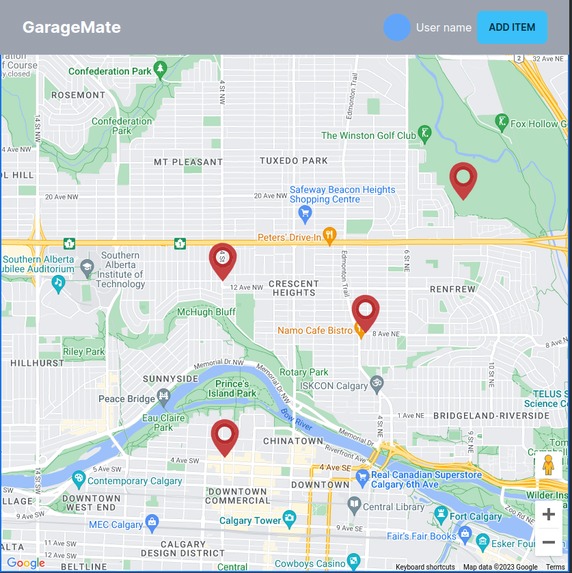
Main screen of a buyer seeking local garage sales
Introduction
The Garagemate Web Platform aims to support sustainable living by facilitating used items charity events, such as garage sales. This platform benefits both buyers and sellers, offering a convenient and eco-friendly way to exchange small and useful items. The platform minimizes the environmental impact of discarded items while providing a cost-effective solution for buyers.
Virtual Garage Sale Organization
Our web and mobile app streamlines the organization of virtual garage sales. Sellers can easily categorize items, provide descriptions, and open a virtual sale. The app employs OpenAI text generation and image recognition backend to process photos and detect items, enhancing the efficiency of managing numerous small items.
Value Proposition
For Sellers: Simplifies organization, eliminates the need for extensive item descriptions, and allows for convenient scheduling of meet-and-greet sessions.
For Buyers: Enables reservation of items, allocates time slots, and provides a map of sales, enhancing the overall buying experience.
Core Functionalities
1. Item Entry
The app offers a convenient data entry process for handling a large number of small items. Utilizing a computer vision algorithm, it recognizes items in uploaded photos, pre-populating a list for the seller to manage.
2. Time-Matching Algorithm
A periodic job runs the time-matching algorithm, grouping buyer reservations based on seller preferences. Sellers are notified once a group reaches a specified threshold, streamlining the give-away process.
Features
Seller Side:
- Photo upload.
- Itemization and cataloging.
- Auto-descriptions.
- Time-boxed sale time preference.
- Engine to collocate buyers' arrival.
- Accumulation of reservations.
- QR code scanner for take-out.
Buyer Side:
- Map of sales.
- Searchable index of available items.
- Time preference for item collection.
- Reservation system with QR code confirmation.
Sale Event Side:
- QR code scanning.
- Removal of items from the index after collection.
Service Core Functionality
Scenario 1: Buyer Opens the Map
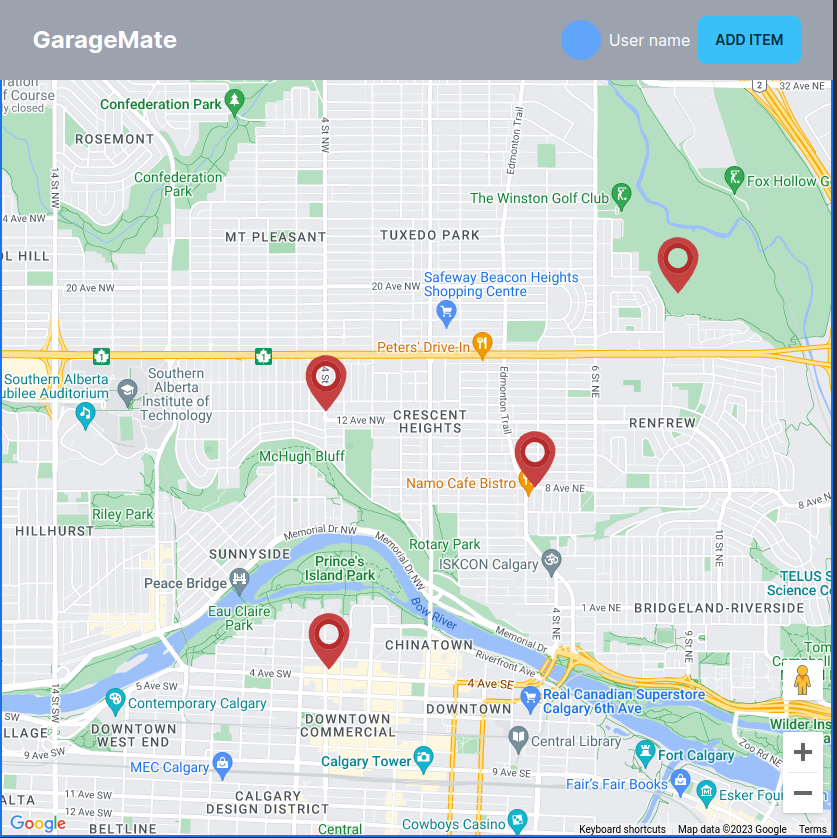
Upon opening the app, the buyer sees a map displaying active garage sales in the area.
Scenario 2: Buyer Selects a Garage Sale
By clicking on a garage sale marker, the buyer is directed to the Sale Details page, providing comprehensive information about the sale, seller, and available items.
Scenario 3: Item Reservation
Buyers can reserve items by clicking on a specific item on the Sale Details page, initiating the reservation process.
Scenario 4: Seller Prepares for Pick-Up
Sellers receive notifications about reserved items and can view details about each buyer. The platform provides information about prospective openings for item collection.
Scenario 5: Give Away Day
Sellers choose a group of pending items, select a date and time slot, and initiate the "Post Event" action. Buyers receive notifications specifying when and where to collect reserved items.
Scenario 6: Deny Collection
If a buyer denies collection, the item becomes publicly available for reservation again.
Scenario 7: Postpone Collection
Buyers can postpone collection, marking the item as available for the next chosen give-away day by the seller.
This documentation provides a comprehensive guide to the Garagemate Web Platform, outlining its features and core functionalities.
Built With
- javascript
- next.js
- node.js
- yolo

Log in or sign up for Devpost to join the conversation.