-
-

App Icon
-
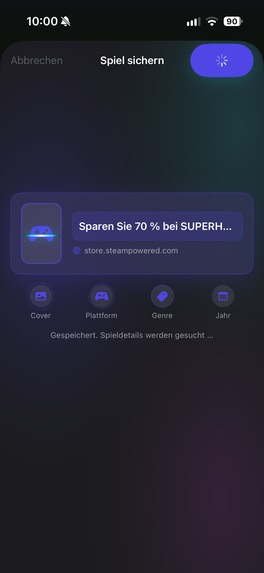
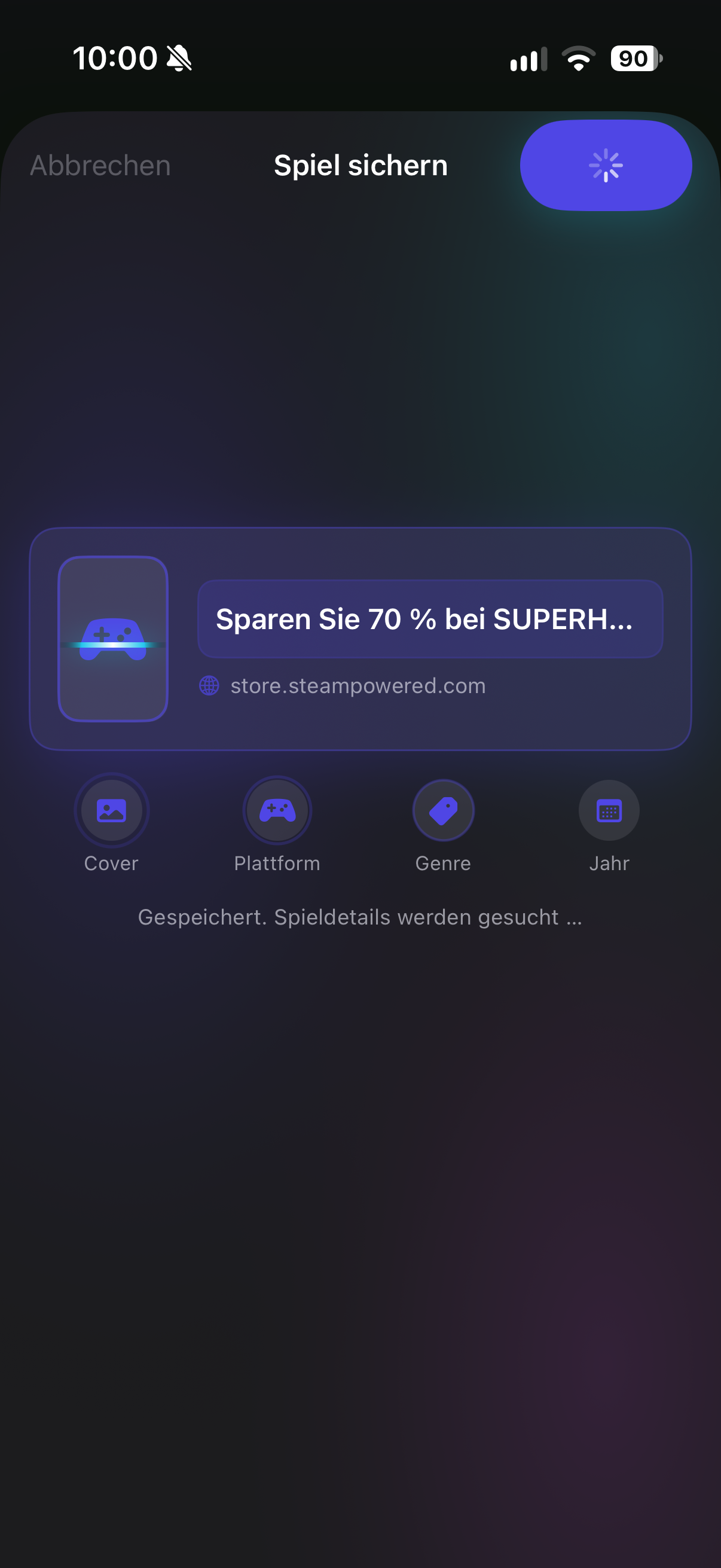
Add Gamed from anywhere with the share extension, Siri, camera oder search in the catalog
-
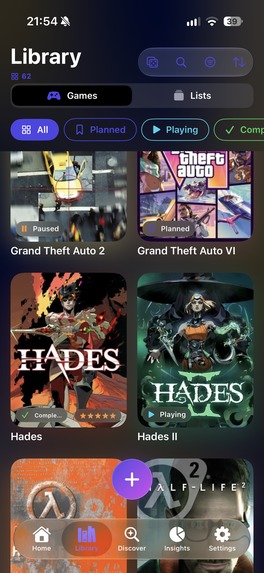
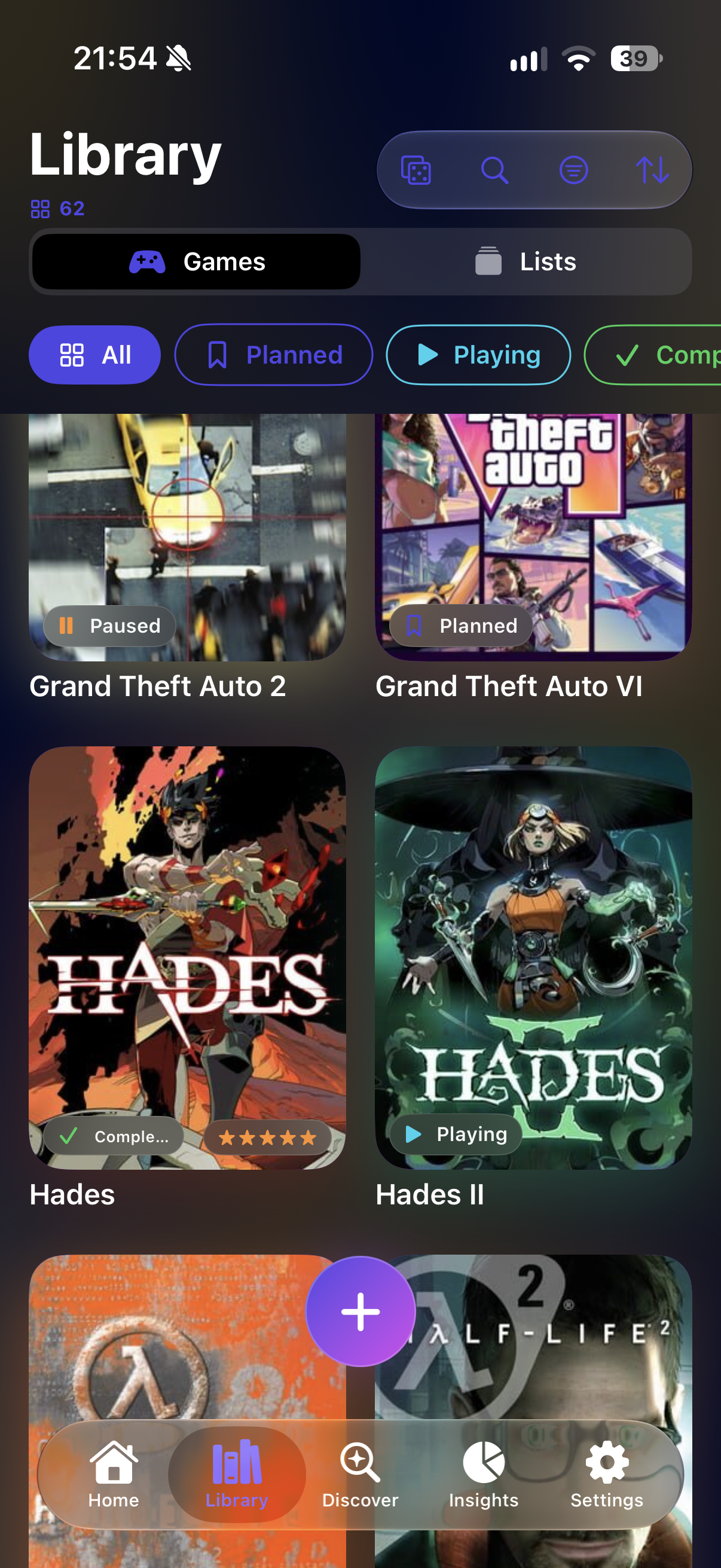
Arrange you Games in list
-
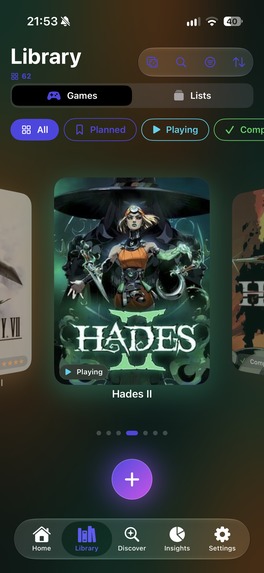
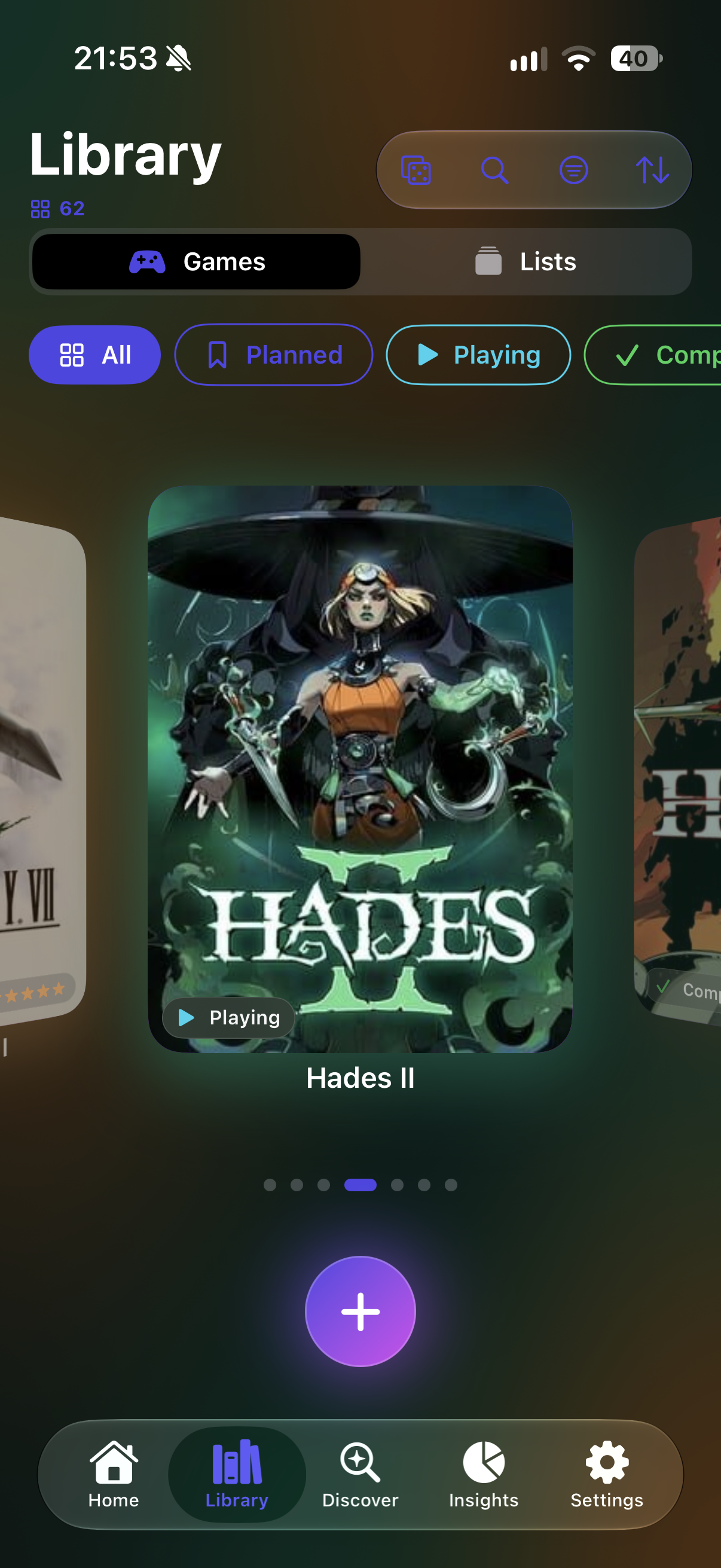
or swipe through a carousel
-
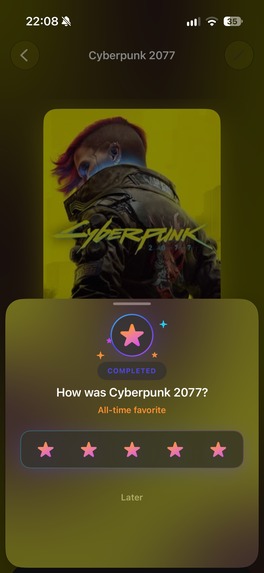
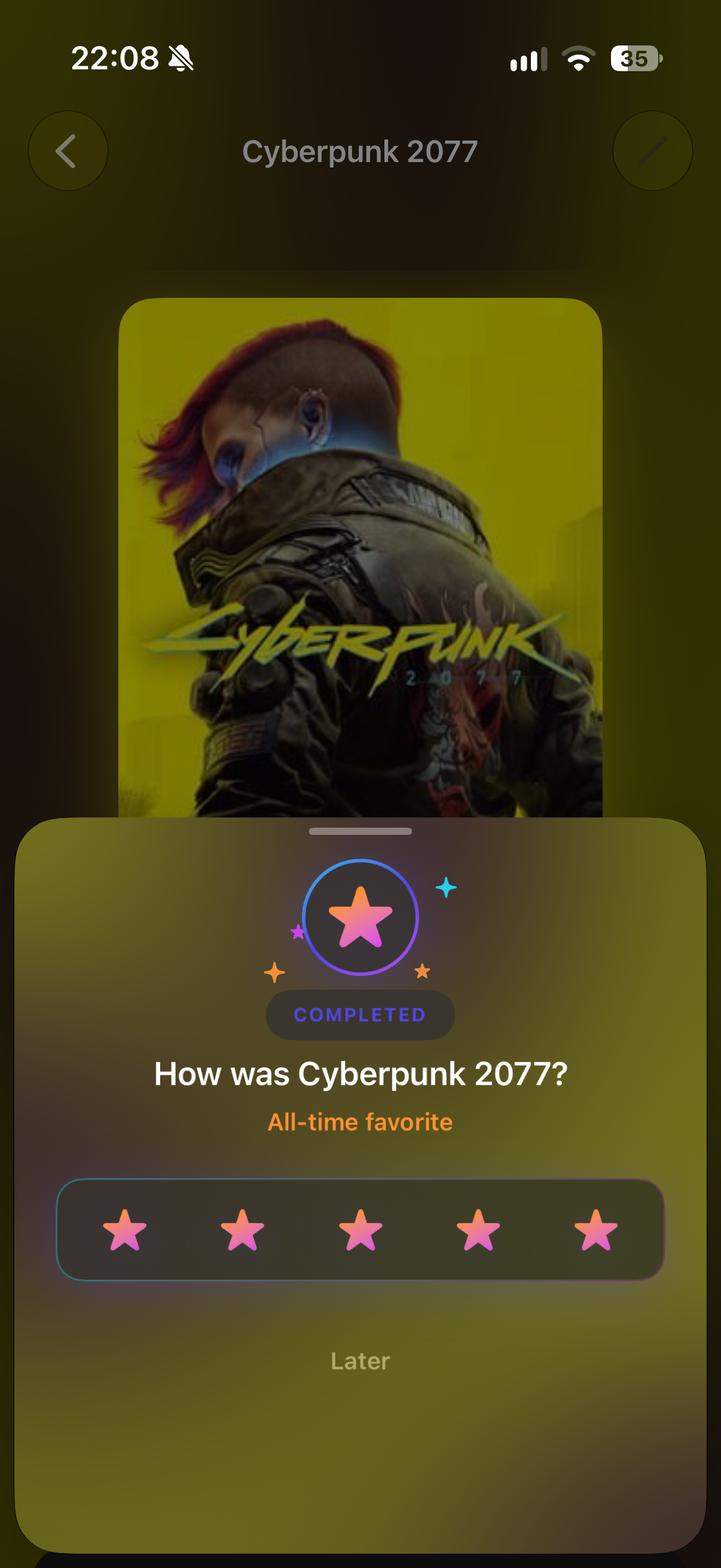
Optionale rate your experience when finishing a game
-
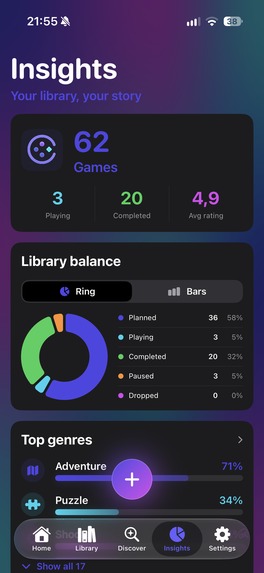
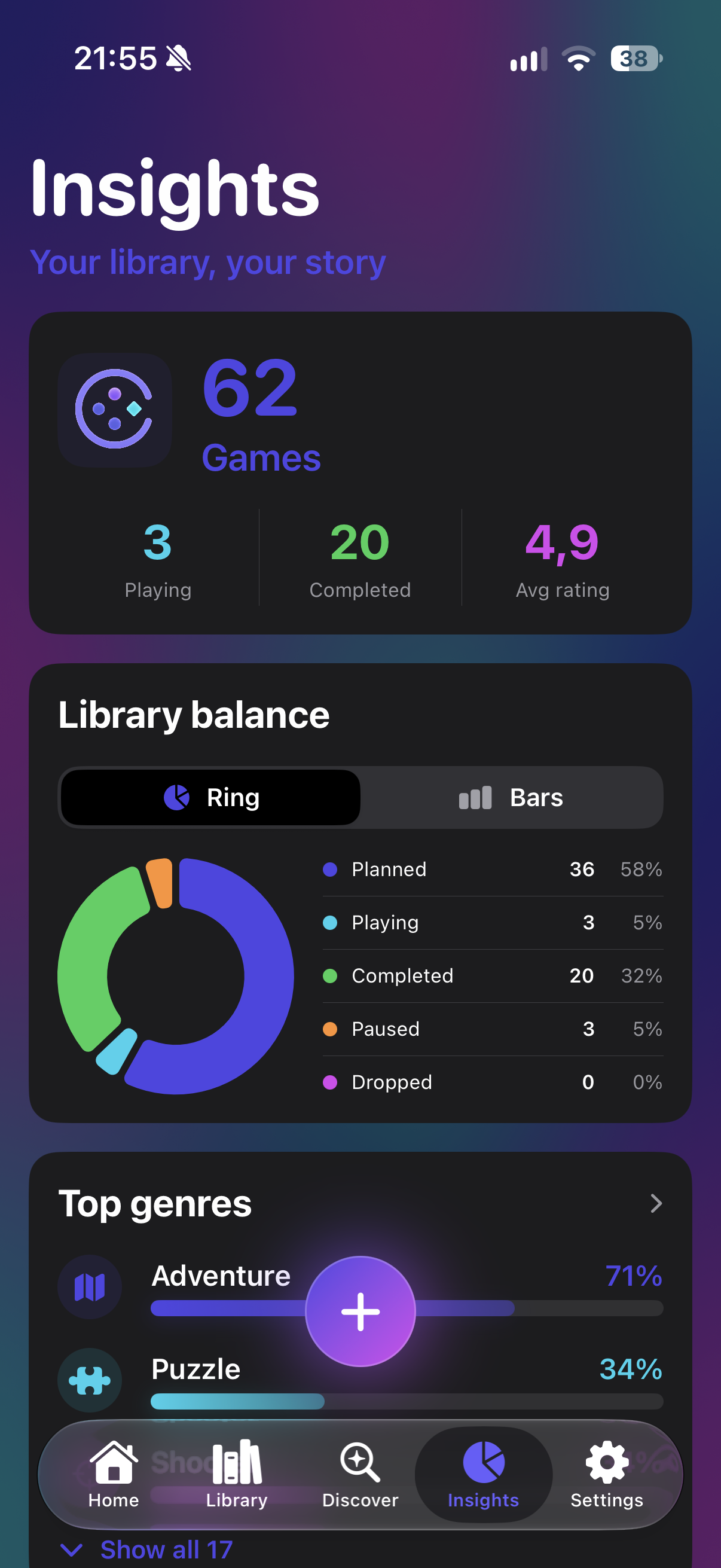
See you progress in real numbers
-
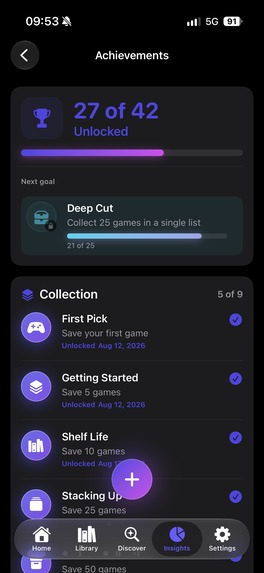
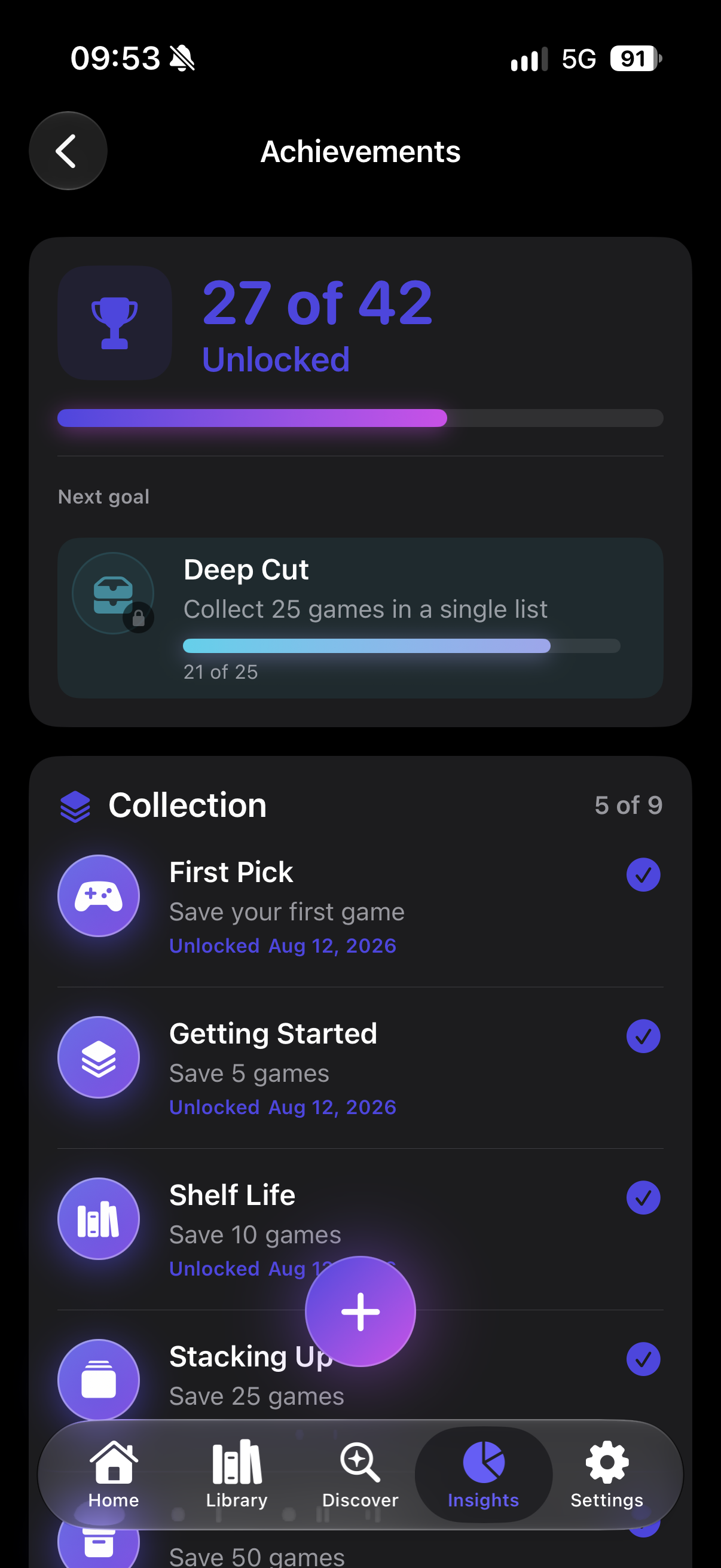
Collect Achievements as your library grows
-
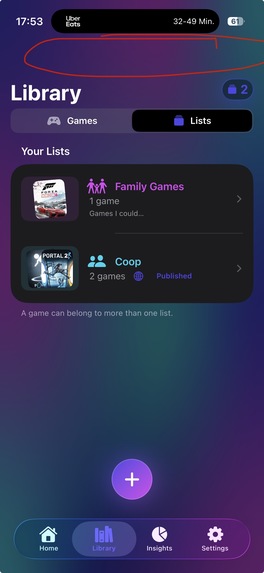
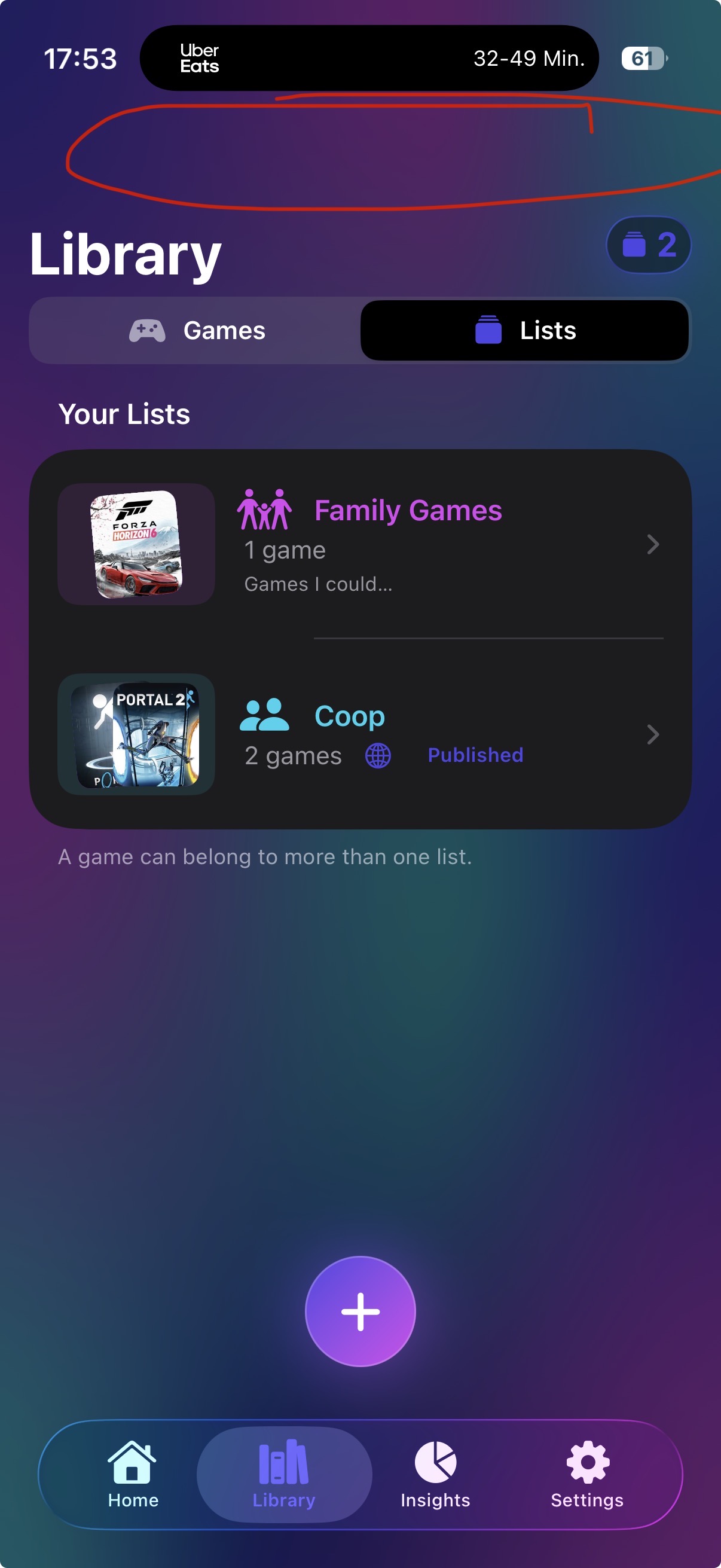
Organize Games in Lists and share them with the public if you like

Inspiration
After finishing another app, I came across Mr Lewis Blogs Gaming’s Influencer Award challenge for the RevenueCat Shipaton. The prompt was to build a gaming bucket list: a place to save games people discover, track their progress, rate them, and share lists with friends.
That immediately felt like a problem worth solving. Games mentioned in a video, article, or conversation are easy to forget by the time you’re ready to play something new. I wanted to make saving one as quick as discovering it, especially when that discovery happens outside the app.
That challenge became Games Bucket List: my take on a simple, useful home for the games you want to play someday.
What it does
Games Bucket List is a personal game library for discovering, saving, organizing, and tracking games.
Games can be added through search or directly from other apps and websites using the iOS Share Sheet. The app automatically finds matching game information such as cover artwork, genres, platforms, and release dates.
From there, games can be organized by status, added to custom lists, rated, and supplemented with personal notes.
The app also includes filters, library insights, a random game picker, public shareable lists, and iCloud synchronization.
How I built it
Games Bucket List was built natively for iOS using SwiftUI.
A backend hosted on Vercel handles external data requests and supporting services, while iCloud is used for synchronization.
I integrated RevenueCat to manage the premium subscription and entitlement state. The core experience remains free, while premium unlocks additional features such as advanced filters, insights, public lists, and iCloud sync.
One of my favorite parts of the project is the Share Sheet integration. Instead of remembering to open the app later, I can discover a game somewhere else on my phone, share it to Games Bucket List, and add it immediately.
Challenges
One of the biggest challenges was keeping the workflow fast while still providing enough information to make the library useful.
Importing a game from arbitrary websites or apps sounds simple, but URLs, titles, and shared content can look very different depending on where they come from. Turning that into a reliable flow that identifies the correct game required quite a bit of iteration.
Another challenge was deciding where the free experience should end and premium should begin. I wanted the app to remain genuinely useful without paying, while making the premium features valuable enough to support continued development.
Building and shipping everything within the Shipaton timeframe also meant making difficult decisions about what belonged in version 1.0 and what should wait for future releases.
What I learned
This project reinforced something I have learned repeatedly while building apps: shipping a focused product is often harder than adding another feature.
I spent a lot of time simplifying workflows, removing unnecessary steps, and deciding what not to build.
I also learned a lot about integrating RevenueCat into a real production app, handling entitlements cleanly inside a SwiftUI application, building Share Extensions, and designing an experience that works both when someone deliberately opens the app and when they enter it indirectly from somewhere else.
Most importantly, I went from a simple personal problem — “Where was that game I wanted to play?” — to a finished app that I can actually use every day.


Log in or sign up for Devpost to join the conversation.