What it does
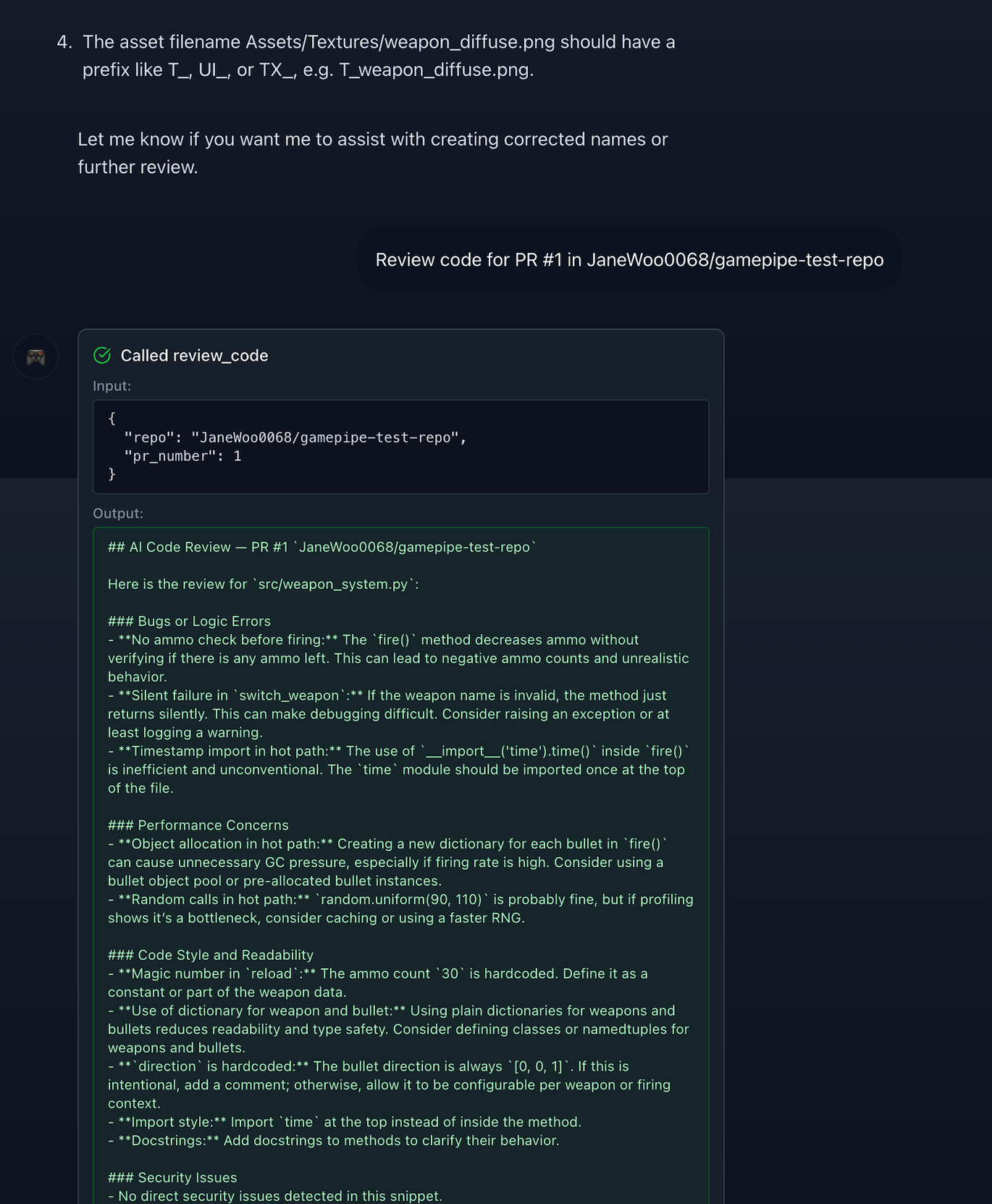
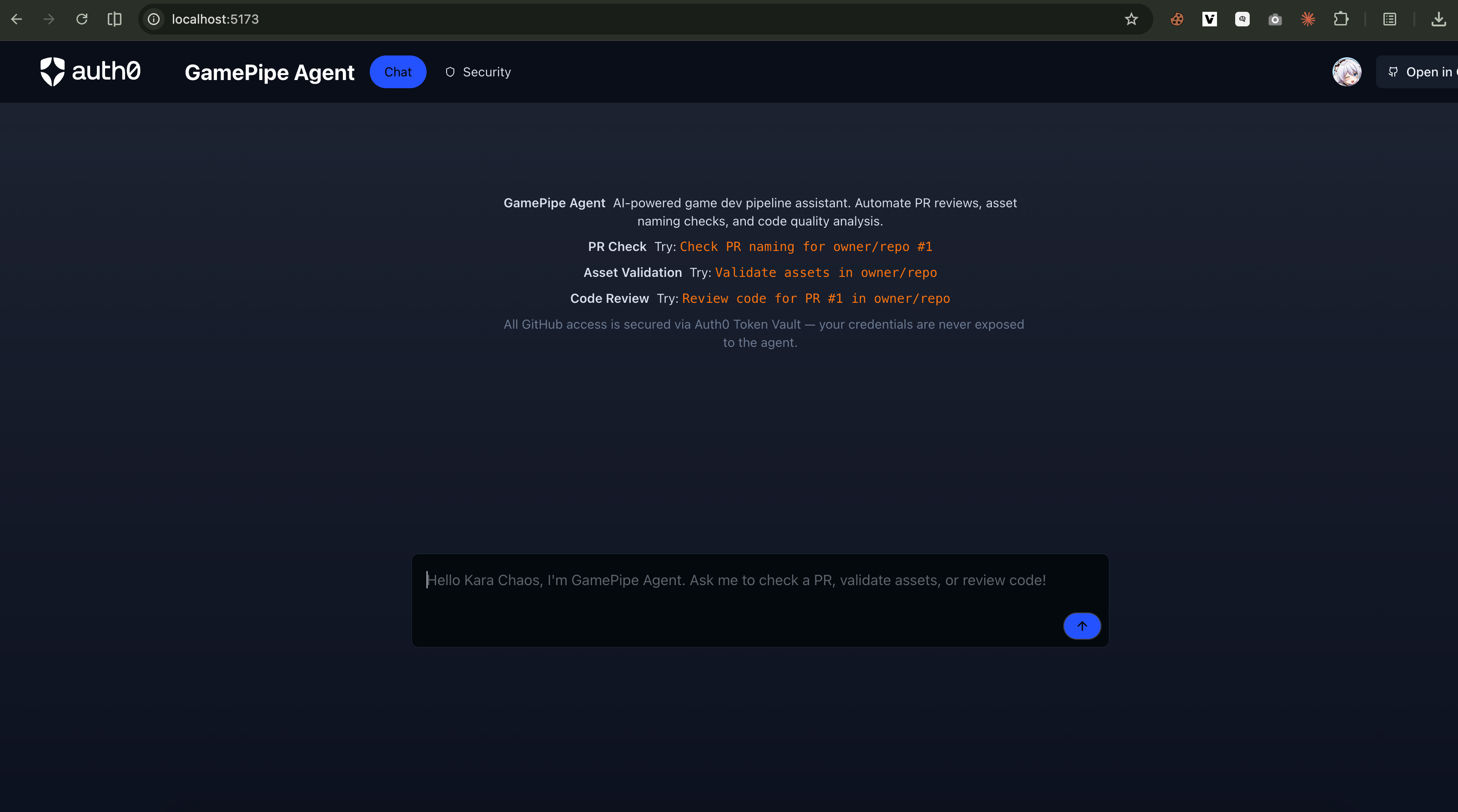
GamePipe Agent is an AI-powered game development pipeline assistant that automates three key tasks for game dev teams:
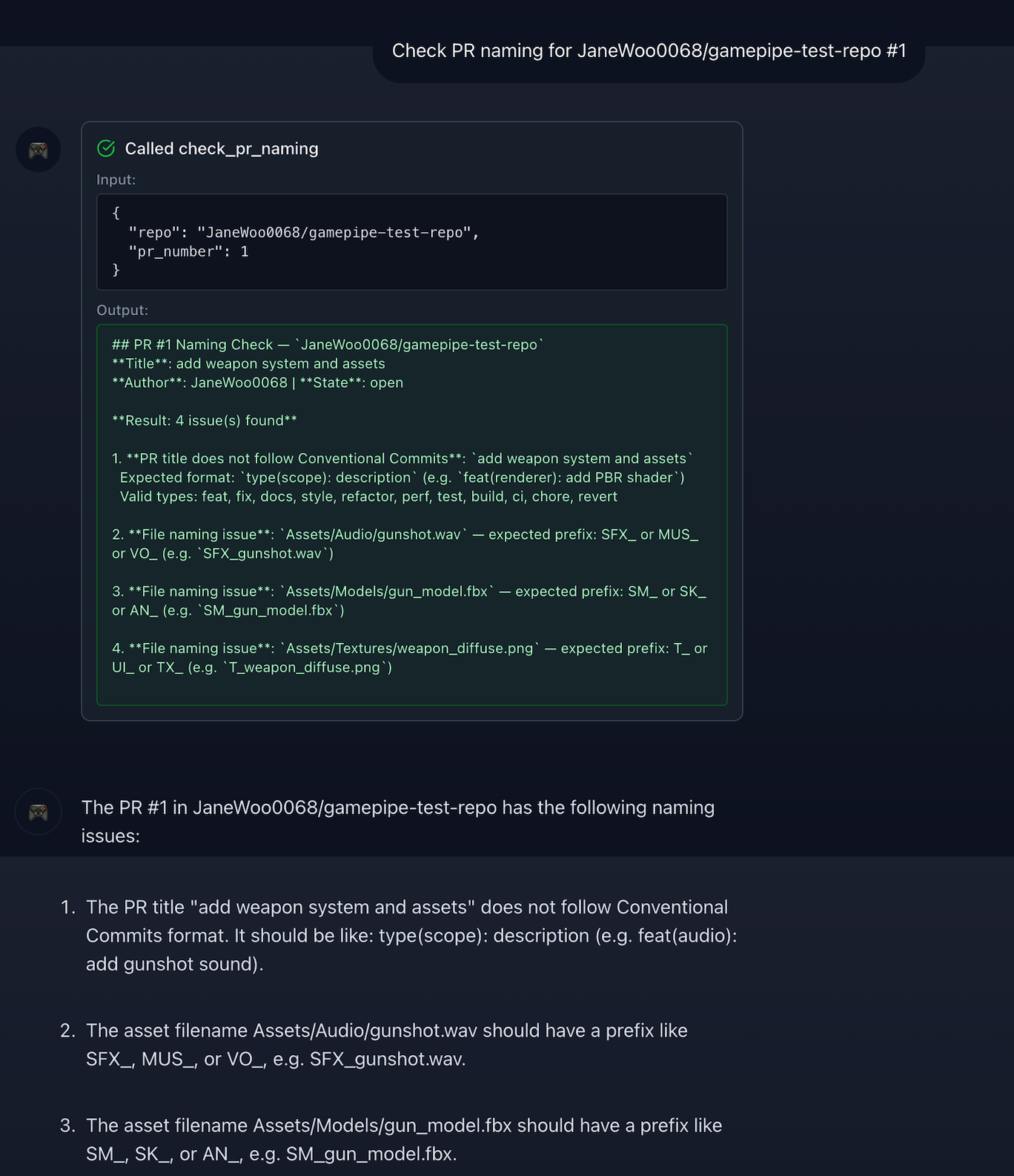
PR Naming Check (
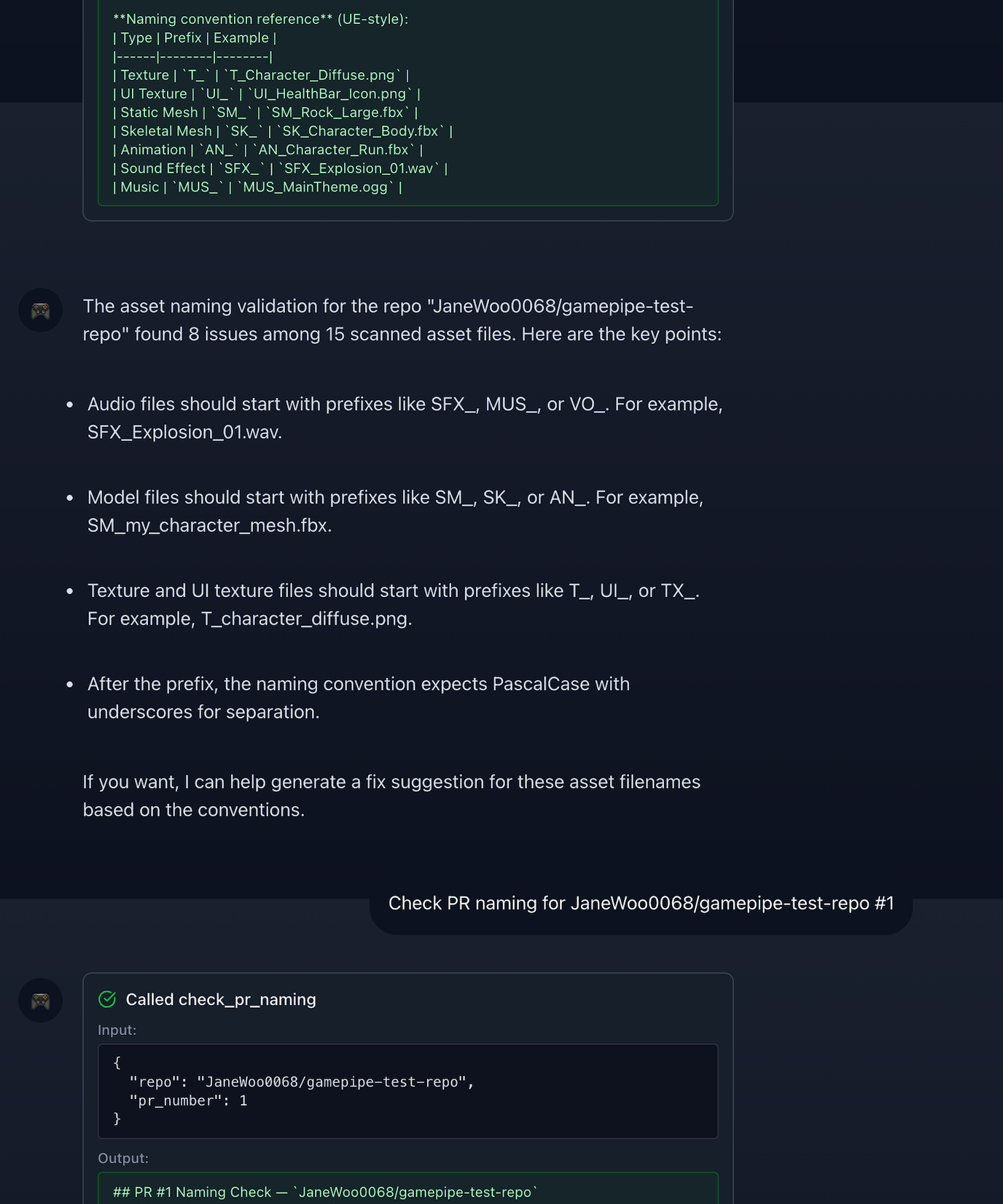
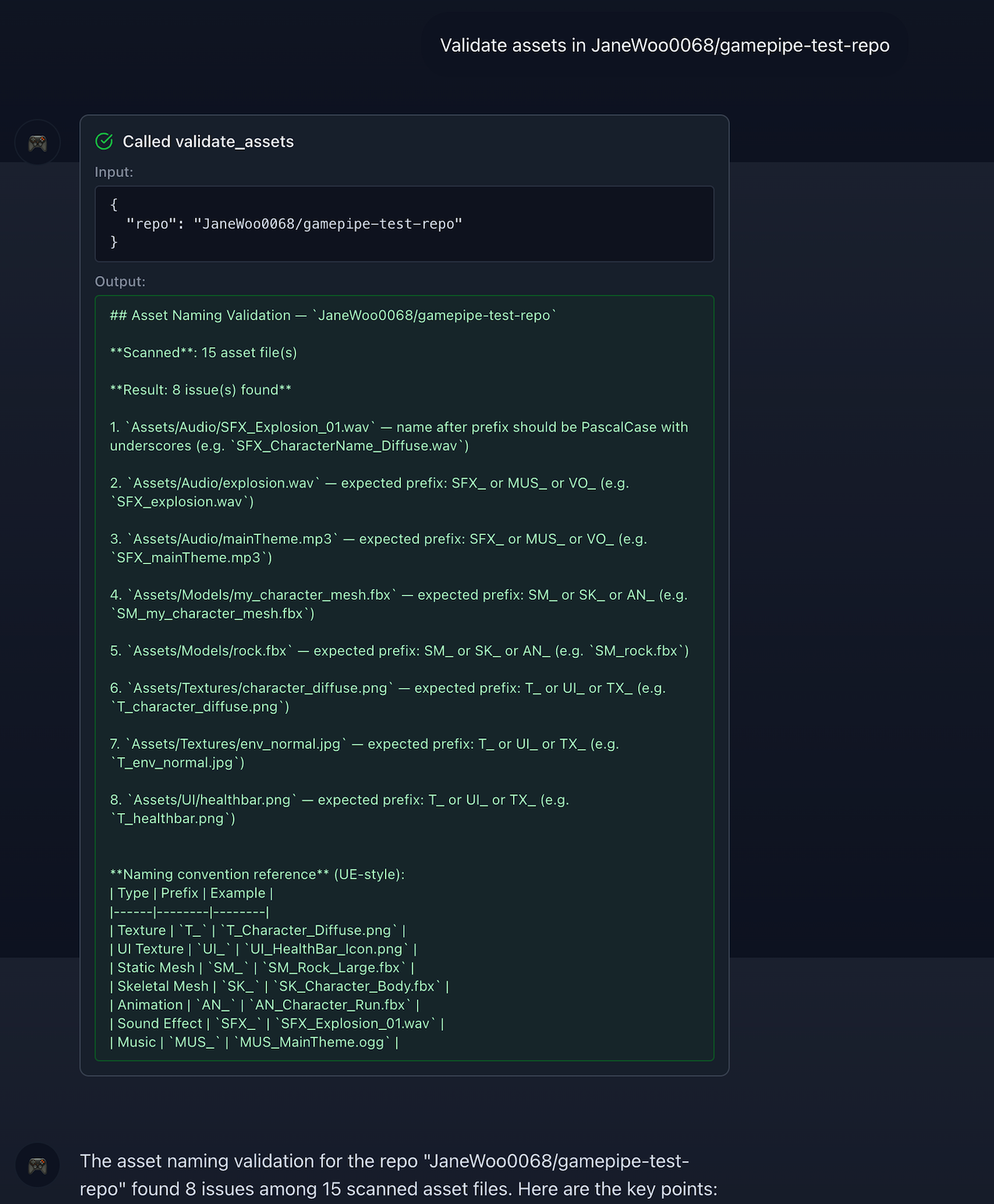
check_pr_naming) — Validates that pull request titles follow the Conventional Commits format (feat(renderer): add PBR shader) and checks that changed files follow UE-style naming conventions (e.g.T_Character_Diffuse.png,SM_Rock_Large.fbx).Asset Naming Validation (
validate_assets) — Recursively scans a repository directory for game asset files (textures, models, animations, audio) and validates them against Unreal Engine naming conventions with prefix and PascalCase rules.AI Code Review (
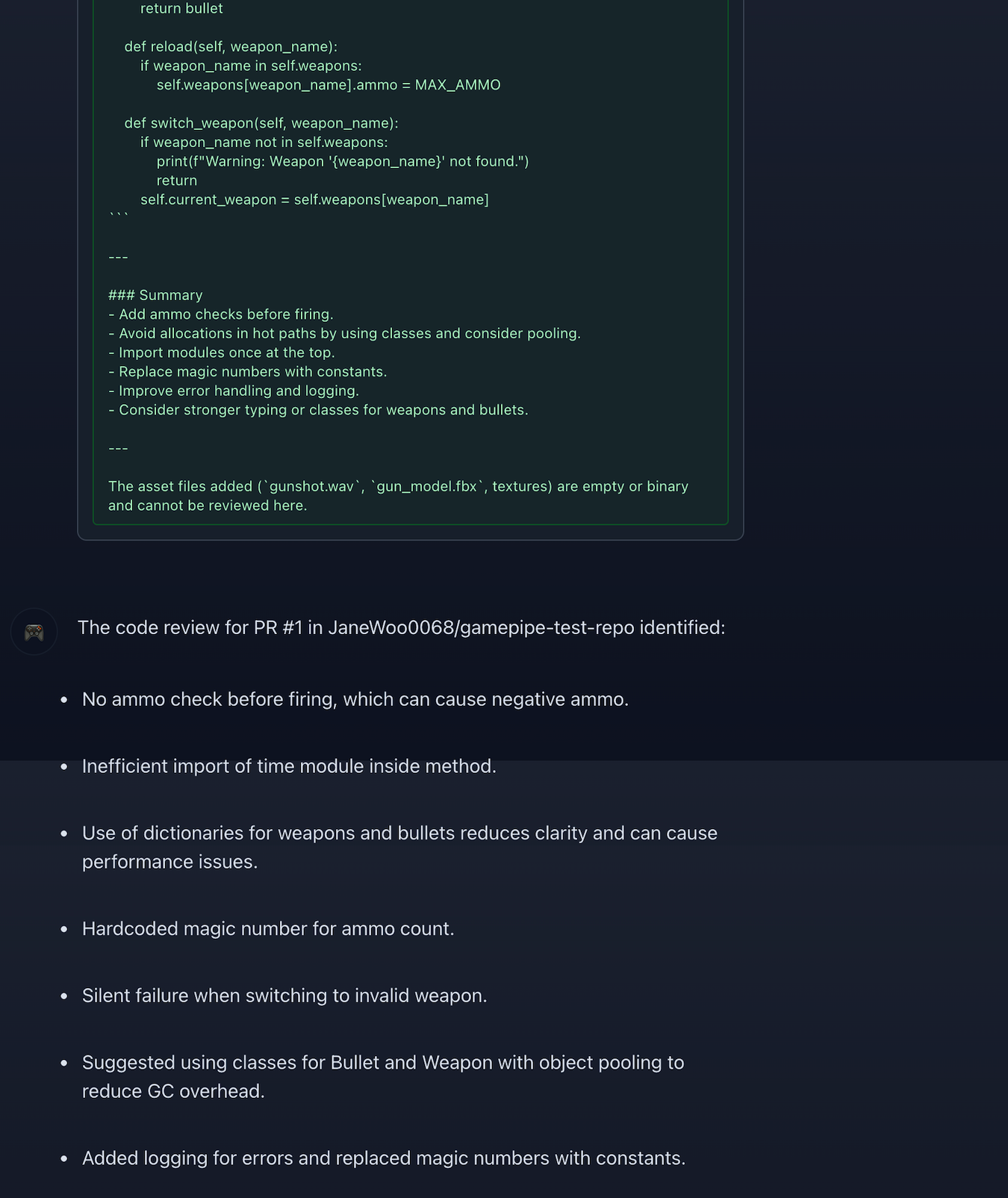
review_code) — Fetches a PR diff via the GitHub API and generates code review feedback focused on game development best practices: frame budget concerns, memory allocation in hot paths, object pooling, and general code quality.
All three tools access GitHub through Auth0 Token Vault — the agent never sees, stores, or handles GitHub credentials directly.
How it works
The project is built on the auth0-assistant0 sample app (py-langchain stack: FastAPI + LangGraph + React).
Authentication flow:
- User logs in via Auth0 Universal Login with GitHub as the identity provider
- Auth0 stores the GitHub access token in the user's identity
- When the agent needs to call the GitHub API, it retrieves the token via Auth0 Management API (
GET /api/v2/users/{user_id}) — a server-side token exchange that keeps credentials out of the agent's context - The token is used for a single API call and never persisted in the application
Agent architecture:
- LangGraph ReAct agent with GPT-4.1-mini as the reasoning LLM
- 4 tools (3 GamePipe tools + 1 user info tool) exposed as LangChain
StructuredTools - Chat requests proxied through FastAPI to LangGraph server with credential injection via
RunnableConfig
Security model:
- GitHub App uses fine-grained permissions: read-only access to repository contents, pull requests, and metadata — no write operations
- Agent operates within explicit permission boundaries — it can read and analyze but never modify code or repositories
- Per-request token exchange — no long-lived GitHub tokens stored in the application
- Security & Permissions page provides full transparency: connection status, granted permissions, token flow visualization, and security architecture
How we built it
Transformed the auth0-assistant0 sample app by removing Gmail/Google Calendar/RAG/FGA components and building three game-dev-specific tools. Key technical decisions:
- Management API over Token Vault SDK: The auth0-ai SDK's
with_token_vaulthad compatibility issues with GitHub OAuth Apps in the beta version (no refresh token from GitHub, JWE token format issues with My Account API). We used Auth0 Management API as a reliable alternative that achieves the same security goal — server-side token retrieval without exposing credentials to the agent. - Cookie patch for localhost: The auth0-fastapi SDK hardcodes
secure=Trueon cookies, breaking local development over HTTP. We monkey-patchedCookieTransactionStoreandStatelessStateStoreto usesecure=Falsein dev mode. - Custom callback route: Replaced the SDK's
/auth/callbackto redirect to the React frontend after login, supporting both regular login and Connected Accounts flows.
Challenges we ran into
- Token Vault SDK beta limitations —
with_token_vaultrequires a federated connection refresh token, but GitHub OAuth Apps don't issue refresh tokens. The My Account API (/auth/connect) rejected JWE-format access tokens. We pivoted to Management API, which works reliably. - Cookie security in development — Auth0 SDK's hardcoded
secure=Truecaused silent cookie drops on localhost (HTTP). Took significant debugging time before identifying the root cause. - GitHub App vs OAuth App — Fine-grained permissions on GitHub Apps mean the Auth0 connection's
scopesparameter must be an empty list — the permissions are set on the GitHub side, not requested at OAuth time.
What we learned
- Token Vault is powerful but the SDK's beta surface area has gaps for GitHub App + localhost scenarios. The Management API fallback pattern (
client_credentials→GET /api/v2/users/{id}) is a practical alternative that maintains the same security properties. - The
auth0-fastapiSDK's cookie handling needs a dev-mode escape hatch — this is likely a common pain point for developers getting started. - GitHub's fine-grained permissions model (GitHub Apps) interacts differently with Auth0 than the traditional OAuth scope model — this distinction needs clearer documentation.
Bonus Blog Post
What I Learned Securing an AI Agent with Auth0 Token Vault
I built GamePipe Agent for game dev teams — it reviews PRs, checks asset naming conventions, and does AI code reviews. All through the GitHub API. The core problem I wanted to solve: how does an AI agent call APIs on behalf of a user without ever touching their credentials?
Auth0 Token Vault is the answer, but getting there wasn't straightforward. When you log in with GitHub, Auth0 stores your token. When the agent needs repo access, it exchanges credentials server-side through Auth0's Management API. The agent gets a short-lived token, makes the call, done. No credentials stored in my app, ever.
The thing that clicked for me: the LLM doesn't need to know about authentication at all. The tool function calls a helper that returns an access token. The security boundary is invisible to the model. This matters — an LLM that "knows" about tokens is one that could be prompt-injected into leaking them. Keep auth in the infrastructure layer, not the prompt.
I did hit some walls. The Token Vault SDK's with_token_vault didn't work with GitHub OAuth Apps — no refresh token, JWE format issues. I fell back to the Management API, which achieves the same security goal with less magic. The auth0-fastapi SDK also hardcodes secure=True on cookies, which silently breaks everything on localhost. That one took a while to figure out.
The GitHub App is scoped to read-only — contents, PRs, metadata. Users can see exactly what's granted on the Security page. When an AI acts on your behalf, showing what it can and can't do isn't optional.


Log in or sign up for Devpost to join the conversation.