-
-

logo
-
feature_graphic
-
instructions_1
-
instructions_2
-
instructions_3
-
instructions_4
-
no_device_frame_ss1
-
no_device_frame_ss2
-
no_device_frame_ss3

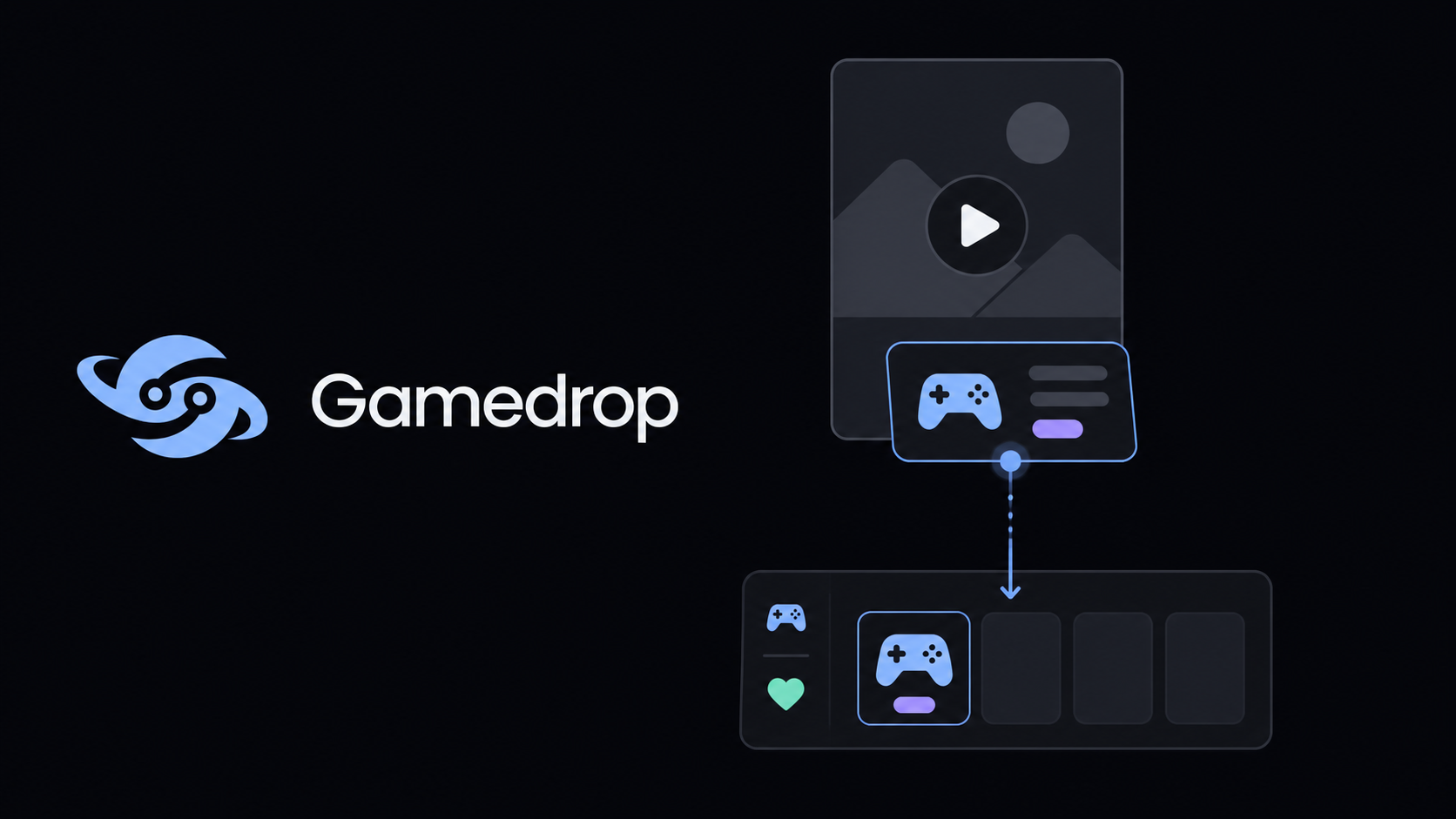
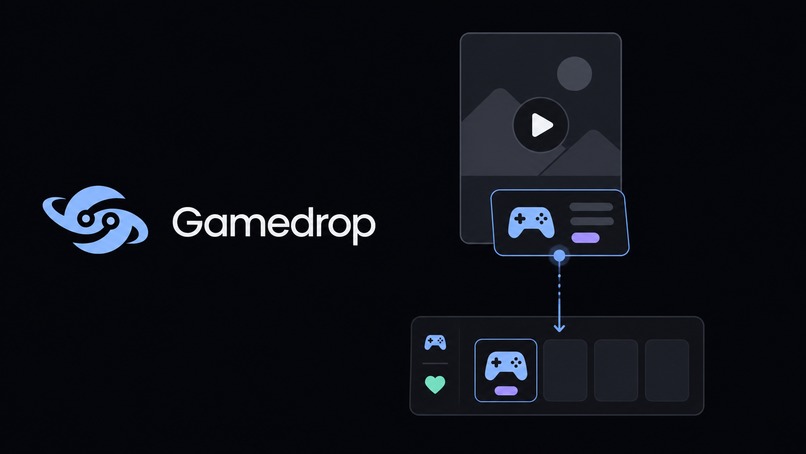
Gamedrop: your gaming bucket list, saved the moment you see it
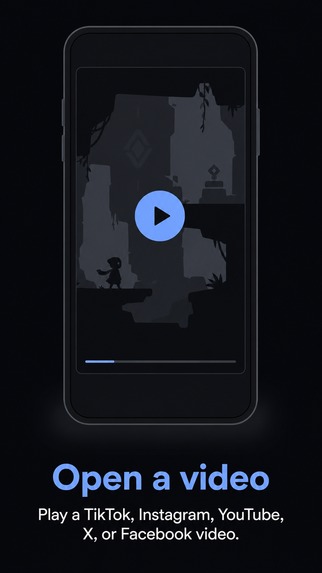
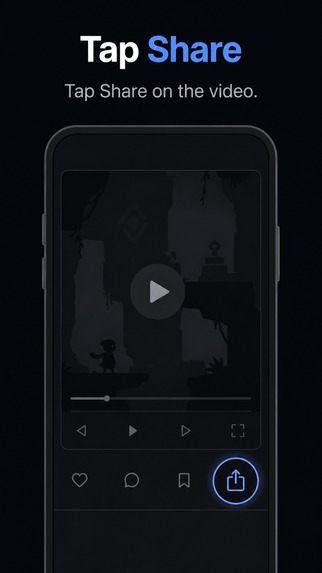
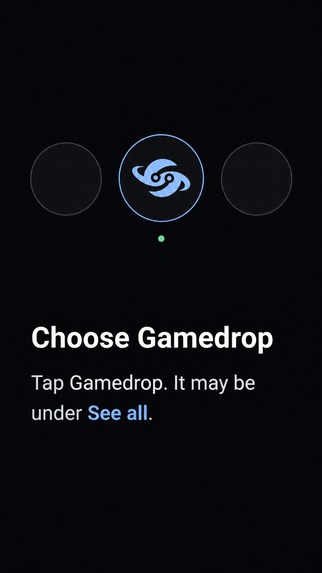
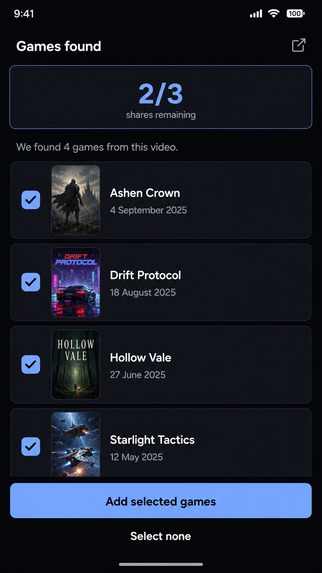
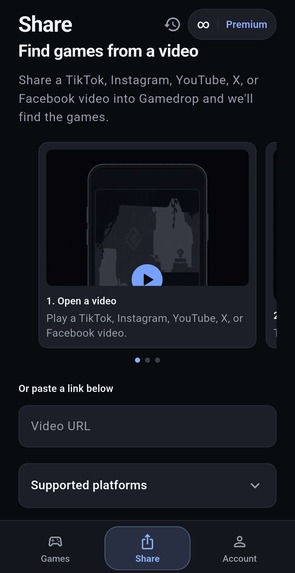
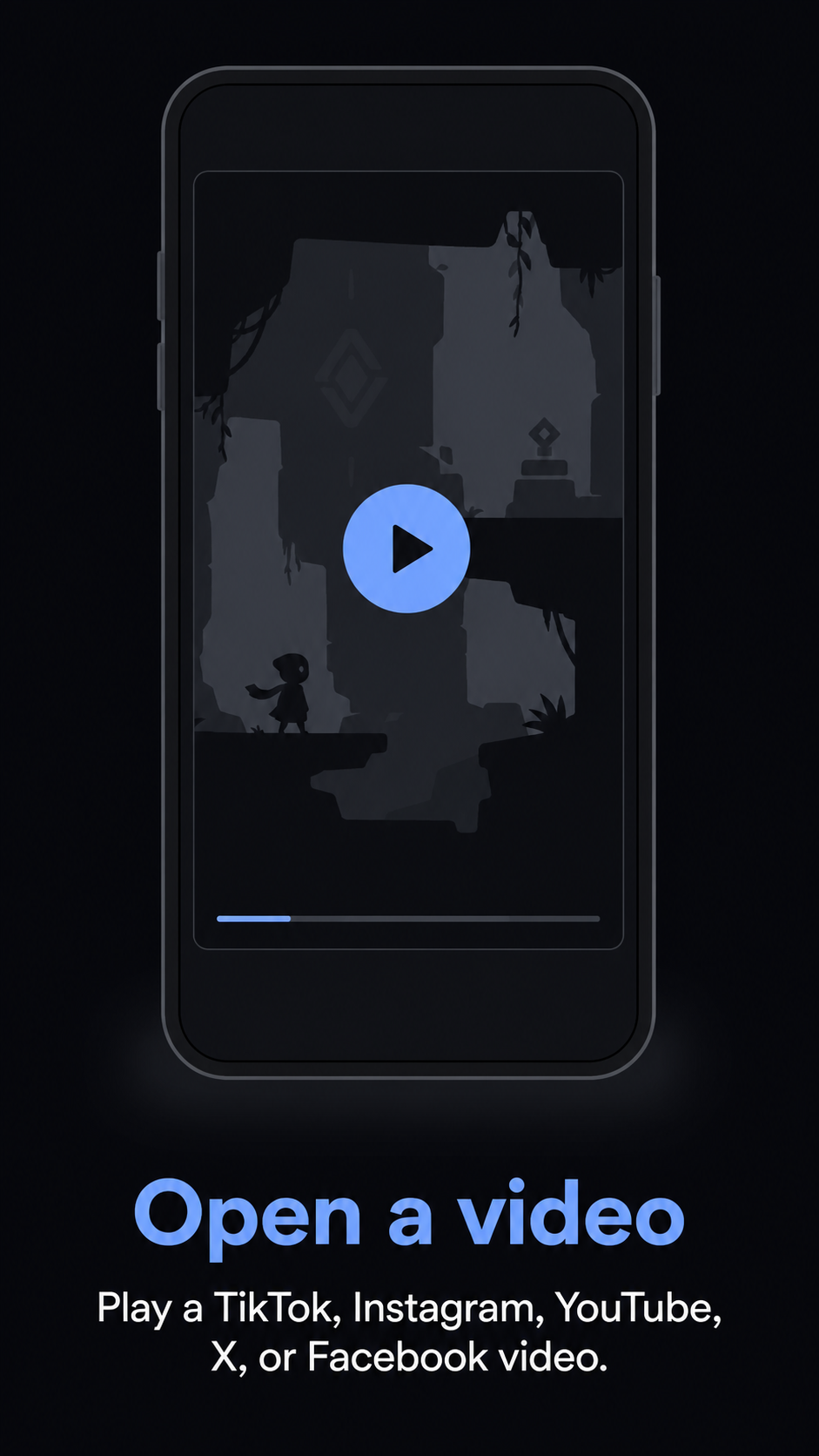
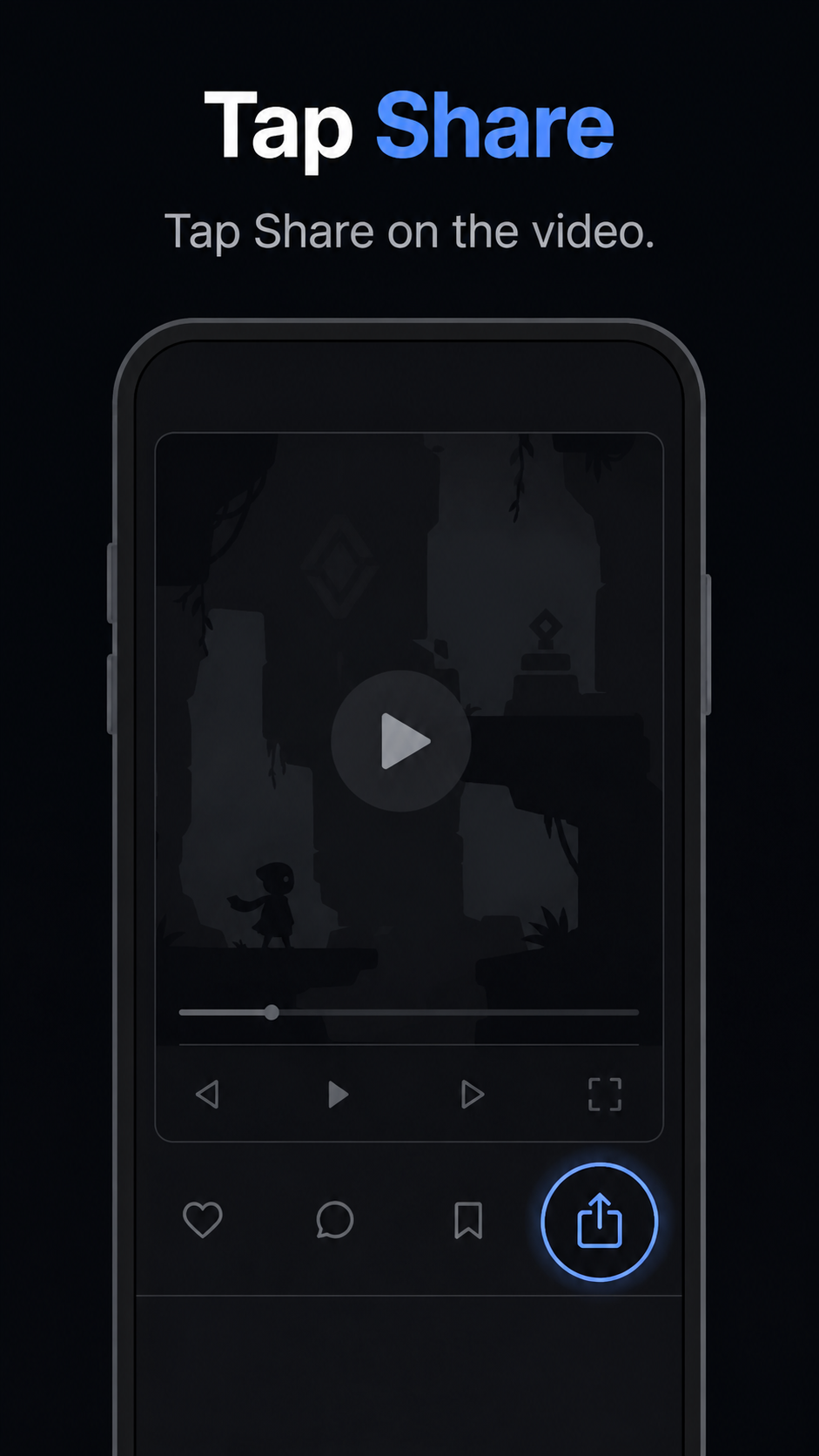
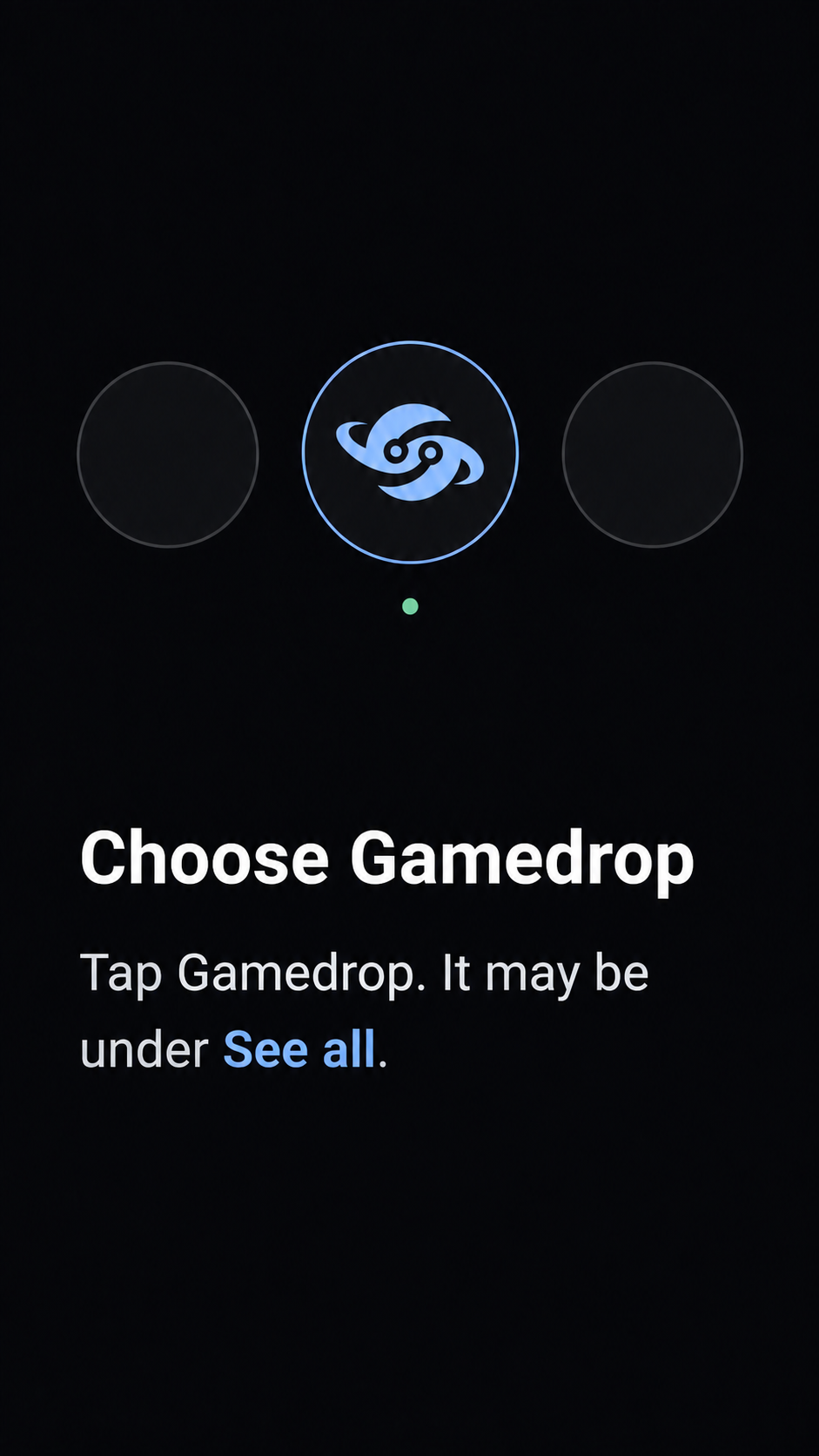
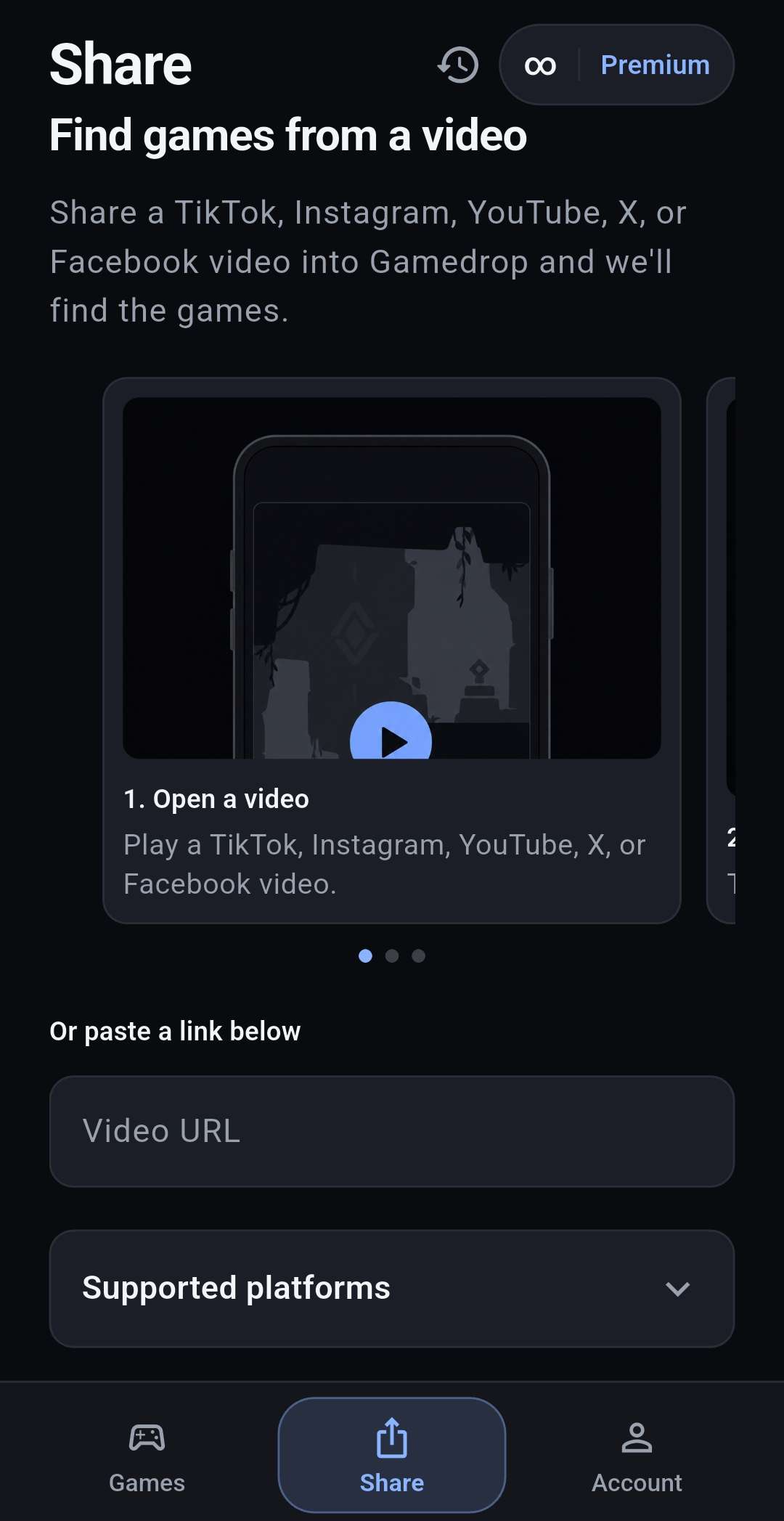
See a game on TikTok, Instagram or YouTube, tap Share → Gamedrop, and it's on your list. No typing, and no account needed.
Inspiration
People find games on TikTok, Instagram and YouTube now, not in store listings. Most of those finds get lost: a link pasted into a notes app, a screenshot, or "I'll remember that one."
When I saw the Mr Lewis Blogs Gaming Influencer Award asking for a bucket list that saves games at the moment of discovery, it described the problem I wanted to fix exactly.
What it does
Save it the moment you see it
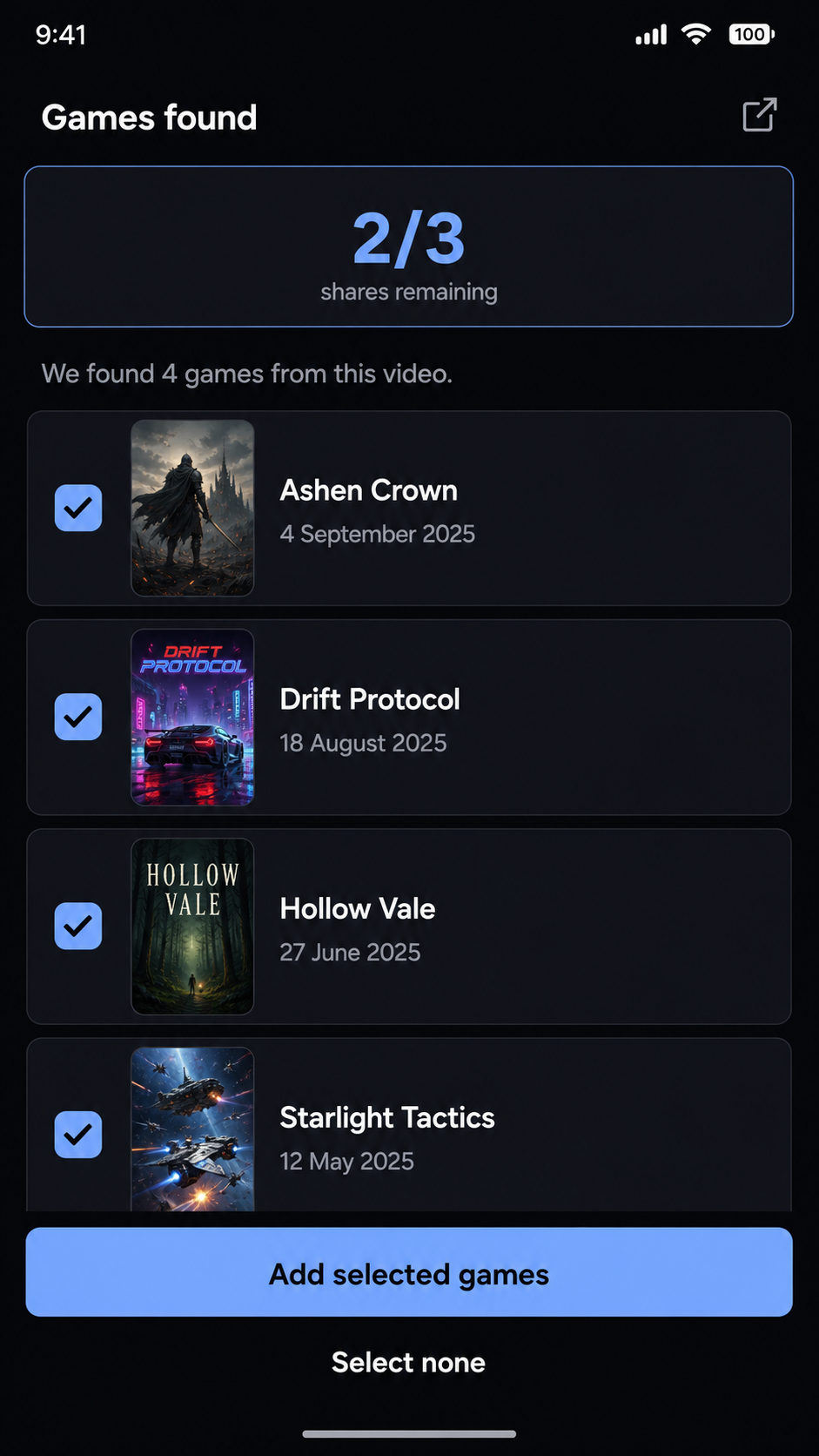
Share any TikTok, Instagram or YouTube video to Gamedrop. It reads the post's metadata, transcript and video frames to work out which game is shown, then adds it to your list. You get a notification as soon as the game has been found, so you can keep scrolling. You never type a title or search for anything.
Organize
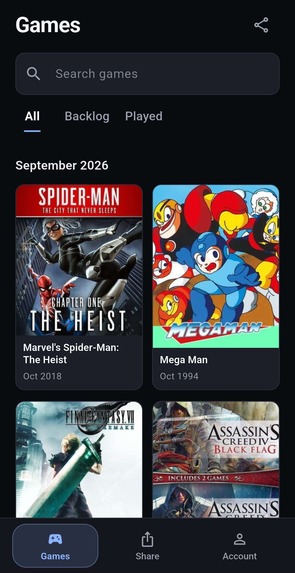
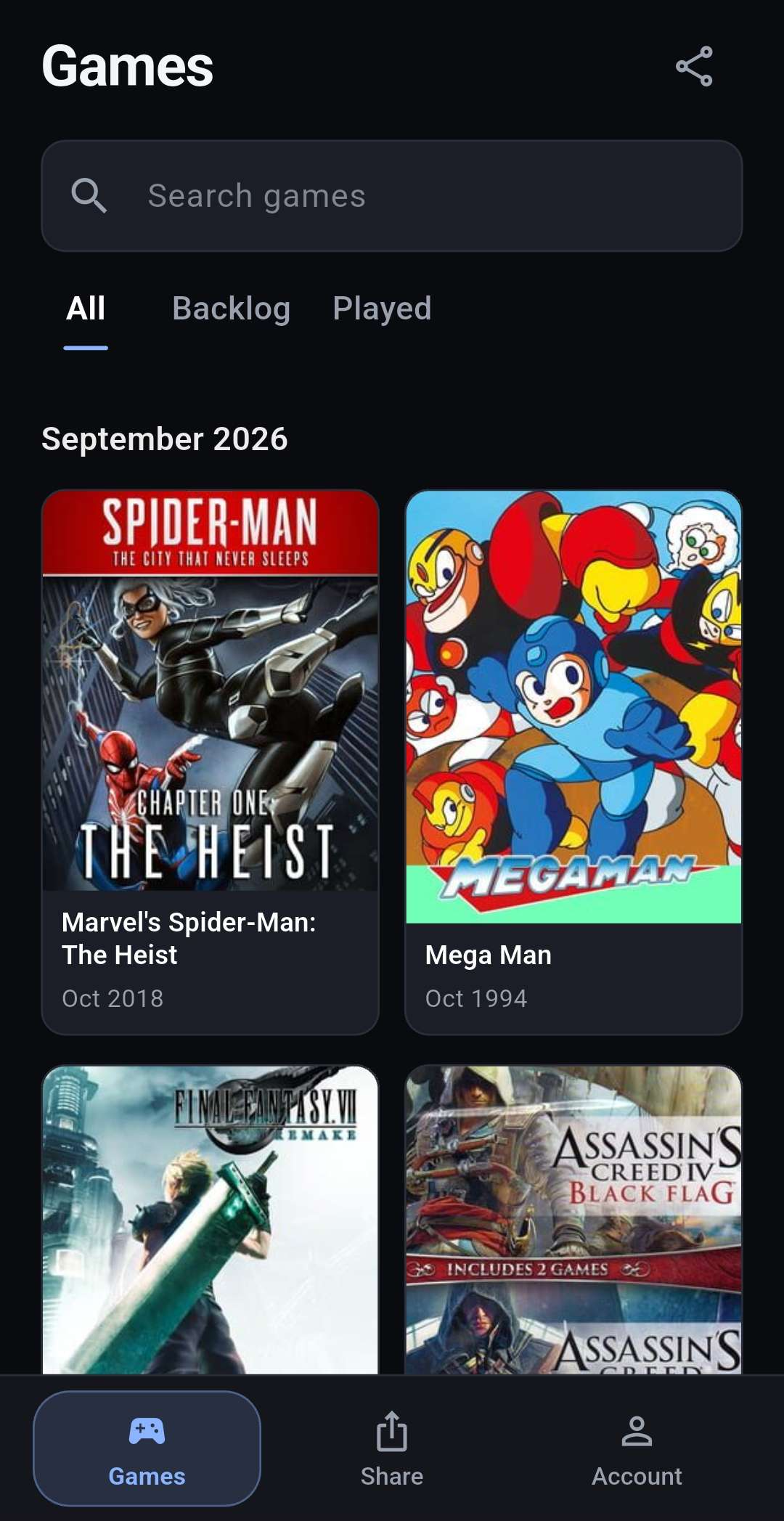
Every game you save goes into one of three categories: Backlog, Played, or Unclassified. New saves that you haven't sorted yet go to Unclassified, so you can sort them when it suits you.
Complete
When you finish a game, move it from Backlog to Played. Your Played list builds up into a record of everything you've actually finished.
Share
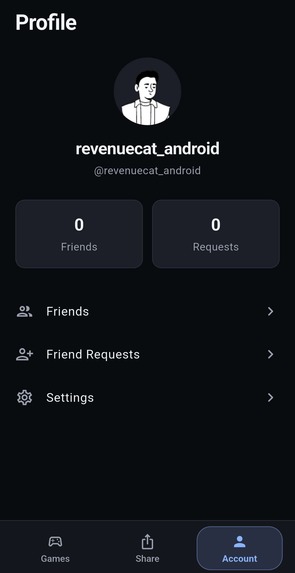
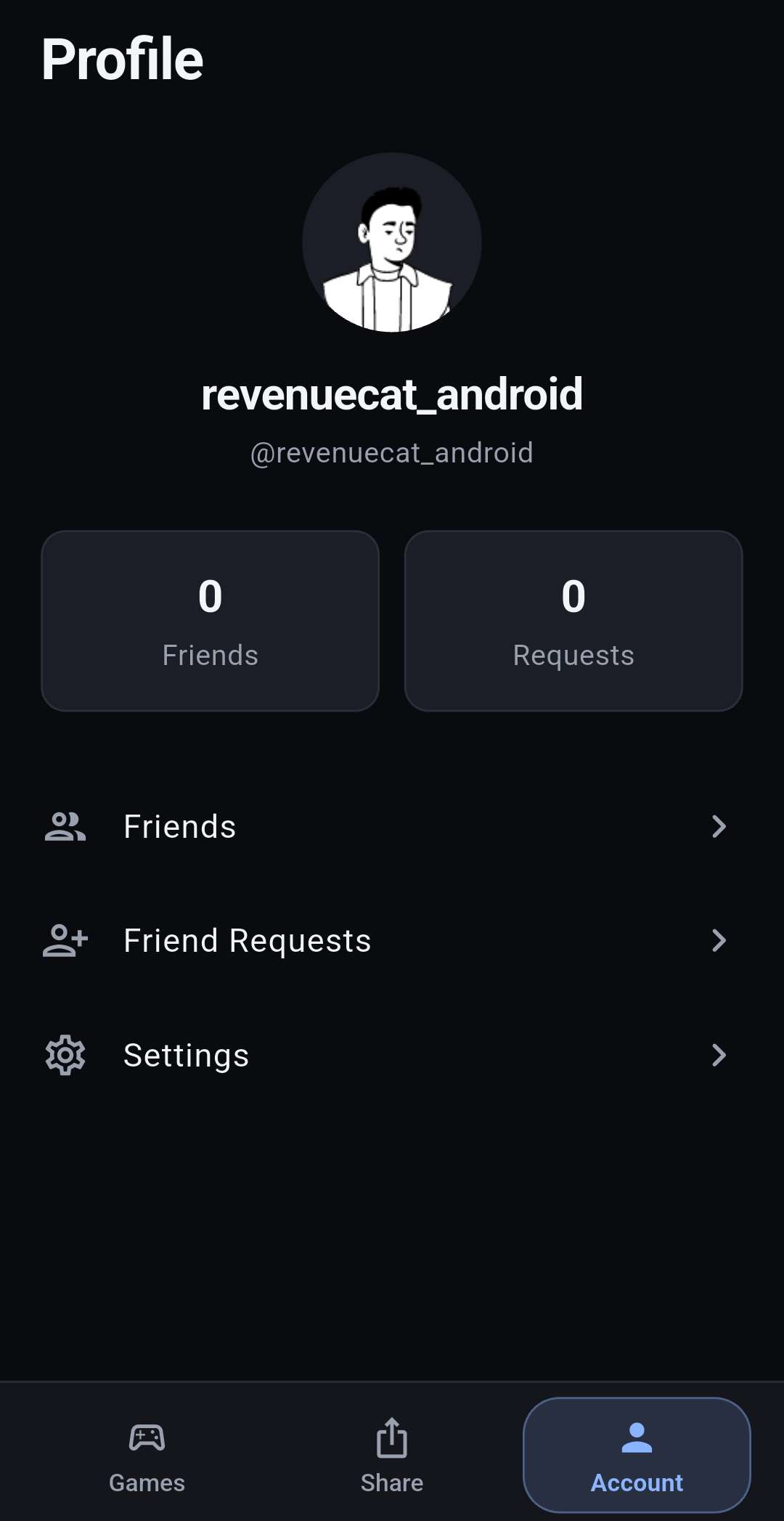
Share a single list or your whole library. You can send a link or show a QR code, and the deep link opens the full library straight in Gamedrop, so friends can see everything you want to play and everything you've played.
Why it isn't a chore
Gamedrop only asks for one tap, at the moment you're already excited about a game. Finding the game happens in the background and you get a notification when it's done. There's no form to fill in and no title to search for, and you don't need an account to start. Anything you haven't sorted waits in Unclassified, so organizing never gets in the way of saving. Sign in whenever you want your list synced.
Pricing (RevenueCat)
- Free: everyone starts with 3 free shares, so you can try the whole flow before paying.
- Gamedrop Pro: $2.99/month or $29.99/year, with unlimited shares.
Subscriptions and the paywall are handled with RevenueCat.
How I built it
Gamedrop is a Flutter app with a Go backend on AWS, built with help from Cursor. Supadata pulls the content out of social posts, and the backend combines metadata, transcript and frame analysis to identify the game, add it to your list and send you a notification.
Challenges
A shared TikTok or Instagram link often doesn't carry enough information to identify a game. The name might only be spoken in the video, or only visible on screen.
I used Supadata to extract each post's content, then combined three signals (metadata, transcript and video frames) so the game can still be identified when any one of them is missing. Running this in the background with a notification at the end means the user never has to wait on a loading screen.
What I'm proud of
The core loop really works:
See a game → Share → Gamedrop → It's on your list.
It's small, but I use it every day. Gamedrop is our second app on Google Play, and the iOS version is in App Store review.
What I learned
AI makes it cheap to build the next feature, and that makes scope creep tempting. The lesson was to keep the core loop fast and reliable before adding extras, which is why capture got the most polish.
What's next
- Ratings and reviews
- Steam integration and library syncing
- Friend features and more social discovery
- A larger free allowance: once a video has been processed, its result is cached, so a popular clip only needs to be analysed once. That keeps costs down as more people use the app.
The long-term goal is for discovering, saving, playing and talking about games to happen in one place.
Try it
- Android: https://play.google.com/store/apps/details?id=dev.kagutsuchi.gamedrop
- iOS: coming soon (in App Store review)
Built With
- amazon-web-services
- astro
- flutter
- go
- golang
- revenuecat
- supadata
- terraform

Log in or sign up for Devpost to join the conversation.