-
-
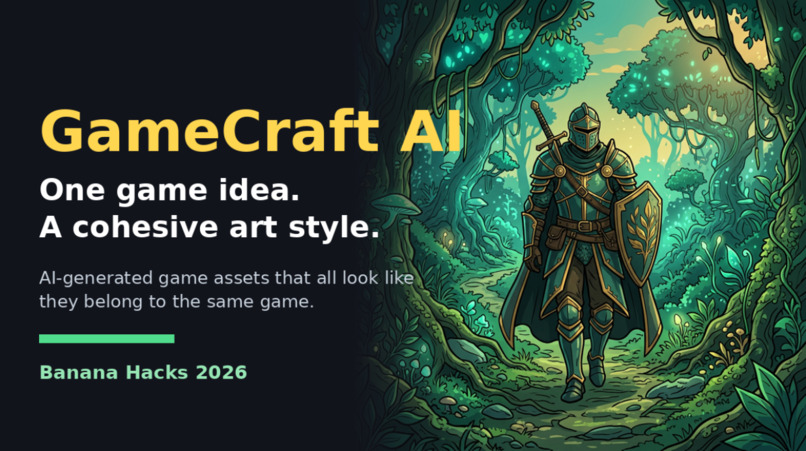
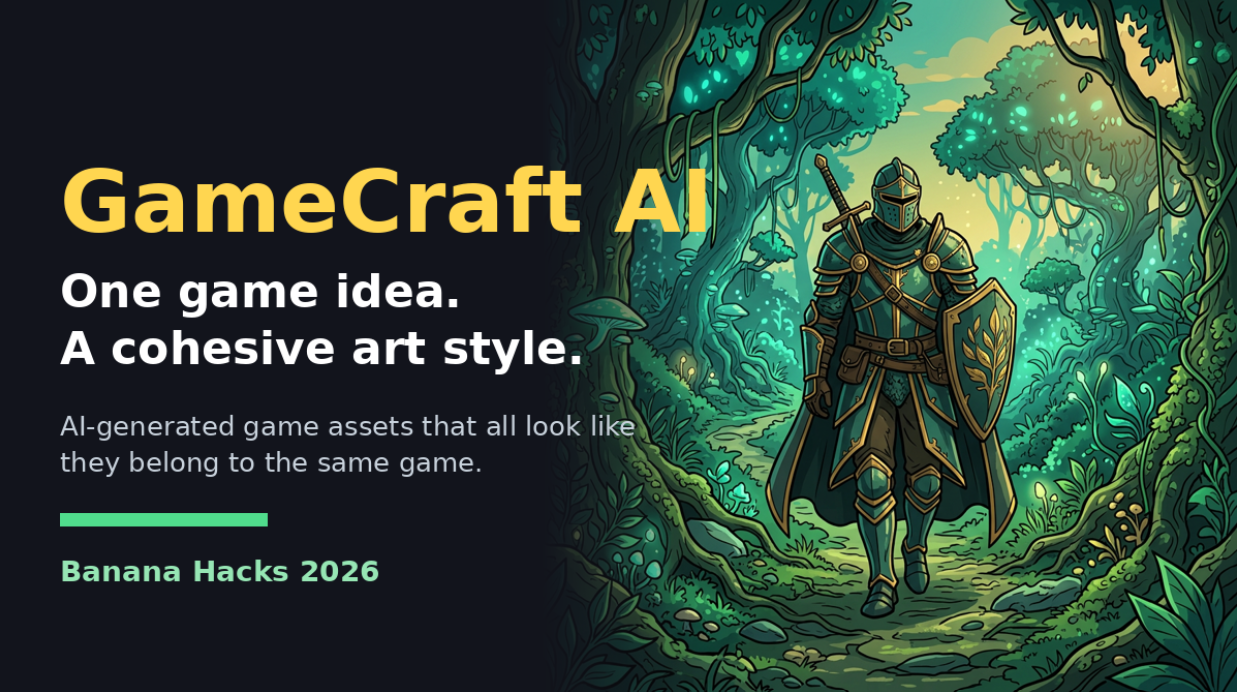
GameCraft AI: one game idea, a cohesive art style
-
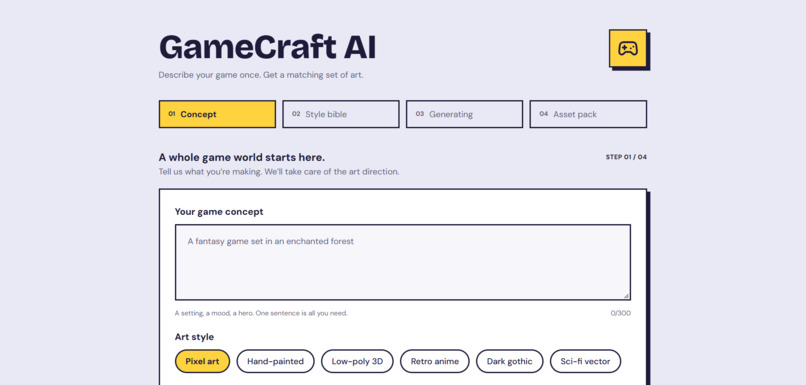
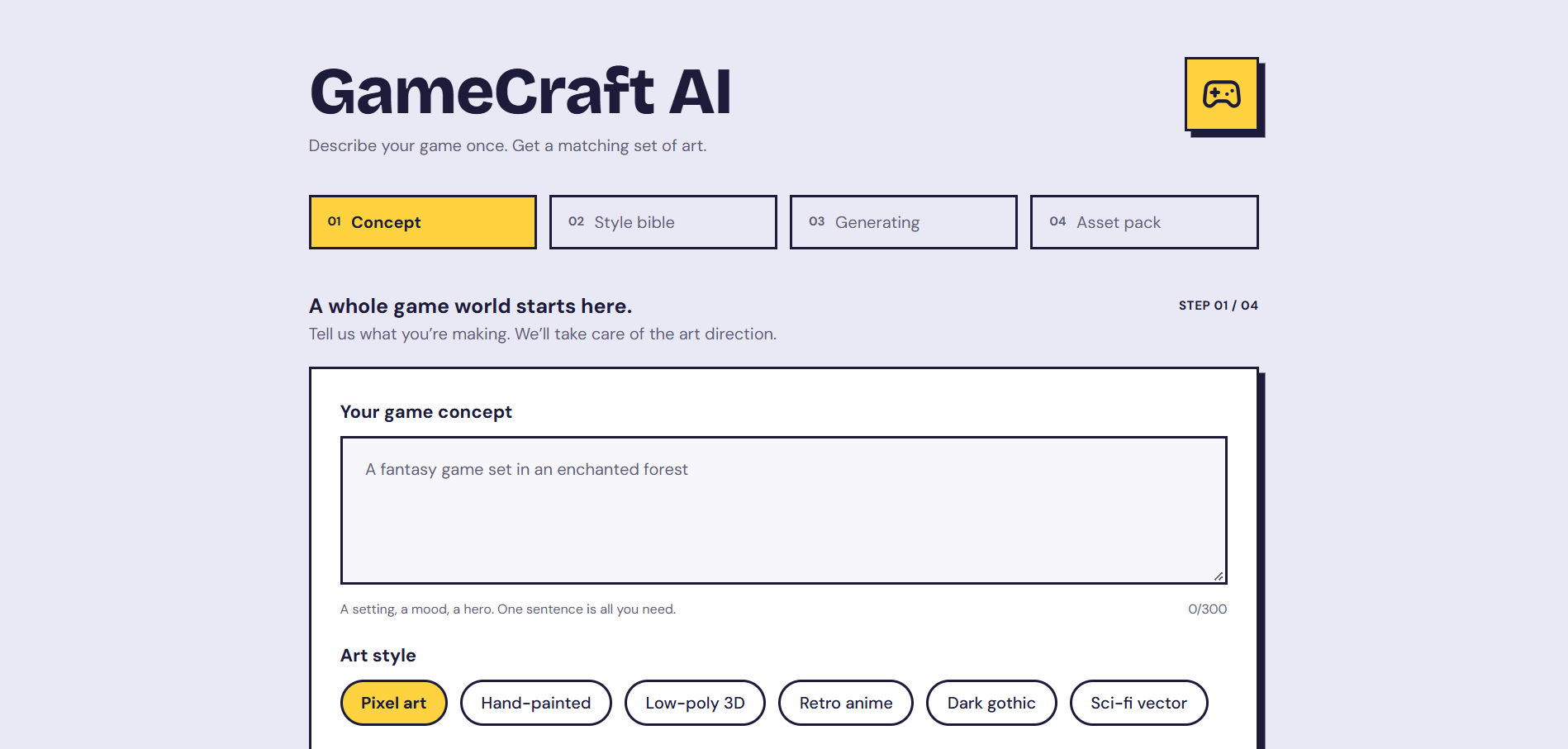
The GameCraft AI interface: describe your game once, pick an art style
-
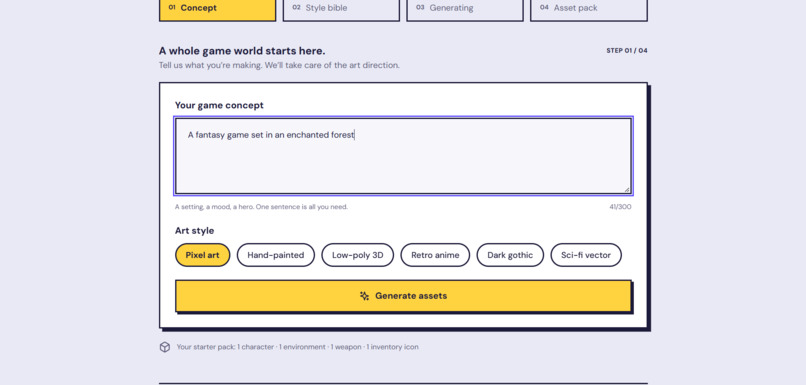
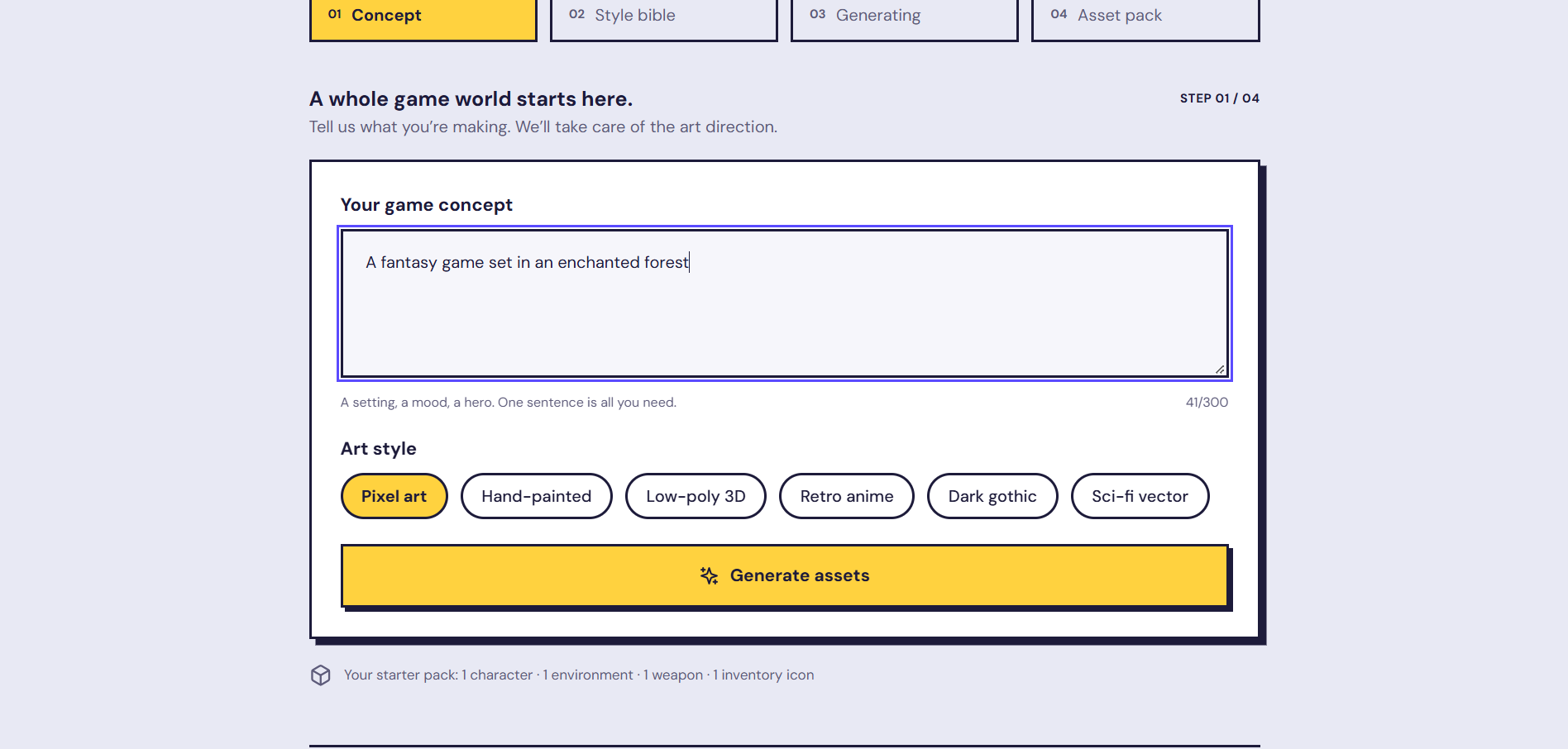
Step 1: Type a one-sentence game concept and choose an art style (pixel art, hand-painted, low-poly, anime, dark gothic, sci-fi)
-
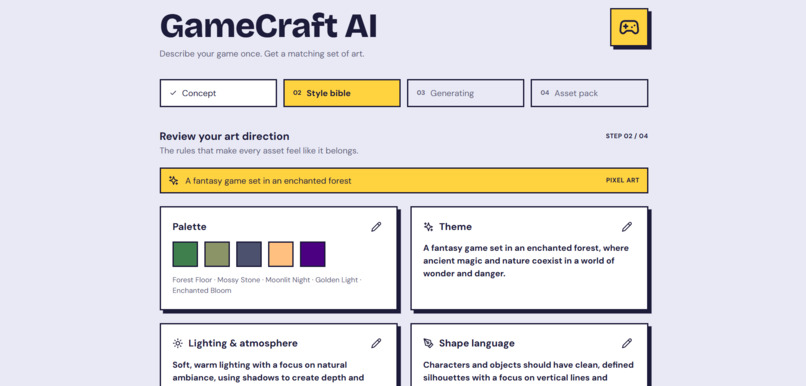
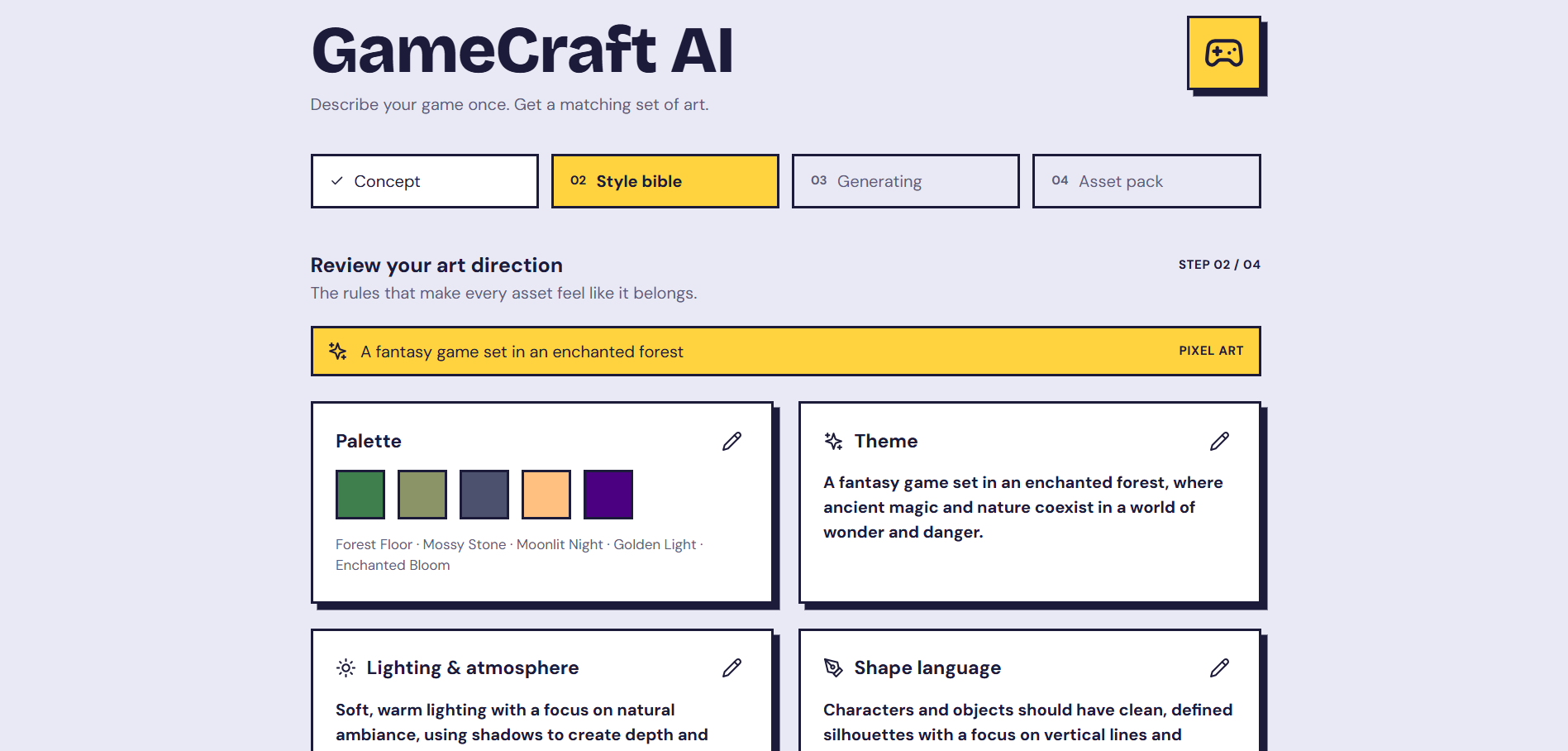
Step 2: The art bible. A colour palette and theme built from the concept, editable before generation
-
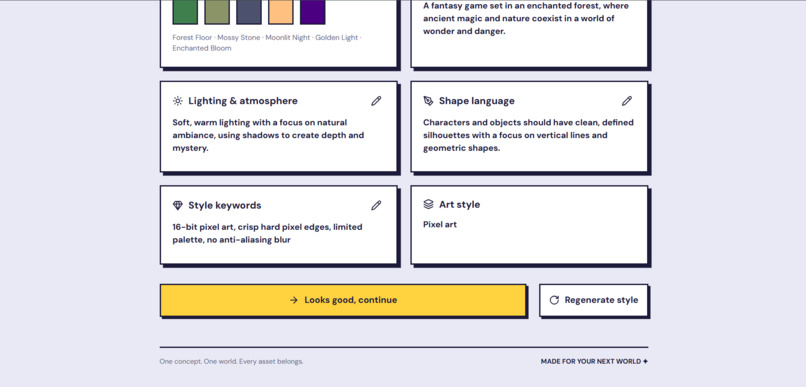
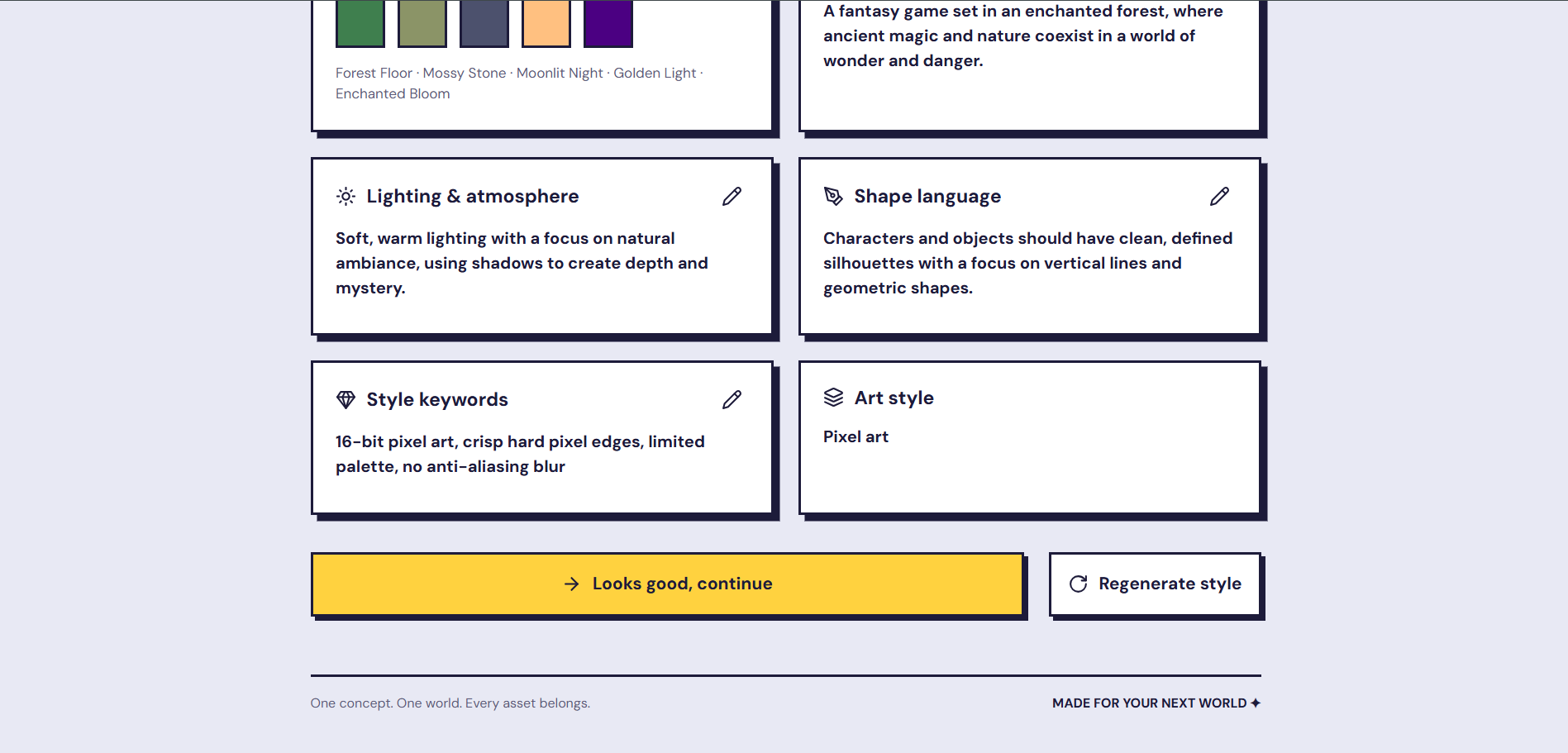
Step 2: Lighting, shape language and style keywords. Every asset is prompted from these same rules
-
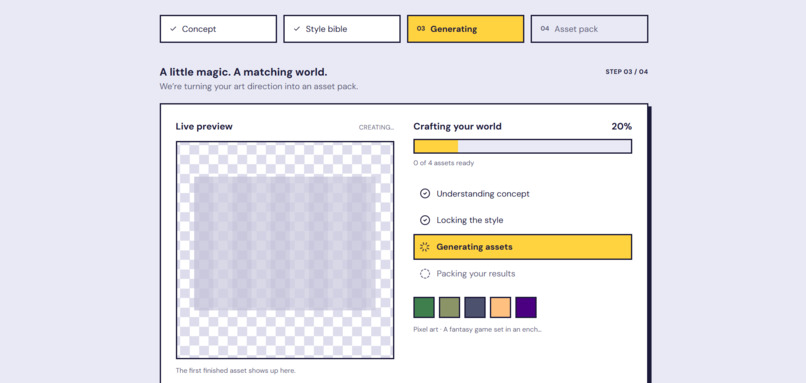
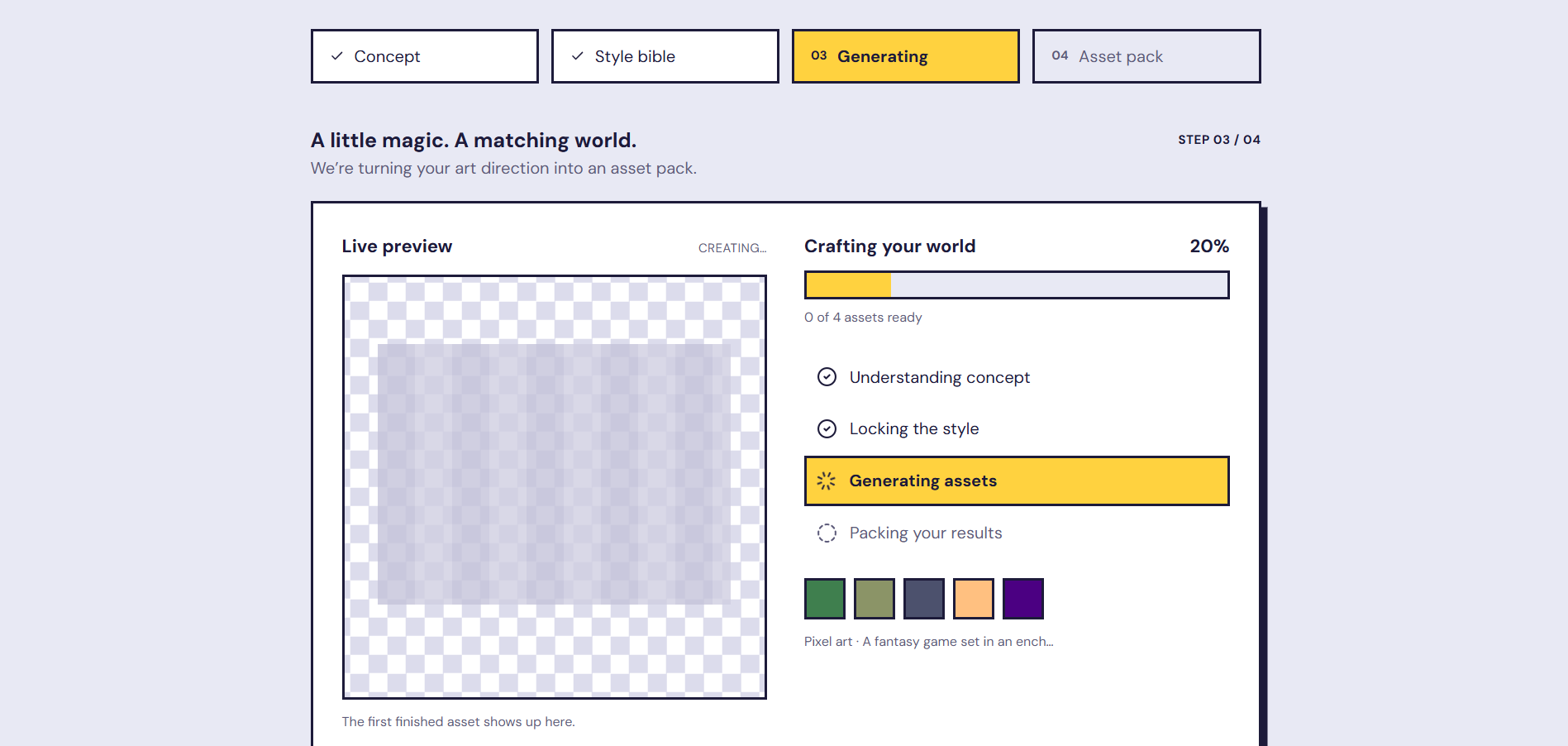
Step 3: Live generation progress while the four assets are created in one batch
-
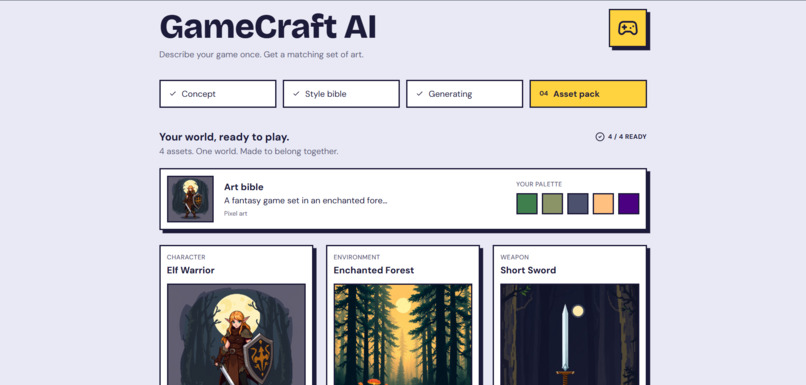
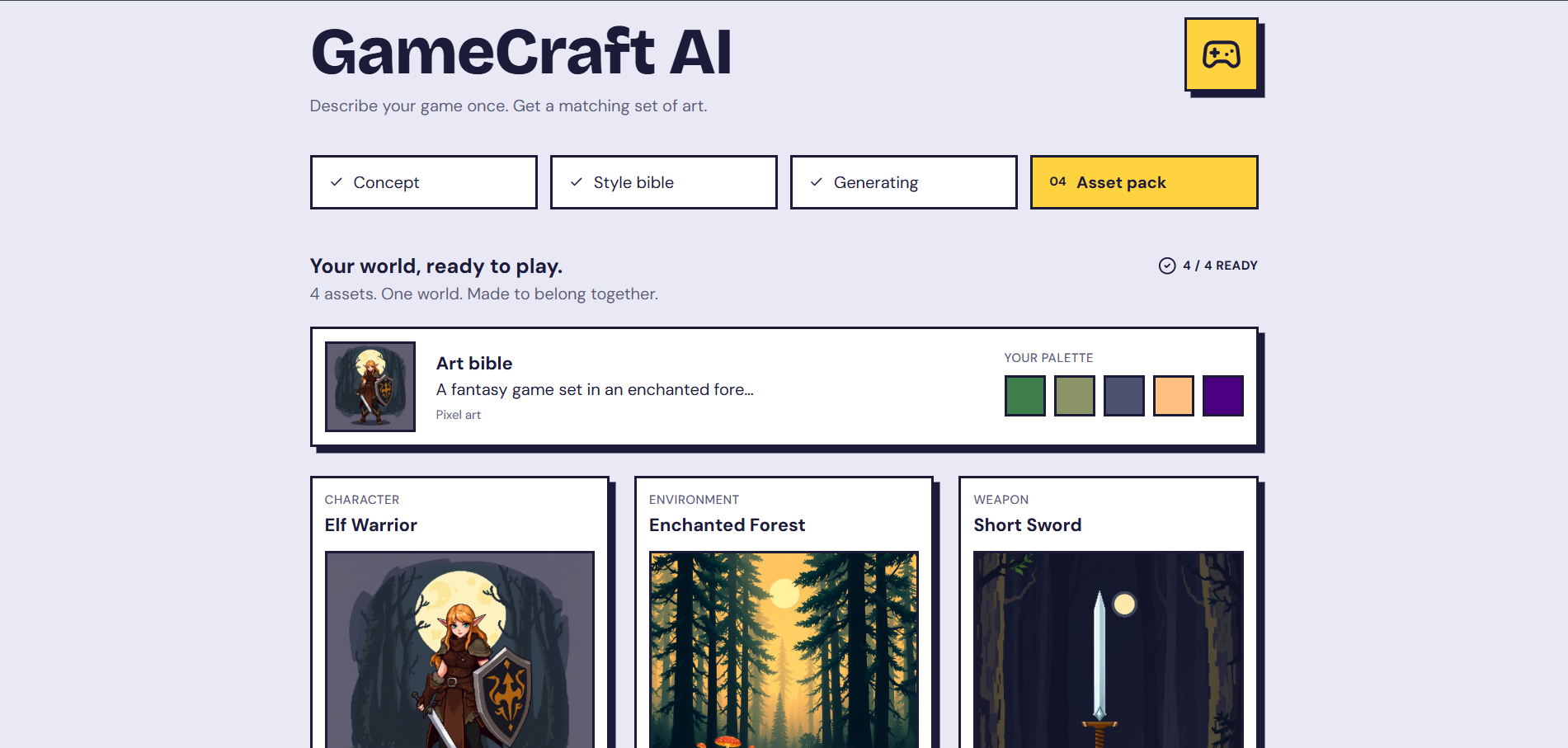
Step 4: The finished asset pack: character, environment and weapon generated from one art bible
-
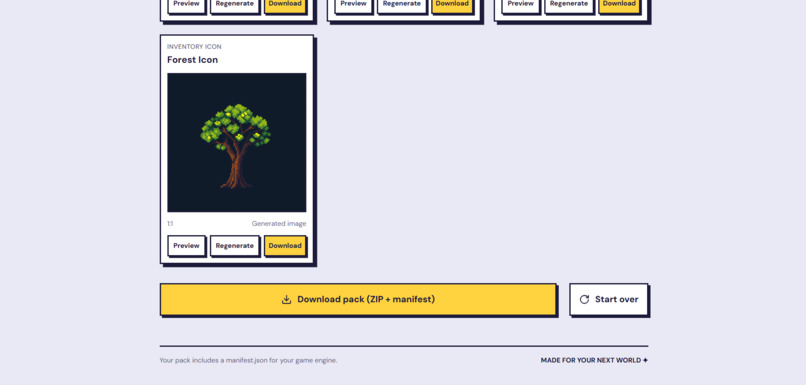
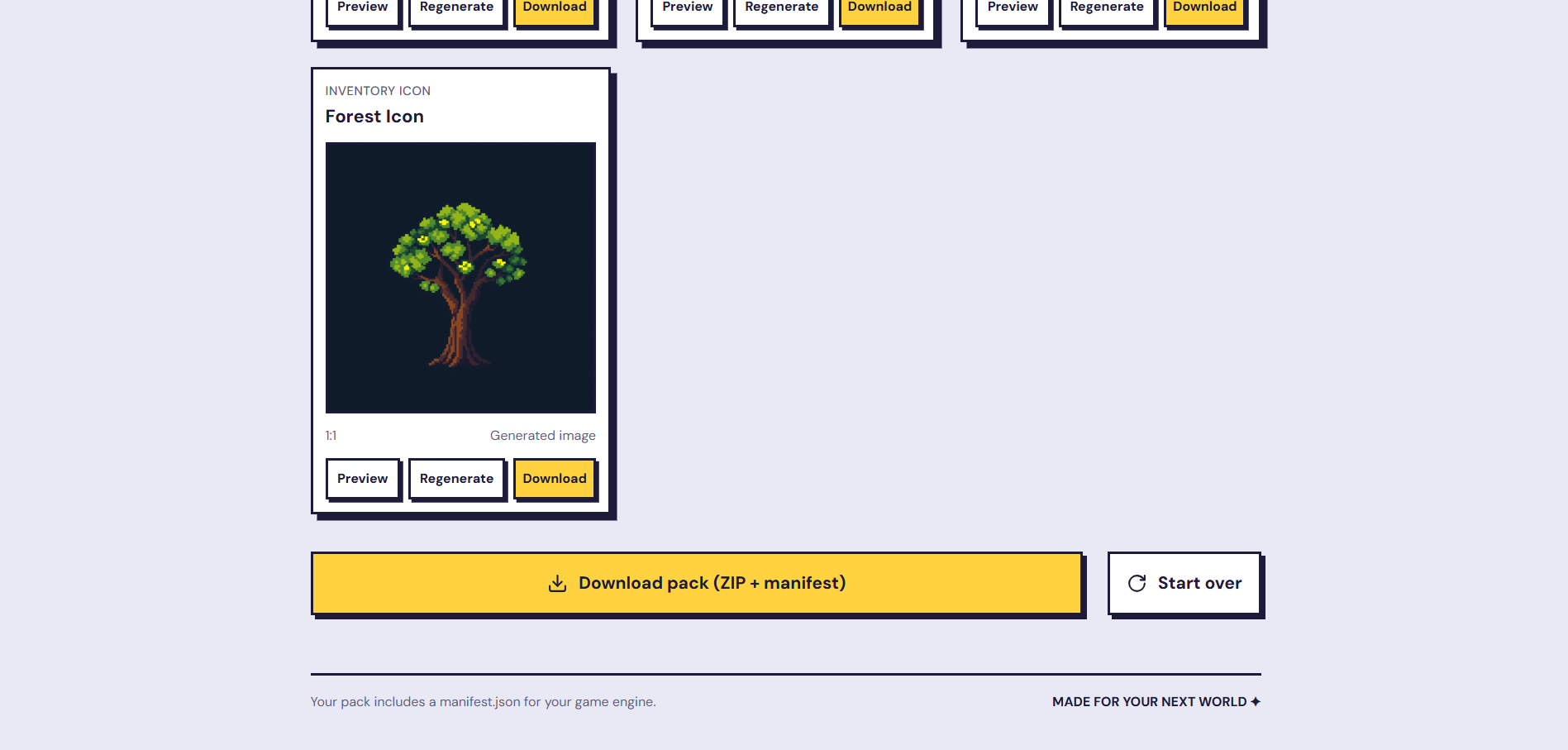
Step 4: Preview, regenerate or download any asset, or export the whole pack as a ZIP with manifest.json
Inspiration
Indie developers, game-jam teams and students need many game assets (characters, environments, weapons, icons) that look like they belong to the same game. AI image tools usually give random, unrelated pictures, so creators waste hours re-generating or redrawing. Our teammate Husnain proposed GameCraft AI to fix that: describe your game once, get a matching set of art.
What it does
You type a one-sentence game concept (for example, "a fantasy game set in an enchanted forest") and pick an art style. GameCraft AI then:
- Builds an art bible: palette, lighting, shape language and style keywords. You can review and edit it.
- Generates a set of 4 assets (character, environment, weapon, inventory icon) in one batch, with live progress.
- Lets you regenerate any single asset without redoing the others.
- Exports a ZIP pack with a manifest.json (layouts for universal, Godot, Unity and Unreal projects) so the assets are ready for a game engine.
How we built it
- Frontend: designed in Figma, built with HTML, CSS and JavaScript. It is a 4-step flow (Concept, Style bible, Generating, Asset pack) with preview, regenerate and download on every asset.
- Backend: Python and FastAPI with SQLAlchemy and SQLite. It handles projects, batch generation jobs (polling for progress), per-asset errors, rate limiting and the ZIP export.
- AI: Cloudflare Workers AI on the free tier. FLUX.1 schnell generates the images, and a Llama model writes the art bible and the asset prompts. If the text model fails, the backend falls back to a built-in art bible, so generation keeps working.
- Consistency: every asset prompt is wrapped with the same art bible (palette, lighting, shape language, keywords), so the whole set shares one visual direction.
Challenges we ran into
- Hugging Face and the Gemini image models turned out to be paid, so we had to find a free image option.
- The frontend and backend were designed separately, with different request formats, and had to be mapped together.
- A backend bug crashed batch generation, and the browser reported it as "can't reach the backend", which made it hard to find.
- Several of us were new to Git, merging and APIs, and we had under 3 days.
Accomplishments that we're proud of
- A working end-to-end pipeline: concept, art bible, real generated images, regenerate, ZIP with manifest.
- A polished UI built from our own Figma design, connected to a real backend.
- Running on a free AI tier, so anyone can try it at no cost.
What we learned
How to connect a frontend to a job-based API, how to debug across layers, how to use Cloudflare Workers AI, and how to work as a team with different skills and Git experience.
What's next for GameCraft AI
- A true style-anchor image used as a reference for every asset, and automatic consistency scoring with re-generation.
- Background removal, palette snapping and sprite-sheet packing.
- More assets per pack, multiple styles per project, and engine plugins for Unity and Godot.
Team
Kavya (Figma UI design, frontend, frontend-backend integration, Cloudflare AI provider, bug fixes), Shabharish (FastAPI backend base and API design), Husnain (project idea and model research), Bhavesh (QA and testing, documentation, prompts, demo video).
Demo video: [paste the YouTube link here]
Built With
- cloudflare-workers-ai
- css
- fastapi
- figma
- flux
- html
- javascript
- llama
- pydantic
- python
- rest-api
- sqlalchemy
- sqlite
- uvicorn

Log in or sign up for Devpost to join the conversation.