-
-
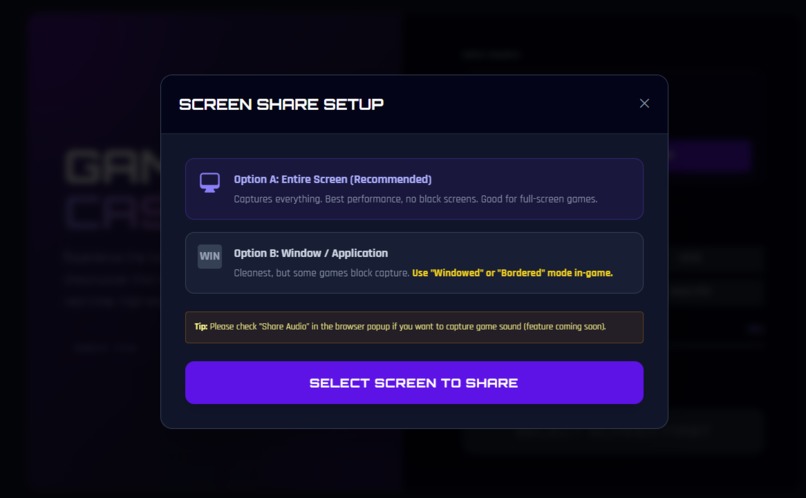
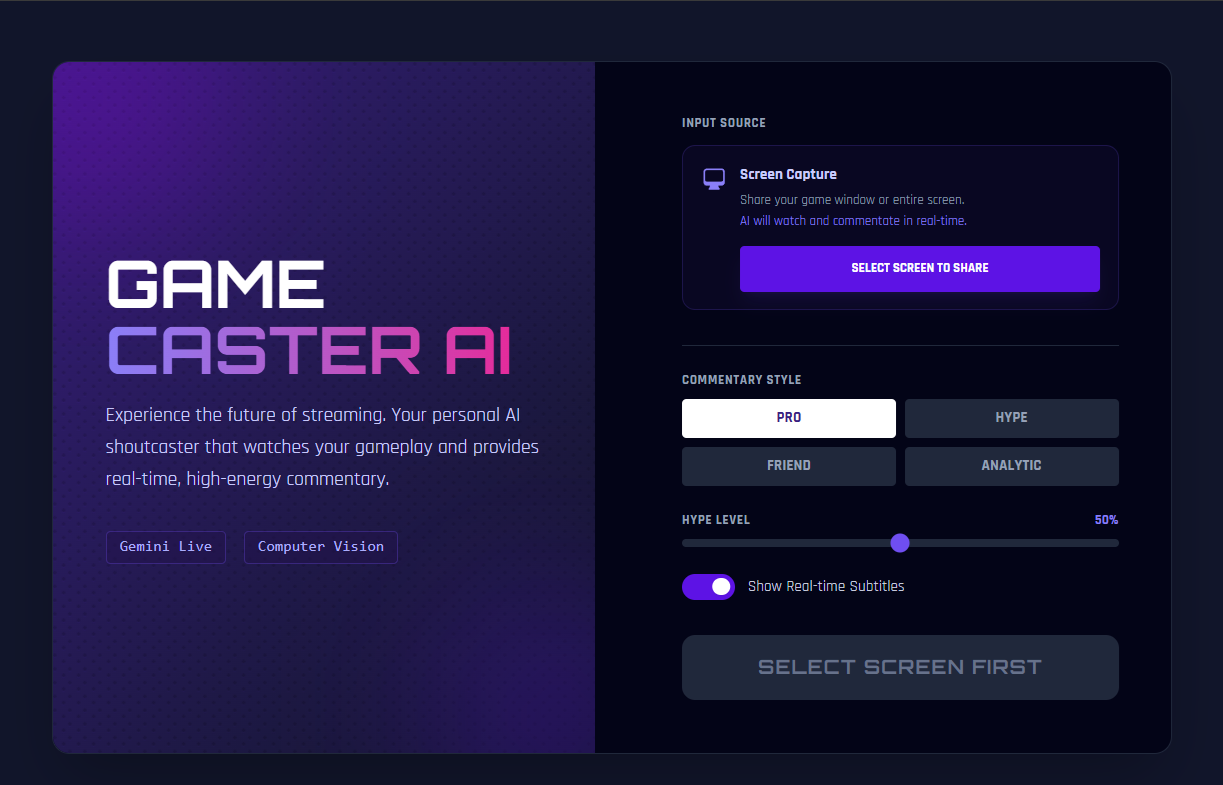
Setting up screen share
-
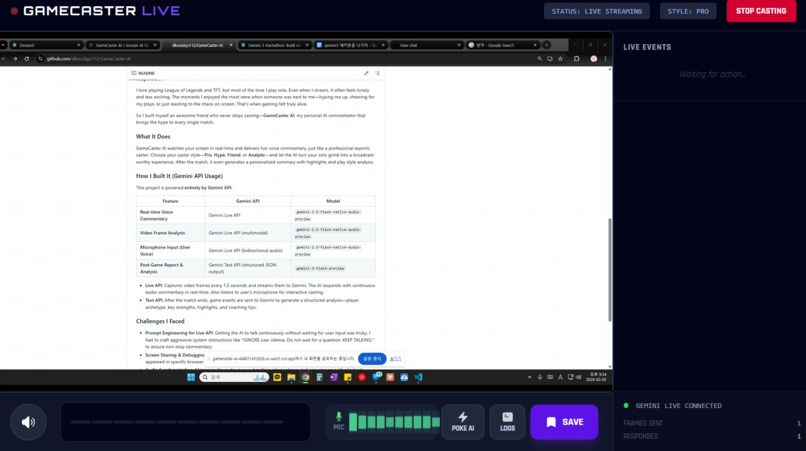
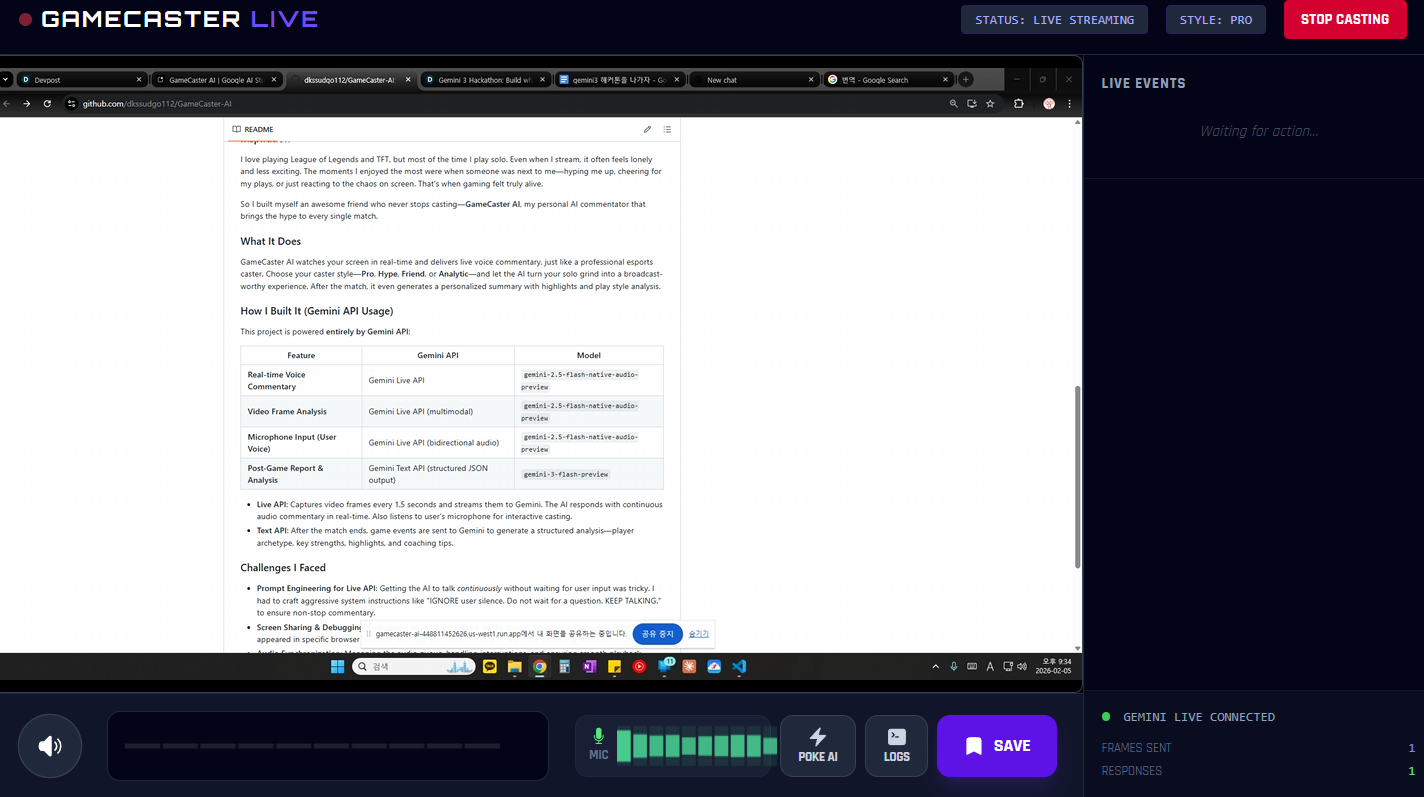
Live AI commentary in action
-
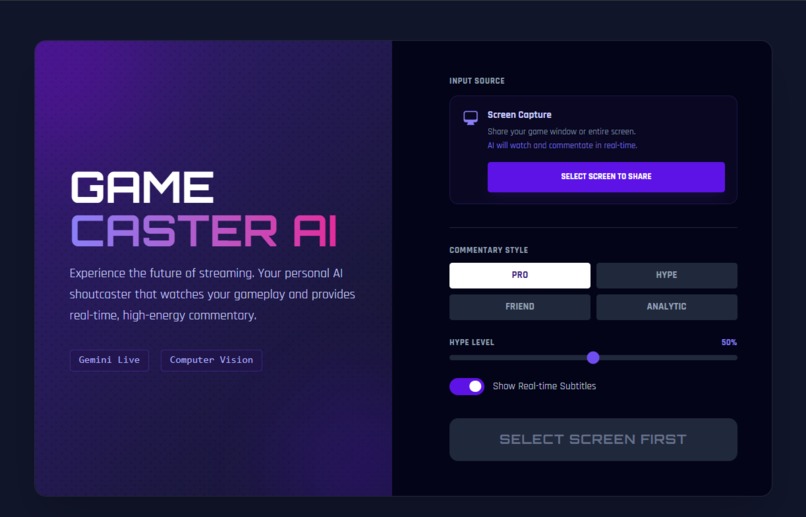
Choose your caster style
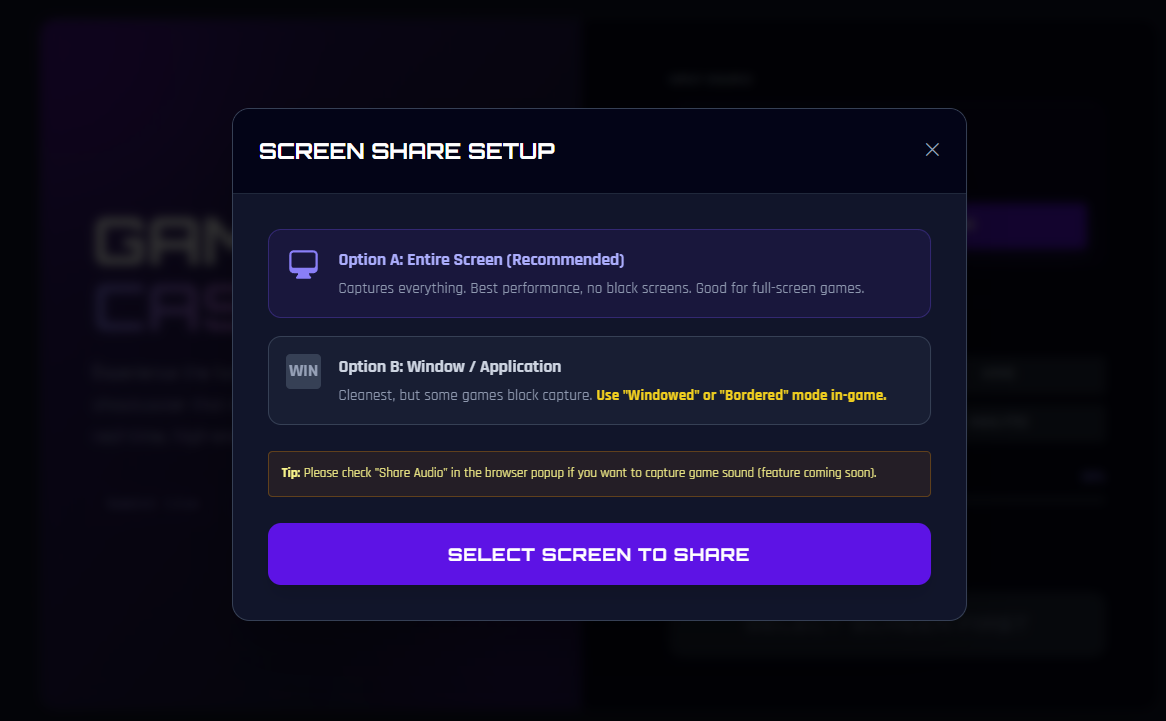
GameCaster AI: HypeStreaming
Turn your gameplay into a live broadcast with real-time AI commentary that feels the hype with you.
About the Project
Inspiration
I love playing League of Legends and TFT, but most of the time I play solo. Even when I stream, it often feels lonely and less exciting. The moments I enjoyed the most were when someone was next to me—hyping me up, cheering for my plays, or just reacting to the chaos on screen. That's when gaming felt truly alive.
So I built myself an awesome friend who never stops casting—GameCaster AI, my personal AI commentator that brings the hype to every single match.
What It Does
GameCaster AI watches your screen in real-time and delivers live voice commentary, just like a professional esports caster. Choose your caster style—Pro, Hype, Friend, or Analytic—and let the AI turn your solo grind into a broadcast-worthy experience. After the match, it even generates a personalized summary with highlights and play style analysis.
How I Built It (Gemini API Usage)
This project is powered entirely by Gemini API:
| Feature | Gemini API | Model |
|---|---|---|
| Real-time Voice Commentary | Gemini Live API | gemini-2.5-flash-native-audio-preview |
| Video Frame Analysis | Gemini Live API (multimodal) | gemini-2.5-flash-native-audio-preview |
| Microphone Input (User Voice) | Gemini Live API (bidirectional audio) | gemini-2.5-flash-native-audio-preview |
| Post-Game Report & Analysis | Gemini Text API (structured JSON output) | gemini-3-flash-preview |
- Live API: Captures video frames every 1.5 seconds and streams them to Gemini. The AI responds with continuous audio commentary in real-time. Also listens to user's microphone for interactive casting.
- Text API: After the match ends, game events are sent to Gemini to generate a structured analysis—player archetype, key strengths, highlights, and coaching tips.
Challenges I Faced
- Prompt Engineering for Live API: Getting the AI to talk continuously without waiting for user input was tricky. I had to craft aggressive system instructions like "IGNORE user silence. Do not wait for a question. KEEP TALKING." to ensure non-stop commentary.
- Screen Sharing & Debugging: Debugging screen capture and media stream handling was painful—issues only appeared in specific browser contexts, and logs were hard to trace in real-time streaming scenarios.
- Audio Synchronization: Managing the audio queue, handling interruptions, and ensuring smooth playback required careful state management with Web Audio API.
Built With
- api
- audio
- gemini-api-(live-api-+-text-api)
- react
- tailwind-css
- typescript
- vite
- web


Log in or sign up for Devpost to join the conversation.