-
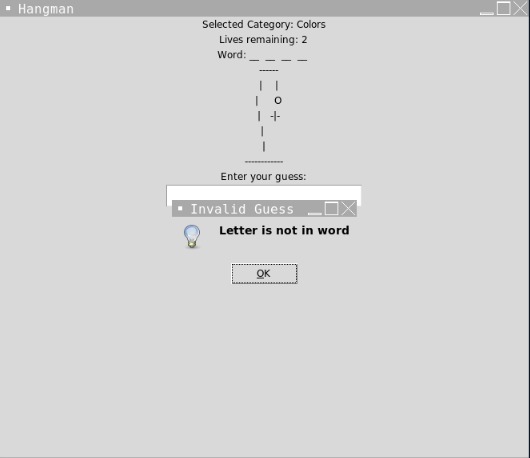
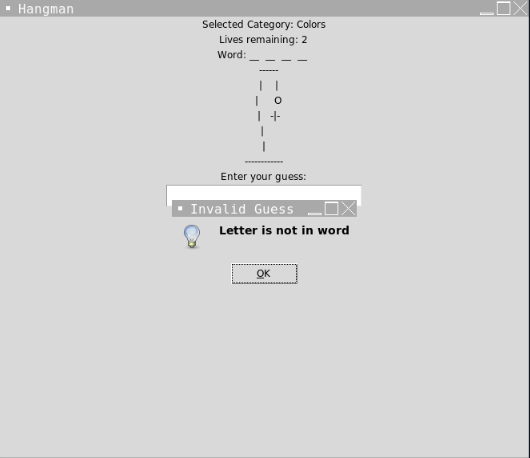
Letter not in word invalid guess error message
-
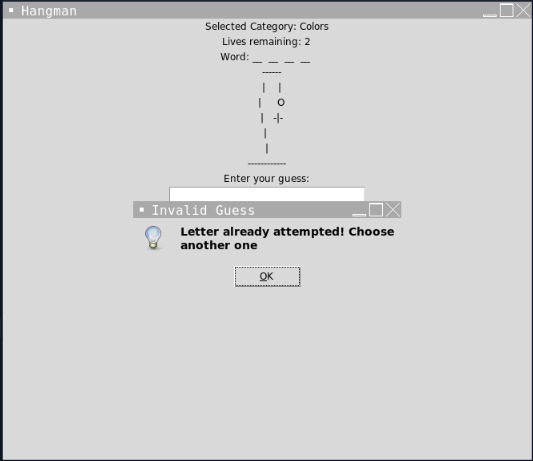
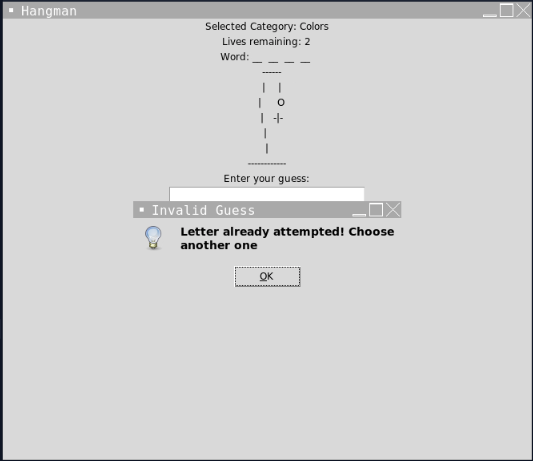
Letter already attempted invalid guess error message
-
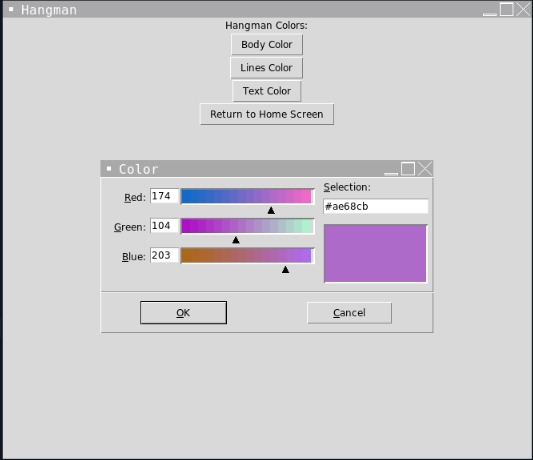
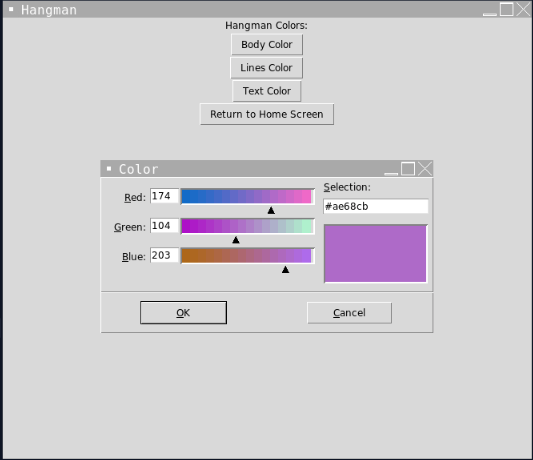
Game settings
-
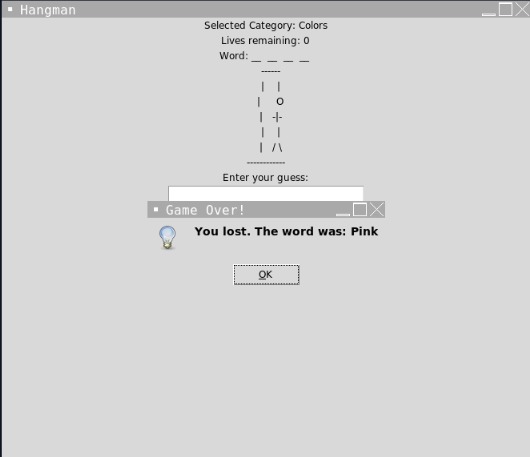
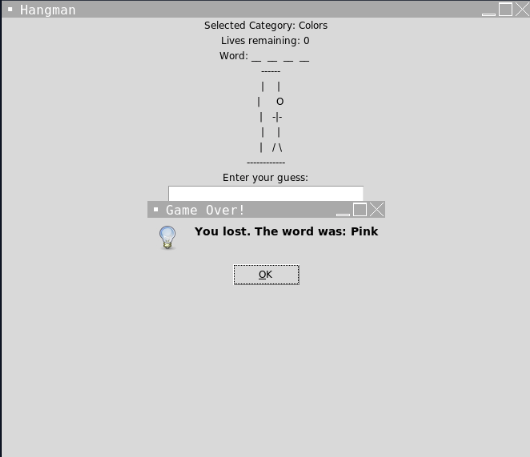
Game over loss message
The Hangman Game (with Python/Tkinter)
Hangman Game
The Hangman Game is a classic word-guessing game where the player has to guess a secret word within a limited number of attempts. The game features a hangman's image that progressively appears as incorrect guesses are made. The objective is to guess all the letters in the word before the hangman's body is complete.
Game Description
Objective: Guess the secret word within a limited number of attempts.
Rules:
The player has a limited number of guesses to correctly guess the letters in the secret word. For each incorrect guess, a part of the hangman's body is added. If the hangman's body is complete before the word is guessed, the player loses. If the player correctly guesses all the letters in the word before the hangman is complete, the player wins.
Inputs:
The player can input a single letter as a guess using the keyboard and ENTER key. Mouse inputs are used to click buttons for starting the game, selecting word categories, and playing again.
Categories:
Fruits, Flowers, Places, Animals, Colors, Countries, Sports, and Professions
Technical Details
The Hangman Game is implemented using the tkinter library in Python. The game features a graphical user interface (GUI) that allows the player to interact with the game using buttons and keyboard input. The game logic is implemented using functions and data structures.
Key Components:
- GUI: The game interface consists of different frames and widgets for displaying the hangman's image, word labels, and buttons.
- Categories and Words: The game includes predefined categories such as fruits, flowers, places, animals, etc., with a list of words for each category.
- Hangman Image: The hangman's image is displayed using ASCII art, with different parts of the hangman being added as incorrect guesses are made.
- Game Logic: The game tracks the number of lives remaining, the incorrect guesses made, and the part of the word guessed correctly. It updates the display accordingly and checks for win or loss conditions. Settings: The game allows the player to customize the colors of the hangman's body, lines, and text using a settings menu.
Usage
- Run the Python script to start the Hangman Game.
- The game will display the start screen with a welcome message and play button.
- Click the play button to proceed to the menu screen.
- In the menu screen, choose a word category from the available options.
- The game will select a secret word from the chosen category, and the player can start guessing letters.
- Enter a single letter as a guess using the keyboard and press ENTER.
- The game will update the display based on the guess and check for win or loss conditions.
- If the player wins, an alert message will be displayed, and the player can choose to play again.
- If the player loses, an alert message will be displayed with the correct word, and the player can choose to play again.
Contributing
Contributions to the Hangman Game project are welcome. If you encounter any issues or have suggestions for improvements, please submit them via the issue tracker on GitHub. You can also submit pull requests with bug fixes, feature enhancements, or code optimizations.
Acknowledgments
The Hangman Game project was inspired by the classic hangman game and aims to provide an interactive and enjoyable gaming experience. The project utilizes the tkinter library to create a graphical user interface. Overall, this Hangman game provides an enjoyable and interactive experience for players to test their word-guessing skills.

Log in or sign up for Devpost to join the conversation.