Inspiration 🤔
Since the theme was back to school, we decided to make our game on a graphing calculator, since almost every kid is required to have one. We decided to use the TI-Basic programming language for the TI graphing calculators. We wanted to make a game that could be played many times, without getting boring so we decided to make a tower defence game.
What it does 🗼🔫💲🌳
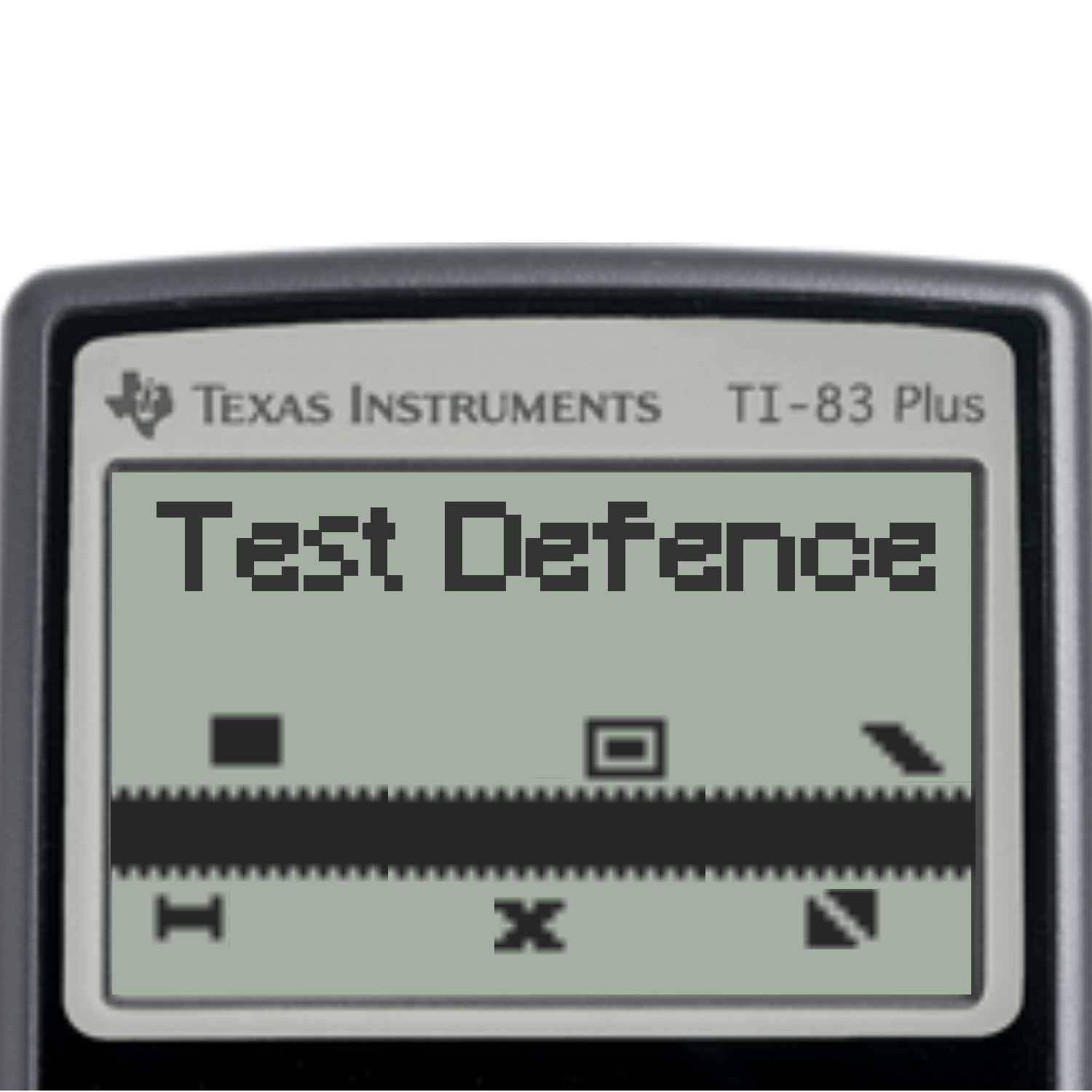
With this program, play a tower defence game on your TI-84 calculator. There are many different types of enemies that can appear and the game slowly gets harder over time. Every time you defeat a wave of enemies you gain more money which you can use to build more bases. There are 9 distinct towers in this game. Towers have three attributes: how much they cost, how much damage they have, their range. The upgrade cost of towers is dependent on their range. This game has ten different enemies, each appearing on their own level. Enemies have three attributes: how much money they give upon dying, how much they will damage inflict, and how much health they have. After level 10, the enemies repeat with higher hp, damage and money. When in the building stage, you can build towers, upgrade them, or cut down trees.
Use arrows to scroll the screen and '2nd' to select a tower for upgrading, a spot for tower-building, or a tree to cut down. Rocks can not be moved or built on. When in the upgrade, build, or cut menus, use '2nd' to say yes and 'alpha' to say no. After you are done building up your defences, send in a wave of enemies by pressing 'alpha'. Once the enemies start coming in, there is nothing more you can do to hinder their approach. If the enemies make it to the bottom of the screen, they will decrease your health, represented as a line on the bottom. If a tower kills an enemy, you get money; the amount is dependent upon the level.
How we built it 🔧
We had to use the TI-Basic programming language to make our game. For the sprites for each tower, ground type, and enemy they had their own lists of pixels of how the sprites want to appear. Then these lists were organized in dictionaries so we could have all of the enemies sprites together and the tower sprites together and so on. We also created another dictionary, containing lists for the layout of each of the different maps and the spots where towers could be placed and the trail the enemy has to follow. The next thing we did was working on placing the towers onto the map. We created a copy of the map layout into a new list, and create a cursor the player could control. Then we would get the position of the cursor when the player hit the 2nd key, then check to see if it was an empty spot, if so, it would let you create a tower of your choice depending on how much money you have.
If the cursor was on a tower, it would see what kind of tower it was, and let you upgrade if you want to. We also were able to display the text of what tower you were purchasing and it's stats use the Text() function. Then when the player confirmed his purchase using the second key again, it would update the copy of the map to show what kind of tower it is in the list. A similar system was used for the player cutting down trees. Then, when the player was done build it was time for action! We got enemies to spawn and had them follow the path, as mentioned above. Then we gave each enemy an invisible box collider to detect if any bullets are in it. Then it would decrease the health of that enemy.
Challenges we ran into ❌
One challenge we ran into while creating this project was that your calculator can only run one file at a time, which meant we had to create this entire game within one file, making it difficult to have both the enemies move and the tower shoots at the enemies at the same time. However, we got this to work and it came out pretty well, for a calculator
Accomplishments that we're proud of and What we learned 🏆
- TI-Basic ➕
TI-Basic is TI Calculators' proprietary language which we had no clue about, much less how to program in. Nonetheless, we still managed to make a really cool project in a language we were completely unfamiliar with.
- 1000 Lines of Code 😮
This task was crazy to do, especially because the code had to be one file. This meant that our resultant file was almost 1000 lines long, and surprisingly, everything worked out in the end!
What's next for Test Defence ⏭
External Levels
On calc level editor
Optimize display routines
Upgradable range
Built With
- ti-basic


Log in or sign up for Devpost to join the conversation.