Inspiration
Our inspiration stemmed from an Apple iMessage staple, GamePigeon's Cup Pong and a desire to reimagine it in the immersive realm of VR, specifically in Apple Vision. We wanted to merge the nostalgia of a classic game with the innovative capabilities of spatial computing, creating a meaningful, fun experience that is both familiar and futuristic.
What It Does
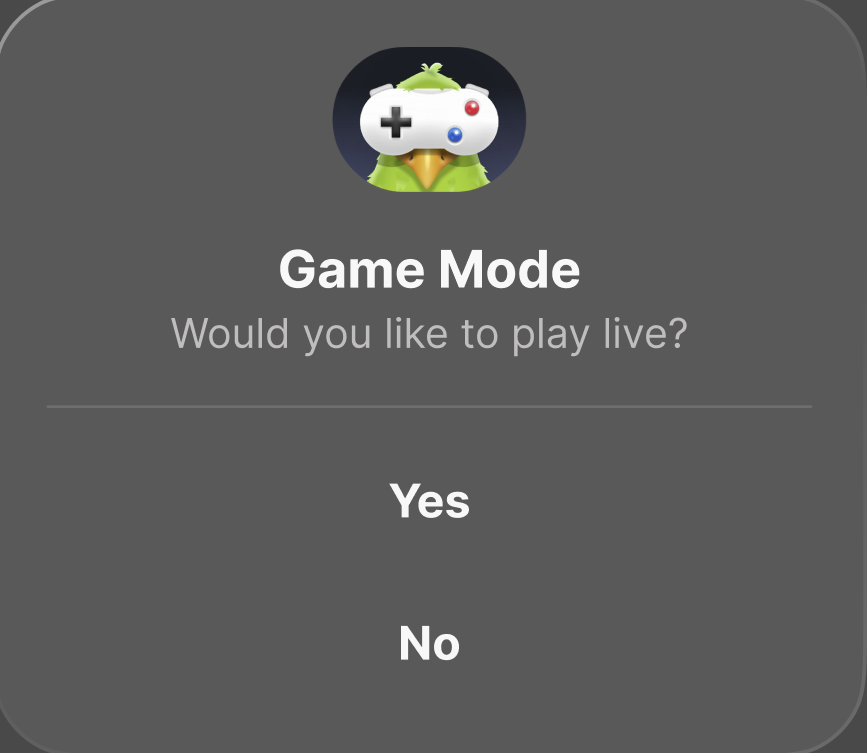
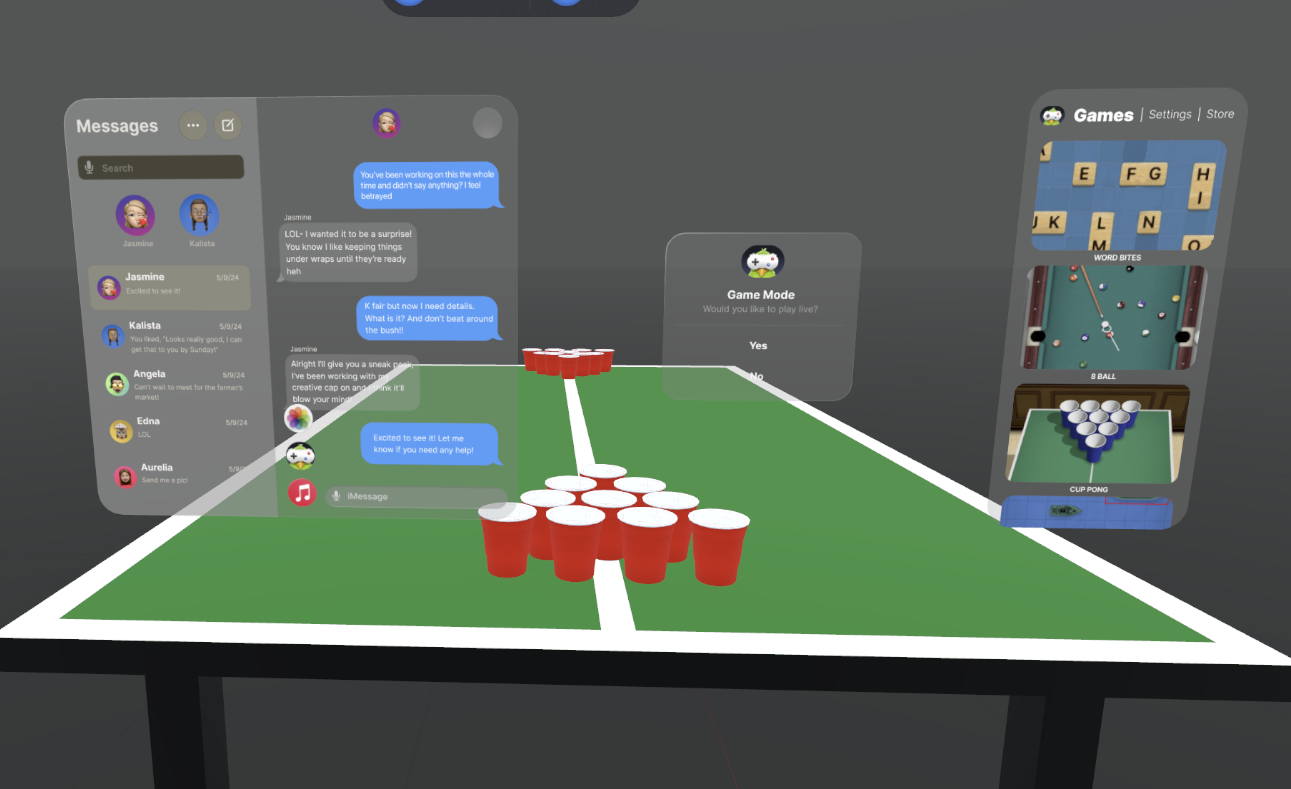
Our project simulates the classic game of Cup Pong in a 3D environment, where players can interact spatially with game elements. The immersive experiences showcases engaging mechanics which allows players to aim, throw, and compete using realistic physics, all while navigating an intuitive user interface designed for VisionOS.
How'd We Do It
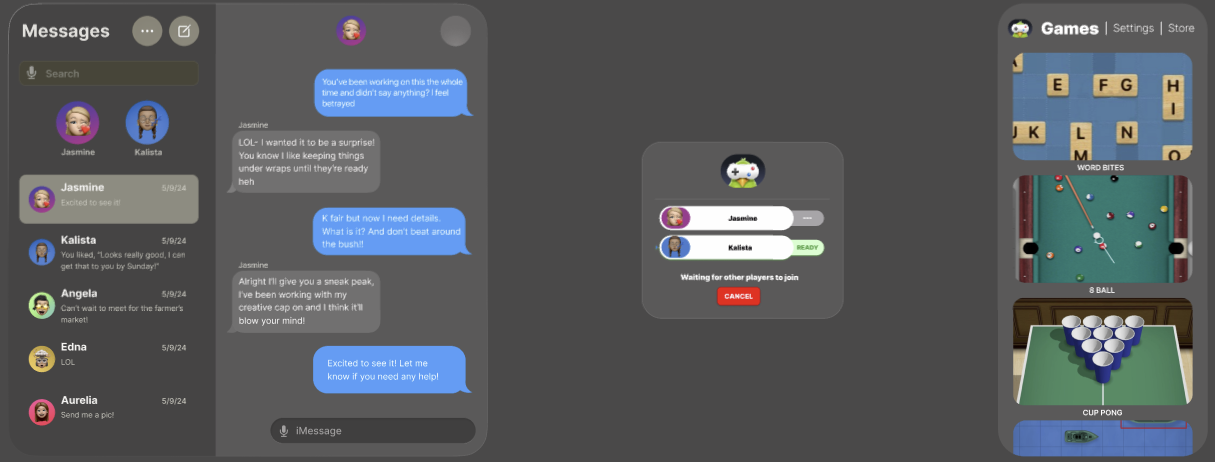
- Planning: We began by mapping out user flows and finalizing gameplay outline using Figma, ensuring a cohesive user experience.
- Asset Creation: Using Blender, we designed all original 3D assets, including a ping pong ball, cups, and the cup pong table- complete with textures and details.
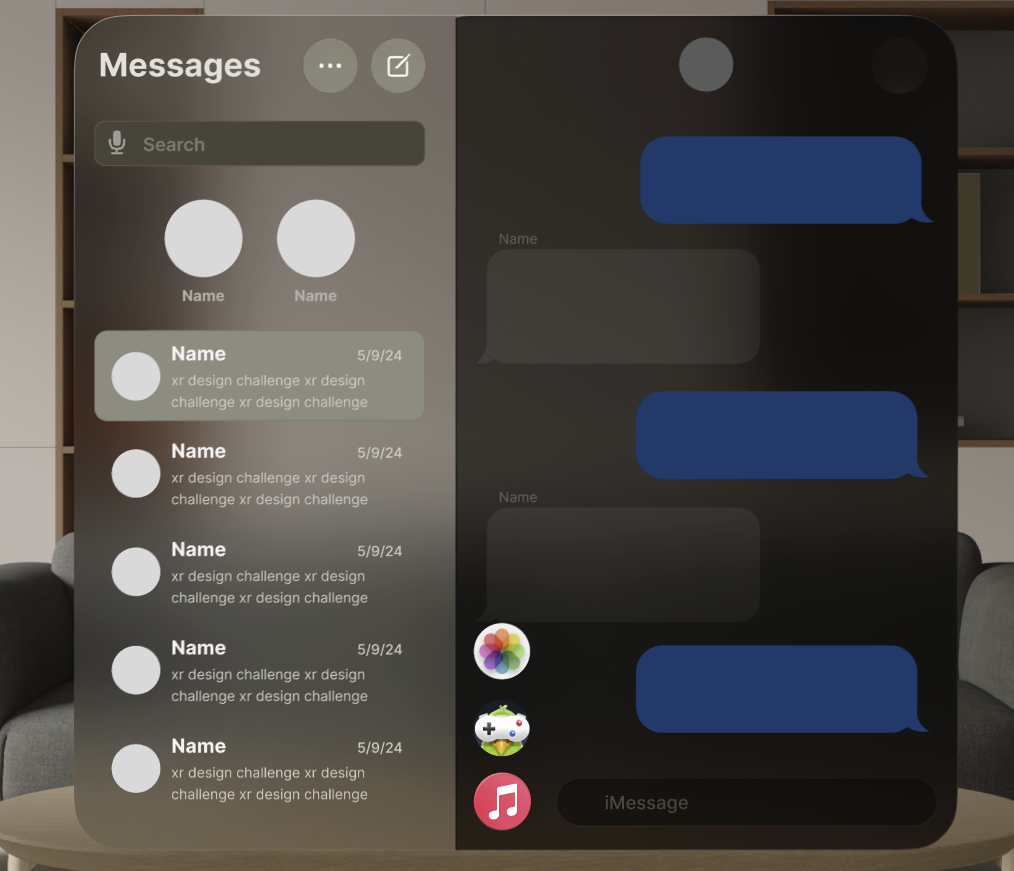
- Research: Since we were aiming to create an experience specific to Apple users, we had to study and learn the particularly unique UI and UX of Apple as a brand and of the Apple Vision OS.
- UI Prototyping: As a team, we meticulously created high-fidelity prototypes in Figma, leveraging the VisionOS UI Kit to design each scene with precision.
- Integration in Shapes XR: We imported our assets and utilized Shapes' ability to integrate Figma prototypes, allowing us to seamlessly connect user interactions in the platform. We were able to finish testing different scenes, gameplay mechanics, and animations, such as throwing and landing the ball, player turns, etc.- streamlining the process of bringing our vision to life.
Challenges
One of the challenges we faced was incorporating our custom Blender assets into Shapes XR, as the textures did not show up properly. We corrected this by exporting and importing again using a different file type. Another challenge we faced as a team was the learning curve of 2D prototyping in Figma and seeing it translate into Shapes in 3D. This required us to extensively iterate; experimenting and adjusting along the way. Finally, due to the nature of Game Pigeon, we tried our very best to maintain the Apple OS and were constrained to the specific UI design of Apple iMessage. Without any prior experience in Shapes XR or with designing Apple Vision OS, we had to learn and adapt to new tools and concepts through lots of trial and error.
Accomplishments
Through our challenges, came lessons and accomplishments our team is proud to reflect. The polished 3D models, including the cup, ping pong ball, and ping pong table from Blender, was a particular highlight for our team and we are proud of the way they turned out! Learning Shapes XR, a tool none of us had used before, and being able to collaboratively overcome technical hurdles as a team was especially rewarding and fulfilling to learn together.
What'd We Learn
We learned designing for spatial interaction, especially for games that aim to connect people, requires a different, more human and community-centered approach than traditional 2D UI/UX. Experimenting with new platforms like Shapes XR taught us the value of iterative design and rapid prototyping. We also deepened our understanding of Apple-specific UI and will take what we learned from one of the tech giants to improve our own design skills moving forward.
What's Next?
We hope to continue refining the gameplay mechanics, exploring more advanced interactions, and collecting user feedback to make the experience feel more engaging and complete.
This project was a significant learning journey, and we're proud of what we accomplished together as a team!
Built With
- apple
- applevision
- blender
- figma
- shapesxr


Log in or sign up for Devpost to join the conversation.