-
-
A picture of some very scary hackers
-
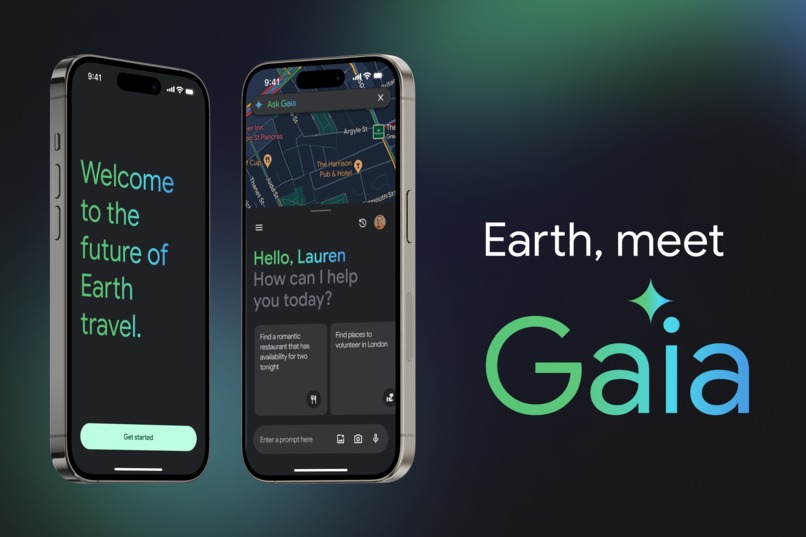
Project Cover: Earth, Meet Gaia
Inspiration
We were inspired by our desire to join volunteering opportunities when new to London. We were surprised at how difficult we found it to find something that suited our interests, as well as being convenient in terms of time and location. Both Google and Map Search results felt overwhelming and chaotic, and there were no filters to tailor to the more niche preferences of volunteering.
We spoke to others and found that we weren't alone. We carried out surveys (20) and interviews (6) and found common themes - users prioritise convenience and interests, but don't know where to go, often turning to a simple Google Search that doesn't refine their results efficiently, and leaving disappointed and exasperated.
That's how we started exploring the option of creating a Map blend with Gemini. Our solution is rooted in the belief that all searches should be refined and tailored - and only in this way, can they give accurate "results." This principle is not limited to volunteering. It can be used in any business capacity, too, like looking for a clothes store to match a specific style, or an ideal date night place in the area.
In this case, we wanted to follow the user's journey in trying to find a volunteering opportunity, as that is how our own journey with this concept started.
What it does
Our user persona is Lauren - she is new to a big city, and is excited to discover the perfect opportunity to volunteer nearby.
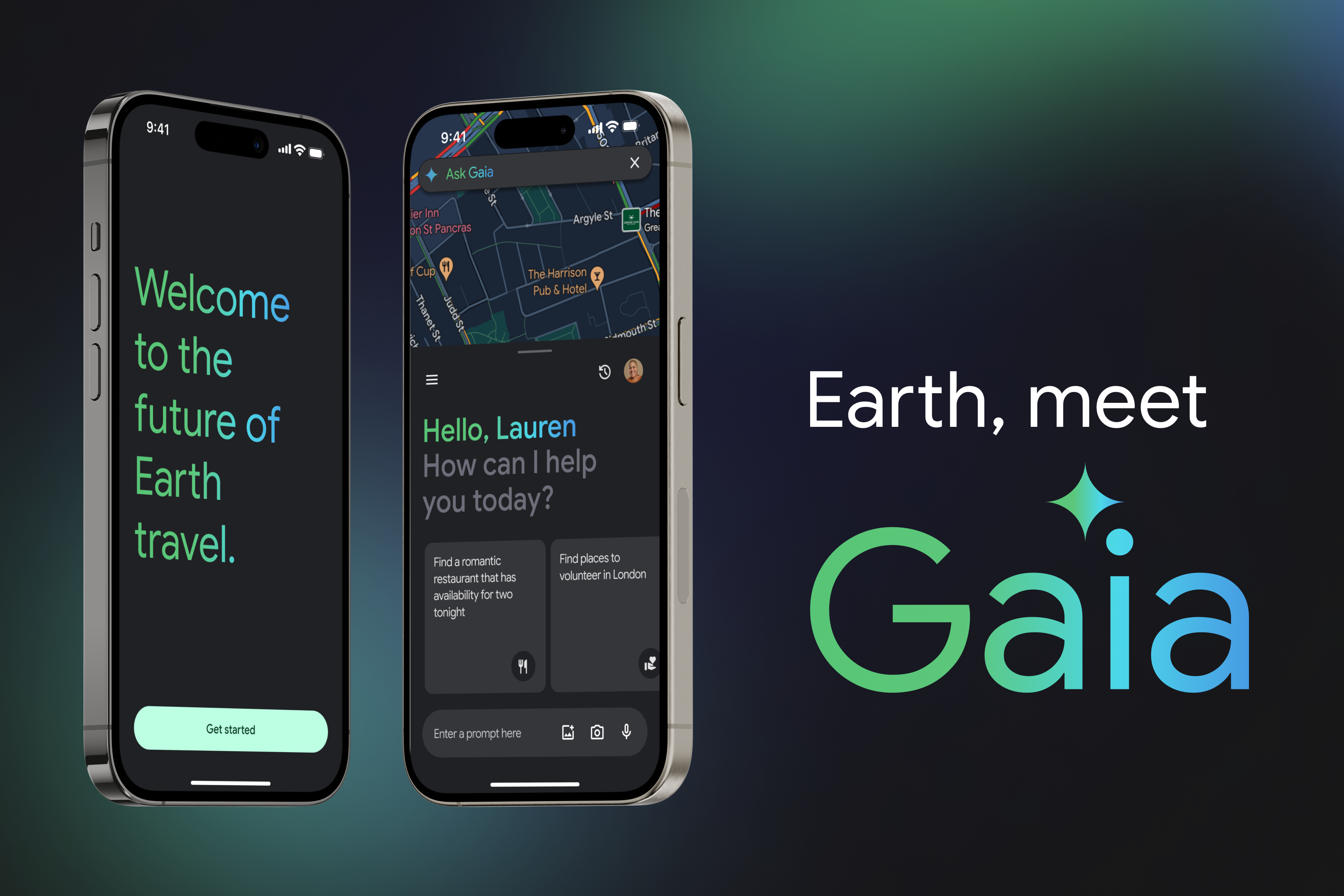
Gaia is built off of the foundation of Google Maps, with a Gemini integration. Just like Gemini was born out of Greek mythology, Gaia is too. Gaia represents a smarter navigation of the Earth.
You can activate Gaia in a quick and easy way in your search journey. You are presented with helpful prompts, as well as the option to generate your own prompt from scratch.
You then are presented with the option of refining your search in a conversational, friendly way, that is holistic and is able to include a breadth of your needs.
This search yields results and communicates them in a clear, accessible, intuitive and delightful way. It combines the logical, simplistic and efficient user interface of Google Maps, with the more well-rounded approach of Gemini.
How we built it
We spoke with users directly to understand their needs and priorities when searching for places, with primary research including interviews and surveys.
We then ideated various solutions, and created three versions of Gaia, carrying out usability testing throughout the versions and incorporating the feedback quickly and efficiently.
We used tools like Figma to create our prototypes, also making use of the Material Design system community files and plug-ins for brand consistency.
Challenges we ran into
- Lack of time
- Felt the pressure of a small team closer towards the deadline
- Lack of software and data perspectives, which slowed us down
Accomplishments that we're proud of
Submitting something that we had fun building!
What we learned
Improved our ability to use the Material Design system and our logic around AI interfaces.
What's next for Gaia
Other Google service integrations like Google Calendar into the flow would be fantastic. More broadly speaking, however, embellishments of the prototype and further rounds of testing are necessary. It would also be highly useful to have more dialogue with software and data teams, to ensure the feasibility of our product.
A note on low-code tools
Enjoy watching the 5 minute walk-through of our low-code tools, here, as well! https://www.youtube.com/watch?v=pm_CdnklxhE&ab_channel=NataliaConsumi
Built With
- chatgpt
- figma
- gemini
- google-docs
- maps
- mobbin
- perplexity


Log in or sign up for Devpost to join the conversation.