-
-
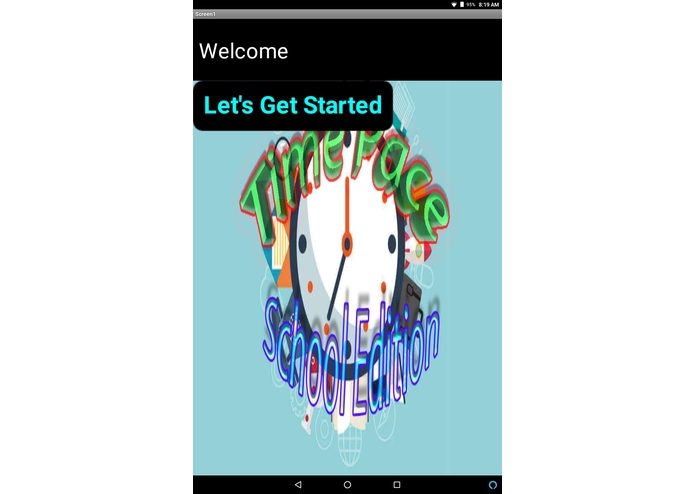
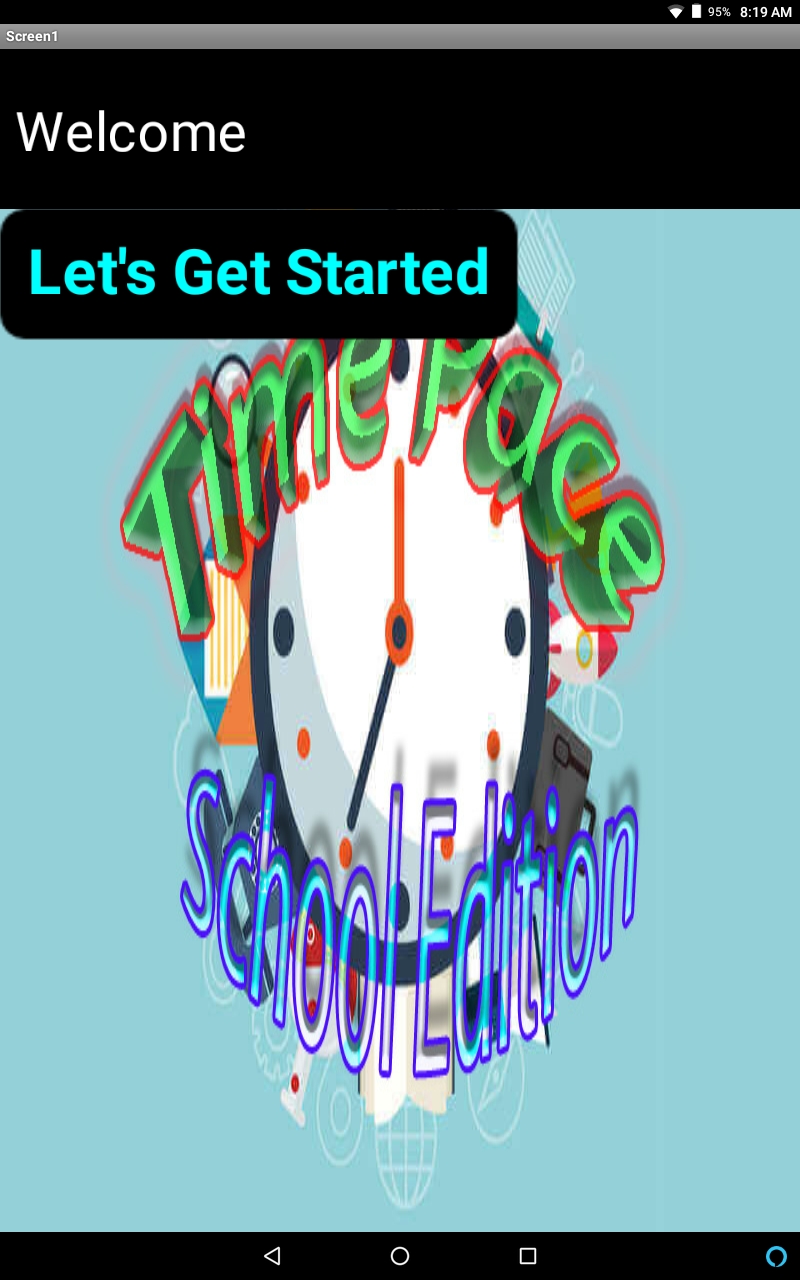
The Introduction Screen
-
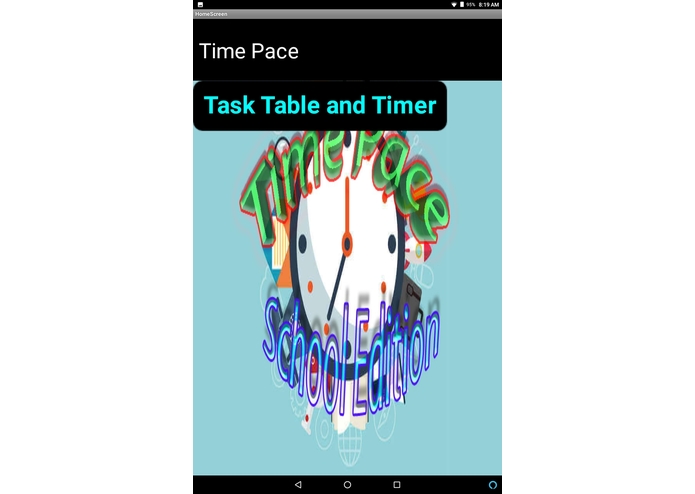
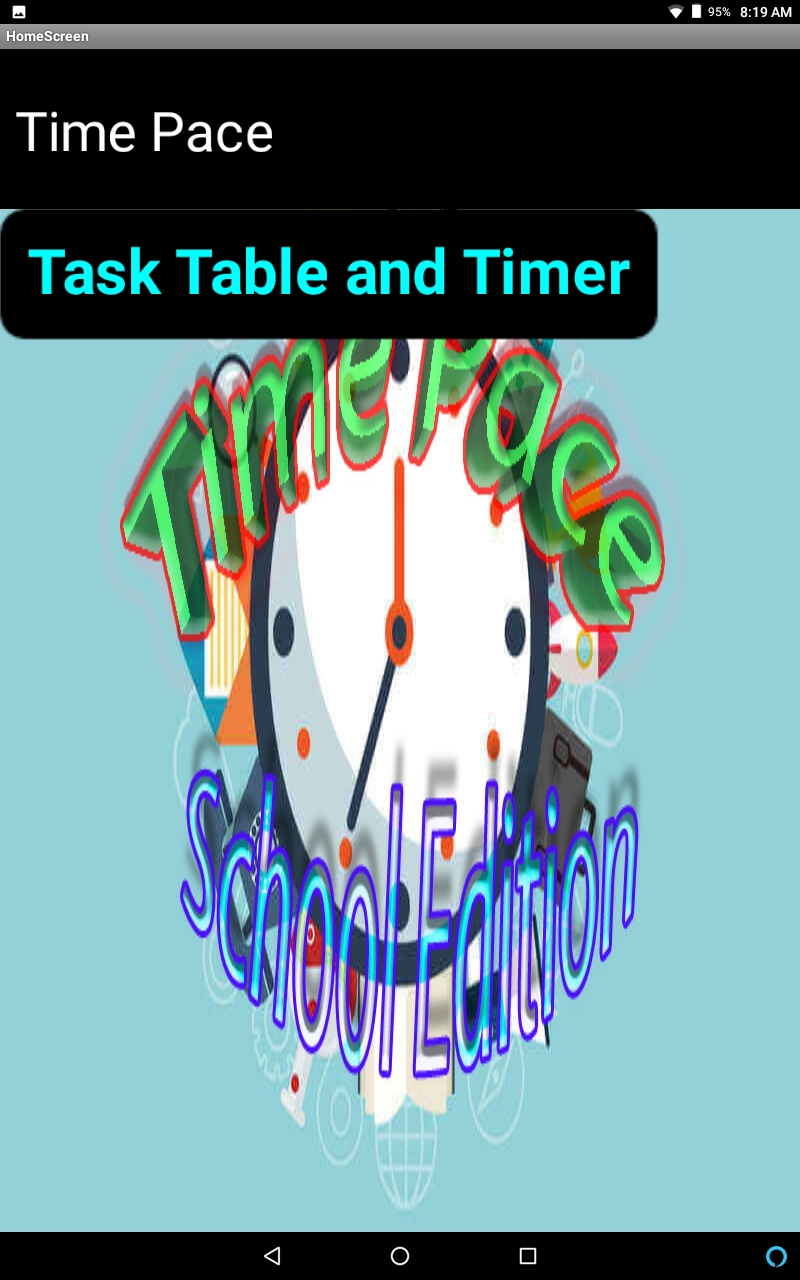
The Home Screen
-
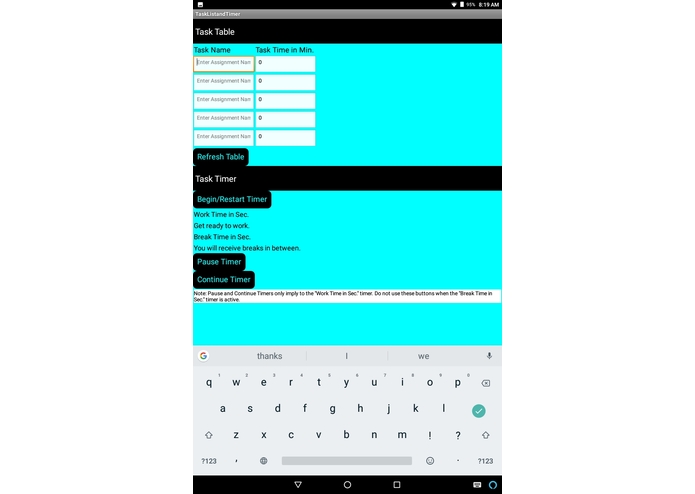
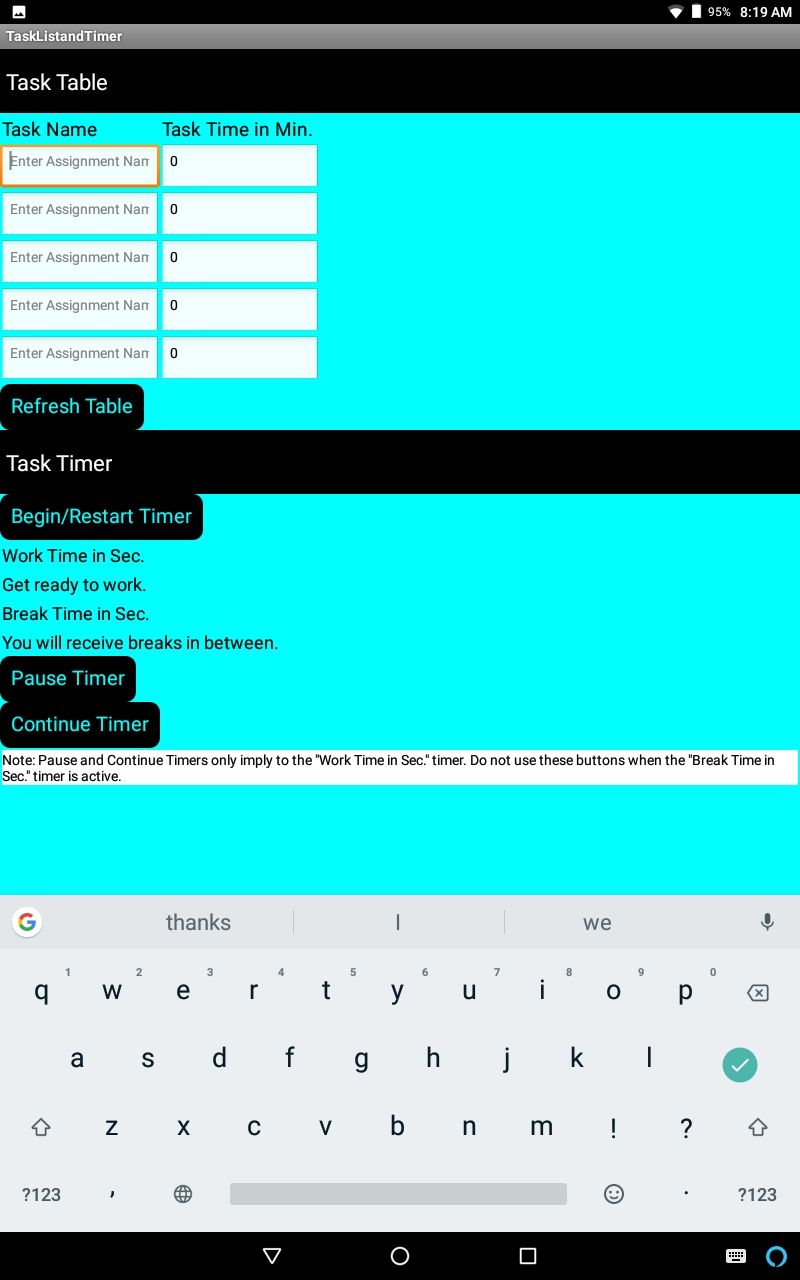
The Task Table and Task Timer Screen
-
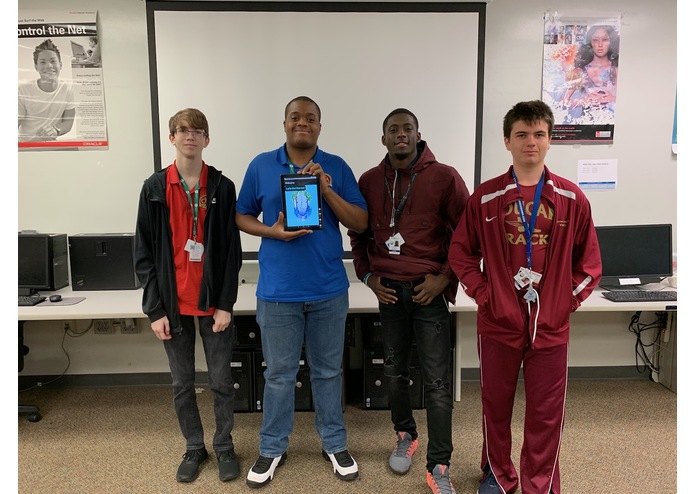
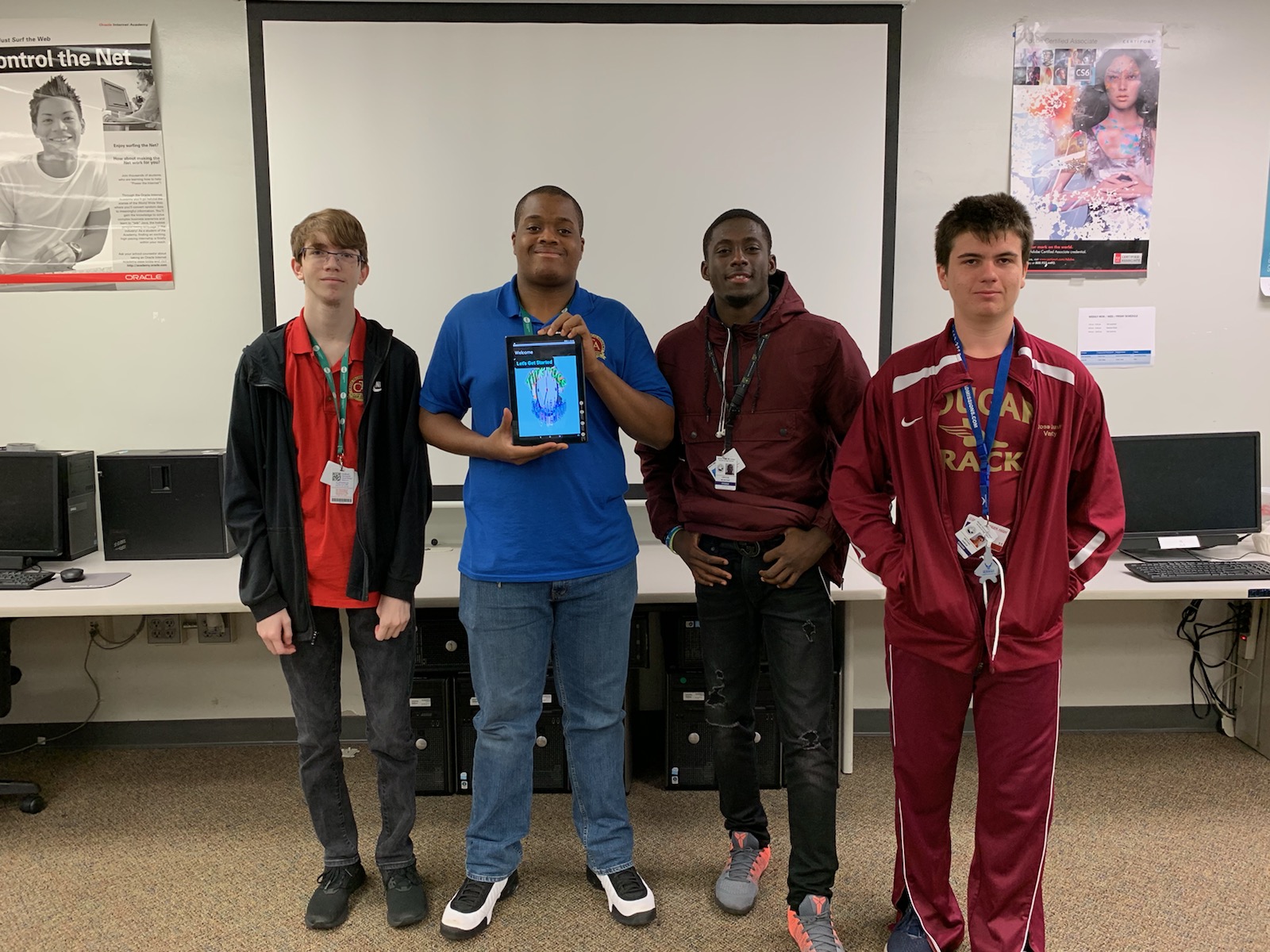
My Team
Inspiration
Students are getting too stressed out of the being overwhelmed with school work. Mainly, this is due to having poor time management skills. Because of this, students will continue to be piled with more workload than they can handle. This is important because having improper time management skills will lead students to deal with unnecessary stress, failing classes, prevention of going to college, and/or dropping out.
Our Solution:
With this app, Time Pace: School Edition, it addresses the problem by improving the user’s time management skills. It enhances time management skills by allowing users to track their assignments with a table and provide a timer so they can keep track of the time they need to complete the assignment. This solution is unique because the amount of time they need for an assignment depends on the user, but the break time is automatic. In other words, they will be given breaks in between the time they need to an assignment before the break time initiates. The intended users of this app are mostly likely are students in a school who are poor at time management, or students who want to improve their time management skills.
Challenges:
The main challenge that we’ve ran into is was developing the program for the app. We needed to know how the application called, “MIT App Inventor”, functions, knowing how the code blocks work. After gaining a little more understanding of its functionality, we built the code, but received constant errors in the program. The critical changes in the scope of our app that we needed to make are replacing the table with a list to monitor each user’s assignments, and to code two timers instead of three. After understanding more about the “MIT App Inventor” functionality, we were then able to create a table using text boxes that will allow users to list the assignments they need to do and the time they think they need for each. Also, we have programmed our timer to switch from one assignment time to the next in sequential order, starting from the top of the “Task Time in Min” column to the bottom.
Next Steps:
To improve our app in the future, we have planned on being more general about the use of the app. To do that, it will require creating another screen that contains a table for listing tasks that are not related to school and the time for each, and creating another timer that will both track the time for each assignment and to switch from one time to the next when the time for an assignment is finished.
Lessons Learned
Darshon Eluett: From this process of developing an app, I’ve learned the complications of an app development and the necessary steps to create them. I’ve also learned that creating an app is not as easy as it looks.
Michael Harper: I personally learned about the incredibly hectic and crazy process that goes into development of even a simple app like our own, but it has also gifted me with experience in a development program that I previously had no experience in.
Larogue A. Mompoint: I have learned that developing an app requires a lot of debugging; you have to put time and effort into the development of the app. I've also learned in life, you have to work for something because things aren't as easy as they seem.
Kiefer Crawford: I learned that developing an app takes up a lot a code and time to program, and you need to test the app a lot while you are working on it to make sure that everything you do works.


Log in or sign up for Devpost to join the conversation.