-
-
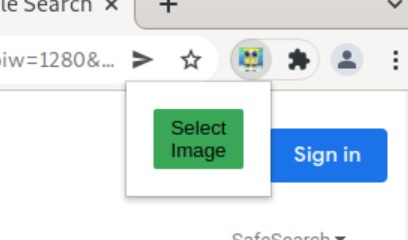
The Button
-
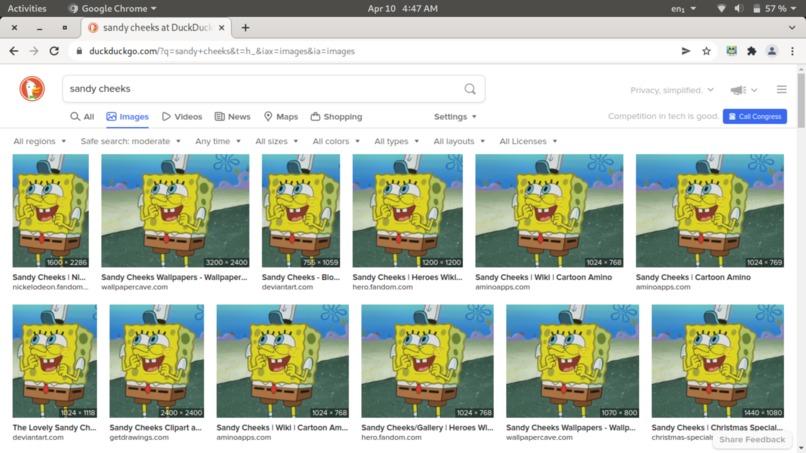
Full Replacement
Inspiration
We thought about how much of a hassle it is to find the origins of pictures through google images. We wanted to write a program that would find the original versions of photos, but our focus shifted as we coded. When we realized how great replacing existing photos instead could be, we knew what we had to do.
What it does
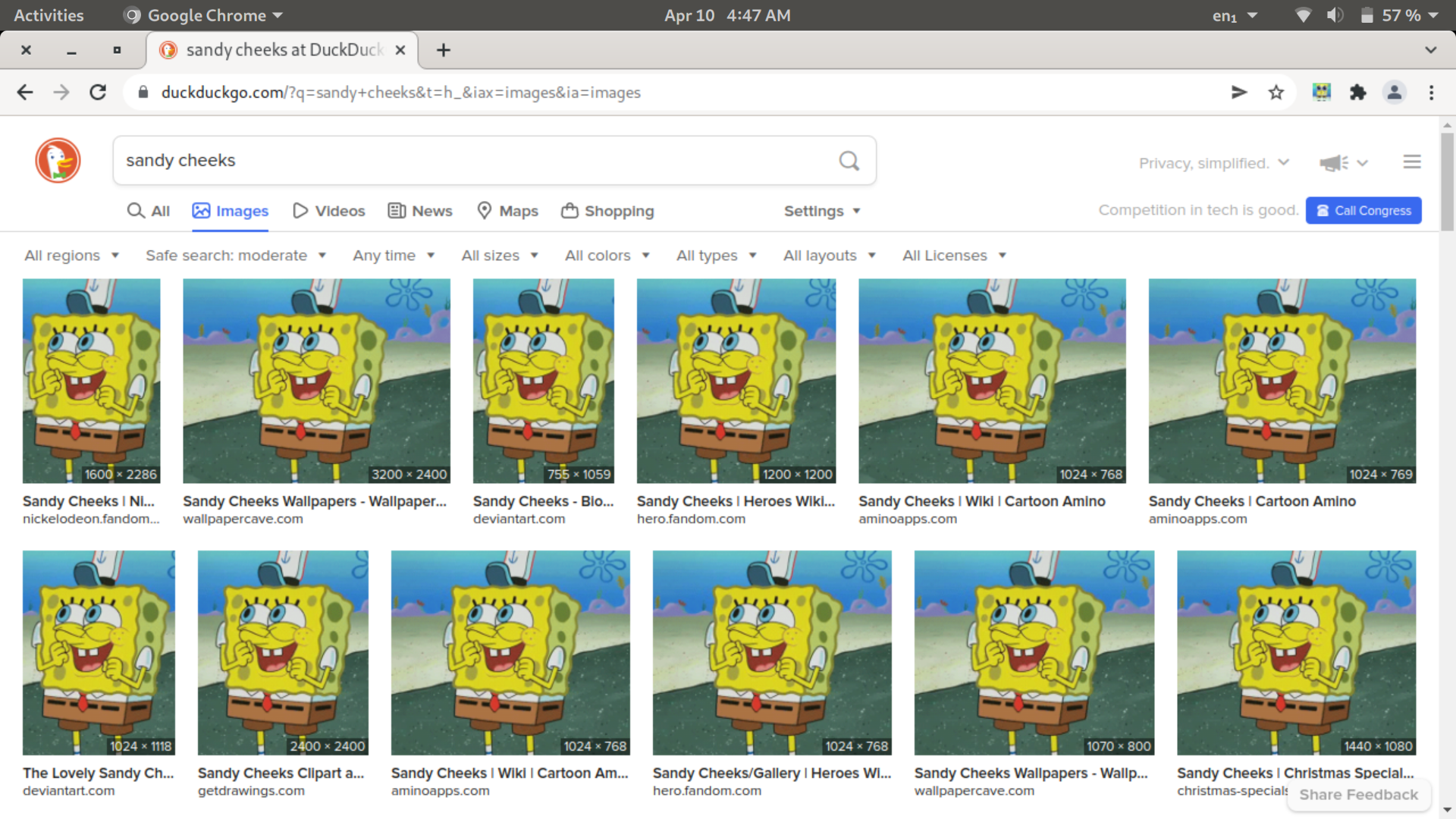
It is a Chrome extension, that when clicked in the toolbar opens a pop up featuring a button. When clicked, the button opens a file prompt to choose an image from the users' hard drive. Once an image is uploaded, it tracks down every image on the page the user is viewing and replaces the source with the users' image. It does this at an interval so if more images are loaded, they will be replaced as well. Using the options menu, users may change the button color too.
How we built it
Using html, javascript, and css we built this extension from the ground up. Javascript was our primary language, and we coded in VSCode. We used Windows 11 and Debian, and stored everything on GitHub.
Challenges we ran into
As we worked, we realized our original goal would be a more difficult undertaking than originally envisioned. However, while coding we found the inspiration for our new idea. One challenge was learning how to save images to chrome so the program could access them later. Our hardest challenge was running the interval. At first, we wanted it to run constantly and replace images on every page the user opened. However, we settled for making it run on a page after the user inserts an image.
Accomplishments that we're proud of
Making it work.
What we learned
Making Chrome extensions is hard.
What's next for Fyndr
We will allow the user to save as many images as they want, and let the program run constantly on all web pages and custom set intervals. Once we have done this, we will pursue our original vision, creating a program far better than we had every dreamed.


Log in or sign up for Devpost to join the conversation.