-
-
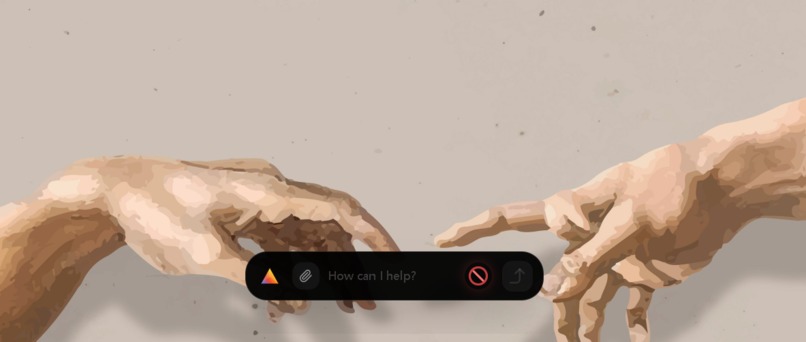
Prism
-
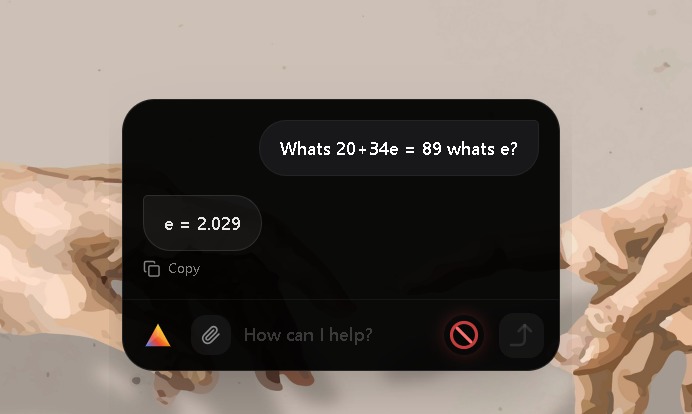
Supercharged by Gemini
-
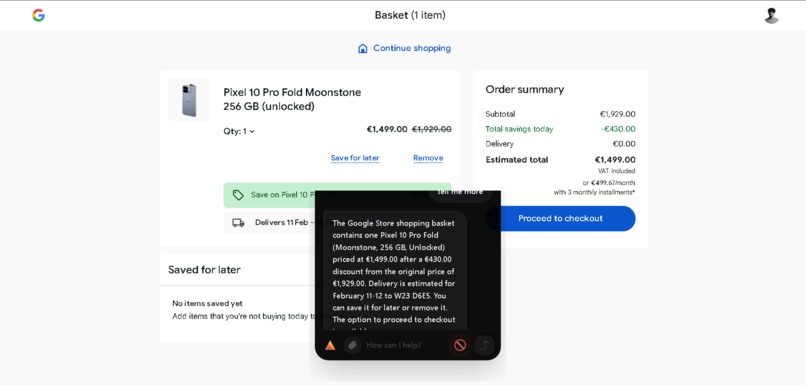
Your assistant. Anytime. Anywhere!
Inspiration
Work is split across apps and windows, but user goals are continuous workflows. Prism was inspired by the need for an assistant that can understand what is on screen, take safe actions across applications, and reduce context switching without becoming a black box.
What it does
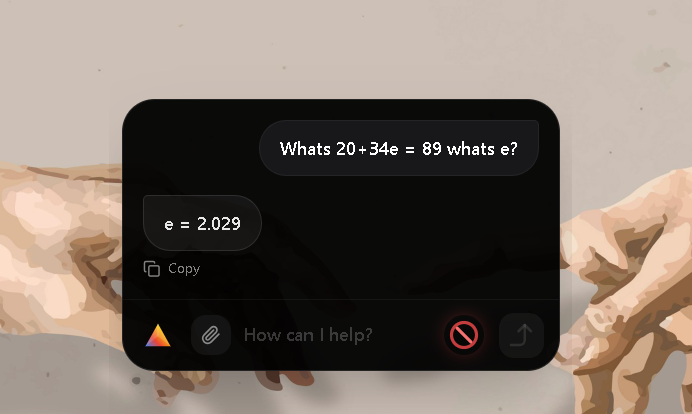
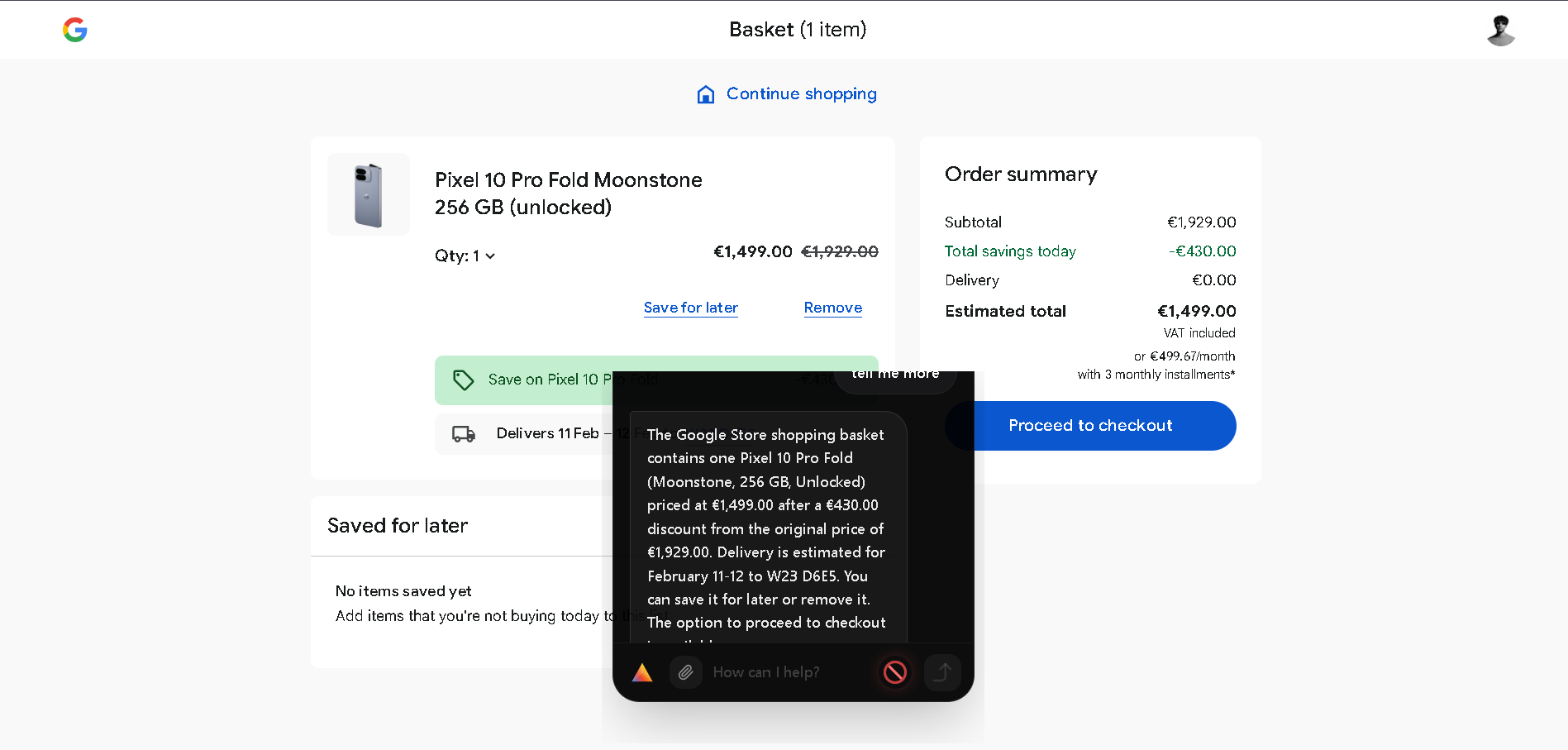
Prism is a Gemini 3 powered desktop agent that can read your screen, plan steps, and execute verified actions like click, type, scroll, and navigation across apps. It streams progress as task steps, supports local visual session memory, and adds safety controls that keep the user in charge.
Core features
- Cross app automation with verification and recovery
- Visual DOM mapping for stable targeting
- Local visual session memory with retrieval
- Privacy first redaction before any frame is sent to the Gemini API
- Safe Mode confirmations and dry run target highlighting
- Real time streaming of plans, actions, and outcomes
How we built it
System layers
- Desktop overlay and UI using Electron plus Next.js
- Orchestration backend using FastAPI and SSE streaming
- Automation tools for desktop input and browser control
- Gemini 3 for multimodal perception, planning, grounding, and structured outputs
Control loop
- Capture current screen and context
- Ask Gemini 3 for intent, plan, and grounded targets
- Preview targets in dry run mode if enabled
- Request Safe Mode confirmation for high risk actions
- Execute actions locally
- Verify outcome and recover if needed
Visual DOM math and targeting equations
Coordinate normalization
We convert pixel coordinates into normalized screen coordinates so targeting survives resolution changes. Let screen width be \(W\) and height be \(H\). A pixel point \(p = (x, y)\) becomes \(n(p) = (x/W,\; y/H)\).
$$ n(p) = \left(\frac{x}{W}, \frac{y}{H}\right) $$
A bounding box \(b = [y_{min}, x_{min}, y_{max}, x_{max}]\) is normalized as
$$ n(b) = \left[\frac{y_{min}}{H}, \frac{x_{min}}{W}, \frac{y_{max}}{H}, \frac{x_{max}}{W}\right] $$
Visual DOM element model
Each detected element is represented as a structured node \(e_i\):
$$ e_i = \langle t_i,\; r_i,\; b_i,\; s_i \rangle $$
Where \(t_i\) is the type such as button or input, \(r_i\) is the role or label text, \(b_i\) is the bounding box, and \(s_i\) is a confidence score.
The Visual DOM for a frame is the set
$$ D = { e_1, e_2, \dots, e_n } $$
Target selection score
We select the best element for an action using a weighted score:
$$ Score(e_i) = \alpha \cdot sim(q, r_i) + \beta \cdot s_i + \gamma \cdot prior(e_i) $$
Where \(q\) is the user intent or action description, \(sim\) is text similarity between the intent and the element label, and \(prior\) encodes context like active app and recent actions. \(\alpha, \beta, \gamma\) are tuned weights.
Verification using intersection over union
After an action, we verify that the intended UI state appears by comparing expected and observed boxes using intersection over union.
$$ IoU(A,B) = \frac{|A \cap B|}{|A \cup B|} $$
We accept a match if
$$ IoU(A,B) \ge \tau $$
Where \(\tau\) is a threshold chosen for UI density.
Self healing retry budget
We cap retries to avoid infinite loops. Let \(k\) be the current retry count and \(K\) be the maximum budget. We enforce \(k \le K\).
$$ k \le K $$
Recovery triggers when verification fails:
$$ fail \Rightarrow recapture \Rightarrow relocalize \Rightarrow retry $$
Challenges we ran into
- Desktop variability such as scaling, multiple monitors, focus changes, popups
- Latency perception when model time dominates the pipeline
- Building safety controls that are visible, simple, and enforceable
- Privacy handling for on screen sensitive content
Latency model we used for profiling is \(T_{total}\), decomposed into capture, model, execution, and verification:
$$ T_{total} = T_{capture} + T_{model} + T_{execute} + T_{verify} $$
We optimized by minimizing \(T_{model}\) context, streaming partial updates, and using lower thinking settings for fast steps.
Accomplishments that we are proud of
- End to end computer use loop with planning, execution, verification, and recovery
- Safe Mode confirmations and dry run highlighting that improve trust
- Visual DOM mapping that enables more stable targeting than raw coordinates
- Local visual memory timeline with retrieval based recall
- Real time streaming that makes the agent behavior transparent
What we learned
- Reliability beats feature count in judging and in user trust
- Structured control like browser automation should be used before vision fallback
- Verification must be explicit, measurable, and bounded
- Minimal context with retrieval improves accuracy and speed
What’s next for Prism
- Move from vision first to accessibility first targeting where available
- Improve Visual DOM with richer roles, better priors, and stronger verification
- Add policy rules for allowed actions and required confirmations
- Expand workflow presets for repeatable real world tasks
- Tighten memory retrieval to return fewer, higher signal frames with better summaries
- Eventually make a Desktop OS powered by Gemini


Log in or sign up for Devpost to join the conversation.