-
-
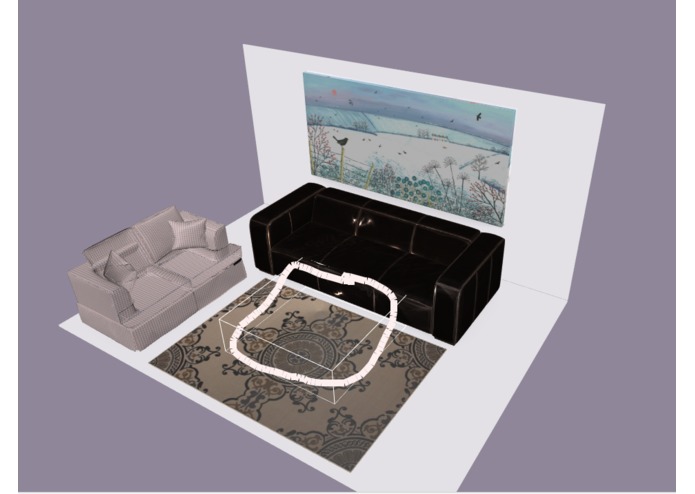
Drawing a stroke to indicate where you want to find furniture
-
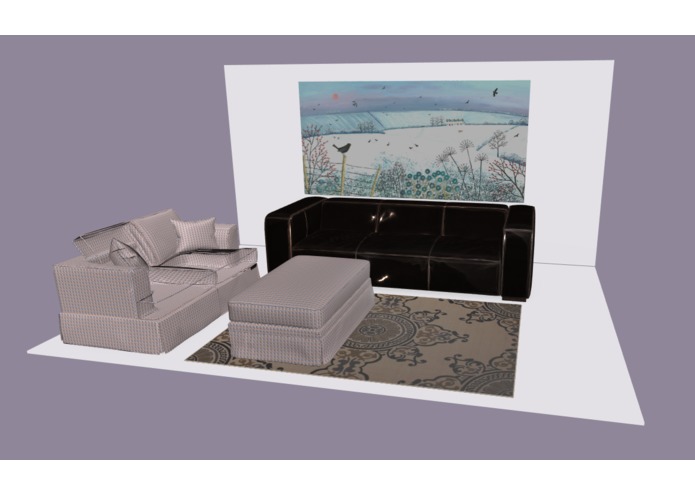
A furnished room
Inspiration
Furnish a room in a "hands on" way as though you were in the room and could bring in and arrange products in the actual final space.
What it does
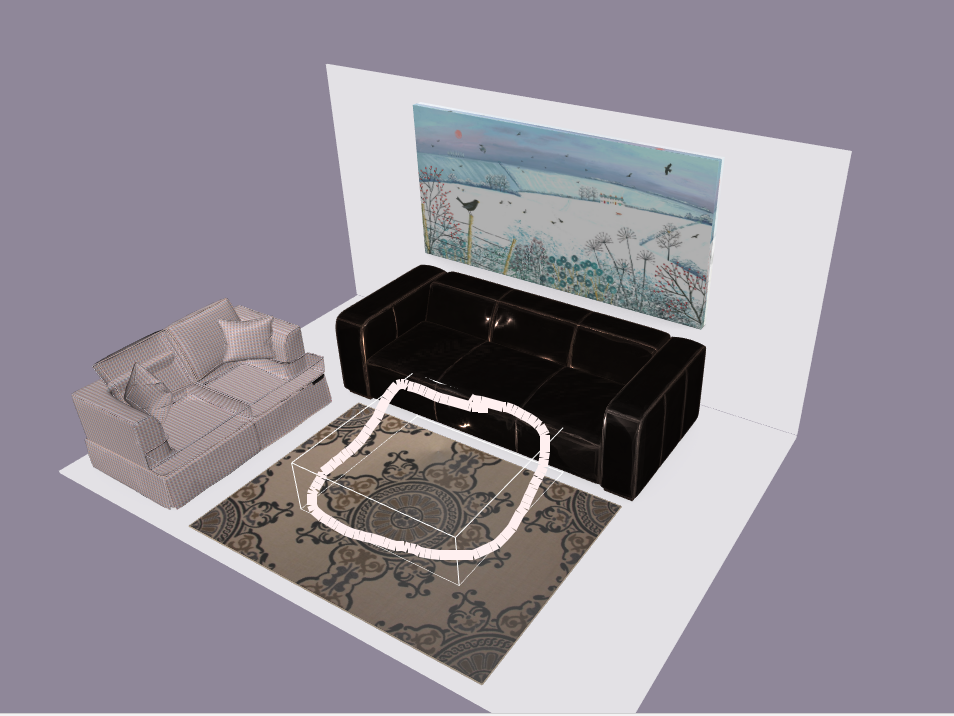
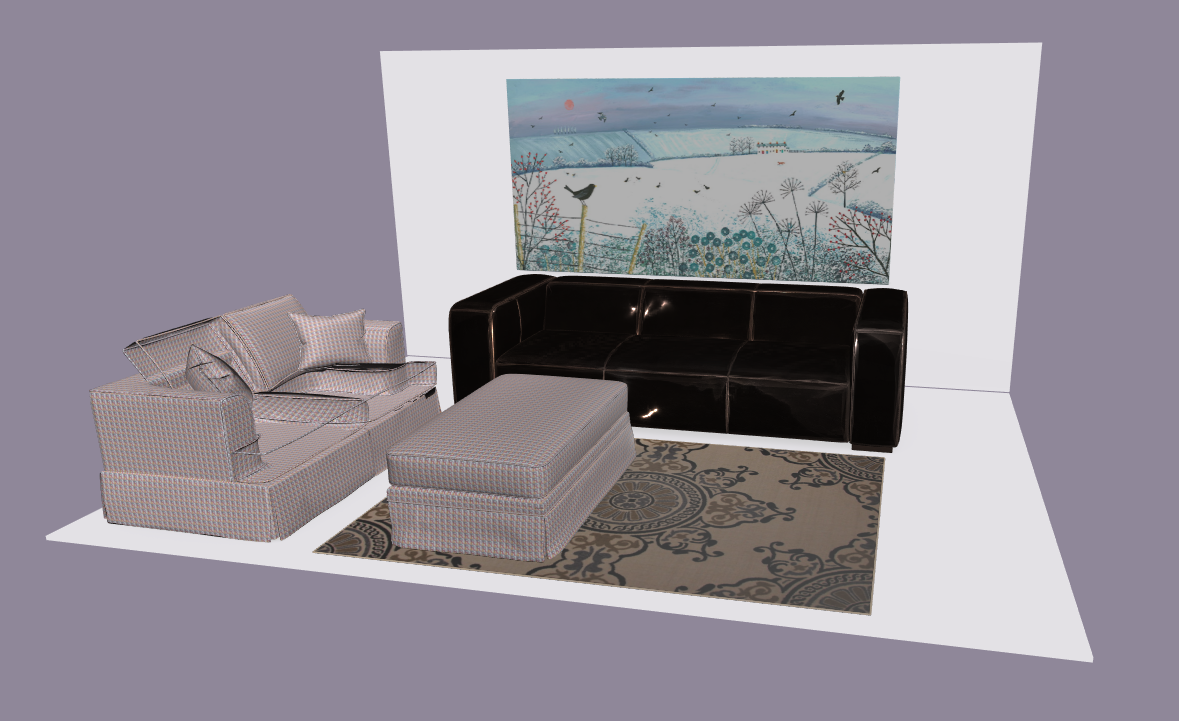
Interactively move through a 3D view of a room or outdoor space and furnish it simply by sketching 2D color strokes on the view to indicate the places where you want to find furniture. After selecting products from sorted results and suggestions arrange them by directly manipulating 3D models of the products to realize a room you love!
How I built it
Technically this project included working on 2D and 3D user interfaces, product search (by volume, color, and product/spatial context), and real-time rendering of Wayfair GLTF models with BabylonJS.
Challenges I ran into
How can we search for products by volume and color? How can we present those results in a useful way to the user? Wayfair's GLTF models do not include options data (e.g., color options, size options)
Accomplishments that I'm proud of
We can furnish a room in a very direct and intuitive way by indicating with 2D drawn marks on a 3D view where we want to add furniture to a room.
What I learned
We can interact with 3D models and a 3D room space in real-time in a web page. We can search for products by "drawing" colored 3D volumes.
What's next for Furniture Finder 3D
Everything could be further refined to improve sense of being in a room, finding products for the room, and interacting with products.
Allow for more sophisticated & realistic building / space modeling such as "drawing" where doorways and windows are on walls, modeling multiple rooms, or entire multi-level building. Allow specific measurements/lengths to be specified for door and window width and heights.
The product search component could incorporate more data, information, and context to provide more relevant results and suggestions. E.g. if target area to populate is on top of another product then look for products that make sense to be placed on that product (e.g,. lamp or clock or picture frame) and consider what's known about which products have been popular with that product in the past (by customers and designers).
Drawn strokes are easy to draw and people can draw rough sketches to convey what they want. Strokes are more expressive than the point and click data from the keyboard and mouse. For example, one could find a lamp with a certain/desired silhouette shape, or directly specify with a stroke whether you want a round, oval, or rectangular rug.
Improve user interface for presenting search results and alternates.
"Auto complete room" button that could take as input your "room state" and decisions you've made and suggest ways to complete the room. (E.g., Eric Tsai (product media) recommends integrating Wayfair Next's Tim Zhang's 3D model and machine learning work).
Search by strokes and additional non-spatial information. For example, incorporate a voice channel to complement the drawing channel (multi-modal UI) -- e.g., draw a box in corner of room (spatial information) and say "blue chair" (option and class information) to help get more relevant search results.
Model behavior of products so user can, for example, open drawers, swing cabinet doors, and interact with models to understand both how they look and behave. Where useful, visualize spatial information like swing radius or door rotation limits.
Add share, save, load capability.
Add real-time collaborative modeling-- like Google Docs but for furniture search and product layout -- e.g., between designer and customer or friends exploring how to remodel their home.


Log in or sign up for Devpost to join the conversation.