
Inspiration
Writing a serious business plan is still far too hard for most founders.
Most tools give you a static Word or PDF template and then leave you alone.
If you don’t already speak “investor”, it’s easy to get stuck on market sizing,
financial projections, or how to clearly explain your idea.
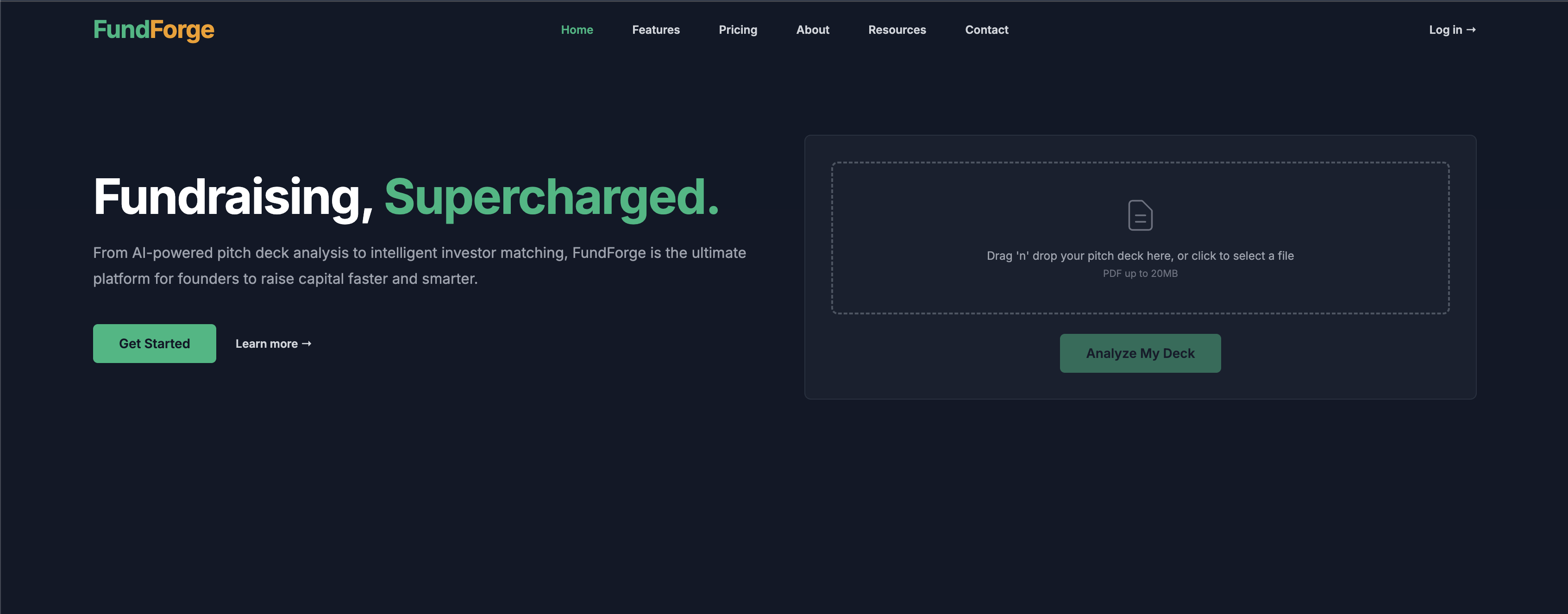
We built FundForge AI – a Business Plan Creator powered by Google AI Studio – to feel less like filling in a form and more like sitting with a smart, patient mentor who guides you through every section and helps you make it investor-ready.
Our goal: take someone from “I have an idea” to a structured, fundable business plan in under an hour, with AI doing the heavy lifting around structure, language and checks.
What the project does
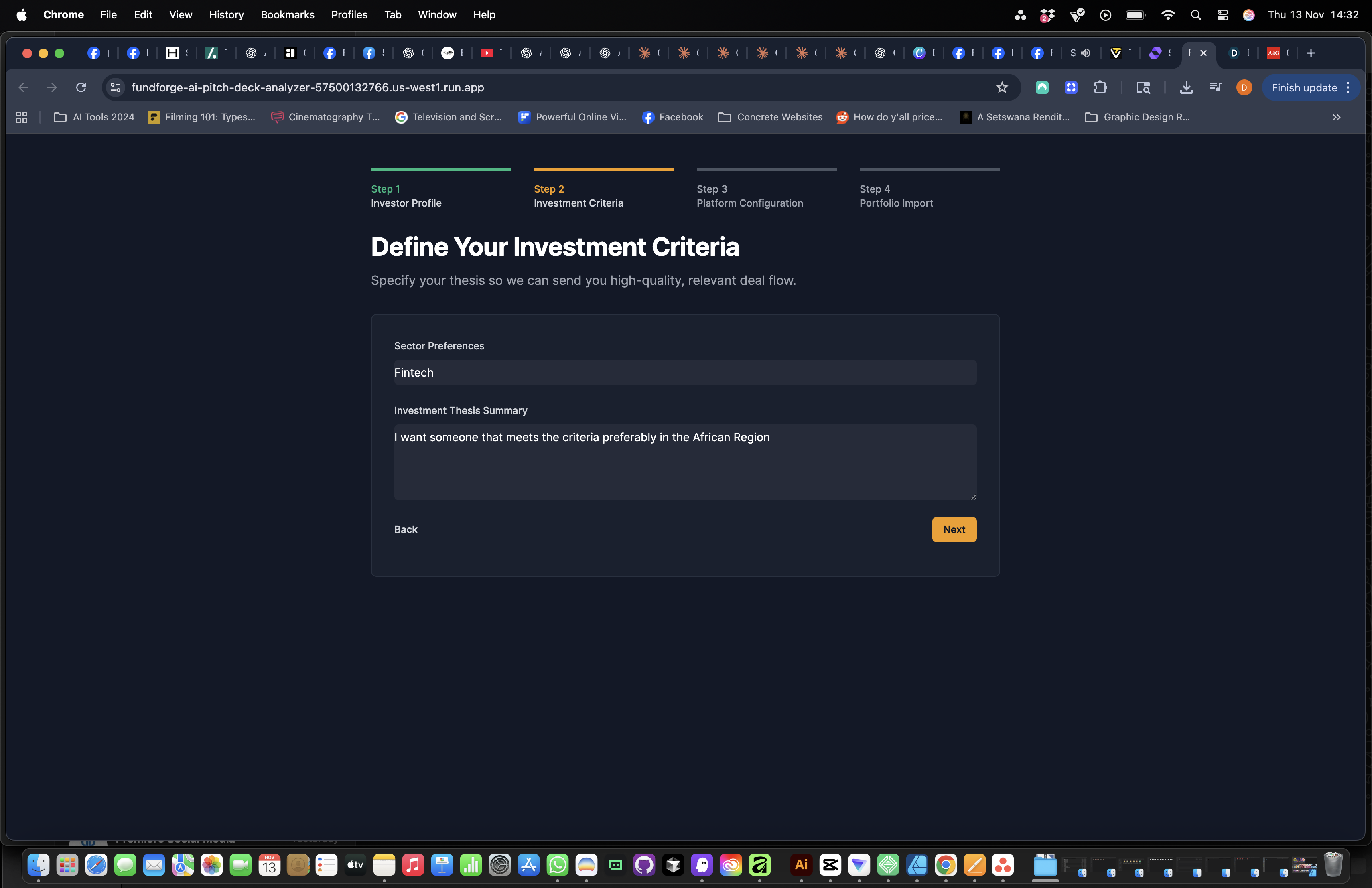
FundForge AI is an AI-assisted workspace for building business plans, pitch material and investor-ready summaries.
For this hackathon version, it focuses on three core experiences:
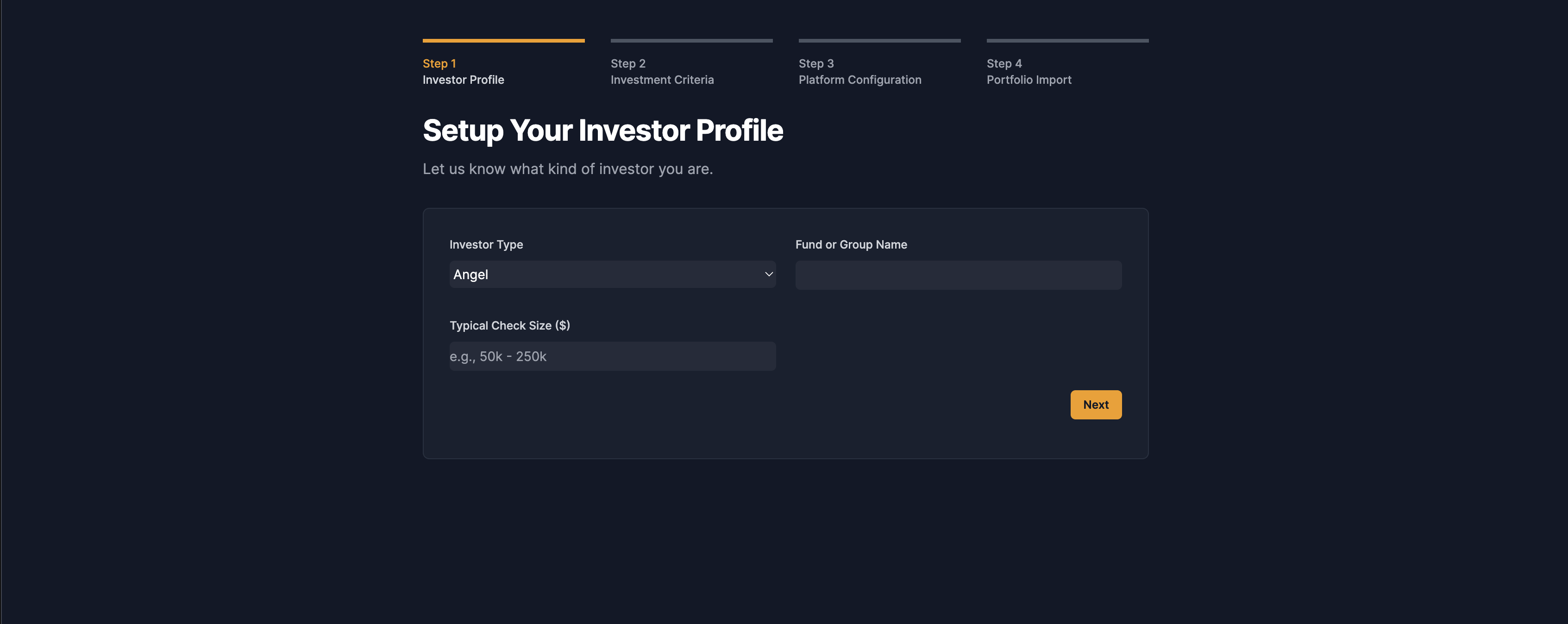
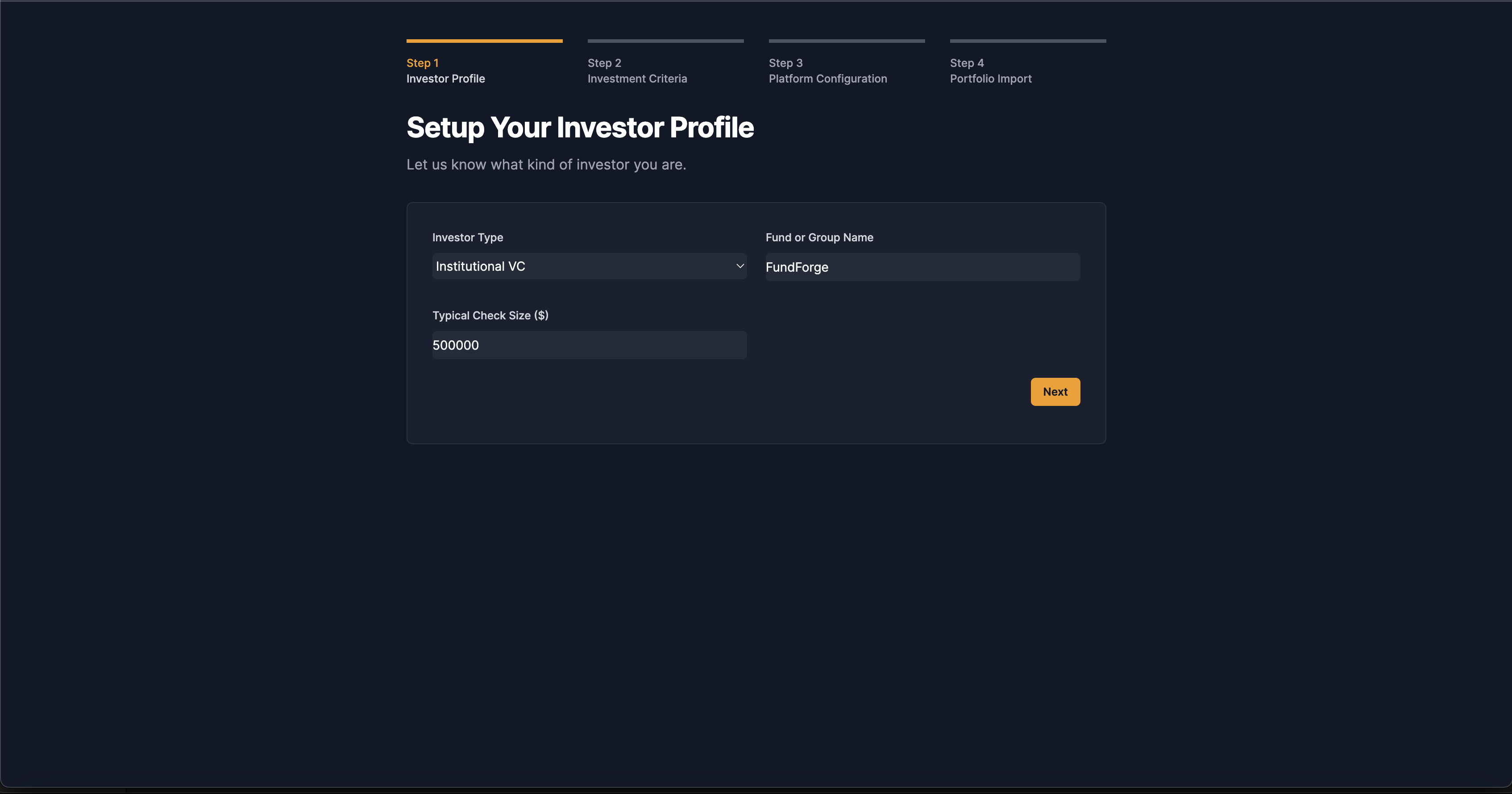
Guided business plan wizard
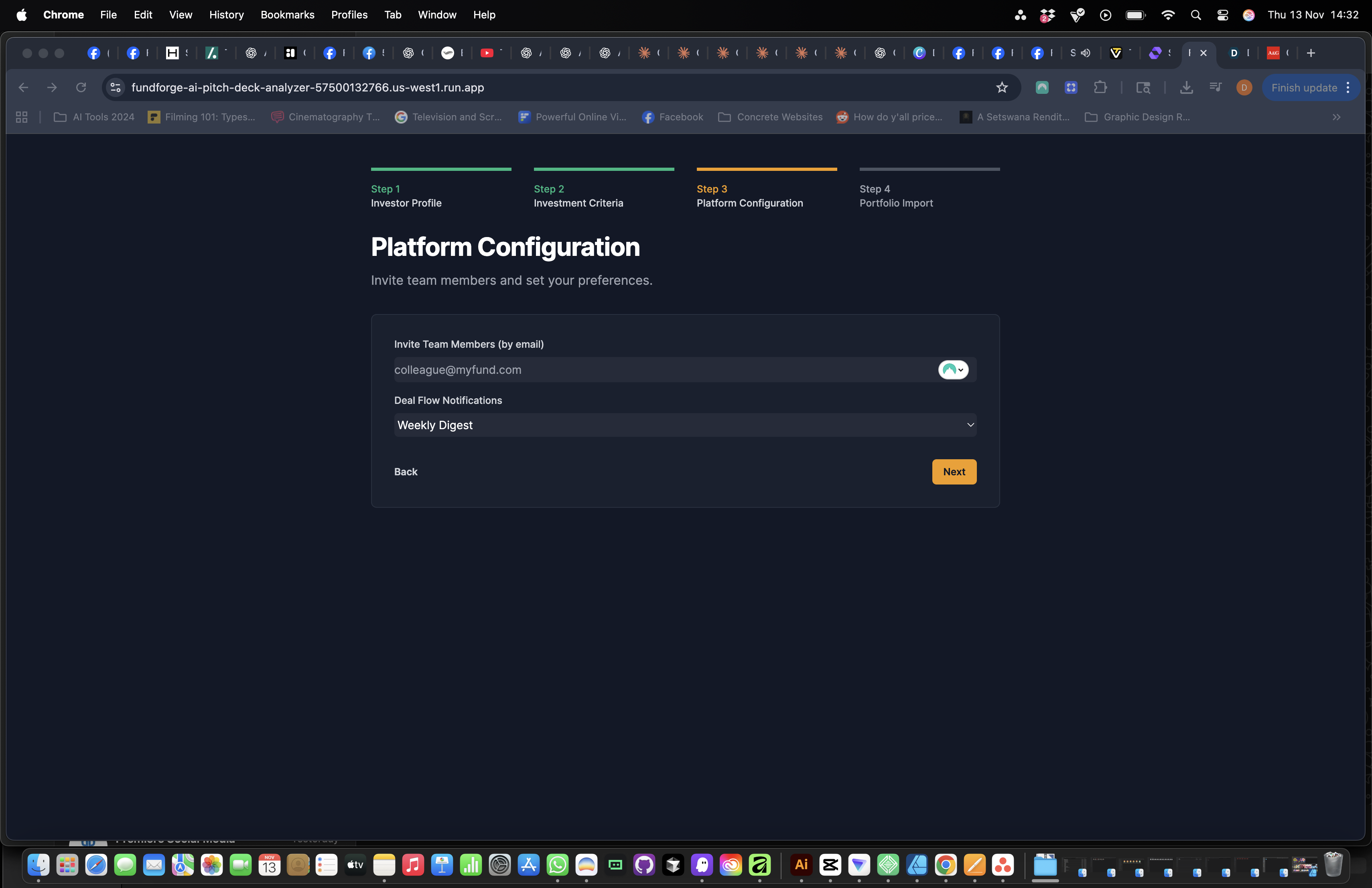
- Step-by-step sections for Executive Summary, Market, Financials, Team and
Operations.
- Each field is paired with AI hints and examples so founders know what investors expect.
- Step-by-step sections for Executive Summary, Market, Financials, Team and
Operations.
AI co-writer and reviewer (Google AI Studio)
- Uses Google AI Studio to:
- Rewrite sections more clearly and concisely.
- Suggest gaps in the logic or missing details.
- Generate first drafts of summaries from the structured inputs.
- A “Plan Health Score” gives quick feedback on how complete and coherent the plan is.
- Uses Google AI Studio to:
Investor-facing structure
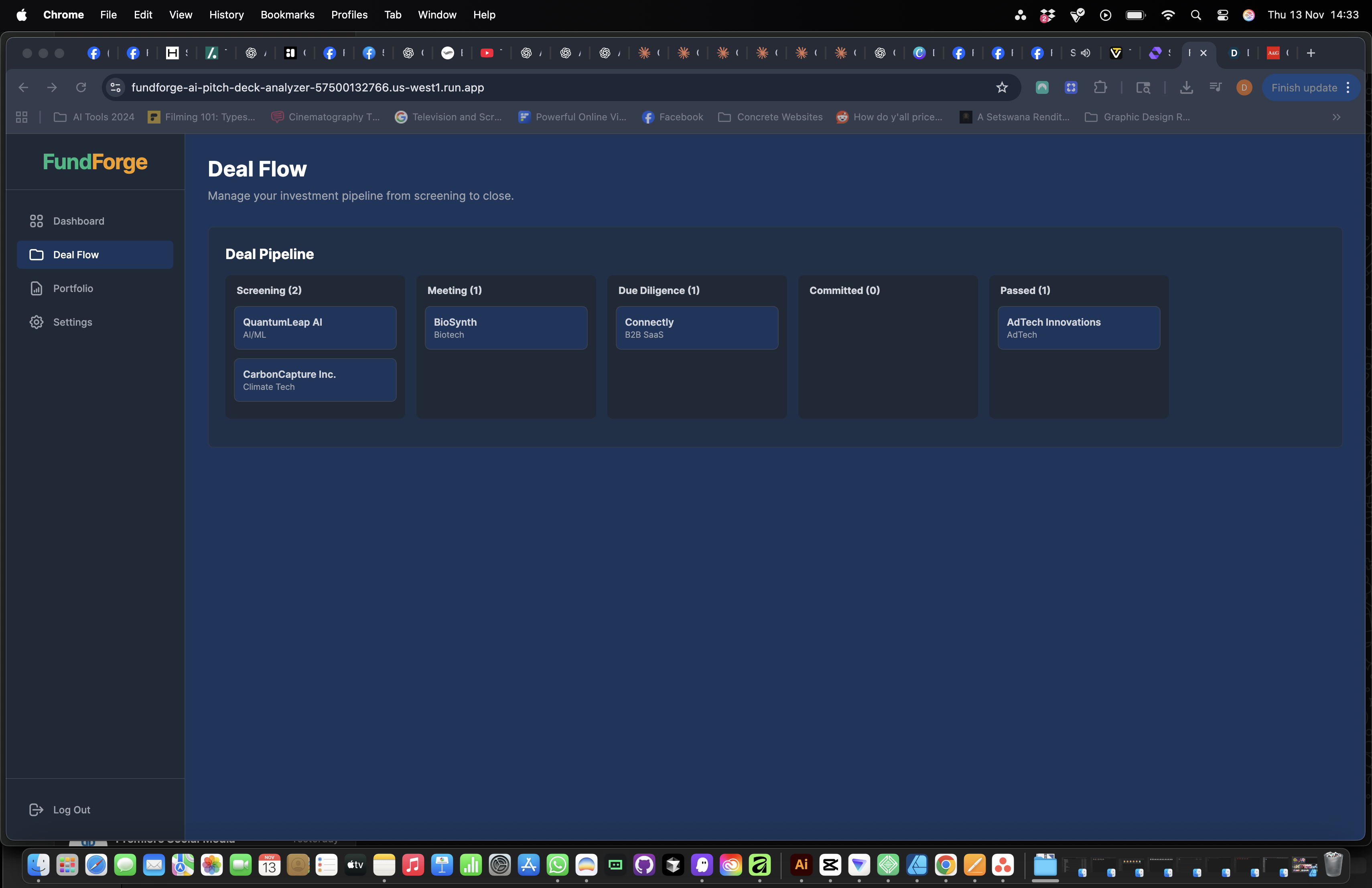
- The content is stored in a structured format so it can later be turned into pitch decks, one-pagers or shared views for investors.
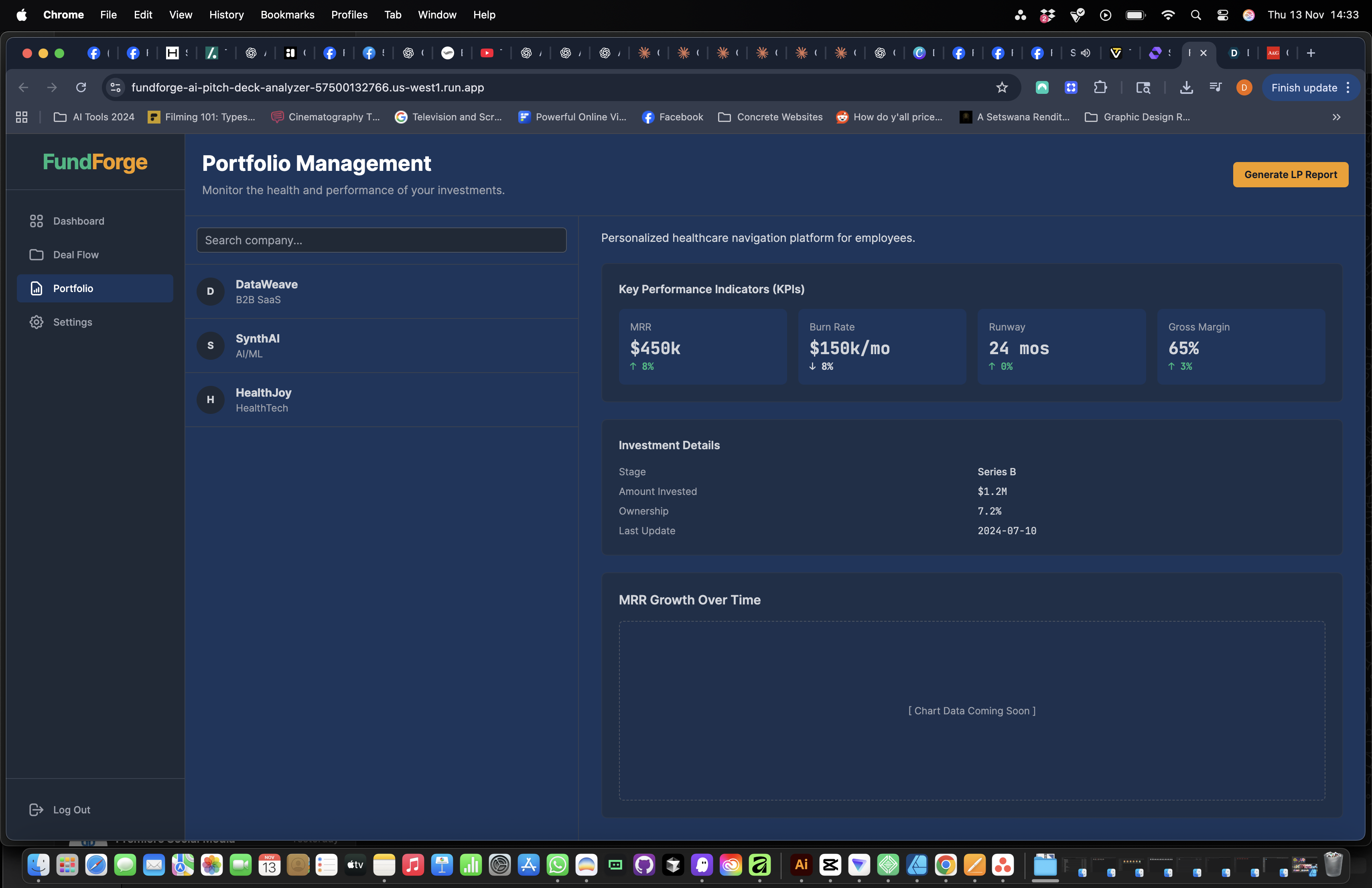
- We already have UI components for investor cards and an investor-matching area to extend this further.
How we built it
AI layer – Google AI Studio
- All smart behaviour (rewrites, suggestions, checks, summaries and SWOT-style feedback) is powered by Google AI Studio.
- We created prompt templates that:
- Enforce the structure of a business plan section.
- Ask the model to flag unclear assumptions and missing metrics.
- Keep the tone professional but founder-friendly.
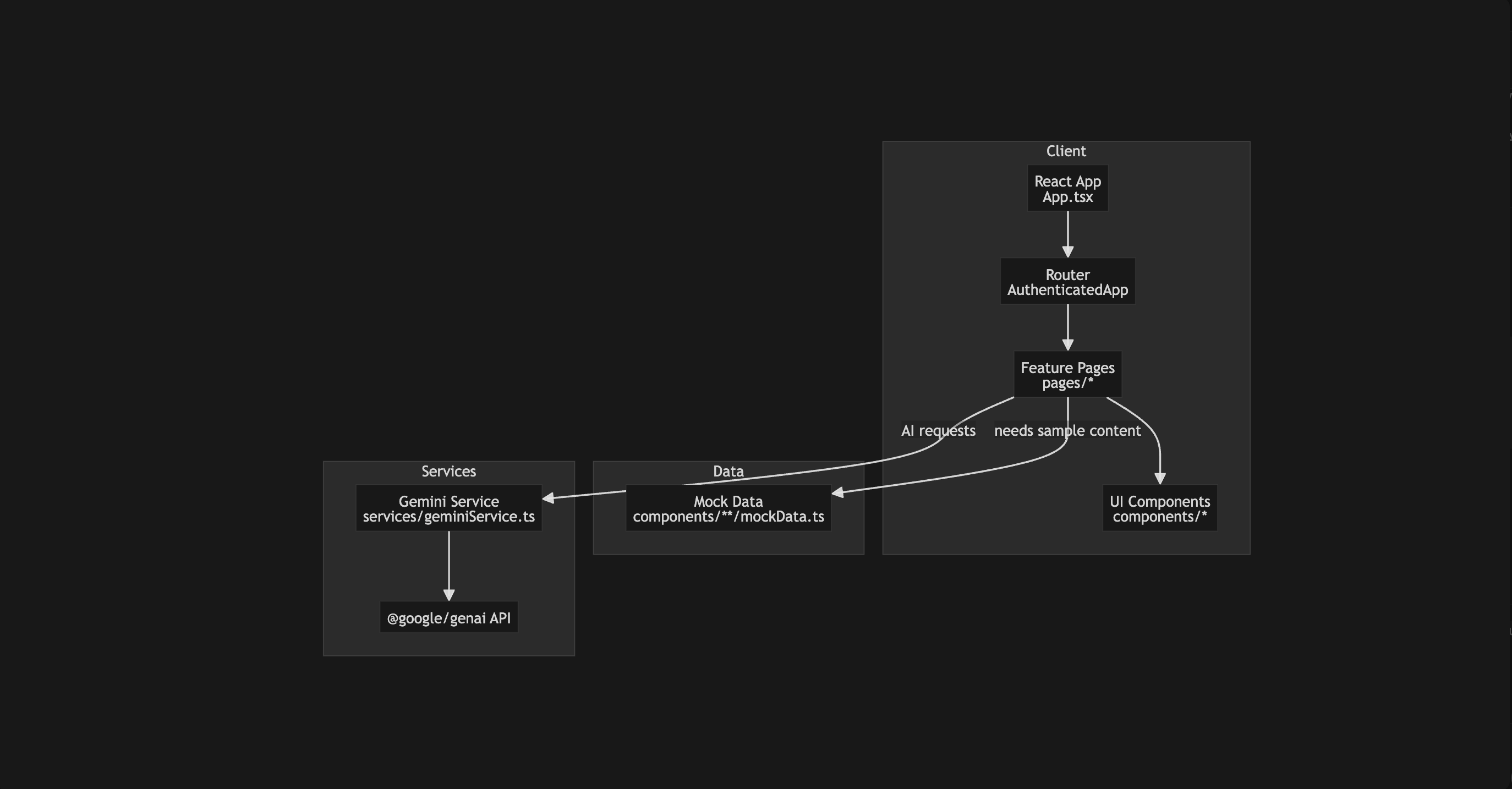
- We wrapped these prompts in a simple service layer so the front end can call
analyze,rewriteorsummarisewith minimal friction.
Front end
- React + TypeScript + Vite for a fast, component-based SPA.
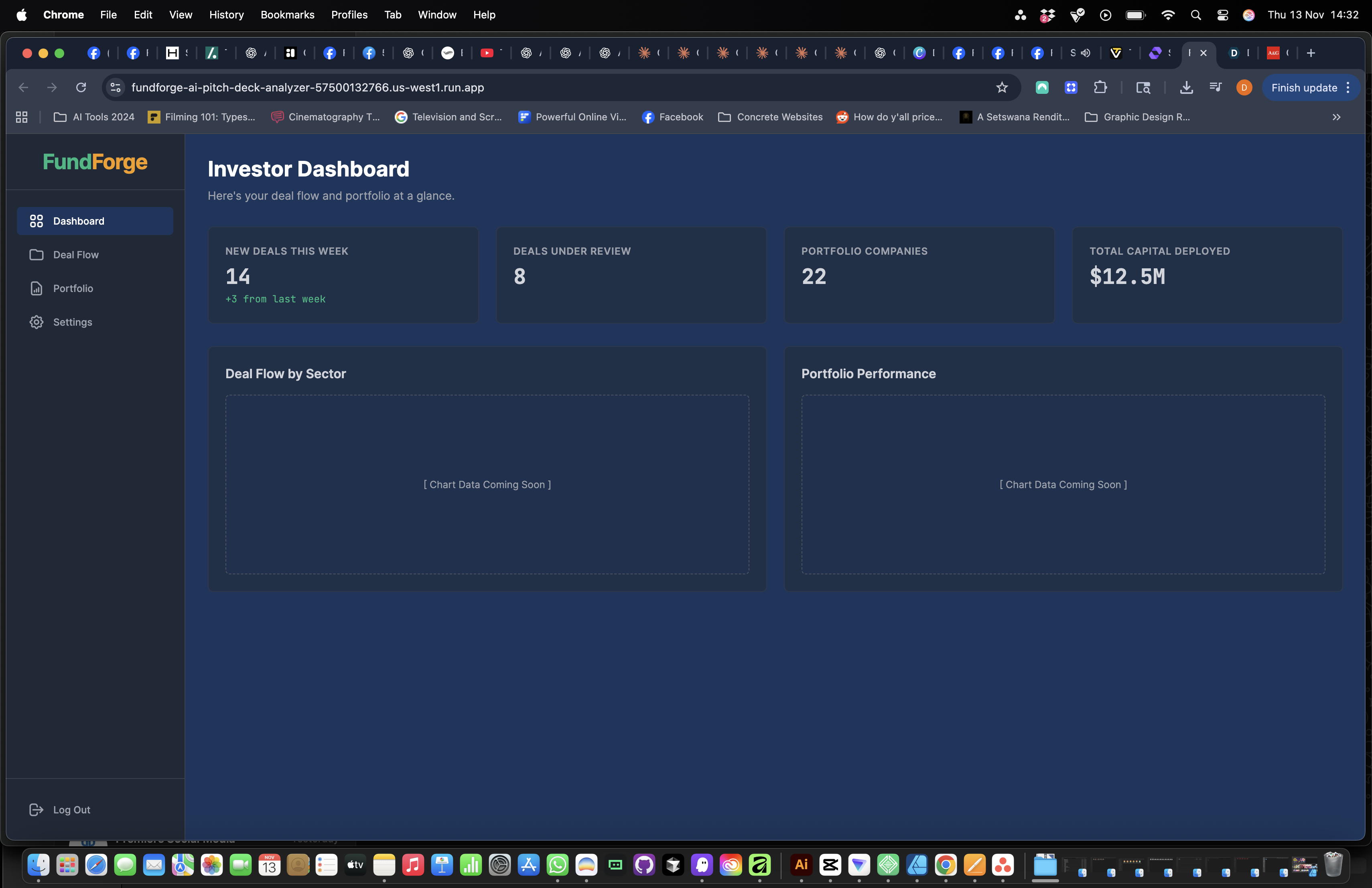
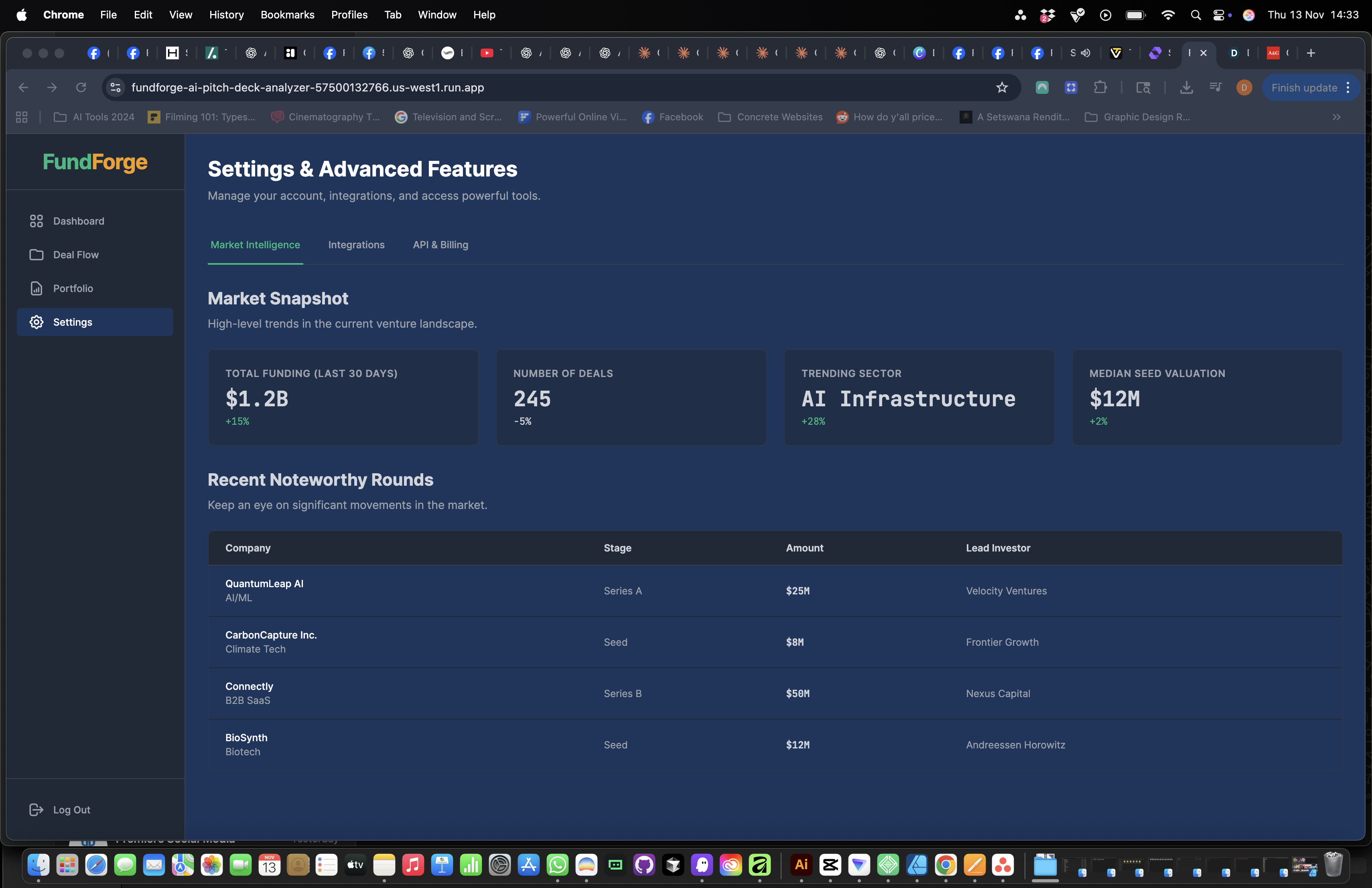
- A dashboard shell with:
- Sidebar navigation for sections of the business plan.
- Components such as
InvestorCard, settings tabs, and a plan editor layout.
- State management keeps the current plan in memory while the user moves between sections and sends only the relevant context to Google AI Studio.
Project structure
/components– reusable UI pieces (sidebar, navbar, plan editor, investor cards, settings tabs)./pages– top-level views (dashboard, settings, onboarding)./services– API + AI helper functions, including calls to Google AI Studio.
All code lives in a single repository on GitHub, which makes it easy to review, extend and deploy.
Challenges we ran into
Shaping AI output to a strict structure
Early prompts gave us long, “essay-style” answers. We had to iterate on prompt design so the model returns short, well-labelled sections that slot neatly into our UI.Balancing freedom and guardrails for users
Founders want flexibility, but the AI performs best with structured inputs. We experimented with different combinations of free-text fields, guided questions and AI “fix it” buttons.Latency and UX around AI calls
Long requests can feel slow, so we added loading states, optimistic UI updates and careful scoping of the context we send to Google AI Studio.Scope vs. time
The full blueprint includes advisor marketplaces, deep financial modeling and investor portals. For the hackathon, we had to prioritise an excellent core experience: guided plan creation + AI review.
What we learned
Designing AI-first UX is different from traditional forms.
Users need to see how the AI is helping them, not just that “magic happens”. Clear prompts, inline hints and visible improvements in their text make the value obvious.Prompt design is a product feature.
Small changes in the way we ask Google AI Studio to respond dramatically changed usability. We learned to think of prompts as part of the UI, not just backend glue.Structure unlocks everything.
By storing plans in a structured format instead of a single blob of text, we’ve opened the door to future features like pitch-deck generation, investor views, benchmarking and analytics.Google AI Studio is a powerful prototyping tool.
It allowed us to iterate quickly, test different prompt shapes, and move from idea to working AI features without heavy infrastructure.
What’s next
This hackathon gave us a solid AI-first foundation. Next we want to:
Add collaboration
Real-time comments, @mentions and advisor review workflows so founders can work with mentors inside the app.Deeper financial modeling
Guided CAC/LTV, cohort-based revenue projections, sensitivity analysis and export to spreadsheets.Investor portal
Read-only, metrics-first views of plans with a secure document room and simple Q&A for due diligence.Template marketplace
Industry-specific templates created by advisors (SaaS, e-commerce, fintech, etc.), with revenue sharing.More Google AI Studio skills
- Auto-generated pitch decks from the plan.
- Voice-to-plan: record a rough idea, get a structured outline.
- Benchmarking plans against anonymised, high-quality examples.
FundForge AI is still early, but using Google AI Studio we’ve already turned a static, intimidating process into something interactive, supportive and much more accessible for founders.
Built With
- github
- google-ai-studio-(gemini-apis)
- html/css
- node.js-(api-layer)
- react
- typescript
- vite

Log in or sign up for Devpost to join the conversation.