-
-
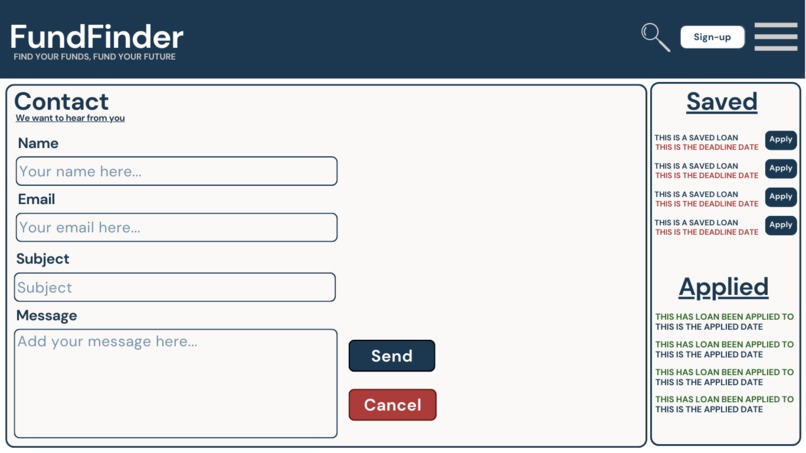
Contact page Mockup
-
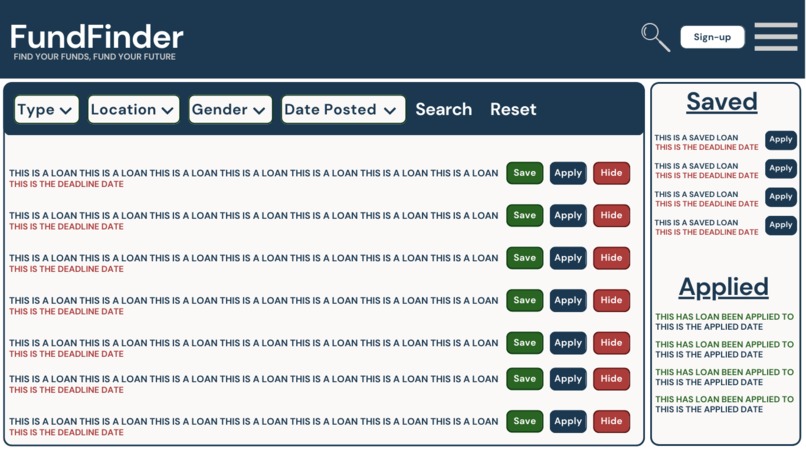
Dashboard Mockup
-
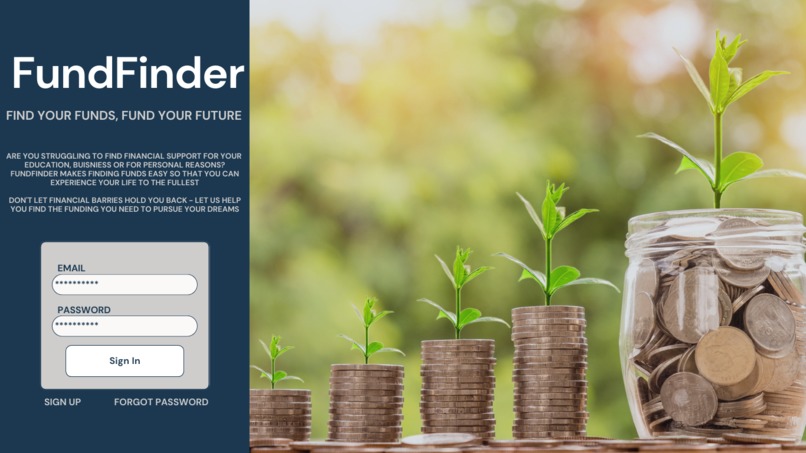
Homepage Mockup
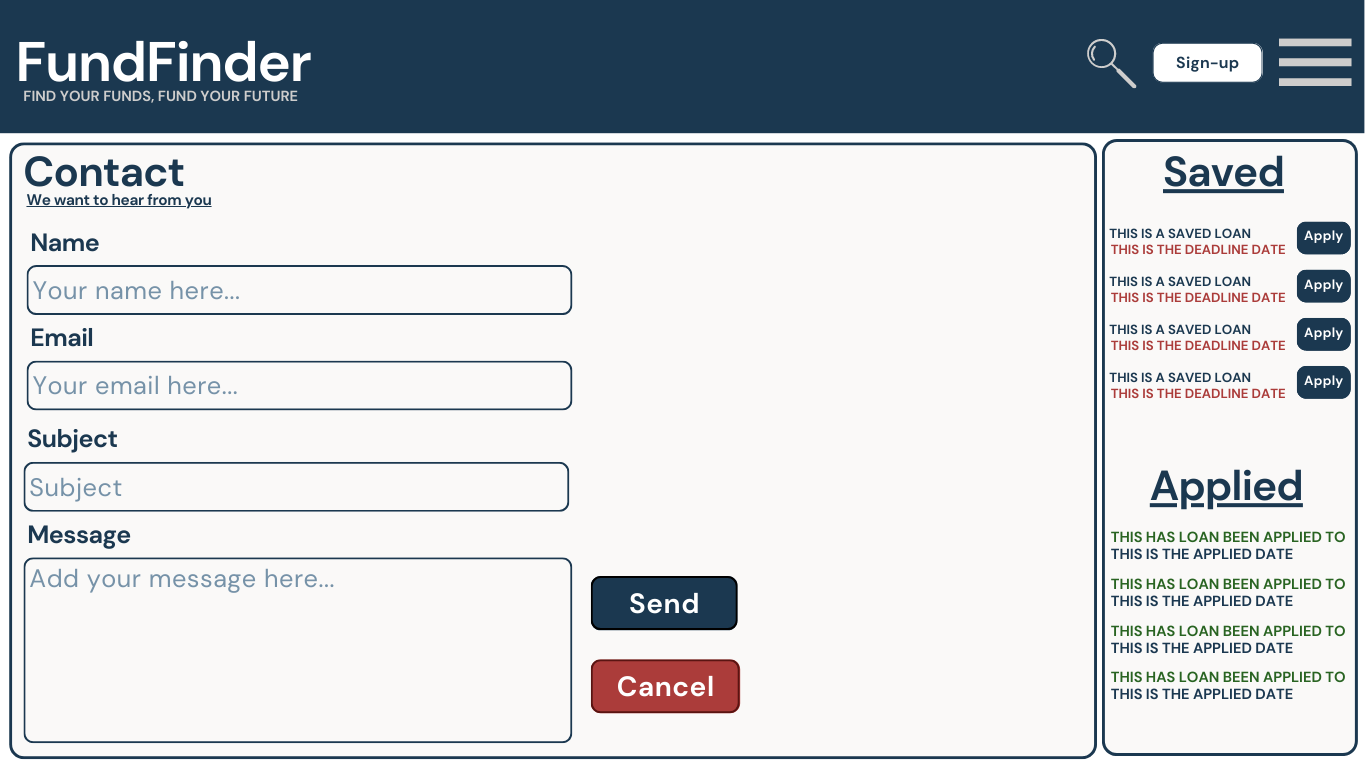
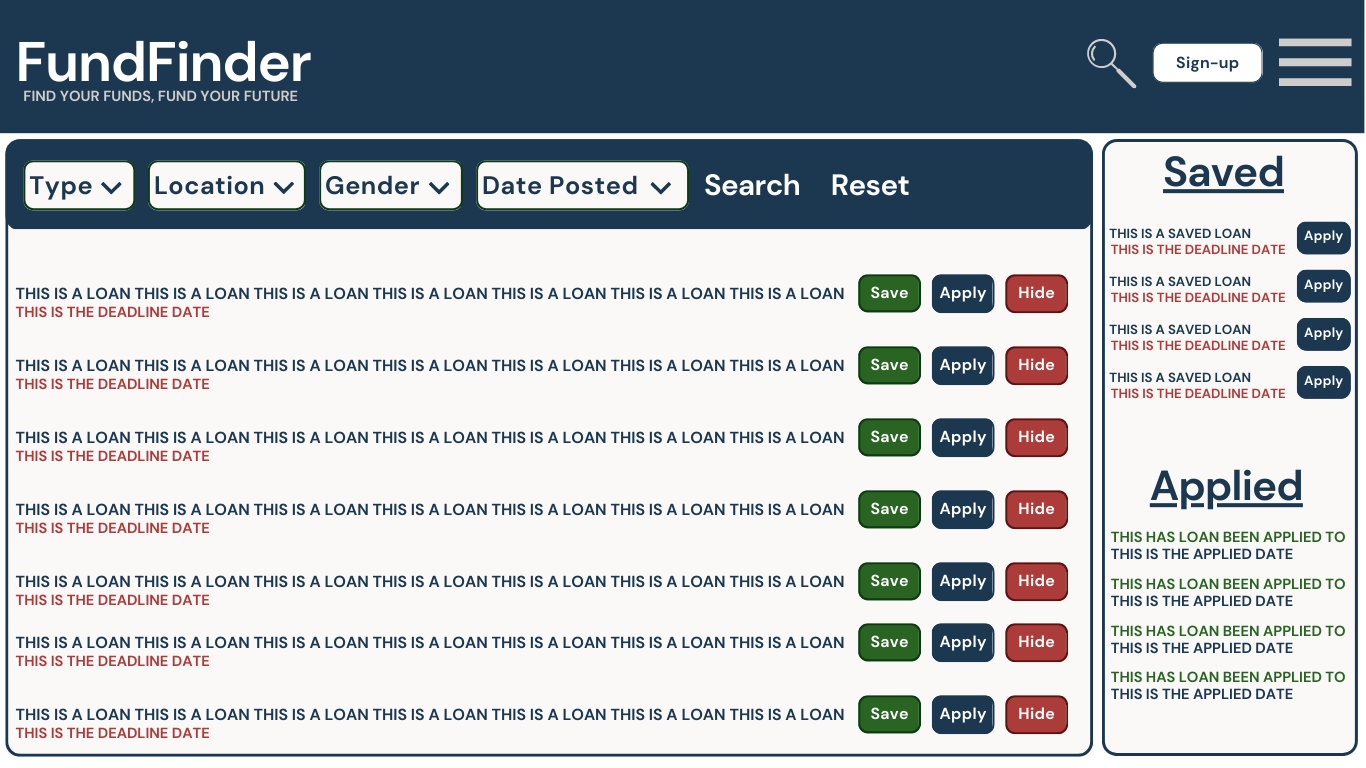
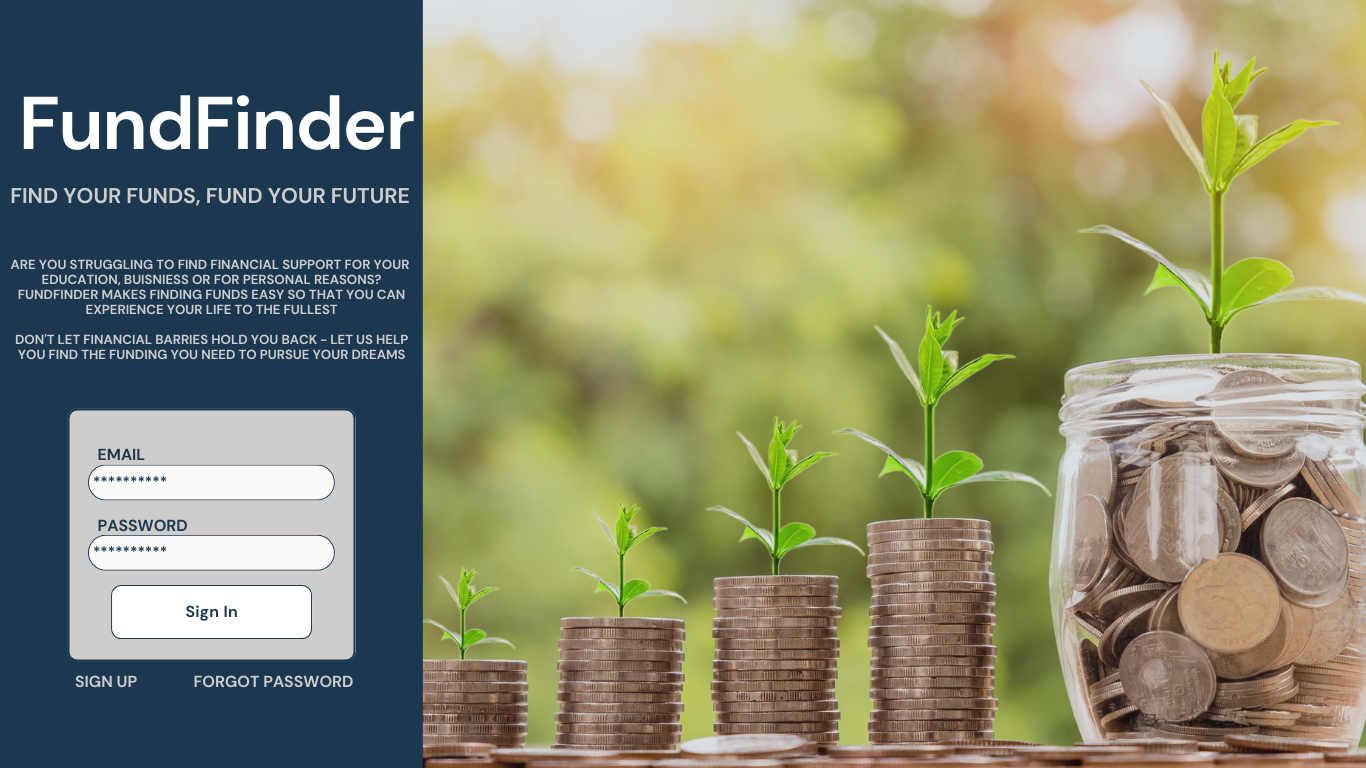
FUNDFINDER
Our team was driven by our personal experiences and growth to create an app that would cater to women who are new to the tech industry. As we worked together to develop the app, we learned invaluable lessons on the importance of teamwork, resilience, and dividing tasks in a collaborative environment.
However, we also faced some challenges along the way. For example, we took on tasks that we didn't have much experience with, resulting in some hiccups on the road. One such challenge was an issue with saving the user who was currently logged in. Though we were able to eventually figure it out, time constraints meant that we were unable to implement the feature fully. We also encountered issues with lifting states and using axios to filter requests.
Despite these challenges, we remained committed to overcoming them and producing an app that we are proud of.
Technologies
Back-End
| Language | Tech Stack | Dependencies |
|---|---|---|
| Javascript | Node.js | Express.js, Bcrypt, Cors, and Dotenv |
Run Locally
Prerequesites
- To view the client-side, you will also need to install the client side code found here Client-Side.
- You will need your own
.envfile enabled for your server to run. Example,PORT=8080. This will be in the Installation Steps as well as the Client-Side repository.
Installation Steps
Run the following code in the terminal:
git clone https://github.com/Jorfishdan/FundFinder-server.gitNavigate to the new directory:
cd FundFinder-serverEnsure a
.envfile exists, and if not create one:echo 'PORT=8000' >> .envInstall all packages and dependencies:
npm iStart the server:
npm run start
Our Contact Information
| Developers | ||
|---|---|---|
| Kimberly Nolsin | [email protected] | Kimberly's Profile |
| Hilary Britton Foster | [email protected] | Hilarys's Profile |
| Jordan Fish | [email protected] | Jordan's Profile |
Built With
- and-sass.-on-the-backend
- axios
- bcrypt
- cors
- dotenv
- email.js
- emailjs
- express.js
- jwt-decode
- node.js
- react
- react-toastify
- sass
- we-utilized-node.js

Log in or sign up for Devpost to join the conversation.