
Inspiration
Have you ever watched a user session recording and tried to guess what they were thinking? It's often difficult to pinpoint the exact moments of confusion or hesitation. We wanted to build a tool that automates this process. Our inspiration was to create a "smart assistant" for UX researchers and product managers that could watch session recordings and instantly highlight where users struggle, saving countless hours of manual review and providing data-driven insights. We aimed to bridge the gap between raw user behavior and actionable product improvements.
What it does
Flow is a web application that ingests video recordings of user sessions and analyzes them for signs of interaction friction. Here’s the workflow:
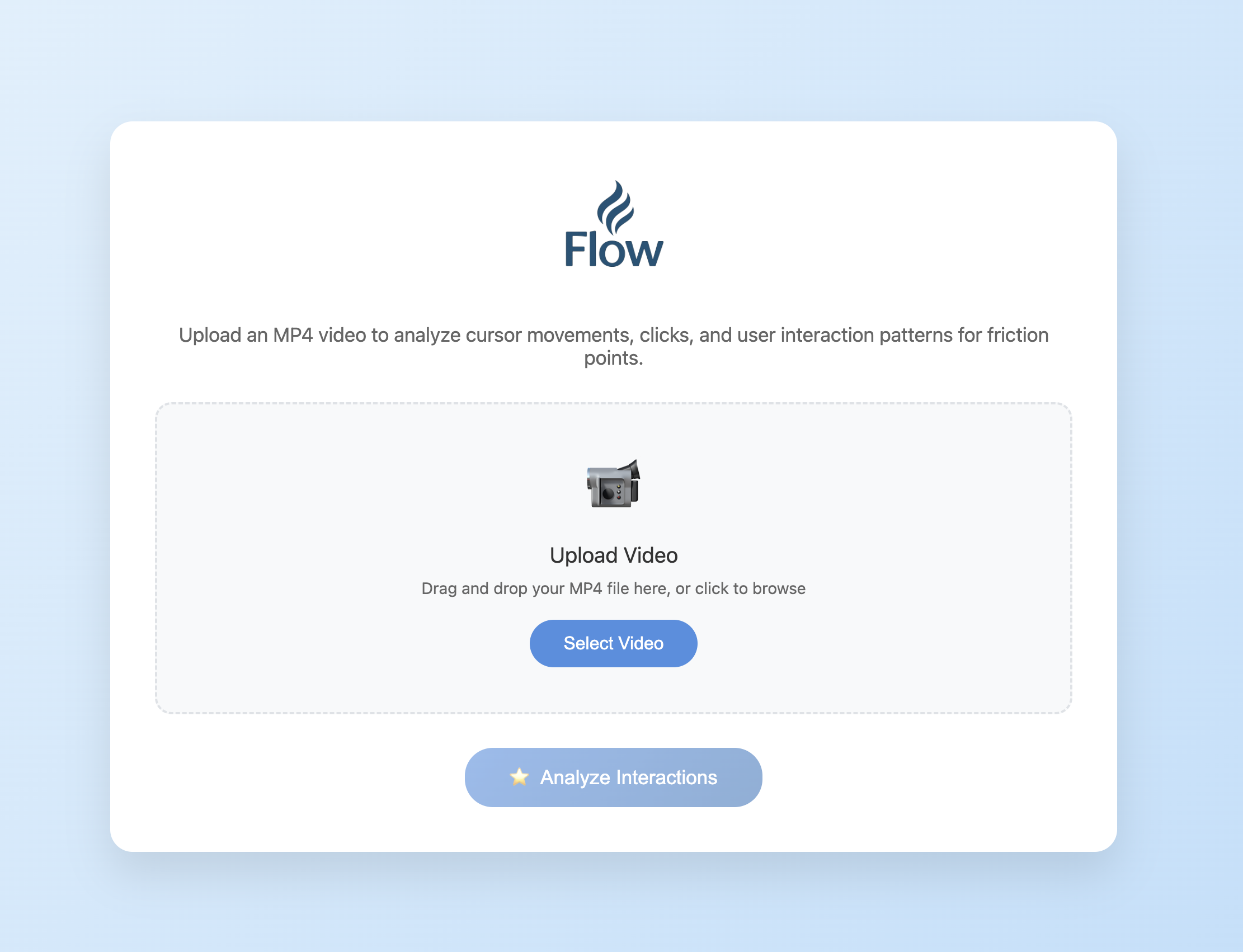
- Upload Video: A user uploads a screen recording of a product interaction through a simple web interface.
- Track Mouse Movements: The backend processes the video, tracking the mouse cursor's path frame by frame.
- Detect Friction Points: Our custom algorithm analyzes the cursor's movement to detect patterns indicating user friction, such as:
- Hesitation: Long pauses where the user might be confused.
- Erratic Movement: "Mouse rage" or shaky motions indicating frustration.
- Rage Clicks: Repeated clicks in the same area.
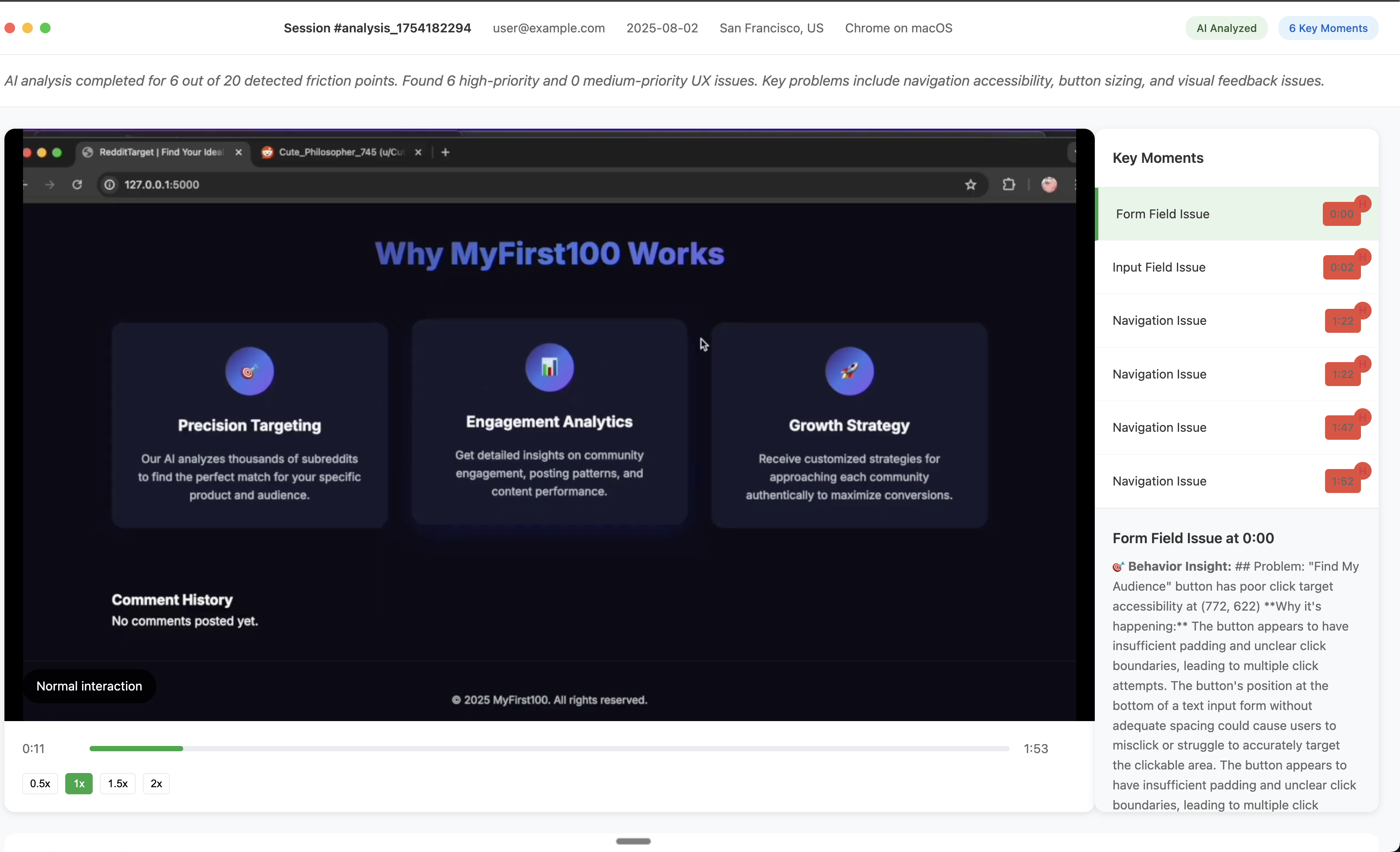
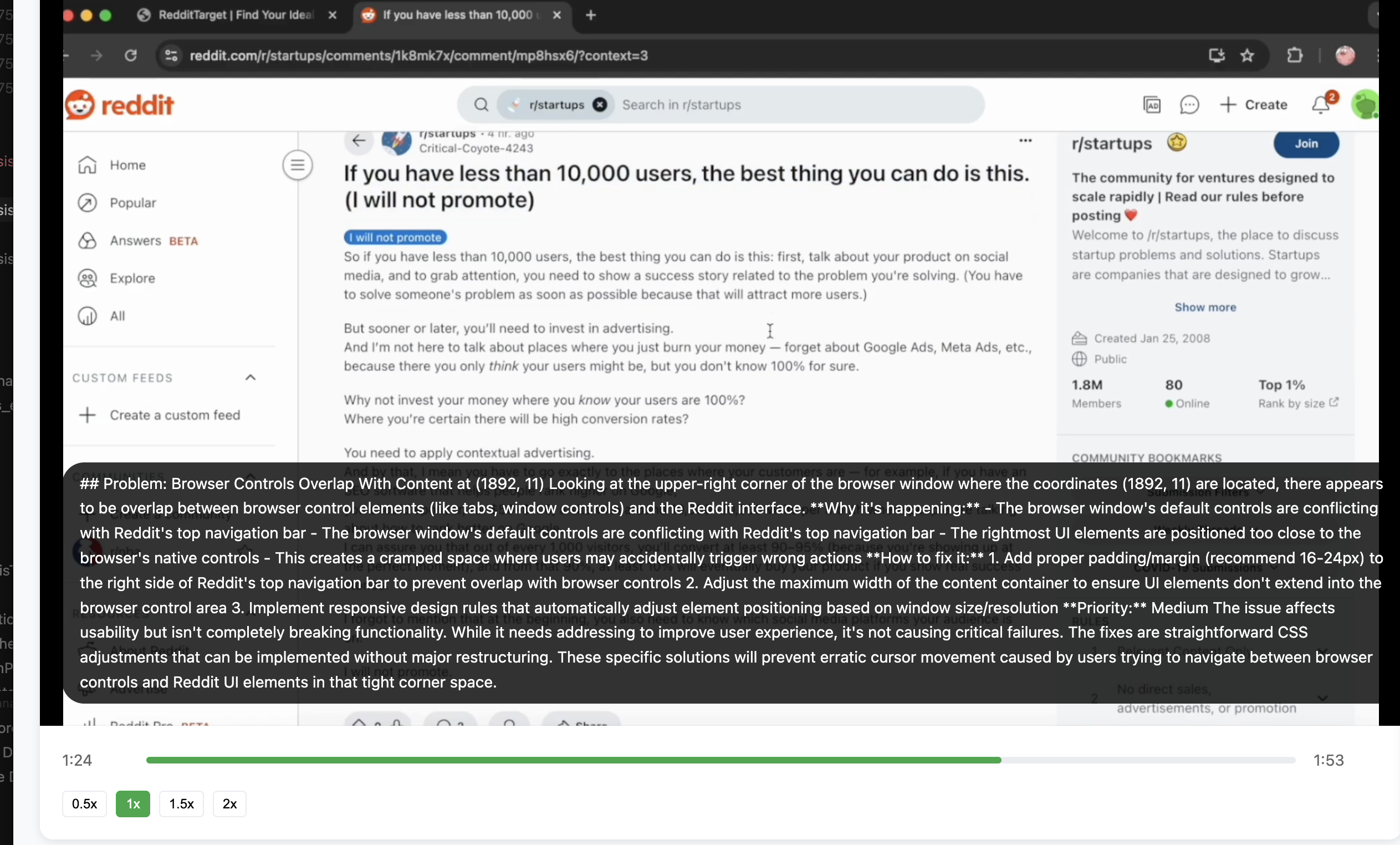
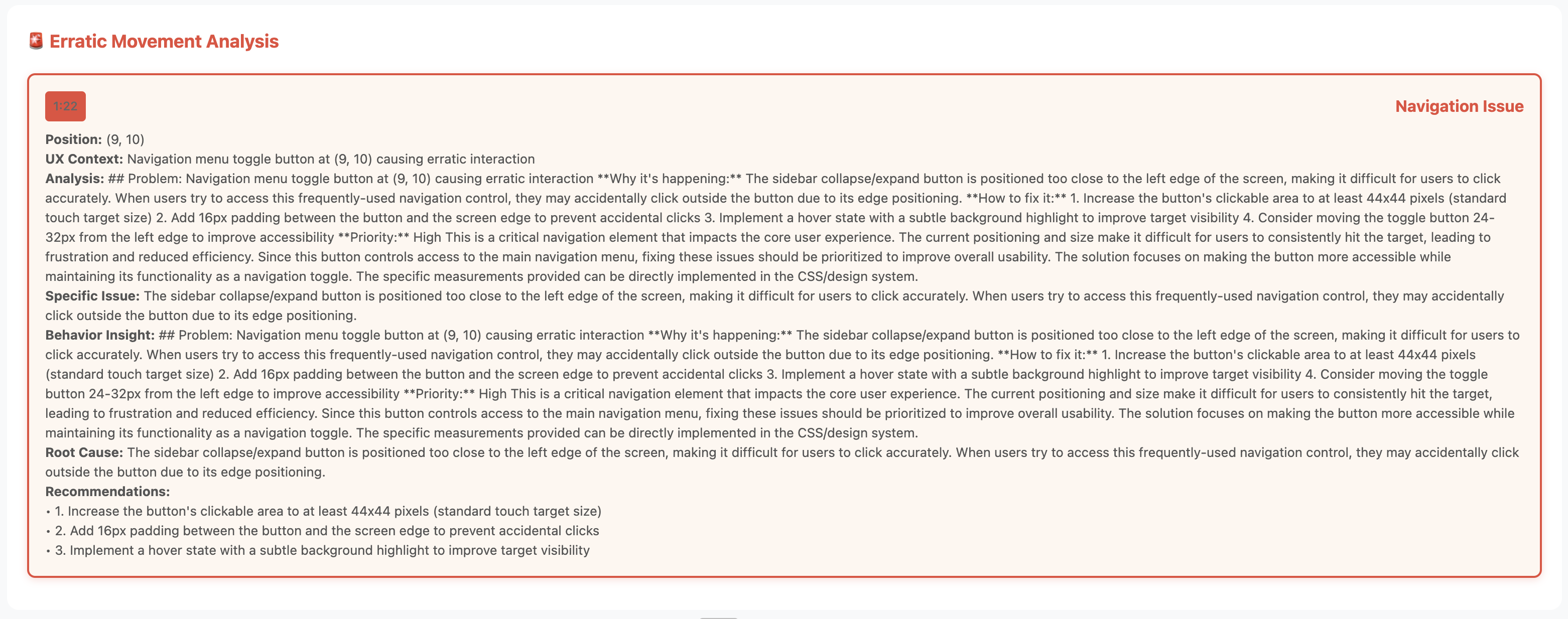
- Generate AI-Powered Reports: The system flags these friction events and (currently using a stubbed model) generates a detailed UX report. This report outlines key moments of struggle and provides context for why the user might be having trouble.
- Visualize Insights: The results are presented in a clean, interactive dashboard, allowing teams to quickly understand and address the identified UX issues.
How we built it
We built Flow as a full-stack Python application, leveraging a suite of powerful libraries to handle everything from video processing to web serving.
Backend: The core of our application is a Flask web server (app.py). It manages file uploads, orchestrates the analysis pipeline, and serves data to the frontend via a RESTful API (session_analysis_api.py).
Video & Mouse Analysis: We used OpenCV for video processing, extracting frames for analysis. A custom module, mouse_tracker.py, is responsible for identifying and tracking the cursor in each frame and analyzing its movement patterns to detect friction.
AI & Report Generation: The interaction_analyzer.py module takes the detected friction points and uses a (currently stubbed) AI service to generate human-readable UX insights. This is designed to be easily upgradable to a real large language model like Anthropic's Claude or OpenAI's GPT. The final output is a detailed markdown report.
Frontend: The user interface is built with simple HTML, CSS, and JavaScript, using Jinja templates (index.html, session_analysis.html) to render the upload form and the final analysis reports dynamically. Dependencies: All project dependencies, including Flask, OpenCV, and Matplotlib, are managed in a requirements.txt file. API keys are securely stored in a .env file.
Challenges we ran into
One of the biggest challenges was accurately and efficiently tracking the mouse cursor from a raw video file without any special browser extensions. Variations in cursor appearance across different operating systems, video compression artifacts, and distinguishing the cursor from similar-looking UI elements proved to be a complex problem.
Another hurdle was processing large video files without blocking the server for an extended period. We had to design an asynchronous-feeling workflow where the user could upload a video and the analysis would happen in the background.
Accomplishments that we're proud of
We're incredibly proud of building an end-to-end system that takes a complex, unstructured input (a video) and produces structured, actionable data. The analysis pipeline, from frame extraction to friction detection and report generation, works seamlessly. Creating our algorithm for detecting hesitation and erratic movement was a major accomplishment and forms the core of our project's unique value.
What we learned
This project was a deep dive into the intersection of video processing, data analysis, and user experience design. We learned a ton about the complexities of computer vision with OpenCV and the nuances of translating raw movement data into meaningful human behavior insights. We also gained a greater appreciation for how difficult it is to build truly intuitive and "frictionless" products.
What's next for function
Our future plans include:
- Full AI Integration: Revamping the AI in interaction_analyzer.py with better API calls to Anthropic to provide much deeper, context-aware analysis.
- UI Context Mapping: Moving beyond just cursor position to identify what UI element the user is interacting with. This would allow us to provide even more specific feedback, like "User hesitated on the 'Checkout' button for 5 seconds."
- Enhanced Frontend: Building a more dynamic and interactive frontend with React or Vue.js to visualize the cursor path, display heatmaps, and allow users to click on a timeline to jump to key friction moments in the video.
Built With
- anthropic
- claude
- flask
- opencv
- python
- typescript


Log in or sign up for Devpost to join the conversation.