-
-
MediFlow- Patient Intake using Nova 2 Sonic
MediFlow AI — Real-time Medical Intake Assistant
What it does
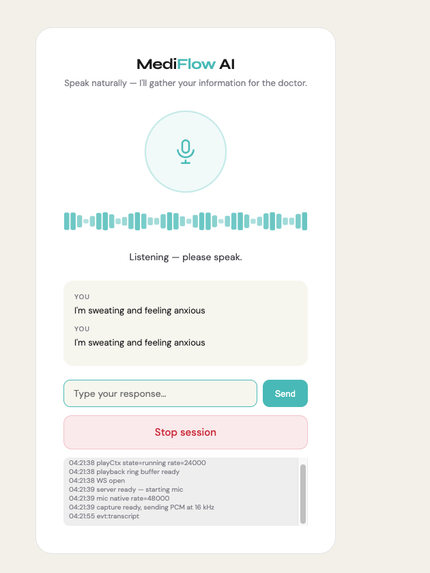
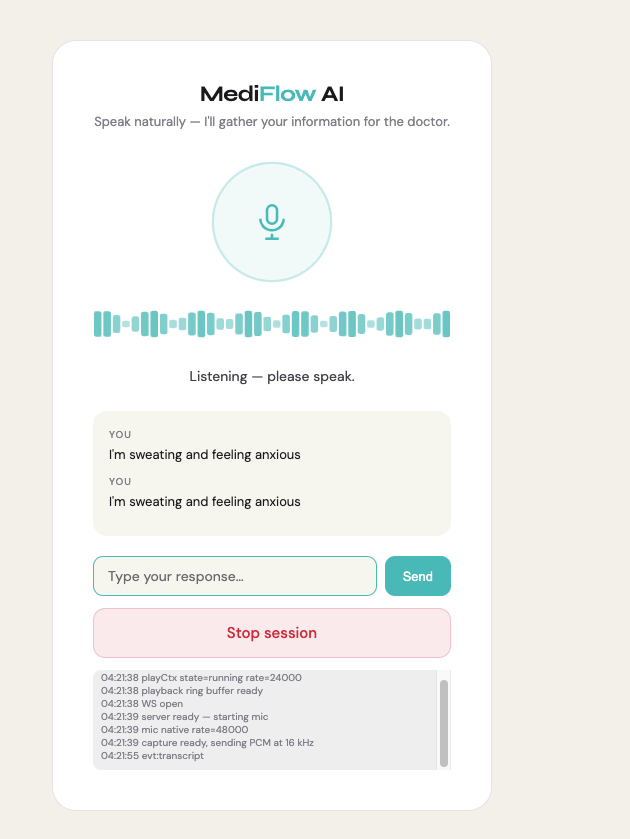
A patient arrives at a clinic. Instead of filling in a paper form or waiting for a nurse, they speak to MediFlow AI a voice agent powered by Amazon Nova 2 Sonic. The AI conducts a structured clinical intake interview.
While the patient is speaking, the physician dashboard streams a live SOAP note, computed risk scores (HEART score for chest pain), ICD-10 code suggestions, and triage alerts. By the time the doctor walks in, they already know what they're dealing with.
Patient speaks                     Doctor sees
──────────────                     ─────────────
"I have chest pain                 S: Chief complaint — chest tightness
 radiating to my jaw               O: PMH — HTN (self-reported)
 and I'm sweating"                 A: ACS pattern — HEART score 7/10
                                   P: ECG stat · Troponin · Aspirin 325mg
                  ◄── 300 ms ───►
Architecture
Browser (patient)          Flask + flask-sock       Nova Sonic
────────────────           ─────────────────────    ───────────────────
AudioContext (16 kHz) ─── WS /ws/<sid> ─────────► BedrockStreamManager
                                                   (bidirectional stream)
                      ◄── PCM audio chunks ───────
                      ◄── JSON events ────────────

Browser (doctor)
────────────────
EventSource /api/sessions/<sid>/events
  ◄── SSE: transcript, soap_update, alert_flag
Key files
| File | Purpose |
|---|---|
nova_sonic_client.py |
Bedrock bidirectional stream manager + silent audio streamer |
clinical_extractor.py |
Rule-based NLP → SOAP fields + HEART score + ICD-10 codes |
session_manager.py |
Session lifecycle, SSE broadcasting, audio routing |
app.py |
Flask REST API + WebSocket + SSE endpoints |
templates/intake.html |
Patient-facing voice UI |
templates/dashboard.html |
Physician real-time SOAP dashboard |
Quick start
1. Clone and install
git clone <repo>
cd mediflow
python -m venv venv
source venv/bin/activate        # Windows: venv\Scripts\activate
pip install -r requirements.txt
2. Configure AWS credentials
cp .env.example .env
# Edit .env — add AWS_ACCESS_KEY_ID, AWS_SECRET_ACCESS_KEY, AWS_REGION
AWS permissions required:
bedrock:InvokeModelWithBidirectionalStreamonamazon.nova-2-sonic-v1:0
3. Run
python app.py
- Physician dashboard → http://localhost:5003
- Patient intake → http://localhost:5003/intake

Log in or sign up for Devpost to join the conversation.