-
-
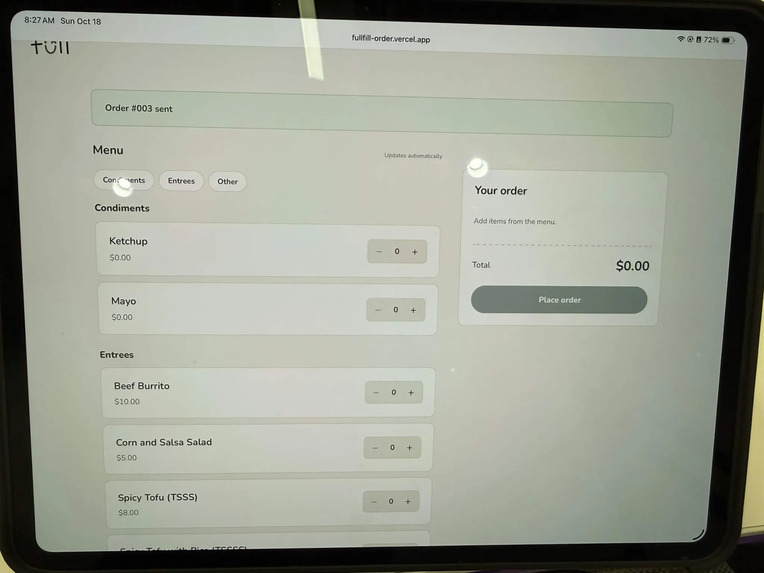
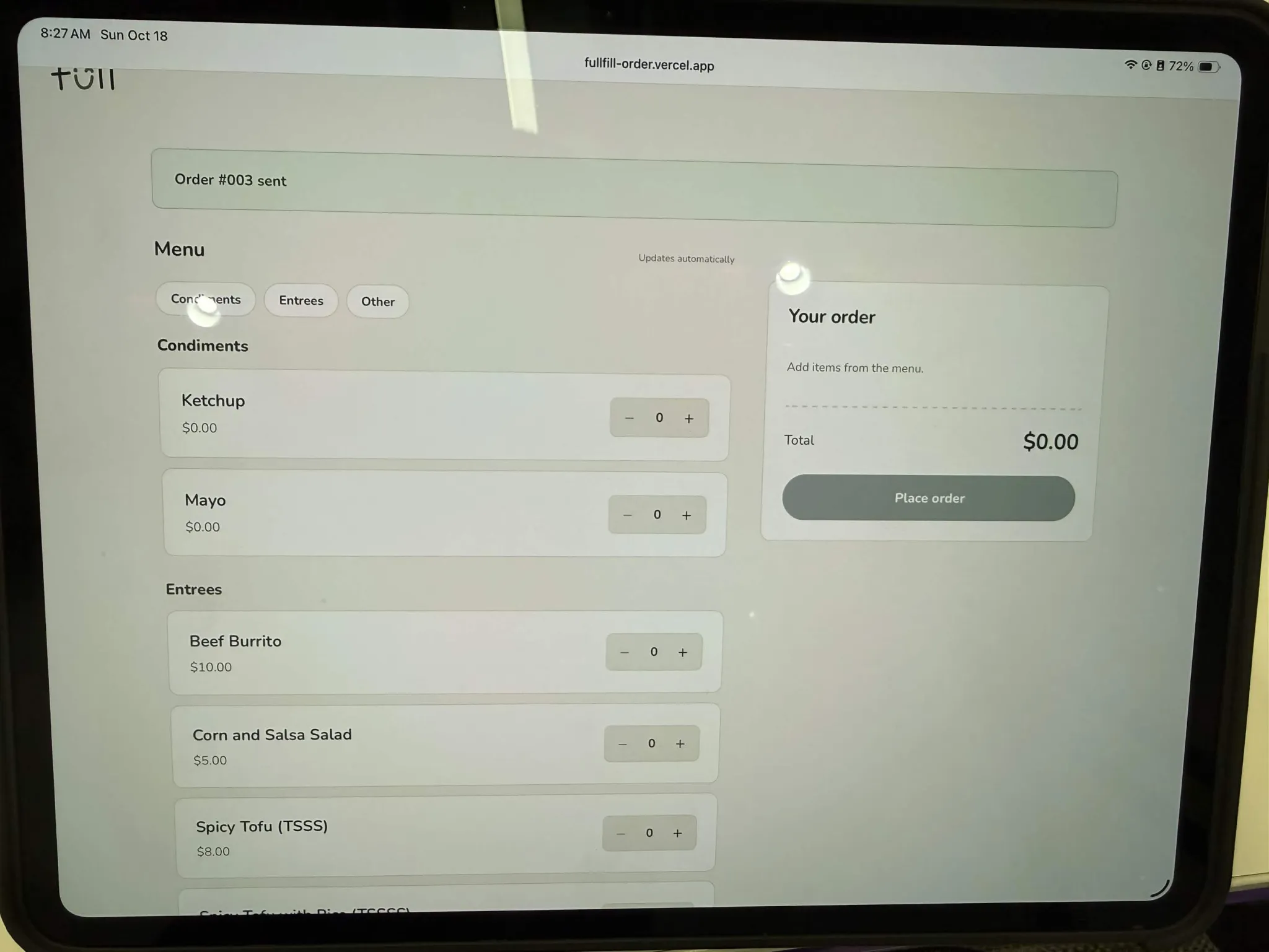
Customer-side console.
-
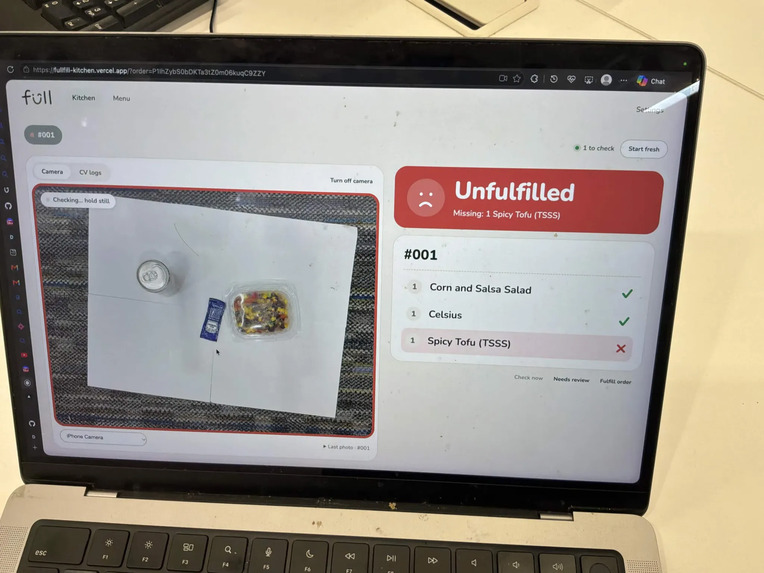
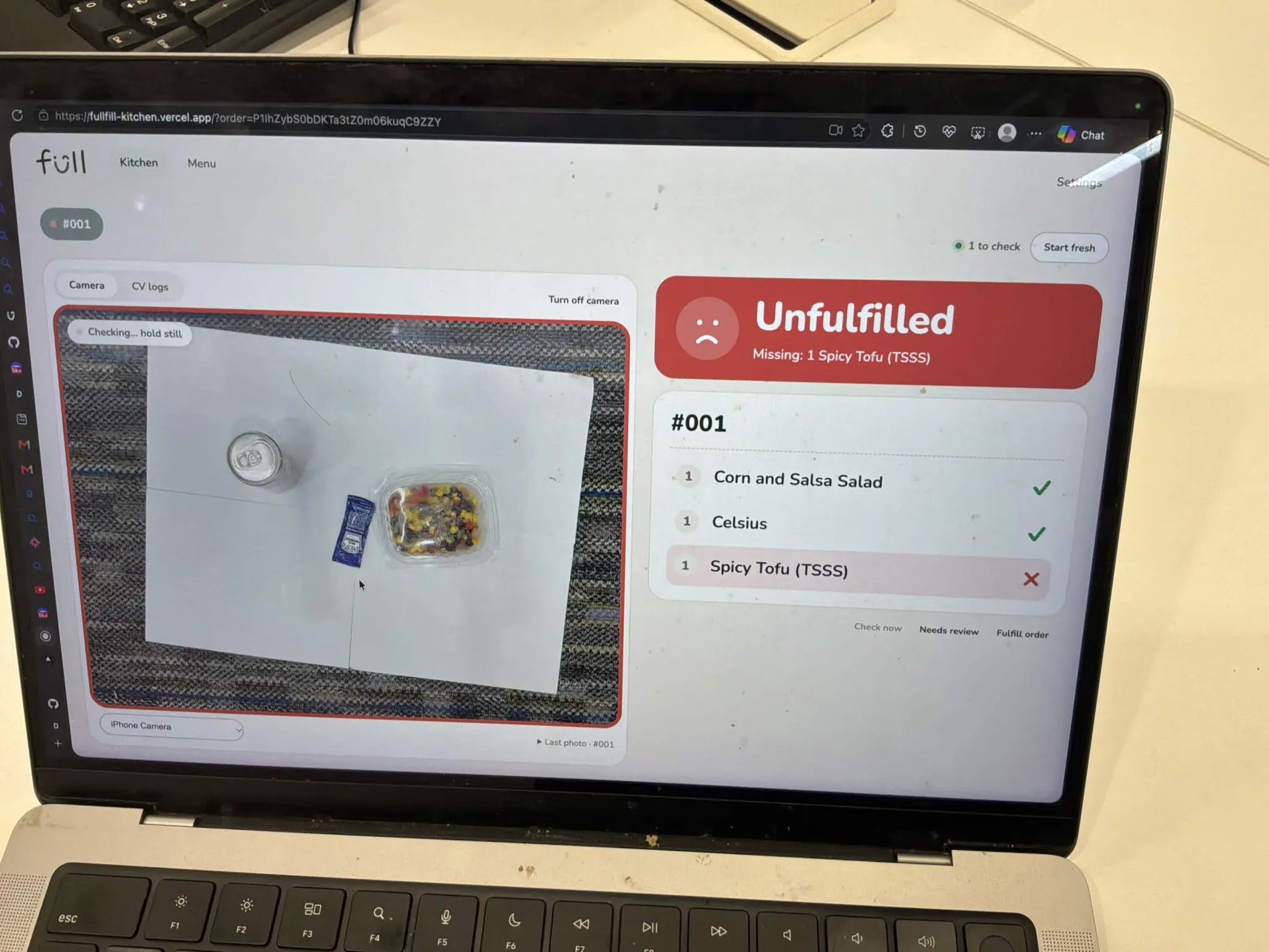
Resturant-side KDS, uh oh an item is missing!
-
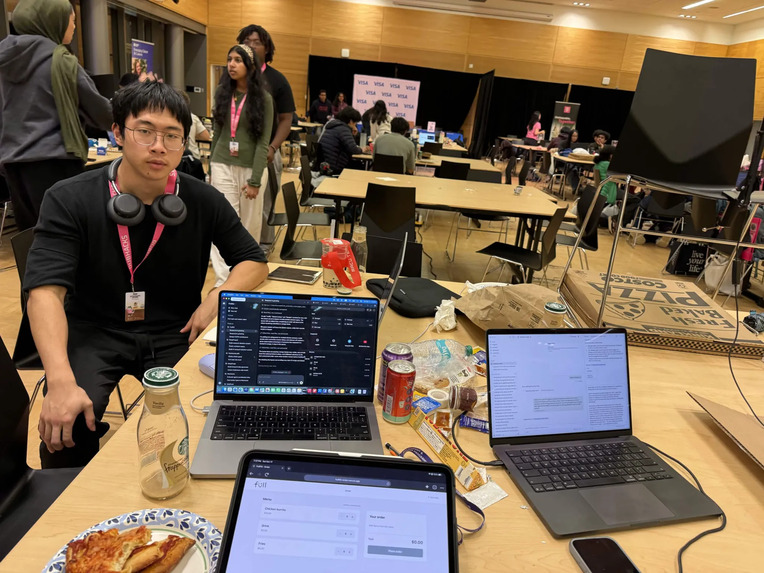
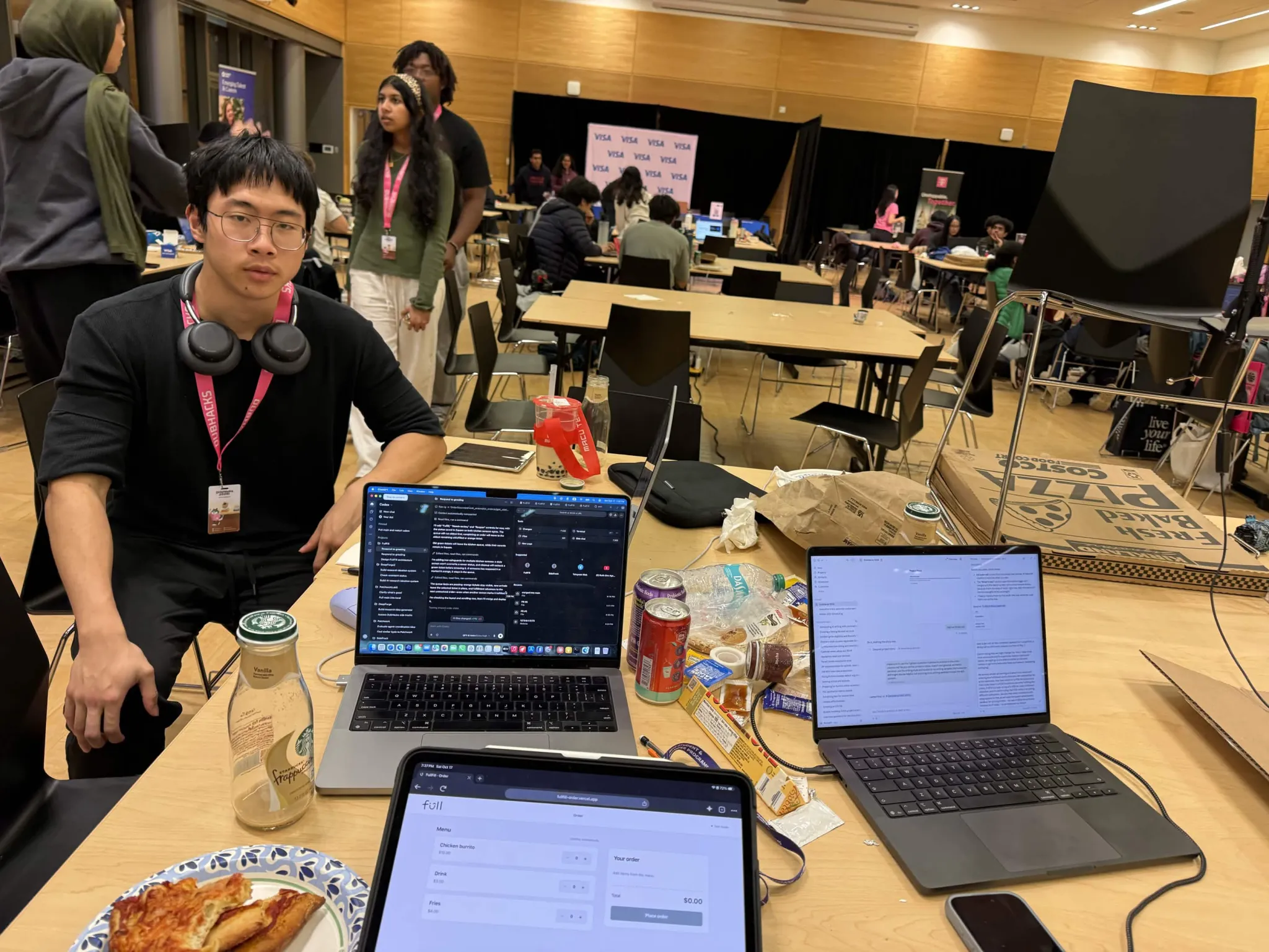
Prototyping at the ballroom!
-
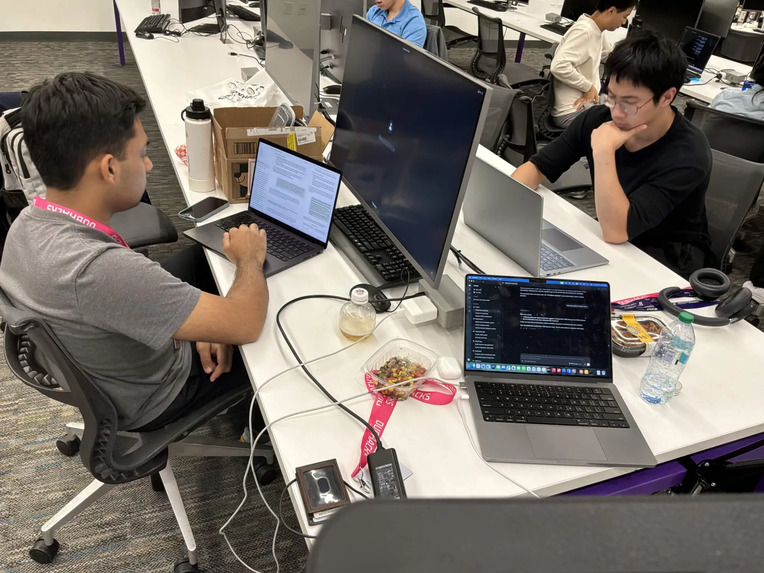
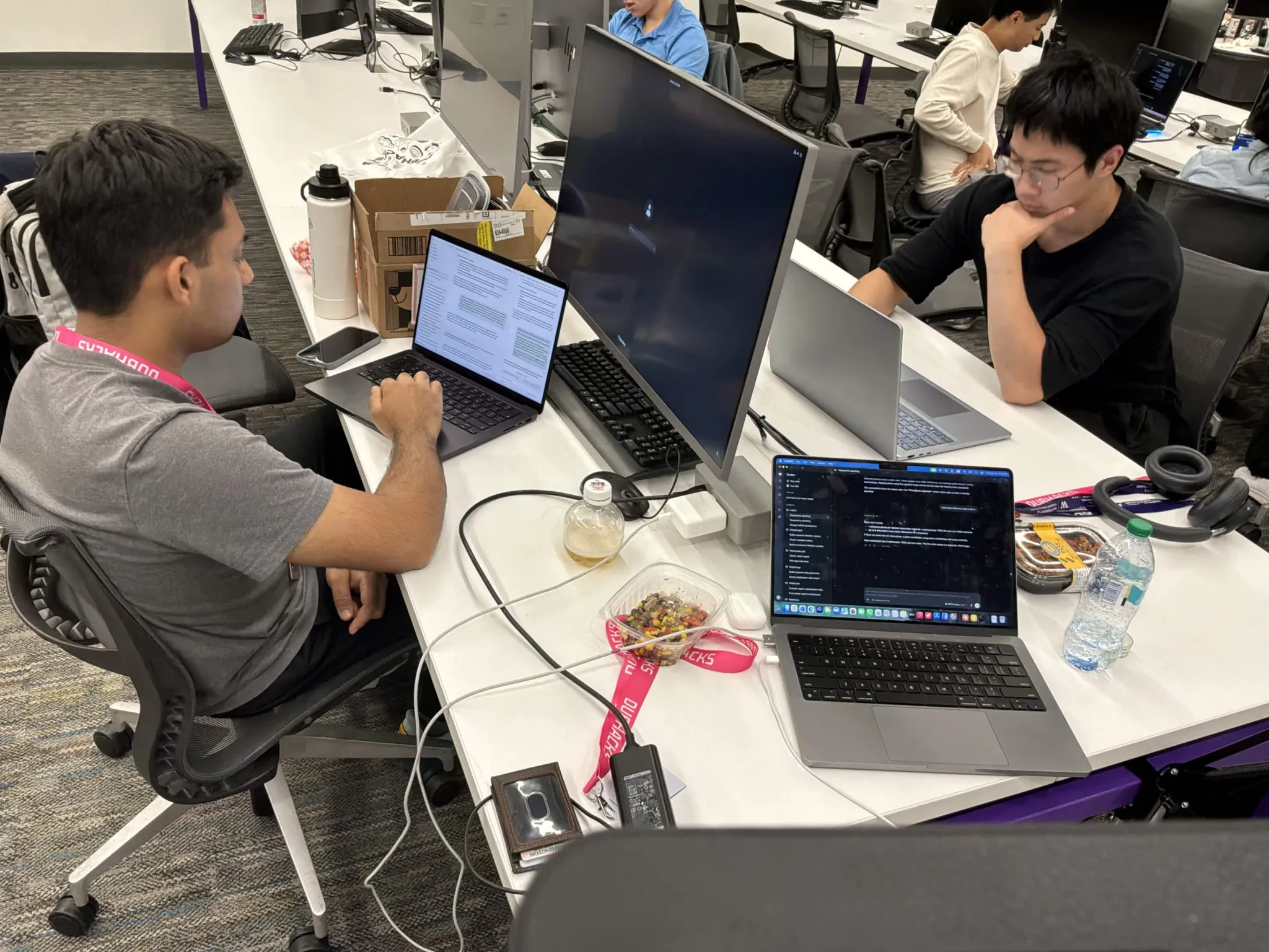
Working hard!
-
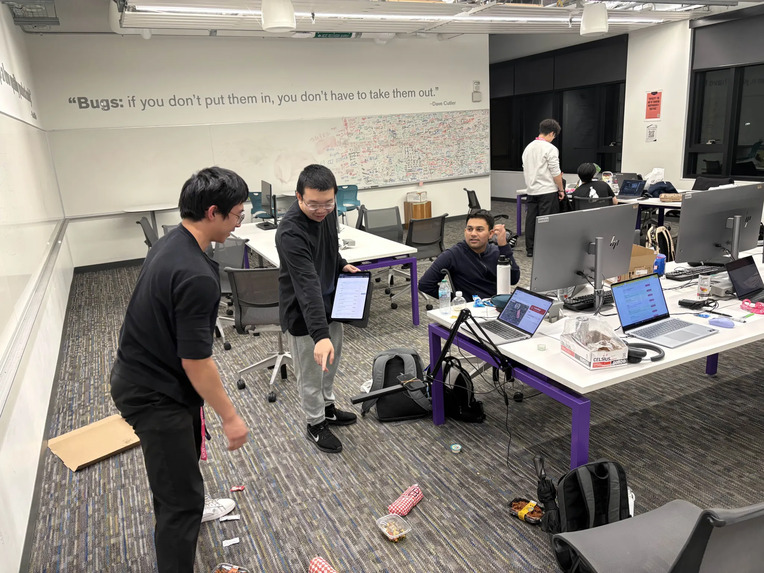
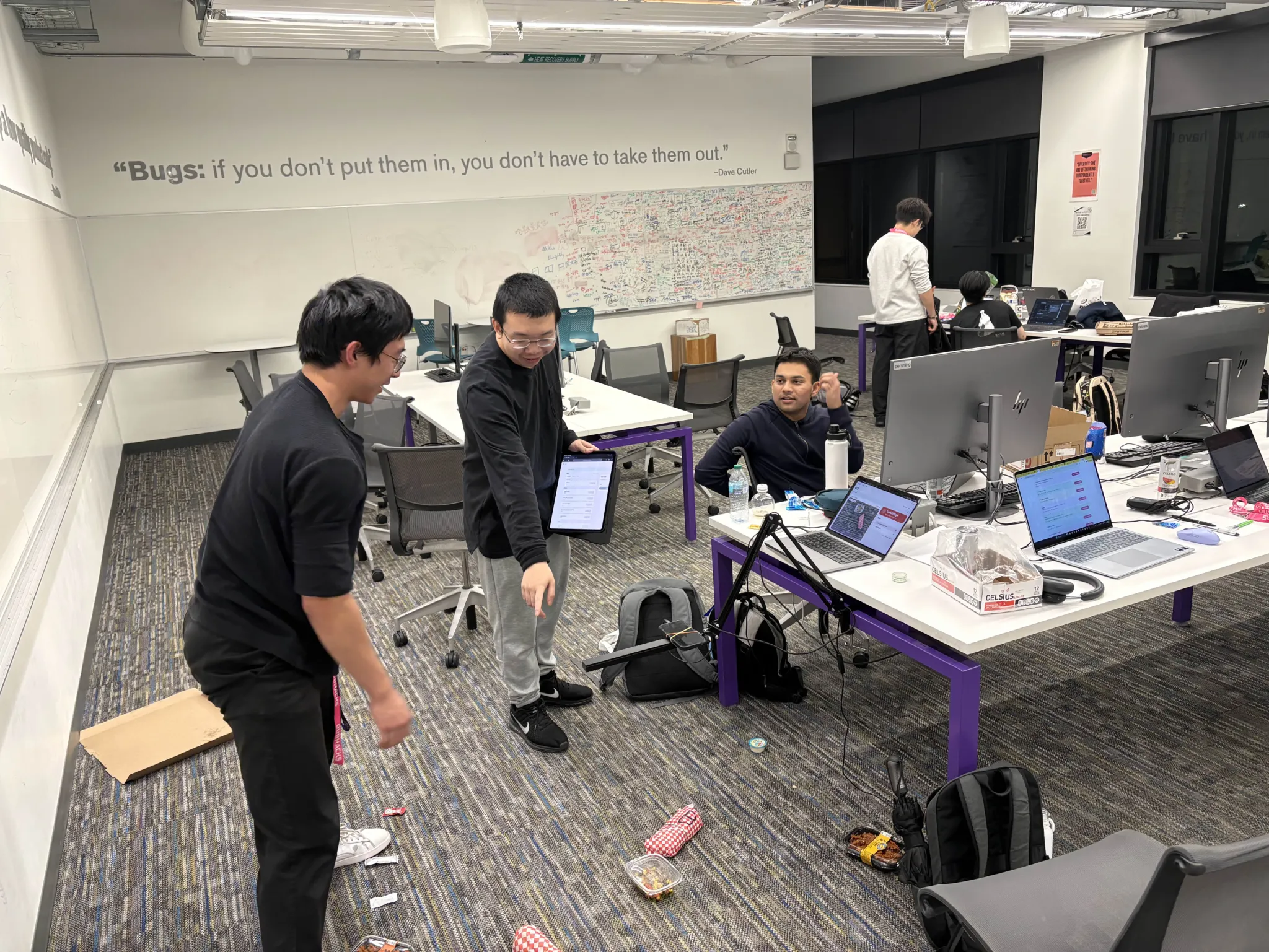
Moved to Gates for the all nighter!
The problem
During a dinner rush, the person bagging takeout and delivery orders usually doesn't have time to check every item against the ticket, and nobody opens the bag until it's already at someone's door. When a sauce or an entrée goes missing, the restaurant pays for a refund and sometimes loses the customer for good. In a 2022 survey, 63% of consumers said they'd received at least one incorrect delivery order, 24% asked for a refund, and 20% said they wouldn't order from that restaurant again. Even drive-thrus, where the order goes straight into the customer's hands, averaged only 87% accuracy across 13 brands in a 2025 study.
Inspiration
A few days before DubHacks, we went to a talk at UW by Atoms (the company behind kitchens like District Eats), where they demoed a camera over a packing table catching a Sprite that was packed where a Coke should have been, which was super cool! Someone in the Q&A asked why a restaurant couldn't just use an off-the-shelf object detector for this, and the answer was that they had to train their models on a lot of data to get it working. That stuck with us, because a big chain can pay for that and a small takeout place on the Ave can't, even though the small place is exactly where one person ends up packing every bag during the rush.
So we went and talked to a cook at Dub Street Burgers in Local Point (a dining hall on UW's west campus). They told us most orders come out right, but when they're slammed (around 200 customers and only three people in the kitchen) things get mixed up, and customers usually don't say anything about it. They also told us something we didn't really want to hear, which was that a camera over the workstation would probably just slow them down. That conversation ended up shaping almost every decision we made this weekend: whatever we built had to be fast and couldn't add a single step to the worker's routine.
What it does
Some quick background first: when you order, the cashier (or the website) enters it into a POS, or point-of-sale system, which is the software that takes orders and payments. The POS sends the order to a KDS, or kitchen display system, which is the screen in the kitchen that shows staff which orders to make next. FullFill adds a phone camera next to the KDS, pointed down at the mat where orders get packed.
When an order is ready, the worker sets everything out on the mat (which a lot of kitchens already do before bagging). Once the mat stops moving, FullFill takes a photo, has Perceptron's Vision Language Model, Mk1.5, count what's there, and compares that with the ticket. The kitchen screen turns green if everything matches, red with exactly what's wrong ("Missing: 1 Ketchup packet" or "Extra: 1 Mayo packet"), or amber if it isn't sure.
Amber was really important to us. Two wrapped burritos look identical, so kitchens write on the wrapper (e.g., 'C' for chicken and 'S' for steak), and if FullFill sees a burrito but can't read a label, it shouldn't guess, so it turns amber and leaves the call to the worker. We also figured that a system which keeps flagging orders that are actually fine just teaches workers to ignore it, so "not sure" had to be its own answer.
Because of what the cook told us, a normal order needs nothing from the worker (no scanning/tapping/confirming). They lay out the order and bag it like they normally would, and a second or two after an order goes green, FullFill moves on to the next one by itself. If the screen shows red and the worker bags the order anyway, we count that as their override: once the whole mat is bare, the ticket keeps its red mark and the queue moves on. Amber stays on the order and keeps rechecking (a second look often turns it green), and the worker can tap to move on if they're sure, along with a few other small buttons for fixing a result by hand. The camera only points down at the mat and never at people, and photos are never saved, since we wanted workers to feel comfortable with it.
How it compares to what's out there
Right now, most kitchens check the ticket by eye, which is exactly the step that falls apart during a rush. Some delivery platforms use scales, which can tell a bag is too light but not what's missing (and a sauce cup gets lost in normal portion variation anyway). There are camera systems for big chains from companies like Atoms, Agot AI, and PreciTaste, but each one is trained on lots of data for that specific chain and installed with special hardware. Granted, Intel has an open-source project showing that an AI model can check orders without that training, but it matches items by name only and runs on a dedicated GPU server, so it's more of a tool for engineers than for restaurant owners.
We wanted something a small, independent restaurant could easily set up, which is why FullFill isn't trained or fine-tuned at all. An off-the-shelf detector like YOLO only knows what it was trained on, so every restaurant would need hundreds of labeled photos of each item and a retrain every time the menu changed (and it still couldn't read handwriting on a wrapper). With FullFill, the restaurant just adds one photo of each menu item, and FullFill shows those photos to the model next to the photo of the order, so it can tell apart this kitchen's specific containers and sauces. It runs on a phone and a laptop, and each check costs a fraction of a cent: all of our testing this weekend (every check we ran while building and debugging, plus playground experiments) used $0.81 of the $50 in Perceptron credits on the API key we built with.
It also plugs into the restaurant's existing order system rather than replacing it. We built it on Square, a real POS that more than 4 million sellers used in 2024 and that processed $228 billion in payments that year (Block's 2024 annual report), so FullFill reads orders the same way it would in an actual restaurant.
How we built it
The "eyes" of FullFill is Perceptron's Mk1.5, a vision-language model (an AI model that can look at images and answer questions about them). For each check we send it the photo of the mat along with reference photos of the items on the ticket and of up to 3 menu items that look similar to them. We deliberately don't tell the model what was ordered, so it can't just "see" what it expects to see: it counts how many of each item it finds and answers in a fixed format that our server checks before trusting it. Our backend (Python with FastAPI) then compares those counts with the ticket and decides green, red, or amber.
To decide when to take the photo, the kitchen screen watches a tiny 32×32 copy of the camera feed and only sends a photo once the workstation has been still for half a second and looks different from the last photo. A hand passing over the workstation never triggers anything, and we're not paying for (or waiting on) a model call every frame. We went with pixels over object detection here because each Perceptron API call takes a few seconds, and the generic object detectors that run in a browser don't know what a ranch cup or a specific restaurant's takeout containers are. The screen also remembers what the empty workstation looks like, which is how it knows when the workstation is ready for the next order (or that a red, "unfulfilled" order got bagged anyway).
For orders, we used Square's free developer sandbox to create orders and store the menu, but it didn't come with much of a frontend, so we built our own ordering website and kitchen display in React/TypeScript. The kitchen display shows the order queue around a live view of the camera, and staff can add or edit menu items there, each with a photo that doubles as FullFill's reference photo. Everything is hosted on Vercel and redeploys automatically whenever our tests pass. For the camera, an iPhone (15+) streams live video to a MacBook through Apple's Continuity Camera, over a long USB-C cable instead of wireless to cut down on lag.
Challenges we ran into
The physical setup of our mock "workspace" took a lot longer than we thought it would! We tried a few different backgrounds for the workstation: a cardboard box from William's dorm, the patterned carpet in CSE2 124 (which did not go well, since its busy pattern kept looking like a change to the motion check and made items hard to pick out), and plain white paper. We settled on the white paper because the empty workstation looks the same every time and it's cheap to swap out when it gets dirty, while the cardboard picked up grease stains that the model kept reading as clutter. We also had to elevate the phone a lot over the workspace, so we ended up using Roy's desk lamp as a mount. The long USB-C cable came from Alex on the team that submitted Ripe (thank you!), and the phone still almost fell off the mount a few times, until we thought to use rubber bands...
Making props for our "restaurant" was also nontrivial. We made mock burritos out of the wrappers from the banh mis we had for lunch, then lost them on the move from the HUB to Gates, and then found some real (untouched) banh mis just lying around, so those became our burritos instead! Roy got us a lot of free condiment packets from Local Point, and we picked up two takeout dishes from District Market that look almost identical, which made a perfect test for whether FullFill can tell lookalikes apart.
Most of our last few hours went into getting the whole loop working, and a few problems kept coming up.
The first was that the motion check couldn't see small items. At 32×32, a sauce packet is only a pixel or two, and our first version averaged big blocks of the image in grayscale, so taking a packet off the mat barely changed anything (which left the order queue stuck), and a yellow mustard packet on brown cardboard looked almost the same as the cardboard. We switched it to count individual changed pixels in full color. Once we'd settled on white paper, though, white salt and pepper packets on it were basically invisible to both the motion check and the model, so we took them off our demo menu. We tried having the motion check ignore shadows and glare too, but on white paper that hid pale items like a white cup, so we rolled it back.
The second was correct orders coming back amber. Some of it was clutter: the model flagged things around the mat (paper edges, a cable, a strap, grease stains) as if another order might be in the frame, so we told it the mat and anything around it are never items, and a general note about the scene no longer turns a perfect match amber on its own. Some of it was the model hedging: in one evening's logs, 71 of 97 "unsure" answers still came with a count, so we set FullFill to count an item as a match when the model isn't sure but its best guess at the count matches the ticket, which does mean swapping one lookalike for another with the same count can slip through. Bigger orders (5+ items) also kept hedging even when everything was there, and increasing the reasoning level from none to low just made checks slower, so Roy fixed it by slimming our demo menu down to a focused set of items, like a single station in a real kitchen would have.
Checks were also slow at first, around 4-5 seconds end to end. We added a timing breakdown to every check in our logs, which showed the model call was the biggest piece (3.6 s on one order) and grew with the number of reference photos, since we'd been sending nearly the whole menu as possible lookalikes. Cutting that to at most 3 close lookalikes (and dropping a separate confirmation request) brought the model call for a small order down to about 2.3-2.9 s in our logs.
The problem we kept coming back to, though, was knowing when an order is actually done. FullFill remembers what the empty mat looks like when the camera starts, and when the lighting or the paper shifted, a cleared mat stopped looking empty, so the queue stalled until the mat stayed still for 4 seconds (which people walking past kept resetting). It also went wrong the other way: lifting items while a hand sat elsewhere on the mat could look like a cleared order, and once a check fired on a mat with only a hand on it, came back red with everything missing, and FullFill took the bare mat afterward as the worker bagging past the warning, which skipped every order after it. At one point a finished order also stayed on screen because opening our log tab hid the camera preview, the browser paused the hidden video, and FullFill kept comparing against a frozen frame. We fixed each of these bugs as we found them (green now moves on by itself a second or two after passing, amber never moves on by itself, red only moves on once the whole mat is bare and still, a check that saw none of the order doesn't count, and the camera stays visible as a thumbnail while the logs are open), but this is still the part we'd most want to make more robust.
Accomplishments that we're proud of
The whole loop actually runs! An order placed on our ordering site goes through Square to our kitchen display, the camera checks the mat on its own, the screen shows green, red, or amber, and it moves on to the next order, with nothing for the worker to press during a normal order and no model training at all.
What we learned
We learned a lot about how restaurant ordering/fulfillment actually works internally, and how much KDS setups vary from restaurant to restaurant, which is why FullFill plugs into whatever order system already exists instead of being one more system for workers to learn. We also learned that talking to one cook changed our design more than any of our research did, and that working with a camera in the real world (lighting, backgrounds, clutter, tiny packets) is a lot harder than getting the AI model to answer correctly.
What's next for FullFill
The first thing we want to do is measure FullFill's accuracy on a proper test set, which we haven't done yet, including how much the reference photos help compared with item names alone. After DubHacks, we'd also like to offer a free pilot to a restaurant offering takeout on the Ave.
The biggest technical limit is menu size: recognition gets harder and takes longer as the menu grows, which is why our demo runs a focused menu. Our plan is to split each check into smaller questions and ask them all at once. First find each separate object on the mat, then sort each one into a category (e.g., sauces/drinks/entrées), then pick the exact item from only the few lookalikes in that category. Each question stays small no matter how big the menu gets, and since they run in parallel, checks shouldn't get much slower. Further out, FullFill's checks could also label photos automatically, which would build up training data for a small, fast detector like YOLO tuned to each restaurant.
There are a few other things standing between FullFill where it is now and deploying it in a real kitchen. It checks one order on the mat at a time, so a kitchen bagging several orders at once would need a way to tell them apart (like scanning the ticket, or a camera per packing station). It only works with Square for now, so other popular POS systems like Toast or Clover would each need their own connection. Special requests like "no rice" go to amber for the worker instead of being checked, FullFill only keeps each order's latest result (we don't have a real database for history yet), and it can't see inside a closed container.

Log in or sign up for Devpost to join the conversation.