-
-
-
-
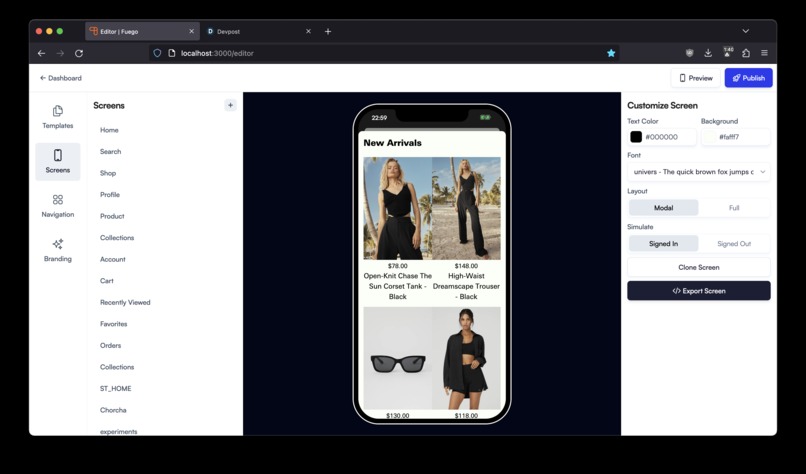
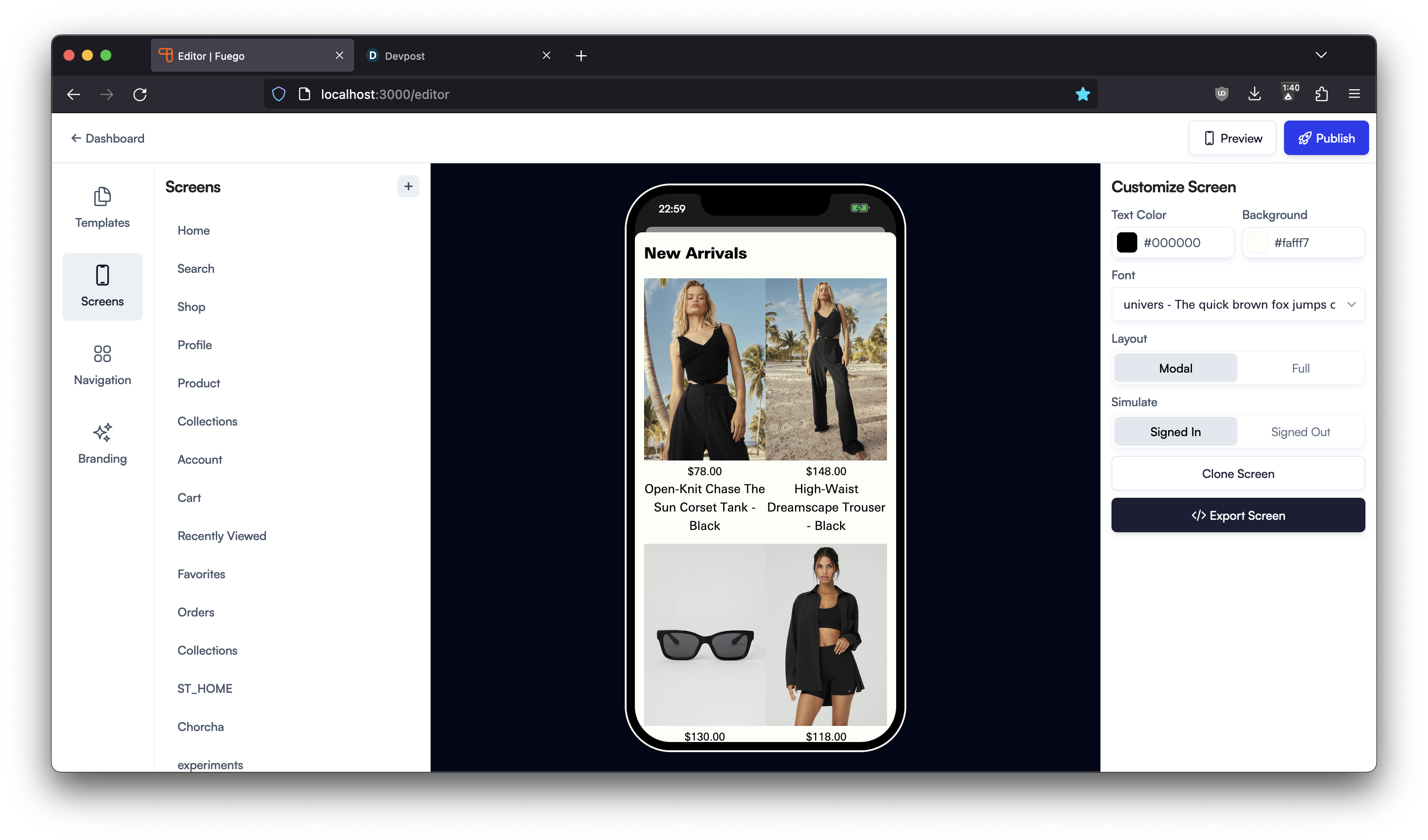
this is the preview of the screen in our editor /* the preview and everything beyond this part was not developed in the hackathon */
Inspiration
till now, users had to drag and drop blocks to build screens for our no code mobile app builder for shopify stores.
What it does
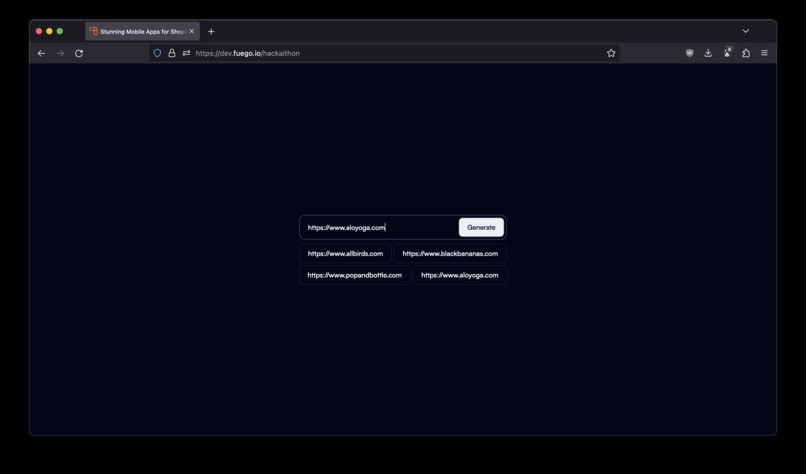
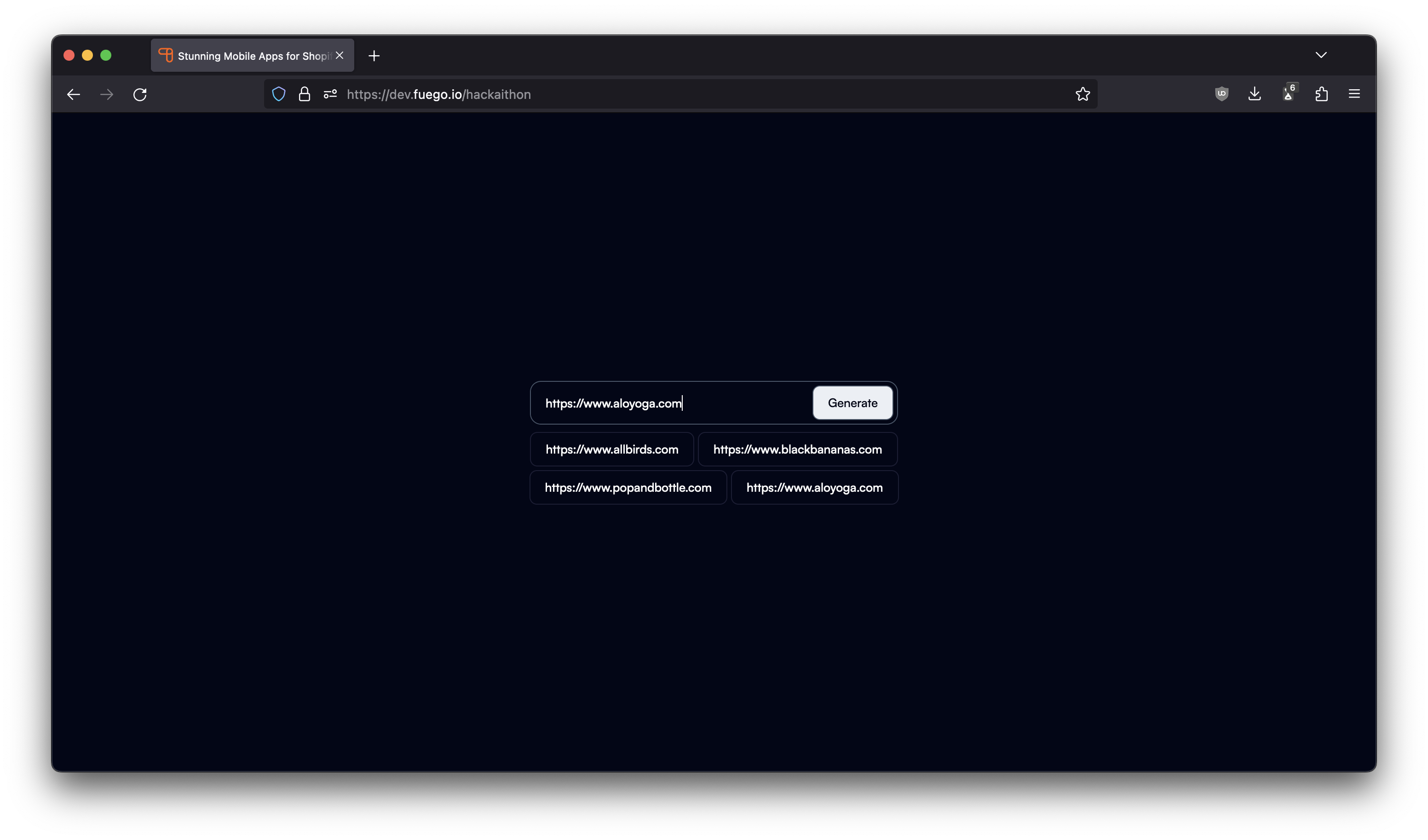
automate the building process. you give a page from your shopify store, and it scrapes the data and generates the screen for you.
How we built it
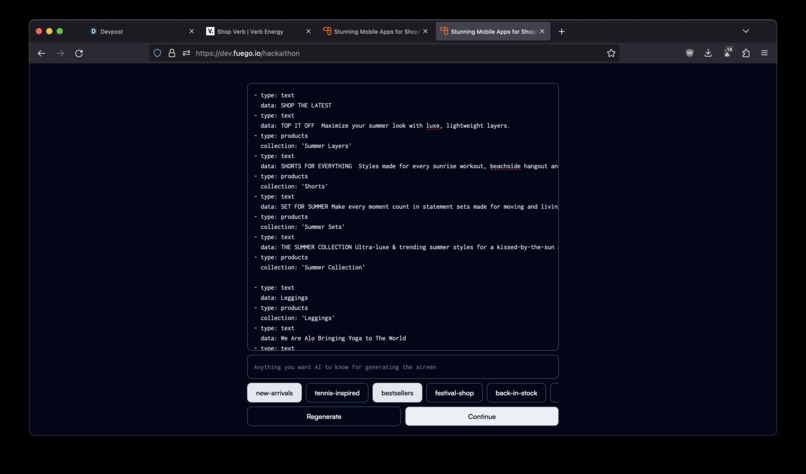
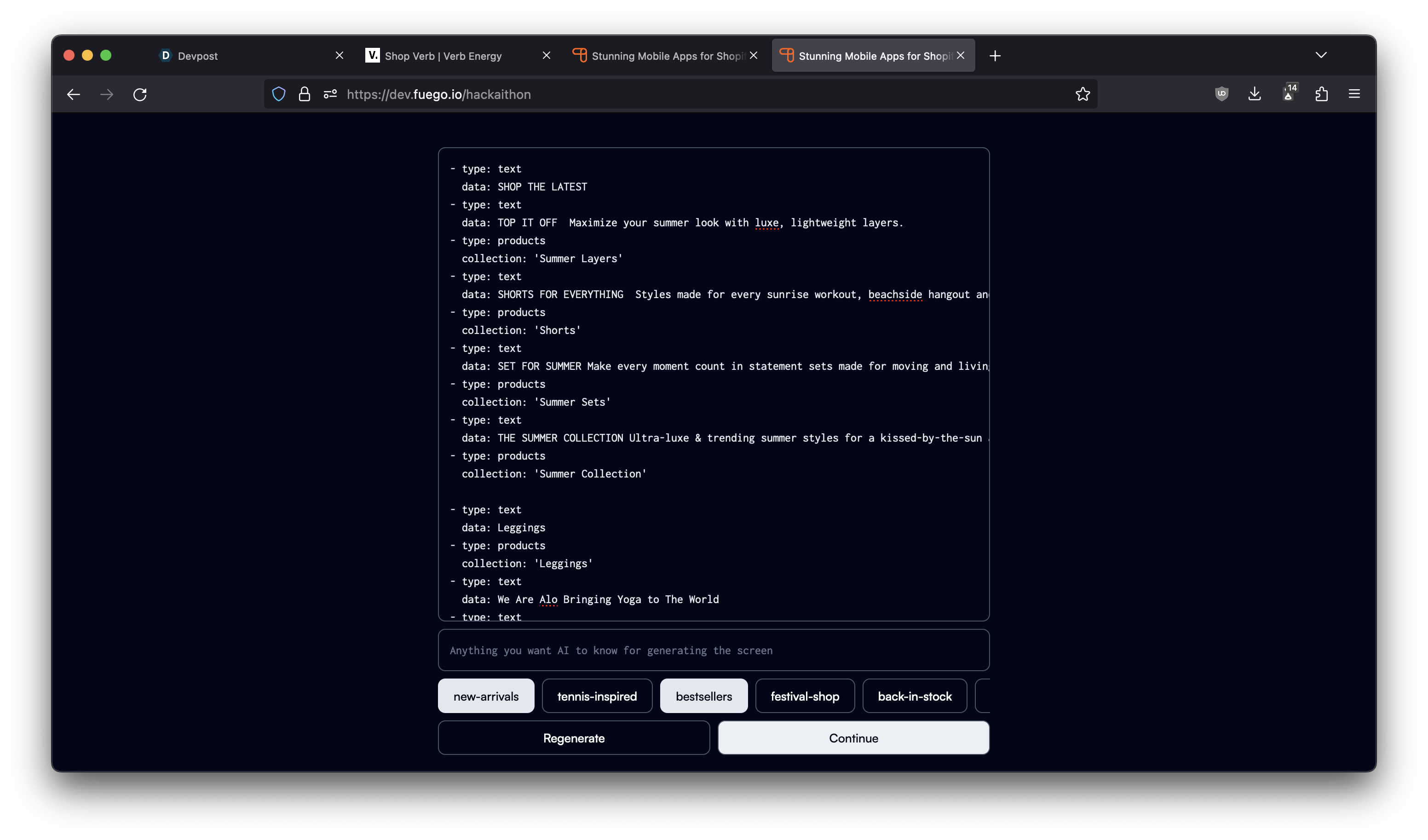
- scrape the webpage and feed the text into claude-100k to generate a basic outline of the screen.
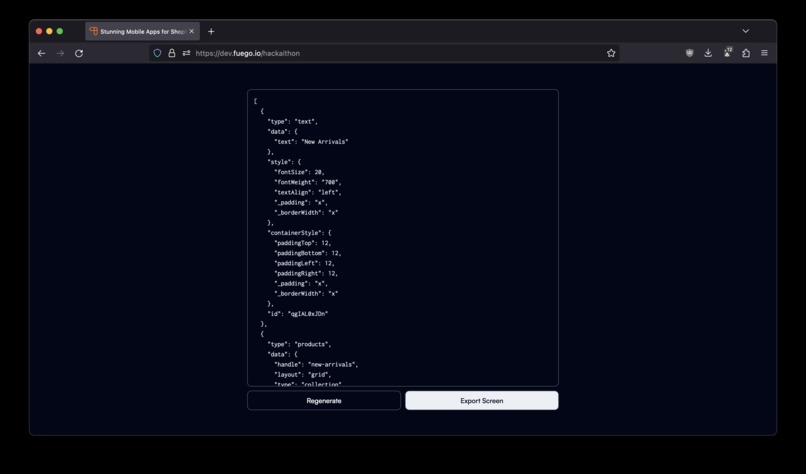
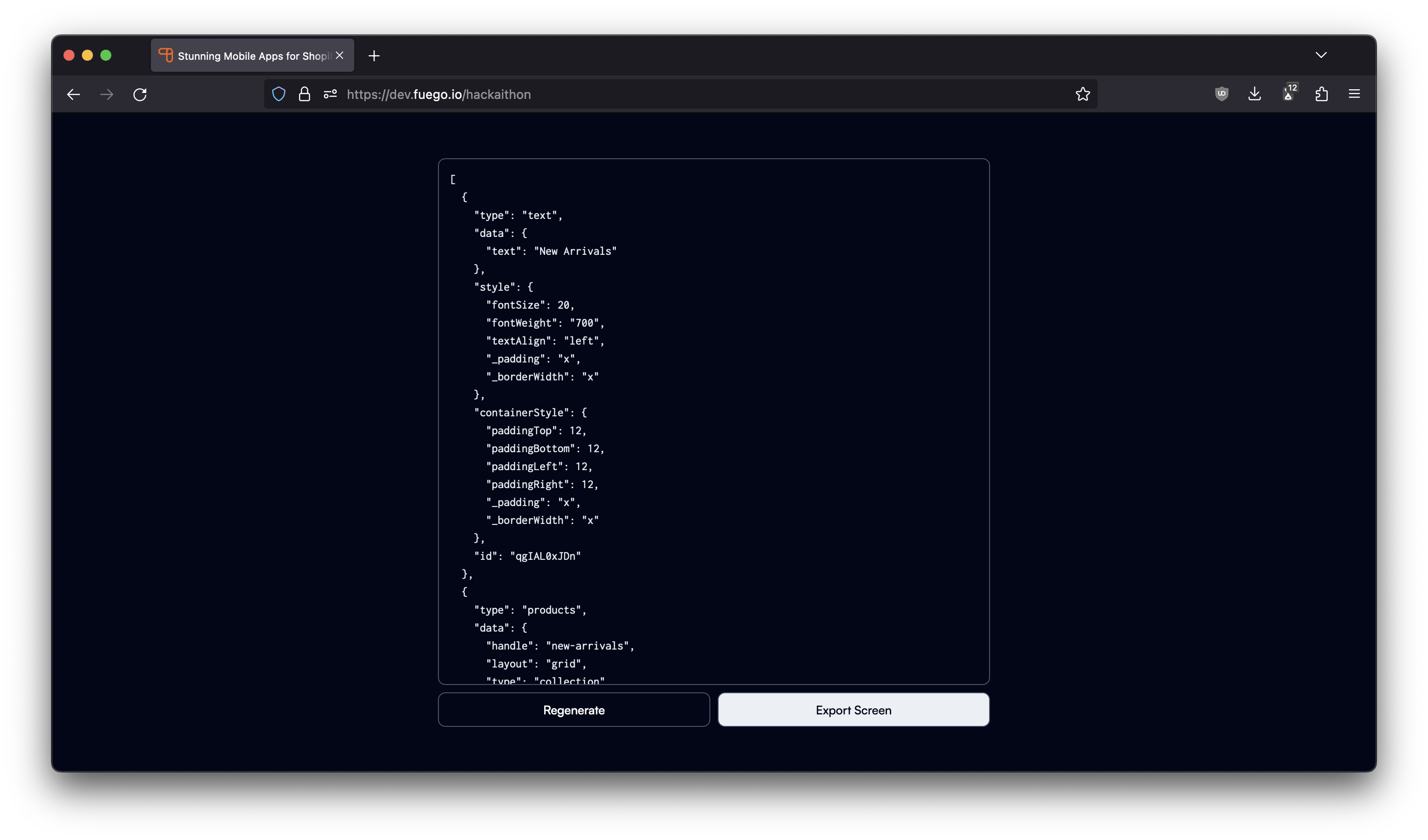
- feed the outline to gpt-3.5-turbo and generate the JSON that meets the structure my app builder accepts.
- export the screen to app builder and publish to your mobile app right away.
Challenges we ran into
webpage text exceeds 4k context length of gpt-3.5-turbo so using a claude-100k for getting a rough outline but claude sucks at generating json so back to gpt-3.5-turbo to generating the actual json that'll be feed to my app builder.
Accomplishments that we're proud of
it used to take around 10-15 minutes to create a great looking screen like the ones you might see on Nike or Adidas on Fuego. this will likely bring it down to 2-3 minutes and it also generates the copy for you.
What we learned
which prompts work and which don't
What's next for Fuego
fuego is the most easy to use mobile app builder for shopify stores. we offer shopify stores the ability to customize every single pixel of the mobile app without writing a single line of code. there are other app builders out there but everyone is mostly white-label. the technical analogy would be that Fuego is like tailwind while others are like bootstrap.
fuego already has a huge selection of template blocks and a great drag and drop interface, but generative AI will help us make the experience even better by allowing you to describe what screen you want to build and it'll just build that screen for you.
Built With
- claude-100k-1.3
- express.js
- gpt-3.5-turbo
- nextjs

Log in or sign up for Devpost to join the conversation.