-
-
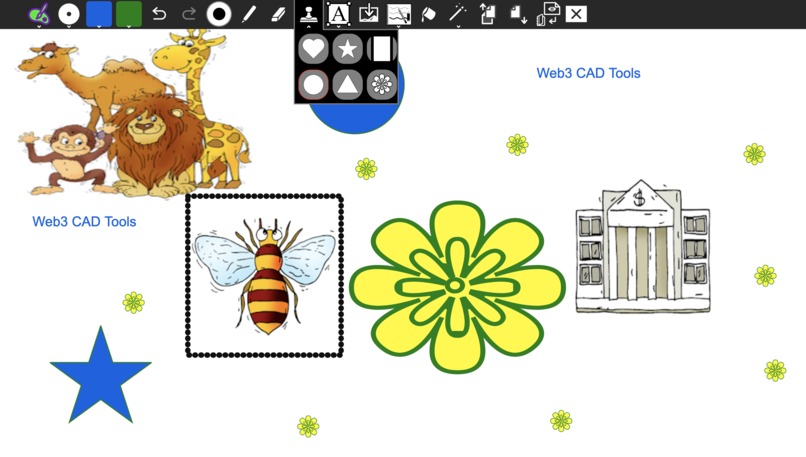
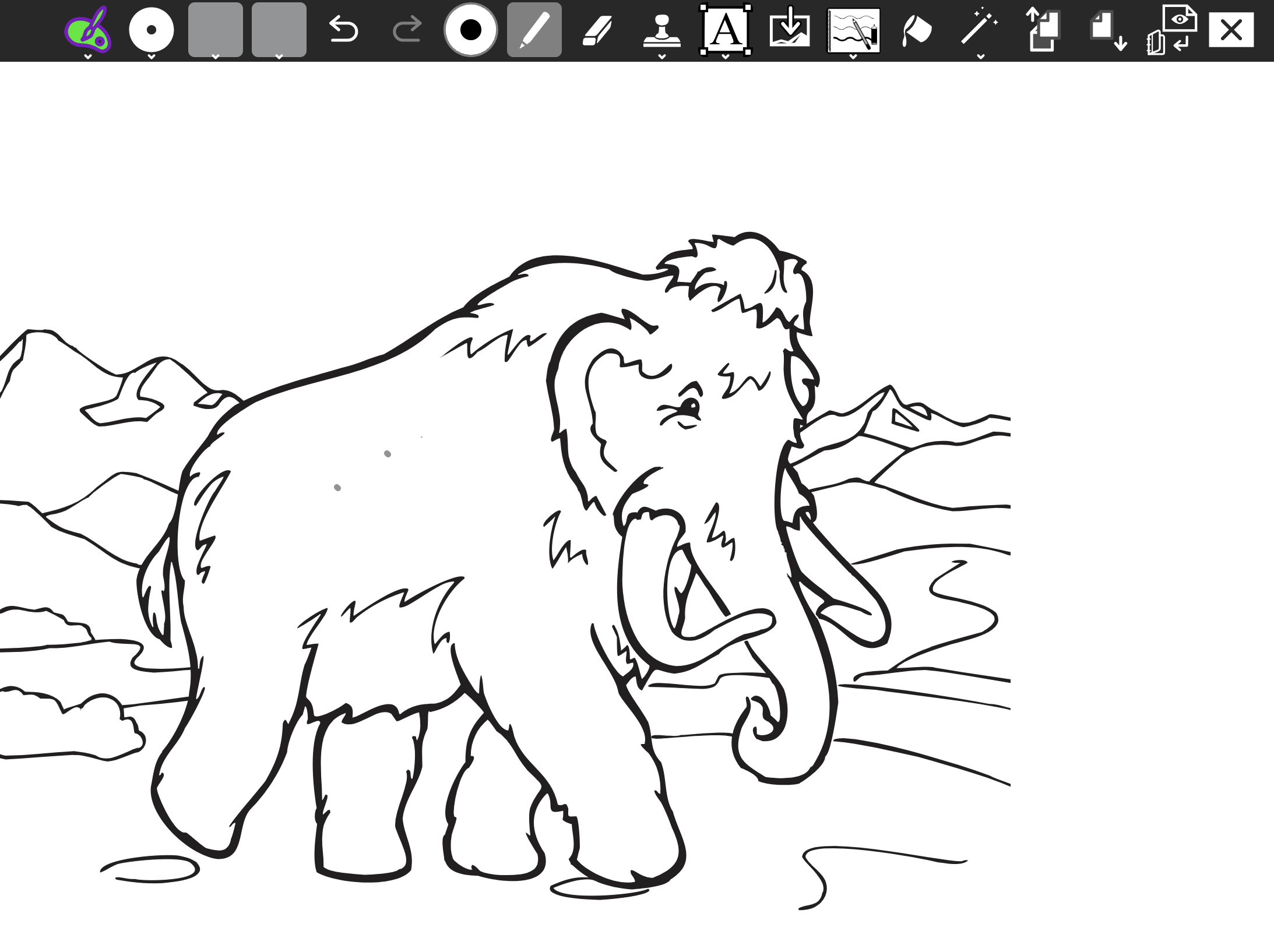
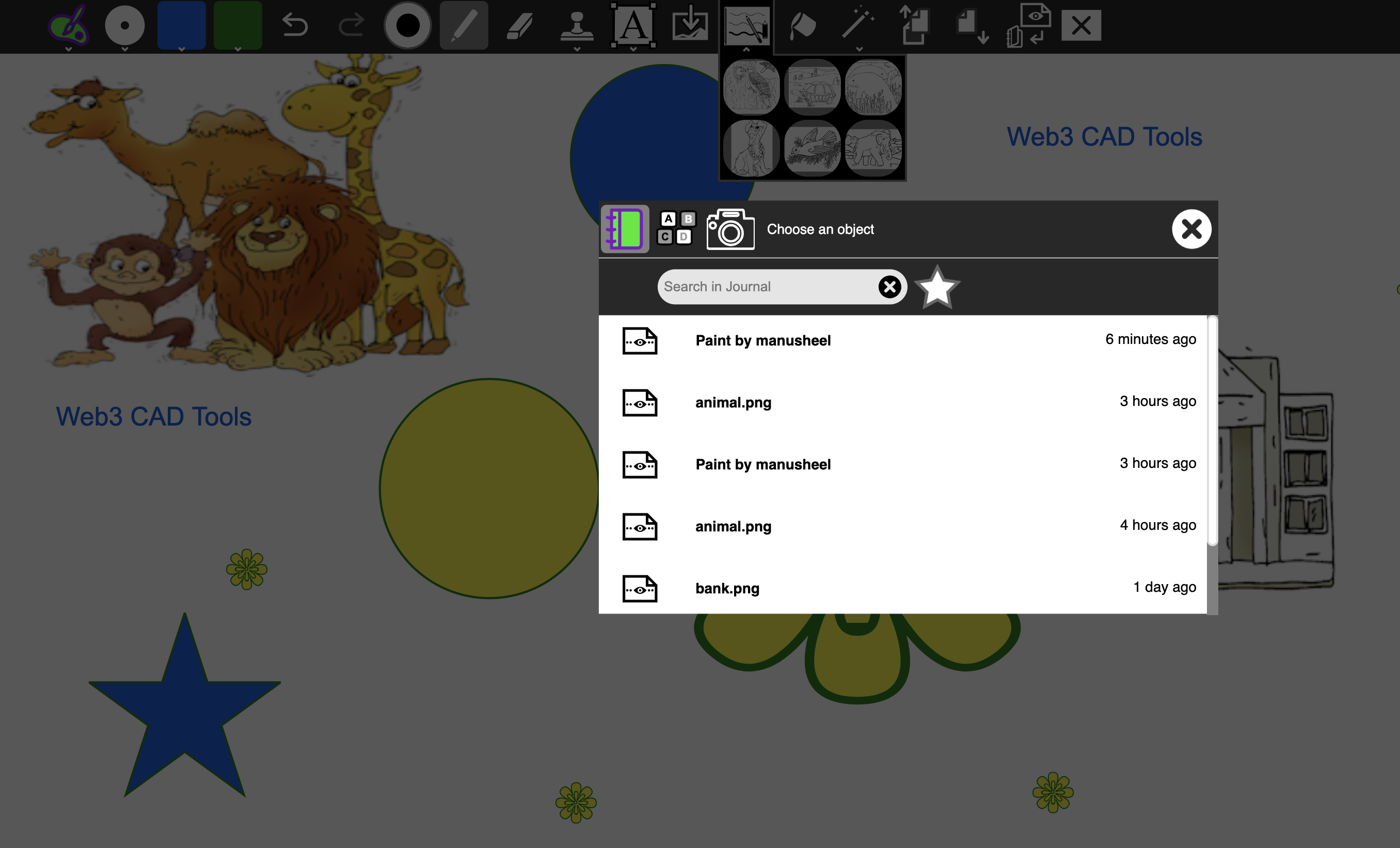
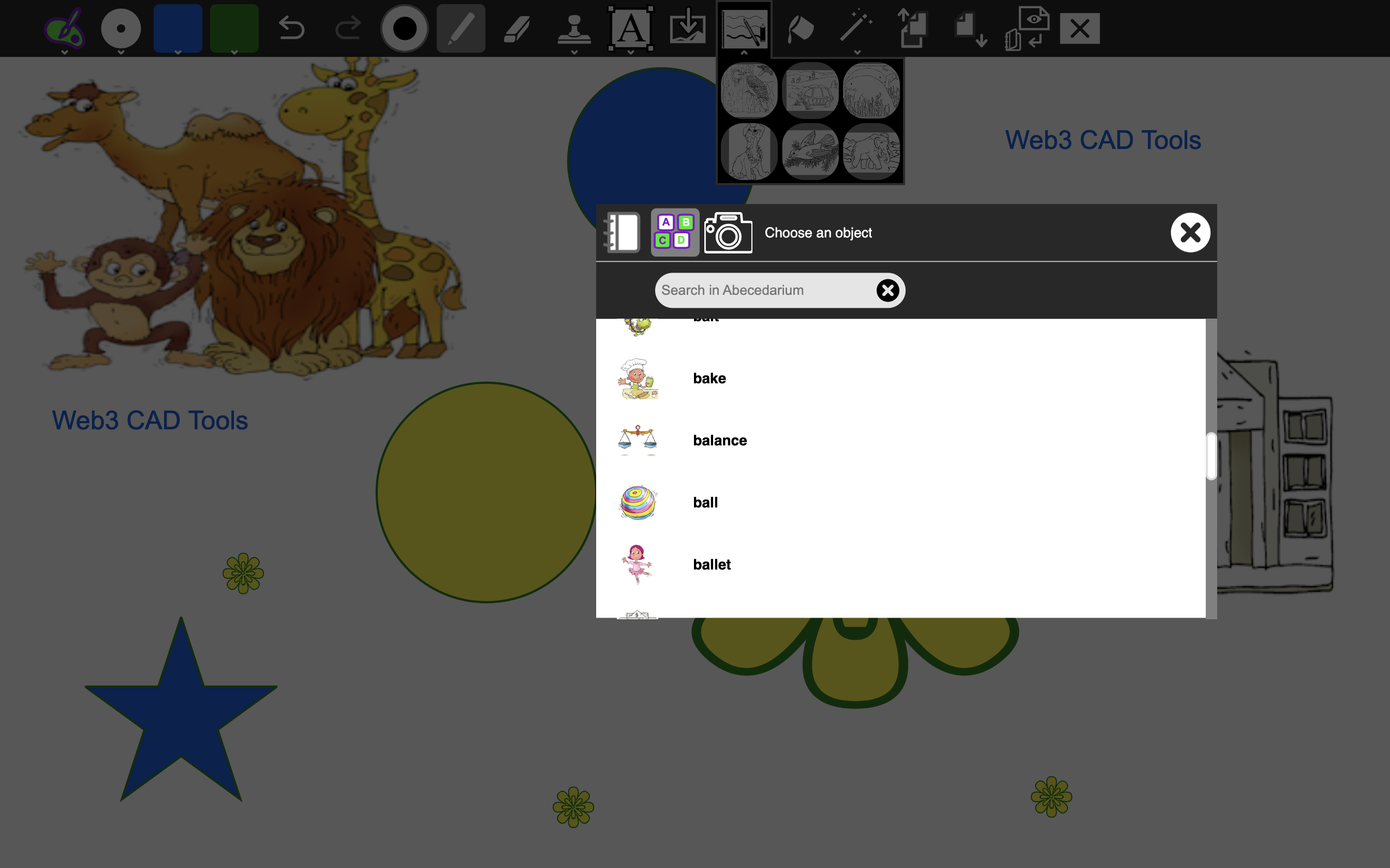
selection and insertion of an image in the canvas
-
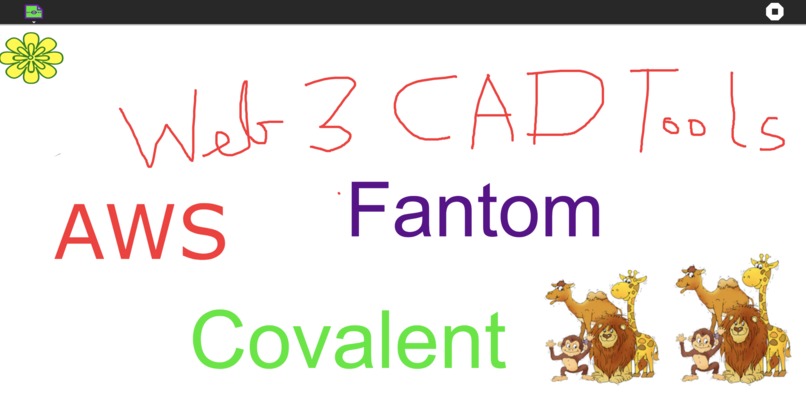
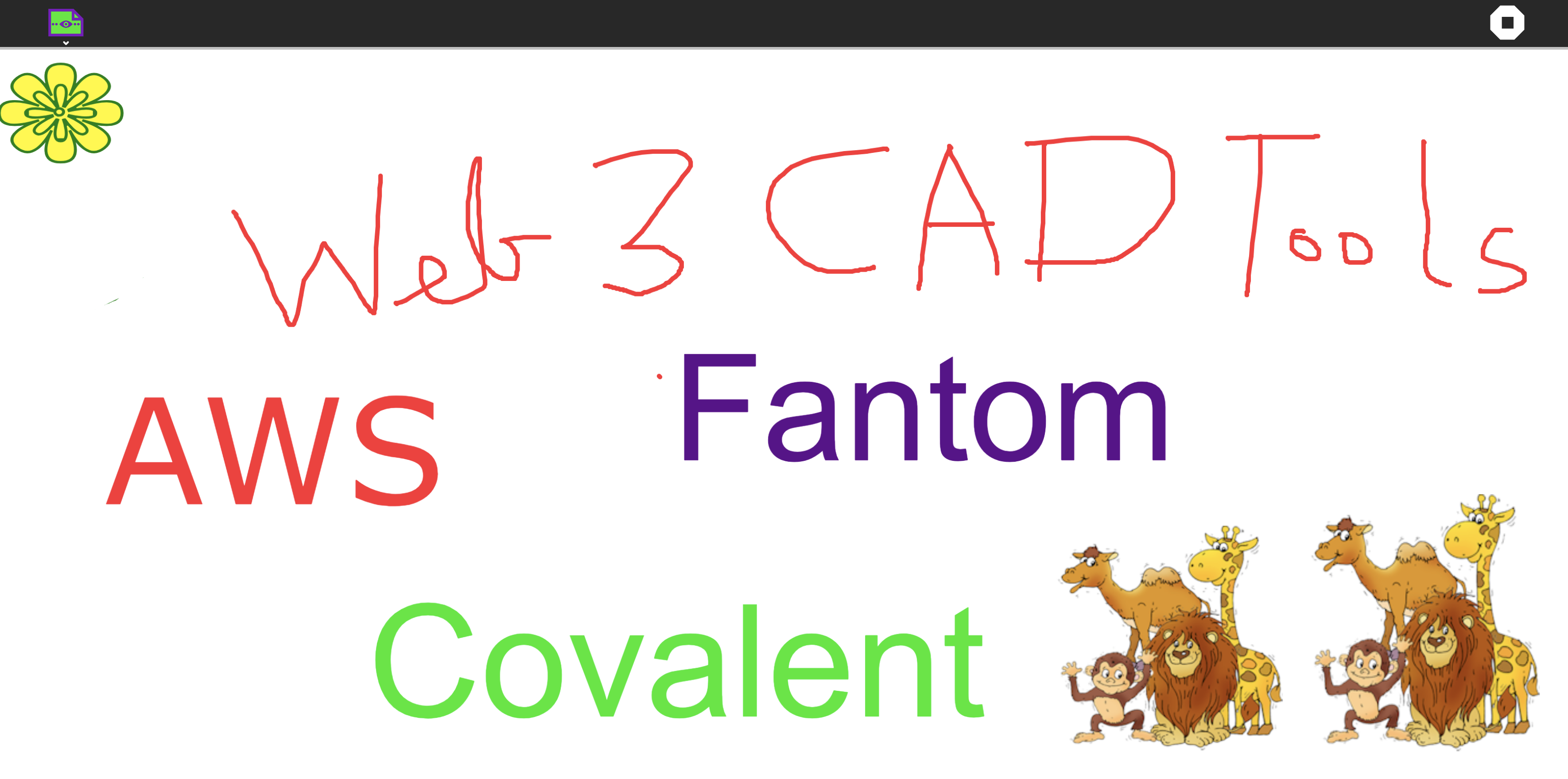
Web3 CAD tools feature summary
-
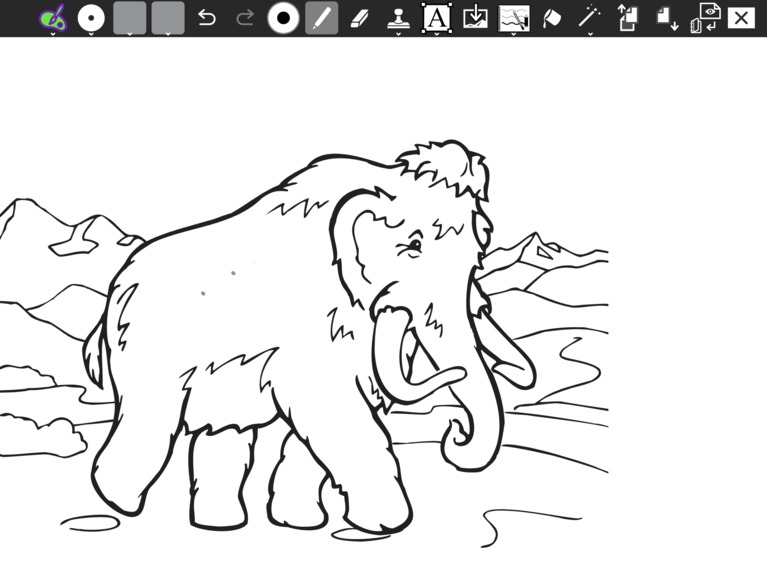
image as nft exported to covalent nft dashboard
-
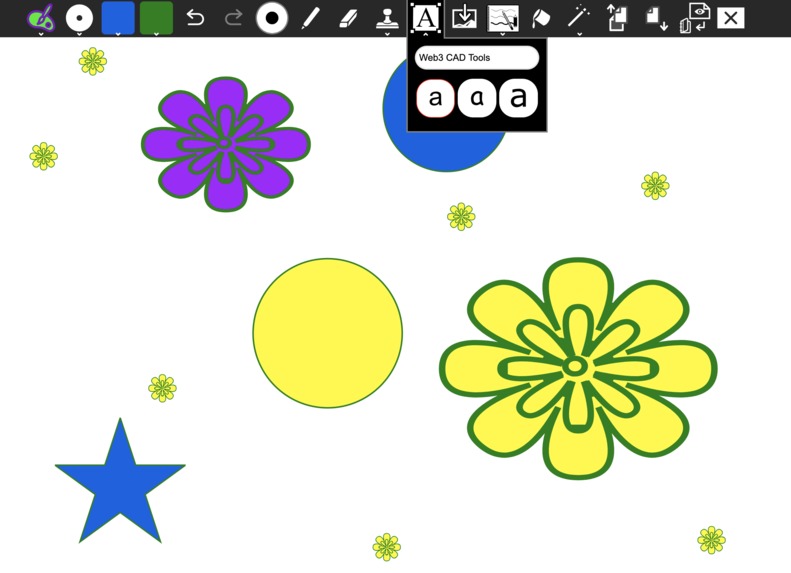
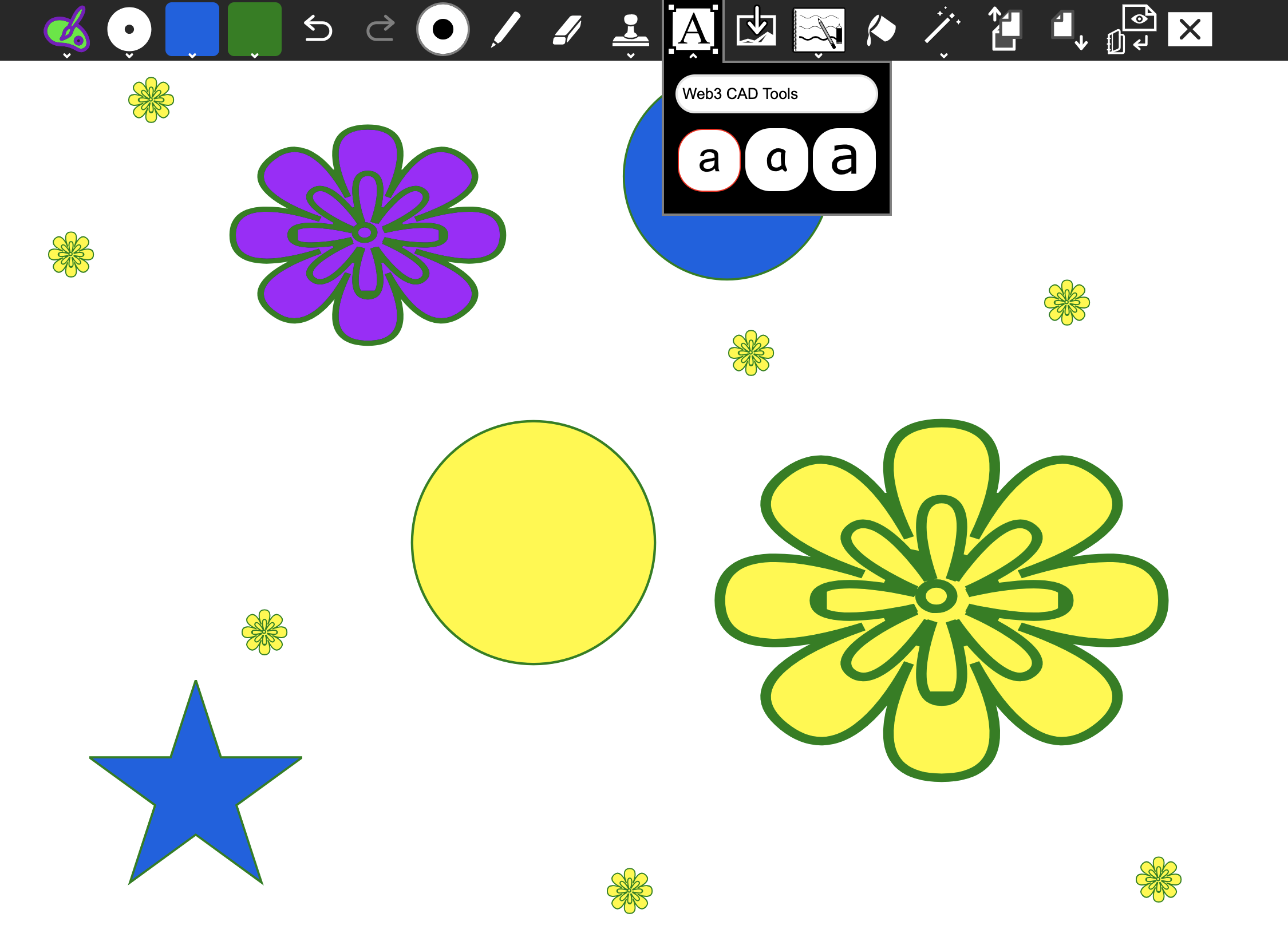
font style selection for inserting text
-
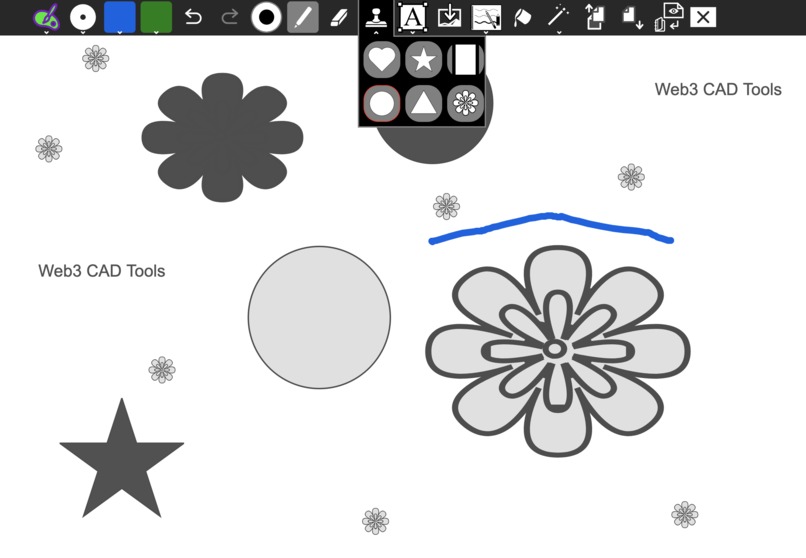
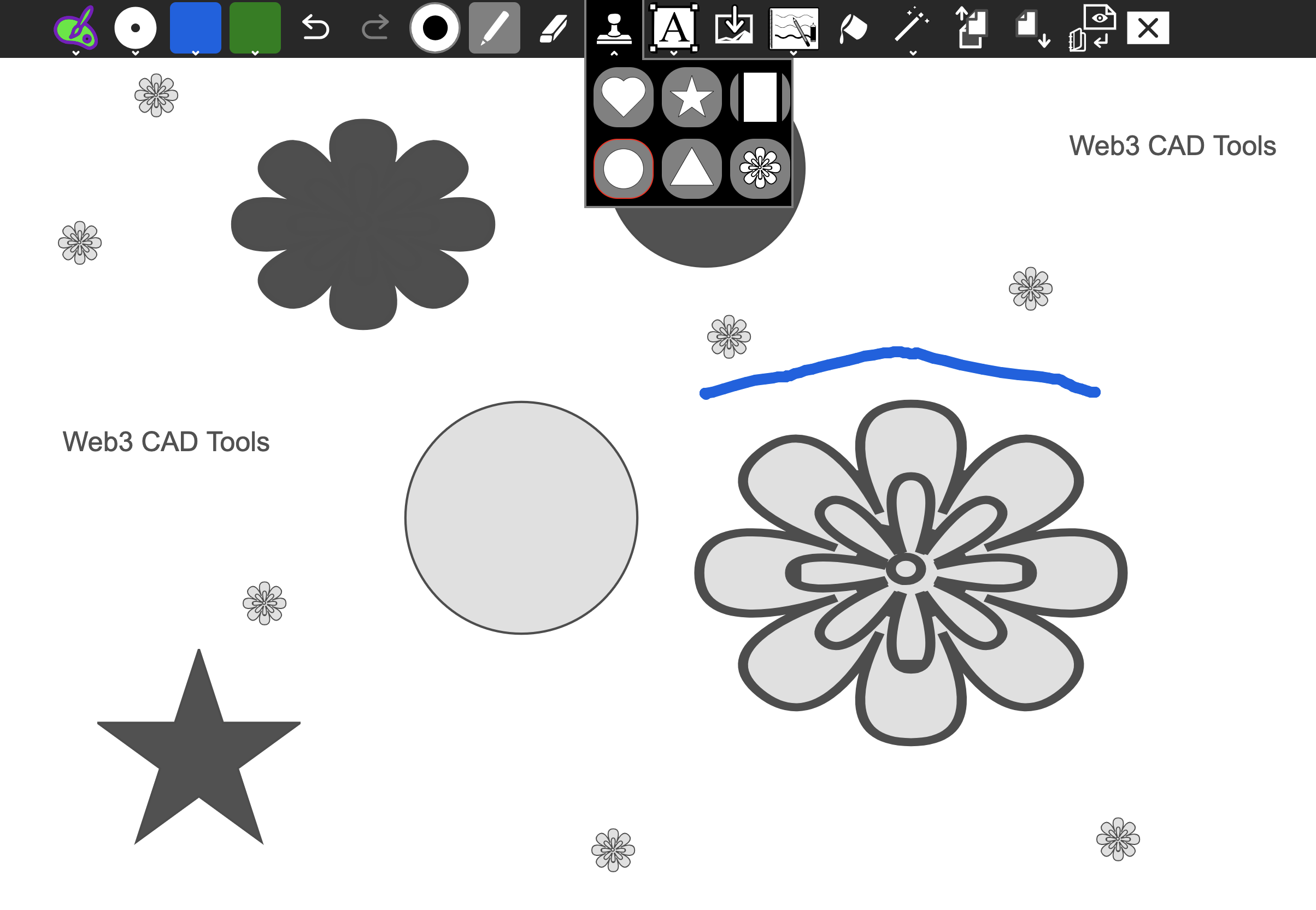
insertion of filters
-
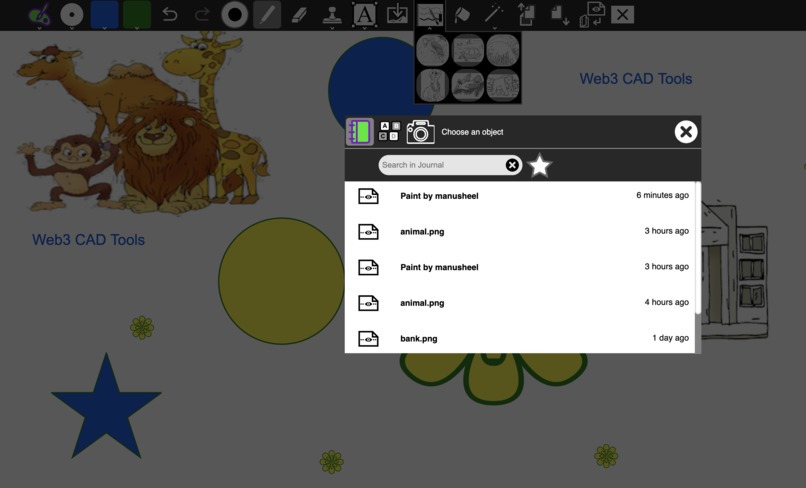
data selection and retrieval in the canvas
-
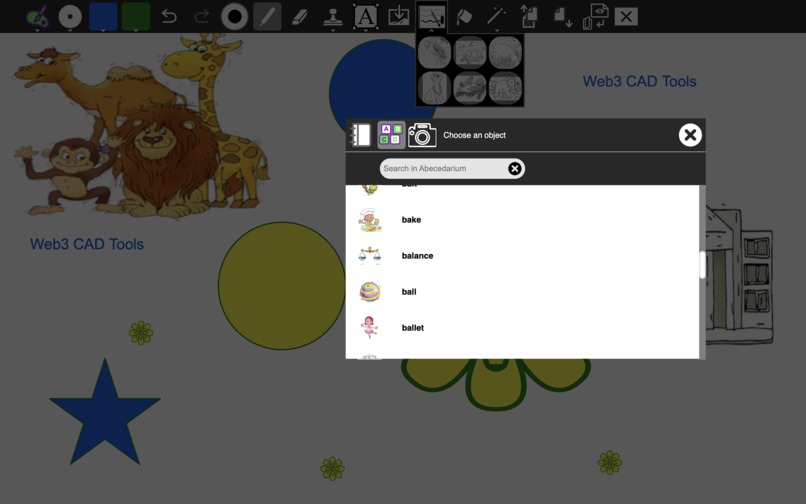
image catalogue selection and import in the canvas
Inspiration
We wish to enable constructionist learning by empowering Web3 designers, game developer community and DeSci educators to build design assets and empower their artistic aspirations utilizing the strengths of Fantom, AWS, Covalent APIs, IPFS/Filecoin in information eco-system.
What it does
FTM CAD tools's normal interface is split into five sections:
Toolbox, containing the various basic tools (see below) and application controls (undo, save, new, print)
Canvas, where the images are drawn and edited
Color palette, where colors can be chosen (when applicable to the current tool)
Selector, providing various selectable objects (e.g., brushes, fonts or sub-tools, depending on the current tool)
Information area, where instructions, tips and encouragement are provided.
Design experiments to try using FTM CAD Tools:
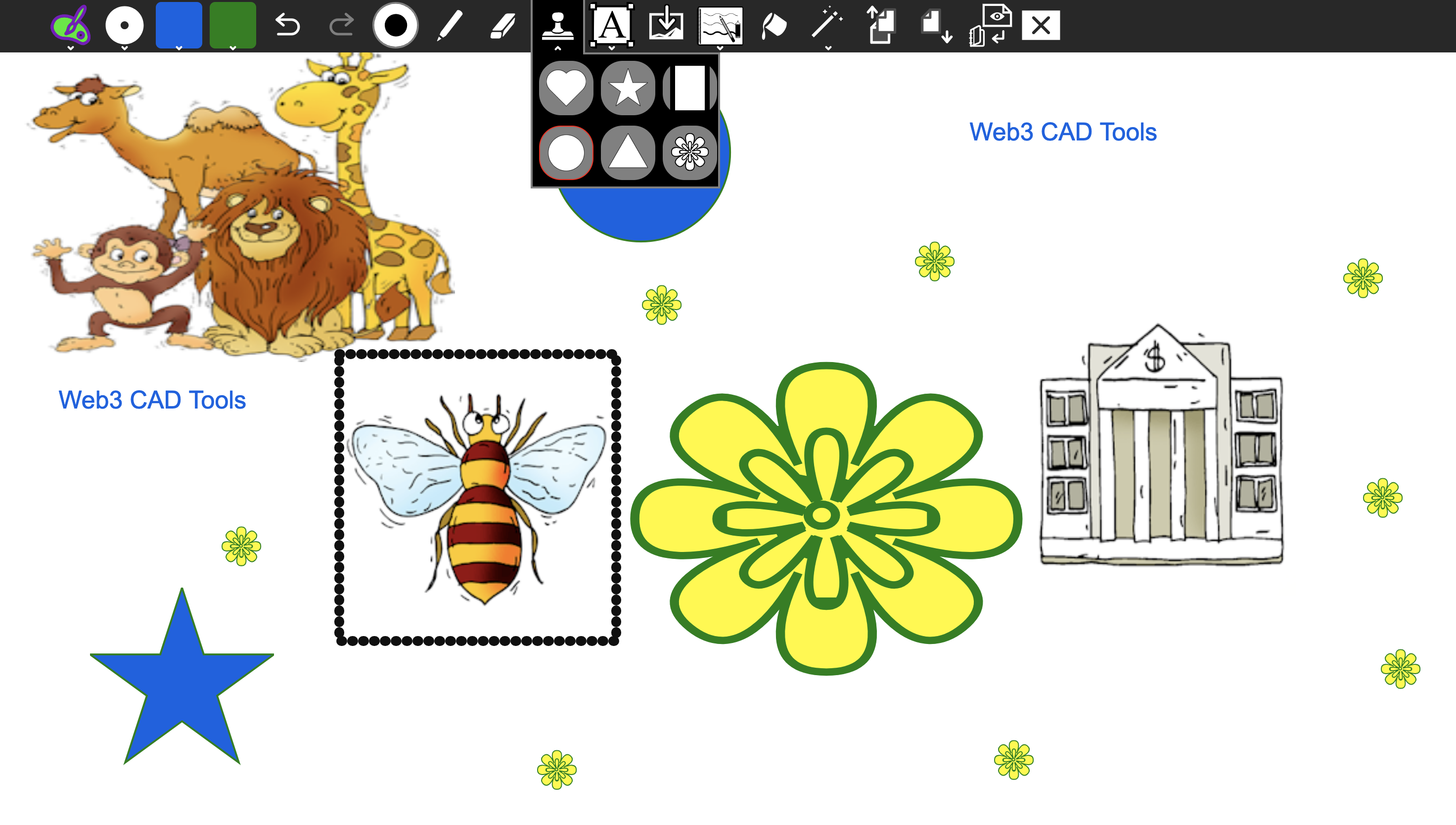
Add stamps and pictures to the canvas. - Data tabulation, visualization, organization, collaboration for CAD asset files on FTM and Covalent NFT Dashboard.
Import images from IPFS and upload images as NFTs to IPFS via NFT.Storage
Data discovery and retriveal of NFTs using Covalent APIs and Filecoin Saturn.
Add notes (meta-data) and save them to RDBMS using Tableland. Convert to NoSQL storage using AWS's S3.
How we built it
We are using Fantom, Covalent NFT Dashboard, AWS, NFT.storage, Tableland, Filecoin Blockchain and Saturn CDN, smart contracts compiled to Fantom and Filecoin Virtual Machine, data aggregation and automation using bacalhau and OSS Web3 tools.
Covalent NFT Dashboard Please visit: https://github.com/aspiringsecurity/Web3CADTools/tree/main/covalent-nft-dashboard
Fantom Modules: https://github.com/aspiringsecurity/Web3CADTools/tree/main/Web3CAD-suite and https://github.com/aspiringsecurity/Web3CADTools/tree/main/Fantom-deployment-modules
Challenges we ran into
AWS deployment: We were using PV (paravirtual) based classic instance. We were required to convert PV (paravirtual) instance to an HVM (Hardware Virtual Machine) and convert it from a classic instance to a VPC instance. We faced a number of challenges in converting our PV instance to an HVM instance as our instance was not reachable via ssh. We arrived at a good conclusion on the issue by doing the following: Created an ami of the current classic instance. Launch a new instance from this ami after shifting to vpc as the base with new VPC security groups and updated volume. The newly launched instance is working and we are able to ssh and has the code base. We purchased the developer support plan using AWS credits and have being shared key pointers on converting our VPC-based PV instance to a VPC-based HVM instance. This challenge would not have been solved without the support of AWS team.
Accomplishments that we're proud of
We are proud of encouraging the development of a decentralized eco-system based on the foundation of sharing of ideas and active collaboration among the community members using Web3 powered platform using Fantom, Covalent NFT Dashboard and AWS.
What we learned
We can utilize SocialCalc, Machine Learning Models coupled with decentralized Fantom blockchain and Covalent API endpoints for developing a Web3 CAD tools platform, which could be utilized for collaboration. We also witnessed the great ecosystem available to developers to learn and contribute in the Fantom, Covalent and AWS eco-system.
What's next for FTM CAD Tools
We are developing a socially scalable and open-source NFT metadata retrieval, indexing, and management tooling for decentralized CAD asset development and user training. Bandwidth is a major issue in South Asian classrooms. Fantom, AWS, Covalent and Filecoin Data tools fit right at the spot for quick data retrieval where learning via video streaming is not possible due to high latency or unavailability of a network for streaming.
Built With
- amazon-web-services
- covalent
- css3
- fantom
- filecoin
- fvm
- html5
- ipfs
- javascript

Log in or sign up for Devpost to join the conversation.