Inspiration
We kept circling back to how hard it is for patients with mobility issues to just get around. If you have limited hand mobility or tremors, a joystick isn’t easy to use. A manual wheelchair means pushing yourself everywhere, which is a lot of overhead for a simple trip across the room. And for a lot of elderly patients, an electric wheelchair is honestly scary to control.
Self-driving wheelchairs do exist, but they cost tens of thousands of dollars, the good ones around $30,000. We wanted to build something way cheaper that patients could actually depend on, emphasizing ease of use. You tell it where to go and it takes you there.
What it does
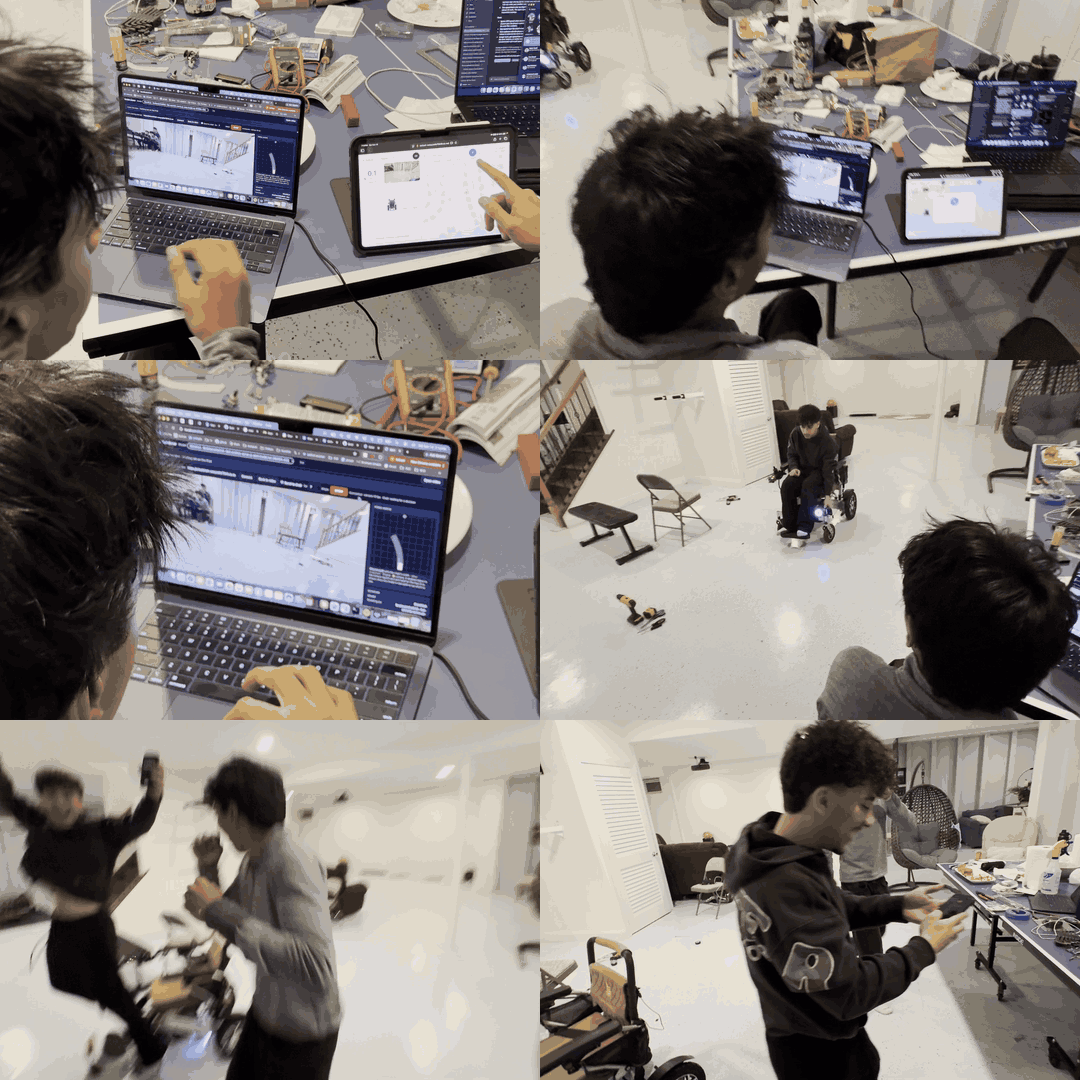
The wheel chair navigates fully autonomously both indoors and outdoors. Using a simple iPad interface a user can simply speak where they want to go (an address or even "take me to the bathroom").
The three main features we built out are: Summon: If a user is physically separated from the wheelchair. They press a summon button on their iPad. The gps unit on the wheelchair navigates around objects and places itself at a convenient location for the user to mount it.
Indoor navigation: Using natural language (i.e. "take me to the blue sofa") via voice or type we identify a target in the view or explore the area until the target is found. The wheelchair carefully navigates to the target and ends the ride once it's at a convenient dismount location.
Outdoor navigation: Using type or voice name any location within a 0.5 mile radius, we build off of a Google Maps API for walk/bike routing. The camera navigates towards the destination, avoiding obstacles, and exercising caution (looking both ways, waiting for road cross signal, etc.) to arrive to the destination.
The camera feed is streamed from a phone mounted onto the wheelchair. The main user interface is via the handheld iPad which allows for target intake, trip observation, and manual override. The physical joyride also serves as an emergency failsafe.
How we built it
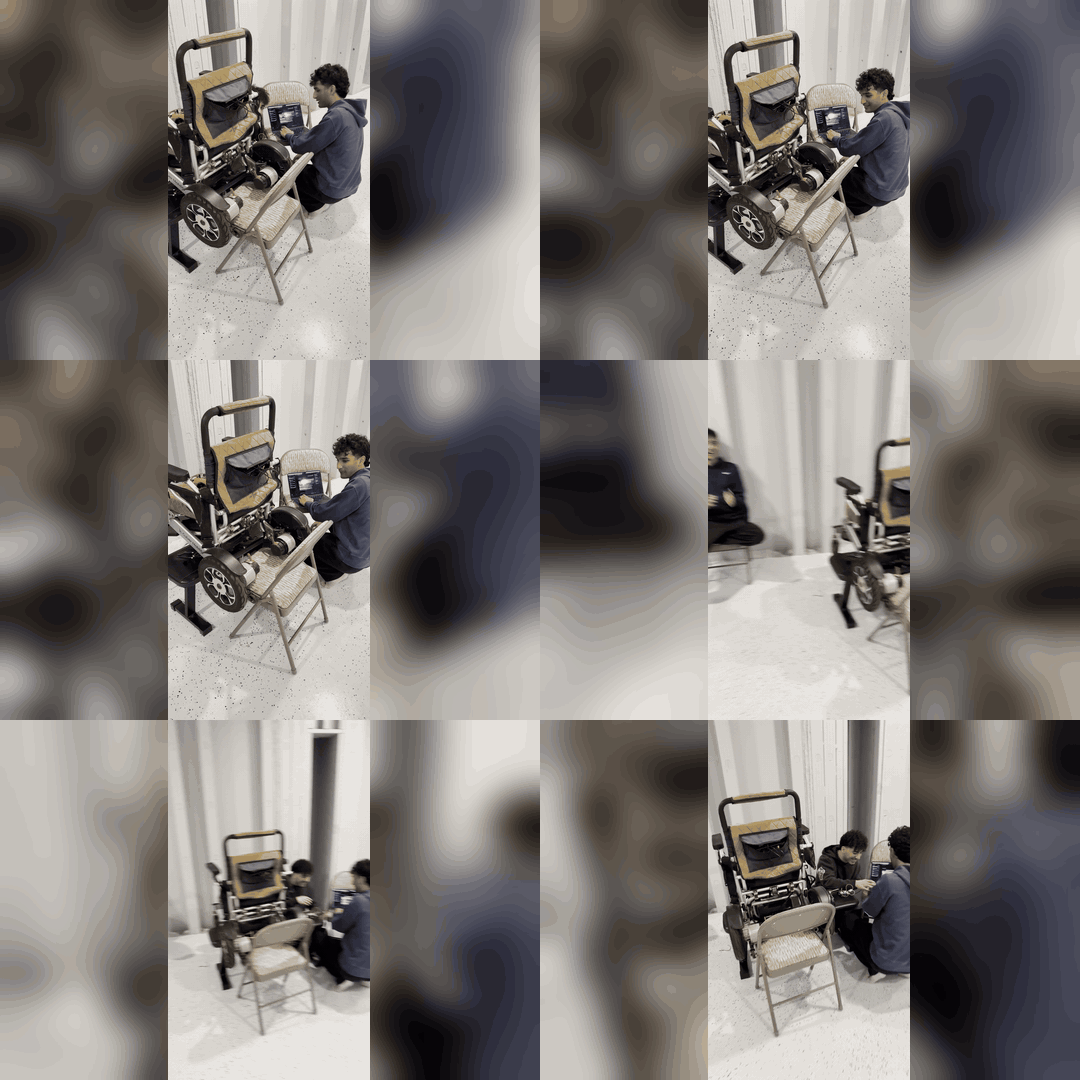
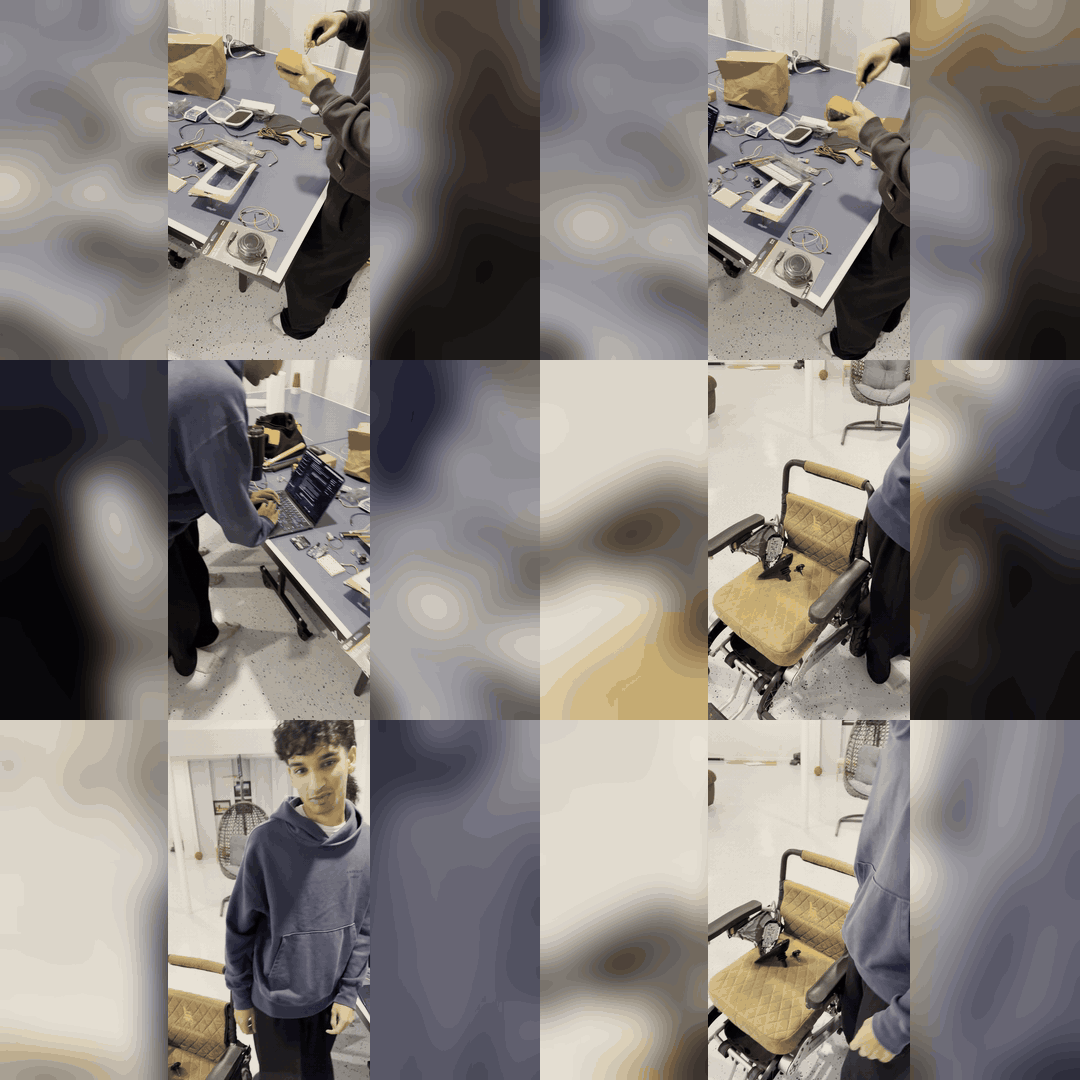
Hardware. We kept the chair’s own battery, motors and joystick controller, and connected an Arduino UNO Q to it with a Grove shield. The chair asks its joystick sensor for input 400 times a second, so we put the Arduino in the middle as a man-in-the-middle. We reverse-engineered the sensor’s protocol and wrote our own version of it from scratch. Now the Arduino pretends to be the joystick and sends the chair whatever commands we want, without cutting or soldering a single wire. It still reads the real joystick too, so you can take over anytime.
Software. Everything runs on a private network using Tailscale: an iPhone mounted on the chair, the iPad, our backend server, the model, and the Arduino. The iPhone streams its camera and GPS to the iPad and the model. The model decides how to move and sends that to the backend, which passes it to the Arduino, and that’s how the chair knows where to go. The backend is Python and FastAPI, and the iPad app is React and TypeScript with Google Maps and voice input.
Model. We started off looking at public benchmarks and testing a few navigation models, and landed on OmniVLA because it works indoors and outdoors and takes plain language as input. Out of the box it was trained on small robots, so it didn’t know how big a wheelchair is or how close to get to someone. We made our own training data from the chair’s camera and post-trained OmniVLA on it. It runs on a GPU through Modal and makes a decision about every quarter second.
Safety. We built safety in at every layer. If the chair stops getting commands or loses Wi-Fi, it slows to a stop on its own. If the connection is gone for more than 2 seconds, the joystick takes back over. The model can only use part of the chair’s top speed, and the power button works as an emergency stop.
Challenges we ran into
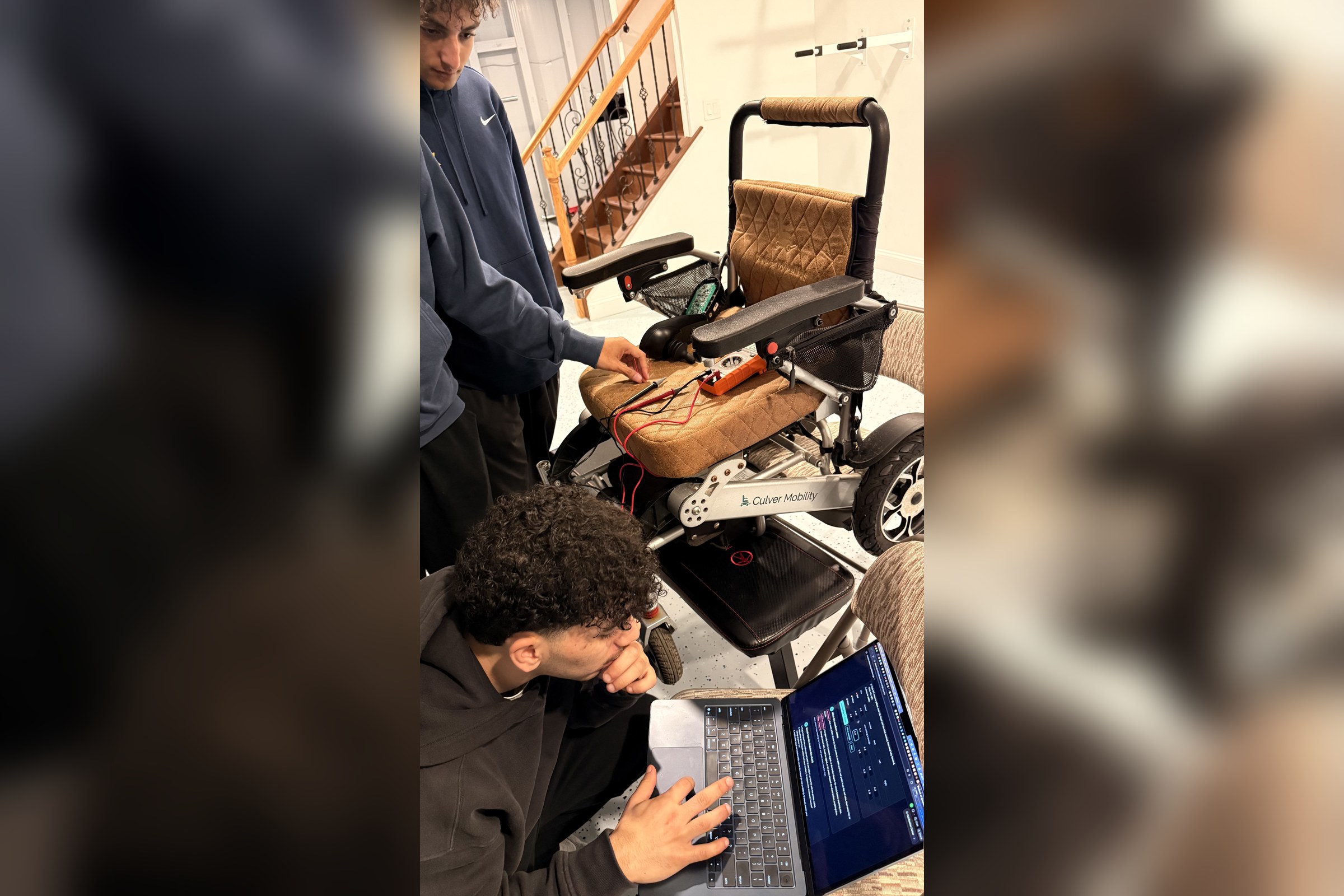
Arduino communicating with the chair: We first thought the joystick sent its signal through voltage changes, but a multimeter showed it didn’t. So we watched how the joystick passed info to the motor controller and reverse-engineered it. The chair kept rejecting our Arduino as a foreign source, and it took a lot of iterations to get our signal to work.
Latency: Latency was always an issue on the infra side. We had to stream high-quality video across a lot of platforms and get a hosted NVIDIA A10 working with low latency. We also had to figure out the right speed, because the model isn’t an agent. It just takes sample frames without any context, so if the chair moves too fast, the next frame is a shock to it.
Harness engineering: We used Claude Sonnet 5.5 for target classification, since the other models were way less capable after testing. Then we needed object memory. The chair would go around an object, and as soon as it was out of view it turned right back into it. We also had to account for the camera’s blind spots.
Training: Physical data is a lot harder to generate synthetically than digital data, so we had to figure out what data to curate and understand the physical constraints. We built a platform to run tests systematically, with automatic location resets and measurements on every mistake, and looped it to collect as much data as we could. Then QA loops figured out which data was actually usable. Running evals physically at each checkpoint and measuring them ourselves was really interesting.
Accomplishments that we're proud of
We built a platform to collect physical data, QA it and run evals at every checkpoint, then post-trained our own model on top of OmniVLA so it understands the wheelchair’s size and where to drop of users which genuinely extends the models capabilities according to our evals.
We reverse-engineered the joystick’s protocol and got the chair to accept our Arduino as the real joystick, without cutting or soldering anything so it's very possible to revert it back to stock.
The price difference between wheelchairs with the same functionality and arguably more complicated interfaces.
We were able to pull this off, from getting the wheelchair at 2am to completion in roughly 24 hours :)
What we learned
Hardware is much more delicate and much less forgiving than software. You can always revert in code, but it's a long night when a wire snaps at 12am xD
For robotics models, even more than LLMs, the harness is quintessential. A navigation model on its own just looks at frames with no memory. Most of the work was the harness around it: object memory, blind spots, picking the right speed and keeping latency low.
Actually getting hands on with curating physical/robotics data. Members of our team have experience with post-training data but there are a lot of new best-practices we've learned for physical training data like how you collect it, QA it and evaluate. Running evals with a real chair in a real room was a completely different way of testing a model.
What's next for Full Self-Driving Wheelchair
Getting off of a phone camera, using a camera unit and a gps unit on the wheelchair.
Growing the dataset, for us to have 100% confidence handing our wheelchair off to a sensitive patient in their home.
Getting started with a real patient. That would be awesome!
Being able to port our technology onto any existing wheelchair or electric wheelchair.
Built With
- anthropic
- arduino
- arduino-uno-q
- c++
- claude
- computer-vision
- depth-anything
- fastapi
- google-maps
- grove
- hugging-face
- i2c
- ios
- modal
- nvidia-a10
- omnivla
- opencv
- python
- pytorch
- react
- tailscale
- typescript
- vite
- websockets


