-
-
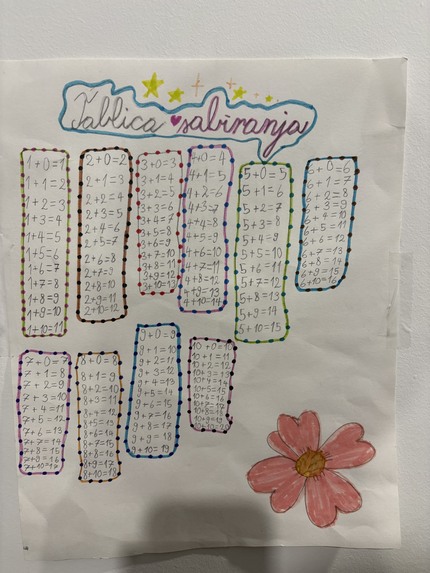
How it all started :)
-
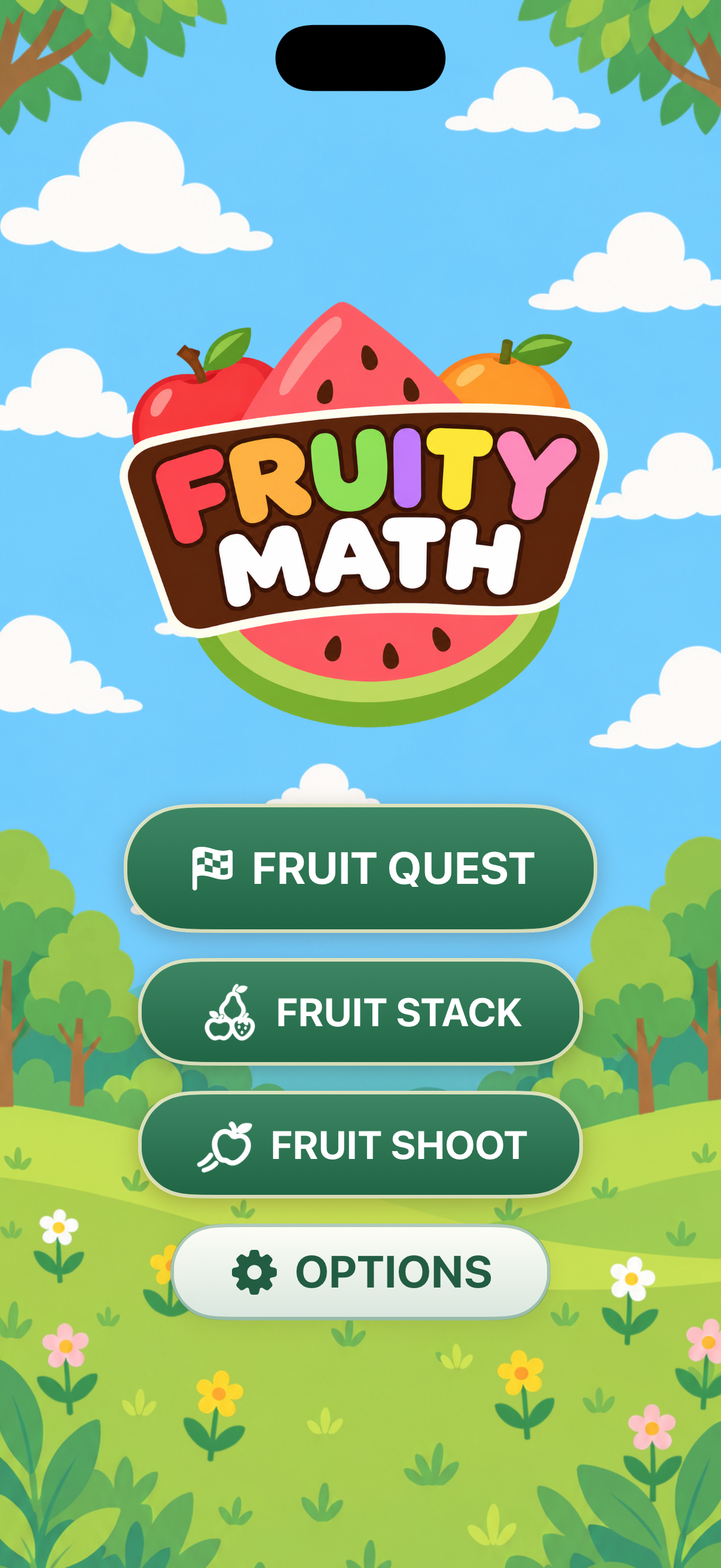
Fruity Math logo
-
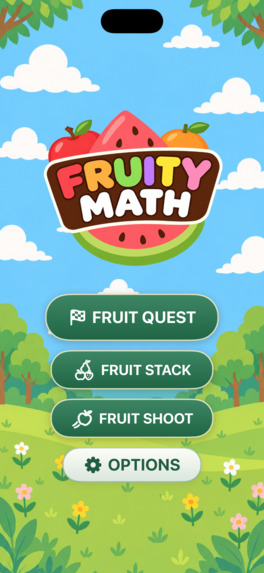
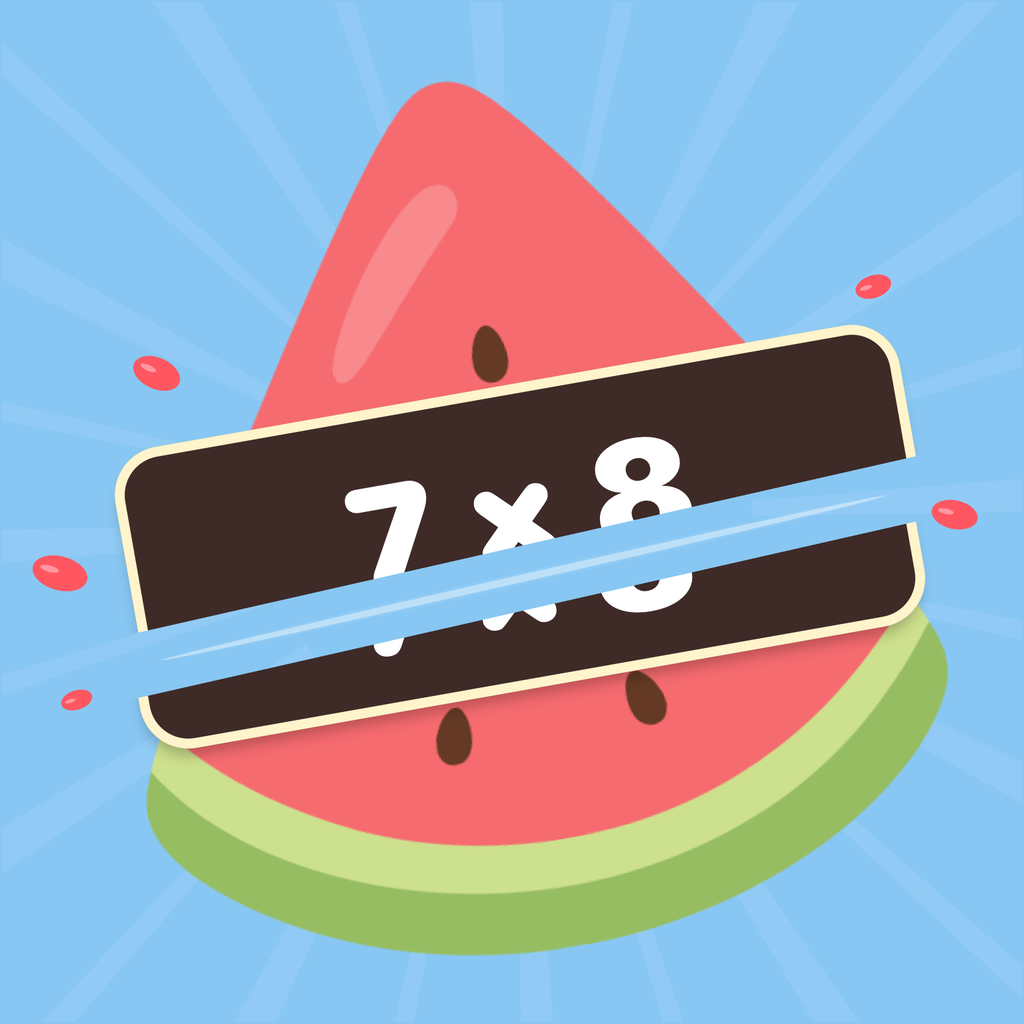
The main screen logo hides an playful surprise :)
-
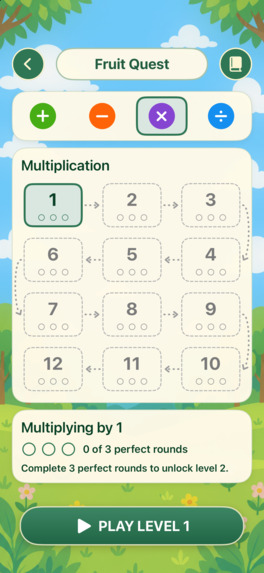
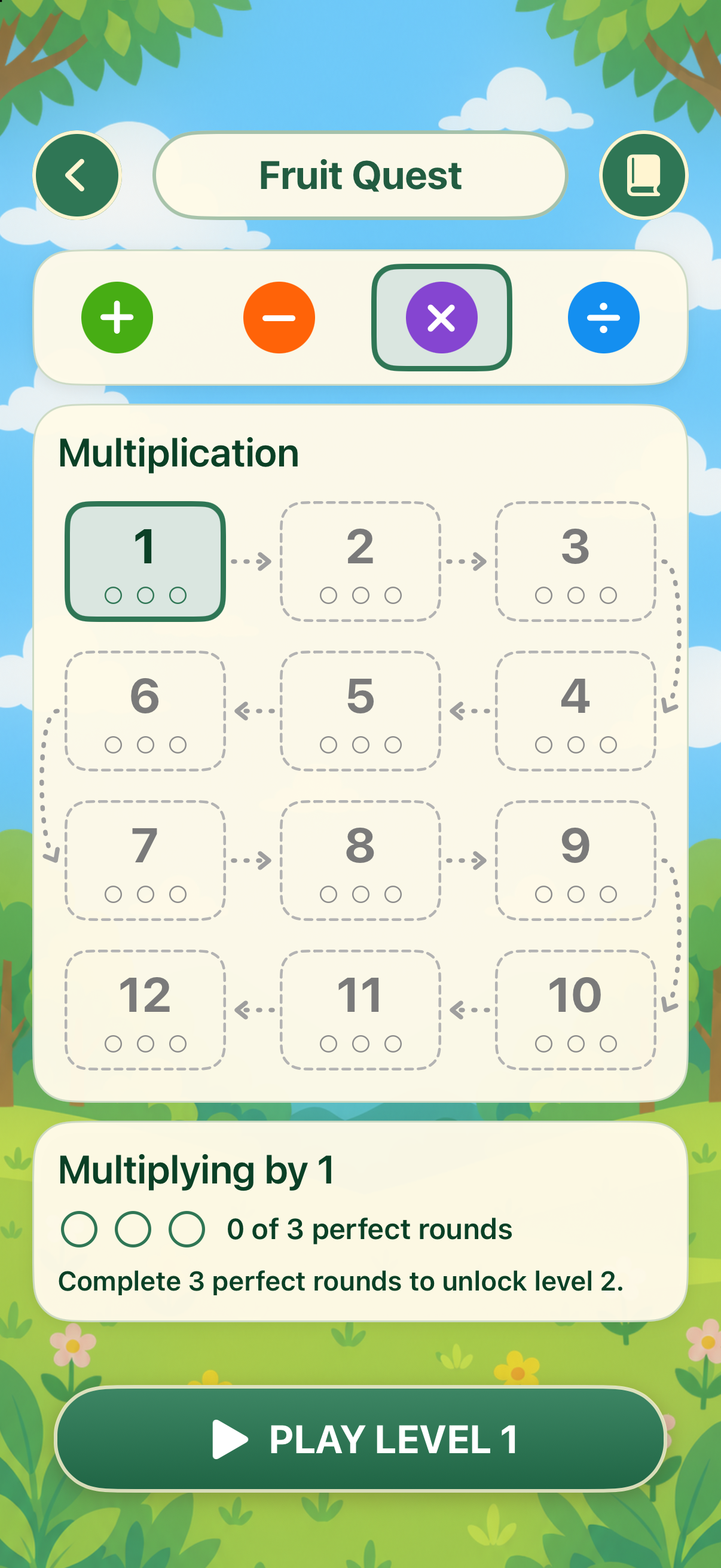
Level up, step by step :)
-

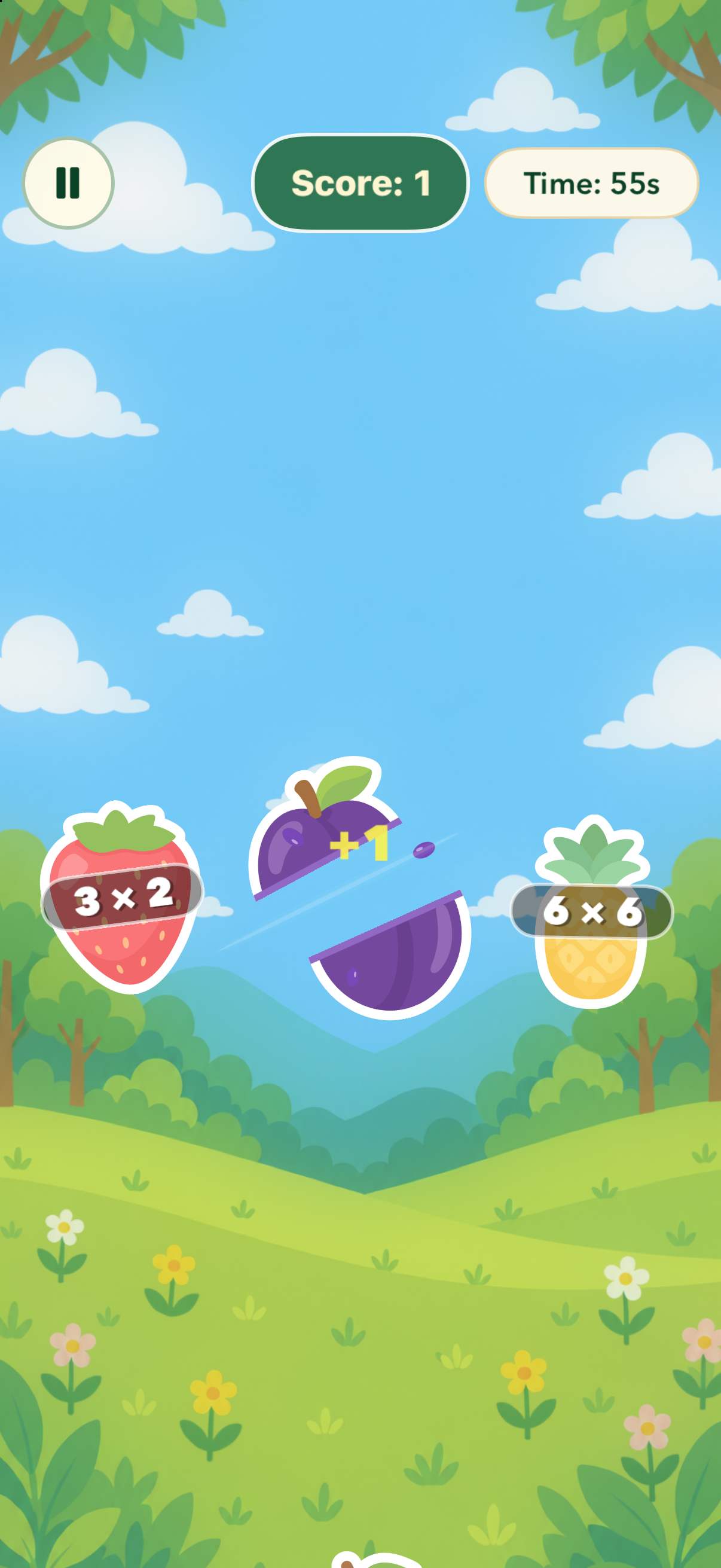
Think carefully, answer swiftly
-

Slice the problem with the correct answer :)
-
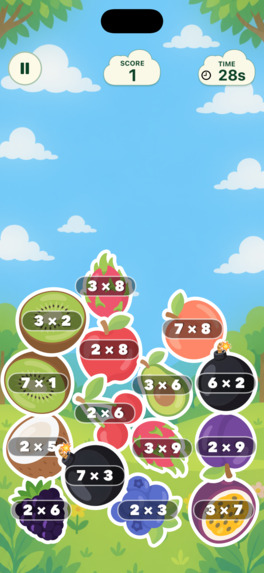
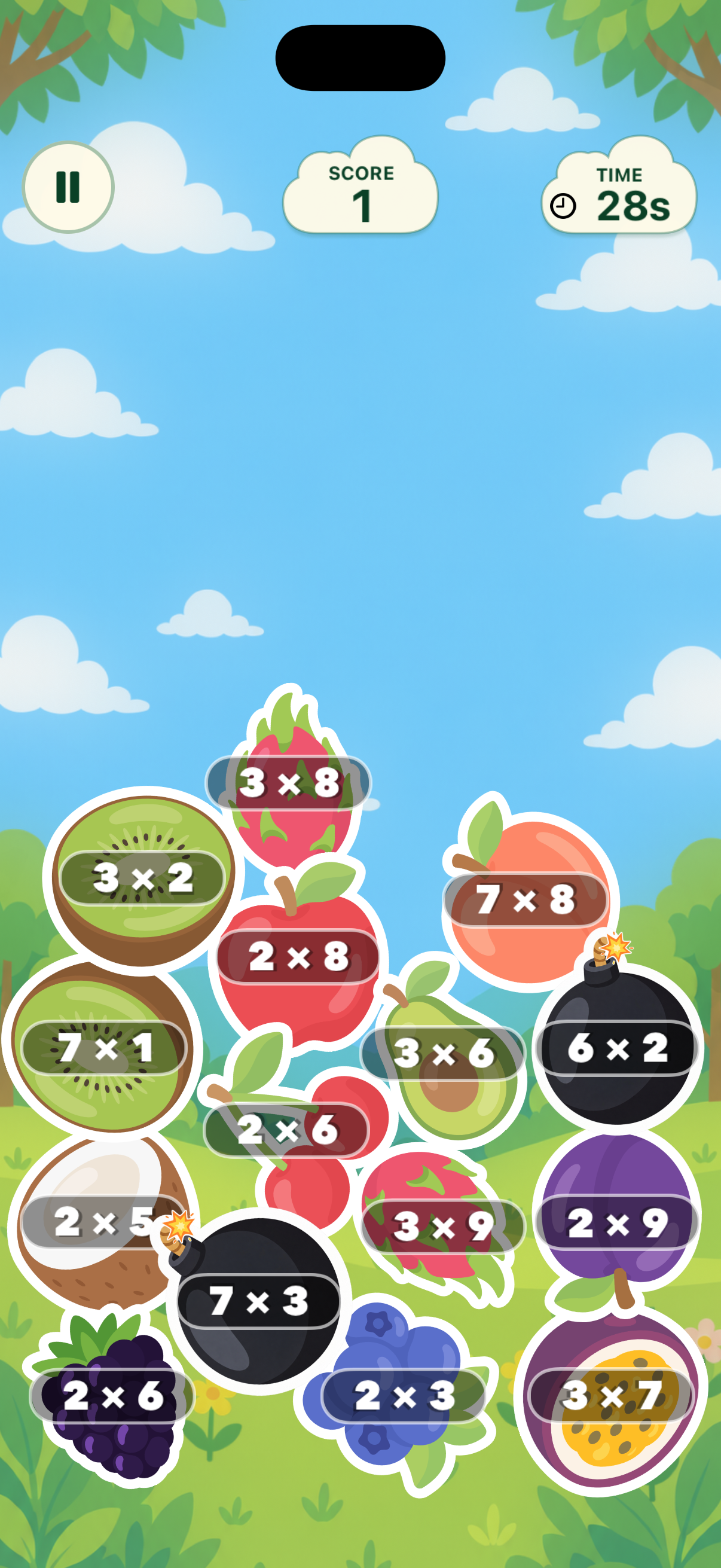
Solve the problems before the fruit reaches the top. Get extra help from special power-ups!
-
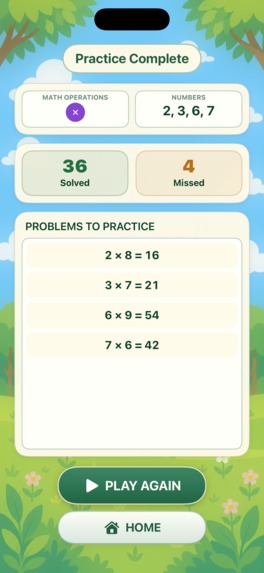
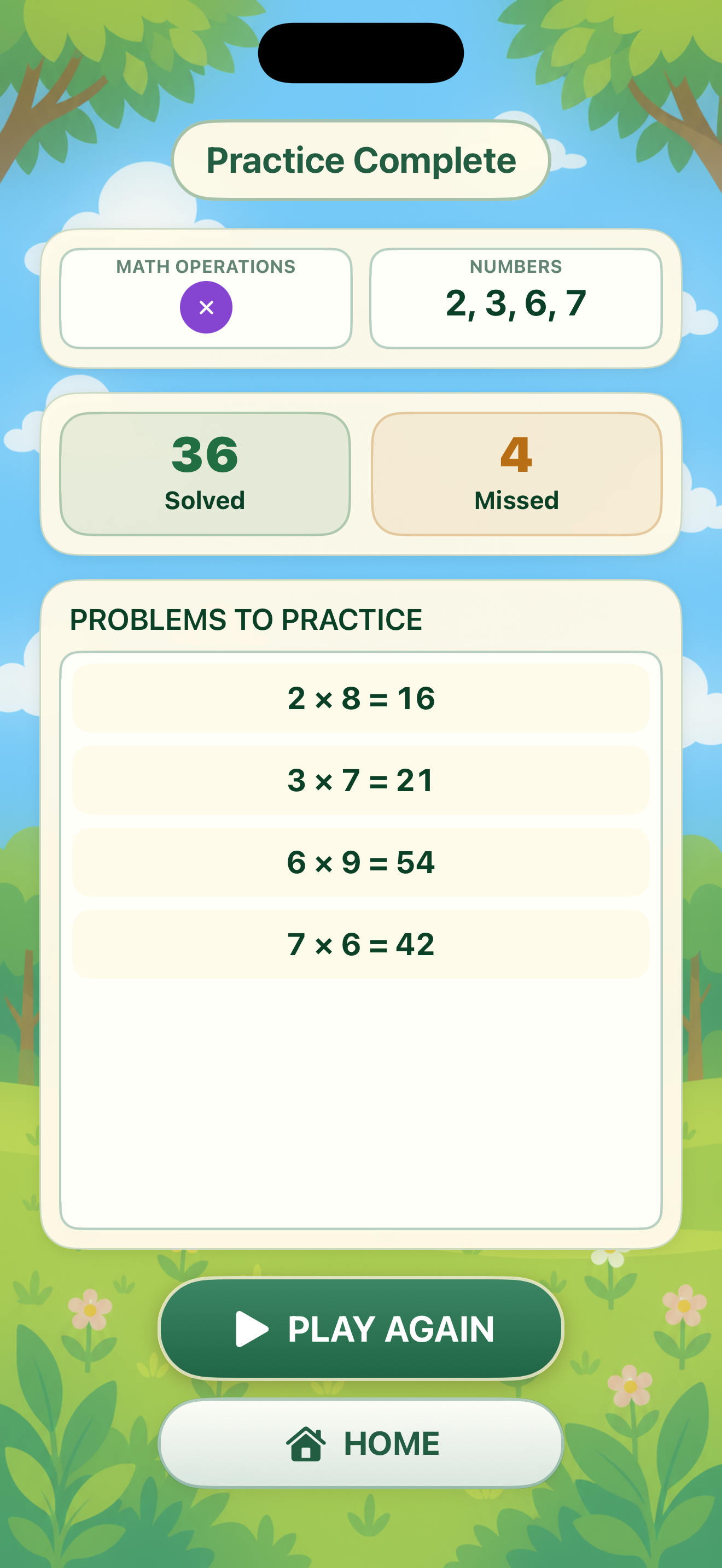
Review your practice
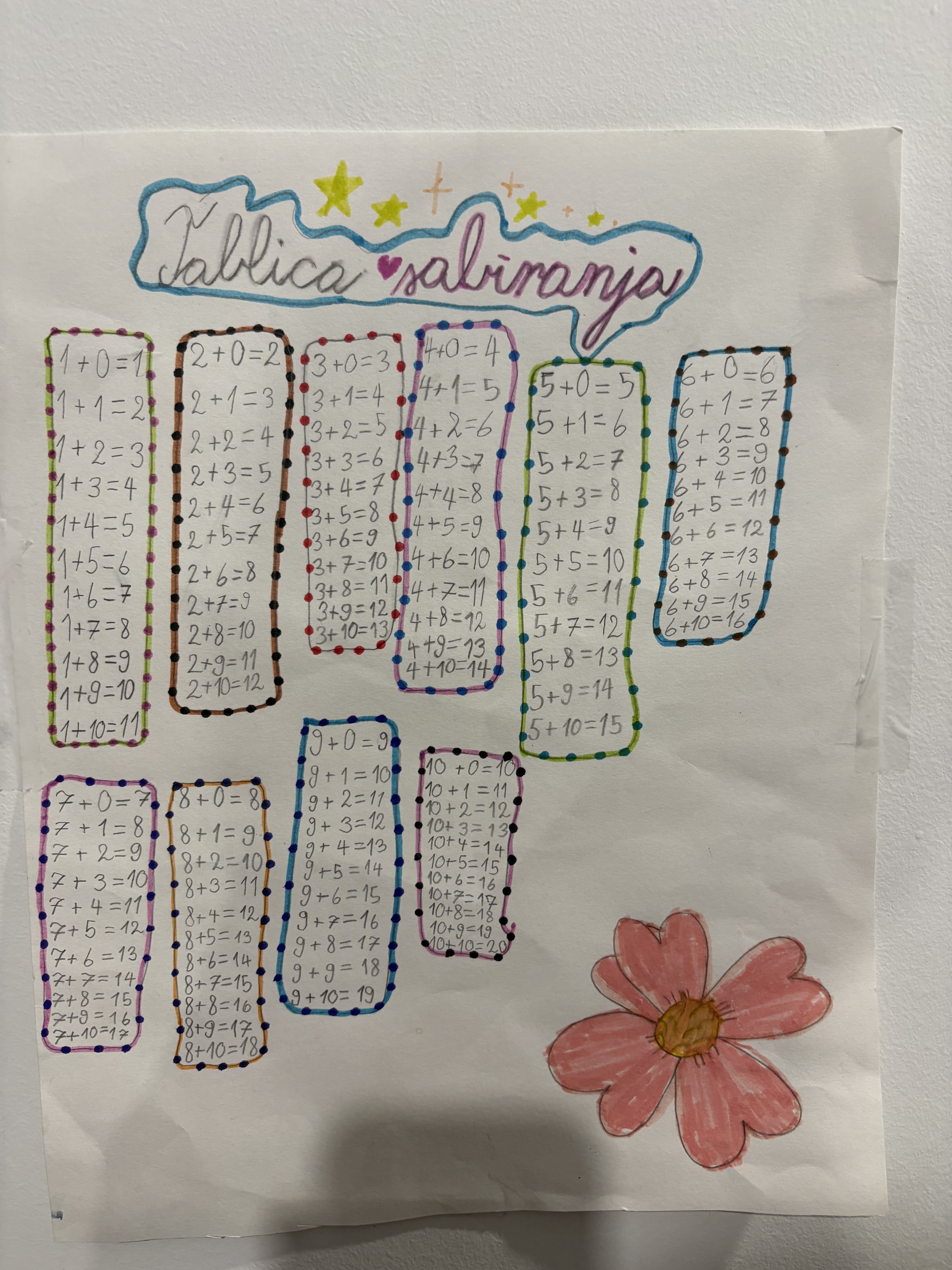

Inspiration
I initially built Fruity Math for my daughter to practice math. I wanted to make practice fun and engaging and something she would enjoy coming back to. Fruity Math turns solving a math problem into a playful moment: say the correct answer and watch the fruit split. Using voice keeps the focus on the math instead of typing or choosing an answer. It also gives players practice answering aloud, just as they may need to do when a teacher asks a math question in school :) What it does Fruity Math is a voice-controlled math game for iPhone and iPad. Math problems appear on fruit, and players answer aloud in English. Correct answers slice the matching fruit. Players can practice addition, subtraction, multiplication, and division through three modes:
- Fruit Shoot: Say the answer before the fruit falls out of sight. Choose numbers, operations, round length, and the number of fruits on screen.
- Fruit Stack: Solve problems to clear falling fruit before the pile fills the screen. Solving a bomb clears nearby fruit. Choose numbers, operations, and round length.
- Fruit Quest: Follow separate practice paths for each operation. Each level gets harder, introducing new facts and mixing in earlier ones for review. Complete two perfect Fruit Stack rounds, then one perfect Fruit Shoot round to unlock the next level. Voice recognition works offline, with no extra download. New sound effects have a separate switch in Options. Round results show solved and missed problems, including the correct answers for missed questions. Players can start free and unlock the full game with one purchase.
How we built it
I built the app in Swift, using UIKit for the interface and SpriteKit for gameplay and fruit animations. The latest update uses on device models to process spoken answers on the device. AVFoundation handles microphone input, while a number parser converts recognized words and digits into answers the game can match. RevenueCat manages the permanent unlock, purchase restoration, and premium access.
Challenges we ran into
The hardest challenge was turning continuous speech into responsive game input. Speech recognition can revise earlier results, repeat an answer, or merge several spoken numbers. Meanwhile, fruit keeps moving. I worked on matching answers to the right fruit, handling duplicate results, and accounting for recognition delays. This required balancing quick feedback with the risk of accepting an incomplete or ambiguous result. Another challenge was keeping speech processing and animations running smoothly together, while handling pauses and app interruptions.
Accomplishments that we're proud of
I’m proud of turning an idea for my daughter into an app available on the App Store. What began as a personal project became something other families can use to practice math. I also used Fruity Math to explore how far AI could help me build a real app. Through repeated iterations, I used AI to develop and refine the experience while making the product decisions myself. I’m proud of taking that experiment all the way to a released app.
What we learned
Voice input needs careful design. A recognition error can feel like a math mistake, so input reliability is part of the player experience. I also learned to separate game performance from learning progress. A high score shows success in a round; it does not establish lasting recall. That distinction guides my plans for future practice features. What's next for Fruity Math I want to further improve speech recognition and reliability so spoken answers lead to faster, more consistent feedback. I also plan to add more gameplay modes and later, I’d like to introduce daily challenges and Game Center integration for leaderboards and achievements.
Built With
- ios
- revenue-cat
- sprite-kit
- swift
- uikit

Log in or sign up for Devpost to join the conversation.