-
-
-
-
-
-
-
-
-
-
-
-
-
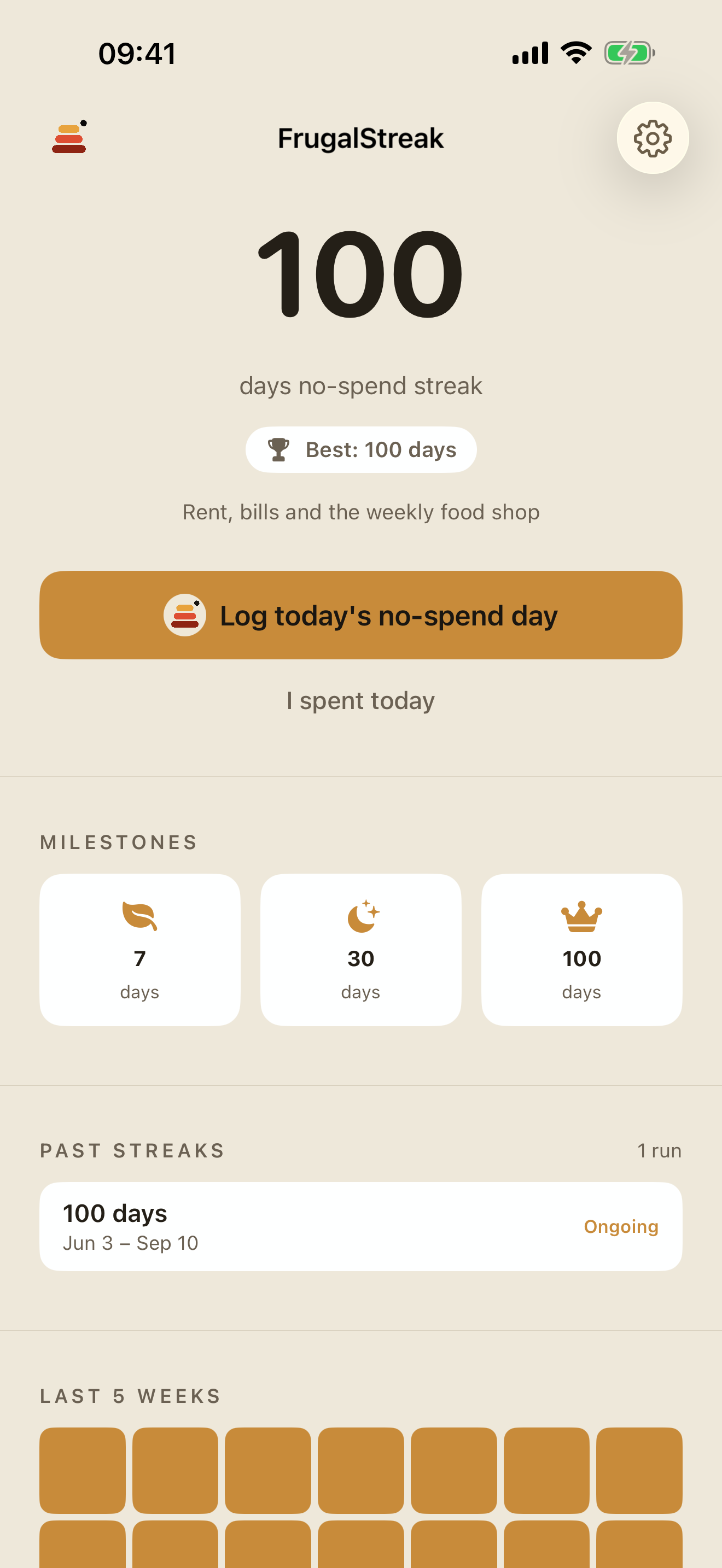
Home Screen
-
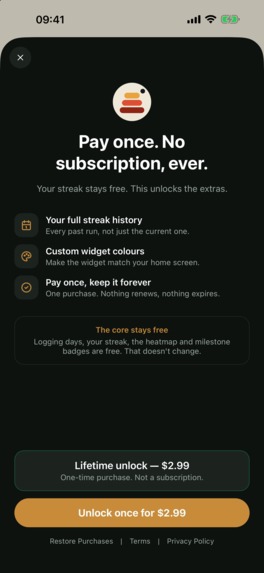
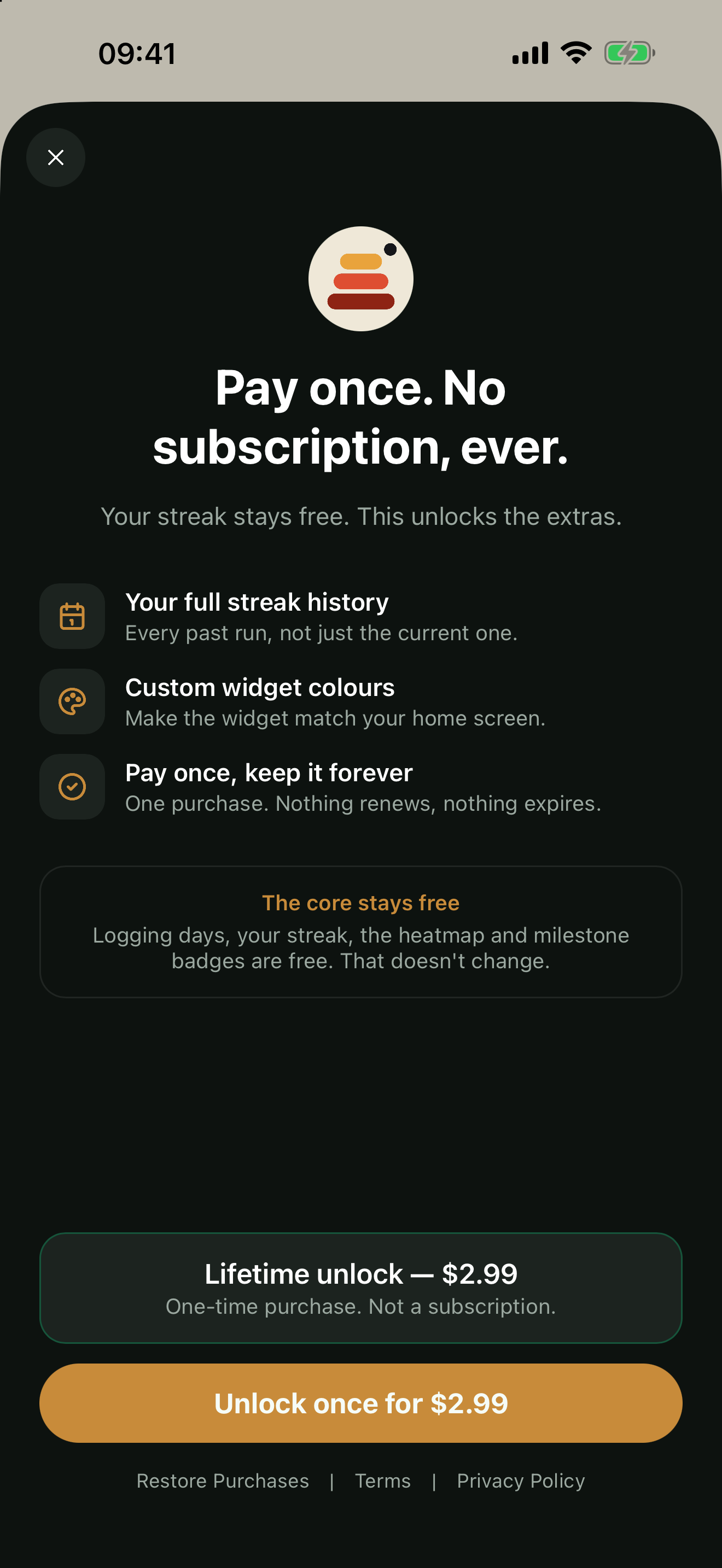
Paywall
-
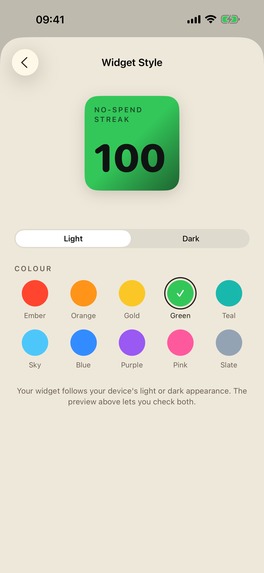
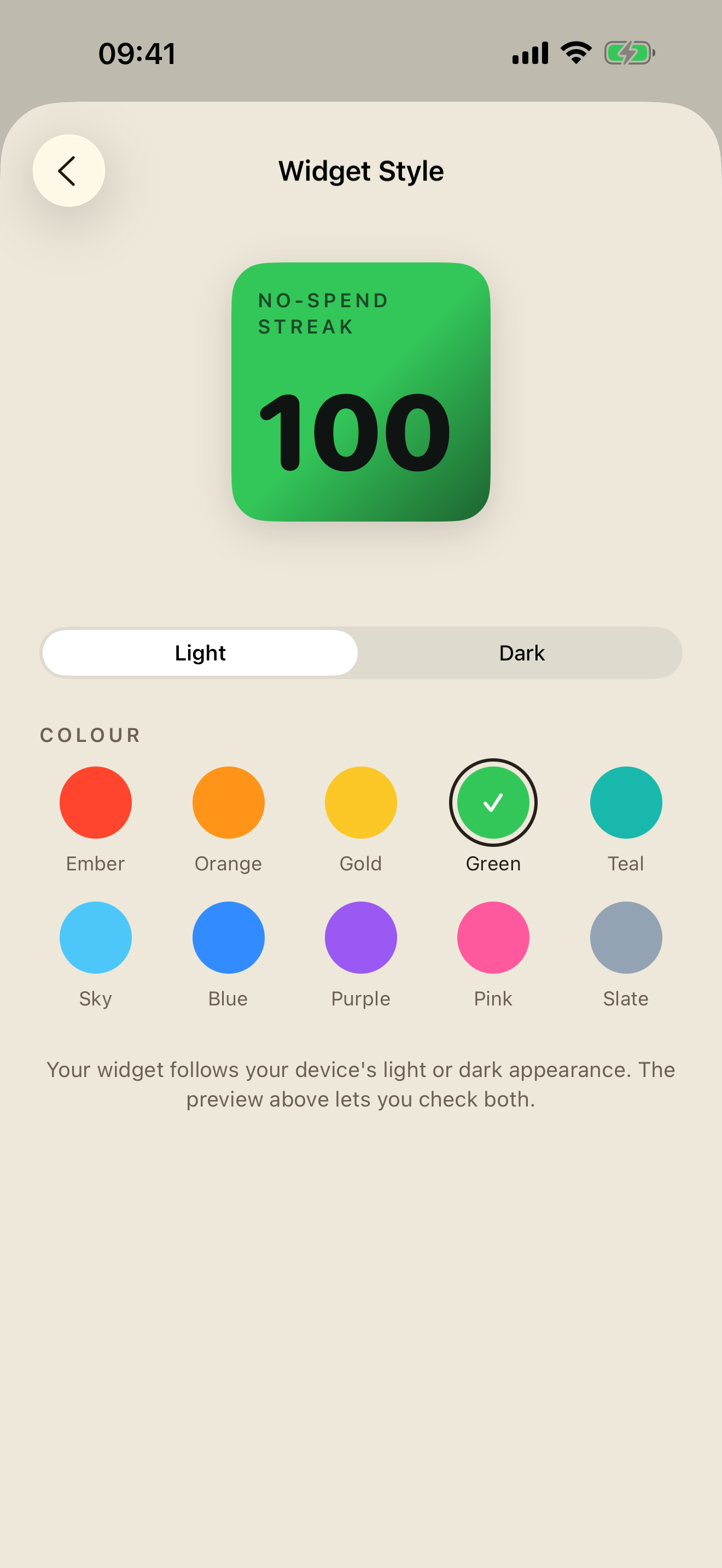
Widget Customiser
-
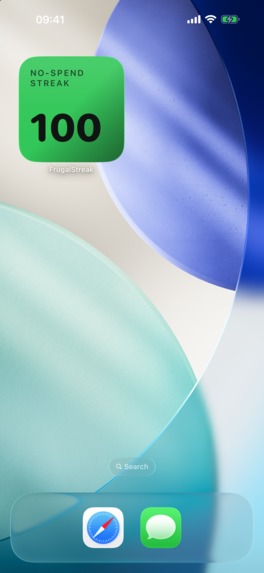
Home Widget
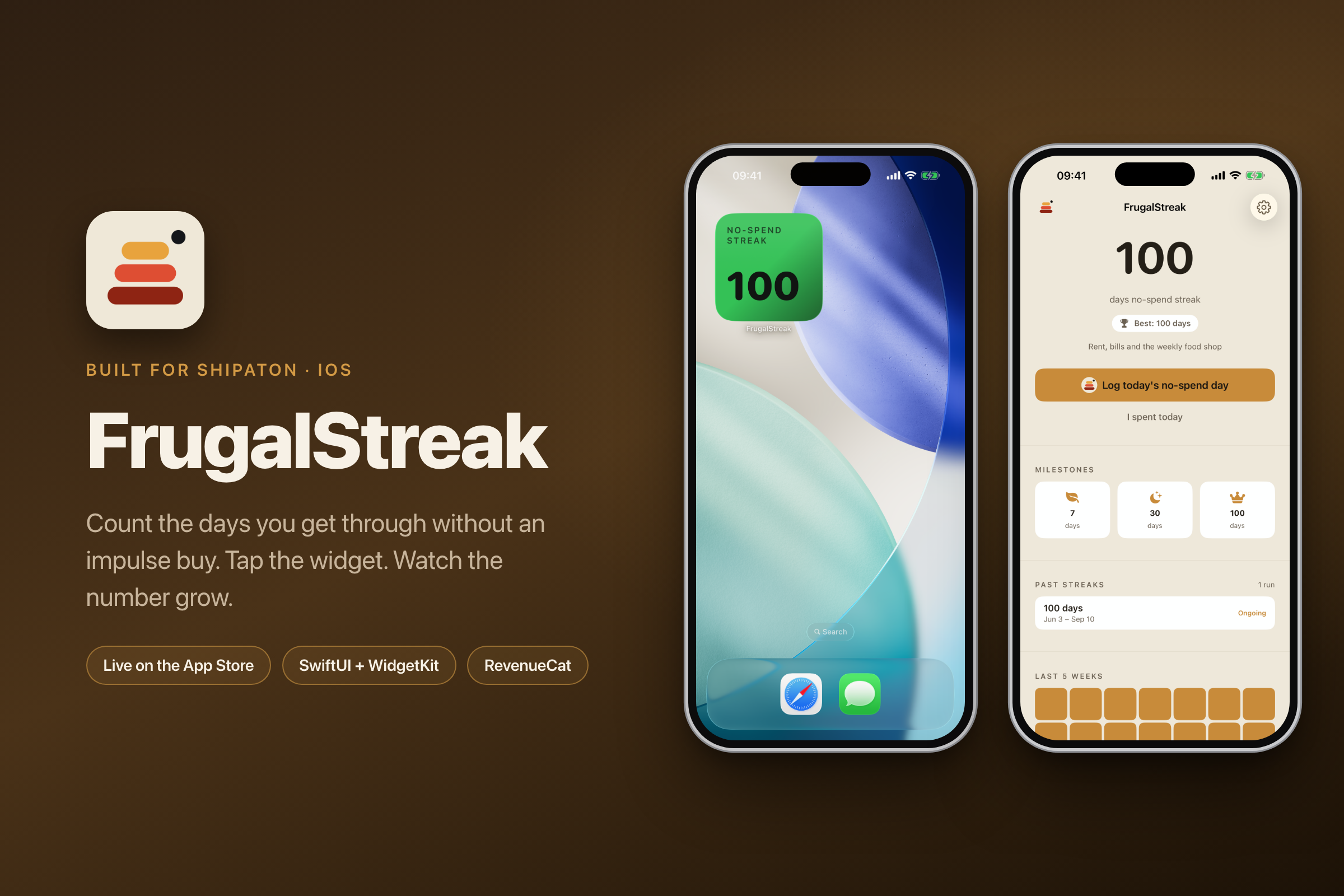

FrugalStreak
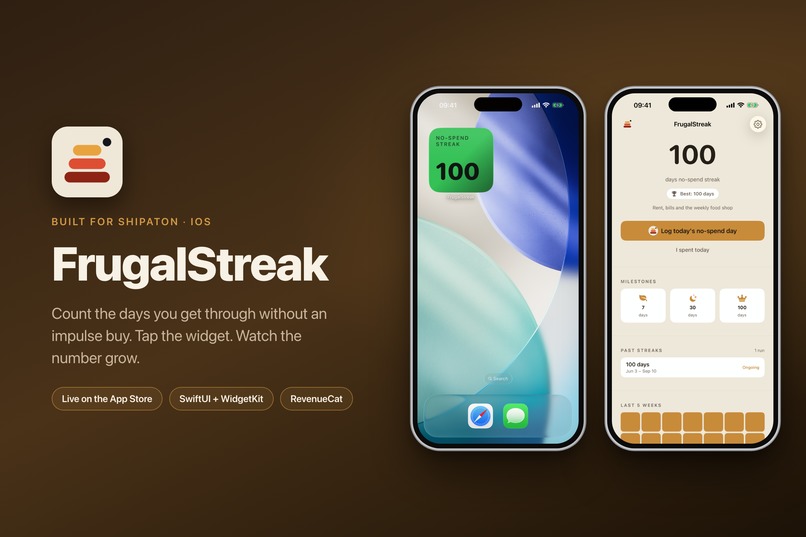
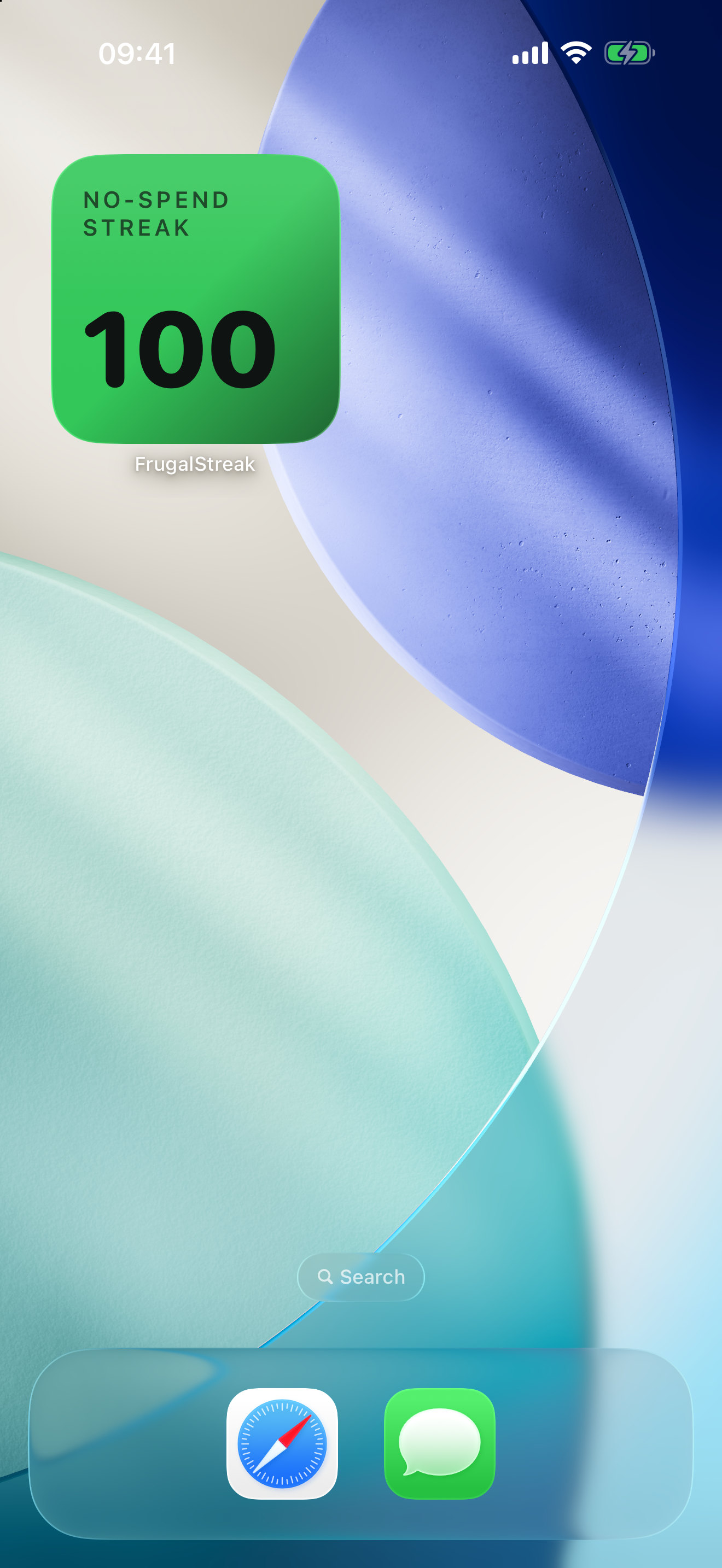
Log every day you don't spend impulsively, and watch the streak grow. Tap a widget. No budgeting, no bank linking, no account.
Live on the App Store since 9 September 2026. First release, shipped inside the Shipaton window, in four languages.
Inspiration
I didn't start with a feature idea. I started by reading one-star reviews.
There's a whole corner of the App Store for people doing a no-buy month, and most of them seem to end up tracking it in Notes or on a paper calendar. The apps built for them had the same two complaints underneath, over and over.
The first was the paywall sitting on top of the one thing the app was for. You couldn't log a no-spend day without a subscription. Someone called that hypocritical and I think they had a point. Charging a monthly fee to help someone spend less money is a joke that writes itself.
The second was that the obvious alternative, a proper budgeting app, wanted their bank login. But these people aren't trying to analyse their spending. They're trying to not do it. Handing over a bank account is the opposite of what they came for.
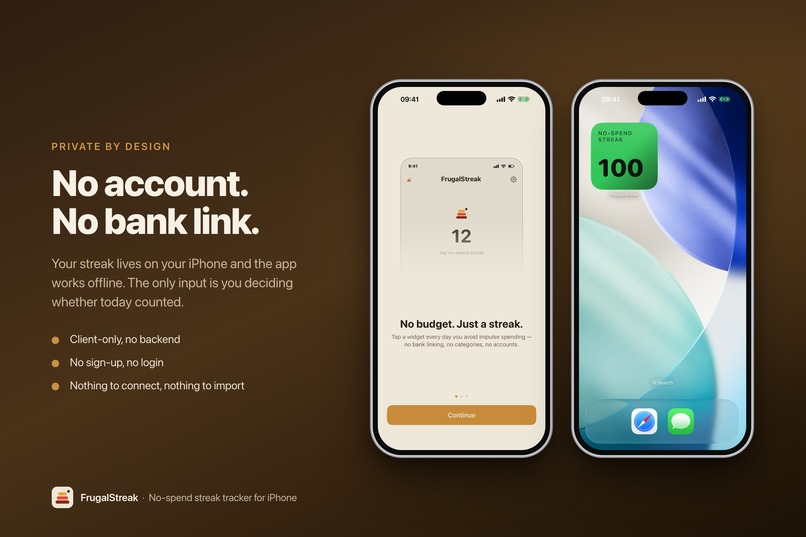
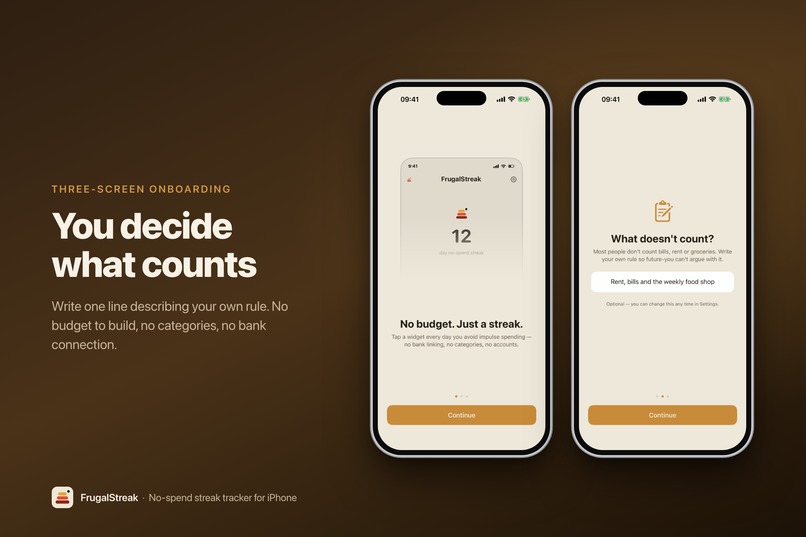
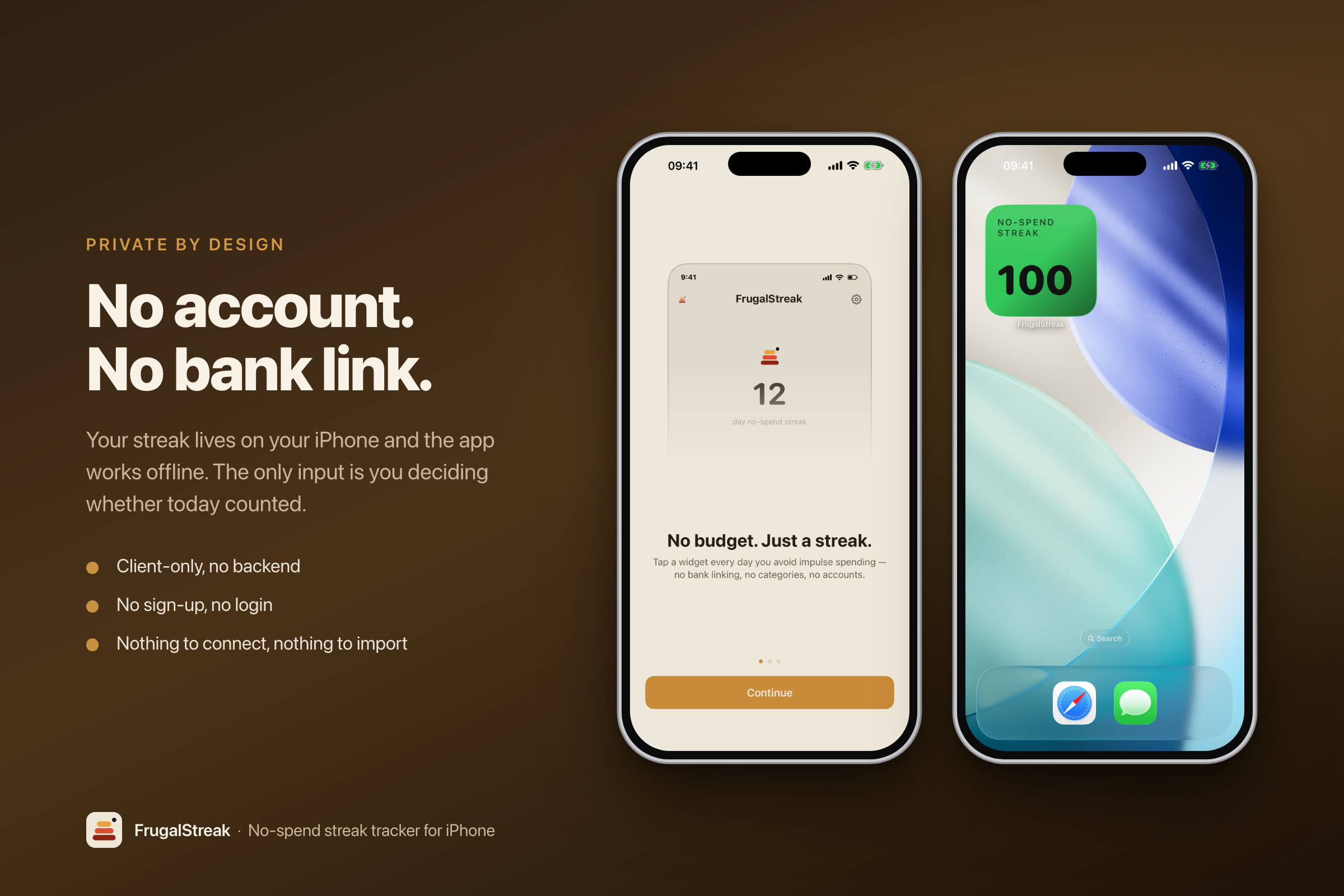
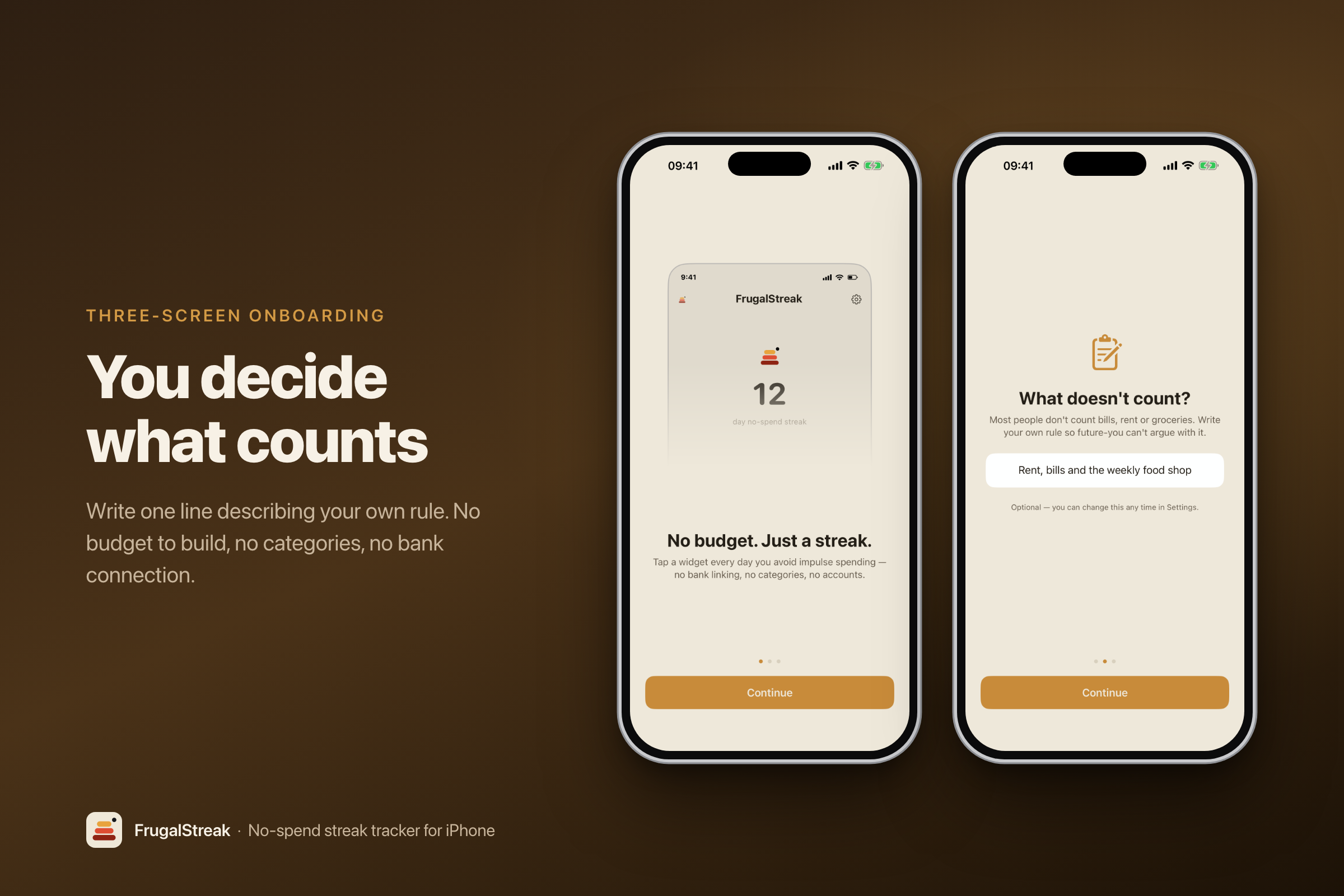
So the app came down to one rule I set myself: the user tells it nothing except "I didn't spend today." No amounts, no categories, no accounts, no bank. One yes-or-no fact a day, and a number that goes up.
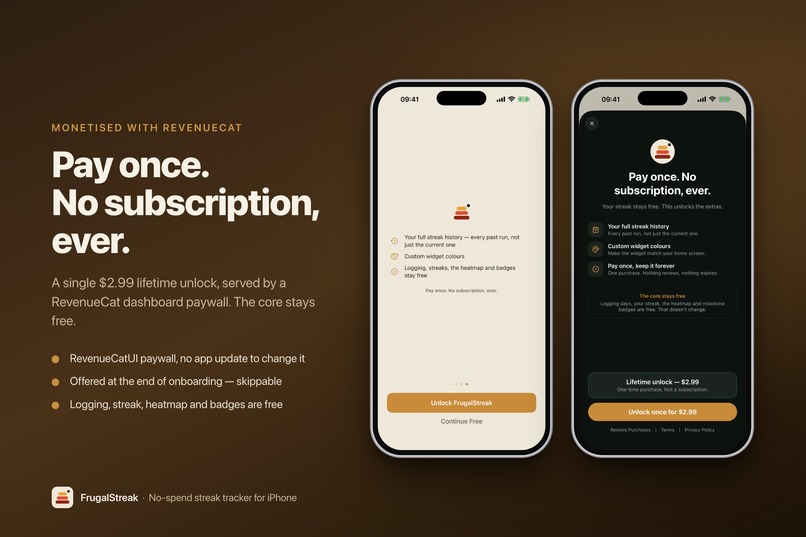
That rule also settled the price, which ended up being the decision I care most about. FrugalStreak is a one-time unlock. No subscription, and there never will be one. It would be absurd to bill someone every month for a tool whose whole premise is "spend less." Once I'd decided that, it stopped being a pricing question and became the thing I lead with.
What it does
The free version is the actual product:
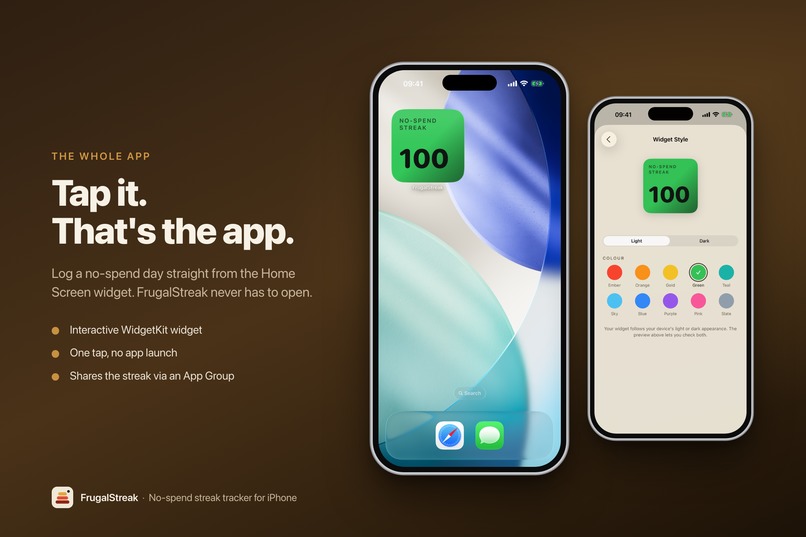
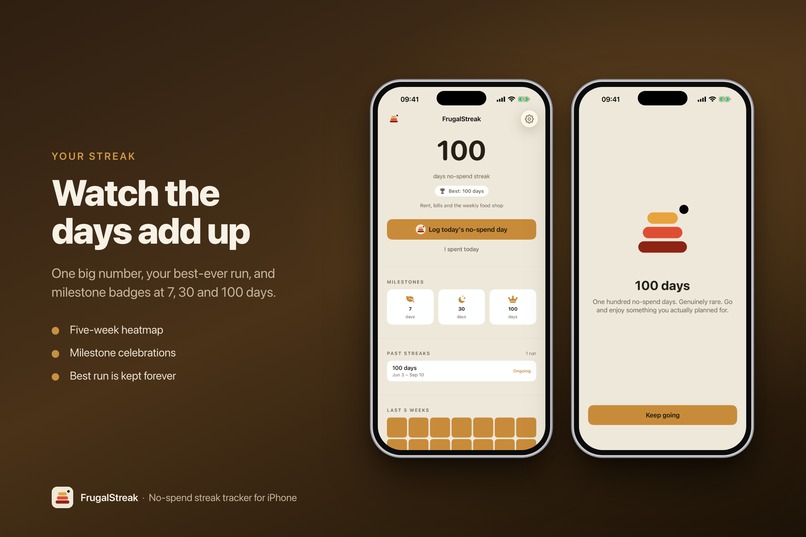
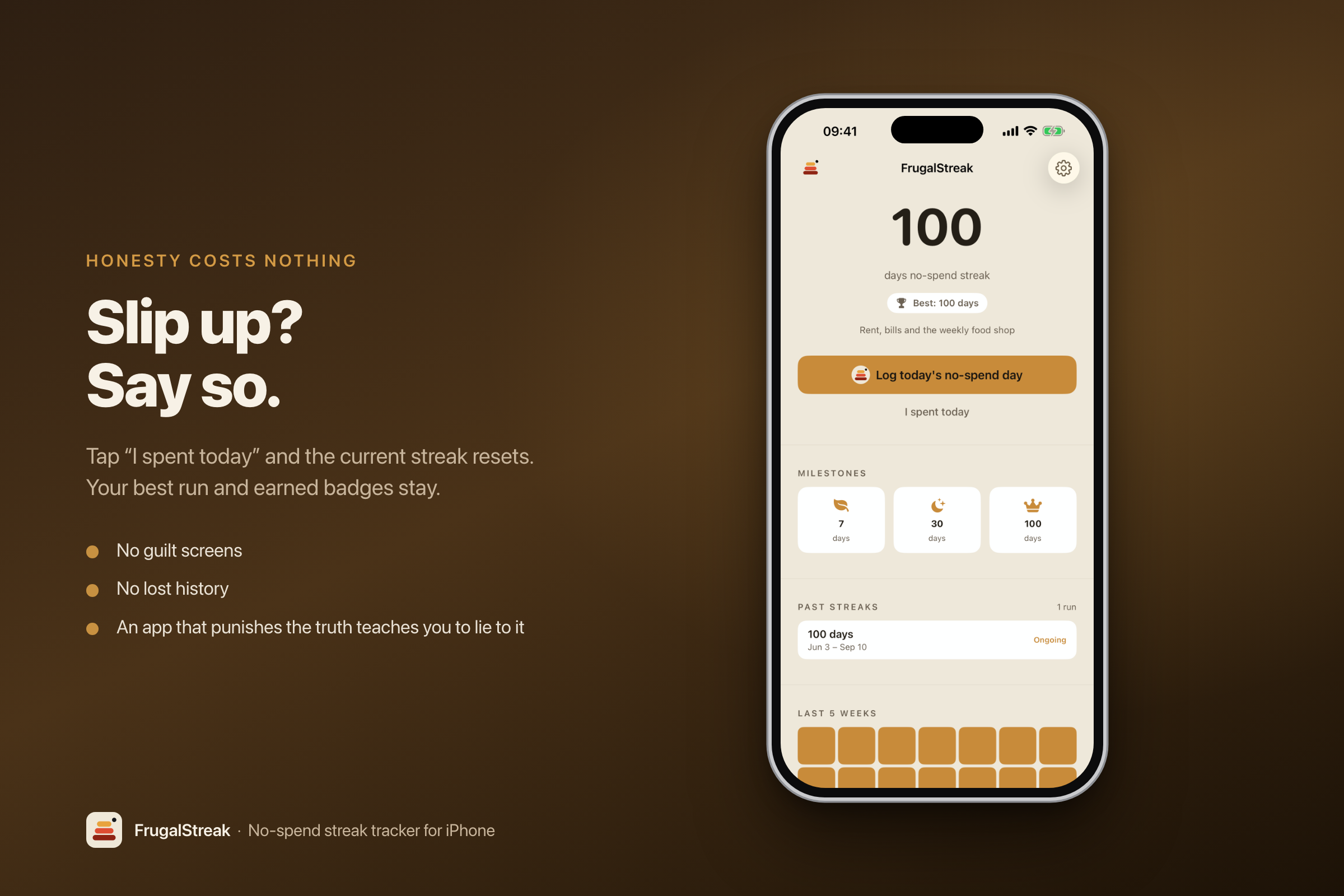
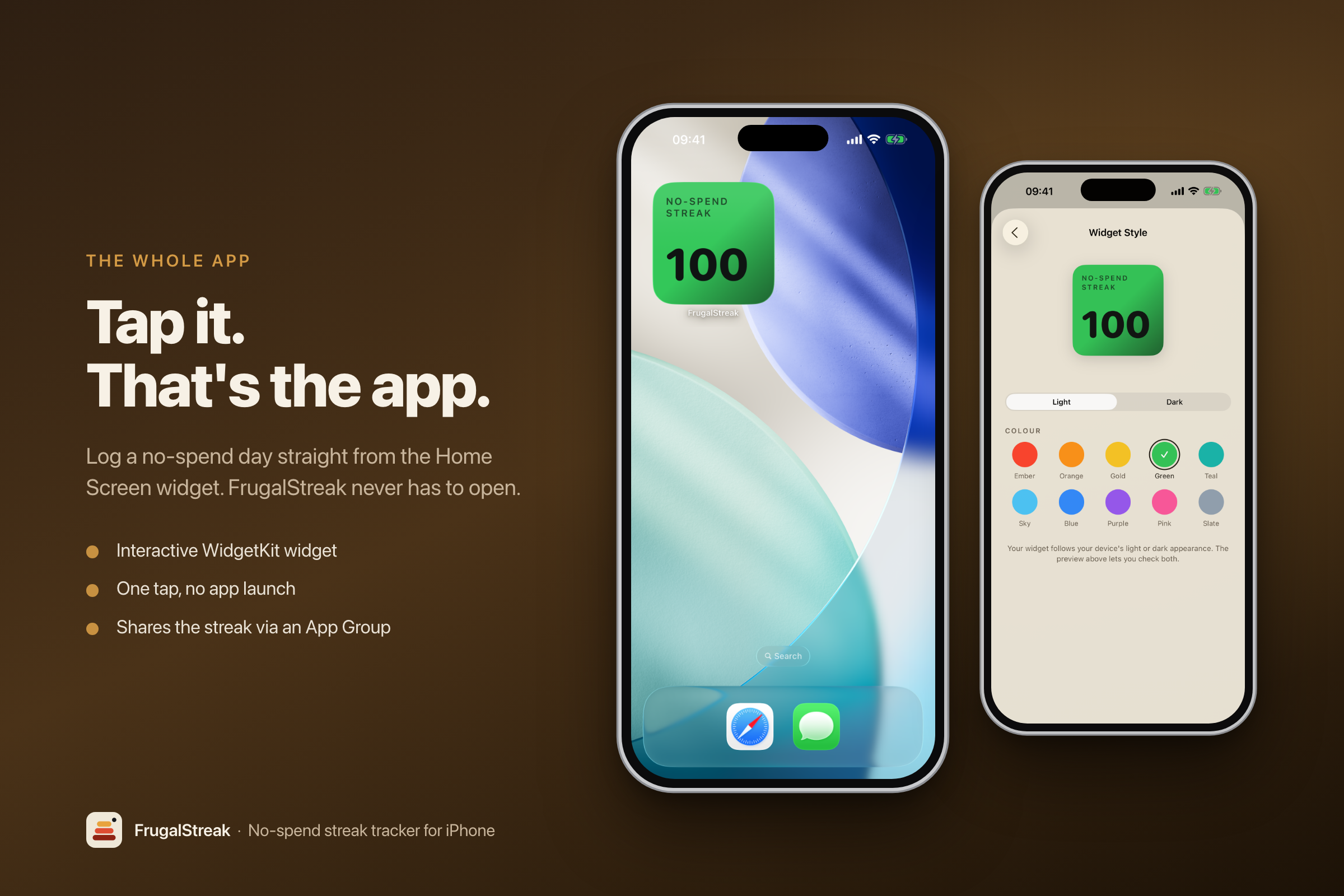
- Tap the widget on your Home Screen to log the day. The face flips to a green tick, the streak goes up, and the app never opens. That's the whole app, really. Getting it down to one tap on a screen you're already looking at is the difference between a forty-day streak and something you give up on by Thursday.
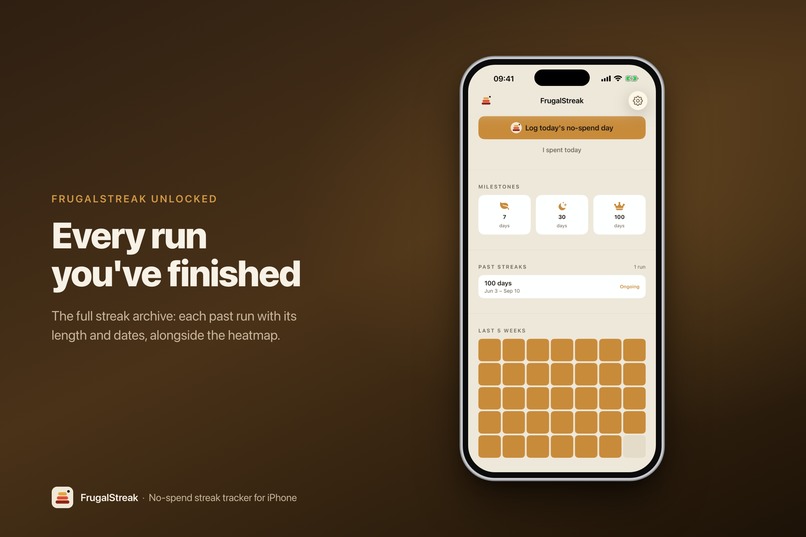
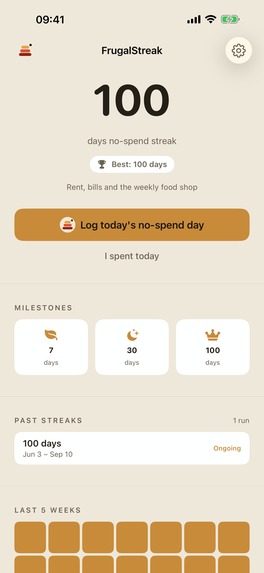
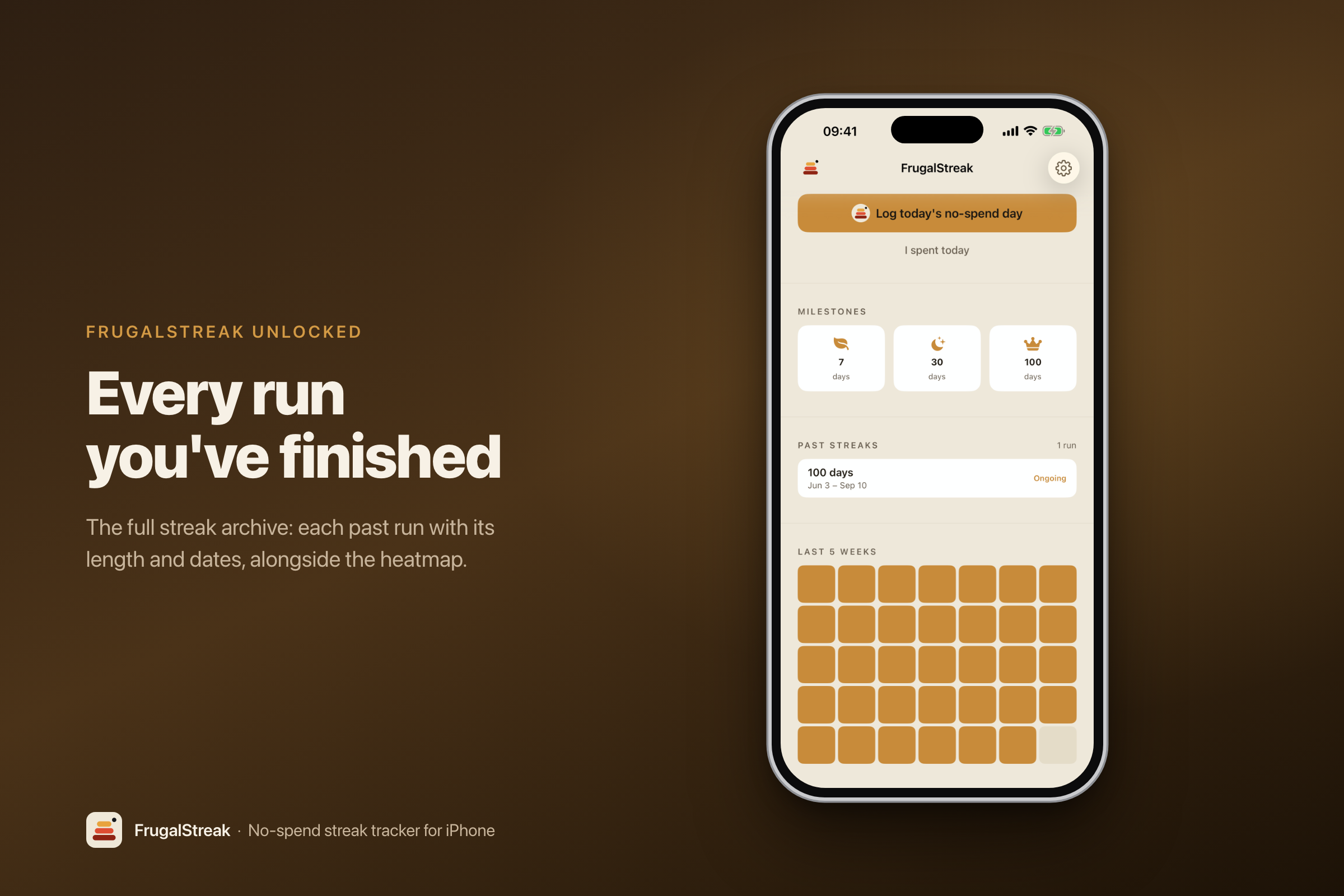
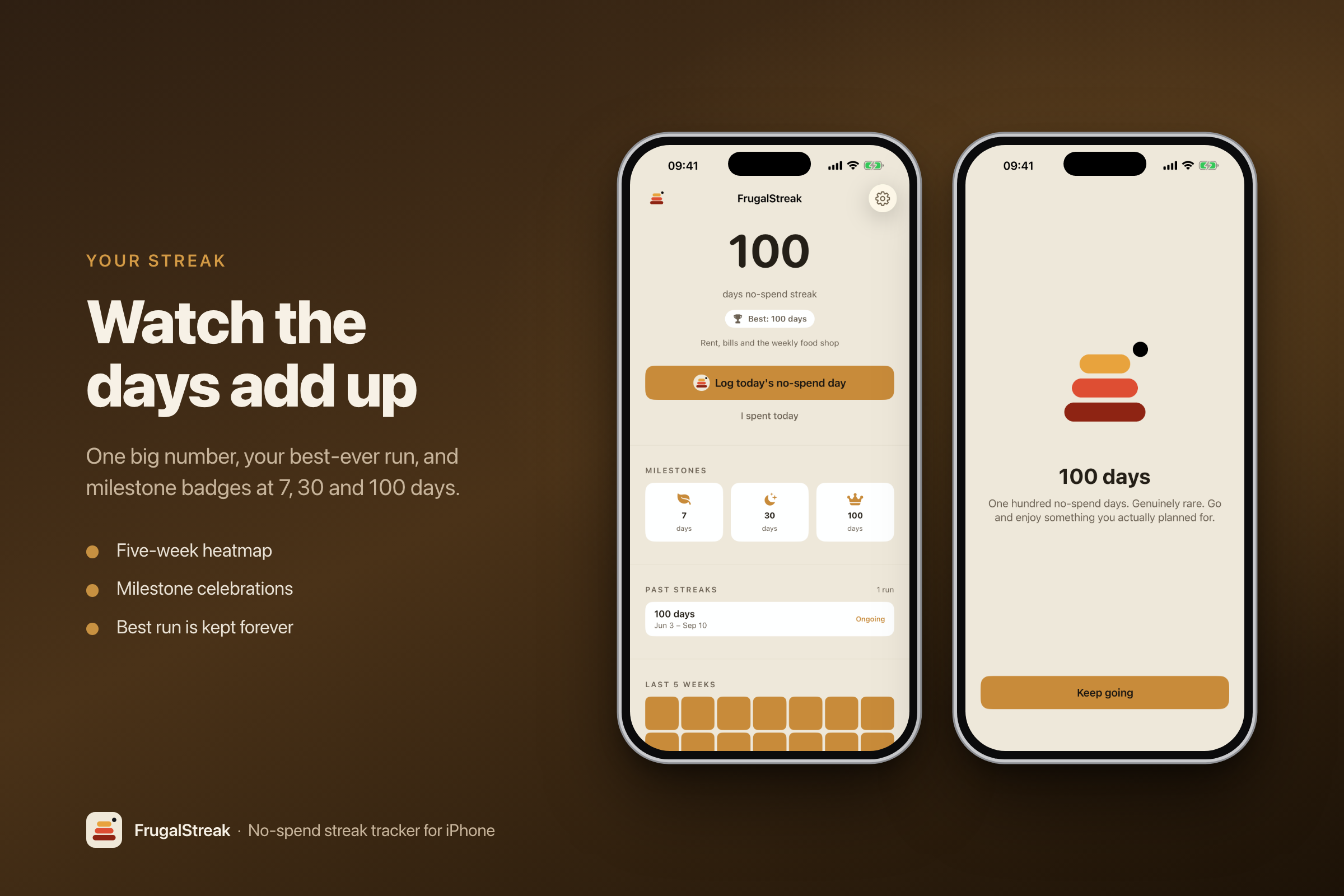
- A streak count and a calendar heatmap of every no-spend day.
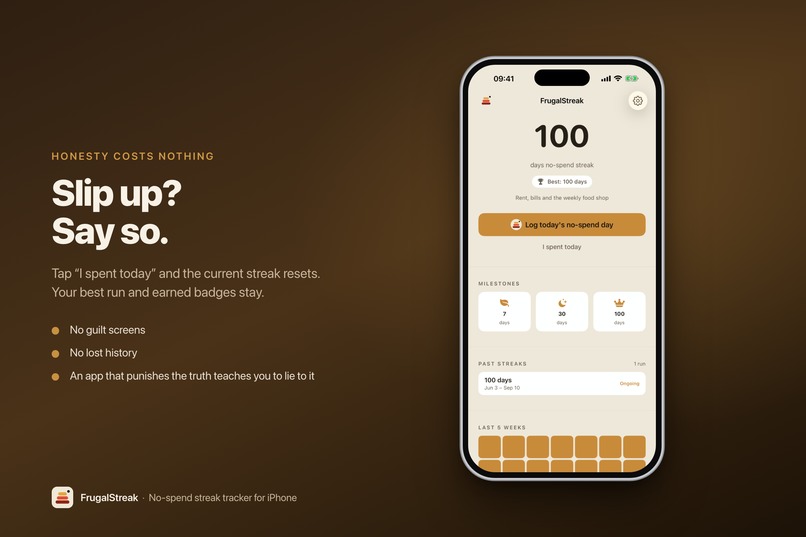
- An "I spent today" button that resets the streak but keeps your best-ever record. If admitting you slipped feels punishing, people delete the app instead. So it doesn't punish you.
- An optional one-line rule, something like "bills and groceries don't count." Everyone draws that line somewhere different, and the alternative was building a categorisation system, which is exactly the app I was trying not to build.
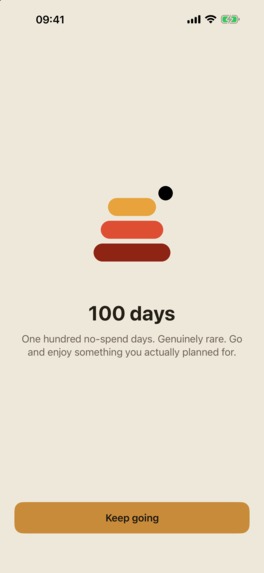
- Milestone badges at 7, 30 and 100 days, free. The badge is the payoff for doing the hard thing. Charging for it would be charging for the point.
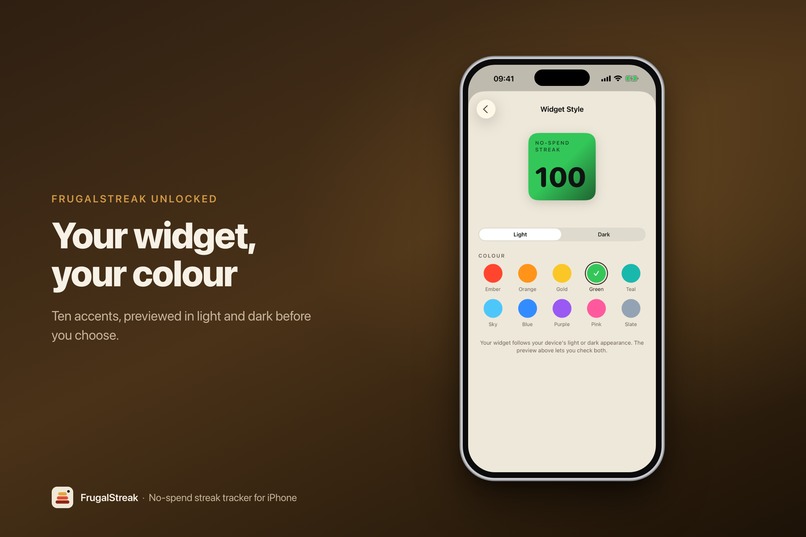
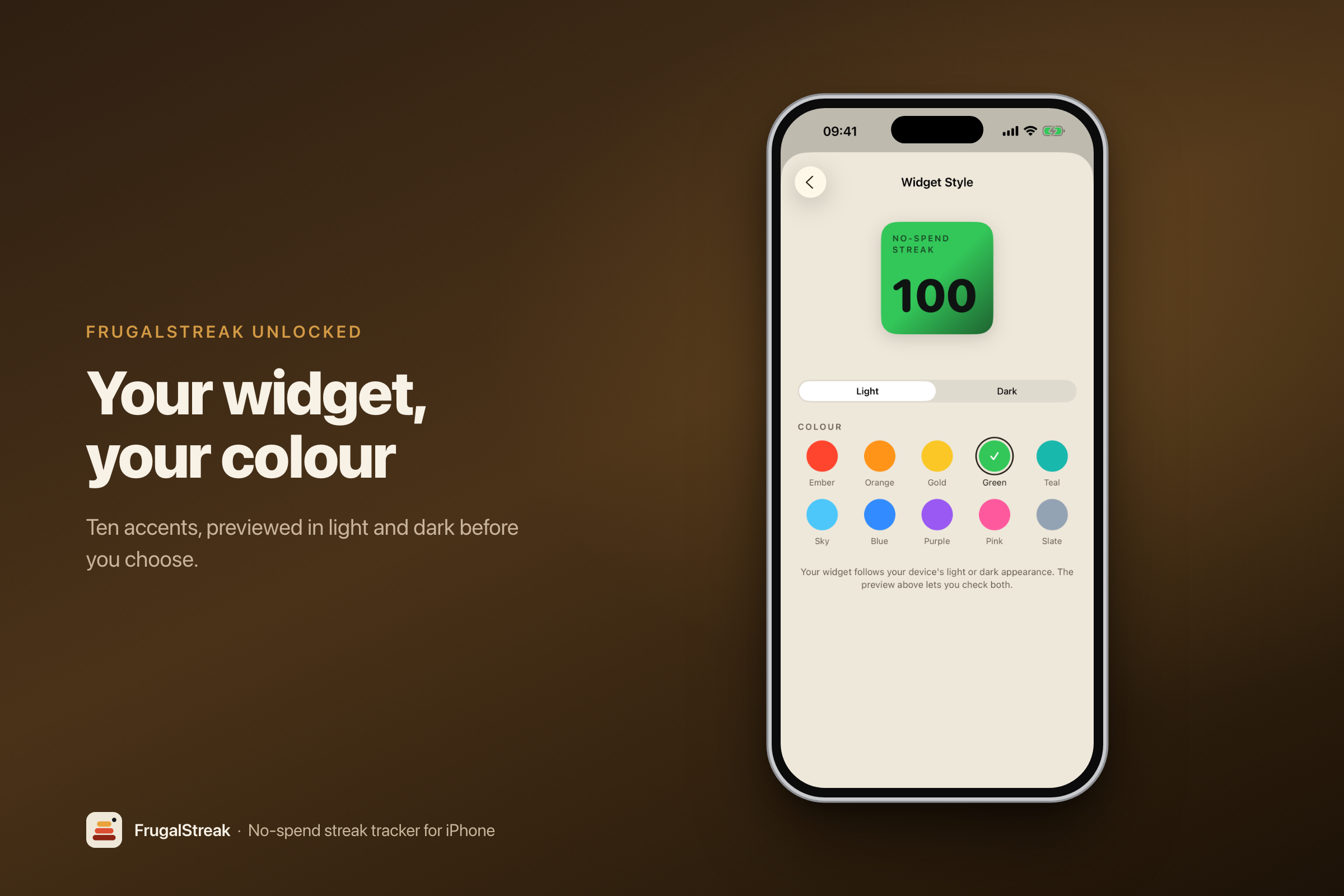
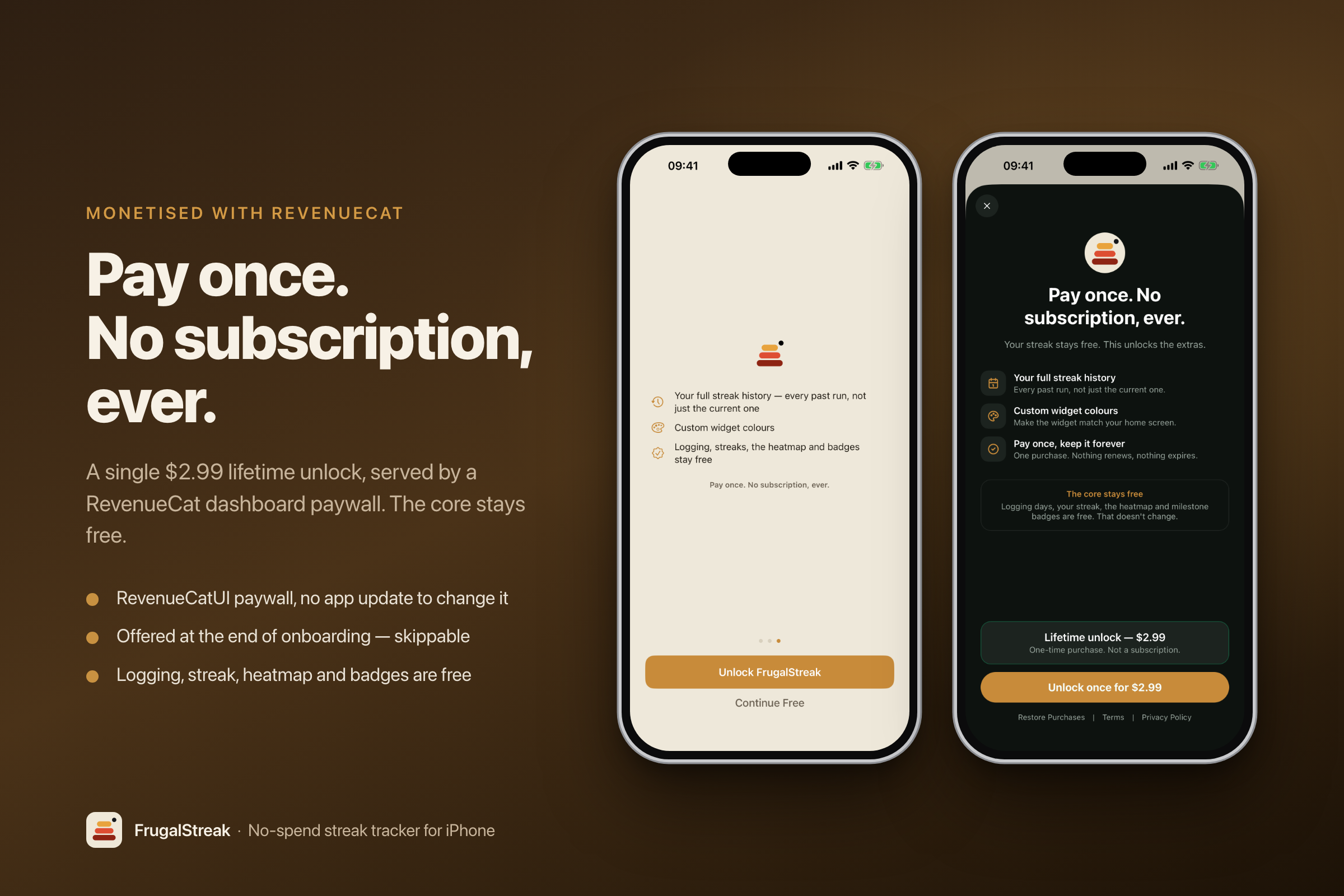
The paid unlock is £2.99, once, and adds a history of your past streak runs plus ten widget accent colours. It only ever adds things. Nothing you've got used to gets taken away and sold back to you.
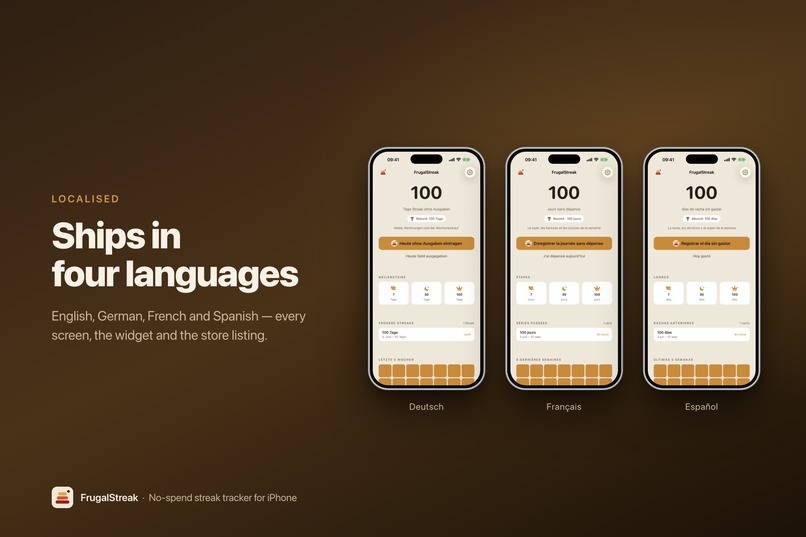
It's in English, German, French and Spanish, app and App Store listing both.
How we built it
I'm one person, with a full-time job and a family, building in the evenings and whatever weekend hours I can find. Everything below is shaped by that.
I read the competition first. A couple of days going through every no-spend app I could find and, more usefully, their reviews. That's where the two complaints above came from. I didn't write a line of code until I knew what I was building around.
I wrote the plan in Claude before building anything, and kept it as a working document the whole way through rather than a spec I wrote once and ignored. Decisions, reasons, things I got wrong. When you're picking this up for ninety minutes after the kids are in bed, the expensive part isn't writing code, it's remembering where you were and why you chose what you chose. Having that written down is most of what made it shippable in the time I had.
Swift and SwiftUI, iOS 18+. Data lives on the device in an App Group so the widget and the app can both read it. No backend, no accounts, no server of mine anywhere. There's nothing to sign into and nothing for me to lose.
RevenueCat handles the purchase. A single non-consumable product behind one entitlement, with the paywall built in the dashboard so I can change the copy without shipping a build. The useful side effect: because there's no subscription group in App Store Connect at all, the no-subscription promise isn't just something I intend, it's something I can't accidentally undo later.
Astro MCP for keyword research, per market rather than translating the English and hoping. That research turned out to be half wrong, which I'll come back to.
Helm for App Store Connect, which is what made four languages survivable. Listings, keywords, screenshots, the in-app purchase and the submission itself all driven from the command line instead of clicking through twenty separate localisation forms. That alone probably saved the localised launch.
I built my own screenshot pipeline because I'd have given up otherwise. Five screenshots in four languages is twenty images, and they need redoing every time the app changes. It runs the app in each language, captures the screens, frames them and uploads them. Getting that working took a chunk of the build, and it paid for itself the first time I had to reshoot everything.
Start to finish was a bit over a week of actual evenings. Submitted on 7 September, live on the 9th.
Challenges we ran into
I shipped the payment without ever testing it. To test an in-app purchase properly you need it approved by Apple, and to get it approved you have to submit. Xcode's local testing doesn't help, since it never talks to Apple's servers and so can't catch the kind of configuration mistake that only shows up against the real store. My last app shipped with the same gap and the first real purchase failed. So I submitted knowing this was the one thing I couldn't verify, and bought my own unlock the morning it went live.
Adding light mode broke something I couldn't see. The app had been dark-only, not really on purpose. When I added a light palette, three buttons turned out to be using the background colour as their text colour. That's fine when the background is nearly black. On cream it's almost unreadable, at a contrast ratio well below the accessibility floor. It looked fine to me on my own screen until I actually measured it.
The app had no icon and I didn't know. The icon slot was empty and the release build hadn't compiled for weeks. Debug builds were perfectly happy the whole time, so nothing ever told me. I'd have found both on submission day, which is exactly when you don't want to find them.
My screenshot script failed by saying nothing at all. One language's capture quietly died mid-run, reported no error, and left the previous run's files sitting there looking completely plausible. Three hours stale. A separate bug stamped the Spanish screenshot into the German set, so a German headline sat above a Spanish widget. I caught both by checking file timestamps by hand, not because anything warned me. A script that fails silently is worse than one that crashes.
And the ordinary one: time. Ninety minutes at a stretch, some nights none at all. Nothing about this build was technically hard. Keeping hold of it across three weeks of interruptions was the hard part.
Accomplishments that we're proud of
I have an app with IPA live and it has had it's first real purchase from a user. As someone who has been coding for years but never shipping, this is may seem trivial but it's a real boost and validation that to at least 1 other person, you have built something that is worth them paying for.
It shipped on the day I'd said it would, submitted two days early and approved inside 48 hours with no rejection. On an app with a widget, an App Intent, a purchase and four languages, all of which are things Apple regularly bounces people for.
The payment worked on day one. The thing I couldn't test went through, and I could see it land on RevenueCat's side rather than just on my phone. My previous app took three patch releases to get there.
Four languages at launch, app and listing, with keywords researched in each market. I'd never shipped in more than English before and I assumed it would be out of reach for a solo build. It wasn't, but only because I automated the parts that would have broken me.
The free version is still the whole product. Logging, streaks, the heatmap, the badges. That was the promise those reviews handed me, and when it came time to actually build a paywall I didn't quietly walk it back.
And it exists at all. I have a day job and small kids. Most of the things I start don't get finished, and this one is on the store.
What we learned
Passing tests told me nothing about the bugs I actually had. All my tests were green while the app showed two contradictory things on the same screen: reset a 100-day streak and the header correctly said zero, while the row right underneath still had a green "Ongoing" tag on it. The data was never wrong. A different part of the screen was working it out a different way and only got it wrong in that one situation. I only found it because I made myself sit down and click through every combination of states in the running app, which felt like a waste of an evening right up until it wasn't.
A clear gap closes faster than you'd think. When I picked this idea, nobody in the niche had meaningful traction and nobody was using the streak idea. Two weeks later there were eight no-spend apps on the first page of results and two of them had "streaks" in their subtitle. Nothing was locked up yet, but the free run was closing while my app still didn't exist. Shipping date isn't an admin detail.
My keyword research was confidently wrong. I built this around "no spend tracker" and "no spend challenge." Once it was live and I could measure properly, both turned out to have almost no search volume. Ranking first for every term I'd targeted would still have moved barely any downloads.
What actually worked was the thing I'd treated as a nice-to-have. On day one it ranked 14th for zéro dépense in France, 15th for kaufstopp in Germany, 31st for reto de ahorro in Mexico, and nothing at all in the US except its own name. The small markets carried the whole launch. I've since rewritten the name, subtitle and keywords in all four languages based on what the App Store's own search box suggests, rather than what a research tool estimated.
Apple treats "FrugalStreak" as one word. Which means the app couldn't rank for "no spend" at all unless that phrase appeared in the name or subtitle. A naming detail I'd assumed was cosmetic turned out to decide whether anyone could find the thing.
What's next for FrugalStreak
Improve ASO & marketing. The real gap is to get more downloads and eyeballs and find out 1) is this useful 2) what do real users want to see in it 3) see where that takes it.
A bigger widget showing the heatmap. The calendar is the bit people want to look at, and right now it's the one part you have to open the app to see.
Changing the widget colour by long-pressing it, rather than digging through Settings.
Getting the translations read by actual speakers. They're mine, and three strings in the widget are still raw machine translation. Fine for a first release, not fine for much longer.
Fixing a widget bug that's been beating me for weeks, where the widget goes stale in a way I can't reliably reproduce. Three theories tried, three theories wrong. It's the oldest thing on my list and the next one I want gone.
Beyond that, the real question is whether the streak is enough on its own. The whole idea is that one yes-or-no answer a day beats a budgeting app. So anything I add has to pass the same test: does the user have to tell it more than "I didn't spend today"? If the answer's yes, it doesn't go in.
Built With
- astro
- claude
- kickstart
- revenuecat
- swift
- swiftui

Log in or sign up for Devpost to join the conversation.