-
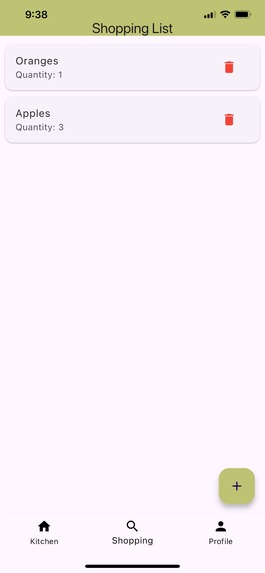
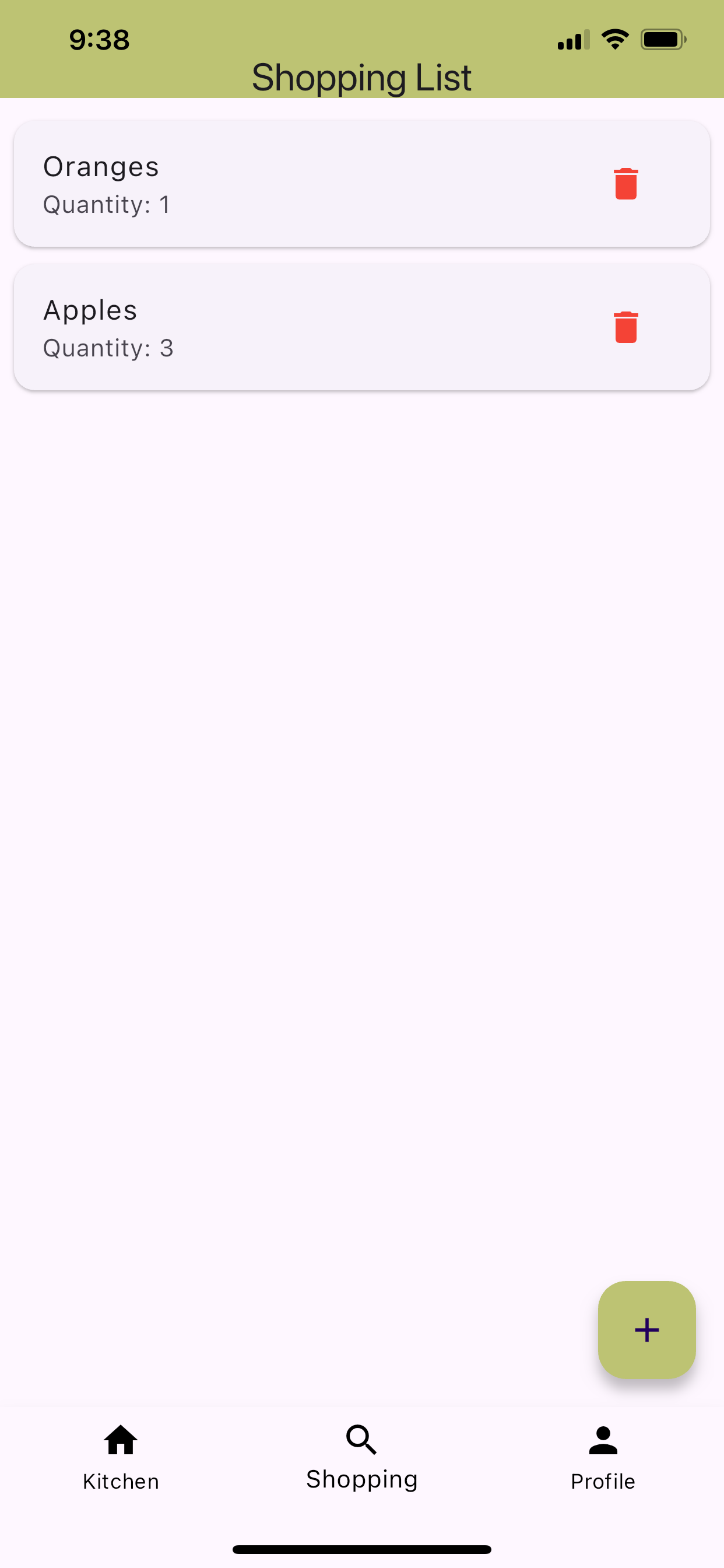
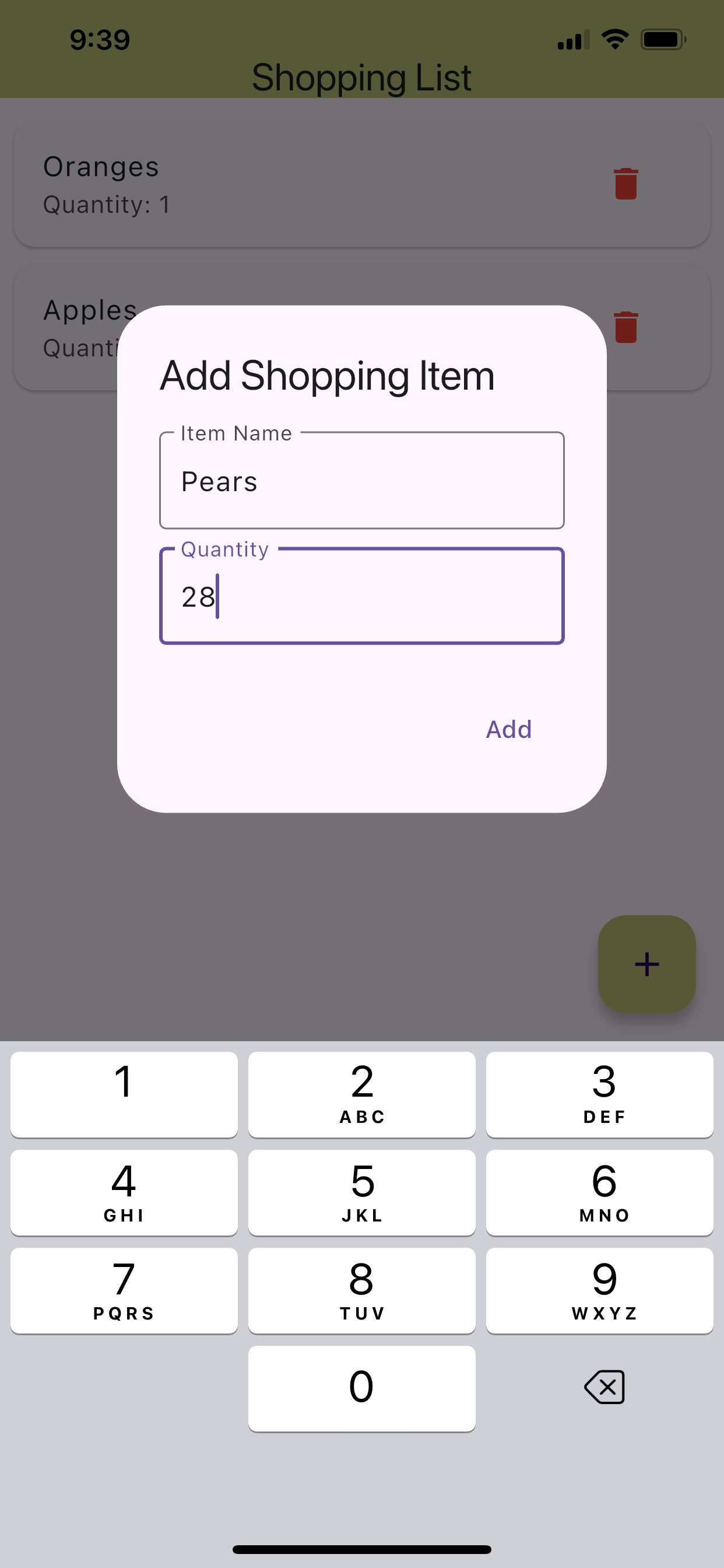
Shopping List Page
-
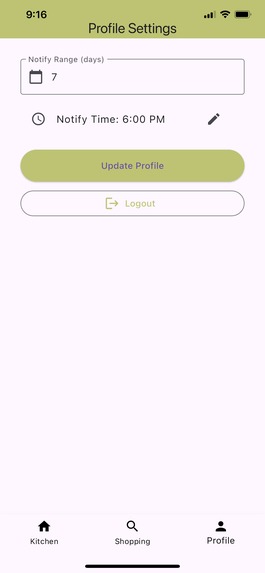
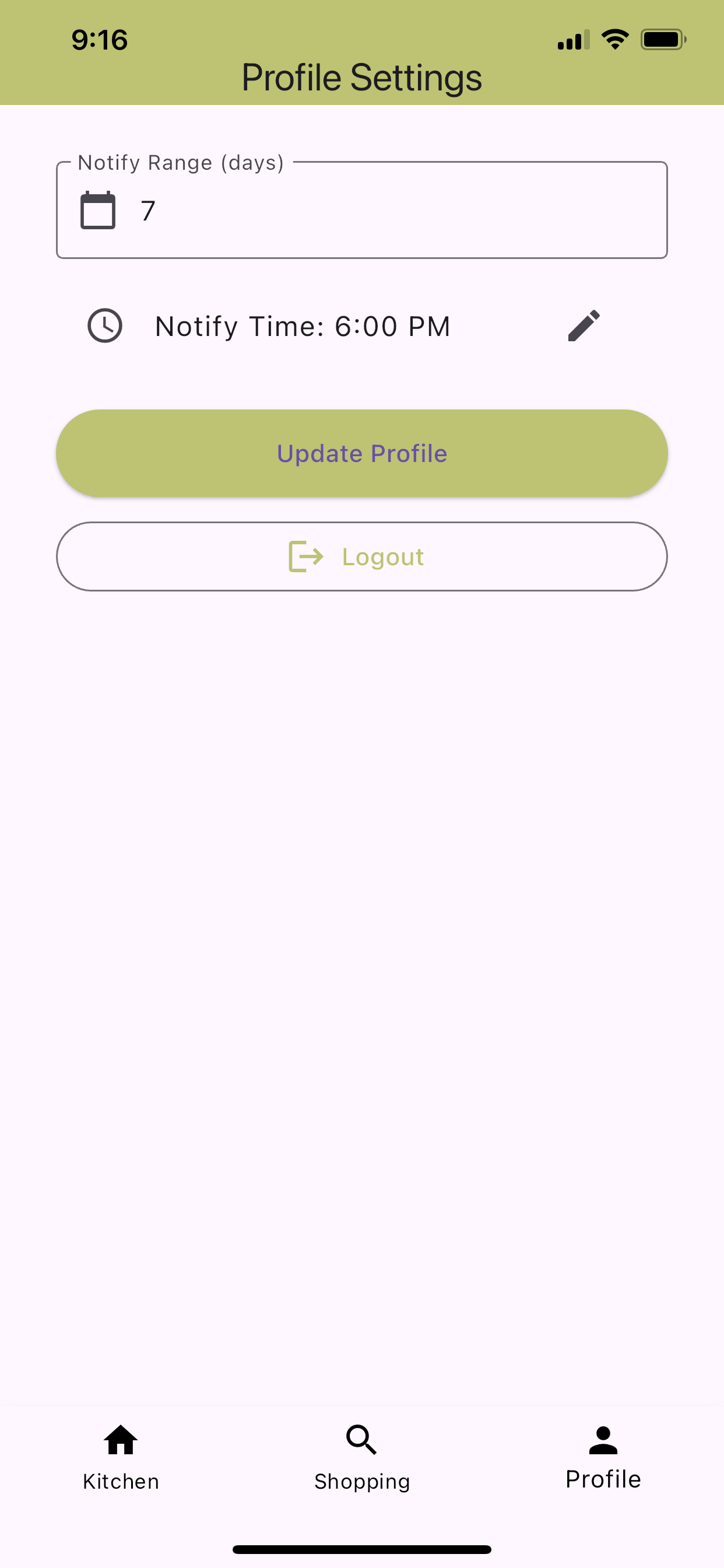
Profile Settings Page
-
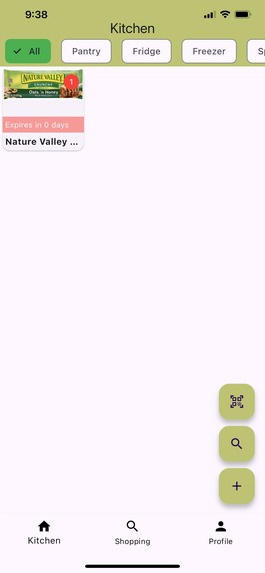
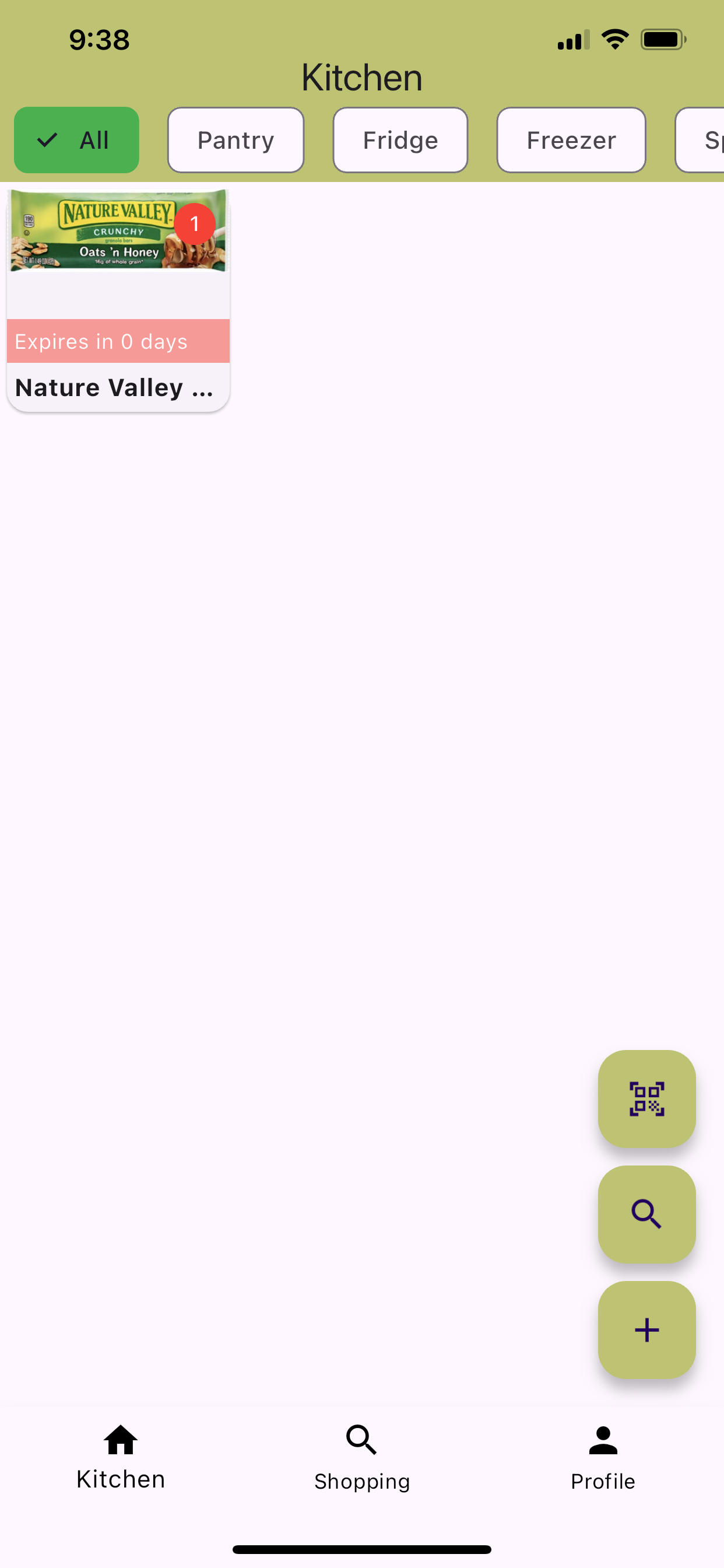
Items List Page
-
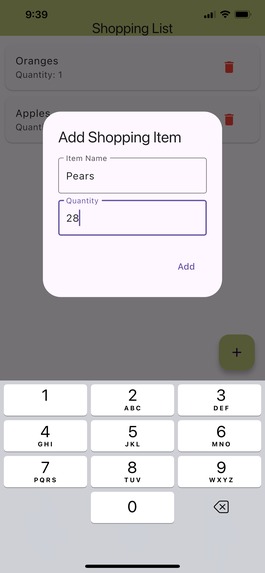
Add an Item to the shopping List
-
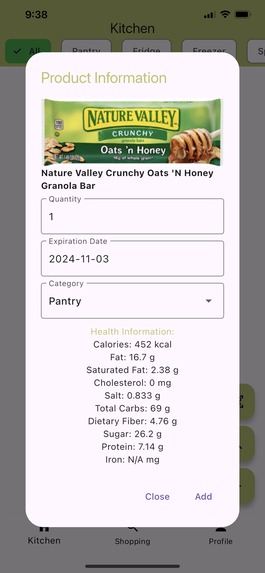
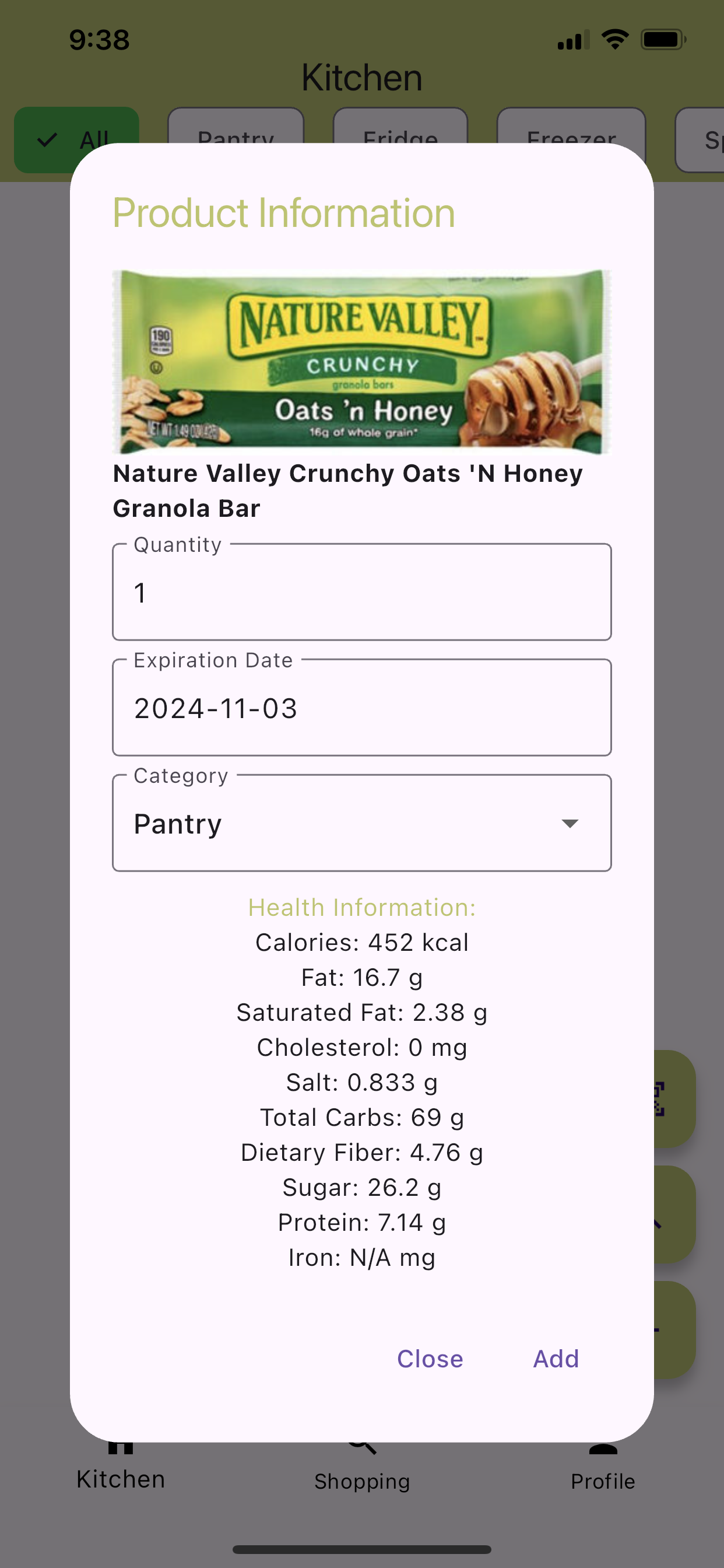
Item Info Page
Inspiration
I wanted to reduce food waste and help people cook meals with what they already have at home.
What it does
Frugal Fridge tracks kitchen inventory, suggests recipes, and lets users add items by scanning barcodes.
How I built it
I used Flutter for cross-platform functionality and Supabase for data storage, real-time updates, and user authentication. For barcode scanning, I integrated the Open Food Facts API, allowing users to add items with ease. For manually added items, I utilized the USDA Food API for health information. Additionally, I used GitHub Copilot to streamline development and accelerate coding tasks.
Challenges I ran into
The biggest challenge was setting up authentication with Supabase.
Accomplishments that I'm proud of
I'm proud of the app’s design and the barcode feature for adding items.
What I learned
I learned how to use Supabase and Flutter to build a fully functional app.
What's next for Frugal Fridge
Next, I plan to add expiration notifications, generate recipes based on inventory, and track health info based on logged meals.
Built With
- api
- copilot
- dart
- flutter
- openfoodfacts
- supabase
- usda-nutrition-data
- xcode


Log in or sign up for Devpost to join the conversation.