Inspiration
A filmed play shows you the stage, but not the evening. What makes theatre is the room: the people around you, the hush when the house lights go down, the distance to the actor, the programme in your hands. We wanted to rebuild the evening, not just the picture.
What it does
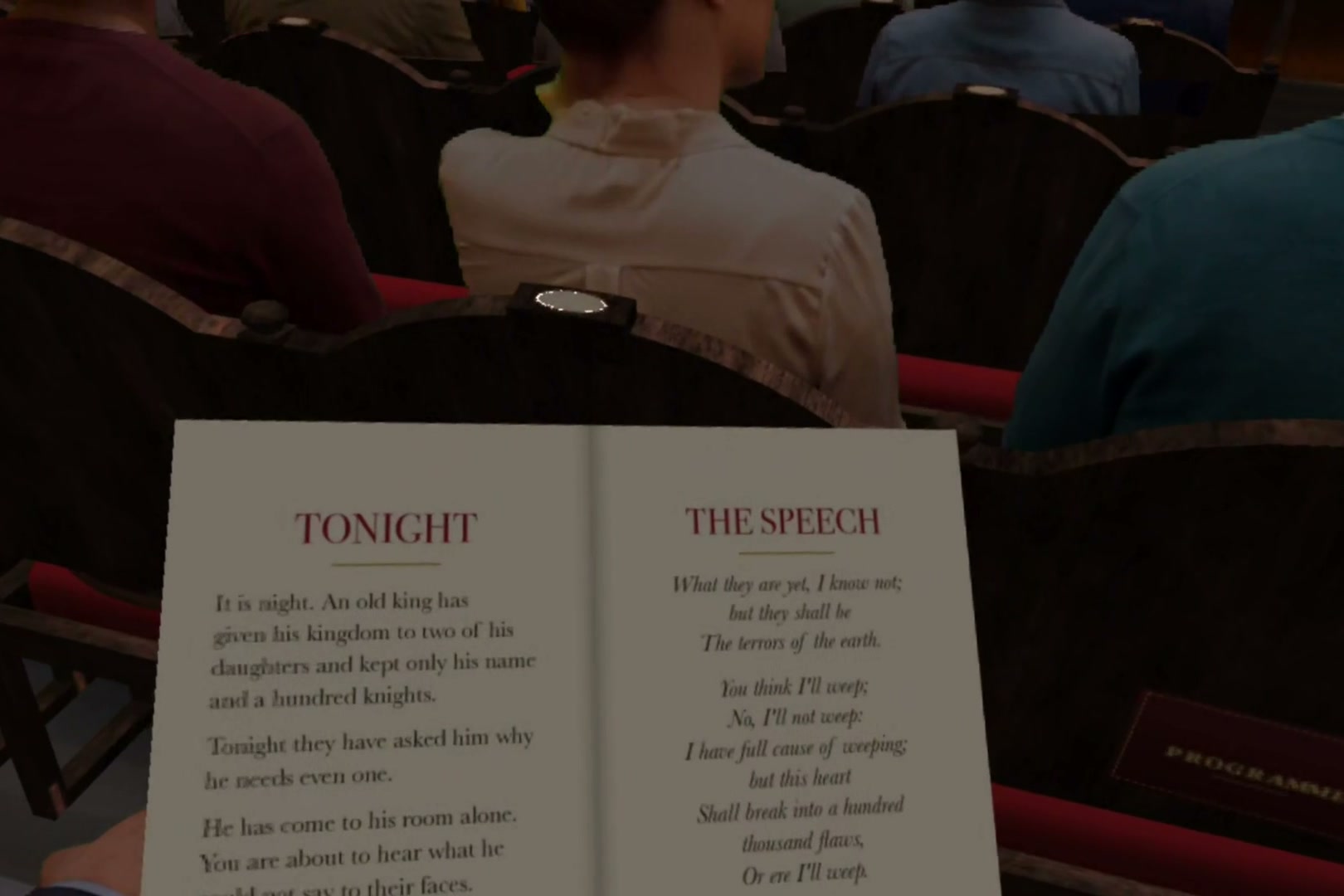
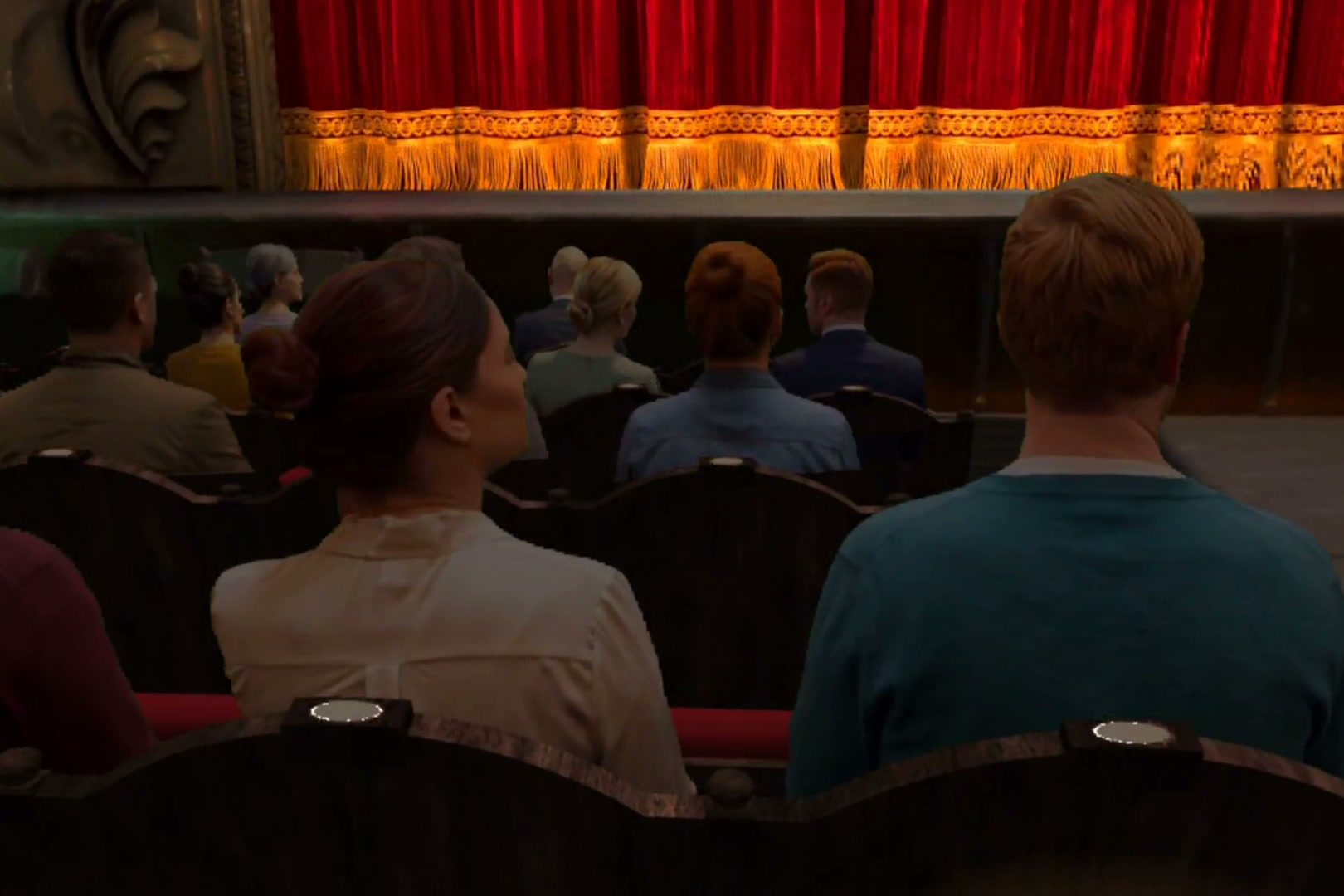
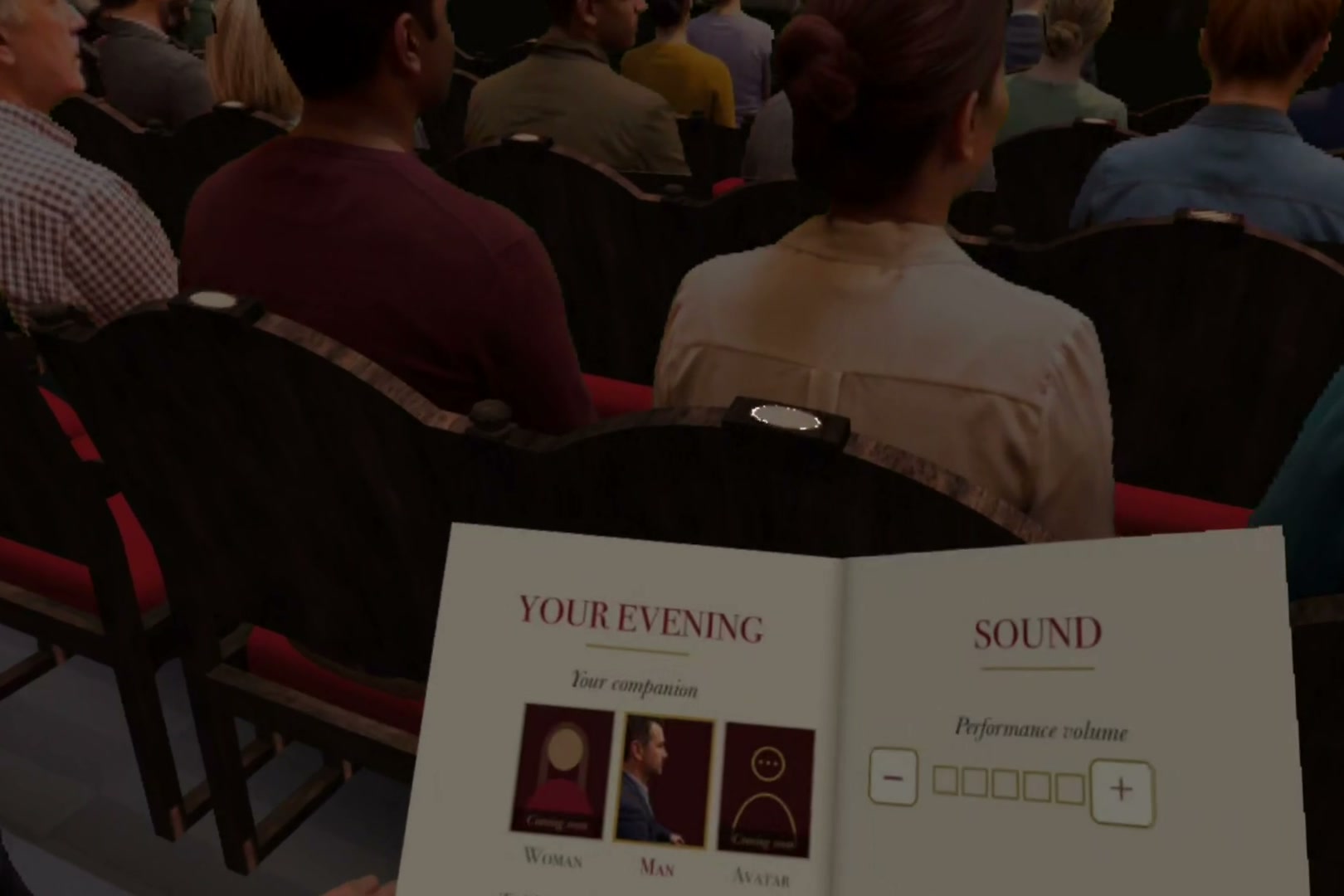
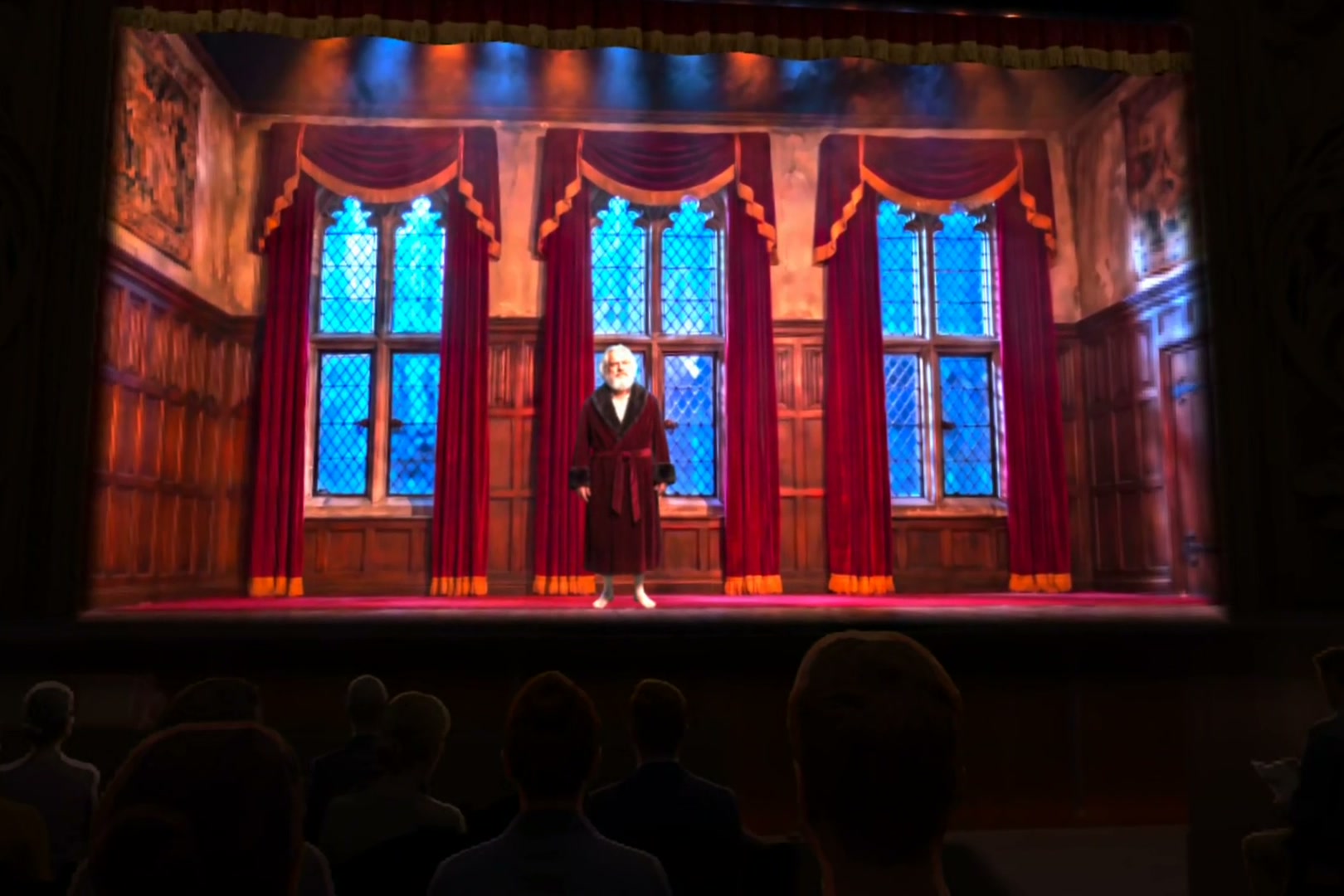
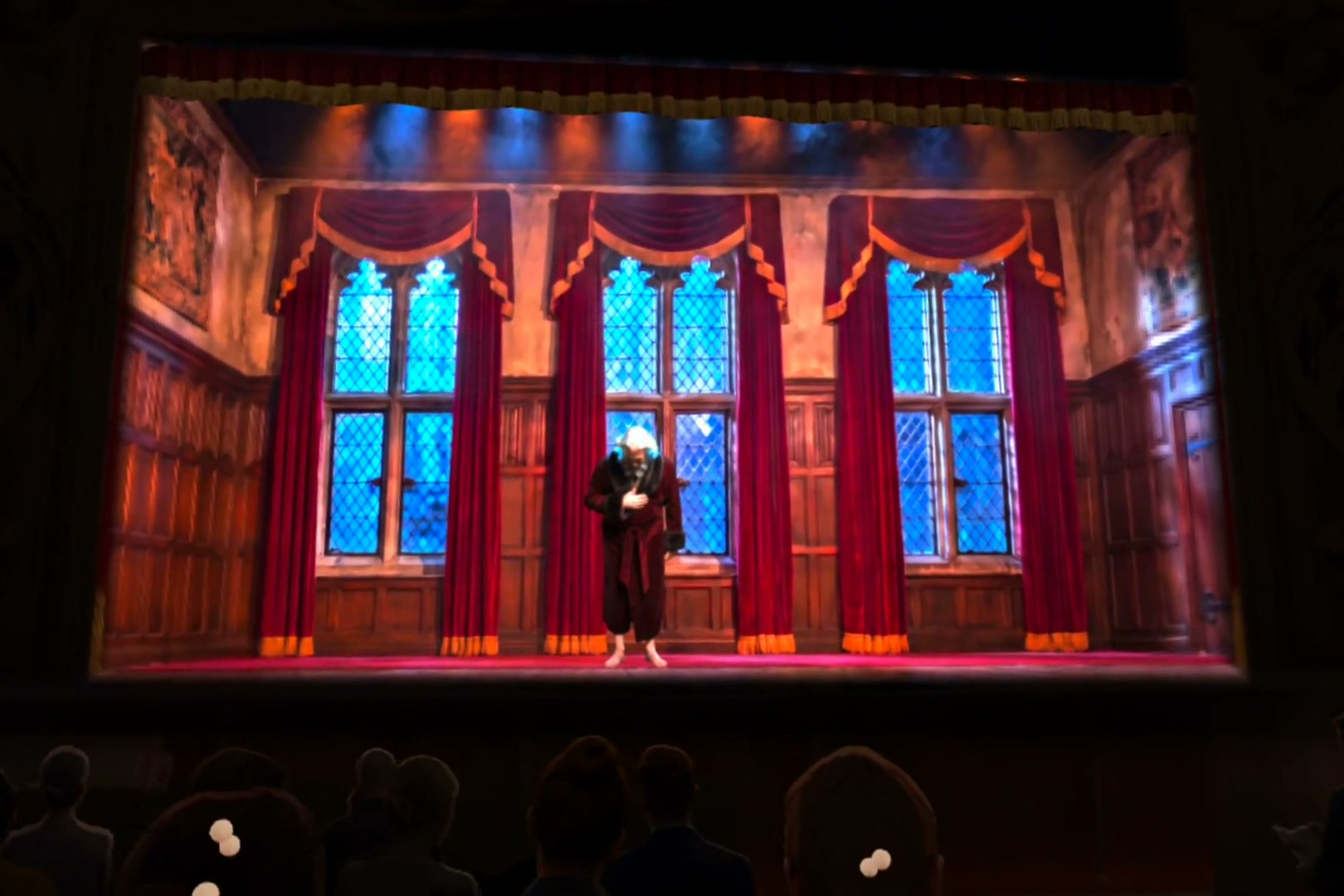
FrontRow VR gives you a seat in the theatre. You push the lobby doors open with your own hands and the opera house comes into focus around you. A programme waits in the pocket of the seat in front: you take it with one hand, pass it to the other and leaf through it with a fingertip. The house lights go down, the audience hushes, the velvet curtain parts, and King Lear stands alone in his chamber and speaks the end of his great speech: "You think I'll weep; no, I'll not weep." The stage goes dark, the curtain falls, the house applauds, the curtain rises again for his bow, and when you clap, the house hears your hands too. Then you leave the way you came in.
It is a lean-back experience: seated, hands only, about two and a half minutes, with nothing to learn.
How we built it
- A plain WebXR application for Meta Quest Browser, written directly on WebGL2 with no game engine. It opens from a link and starts in seconds.
- Hands first, end to end. The doors open to a push. The programme is taken from the seat pocket by one hand, handed to the other, and stays rigid in that palm while the first hand's fingertip turns its pages; putting it back into the pocket closes it. Its first spread holds the settings: performance volume, audience sound, and leaving the theatre, all pressed with a fingertip (leaving needs a one-second hold). Clapping is detected from the two palms and heard in the hall. No controller is needed at any point.
- The opera house is rendered offline from the viewer's exact seat and shown as a high-resolution surround picture, with real 3D seats near the viewer so the head can move naturally.
- A living audience. The people around you move and murmur before the show, hush when the lights go down, give one distant cough during the speech, and applaud at the end. They are video sheets placed at their true depth and packed into a single video, so the headset decodes one stream.
- A directed AI performance. The set, the actor and his voice are generated. The performance is driven by the voice itself, beat by beat, with generated transitions between the beats so the actor never jumps; the actor alone is then laid into the stage picture, with his contact shadow, under the stage light.
- Theatre sound. The actor's voice comes from where he stands on the stage, with the hall's own reverberation; the house is placed around you in space; the curtain is heard from the proscenium.
Challenges we ran into
- Lip sync that reads from row 5. Adding lip sync to finished video gave a mouth that barely moved. Driving the whole performance from the voice gave a face that acts, but each clip changed the room, so we cut the actor out of every clip and laid him back onto one clean stage picture.
- Frame rate on Quest 2. A full audience and a stage video in a browser left little headroom. Packing every audience sheet into one video stream and keeping the hall as a surround picture brought the show itself to 60 frames per second.
- Hands that hold things. A programme that follows the grabbing hand feels wrong; a real one rests in the other hand while you turn pages. Getting the pass from palm to palm, and a settings page that cannot be pressed by accident, took many headset sessions.
Accomplishments that we're proud of
The first time the programme stayed in the hand like paper, and the moment the house answered a real clap.
What we learned
Presence comes from small true things: the cough in the dark, the curtain heard from the stage, the weight of the programme. And every claim has to be checked in the headset, not on the desktop.
What is new in this version (Adapted / Significantly Updated)
Before the competition window, FrontRow VR existed as an Unreal Engine prototype: a virtual theatre hall and early tests of placing a performance on its stage.
During the competition window we built:
- A new WebXR build that runs from a link, with no install.
- Hands-first interaction from start to finish: doors, programme, settings, applause.
- The whole evening as one continuous experience: lobby doors, seat, programme, house lights, curtain, performance, curtain call, applause, exit.
- A living audience around the viewer.
- A new performance made for this seat: the end of King Lear's speech in Act II, Scene 4, with a directed AI actor and voice, and a bow.
What's next for FrontRow VR
- A full-length scene, then full productions.
- A choice of companion in the next seat (the settings page already shows it).
- Live performances streamed to the same seat.
How to try it
- Open the link in Meta Quest Browser and choose "Enter VR". Hand tracking must be on in the headset's settings.
- Put the controllers aside and sit down.
- Push the doors in front of you with your hands.
- In the hall, reach to the pocket of the seat in front and take the programme; bring your other hand next to it to hold it; touch the cover to open it, and the outer edge of a page to turn it. Put it back in the pocket when you like (it also returns by itself when the lights go down).
- The performance plays by itself. When the audience applauds, clap.
- It ends back at the doors.
Notes on content
- King Lear is in the public domain.
- No real person appears: the actor, the portraits in the programme, the companion and the audience are all generated.
- The opera house is "Opera House Environment Kit – UE5" by Artcore, licensed from CGTrader (Royalty Free License). It appears as rendered images and as seats built into the application.
Built With
- ffmpeg
- hand-tracking
- javascript
- meta-quest
- python
- unreal-engine
- web-audio
- webgl
- webxr


