-
-
uncropped app icon
-
-
-
-
Froglight
Inspiration
I’m an aerospace engineering student, and Froglight started from a problem I kept running into while studying.
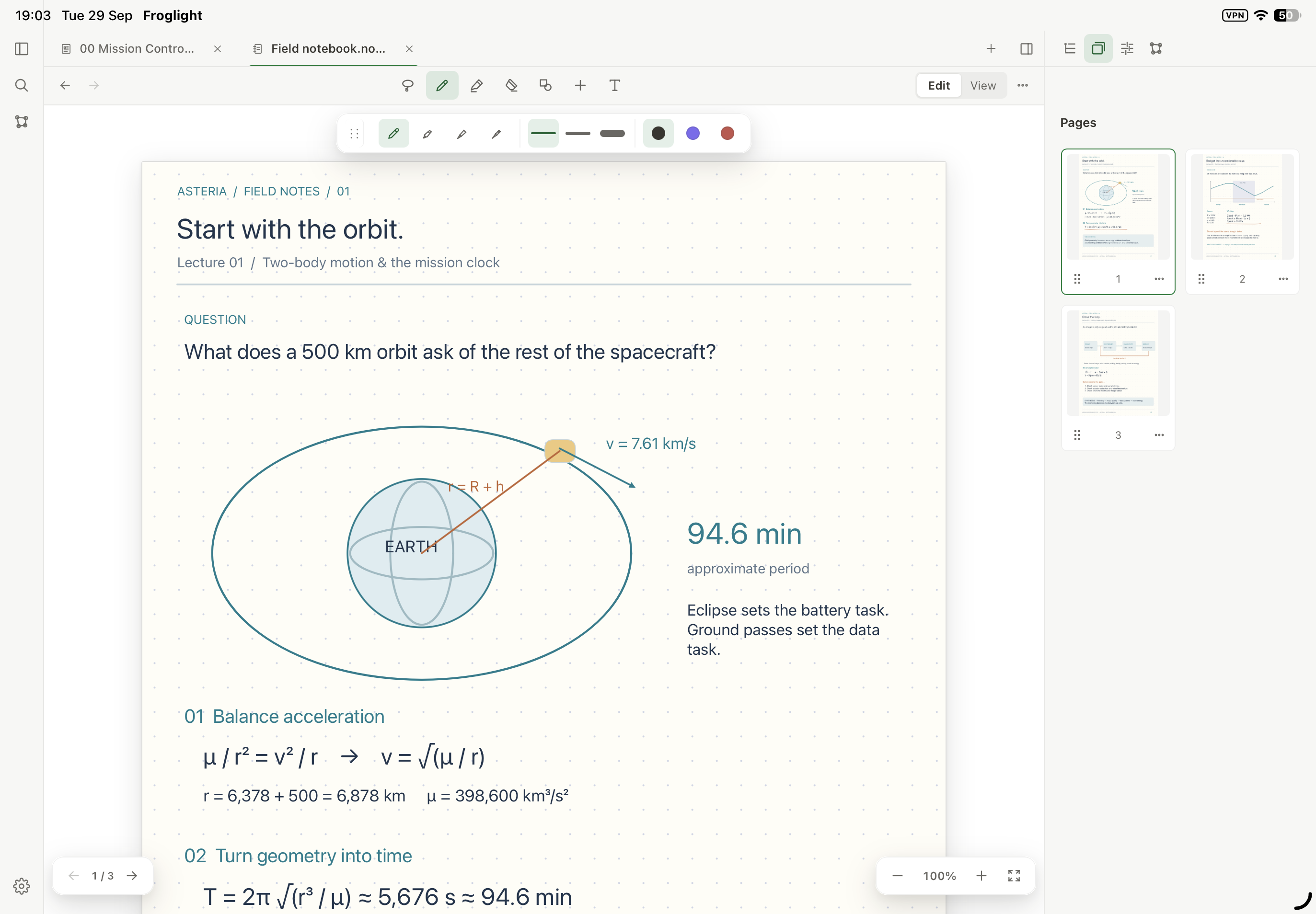
The way I take notes changes constantly. In one lecture I may type theory, in another I need to work through equations by hand, annotate a PDF, sketch a control system, or organize ideas spatially on a whiteboard.
Each tool can be good at one of those things, but my knowledge ends up fragmented between different apps and different representations.
I wanted one workspace where those different ways of thinking could stay connected, without forcing everything into the same kind of document.
That became Froglight.
What it does
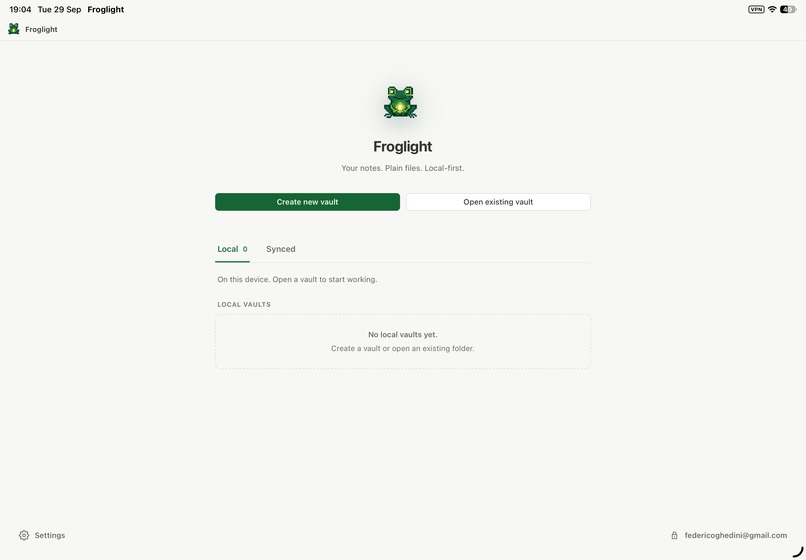
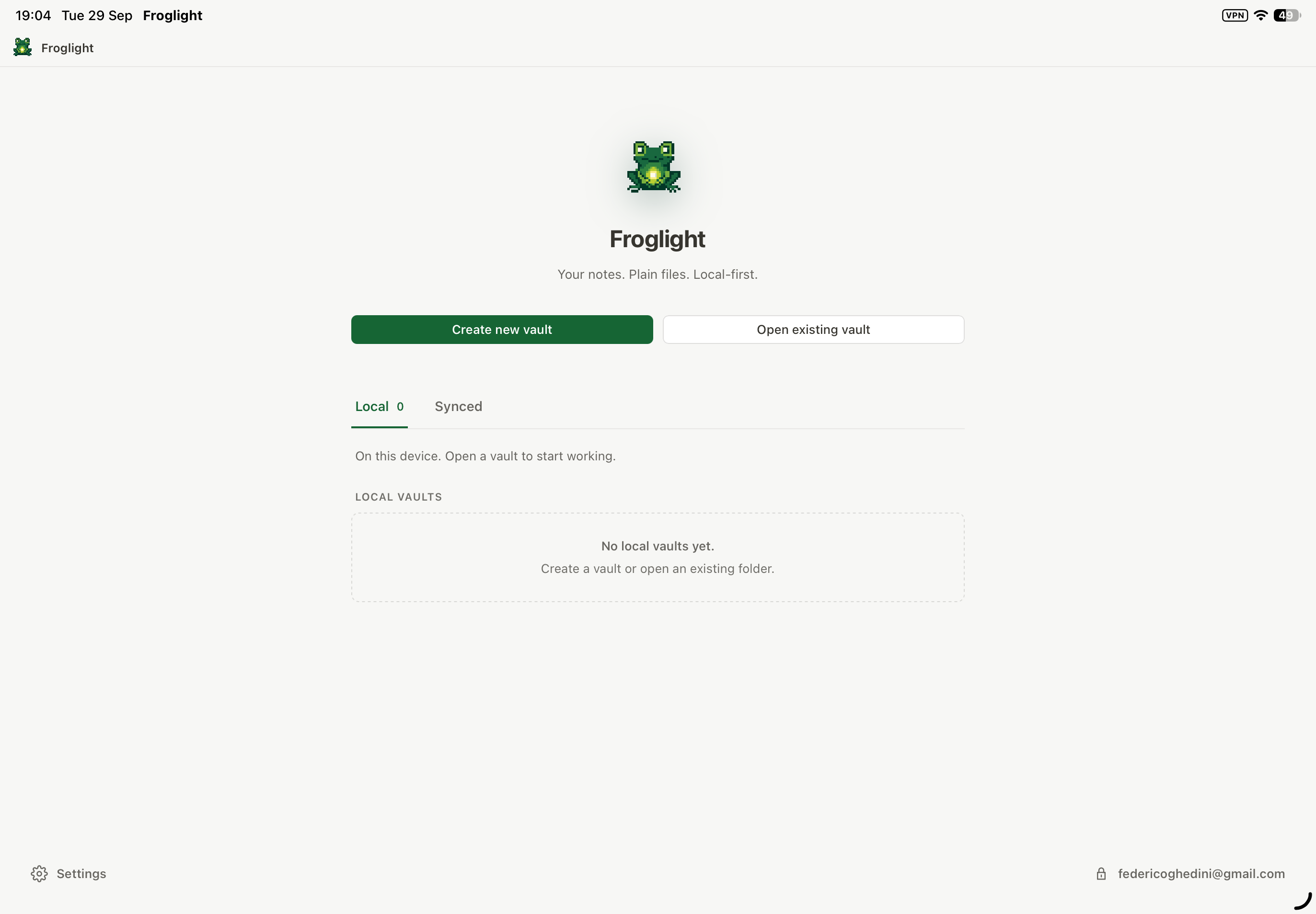
Froglight is a local-first knowledge workspace where different document types can coexist inside the same vault.
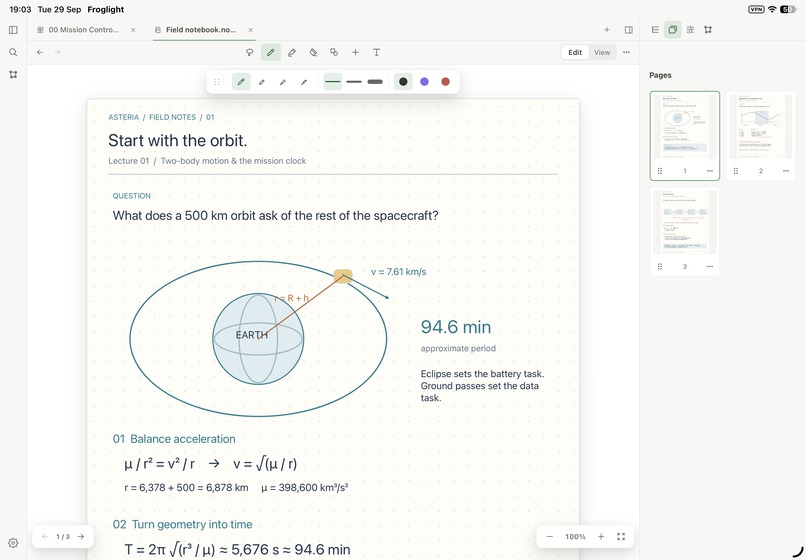
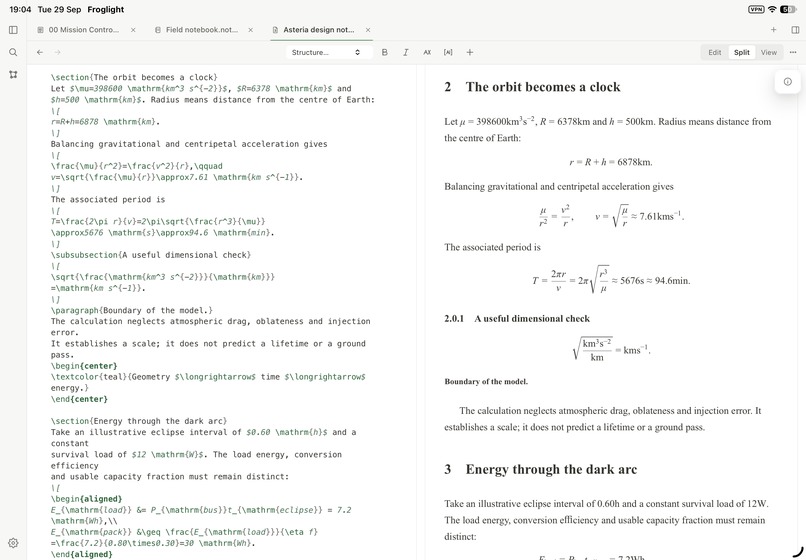
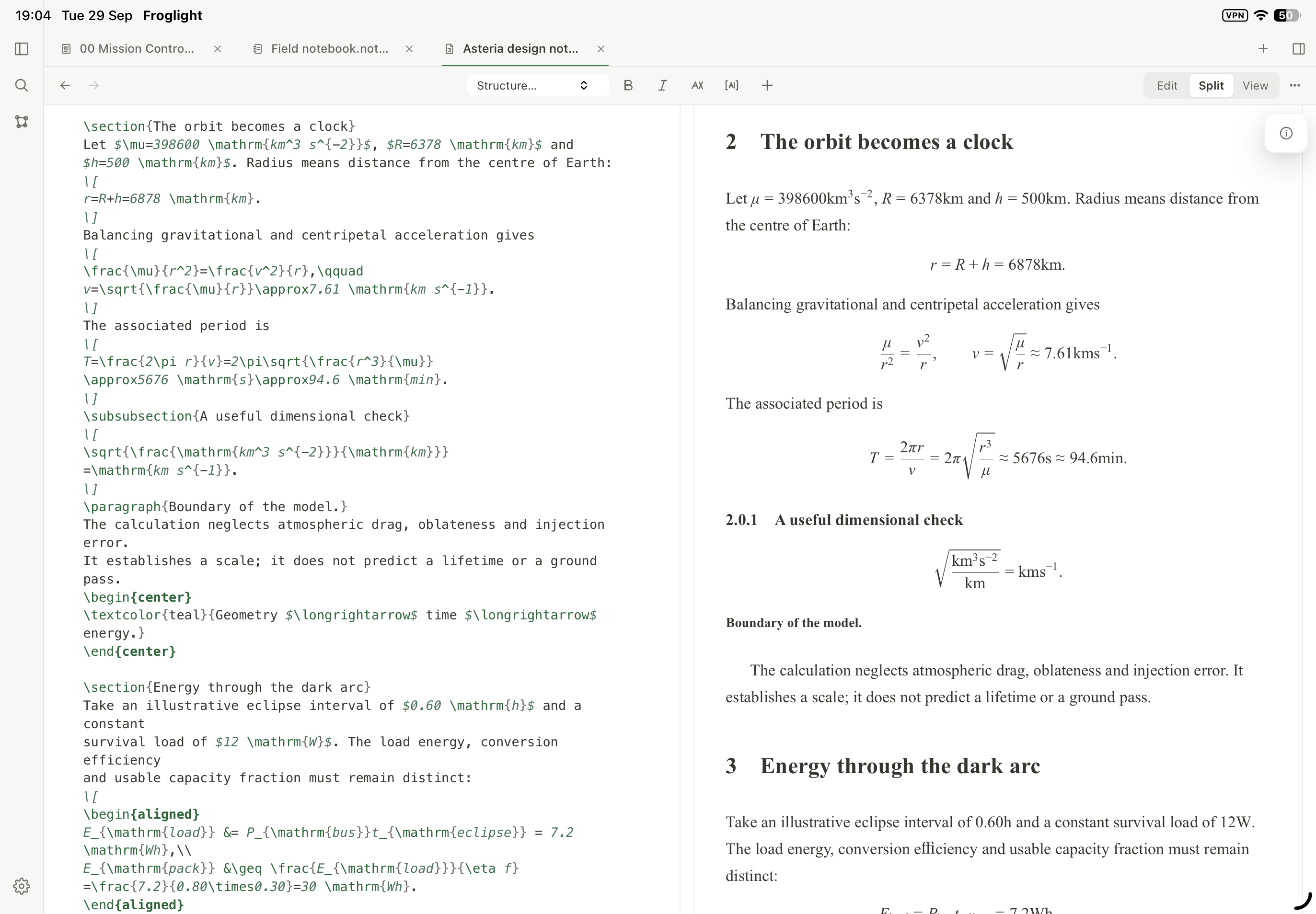
It currently includes structured pages, Markdown, handwriting and ink, paged notebooks, whiteboards, PDFs, LaTeX, databases, links, embeds, graph-based relationships, and other workspace tools.
The goal is not to turn all of those into one universal editor. Each kind of work keeps an interaction model that fits it, while remaining connected to the rest of the user’s knowledge.
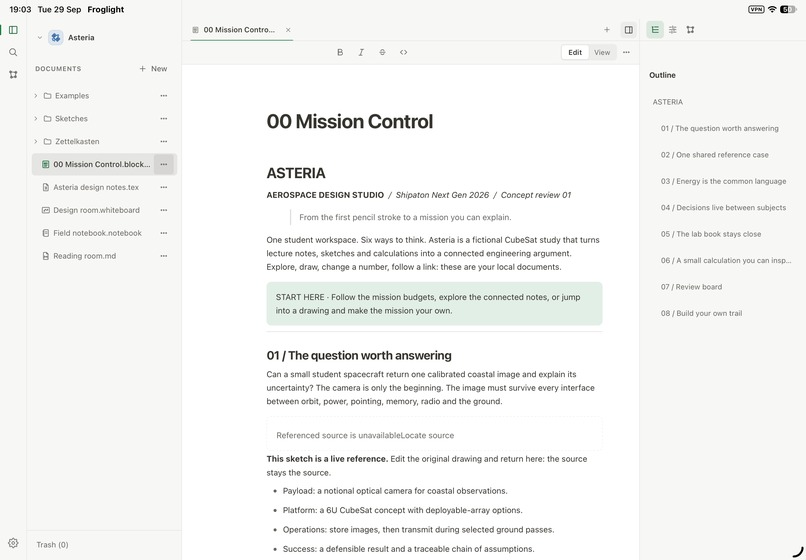
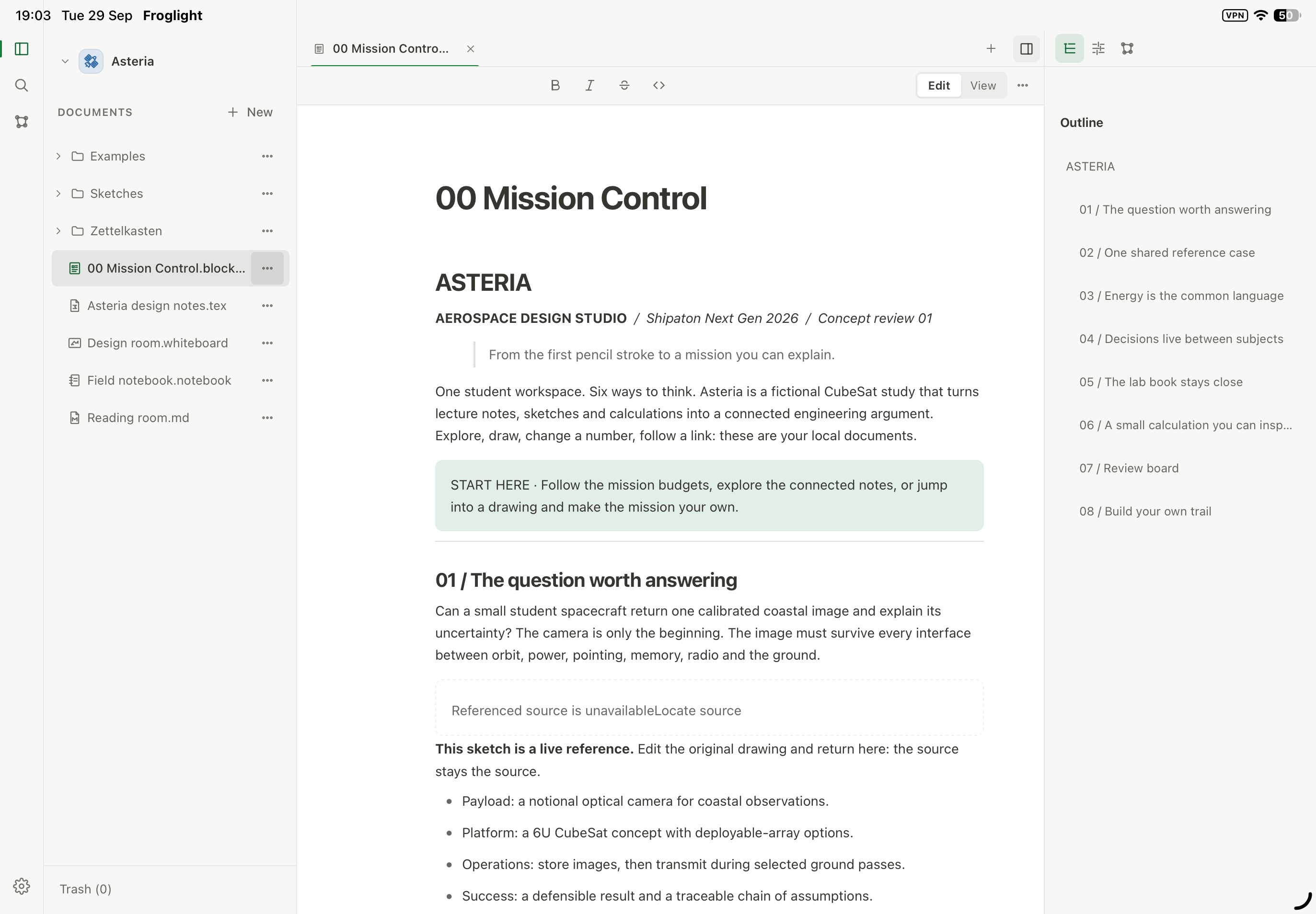
For the Shipaton demo I created Asteria, a fictional aerospace study project. The same project moves between theory, handwritten equations, engineering sketches and design decisions.
A particularly important part of Froglight is source ownership: for example, a sketch can be embedded elsewhere in the workspace while remaining one editable source. Change the original, save it, and the linked view reflects that same document instead of becoming another disconnected copy.
Software should adapt to the user
Keeping many document types in one app still wasn’t enough for me.
Every student works differently, and even my own workflow changes depending on the course or professor. I often find myself wishing an application had one more tool, behaved slightly differently, or supported another way of working.
I didn’t want Froglight to become one more large but rigid application.
So its architecture is built around replaceable capabilities and plugins. Editors and document features are composed through the runtime, and vault plugins can contribute additional functionality.
In the demo, a Calculator plugin can be enabled inside the Asteria vault and immediately adds a new tool to the workspace. It is intentionally a small example, but it demonstrates the larger product idea:
the user should not have to adapt their workflow to the software; the software should be able to evolve around the user.
Friends from university have already started using Froglight as well, and I’m collecting their feedback to decide what to improve next.
Froglight Pro and RevenueCat
Cross-device synchronization has ongoing infrastructure costs, so I chose it as the first Froglight Pro feature rather than arbitrarily locking core note-taking functionality behind a paywall.
Froglight Pro uses RevenueCat for subscriptions and entitlement state.
The purchase unlocks a real hosted capability with recurring infrastructure costs, while local notes remain independent.
How I built it
Froglight is a pre-release application built primarily with TypeScript/React and Tauri 2, with shared application code across native and web hosts.
The architecture separates canonical user data from editors and platform-specific implementations. Different document families keep their own models, while shared runtime capabilities connect them inside one workspace.
For iOS purchases, I built a Froglight-owned Tauri plugin around the native RevenueCat SDK.
Optional account and vault synchronization use Firebase-backed providers.
A major focus throughout development has been making the iPad experience feel appropriate for actual study: Apple Pencil input, handwriting, touch interaction, notebook navigation, whiteboards, selection and editing behavior have all required substantial iteration on real-device workflows.
Challenges
One of the hardest parts was keeping Froglight extensible without turning it into a collection of unrelated editors.
Features need clear ownership: documents must survive editor changes, linked content must preserve its source, plugins need reversible lifecycles, local work must not depend on cloud services, and native functionality must not leak into portable document formats.
Handwriting was another significant challenge. Fast Pencil input exposes performance and latency problems immediately, so the Surface and ink pipeline has gone through repeated work around input batching, stroke rendering, erasing, selection and persistence.
What’s next
My immediate priority is reliability and refinement of the workflows that already exist, especially handwriting, notebooks, touch interaction and cross-device use.
After that, I want to continue expanding the plugin platform so more of the workspace can be shaped by users and plugin authors.
Shipaton
I’m submitting Froglight for the Shipaton 2026 Next Gen Award.
As a student, this project represents both the problem I personally wanted to solve and the kind of software architecture I wanted to explore: a serious local-first workspace that can grow around the way different people actually work.
Built With
- codemirror
- firebase
- nx
- pdf-lib
- pdf.js
- react
- revenuecat
- rust
- sqlite
- swift
- tauri
- typescript
- vite

Log in or sign up for Devpost to join the conversation.