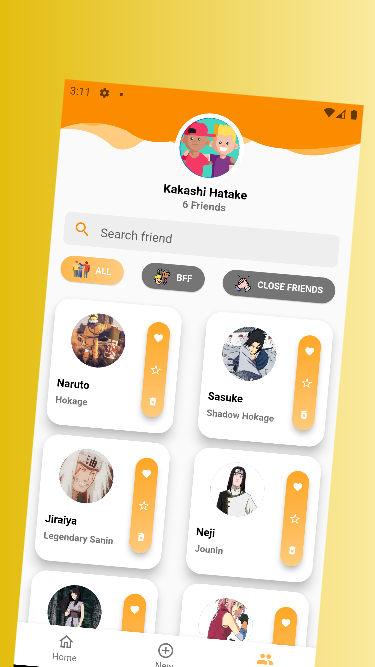
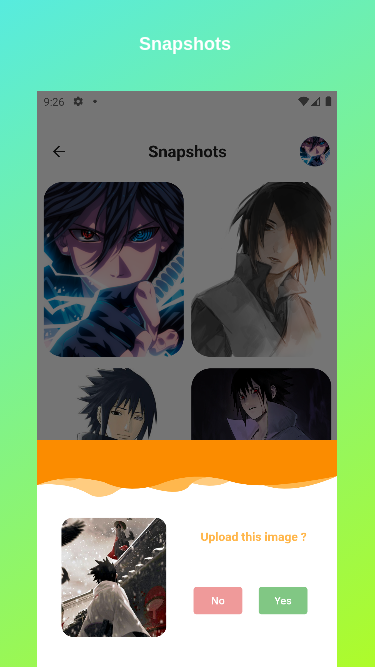
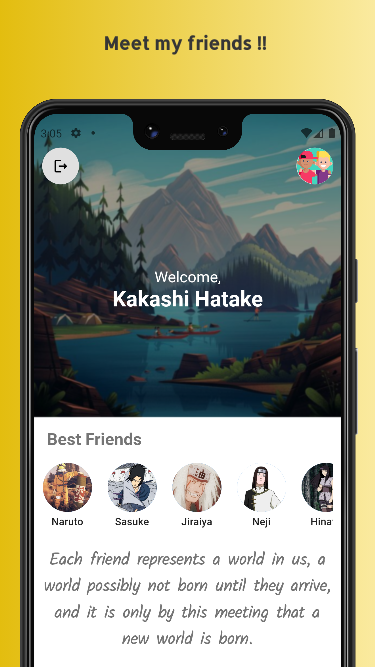
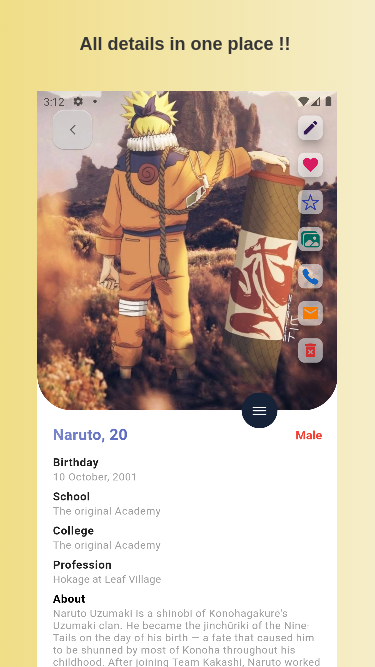
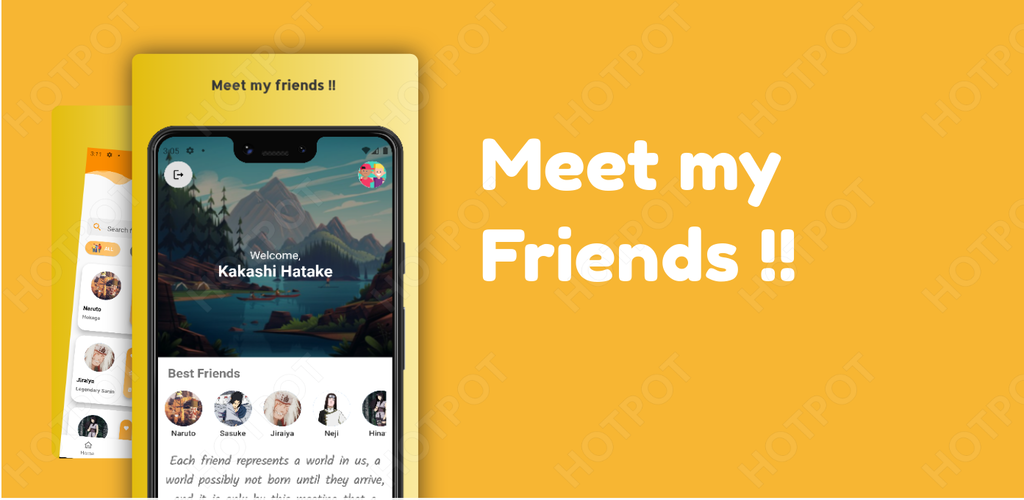
Meet my friends
Flutter made app dedicated to friends .
Download

Requirements
- Dart sdk: ">=2.12.0-0 <3.0.0
- Flutter ">=2.5.3"
- Android: minSdkVersion 17 and add support for androidx (see AndroidX Migration to migrate an existing app)
Get Started
- Fork the the project
- Clone the repository to your local machine
- Checkout the master branch
- run command - 'flutter run'
Running the project with Firebase
- Create a new project with the Firebase console.
- Add iOS and Android apps in the Firebase project settings.
- On Android, use
com.Alpha.Friends_Appas the package name.
- then, download and copy google-services.json into android/app.
See this document for full instructions:
Setting up Firebase for backend services (Authentication , database and storage )
- Go to Firebase authentication section and enable Email/Password method for authentication
- Go to Firebase Realtime database and create a new database in test mode . Copy the API url and paste it into
lib/Helpers/constants.dart. - Go to Firebase Firestore database and create a new database in test mode.
- Go to Firebase Firestore Storage and create a new database in test mode.
TODO : Refer to Issues sections
Developed by
Subhojeet Sahoo
Get in touch
Contribute
- Check out the issues .
- Comment 'want to work on this' to work on the particular issue and wait for the admin to assign you with the task.
- Make required changes and commit (git commit -m 'Added some feature or fixed this issue').
- Create new Pull Request
Happy Fluttering
Built With
- dart
- html
- kotlin
- objective-c
- swift

Log in or sign up for Devpost to join the conversation.