-
-
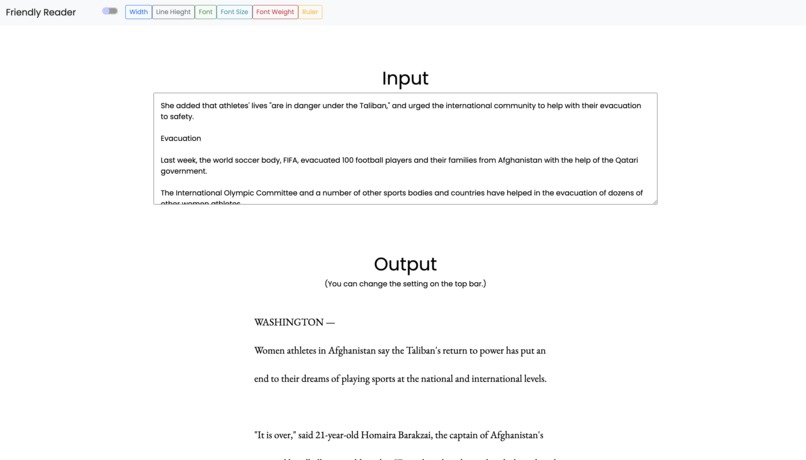
You can easily adjust the appearance of the text you have entered using the buttons In this example, the width is narrowed.
-
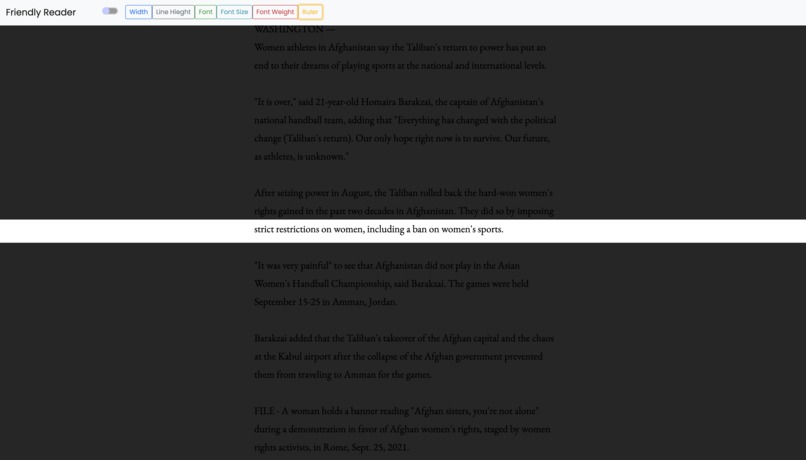
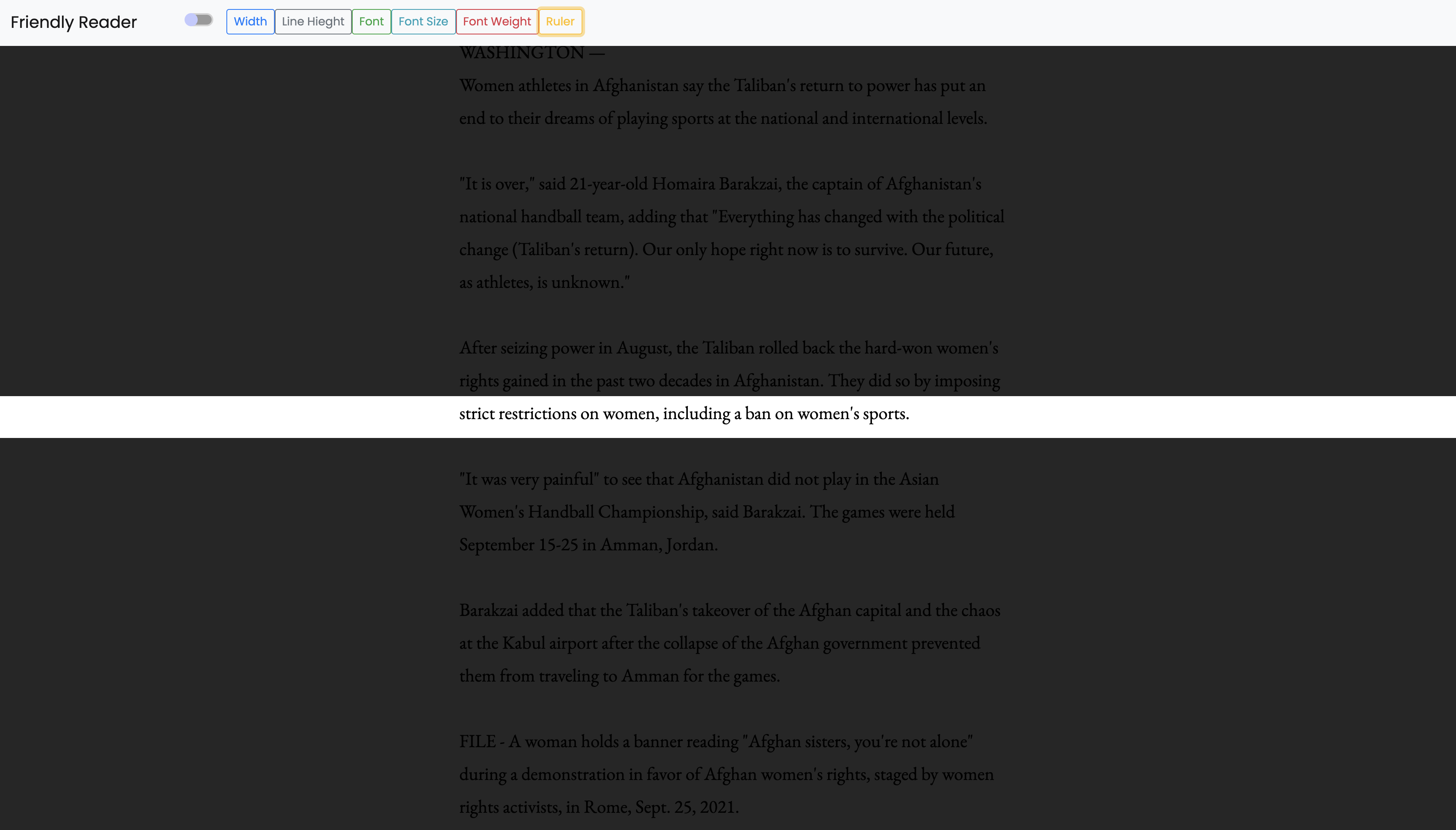
The Ruler function allows you to focus on where you are reading right now. You can also adjust the width of the Ruler.
-
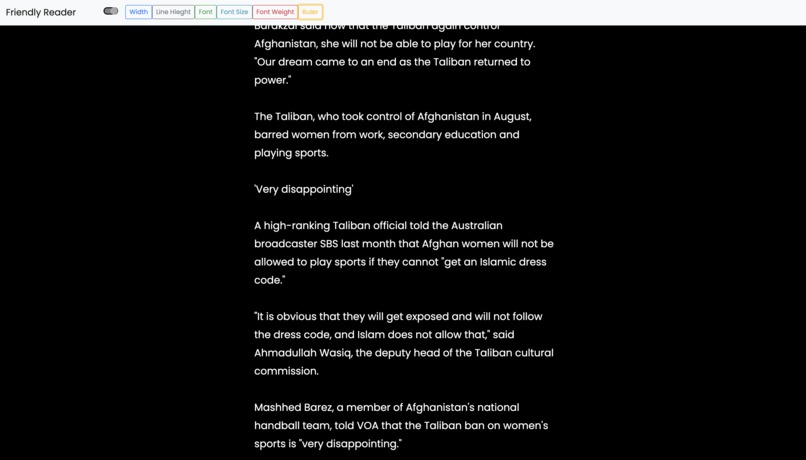
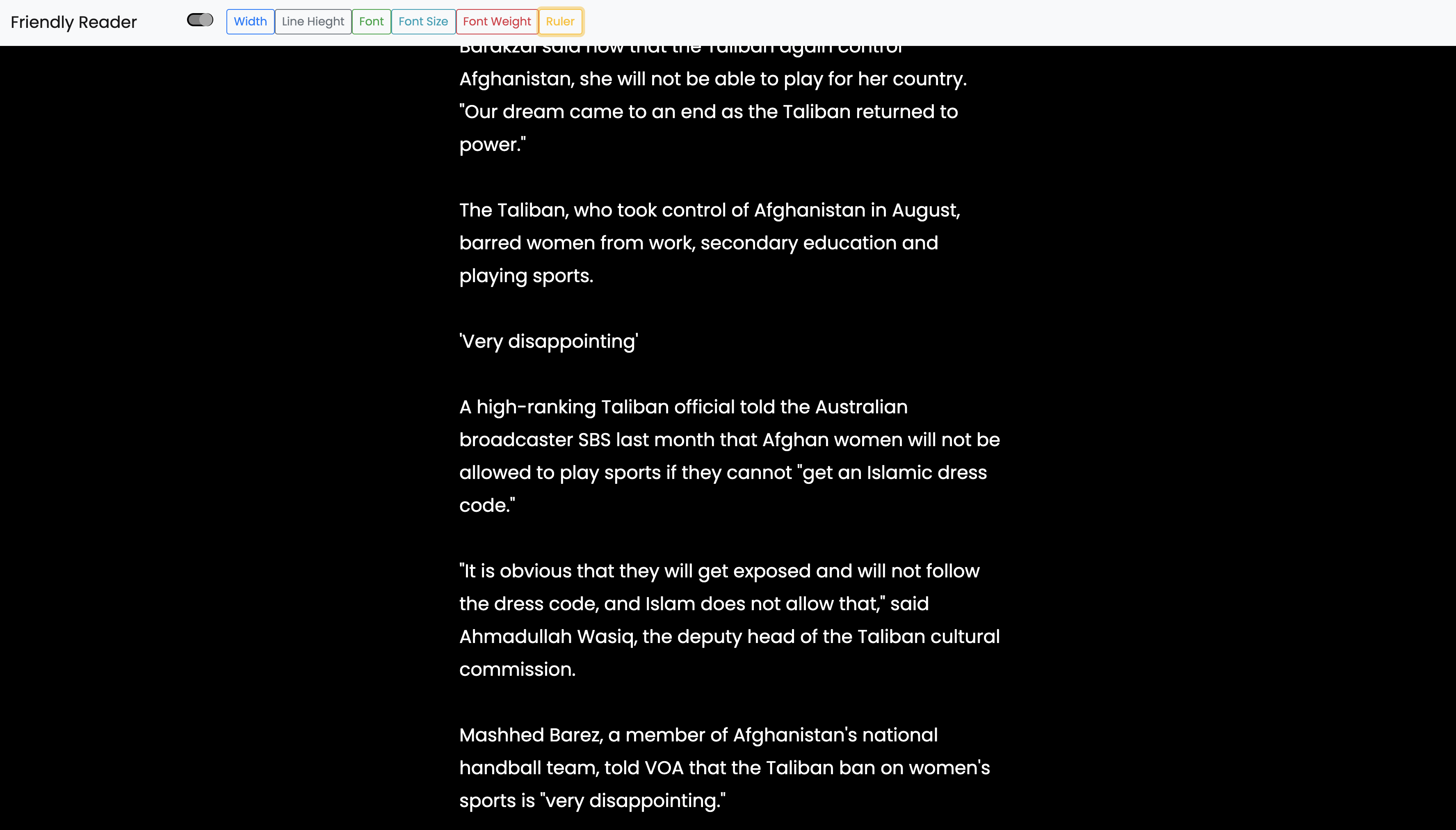
Dark mode is also supported, so you can read your favorite text on a black background.
What this is
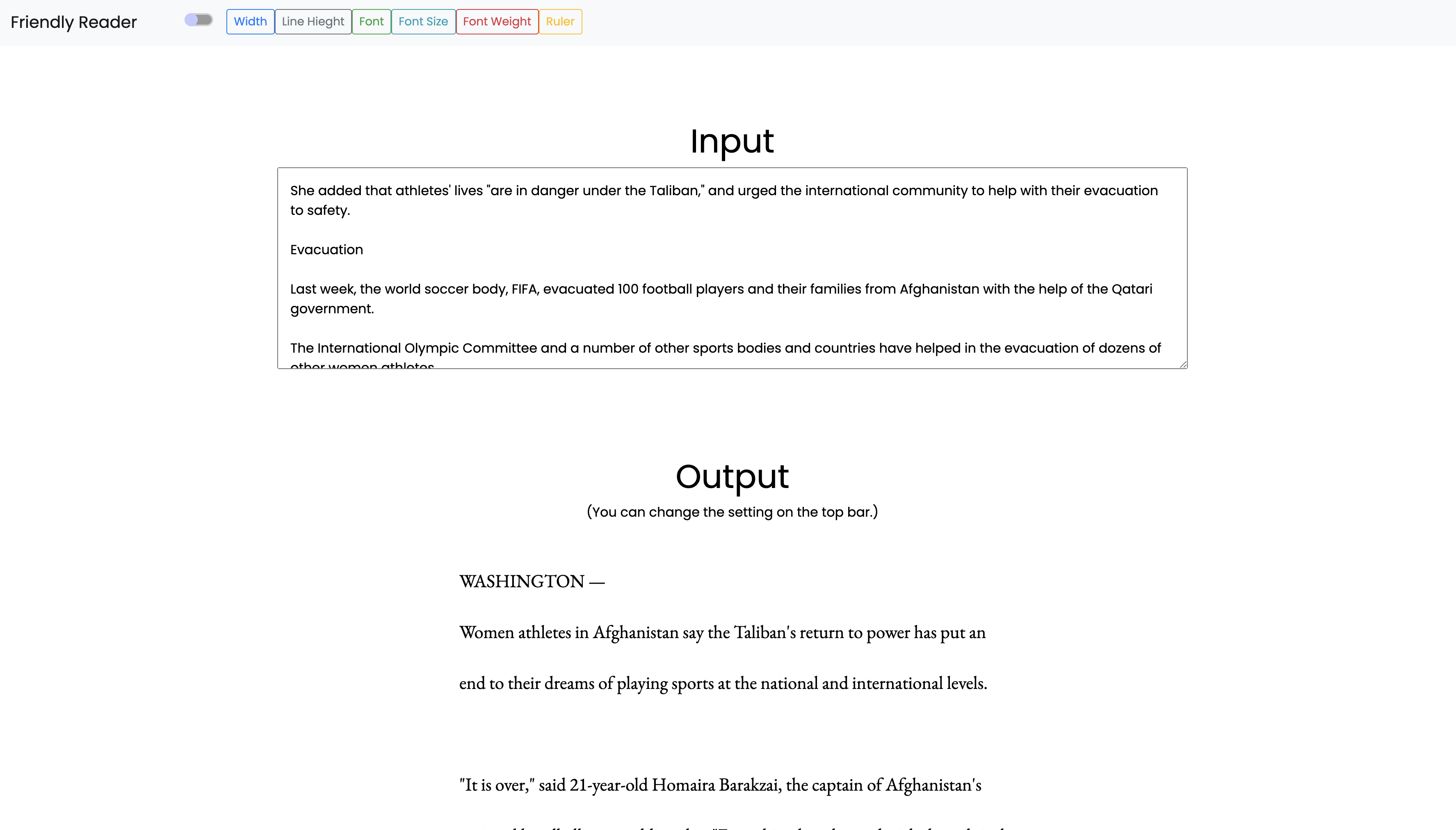
This is a reading assistant for people with dyslexia and ADHD, and for people who have difficulty reading on a PC. You can adjust the appearance of the text with simple operations.
How to use
Write or paste the text you want to read in the Input field.
You can change the appearance of the text using the buttons on the navigation bar above. The items that can be changed are as follows:
- Text width
- Text height
- Font
- Font size
- Font thickness
You can also focus only on the center of the screen by pressing the Ruler button. Scrolling while in this state will make it easier to follow the part you are currently reading. If you lose sight of the current section, press the Ruler button several times to deactivate the Ruler function.
Inspiration
I have always had a hard time reading because I am not good at reading broad texts.
I was looking for a product that would help me read, but I couldn't find a good one, so I decided to make one myself.
In addition, I have an acquaintance who has a disability, and I wanted to create something that would help such people.
Also, as a beginner who had just started learning front-end, I wanted to create something that was easy to implement, yet socially useful.
Challenges we ran into
It was difficult to implement the Ruler function. Although I was a beginner in JavaScript, I learned a lot indirectly, such as calling functions from buttons and implementing modals.
Accomplishments that we're proud of
I think I have created a product that can help people with dyslexia and ADHD.
What we learned
I learned that even if you are a beginner, you can create something useful for the world with a simple implementation.
What's next for Friendly Reader
I plan to add features that will help people with more handicaps, such as a read-out function.


Log in or sign up for Devpost to join the conversation.