-
-
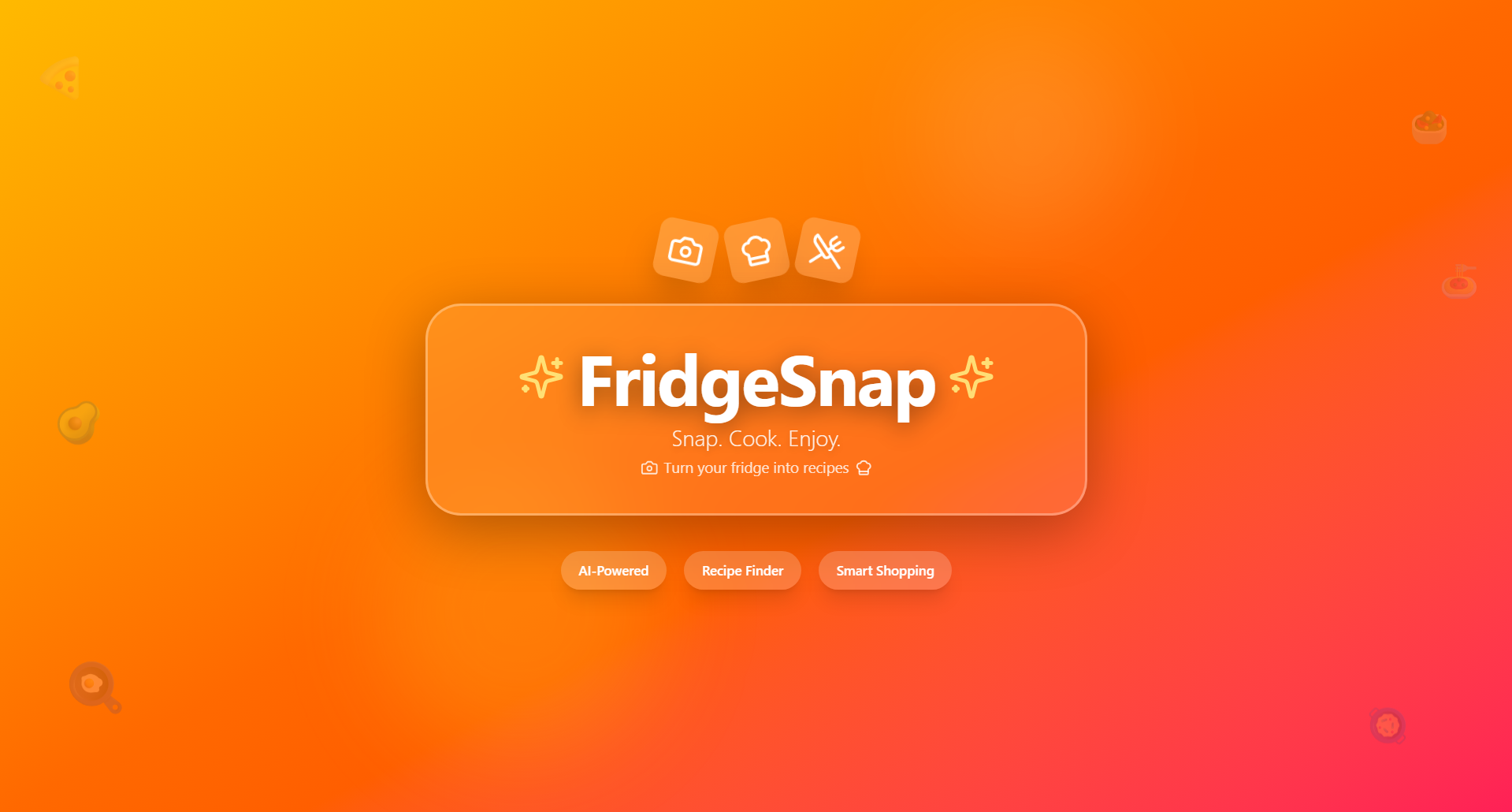
Logo
-
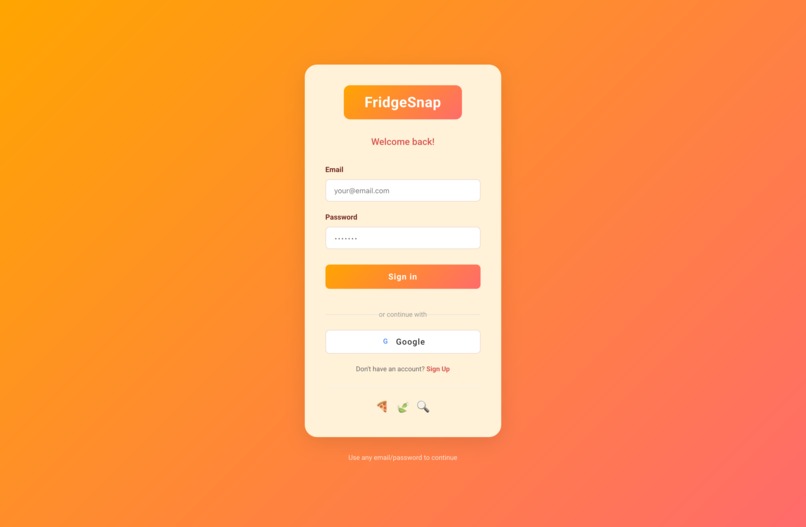
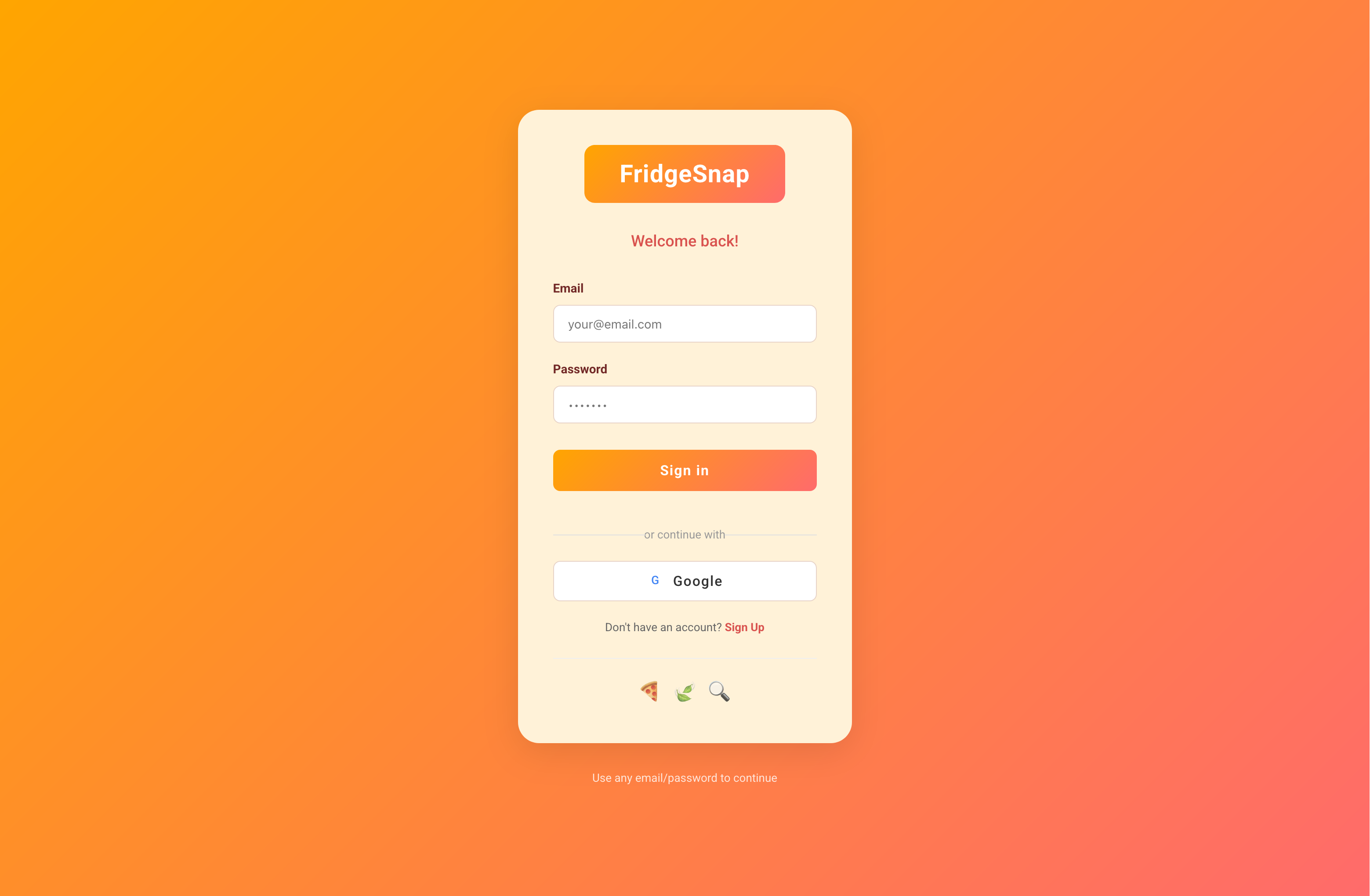
Login
-
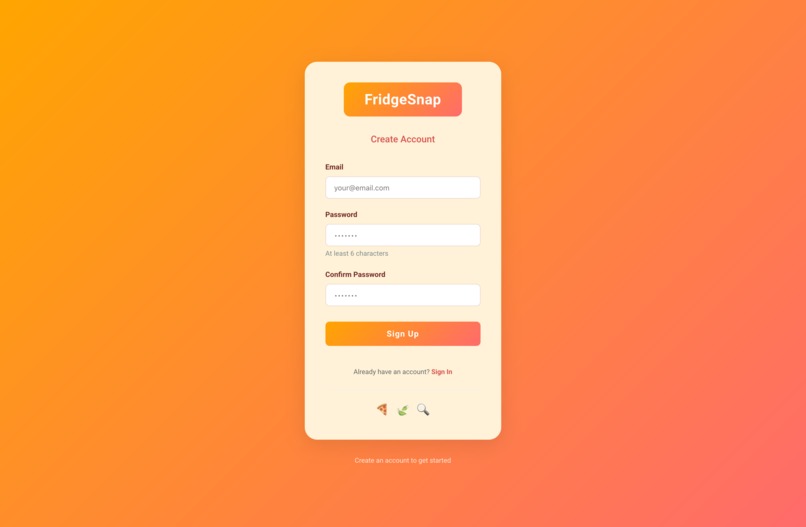
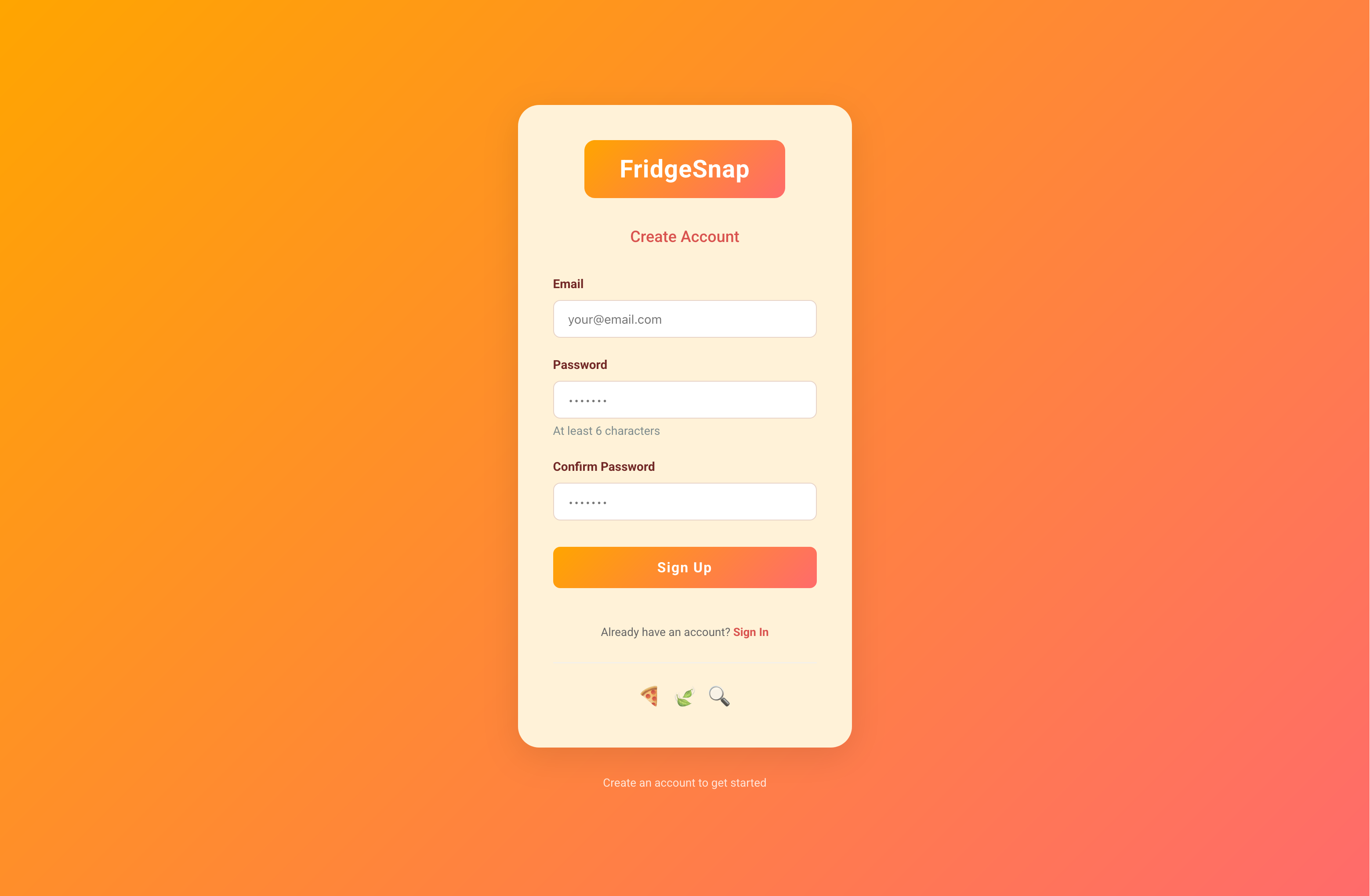
Sign Up
-
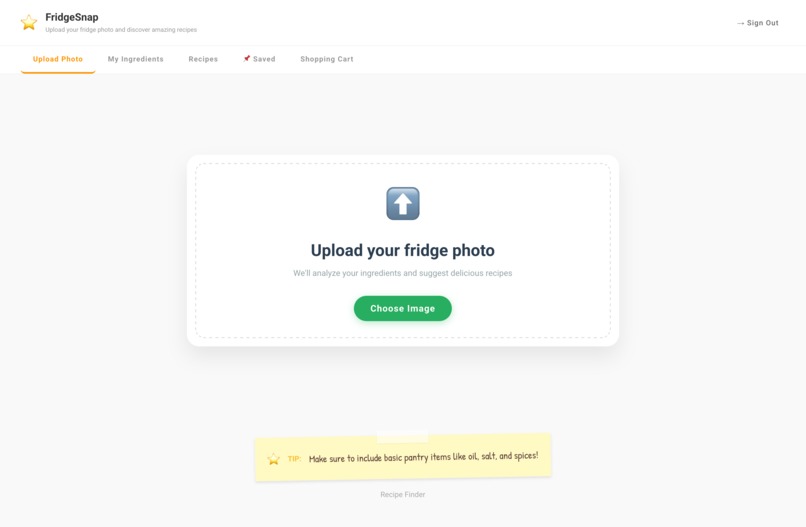
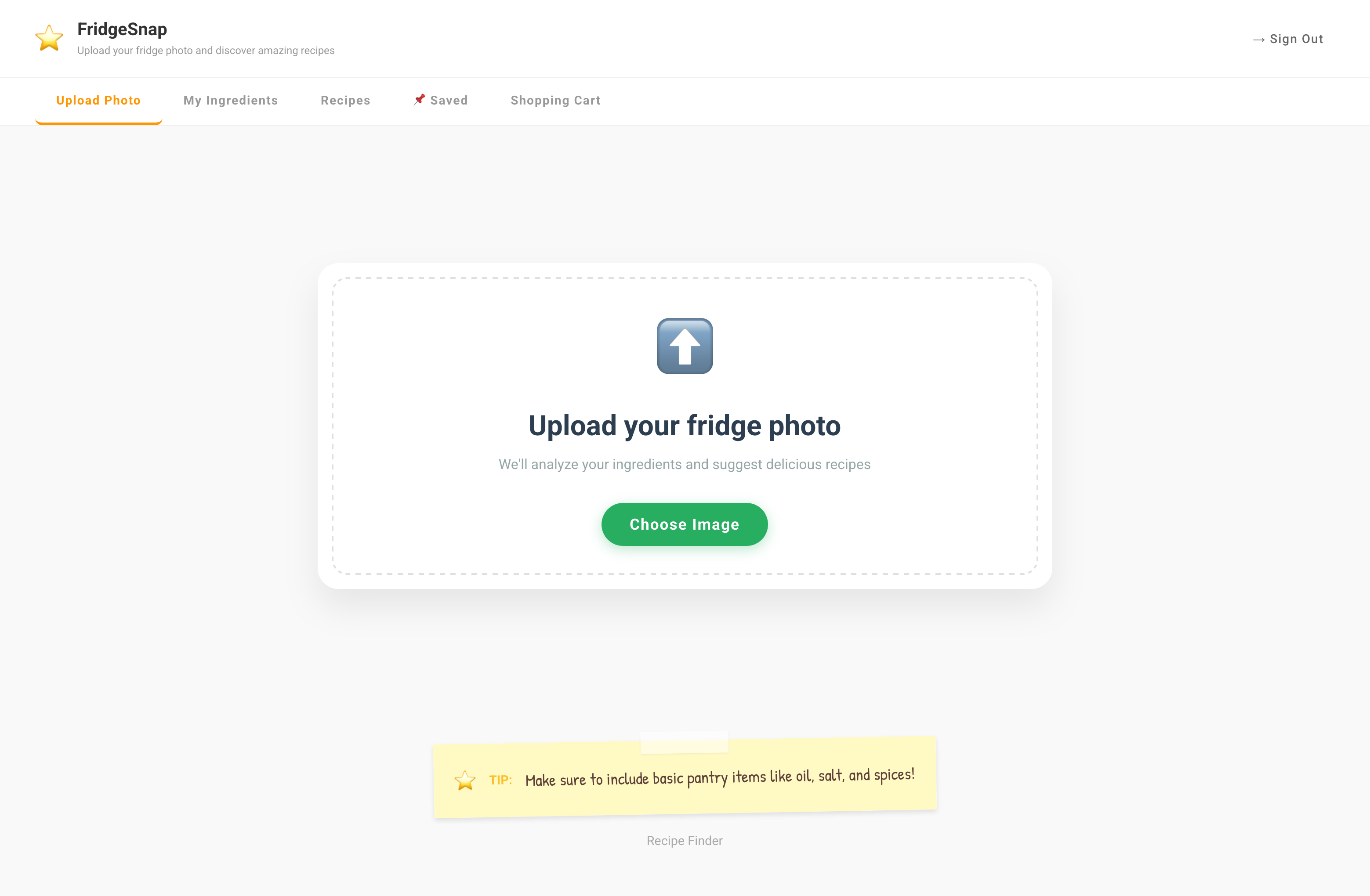
Image Upload
-
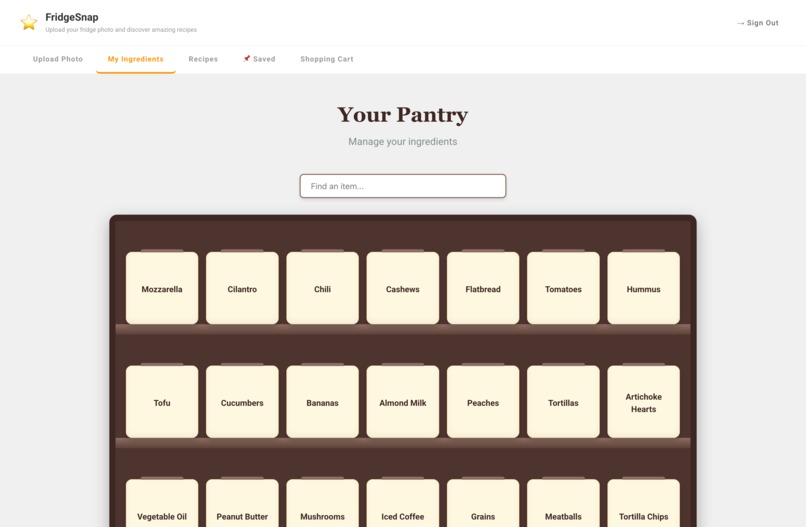
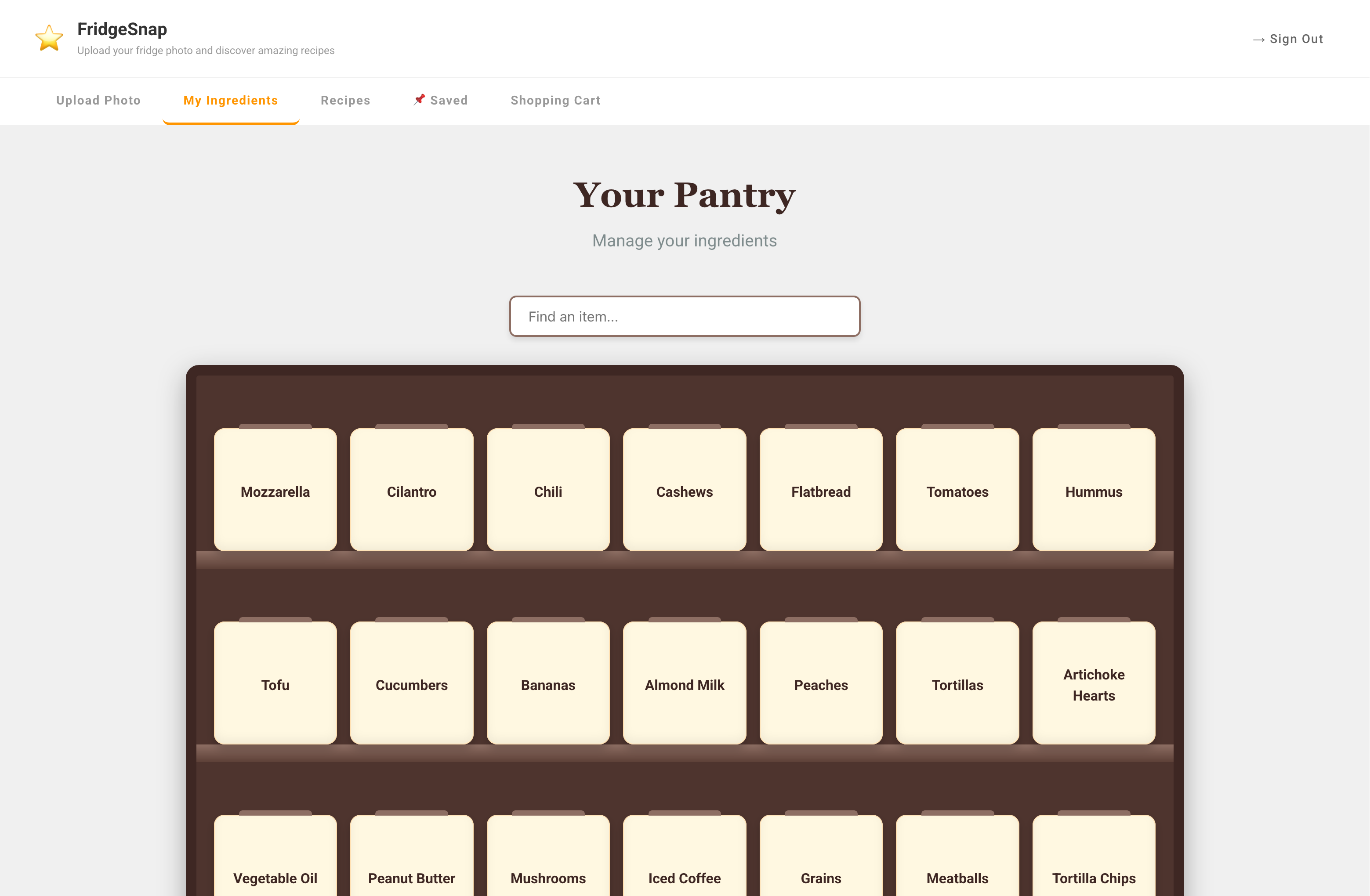
Virtual Pantry
-
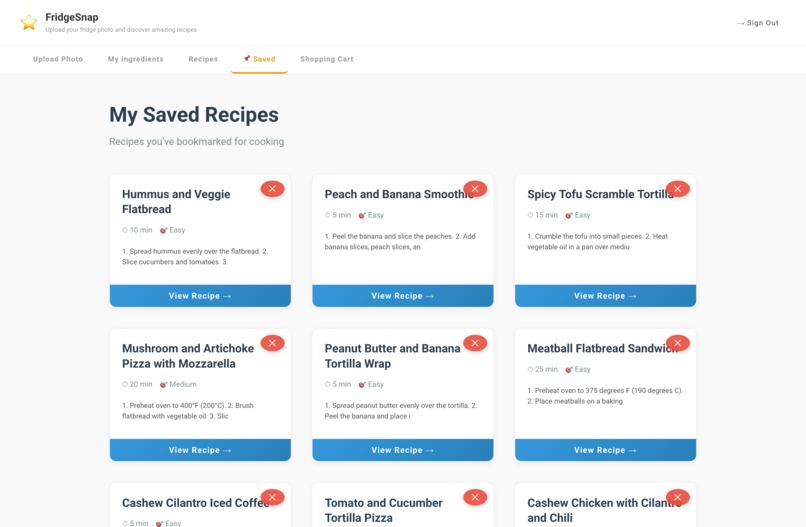
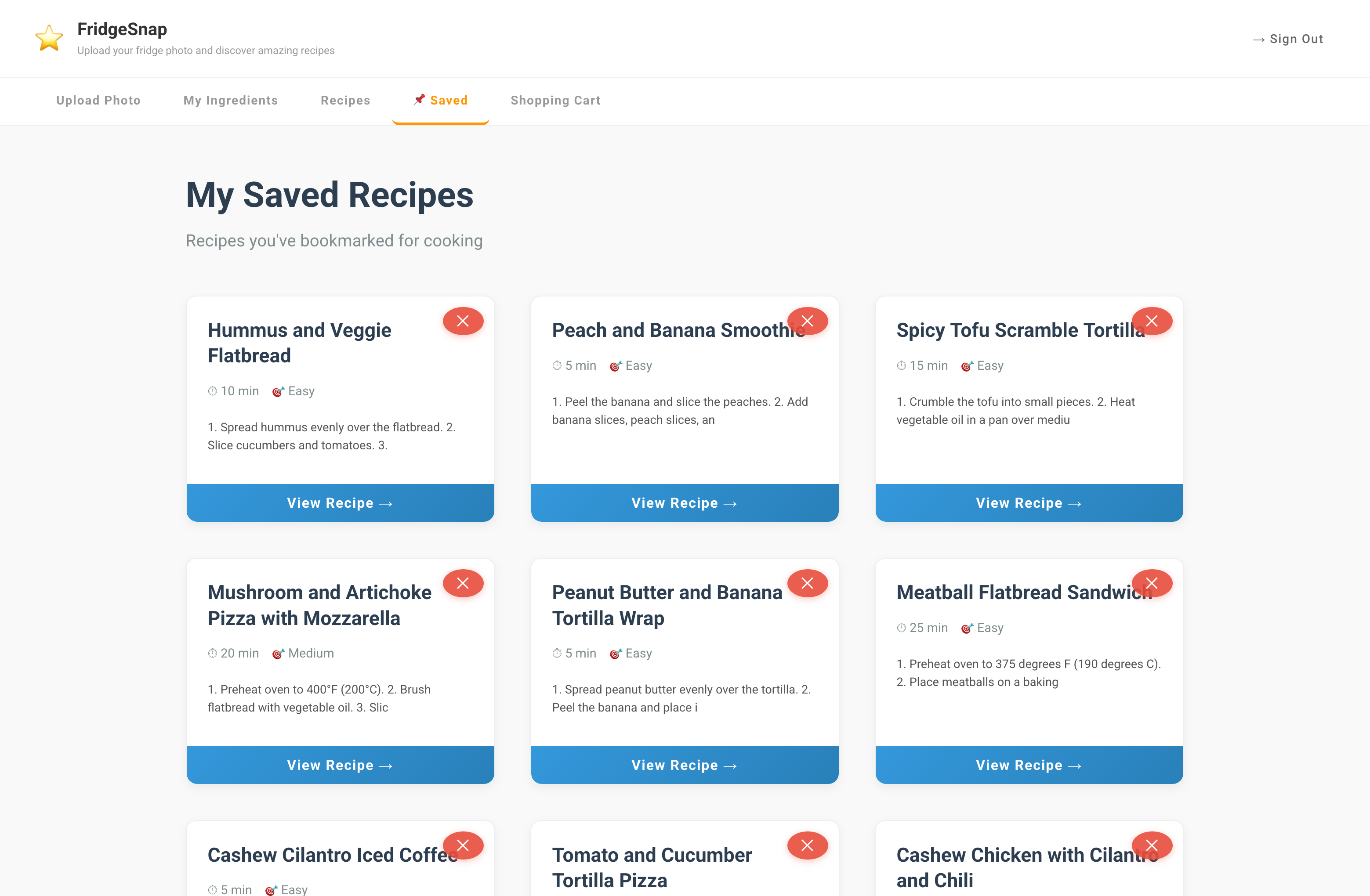
Saved Recipes
-
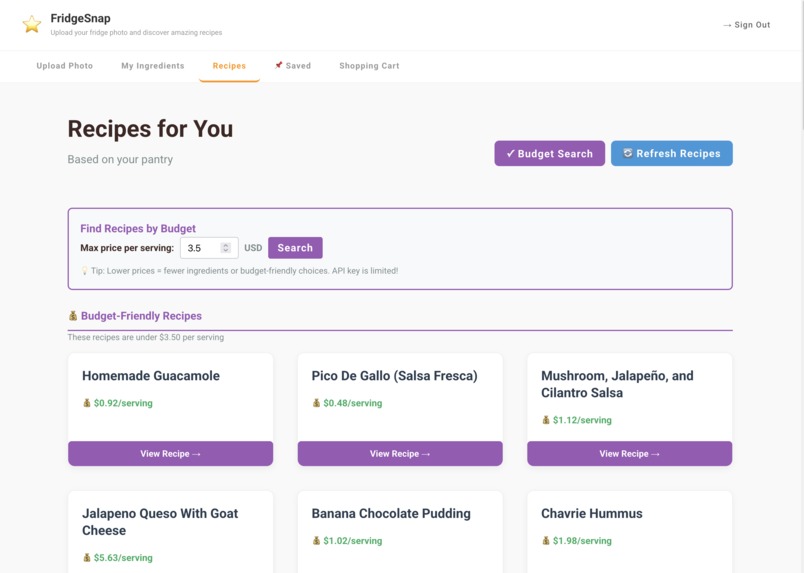
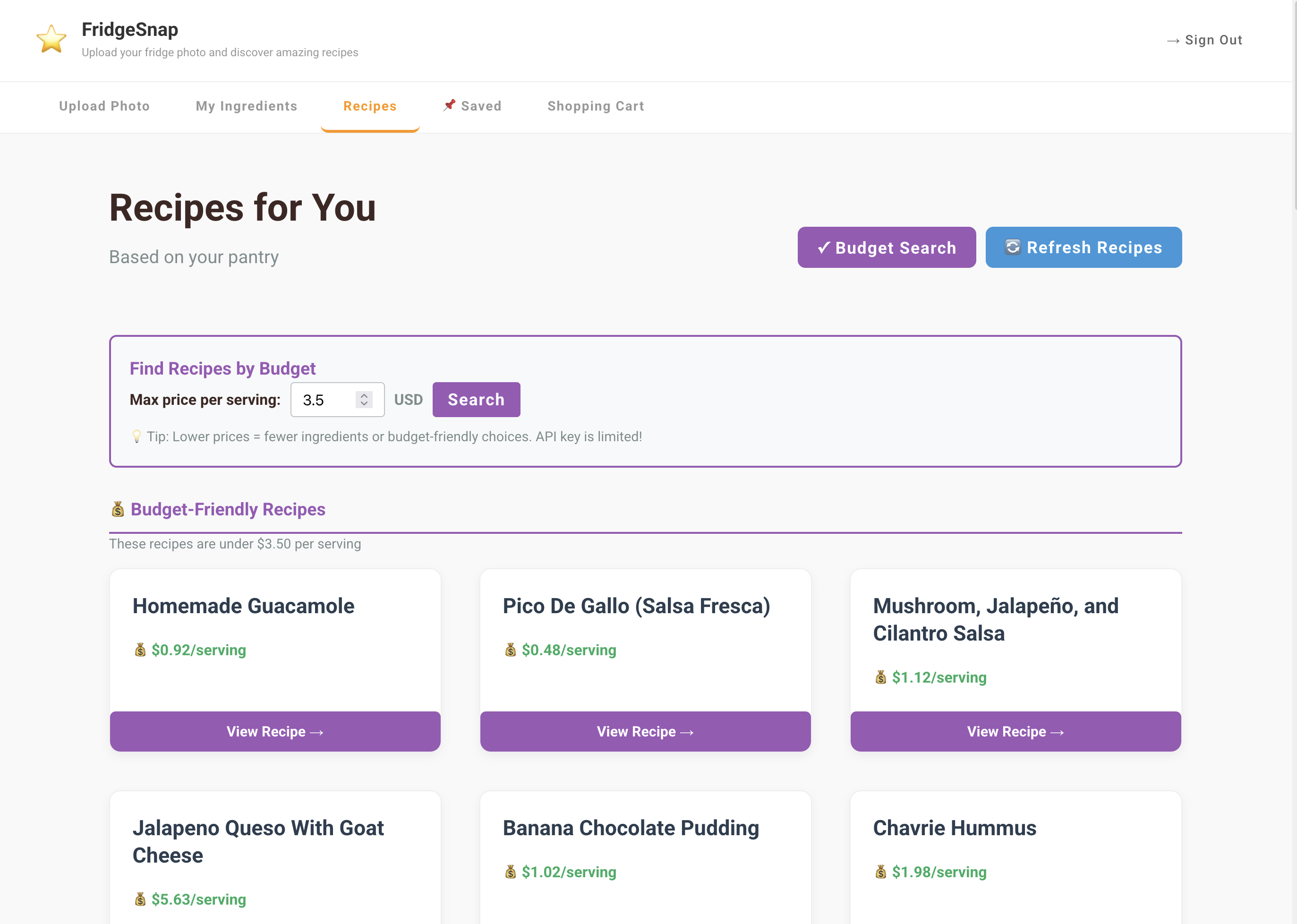
Filter Based on Price
-
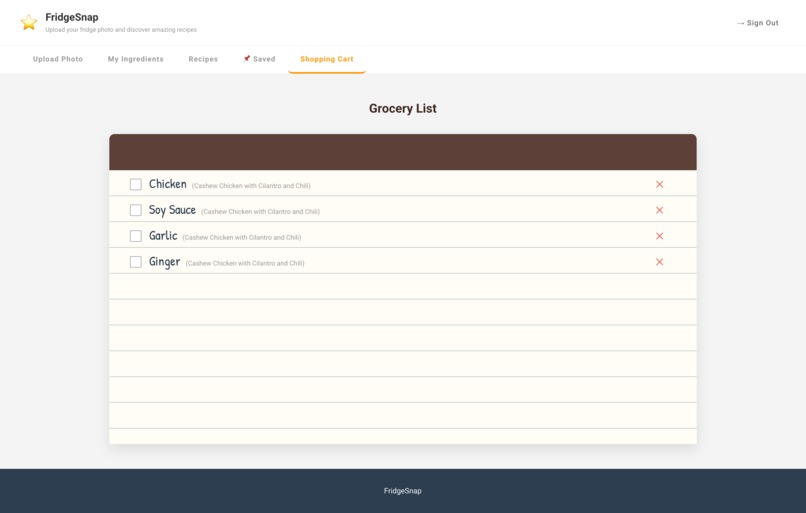
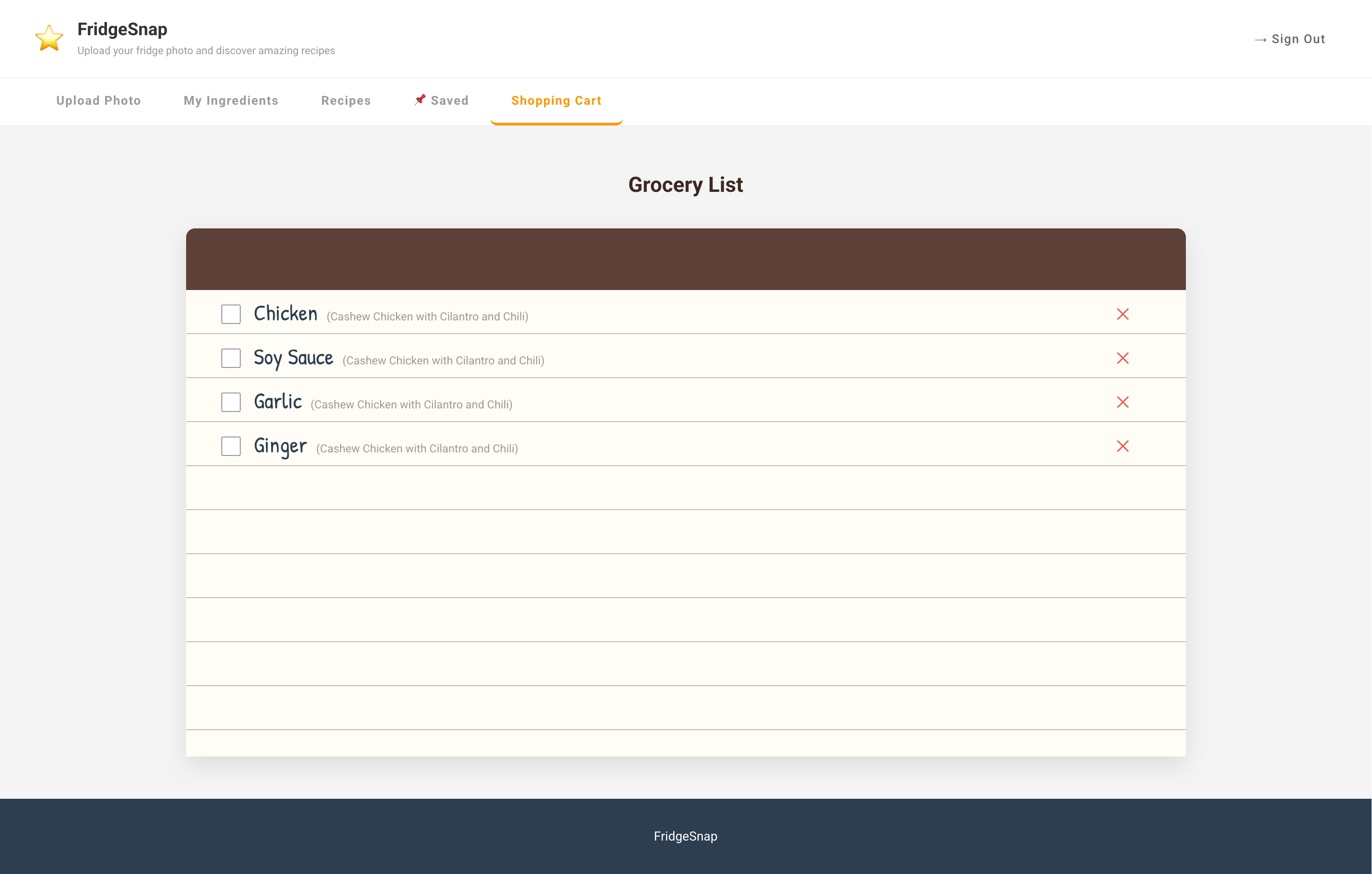
Shopping List
Inspiration
The theme of this year's TAMUhack reminded us of a common problem many of us have. It's an awfully familiar dilemma. You open the fridge to find an array of half-used produce and cartons of leftovers, but fail to think of ideas for how you will use these ingredients up before your next trip to the grocery store.
So you search for "chicken recipes", hoping to use up that last piece of chicken breast, only to be bombarded with recipes that need a slew of expensive ingredients you don't already have. Inevitably, after a week, you throw everything into the trash after they go bad, or cook up some sad abomination of a dish, desperately hoping to use up everything. But it doesn't need to be this way any longer with FridgeSnap.
What it does
Using a photo uploaded by the user, FridgeSnap identifies what ingredients you already have, adds it to your virtual pantry, and generates ideas for recipes based on your budget, saving your dinner and your money.
- Waste No Longer: Maximizes using up preexisting ingredients. No more spending money on new ingredients just to use up your old.
- Budget Friendly: Generate and filter recipes based on price-per-serving. Perfect for meal prep!
- On-the-Go Shopping: Add new ingredients you need to your shopping list with a click of a button.
- AI-powered: Gemini image recognition and recipe inspiration meets spoonacular's database filled with hundreds of thousands of menu items.
How we built it
The UI was initially designed in Figma and the frontend was then built in react.js. For the backend, we used FastAPI for our various function calls. To identify ingredients based on photos, we prompt engineered Gemini using various pictures, which we then call using GeminiAPI and the user's input photo. Recipe generation also similarly utilized Gemini as well as spoonacular API which returns links to real recipes based on various criterias. Finally, MongoDB Atlas was used to store user data, such as their username and virtual pantry.
Challenges we ran into
None of us were particularly familiar with MongoDB Atlas, so we struggled a little to learn how to use it and get it up and running. Testing spoonacular API was also difficult due to our limited number of credits/calls.
Accomplishments that we're proud of
We're really proud of how the AI ingredient detection and spoonacular recipe generation turned out and how it works with the database.
What we learned
Technical:
- MongoDB Atlas
- FastAPI
- Figma
Additional Lessons:
- Branch management, to prevent merge conflicts.
- Learning new frameworks quickly on the fly.
What's next for FridgeSnap: A Recipe Generator
With more time and resources, there many features we would like to add or expand on.
- Computer Vision: Transition from Gemini to a custom trained computer vision model to more accurately detect a wider range of ingredients in various fridge and pantry environments.
- Smart Technology Integration: The possibility of integrating our program into some type of smart fridge or pantry with a camera for real time updates is particularly exciting. This would remove the need for manual photo uploads and ingredient removal.
- Mobile Formatting: Most users would prefer to use the program from the convenience of their phones. With more time, we would format our web app for mobile phones and implement the ability to take photos from the app directly.
- Smart Shopping: Integrate our in-app shopping list to order ingredients from real grocery stores, with features that can help look for things such as deals and coupons.


Log in or sign up for Devpost to join the conversation.