-
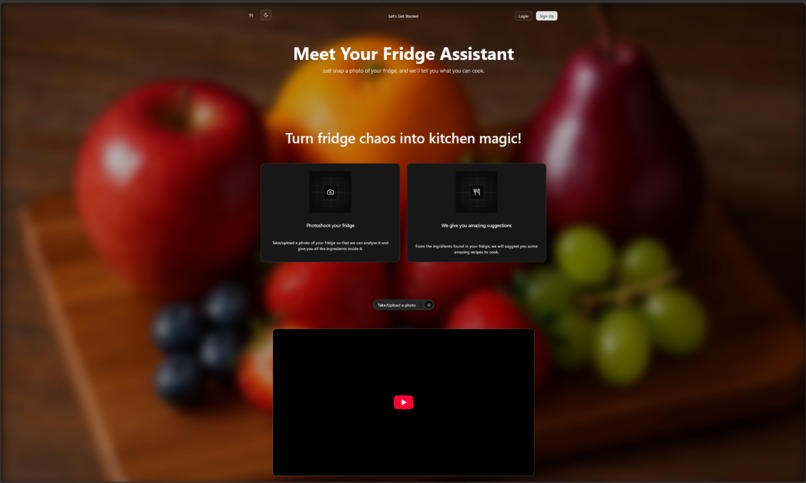
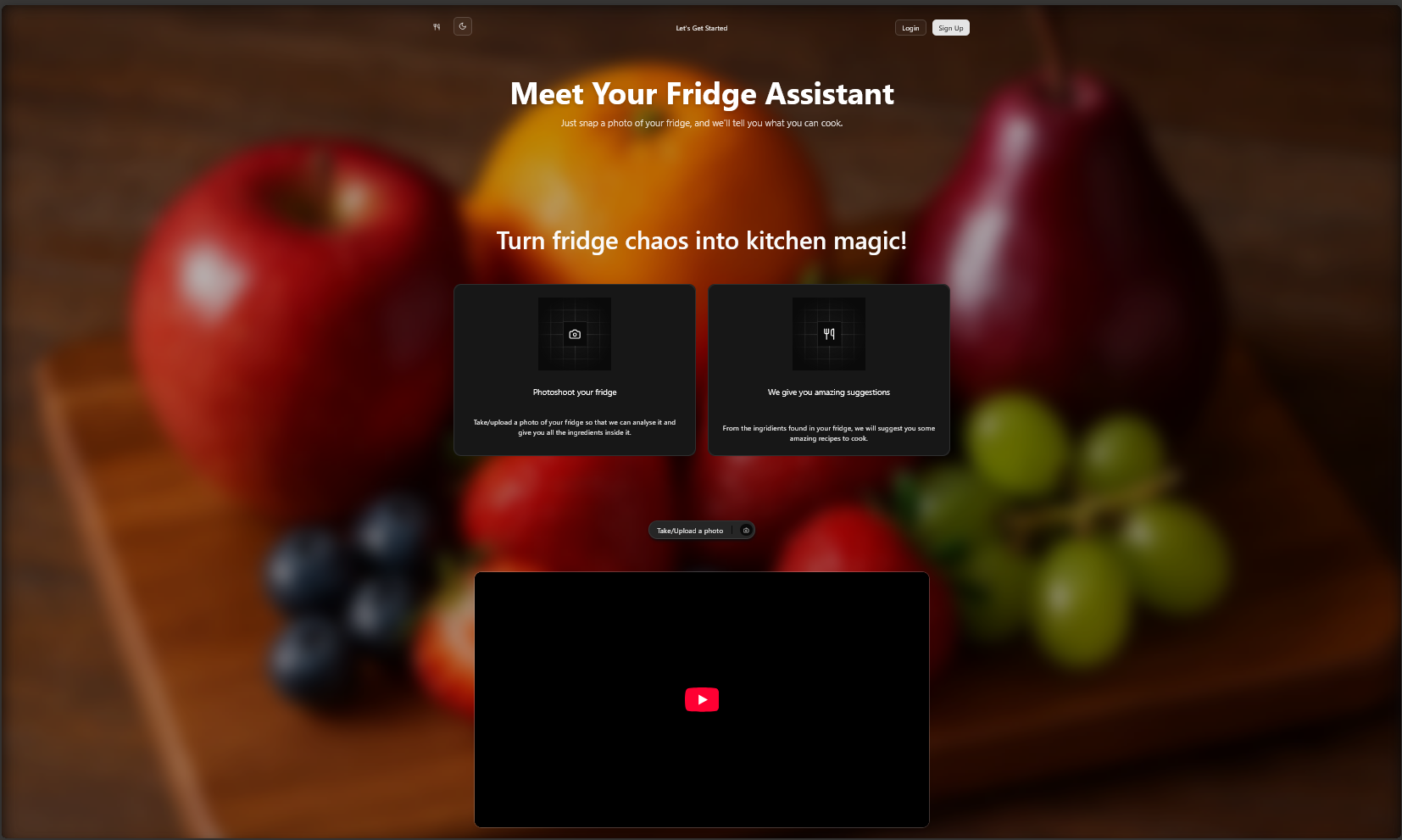
FridgePhoto's Home Page
-
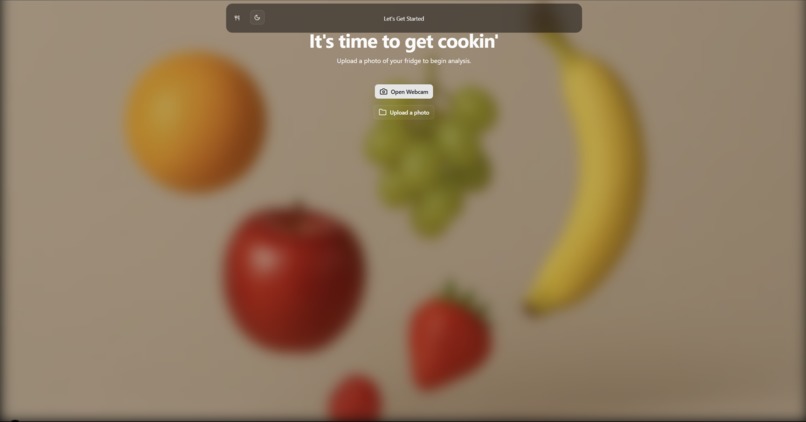
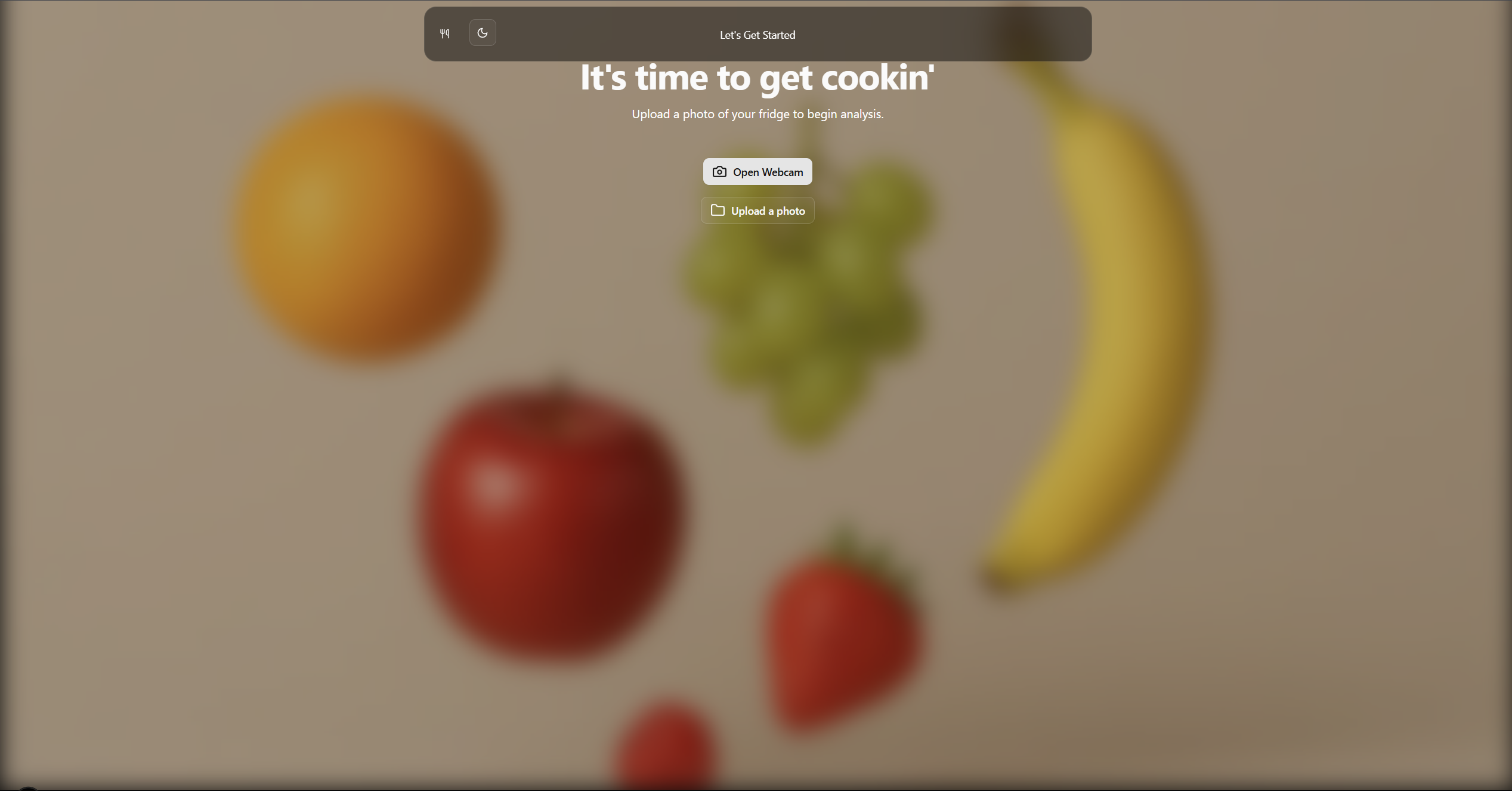
Upload a photo of your fridge
-
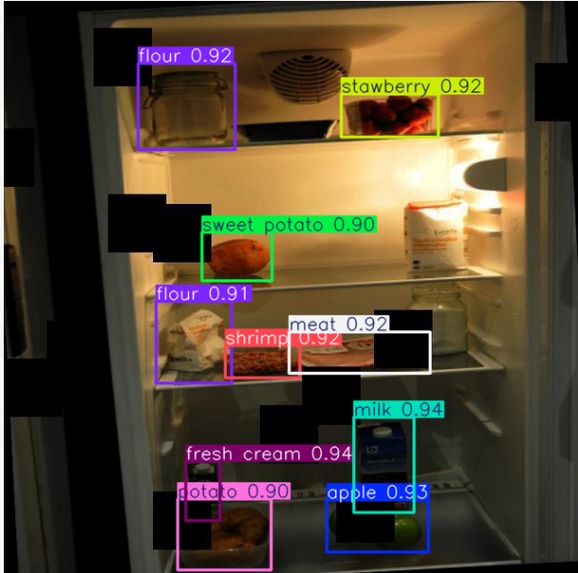
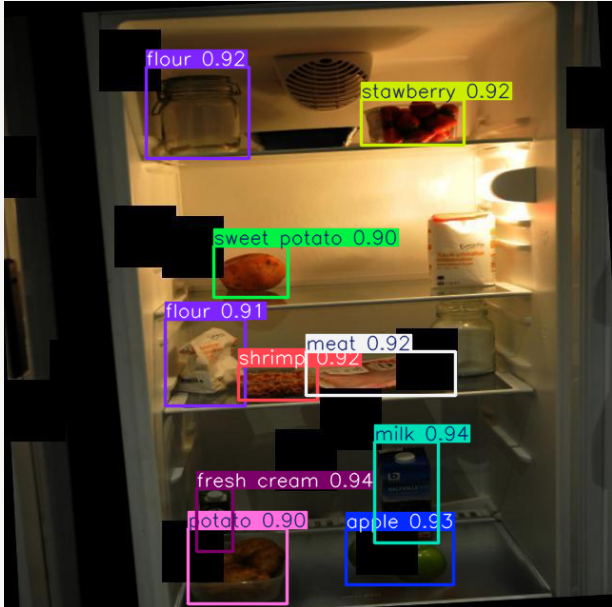
This is what the AI returns
Inspiration
We realized that many people struggle with deciding what to cook — not because they lack ingredients, but because they either don't feel like going out to get missing ones, aren't creative enough to come up with a recipe on the spot, or simply don’t know which items in their fridge are still fresh. We wanted to solve this everyday frustration by making meal planning smarter, more convenient, and less wasteful.
What it does
Our app is like a personal fridge assistant. You log in or create an account, snap or upload a photo of your fridge, and let the AI do the heavy lifting. It scans the image to find what ingredients you’ve got, gives each item a freshness score (because nobody wants sketchy lettuce), and suggests delicious recipes you can make right away. It’s like having a chef in your pocket — minus the yelling.
How we built it
For the frontend, we used a React framework powered by TypeScript, CSS, and HTML — all the usual suspects for building clean and responsive user interfaces. On the backend side, we went with Python using the Flask framework to handle image processing and API logic.
We fine-tuned an AI model to detect and recognize ingredients inside the fridge photos, and we called on the Gemini API to generate recipe suggestions based on what the user has available. To keep things smooth and modular, we connected the frontend and backend using Docker containers. Finally, user authentication and storage are handled by MongoDB.
Challenges we ran into
This was our first time working with AI, so getting from "cool idea" to "actual working model" was a learning curve. We had to figure out how to integrate the AI into our project, how to fine-tune it to recognize the right ingredients, and how to make sure it didn’t confuse a rotten banana with a bird (true story).
We also ran into a few hiccups setting up the database. Debugging authentication and data flow across frontend and backend wasn’t always smooth either, but we made it work!
Accomplishments that we're proud of
We’re proud of how much we learned — especially when it comes to working with AI. From understanding how to fine-tune a model to integrating it into a real product, it was a big step forward for all of us.
More than that, we’re proud to have built a fully functional website that solves a real problem — and that we’d actually want to use ourselves. And of course, we’re proud that we stuck with it. Even when things broke, even when things didn’t make sense, we kept going... and now we have a fridge scanner that spits out recipes.
What we learned
We learned a ton — especially about AI and how to fine-tune models to solve specific real-world problems. It was our first time diving this deep into machine learning, and now we have a much better understanding of how to integrate it into a full-stack project.
We also became way more confident using tools like GitHub for collaboration, version control, and resolving merge conflicts (lots of merge conflicts). And finally, we got hands-on experience with MongoDB and learned how to manage and structure data in a real backend system.
What's next for FridgePhoto
Next up, we want to keep training our AI to recognize a wider range of ingredients with even greater accuracy — because no one wants their yogurt mistaken for mashed potatoes.
We’d also love to add a personalized dashboard with usage stats for each user: how much they’ve reduced food waste, how many meals they've cooked, and maybe even their most-used ingredients.
But the real dream? A smart fridge assistant — literally. Imagine a camera inside your fridge that constantly updates the app with what’s in stock and what’s running low. No more guessing, no more last-minute grocery runs. That’s where we’re headed.


Log in or sign up for Devpost to join the conversation.