-
-
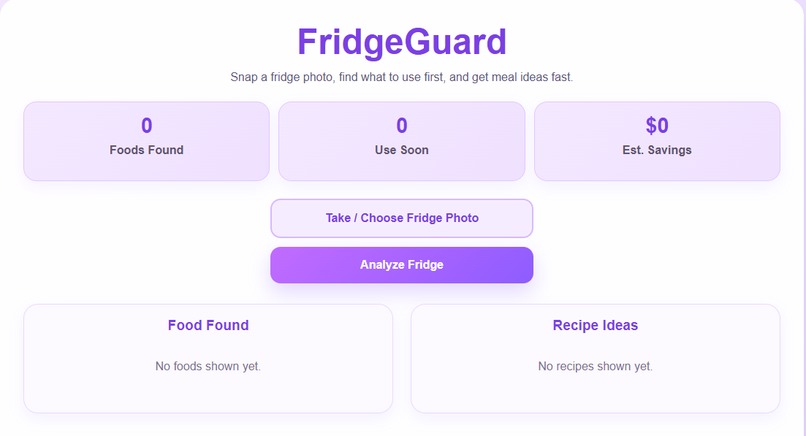
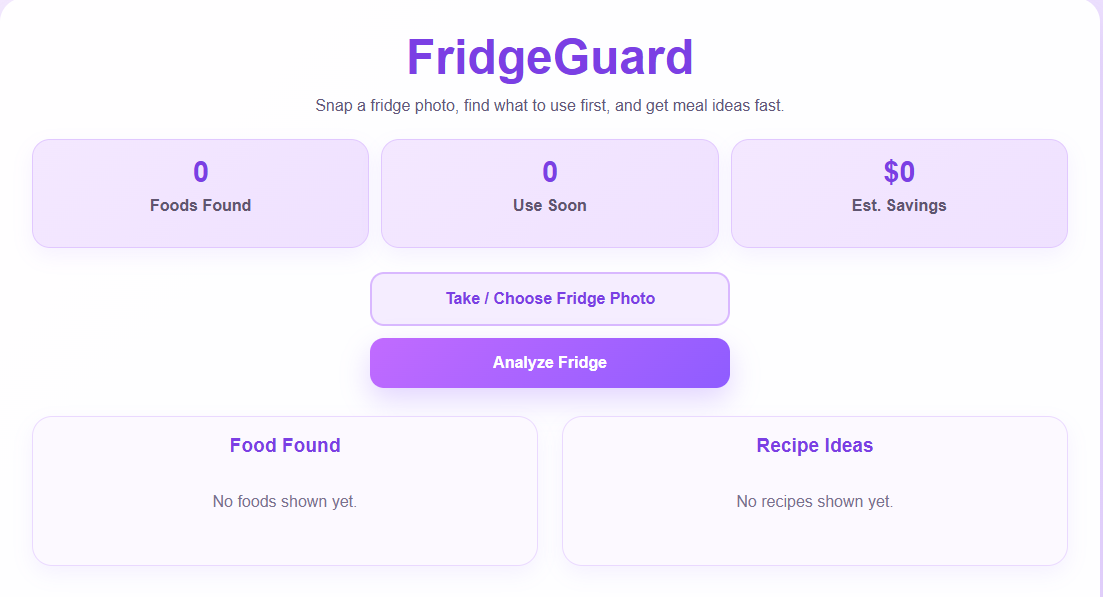
Dashboard for FridgeGuard
-
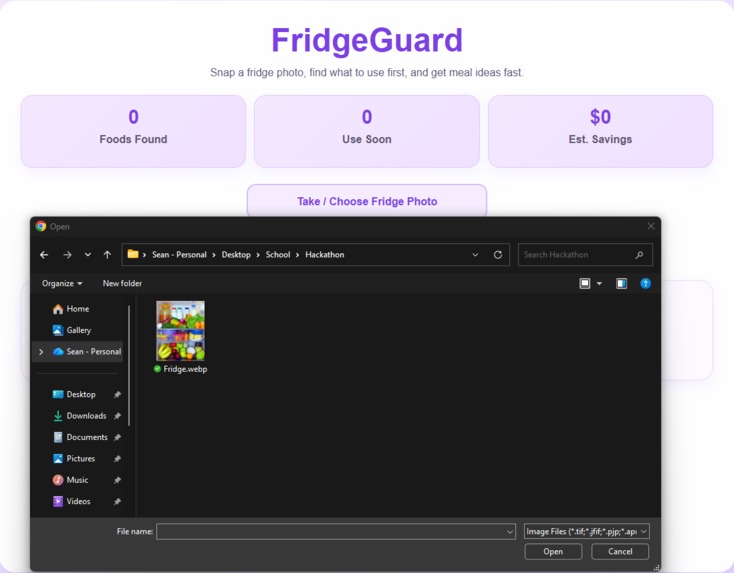
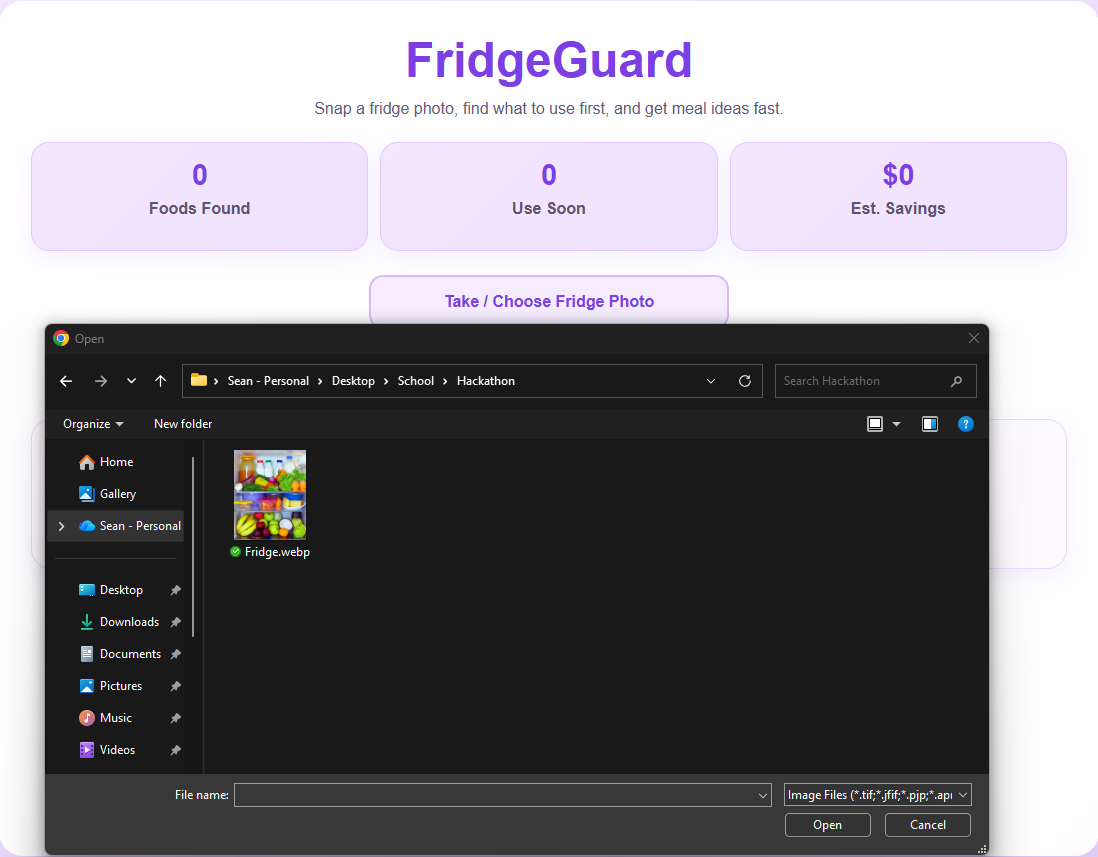
Upload a photo
-
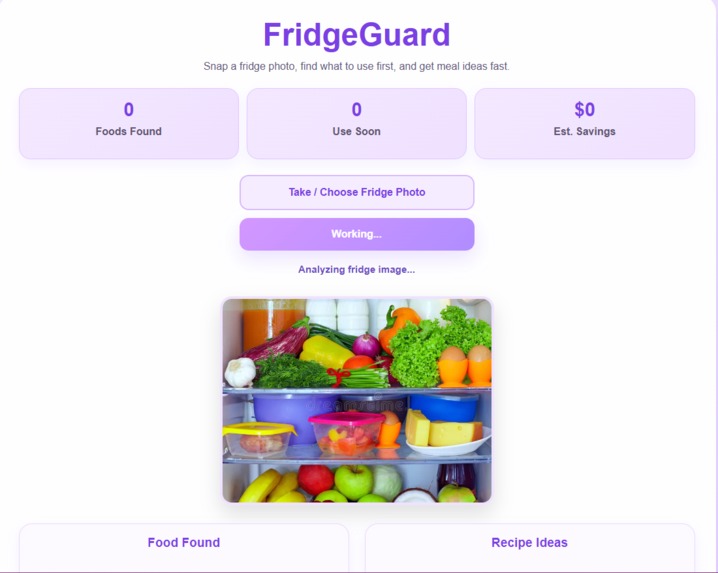
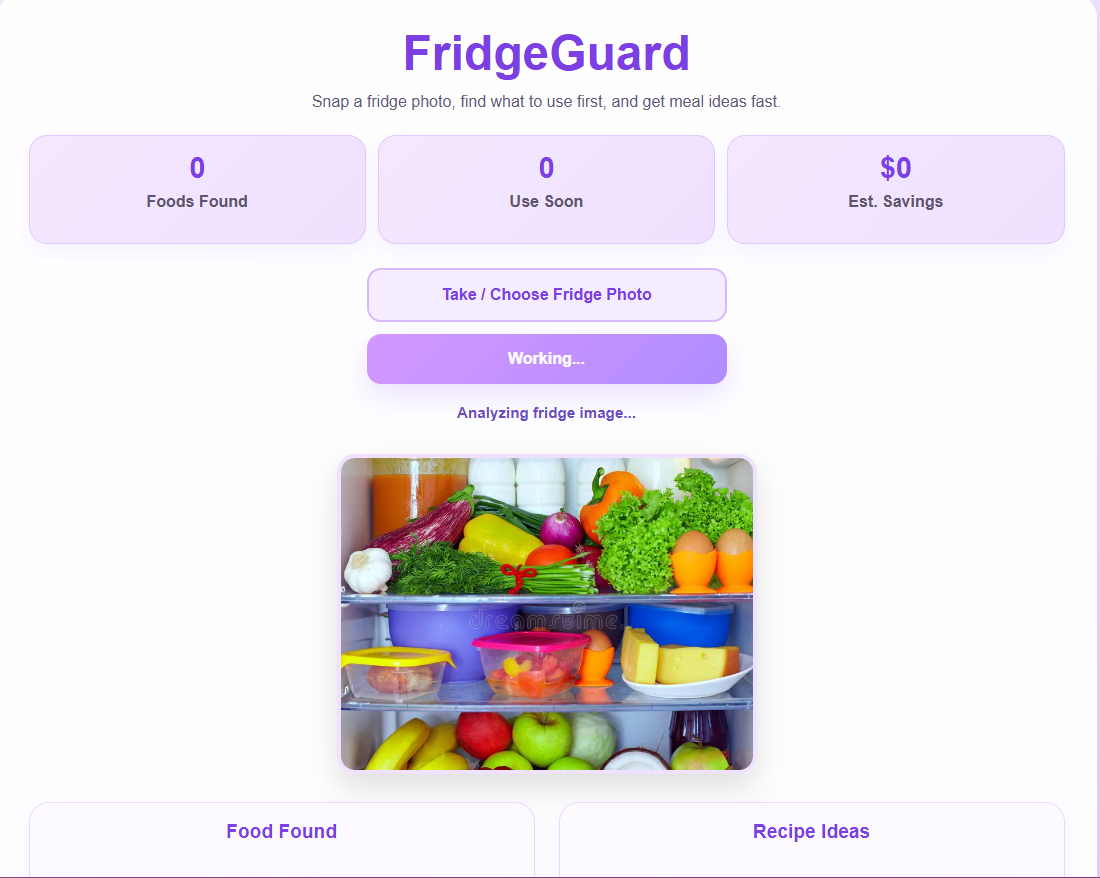
Analyze the fridge
-
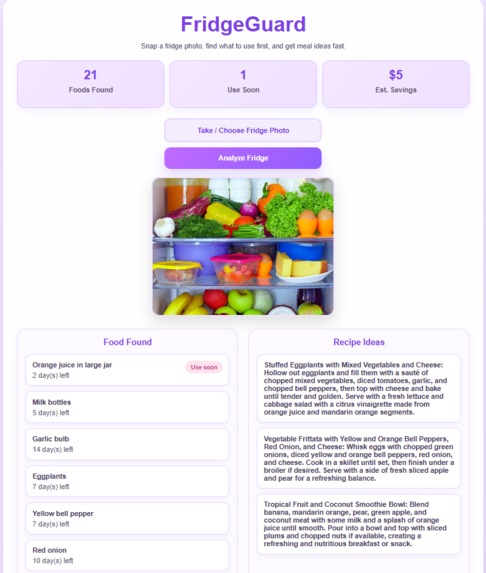
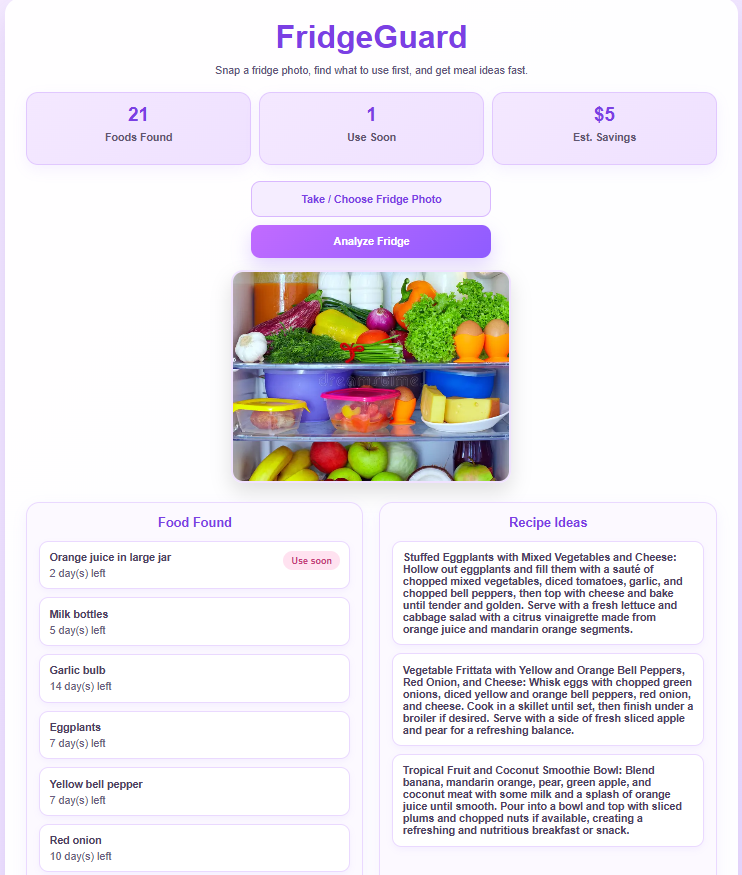
Results come back with ingredients and recipes based off ingredients
About the project
FridgeGuard is an AI-powered food assistant that helps people reduce food waste and make better use of the ingredients they already have at home. The idea came from a simple everyday problem: a lot of food gets forgotten in the fridge until it is too late to use. We wanted to create something practical that could turn a quick fridge photo into useful insights and meal inspiration.
The goal of FridgeGuard is to make food management easier. A user can upload a photo of their fridge, and the app analyzes visible ingredients, estimates which foods should be used soon, and generates recipe ideas based on what is detected. Instead of guessing what to cook or forgetting what is in the fridge, users get a fast and helpful starting point.
What inspired us
We were inspired by how common food waste is in everyday life. Many people buy groceries with good intentions, but busy schedules make it easy to forget what is already in the fridge. That leads to wasted food, wasted money, and frustration when deciding what to cook.
We wanted to build something that felt simple and useful right away. Taking a picture is easier than manually typing out every ingredient, so we focused on making the experience quick, visual, and beginner-friendly.
How we built it
FridgeGuard uses a React frontend deployed on Vercel and a Flask backend deployed on Render. The frontend handles the user interface, image upload, and displaying results. The backend processes the uploaded image and connects to AI-powered endpoints for ingredient detection and recipe generation.
The basic flow looks like this:
The user uploads a fridge photo. The backend analyzes the image and identifies visible food items. The app estimates which items should be used soon. The backend generates recipe ideas from the detected ingredients. The frontend displays both the ingredient list and meal suggestions in a clean dashboard.
We also added loading states, error handling, fallback recipe ideas, and health checks so the app feels more reliable in deployment.
Challenges we ran into
One of the biggest challenges was reliability between the frontend and backend in the deployed version. Ingredient detection was working more consistently than recipe generation, so we had to debug the connection between the two API calls and improve how the app handled slow responses.
Another challenge was making sure the recipe generation returned structured, usable data instead of inconsistent text output. We improved that by tightening the backend response handling and adding fallback logic so the user still sees helpful recipe suggestions even if generation is slow or fails.
We also ran into deployment-related issues, including handling loading states, backend wake-up delays, and making sure the app behaved well outside of local development.
What we learned
This project taught us a lot about full-stack debugging, deployment, and working with AI APIs in a real app. We learned that something working locally does not always mean it will work the same way once deployed. We also learned how important structured responses, logging, timeout handling, and user-friendly error states are for making an AI feature feel dependable.
Beyond the technical side, we learned how to build around a real-world problem and keep the user experience simple. FridgeGuard is not just about detecting ingredients — it is about helping people save time, reduce waste, and feel more confident about what they can make with what they already have.
What’s next for FridgeGuard
In the future, we would love to expand FridgeGuard with features like:
expiration tracking over time personalized meal planning grocery list generation nutrition insights user accounts and saved fridge history
FridgeGuard started as a hackathon idea, but it has the potential to grow into a practical tool for everyday life.


Log in or sign up for Devpost to join the conversation.