-
-
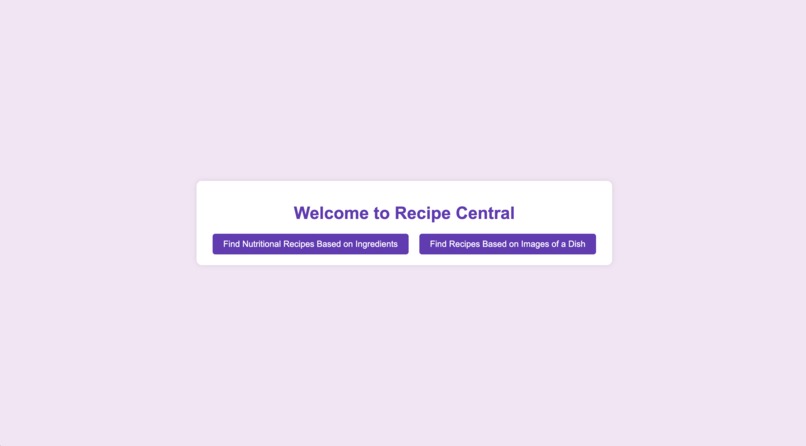
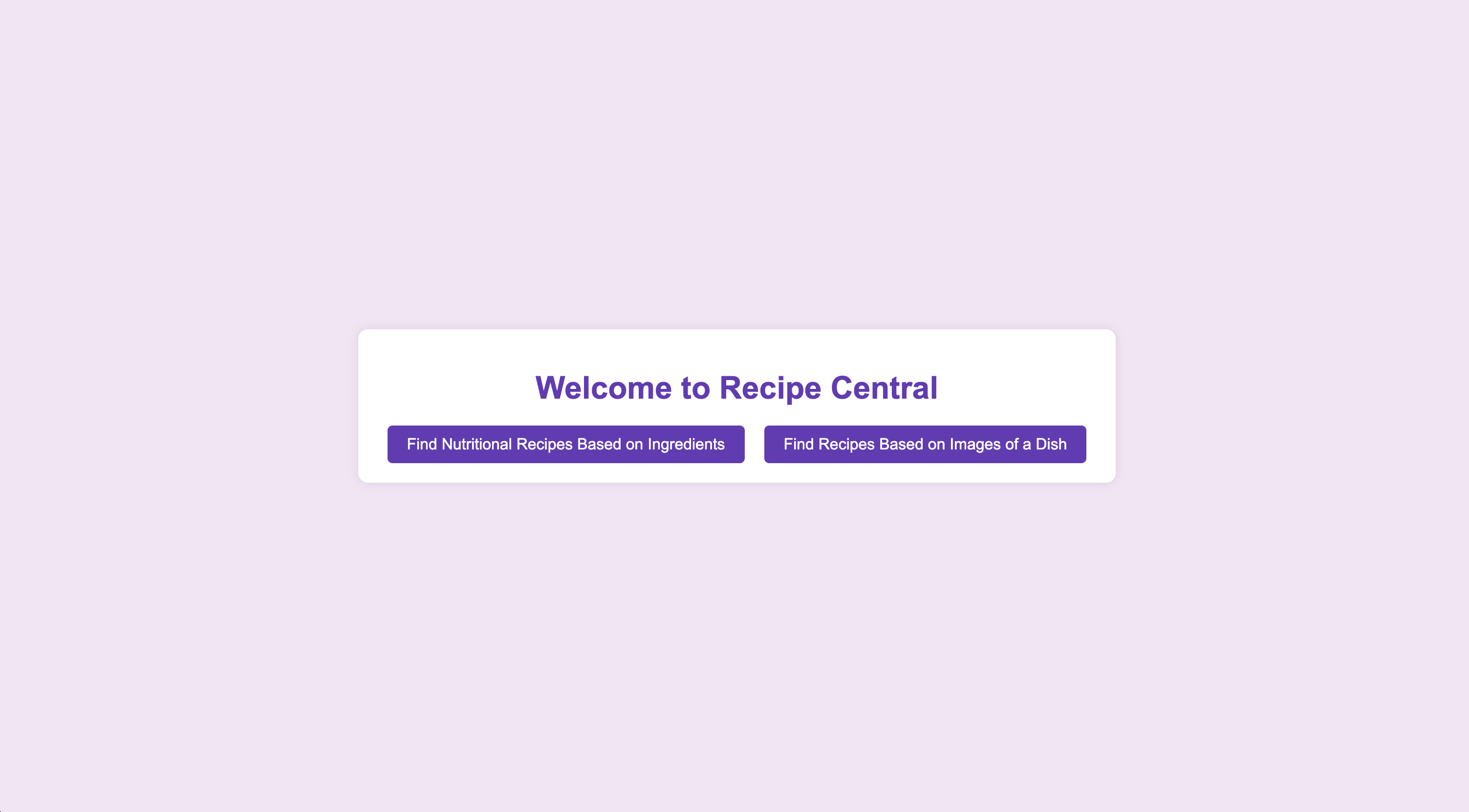
home page
-
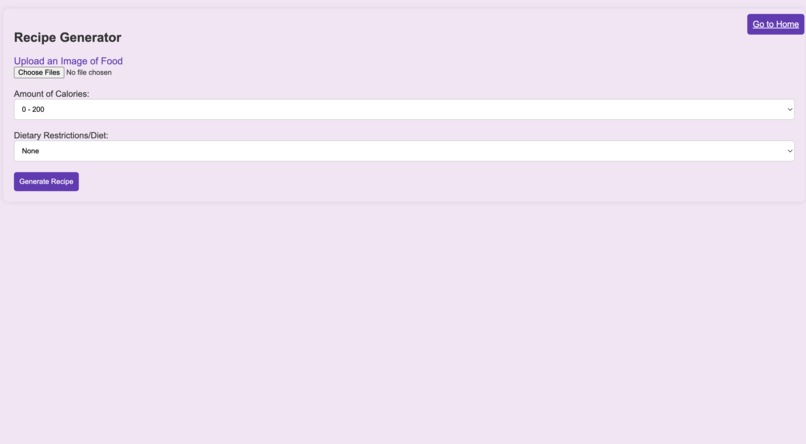
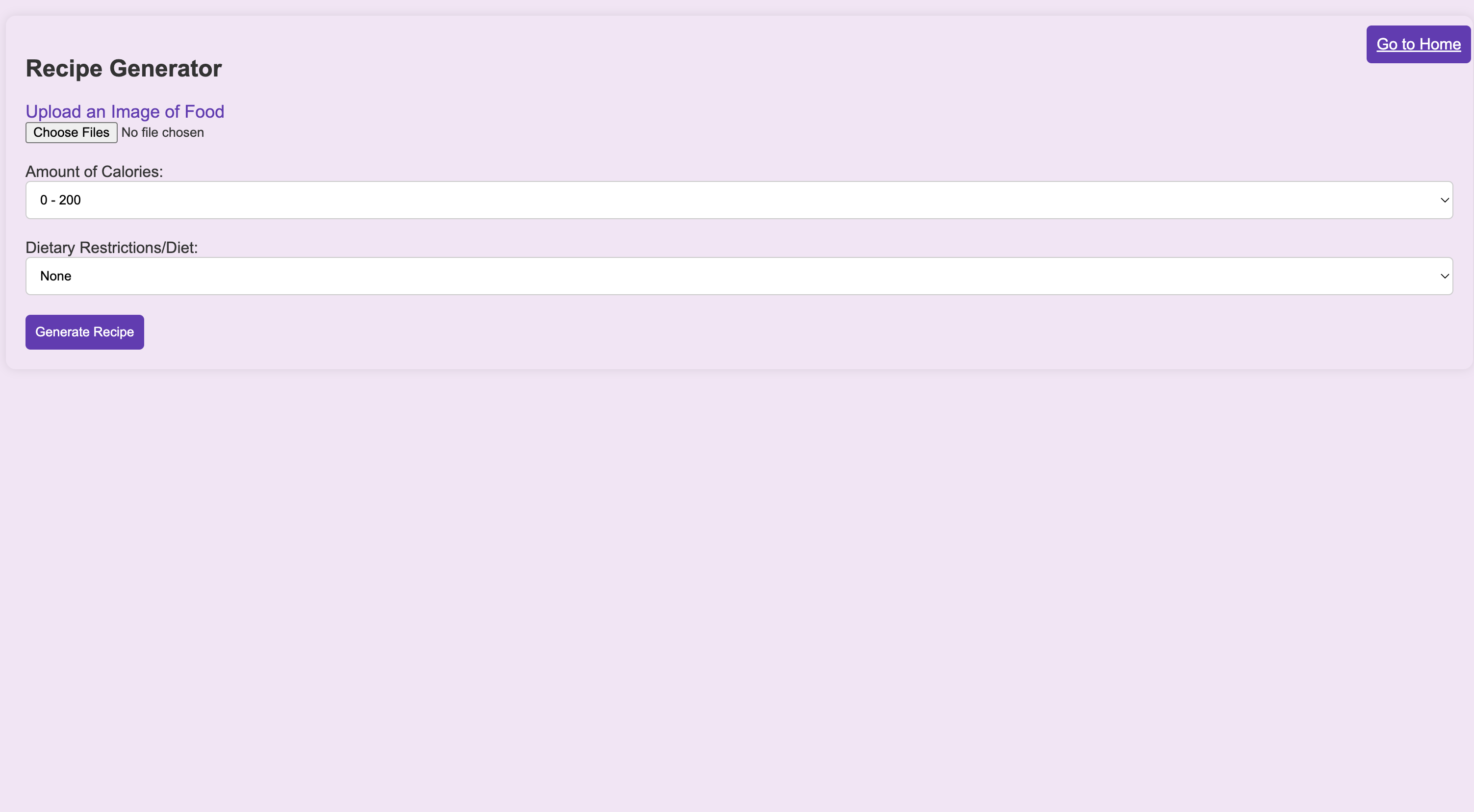
make recipe from food image page
-
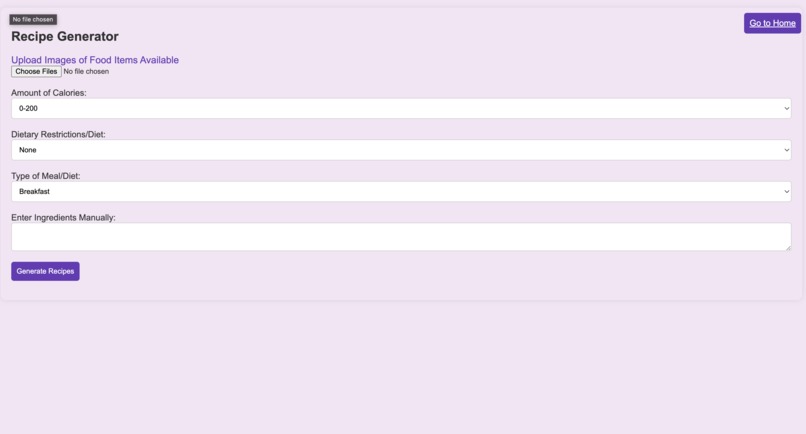
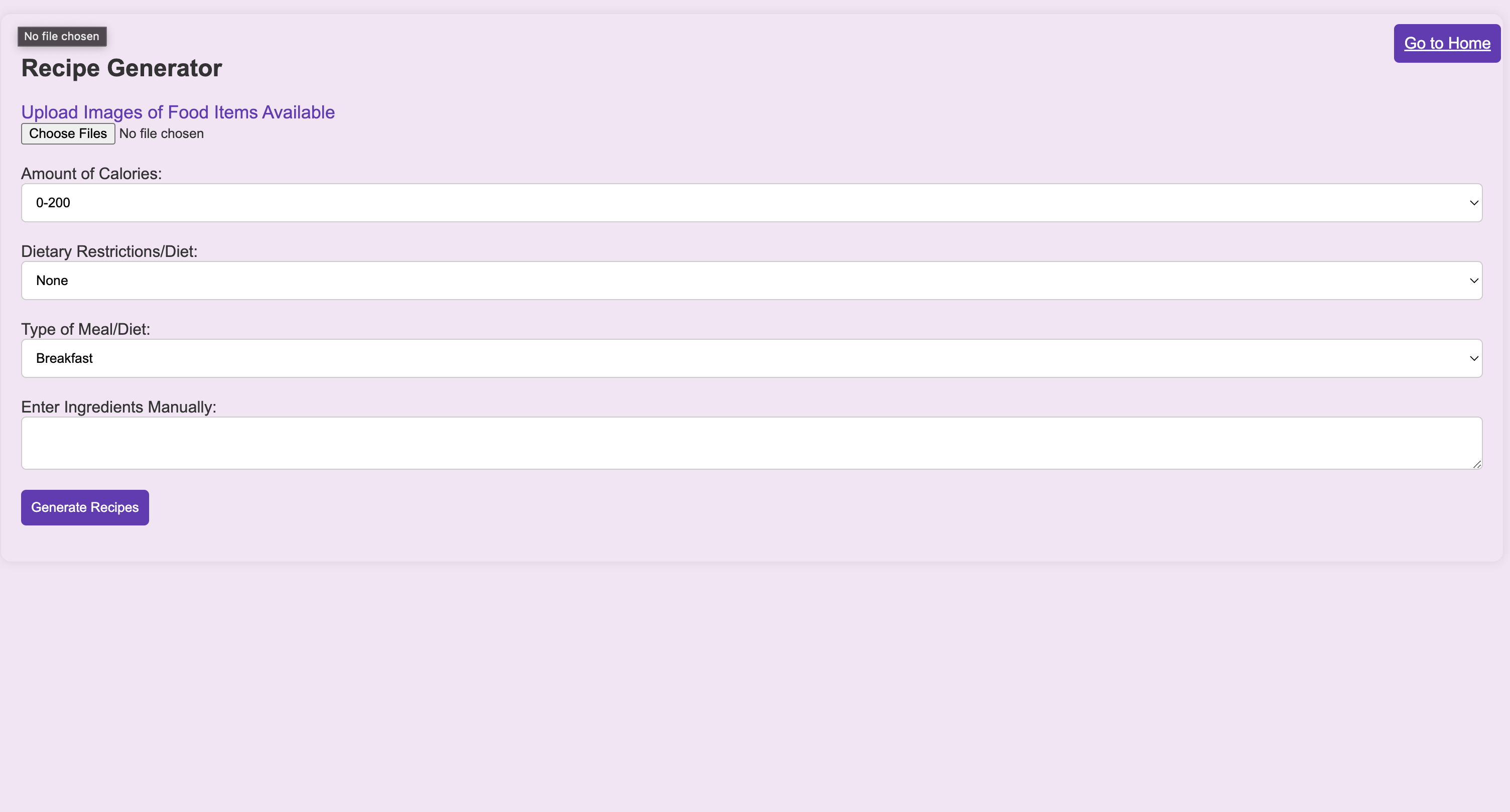
make recipe from ingredients page
-
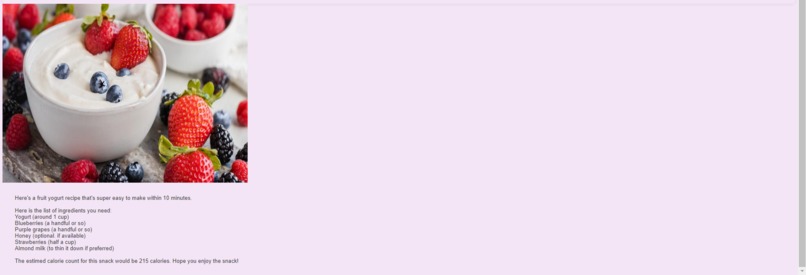
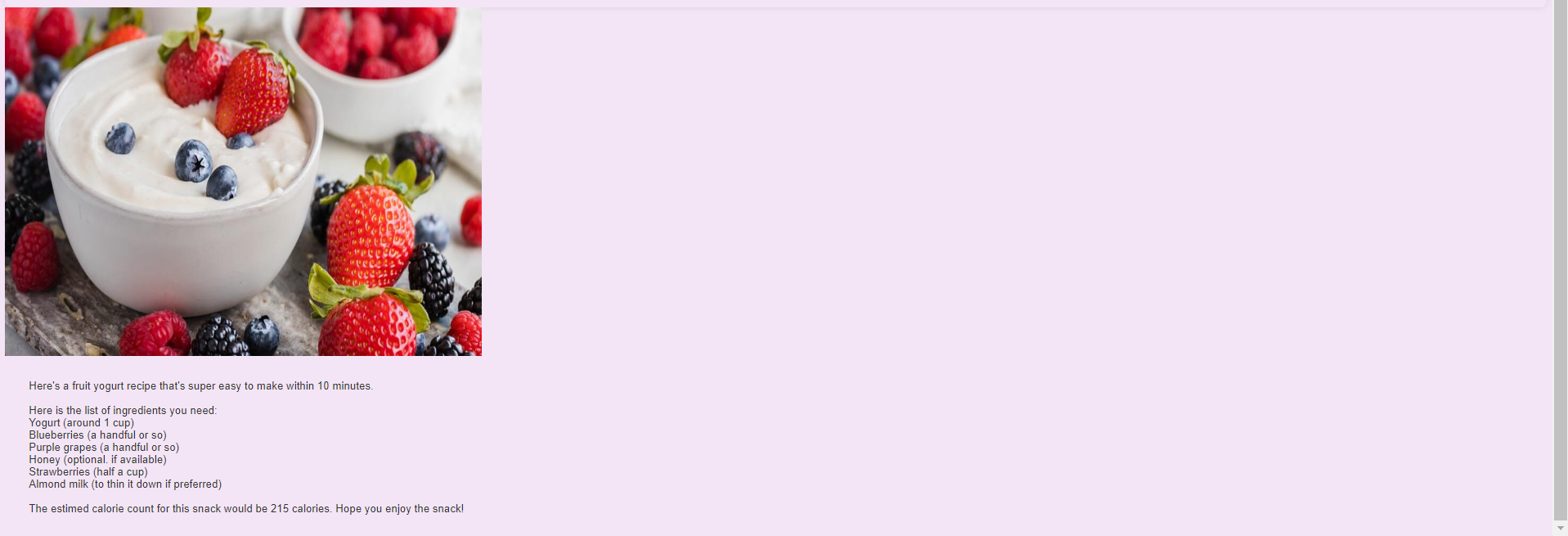
Sample generated output
Inspiration
We were inspired to create this website because many people struggle to cook, especially with particular ingredients that they may have in their kitchens. It is further difficult for those who may be switching diets to have a scope of the number of options that they have when cooking. People also struggle to use up certain items in their fridge or pantry which can create a lot of waste.
What it does
Our website uses generative AI and user input to create samples of meals that people can cook. The user has the option to input an image or several images of their fridge and/or pantry, take a picture of a receipt, or manually type the ingredients they have. The user also selects calorie count for the meal, dietary restrictions, and type of meal using drop-down menus. Then, the AI model identifies the items found in the image and compares them to a database of many meals and picks the top 10 meals according to the ingredients, calorie count, dietary restrictions, and the type of meal. Then, the model generates several dishes that stem from the provided ones in the database, returns the options to the web interface, and the user is able to view the options. If they are not satisfied, they can regenerate new dishes.
How we built it
We started by building the model to identify items that are in the images (using openai) and then generate a list of ingredients. We added the database to our folder and then wrote code to identify items within the database that have the same ingredients (or most of the ingredients). Simultaneously, we built the website using HTML and CSS, and then wrote Javascript code to take the user input and pass it to the model in python. We made the model filter the database according to the inputs provided by the user and then create its own recipe by taking inspiration from the recipes that are retrieved in the database. We used FastAPI to generate the recipes.
Challenges we ran into
Some of the challenges that we ran into included having limited number of runs with the openai interface and retrieving information from the user and being able to connect it to the model in python.
Accomplishments that we're proud of
We are proud of being able to identify objects that are in the images as well as generate recipes based on the information provided.
What we learned
We learned about using the openai package within python as well as some backend development. We learned about using Pinecone and collaborating on a project as a team.
What's next for Fridge To Feast
We are currently working on also having a feature where the user can upload an image of a food item that they really enjoy but they don't have a recipe for and the model can generate a recipe that might recreate the item. We want to be able to expand this to a mobile app as well since it would be easier to upload images via phone. Finally, we would want to be able to upgrade the model by allowing the user to sign in and keep a history/record of the various recipes that they enjoyed. Then, the model could take into account some of the things that a user particularly enjoyed and maybe gear recipes towards a particular cuisine if it seems that the user has a preference or keep recipes to a particular calorie count if the user eats a certain amount each day.
Built With
- css
- fastapi
- html
- huggingface
- javascript
- openai
- pinecone
- python

Log in or sign up for Devpost to join the conversation.