
Inspiration
Canadian households throw out roughly a fifth of the food they buy, and almost none of it is on purpose. It's the bag of spinach behind the milk. It's the container you meant to deal with on Tuesday.
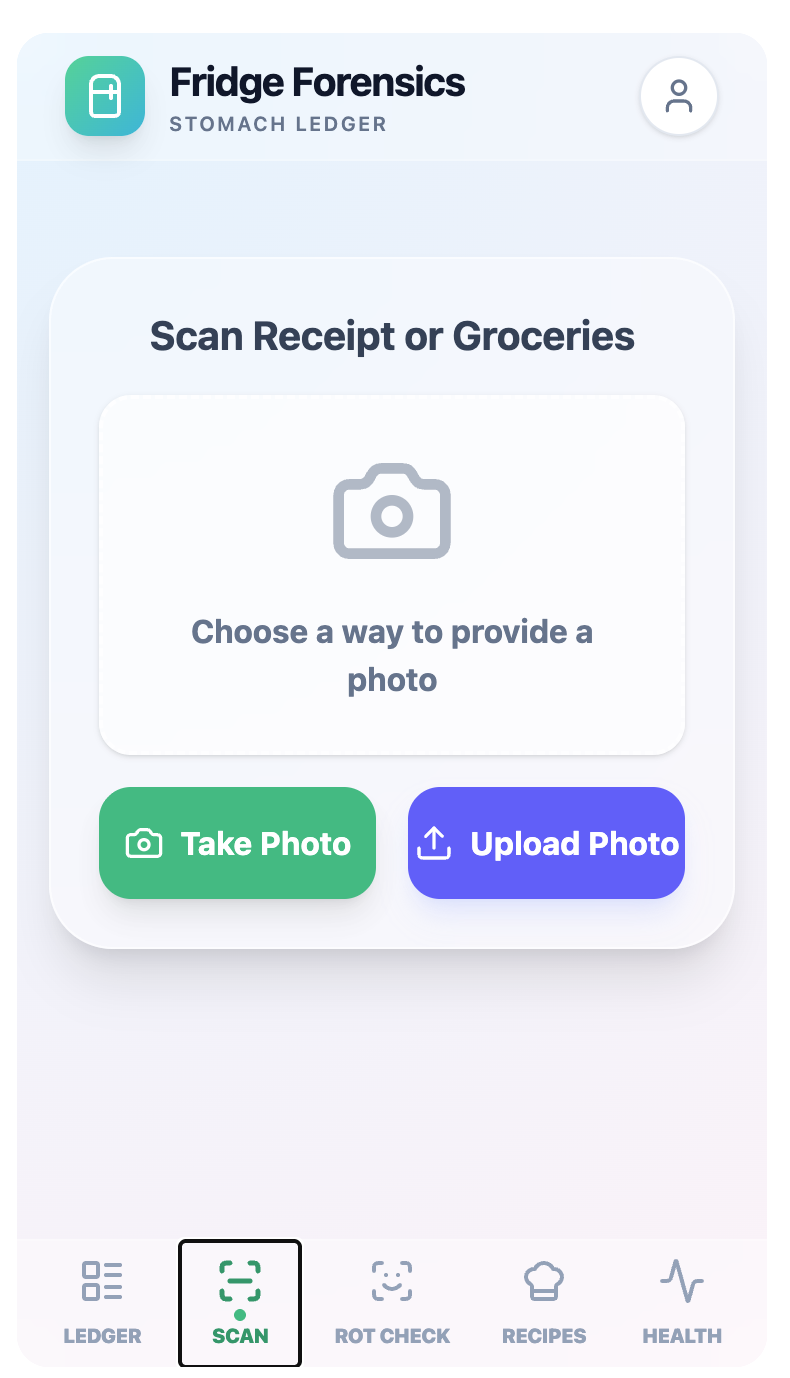
Every app built to fix this asks you to log what you own. Nobody logs what they own — that's why those apps get deleted within a week. We wanted the interaction to be as short as it could possibly be: open the fridge, take one photo, done.
Once we had the photo, we realized it told us something beyond waste. What's in your fridge is a fairly honest picture of how you actually eat.
What it does
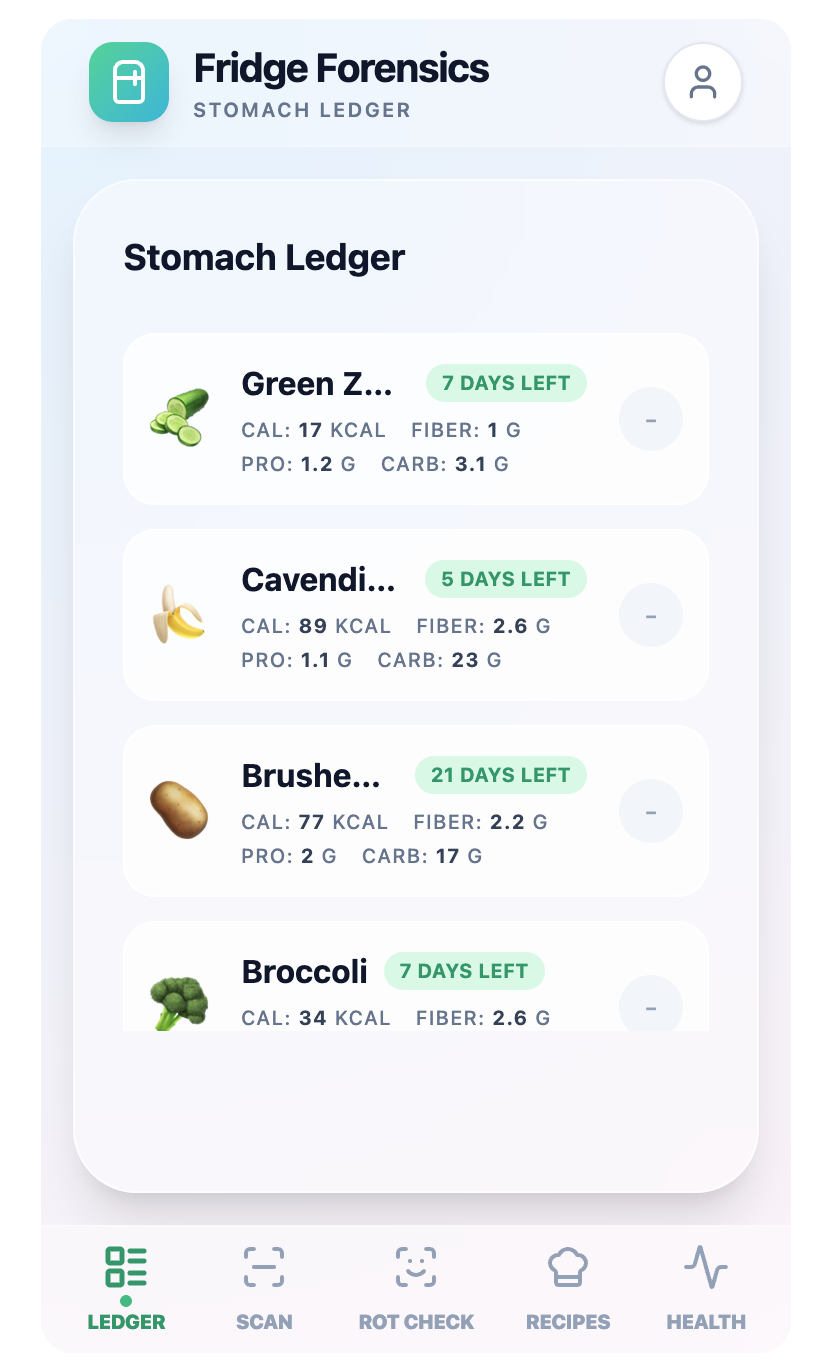
SmartFridge takes one photo of your fridge and returns four things:
- What's in there — items identified from the image
- Use it first — what degrades soonest, ranked by urgency
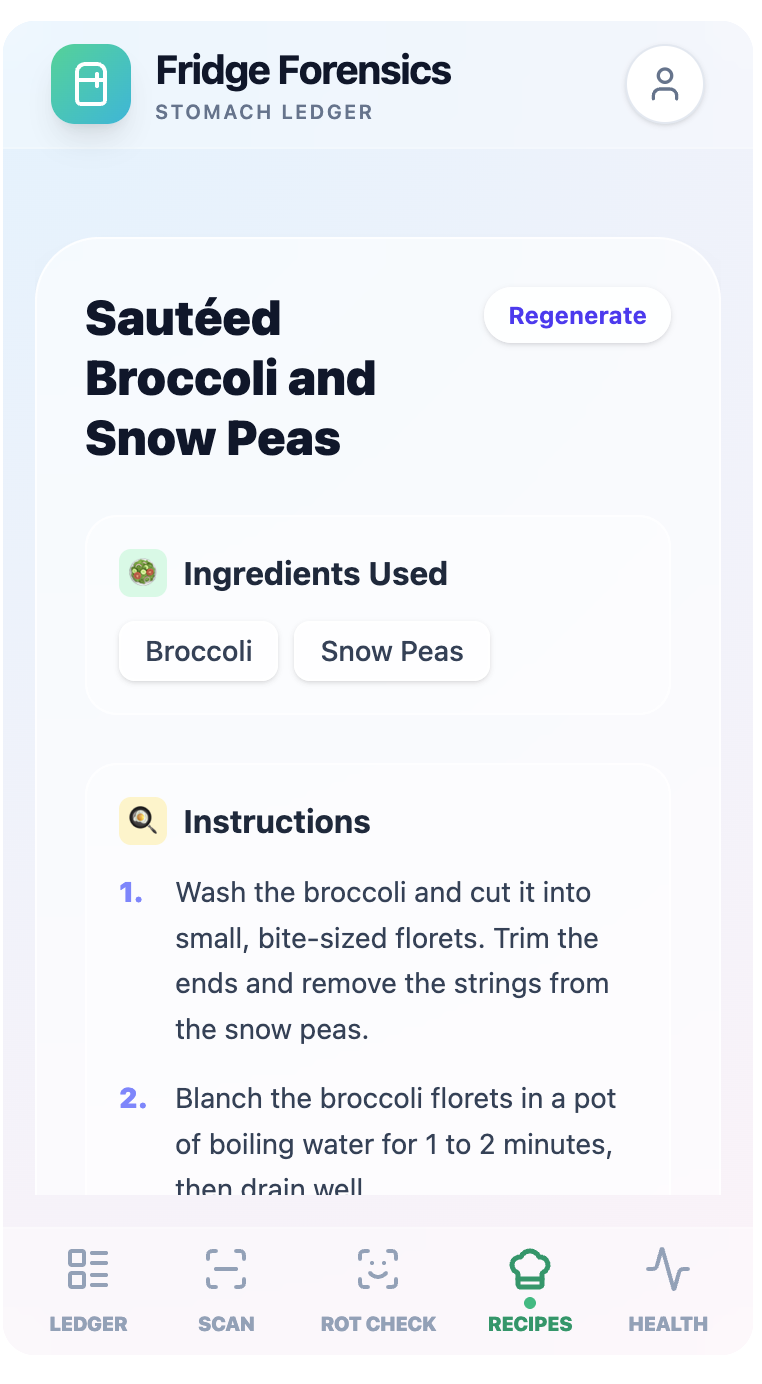
- Cook now — recipes from what you already have, with missing ingredients flagged
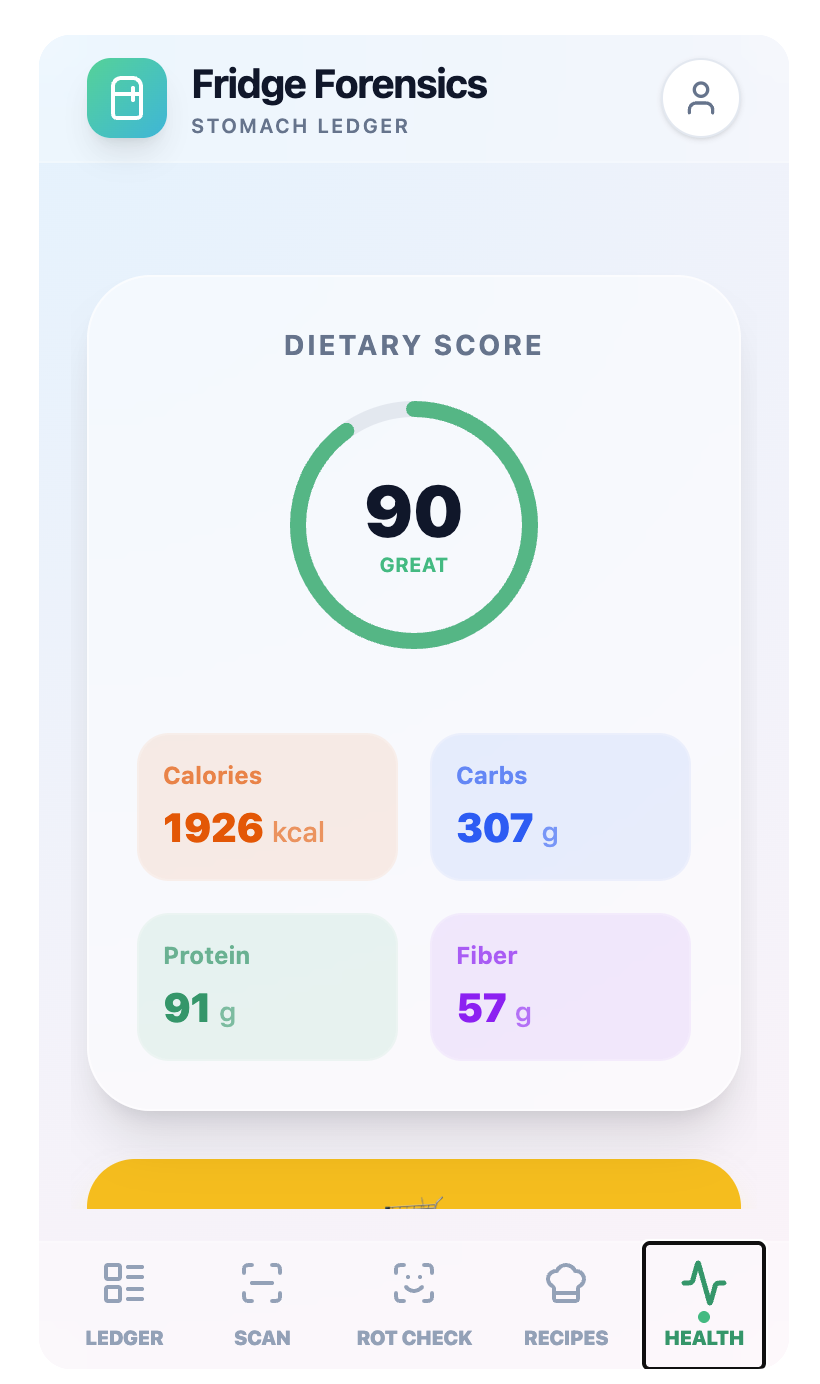
- How you're eating — a read on your dietary balance based on what's actually on the shelves
The last one is the part people don't expect. A recipe app tells you what to make tonight; the habit read tells you something about the last month of grocery runs.
How we built it
Built in Google AI Studio with Gemini's vision model. A single call handles identification and reasoning together, returning structured JSON that the interface renders into sections.
We kept one data shape shared across every feature, so the recipes, spoilage ranking, and dietary read all come from one pass over one image rather than separate round trips. That let the interface get built against sample data while the prompt was still being tuned, with nobody waiting on anybody.
Challenges we ran into
Getting structured output reliably. Vision models return excellent reasoning wrapped in formatting you didn't ask for — markdown fences, a friendly preamble — and parsing breaks. Tightening the prompt into a strict contract, then validating the shape before it reached the interface, was most of the work.
Deciding what a photo can honestly claim. An image can't tell you whether milk has turned. Early versions asserted things about spoilage they couldn't actually see. We moved to typical shelf life after opening, ranked by what degrades fastest — a prompt, not a verdict. Same principle for the dietary read: it describes patterns on your shelves, it doesn't diagnose anything.
Output that was technically correct but useless. The first working version returned everything it found, which meant a "use it first" list of a dozen items including eggs at three to five weeks. Ranking hard and cutting to the top few turned an inventory into a recommendation.
What we learned
Agree on the data shape before splitting up the work. Nearly every problem we hit came from two pieces of code disagreeing about what they were passing each other, and fixing that with one shared contract was the highest-leverage half hour of the day.
We also learned that scoping a claim carefully makes a feature stronger, not weaker. Saying "typical shelf life" instead of "this is spoiled" is a smaller promise and a far more defensible one.
What's next for SmartFridge
Editable detections for when the model misses something behind a jar, multi-photo support for the door and crisper, and tracking dietary patterns over time instead of a single snapshot.
Built With
- gemini
- google-ai-studio

