-
-
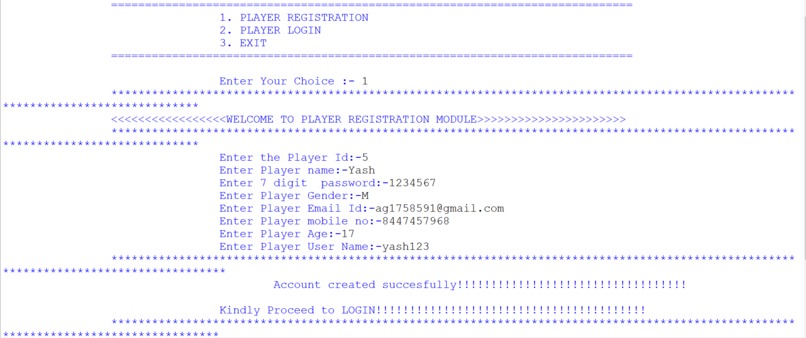
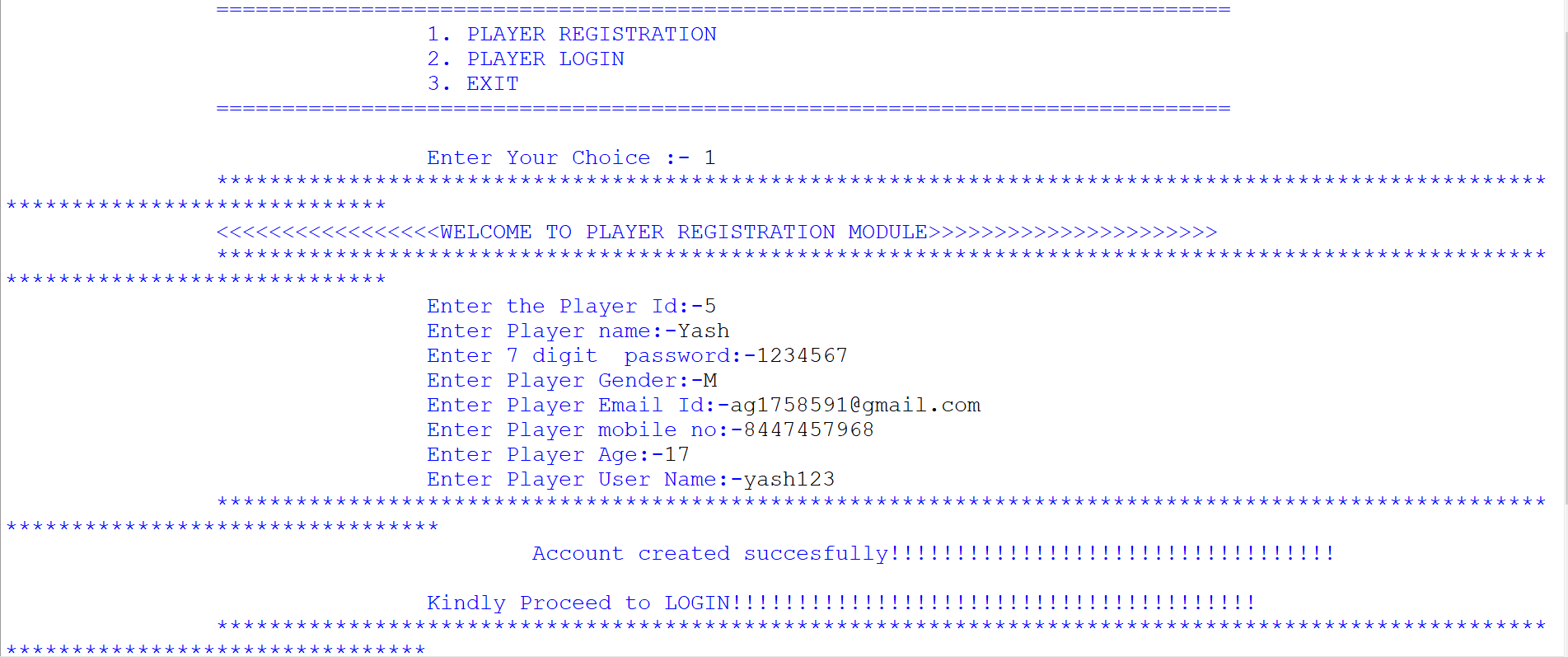
1.) PLAYER REGISTRATION SUB-MODULE
-
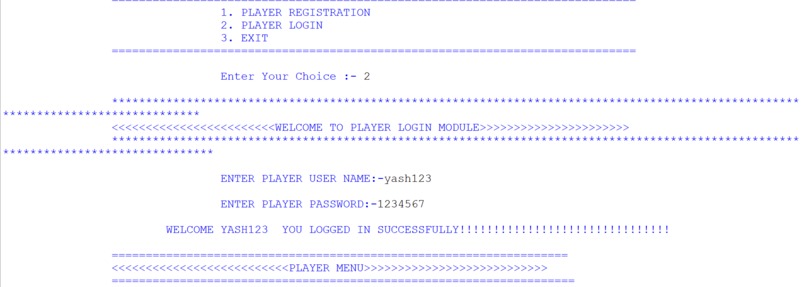
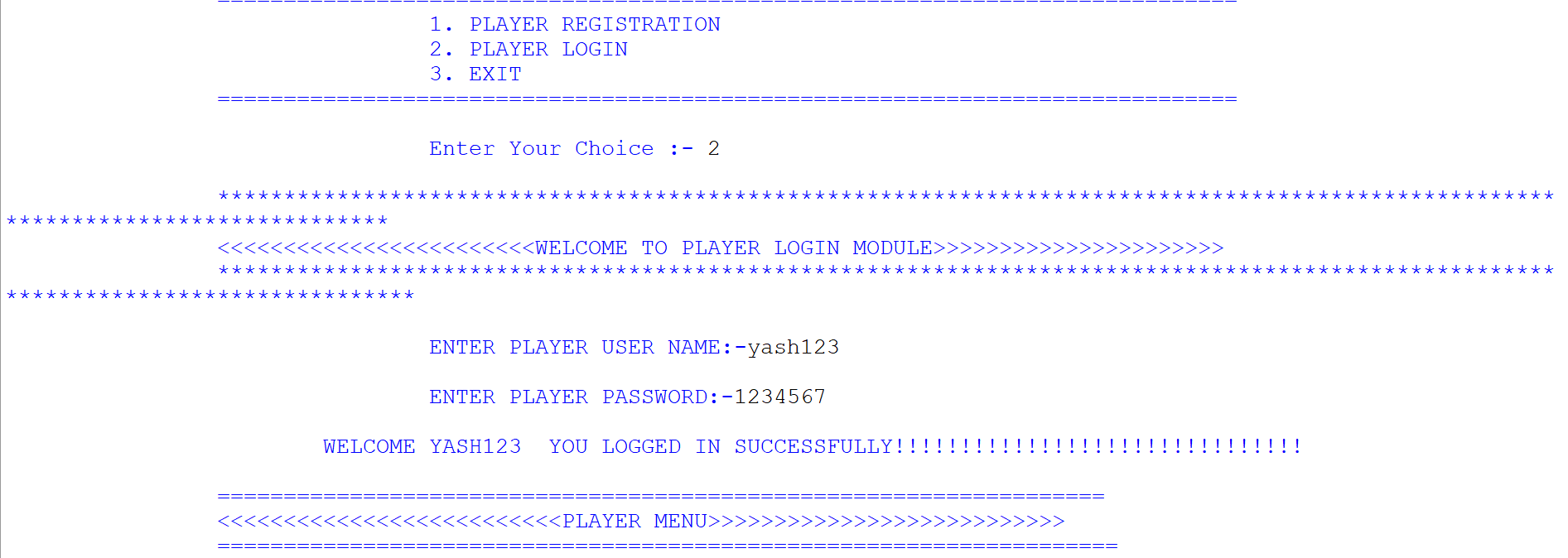
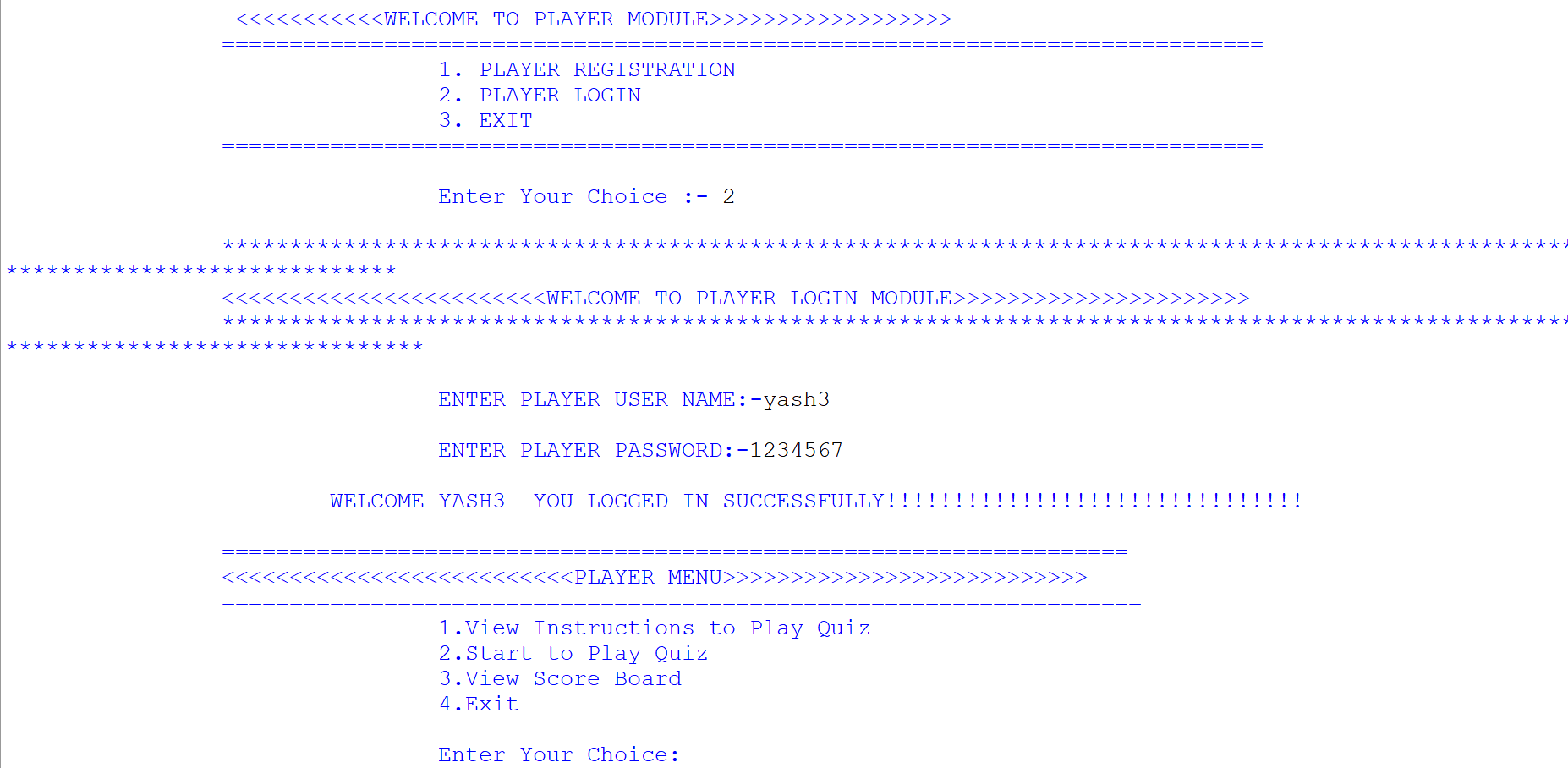
2.) PLAYER LOGIN SUB-MODULE
-
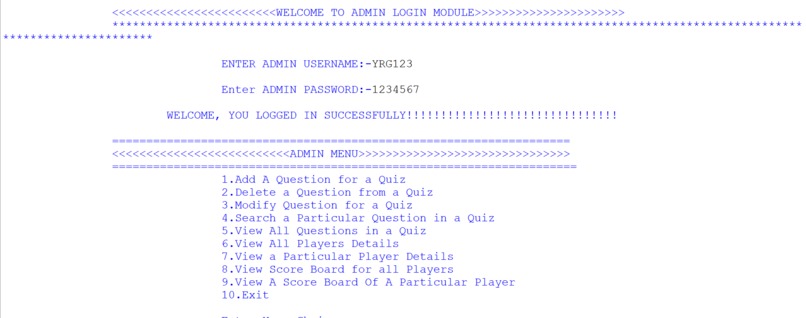
3.) ADMIN LOGIN SUB-MODULE
-
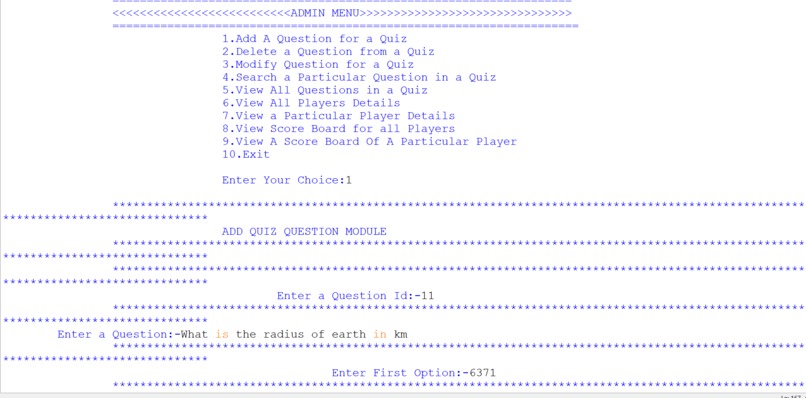
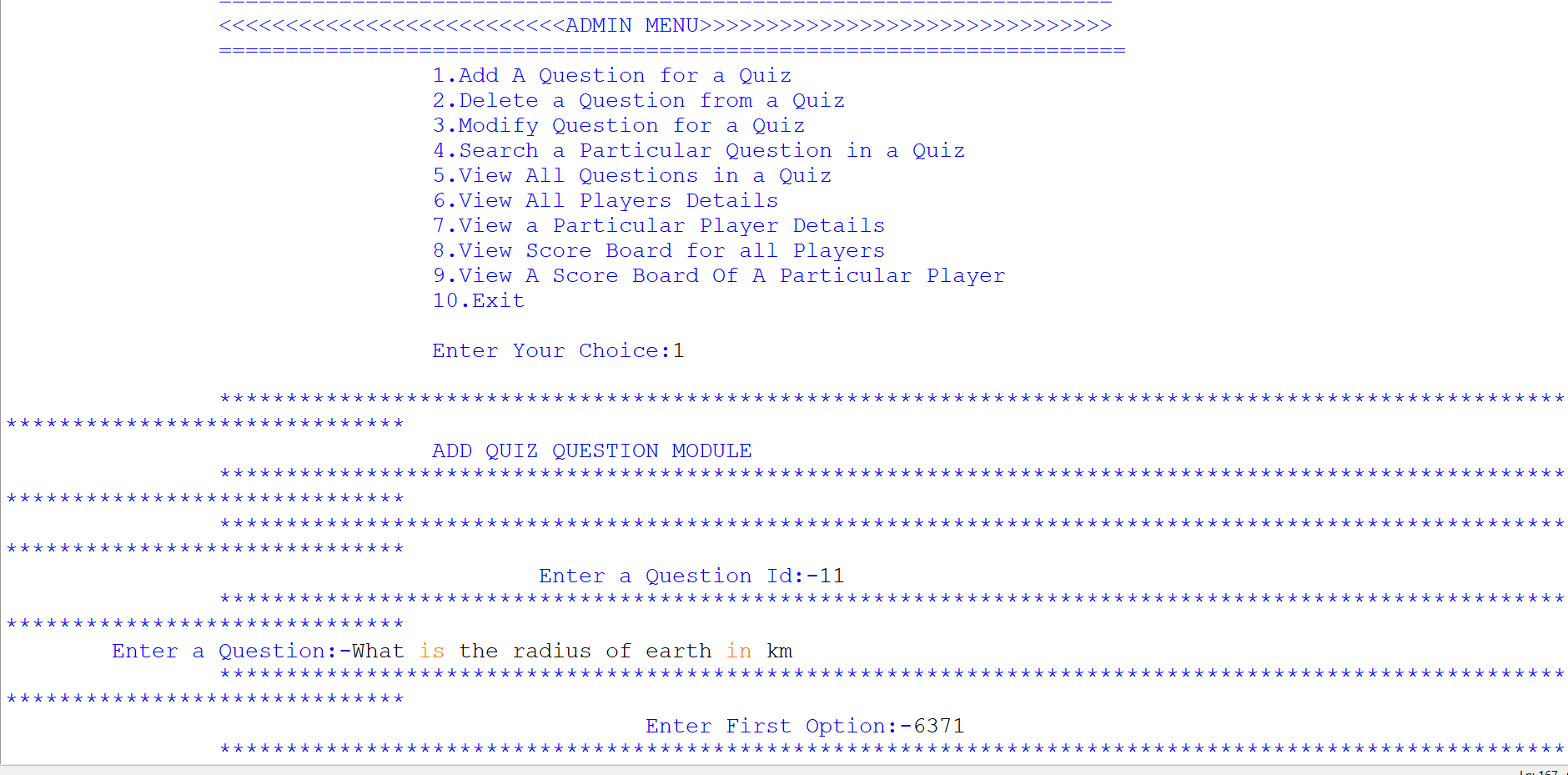
4.1) ADD QUESTION SUB-SUB-MODULE
-
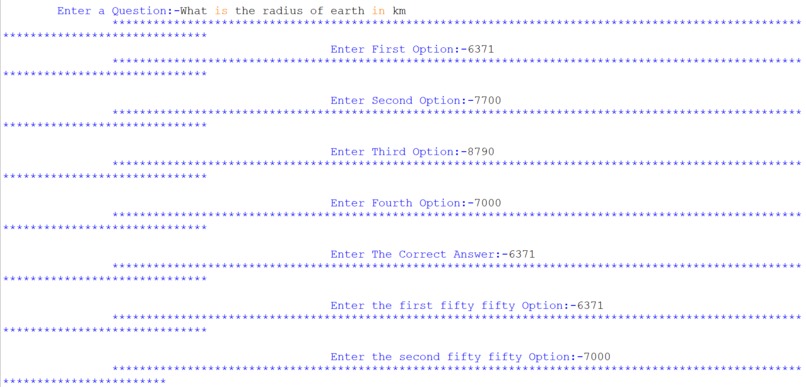
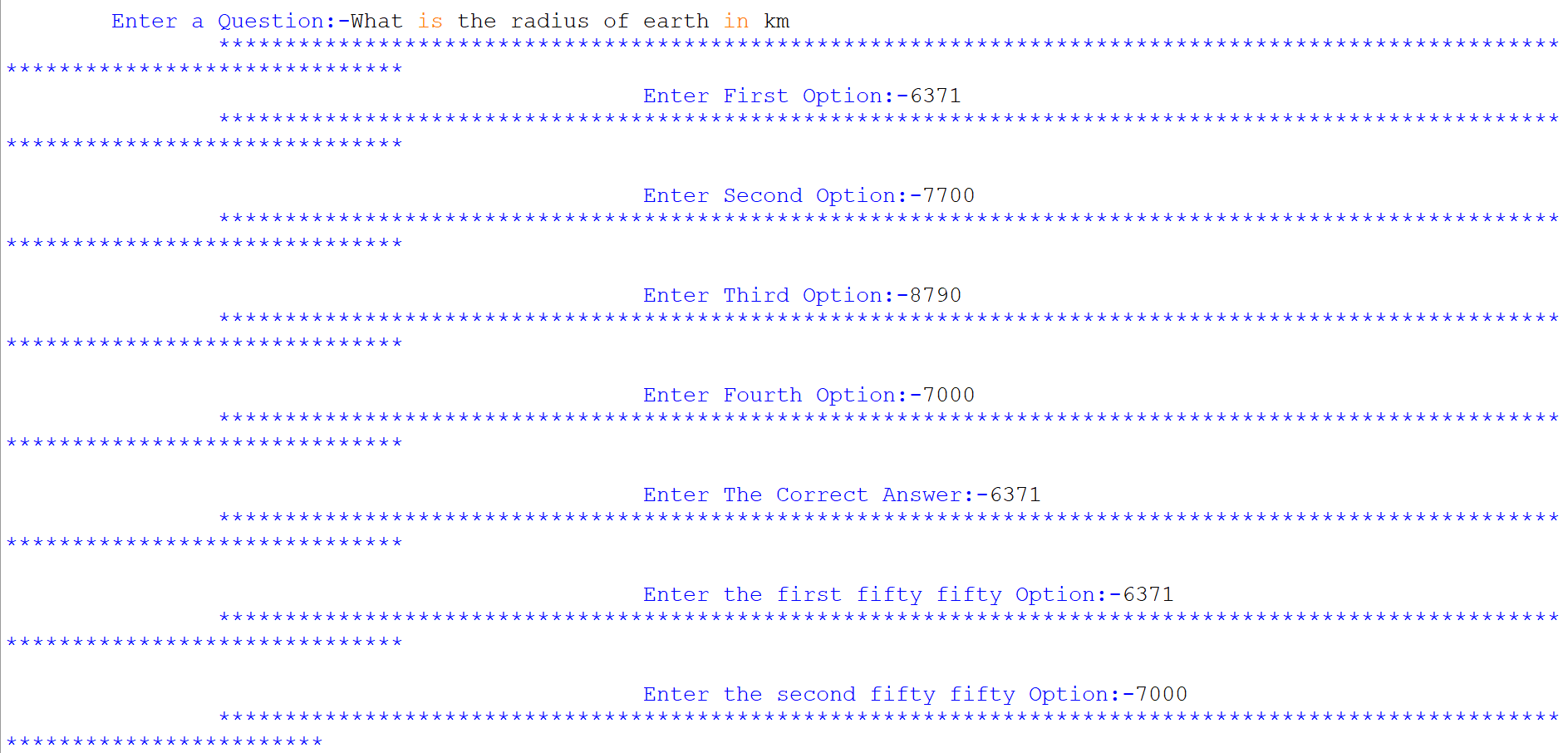
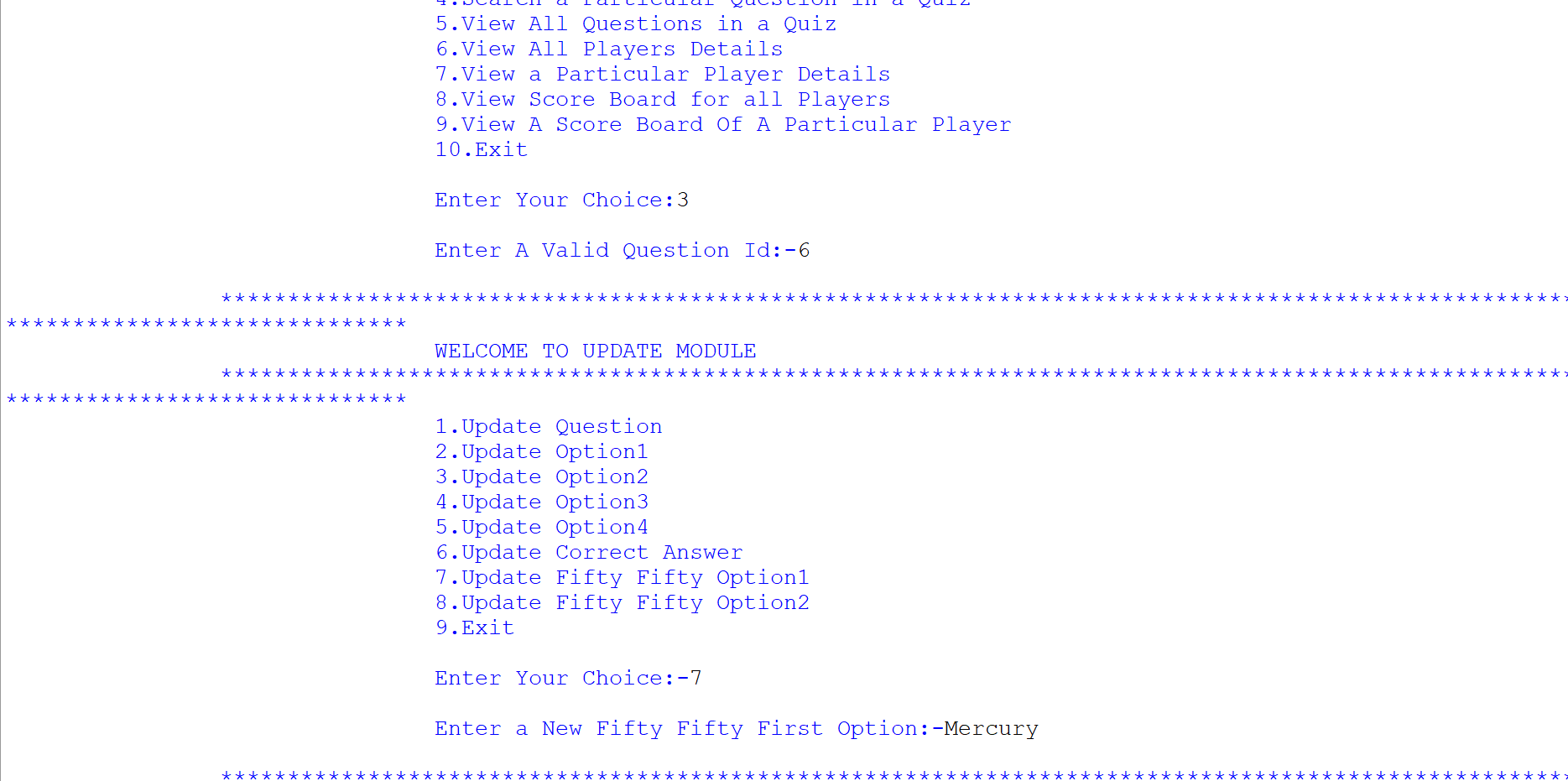
4.2) ADD QUESTION SUB-SUB-MODULE
-
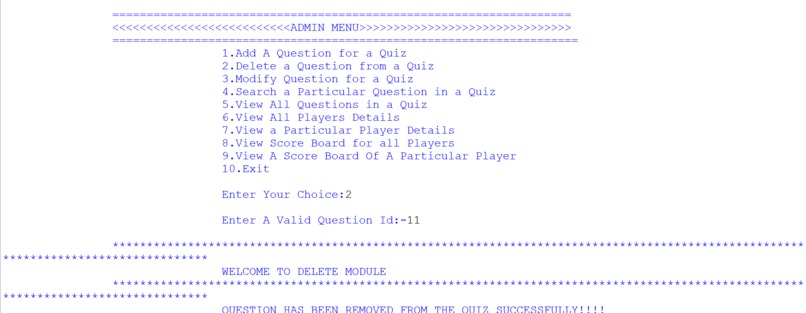
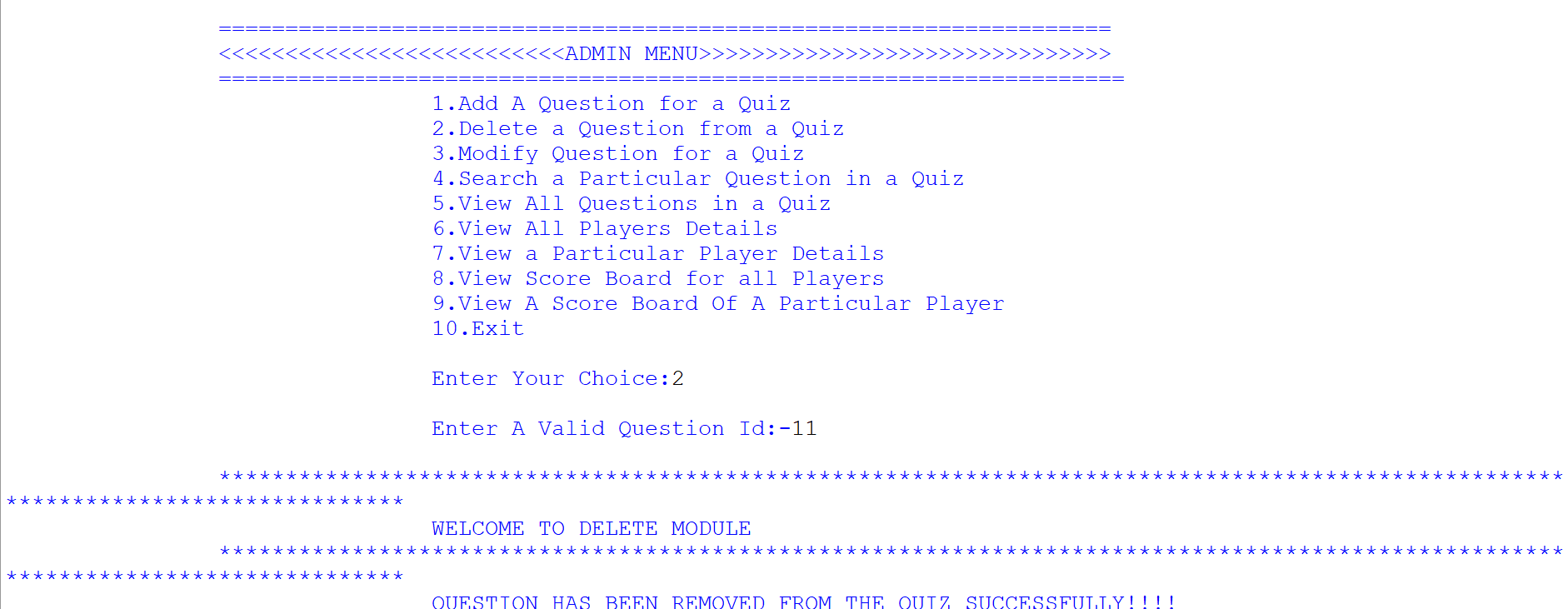
5.) DELETE QUESTION SUB-SUB-MODULE
-
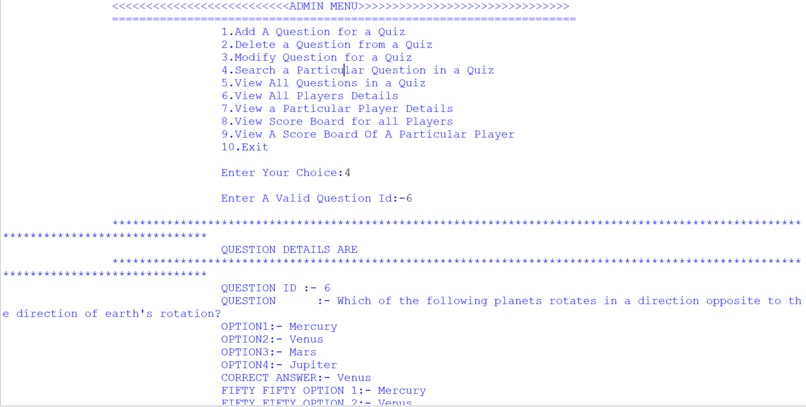
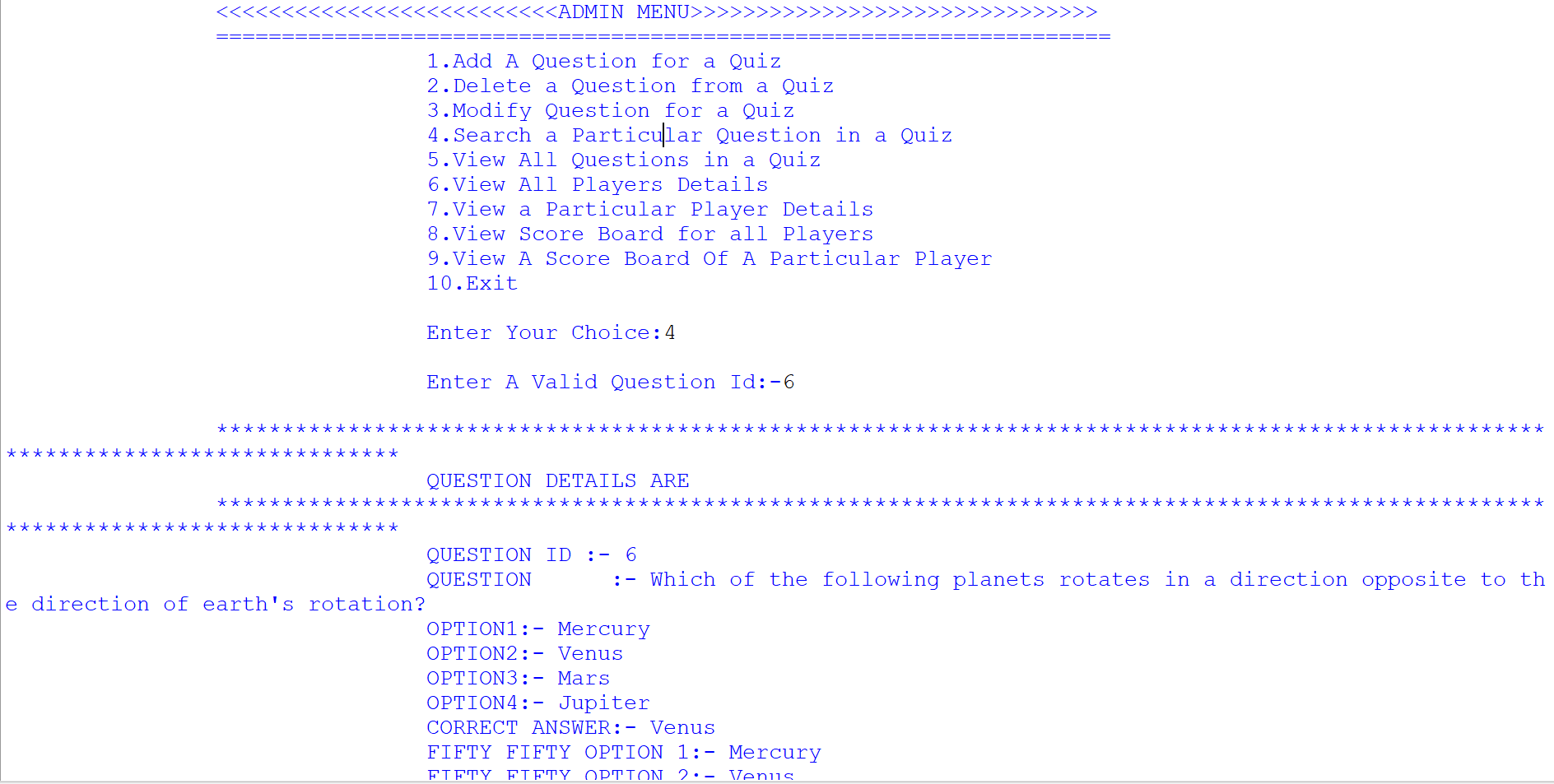
6.) VIEW PARTICULAR QUESTION SUB-SUB-MODULE
-
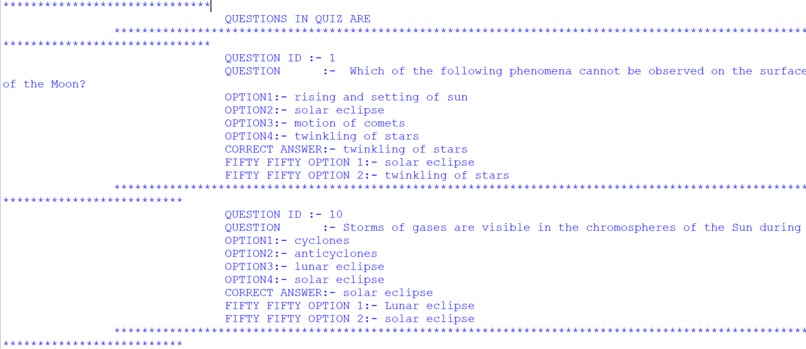
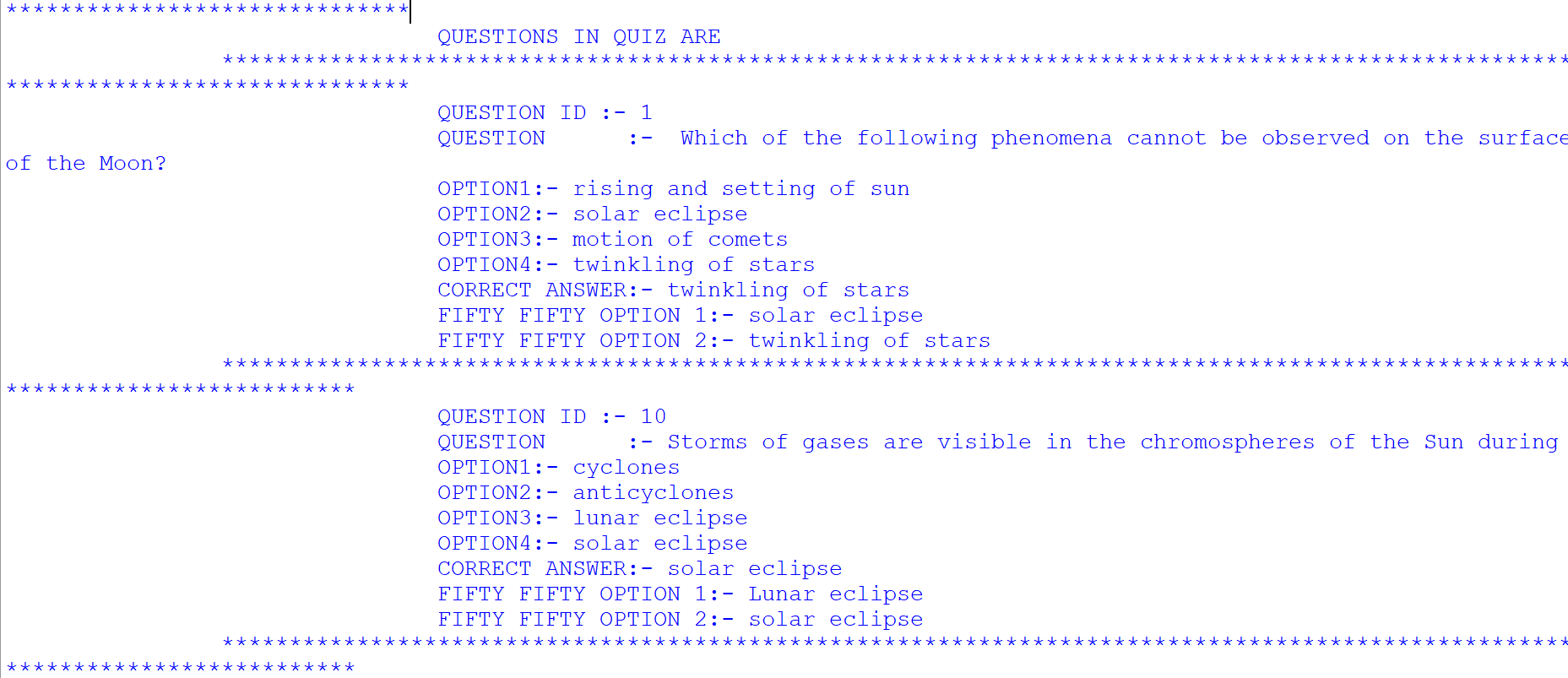
7.) VIEW ALL QUESTIONS SUB-SUB-MODULE
-
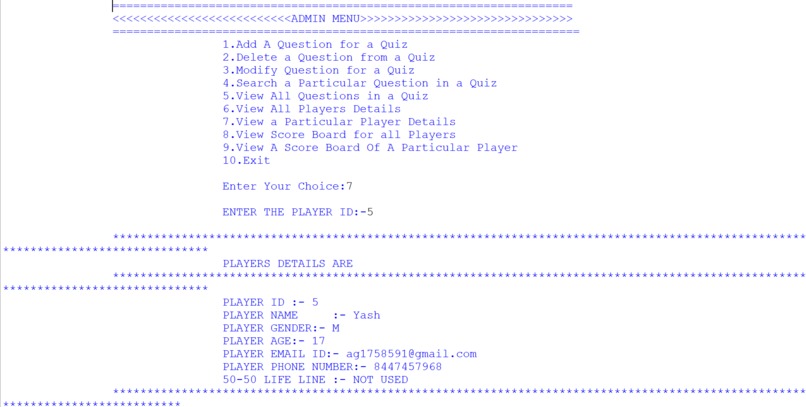
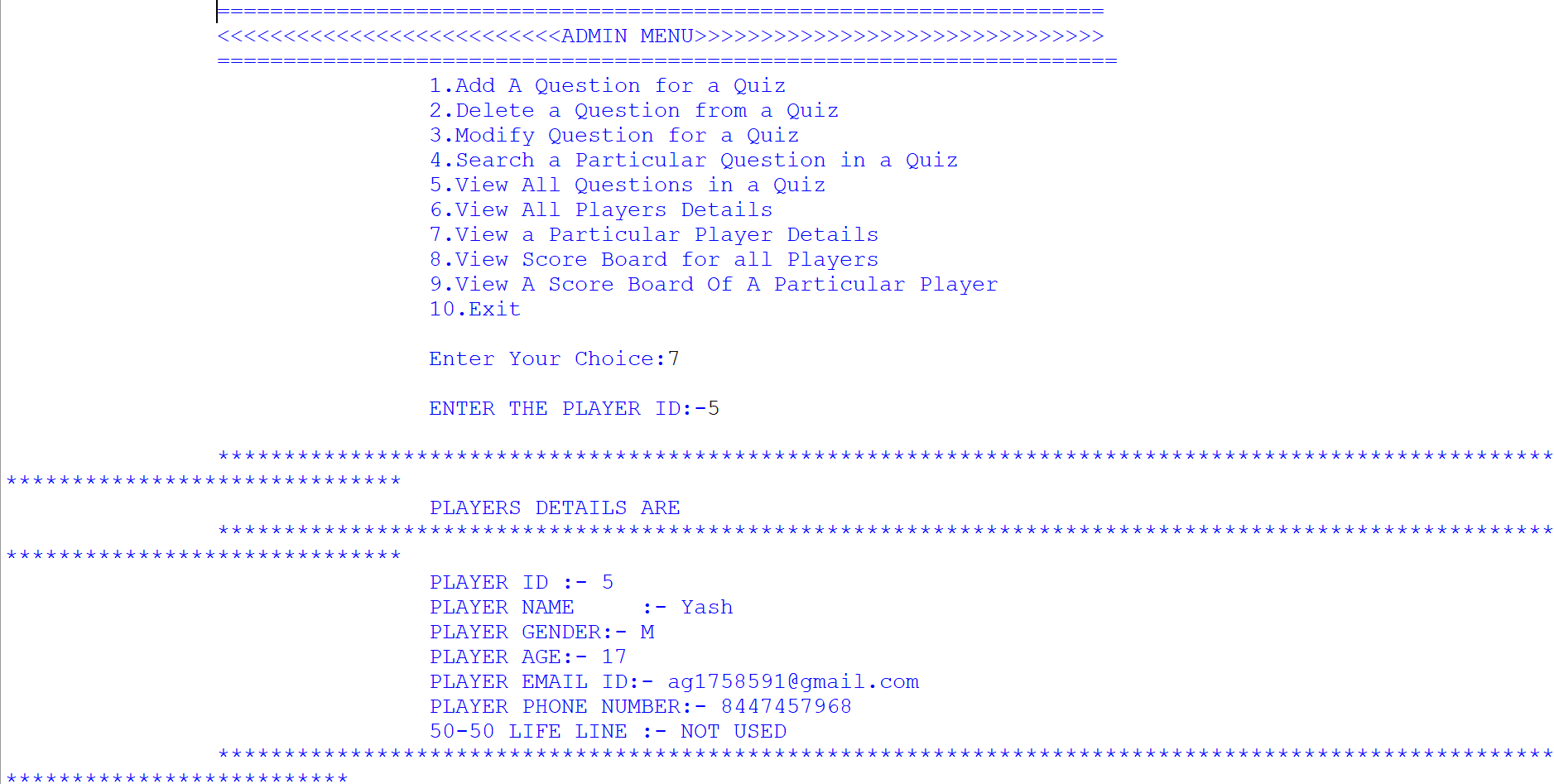
8.) VIEW PARTICULAR PLAYER DETAIL SUB-SUB-MODULE
-
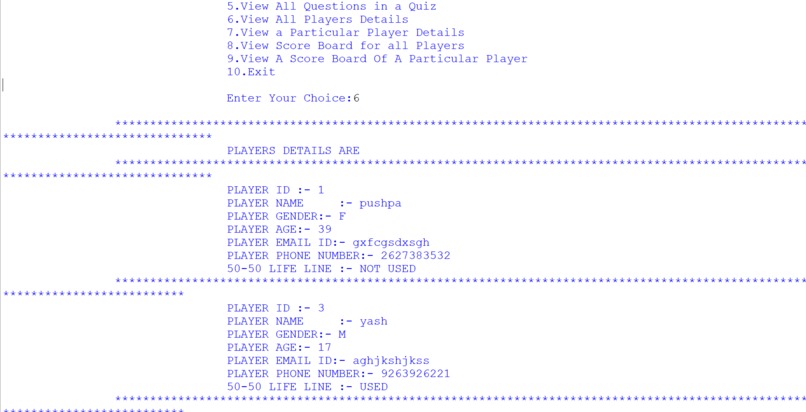
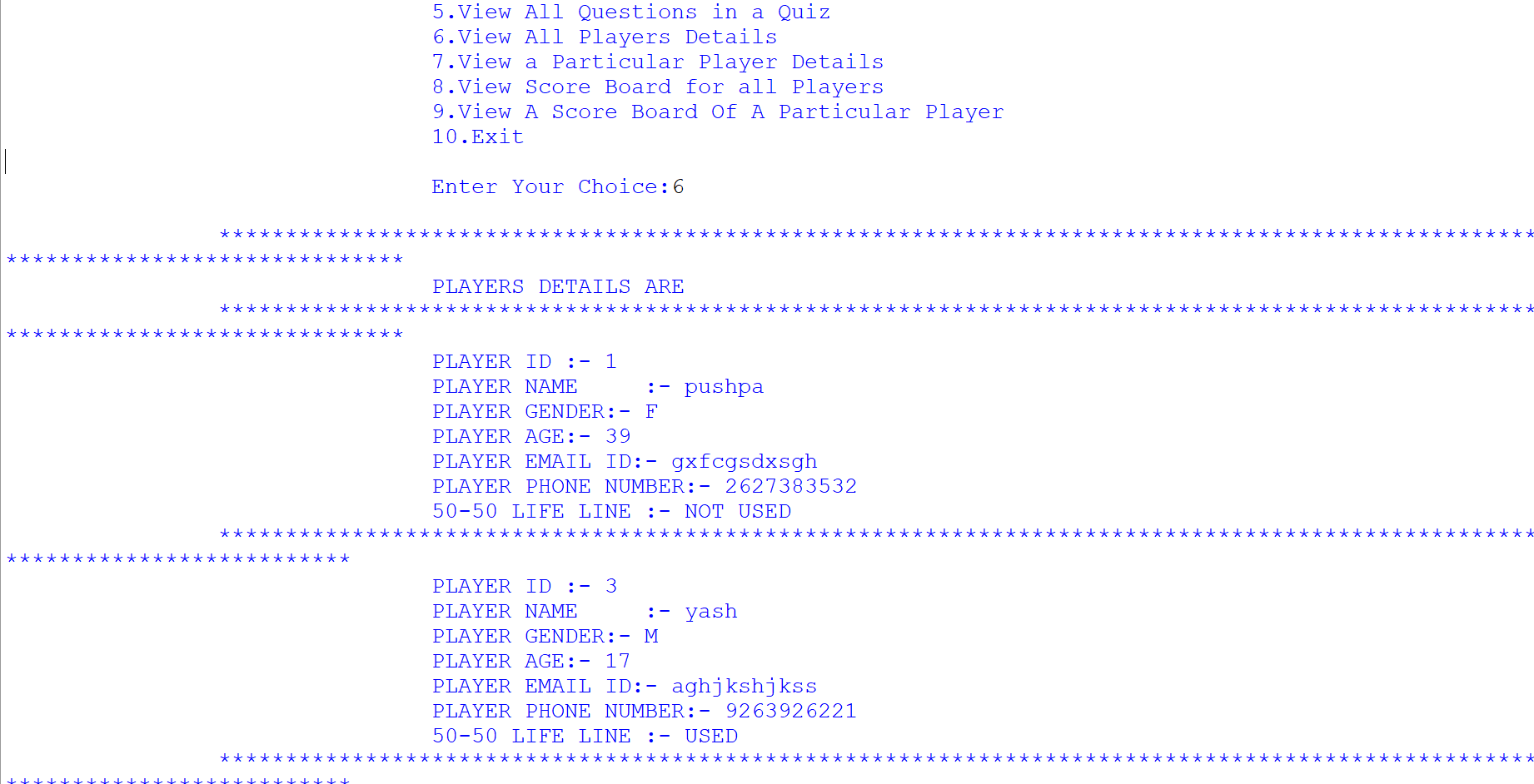
9.) VIEW ALL PLAYER DETAILS SUB-SUB-MODULE
-
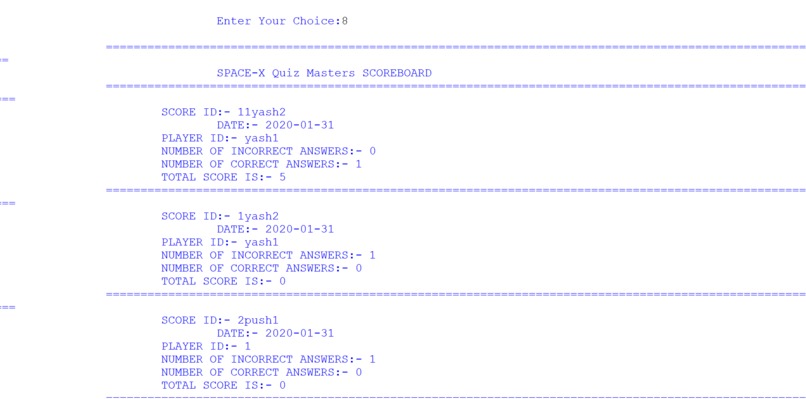
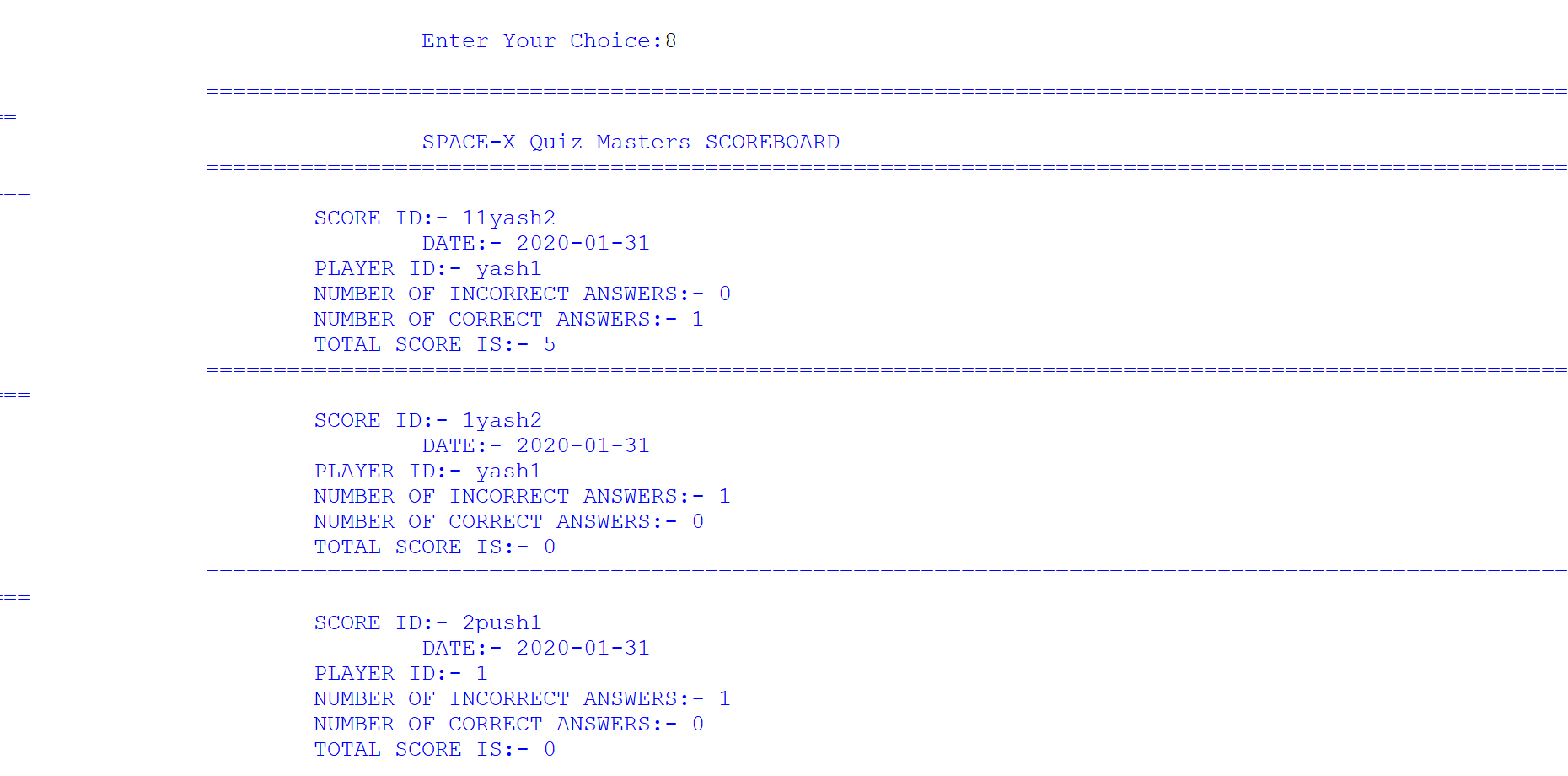
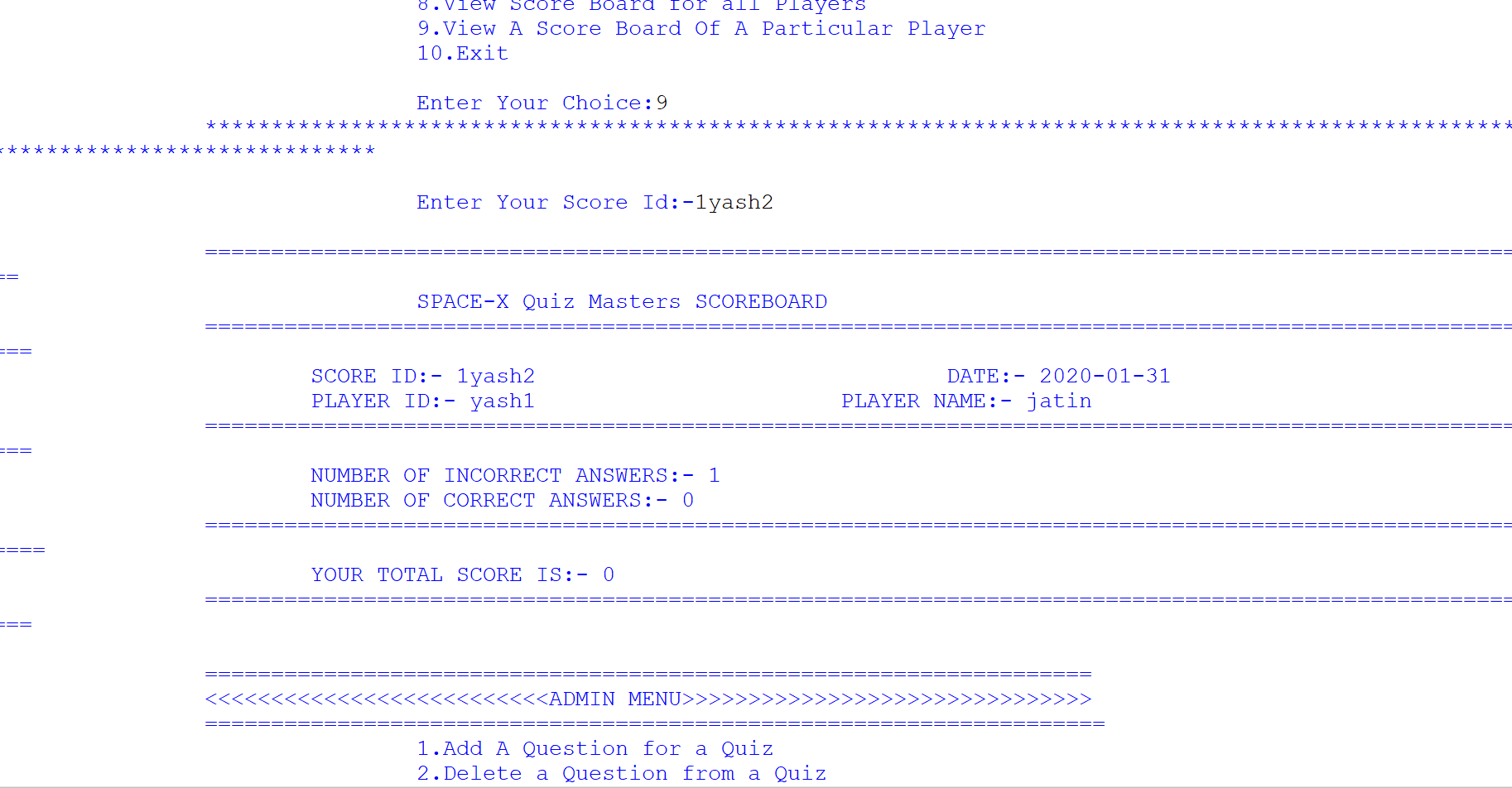
11.) ALL PLAYER SCOREBOARD SUB-SUB-MODULE
-
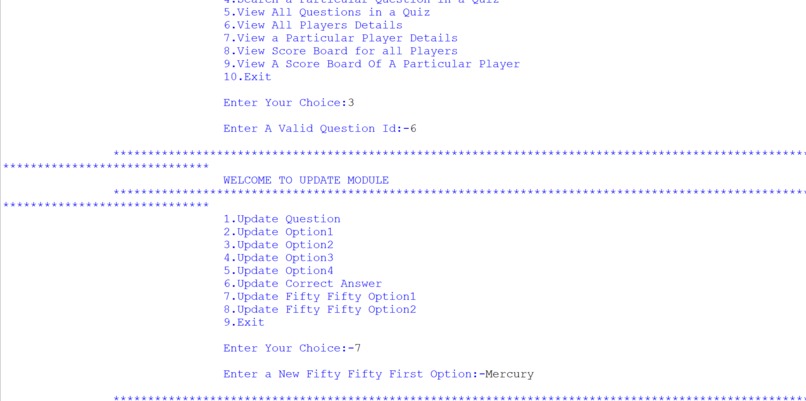
10.) MODIFY QUESTION SUB-SUB-MODULE
-
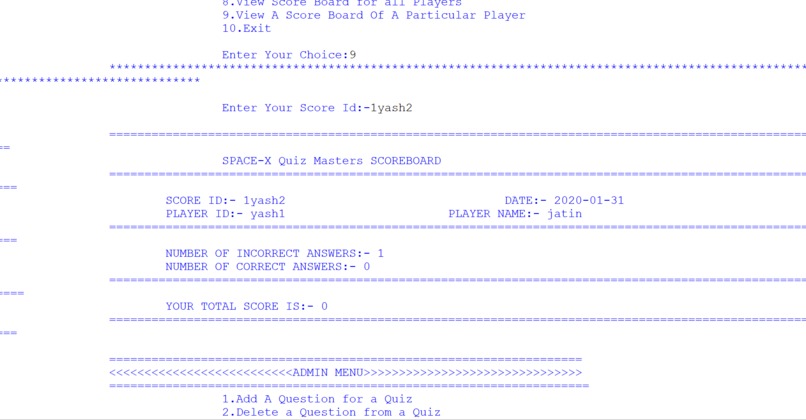
12.) VIEW A PARTICULAR SCORECARD SUB-SUB-MODULE
-
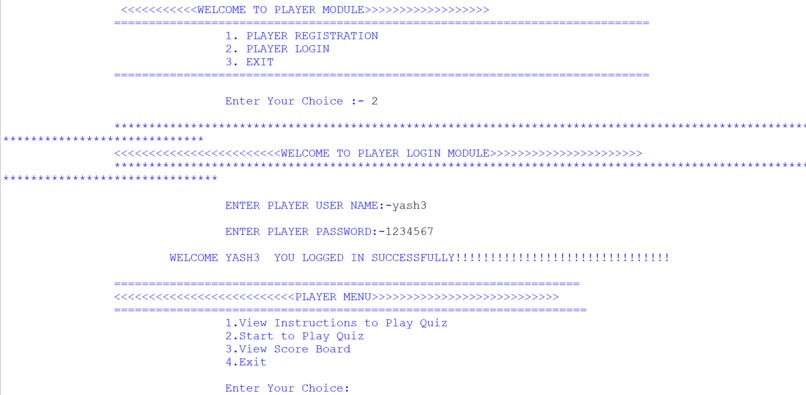
13.) PLAYER LOGIN SUB-MODULE
-
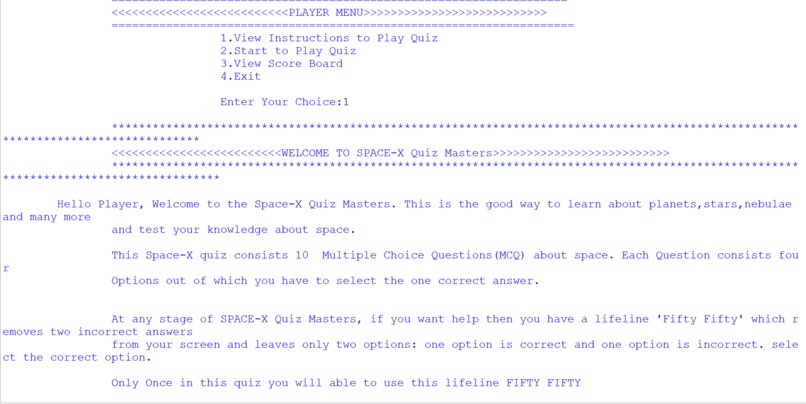
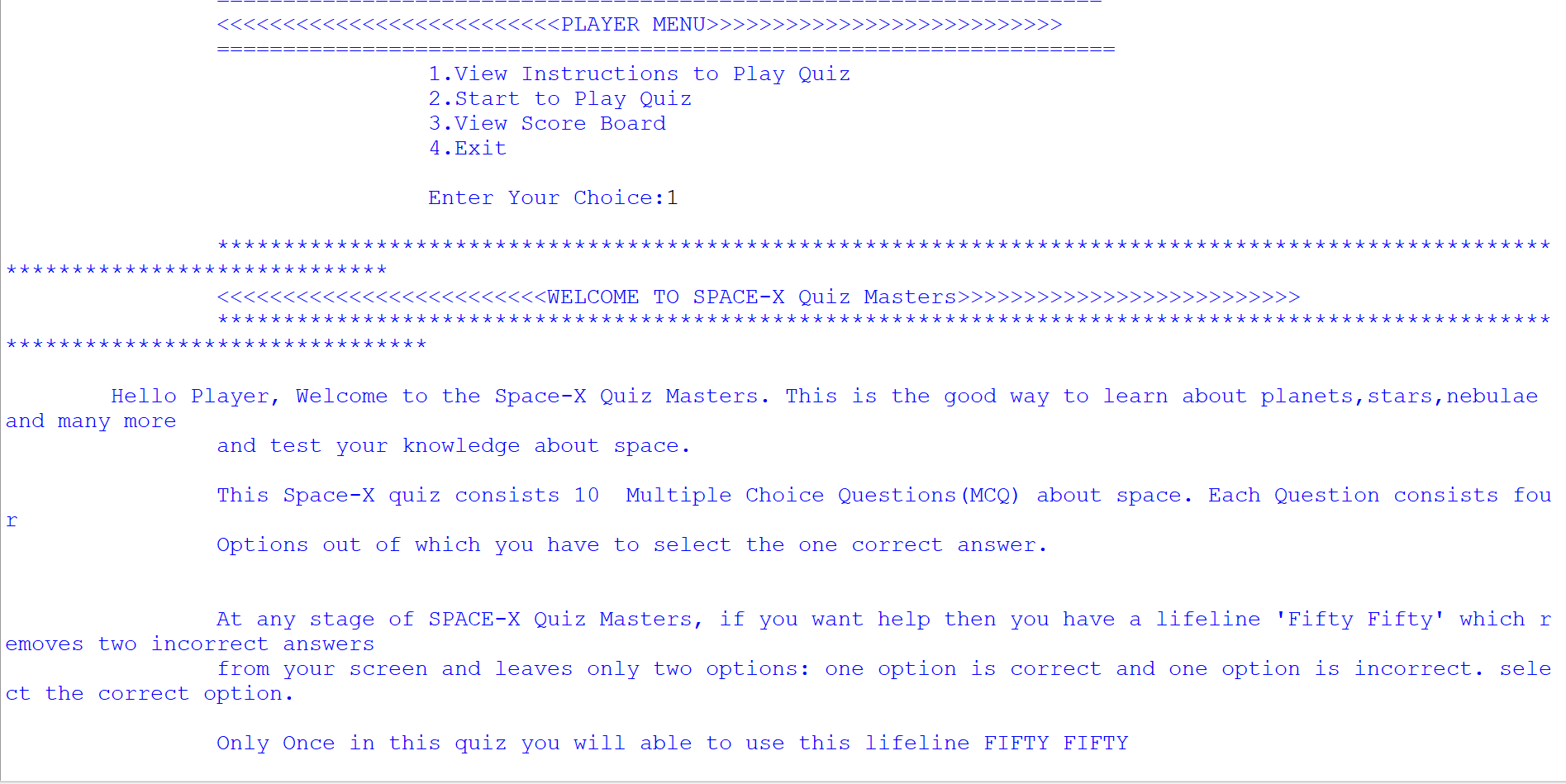
14.) VIEW INSTRUCTIONS SUB-SUB-MODULE
-
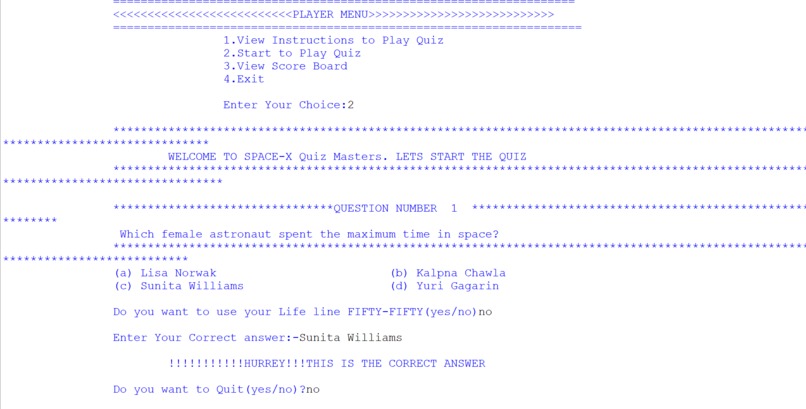
15.1) PLAY QUIZ SUB-SUB-MODULE
-
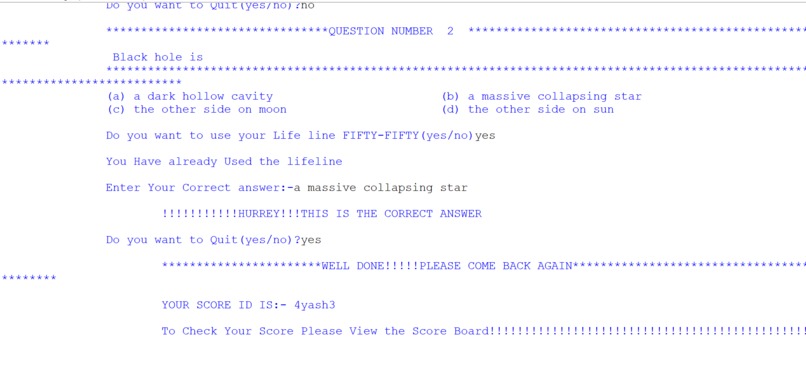
15.2)PLAY QUIZ SUB-SUB-MODULE
-
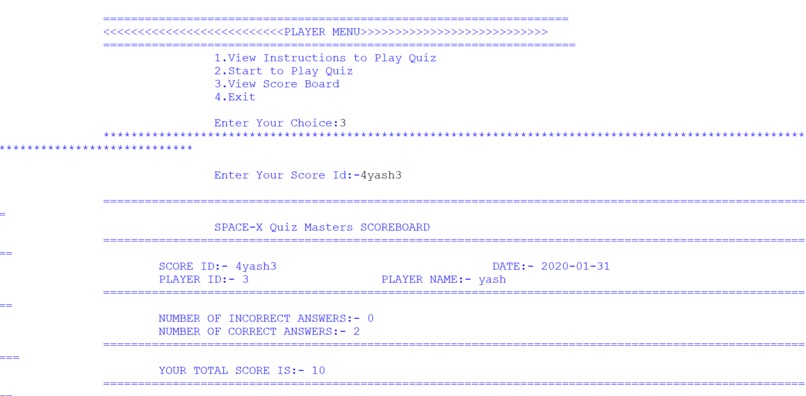
16) PLAYER SCORECARD SUB-SUB-MODULE
-
-
-
-

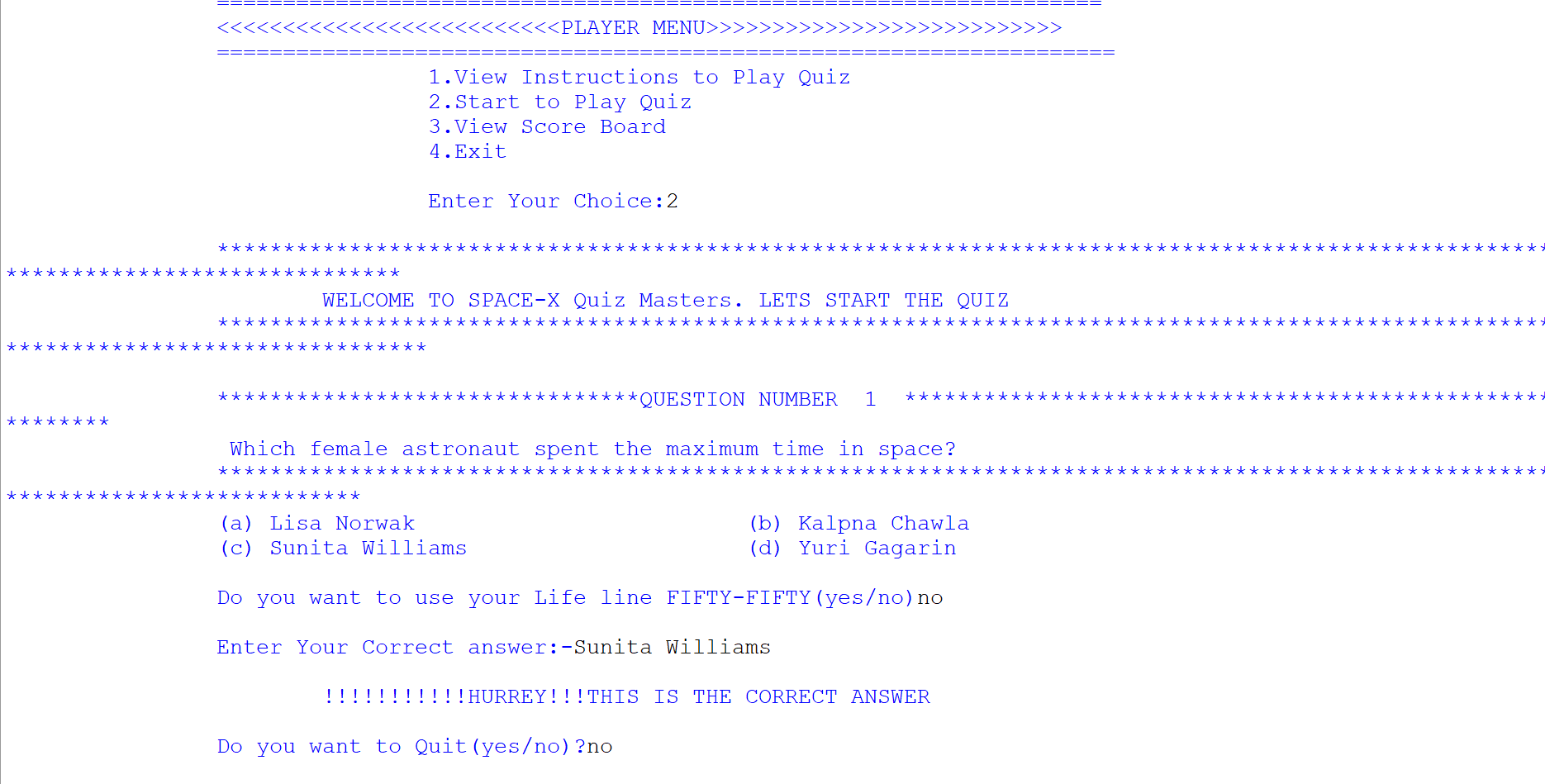
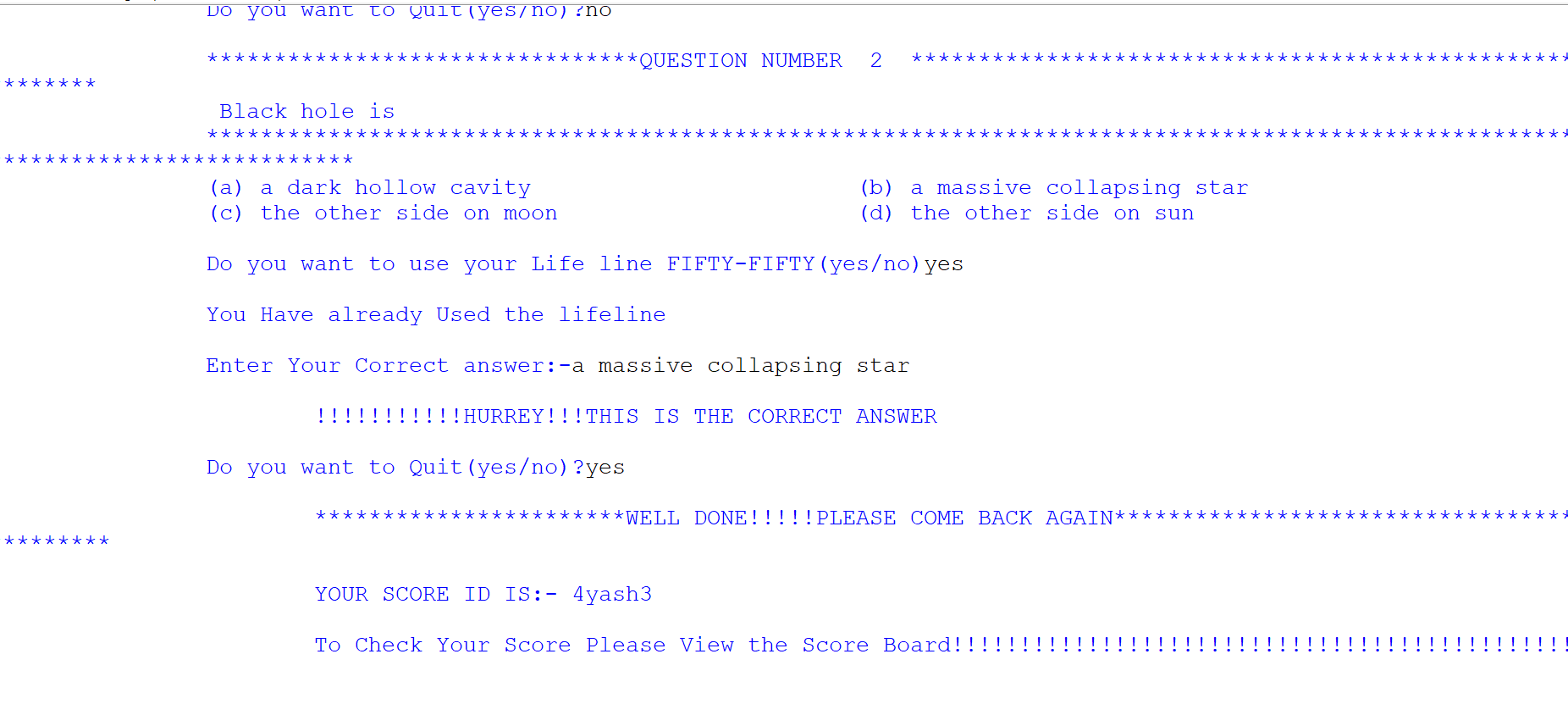



We have a deep interest in astronomy, space, and the universe. Computer, software and all these fascinates us a lot so we decided to make a project that covers the aspect of space. After discussion, we landed to make a quiz system that covers space-related topics.
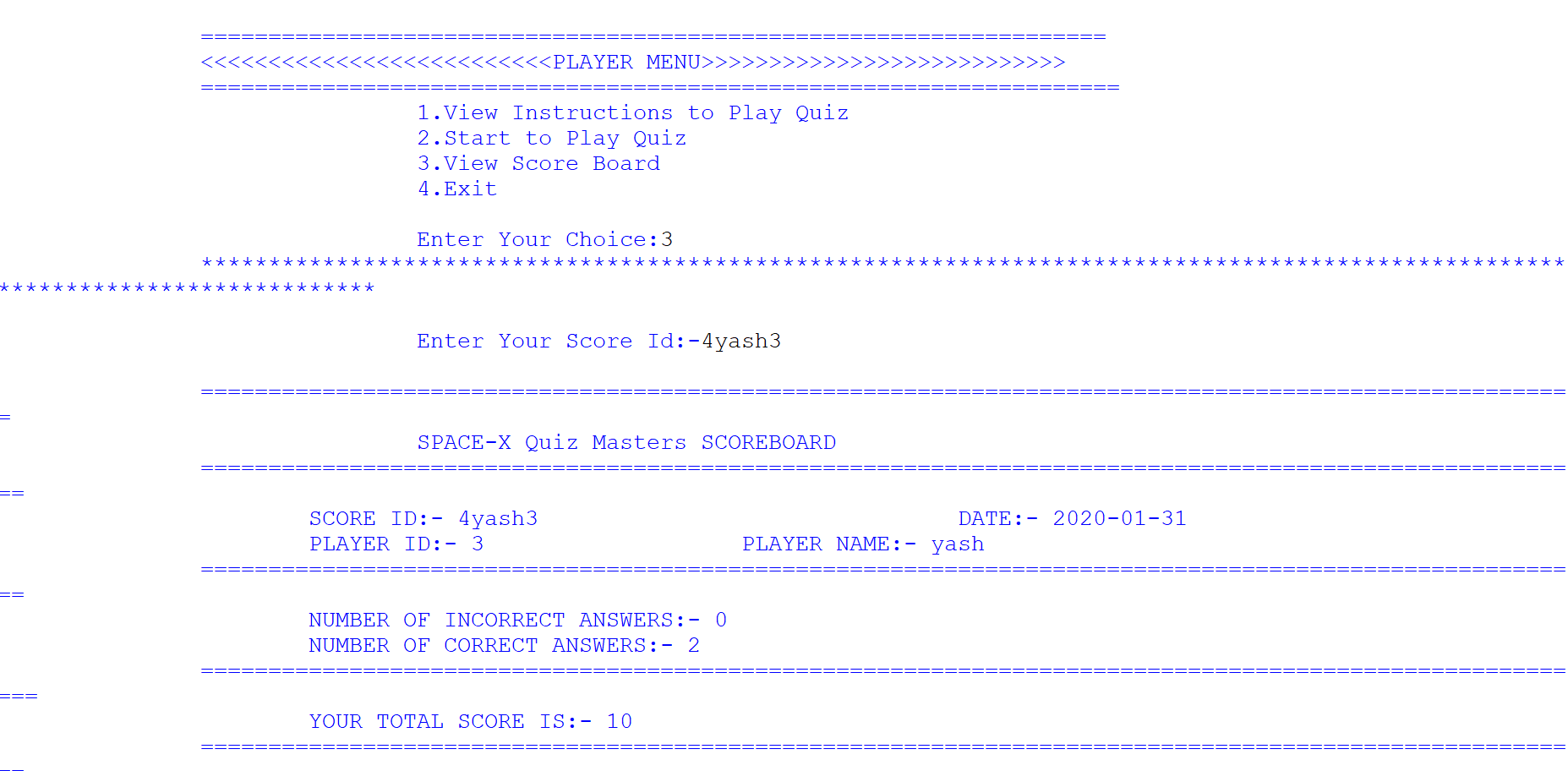
Space-X Quiz Management System is a python based project. It is made by using Python and MySQL. It is an integrated information system that tests your knowledge about space and takes you to a deep ocean of facts about space. Anyone can who has registered as a player can play the quiz. The player can answer 10 questions. He/she also gets a lifeline fifty_fifty which he/she can use once. This lifeline removes 2 incorrect options and leaves the person with 2 options one correct and the other incorrect. !REMEMBER you can use the lifeline only once. The Player also can get his scorecard after playing the quiz. Admin manages all the questions of the quiz, all player details, all scorecards, etc.
This quiz lets you explore the various facts about space.
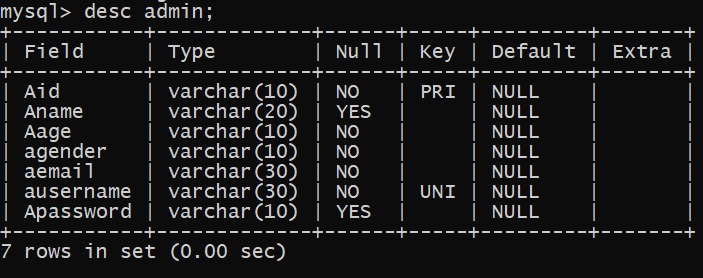
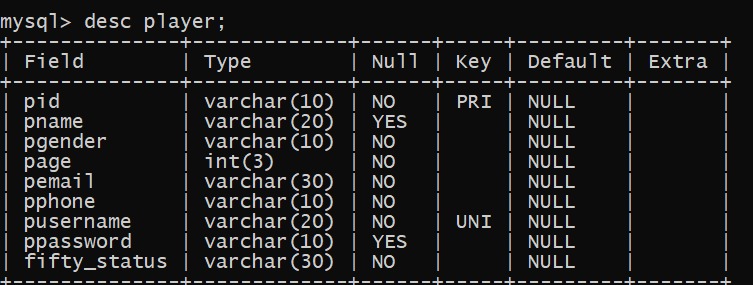
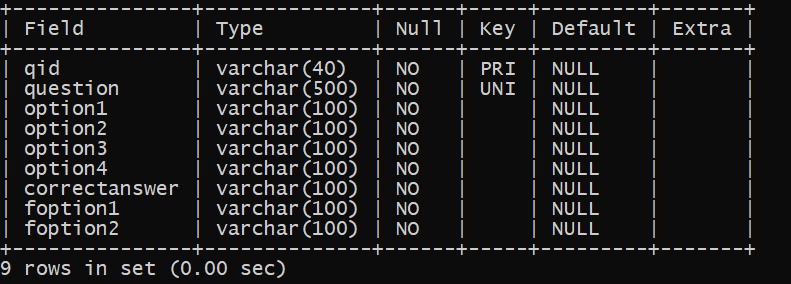
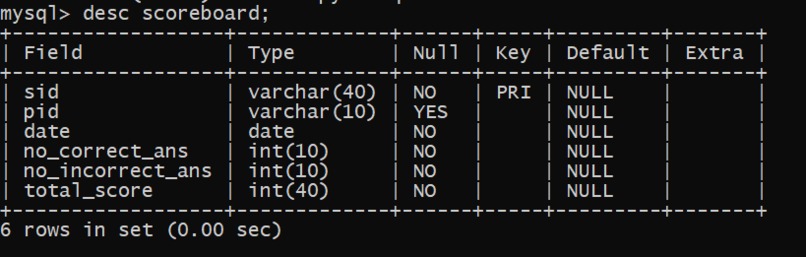
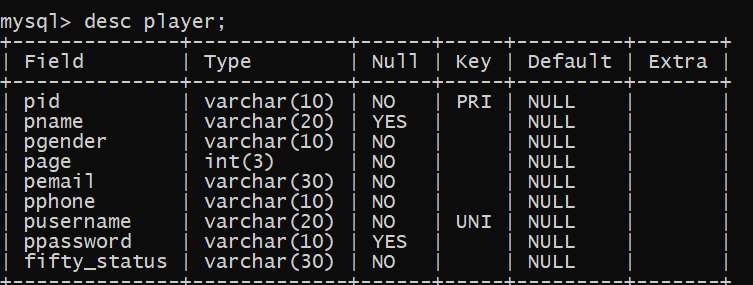
The project is made in python for the front end and Mysql for the back end which maintains all the databases. We have made two modules admin and player. Details of the modules are given below.
*MODULES MADE FOR PROJECT 1.) ADMIN MODULE 2.) PLAYER MODULE SUB-MODULES MADE 1.) Administrator module has sub-modules : 1.1) Registration sub-module 1.2) Login sub-module (It has sub-modules) 1.2.1) Add question 1.2.2) Delete question 1.2.3) Modify question 1.2.4) Search particular question 1.2.5) View all questions 1.2.6) View all player details 1.2.7) View particular player details 1.2.8) View all player scorecard 1.2.9) View a particular player scoreboard 2.) Player module has sub-modules: 2.1) Registration sub-module 2.2) Login sub-module (It has sub-modules) 2.2.1) View instructions 2.2.2) Play quiz 2.2.3) View scorecard *


Log in or sign up for Devpost to join the conversation.