-
-
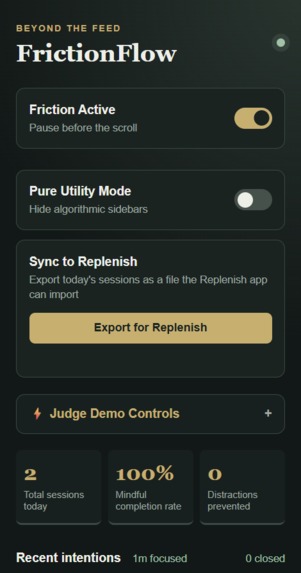
Friction Flow Extension
-
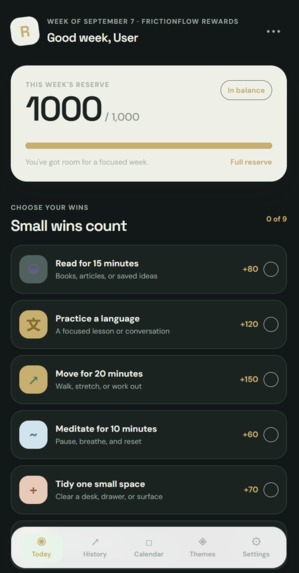
Home Page of Replenish App
Inspiration
Modern social platforms treat human attention as a resource to mine. Infinite scrolling, variable reward feeds, and algorithmic recommendations deliberately strip away natural stopping cues, turning a two-minute reference check into an hour-long loop of passive consumption. We built FrictionFlow for HackWesTX’s theme, "Beyond the Feed," to shift browsing from coercive, algorithmic design back to intentional human agency. Instead of building rigid site blockers that people disable out of frustration, we introduced purposeful friction paired with Replenish, an Electron desktop companion that rewards focus with spendable credits.
What it does
FrictionFlow and Replenish create a complete, closed-loop system for mindful web use:
- Intent Gating: Opening YouTube, Reddit, X, or Instagram immediately locks the viewport behind an intention modal, requiring users to declare their specific task and select a time budget before the feed unlocks.
- Feed Speed Bumps: Scrolling past three viewport heights halts downward momentum, presenting a mandatory five-second breathing pause to break automatic scrolling behavior.
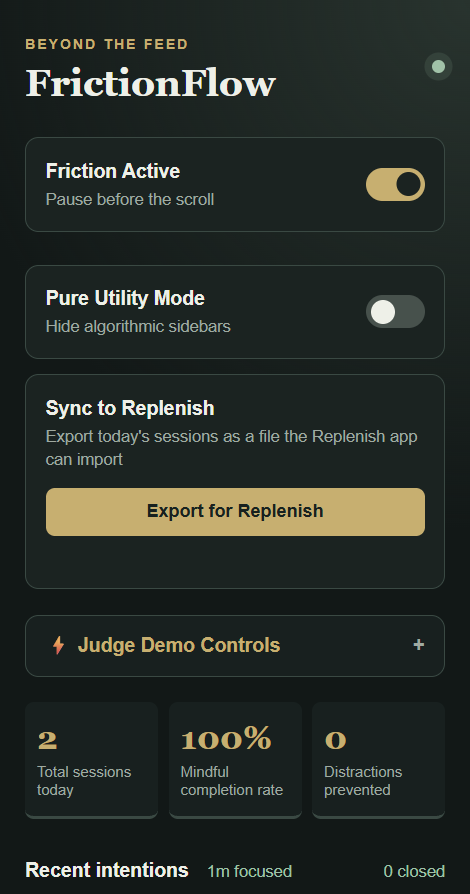
- Pure Utility Mode: A single toggle scrubs away recommendation sidebars, trending lists, and suggested video grids on YouTube, Reddit, and X, turning loud platforms into clean search utilities.
- Intent Drift Sentinel: A client-side heuristic engine compares visible on-page content against the stated intent, surfacing a non-intrusive warning pill if browsing drifts away from the original goal.
- Escalating Session Reflections: When the budget expires, the page locks for an exit review. Repeated distractions trigger escalating friction with progressively shorter extension allowances.
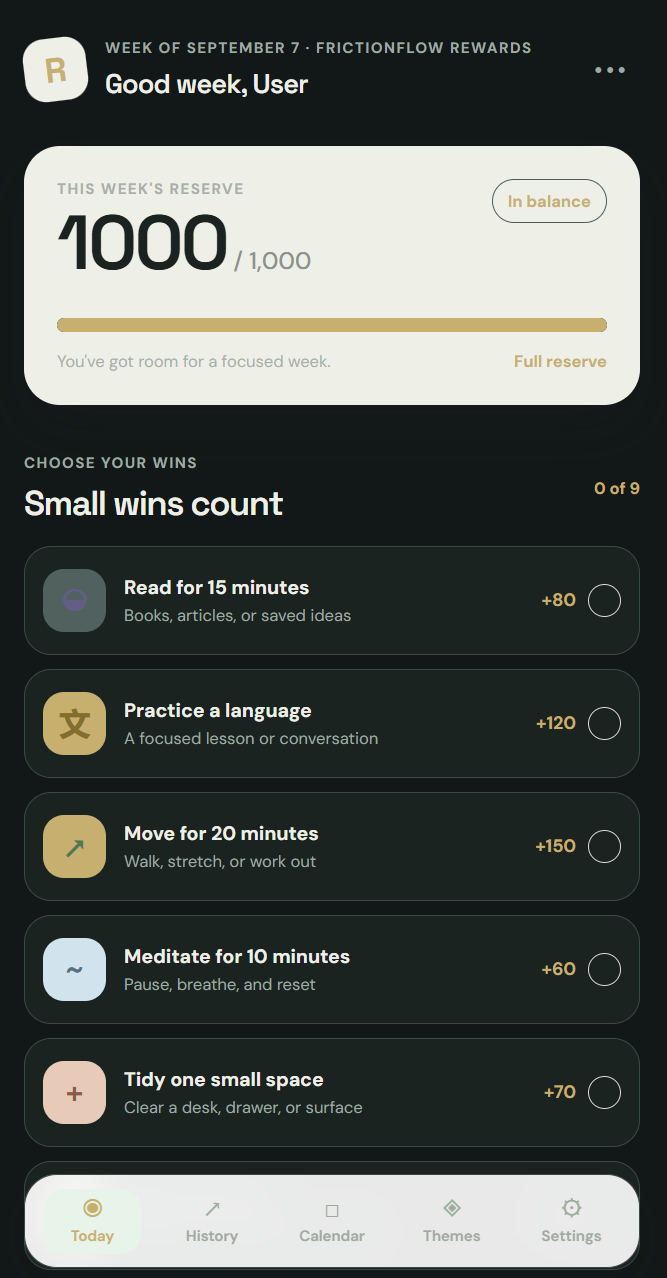
- Replenish Desktop Companion: An Electron application that takes logged outcomes and converts completed sessions and caught distractions into spendable focus credits for breaks or custom real-world rewards.
How we built it
- FrictionFlow (Chrome Extension): Developed with vanilla JavaScript, HTML5, CSS3, and Manifest V3. Modals and overlays are rendered inside an open Shadow DOM to isolate styles from the host page. Persistent background timing, daily reset quotas, and metrics use the
chrome.alarmsandchrome.storage.localAPIs. - Replenish (Companion App): Built using Electron and Node.js with secure IPC bridges, styled to match FrictionFlow's custom dark-mode aesthetic with custom modal dialogs replacing native OS prompts.
Challenges we ran into
- DOM Retargeting and Input Leaks: On media-heavy sites like YouTube, keyboard input inside the intent textarea originally bubbled into the player, causing spacebar presses to toggle video playback instead of typing. We had to implement strict keyboard event trapping and stop propagation across Shadow DOM boundaries.
- Single-Page Application Timing: Platforms like Instagram dynamically mount DOM elements after initial script execution, causing runtime crashes when accessing unmounted root nodes. We had to write defensive DOM lifecycle guards and mount fallbacks to handle dynamic single-page applications reliably.
- Electron Dialog Quirks: Electron lacked native implementation support for standard browser input prompts, silently dropping user inputs in Replenish until we built dedicated, custom-styled in-app dialogs.
Accomplishments that we're proud of
- Zero Cloud Latency and Full Privacy: The entire system runs locally on the user's machine, keeping browsing habits, search intents, and personal analytics private without external trackers.
- A Cohesive Visual Identity: We moved away from generic utility popups, engineering a cohesive dark palette, Georgia typography, and custom CSS-injected UI elements designed to compete directly in the UI/UX track.
- End-to-End Synergy: Successfully connecting an in-browser friction tool with a working desktop reward economy within a single hackathon sprint.
What we learned
We gained deep, hands-on experience navigating the constraints of Chrome Manifest V3 service workers, handling complex event delegation across encapsulated Shadow roots, and debugging lifecycle quirks in dynamic single-page applications. On the desktop side, we learned how to architect secure inter-process communication in Electron without relying on native browser fallbacks.
What's next for FrictionFlow
- Automated Sync Protocol: Implementing a direct local WebSocket or file-system bridge to automatically sync session outcomes between the browser extension and the Replenish desktop app without manual imports.
- On-Device Semantic Embeddings: Running small, local language models (such as WebLLM or lightweight Transformers.js) directly in the browser to replace keyword matching with contextual intent drift detection.
- Expanded Platform Scrapers: Expanding Pure Utility Mode rule sets to cover LinkedIn, TikTok Web, and additional modern algorithmic feeds.

Log in or sign up for Devpost to join the conversation.