-
-
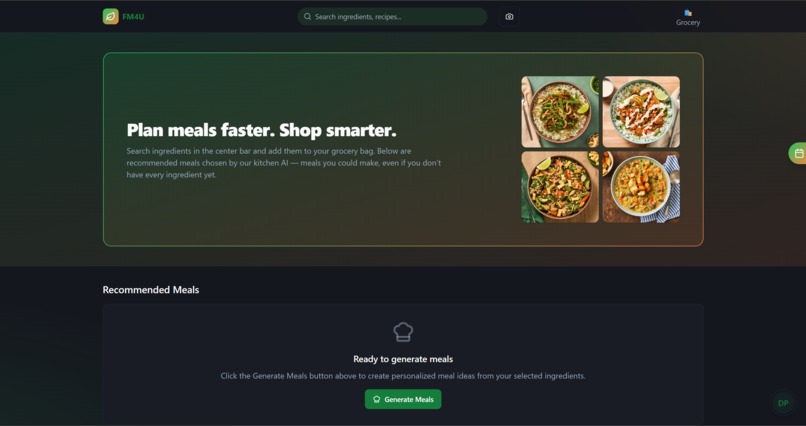
Home Page
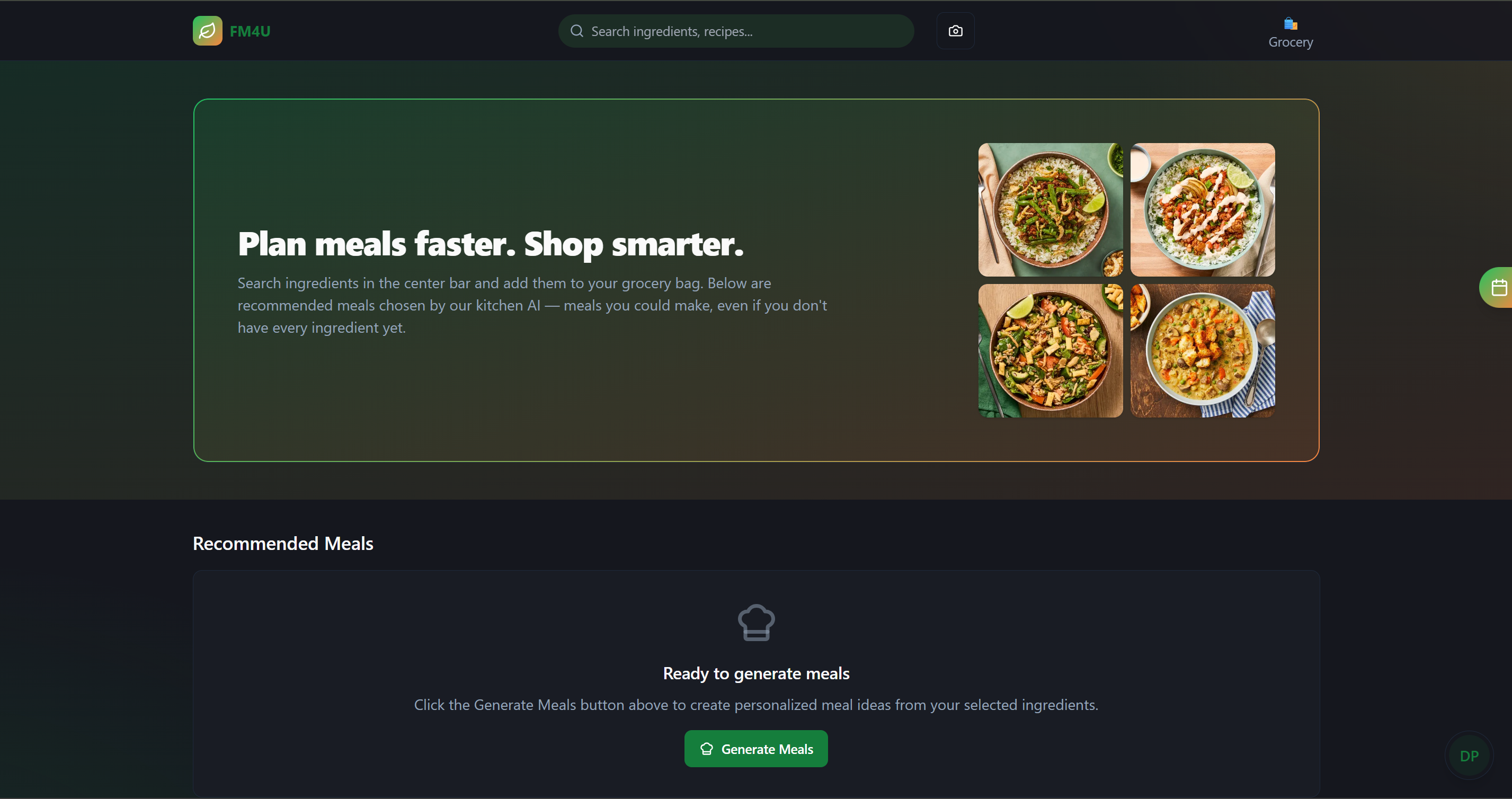
Based on your "Fresh Meals 4 U" project, here are answers to your questions.
Inspiration
The inspiration for "Fresh Meals 4 U" came from the common problem of having a fridge full of random ingredients and no idea what to cook. We wanted to reduce food waste and make home cooking more accessible by taking the guesswork out of meal planning. The goal was to create a smart, simple tool that acts like a personal chef, instantly turning your available ingredients into delicious meal ideas.
What it does
"Fresh Meals 4 U" is an AI-powered meal generator. Users enter the ingredients they have on hand, and the application uses the Gemini model to generate a list of creative meal suggestions. For each meal, it provides a name and a simple description, ensuring users can make full use of their ingredients without needing to go to the store.
How we built it
We built the project with a modern web development stack:
Frontend: The user interface was built with React, allowing us to create a dynamic and responsive experience for managing ingredient lists and displaying results.
Backend: We used a serverless function to handle the logic. This function acts as a secure intermediary between our app and the Gemini API.
AI: The core intelligence is powered by Gemini's model. We engineered a specific prompt to instruct the AI to act like a chef and create meals using only the ingredients provided.
The workflow is simple: the React app sends the ingredient list to our serverless function, which then securely calls the Gemini API and returns the generated meals to be displayed on the screen.
Challenges we ran into
One of the main challenges was prompt engineering. It took several iterations to get the AI to consistently follow the rule of only using the provided ingredients and to format its response correctly in JSON. Another challenge was ensuring our API key remained secure, which led us to implement the serverless function instead of calling the API directly from the frontend.
One of our biggest and most critical challenges was securely managing our API key. Initially, we struggled to get the API call to work and, in our attempts, we accidentally exposed the secret key in our frontend React code. We quickly realized this was a major security flaw, as anyone could view the key by inspecting the browser's source code.
This led us down the path of learning how to properly hide secrets. We discovered the use of .env files to keep the key safe on our local machines and added it to our .gitignore to prevent it from being uploaded to GitHub. However, this created a new problem: our code, especially the deployed version, couldn't access the key to make the API call work. We spent a significant amount of time debugging why the AI wouldn't return a response, eventually learning that we had to set up the environment variable not just locally, but also within the settings of our hosting platform (like Vercel or Netlify) for our serverless function to use it.
Accomplishments that we're proud of
We're proud of successfully integrating a powerful AI model into a simple and intuitive user interface. Creating the secure, end-to-end workflow—from a user typing an ingredient in the browser to getting a creative meal idea back from the AI—was a major accomplishment. We're also proud of the clean, component-based architecture we built with React.
What we learned
This project taught us a lot about the practical application of large language models. We learned how to write effective prompts to control AI behavior and how to securely handle API keys using serverless functions and environment variables. We also deepened our understanding of React state management and asynchronous API calls.
Built With
- express.js
- gemini
- react
- tailwind-css
- typescript
- vite


Log in or sign up for Devpost to join the conversation.