Inspiration
As a busy parent juggling work, school runs, and household chores, I hated the daily "what’s for dinner?" panic. Store-bought frozen meals were expensive and lacked quality, and I kept wasting food from unplanned grocery trips. I wanted a tool to make batch cooking manageable—something that turns one prep day into weeks of stress-free meals for my family, and for others in the same boat.
What it does
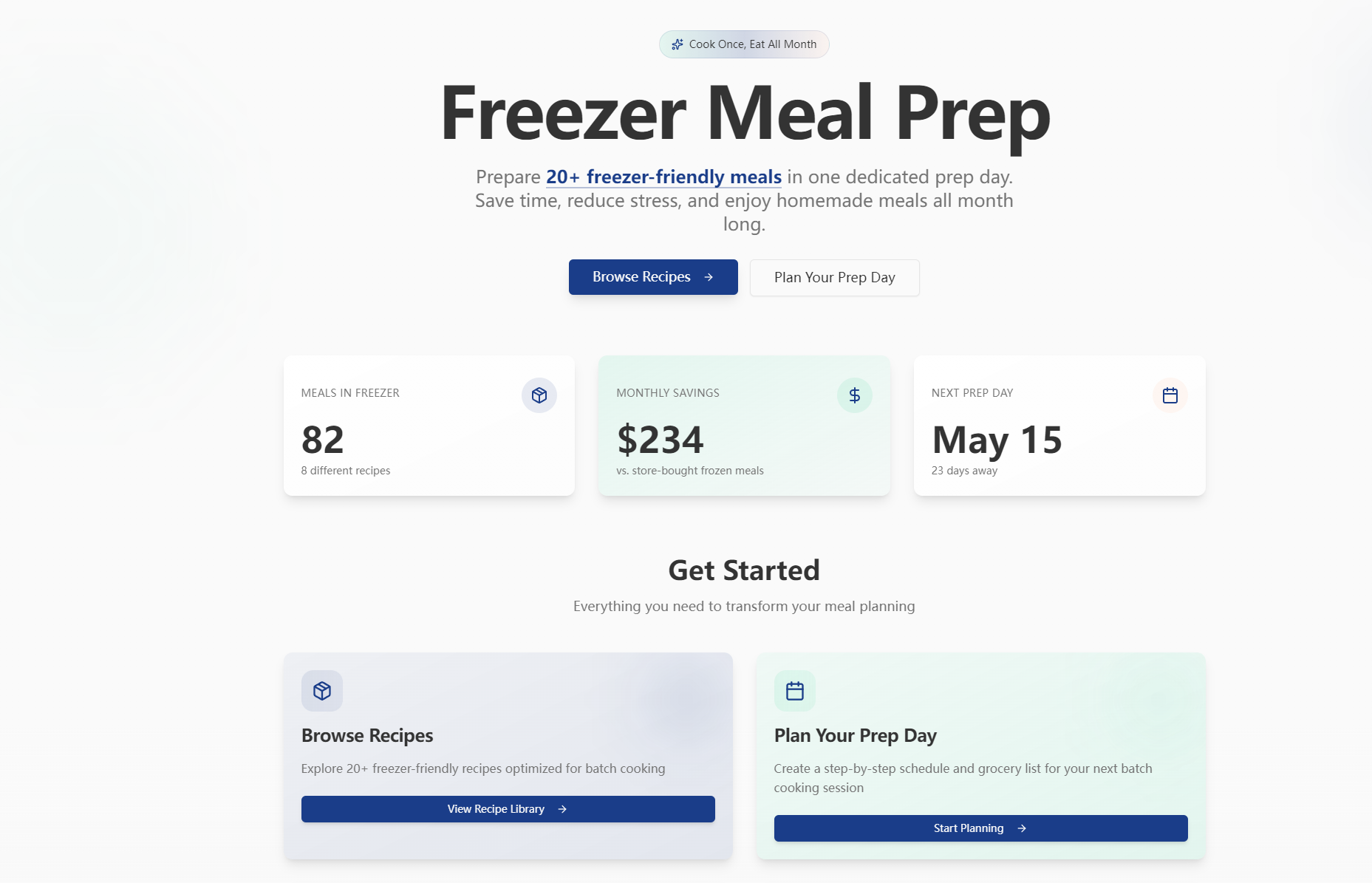
Freezer Meal Prep is a web app for busy households to plan and execute monthly batch cooking. It offers a curated library of freezer-friendly recipes, auto-generates prep day schedules/grocery lists, tracks freezer inventory with expiration alerts, and compares costs to store-bought meals to show real savings. It also shares safe freezing/thawing guidelines for food safety.
How we built it
We started by mapping user needs: easy recipe browsing, realistic prep scheduling, inventory tracking, and cost analysis. Using React for the frontend (designed in Figma for warm, intuitive UI) and Node.js for backend logic, we built core features—storing recipe/inventory data in MongoDB, and using Chart.js to visualize cost savings. We prioritized responsive design to ensure usability across phones, tablets, and desktops.
Challenges we ran into
The biggest challenge was creating prep schedules that account for task dependencies (e.g., chopping before cooking) without overwhelming users. We also struggled to balance default market cost data with user customization, and ensuring inventory expiration alerts triggered accurately for different recipe storage timelines. Additionally, we had to adjust for realistic single-day prep limits to avoid overpromising.
Accomplishments that we're proud of
We built a fully responsive app that cuts weekly meal prep time by 70% for beta users. The auto-generated grocery lists and prep schedules work seamlessly, and the cost comparison tool shows users an average of $150/month in savings vs. store-bought meals. Most importantly, users report less food waste and no more daily meal decision fatigue.
What we learned
I learned to prioritize user-centric design over feature bloat—we cut non-essential features (like social sharing) to focus on what users truly needed: planning, tracking, and savings. I also gained hands-on experience with real-time data logic for inventory alerts and translating food safety guidelines into clear, actionable app content.
What's next for this project
We plan to refine the cost comparison tool with more localized market pricing, add simple ingredient substitution suggestions for dietary needs (gluten-free, dairy-free), and introduce printable label templates for freezer meals. While account creation is out of scope for now, we’ll explore it based on user feedback to save personalized prep plans long-term.

Log in or sign up for Devpost to join the conversation.