-
-
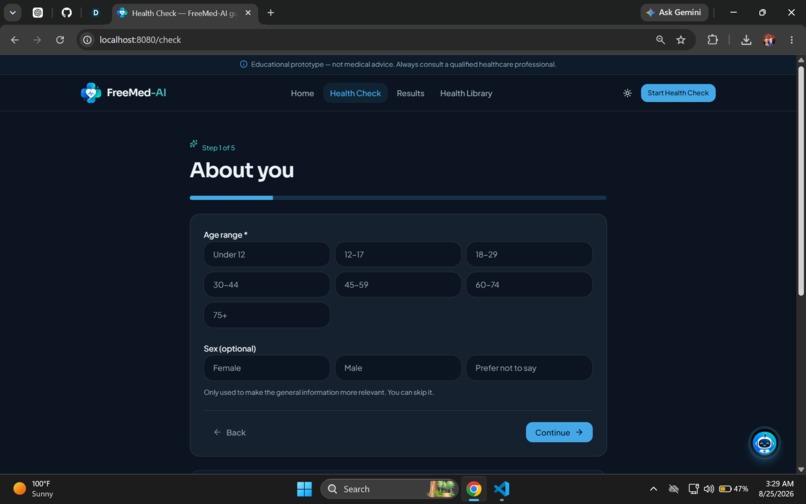
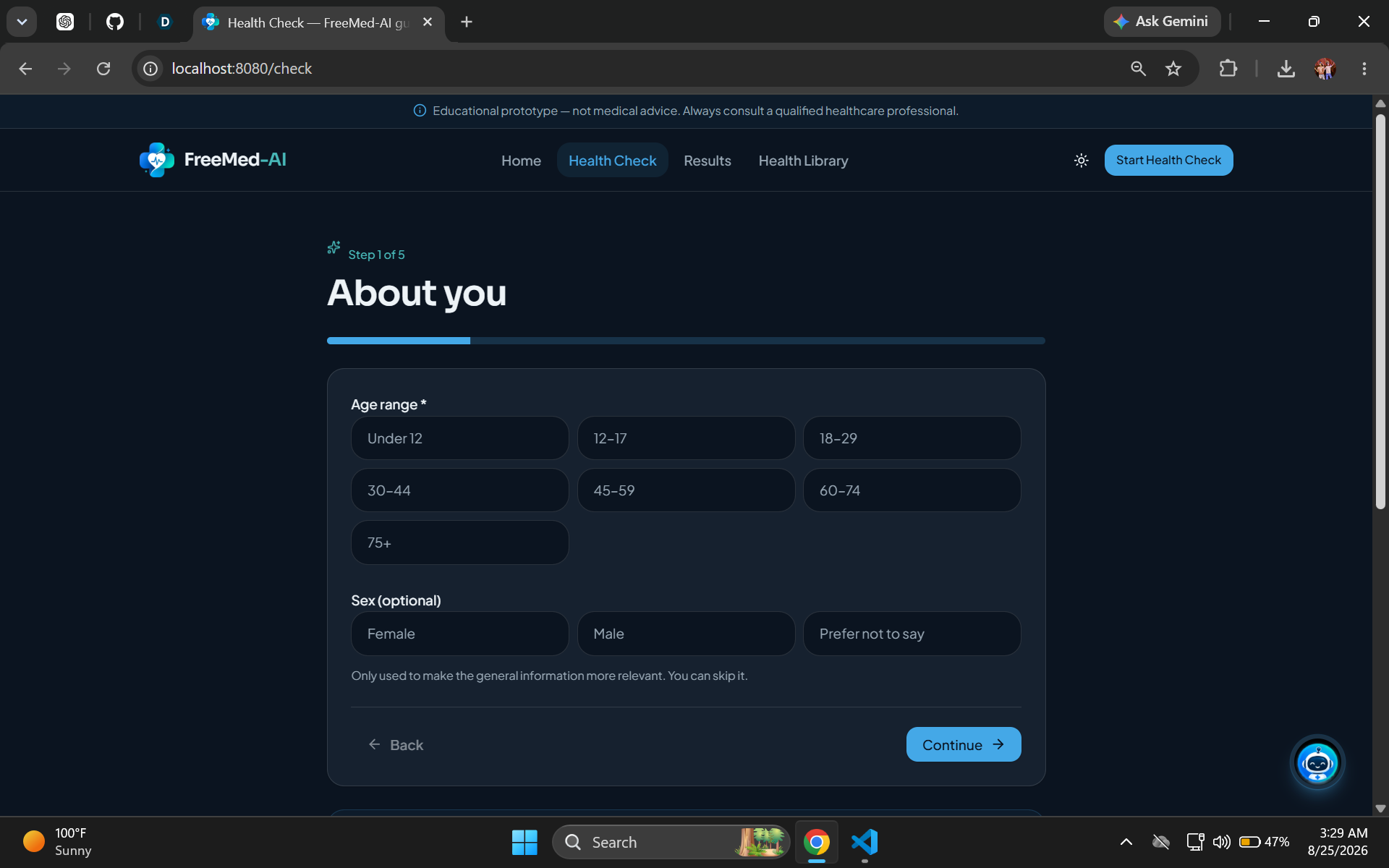
Health Check — About You: Start with basic context to make your personalized health education more relevant.
-
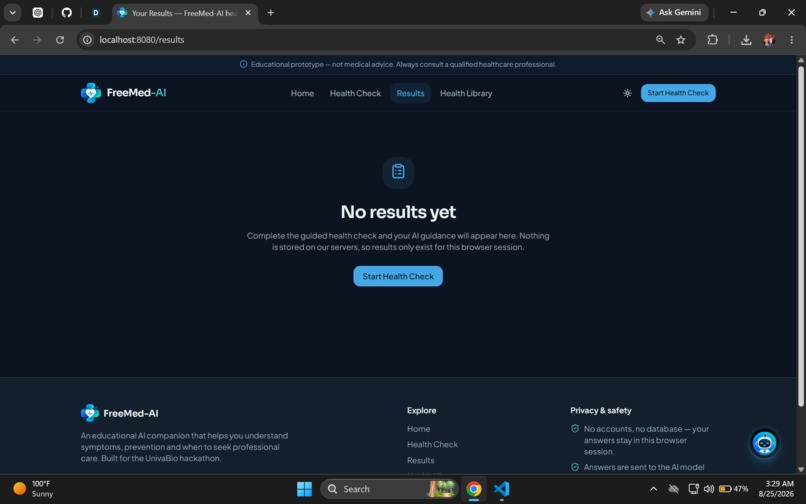
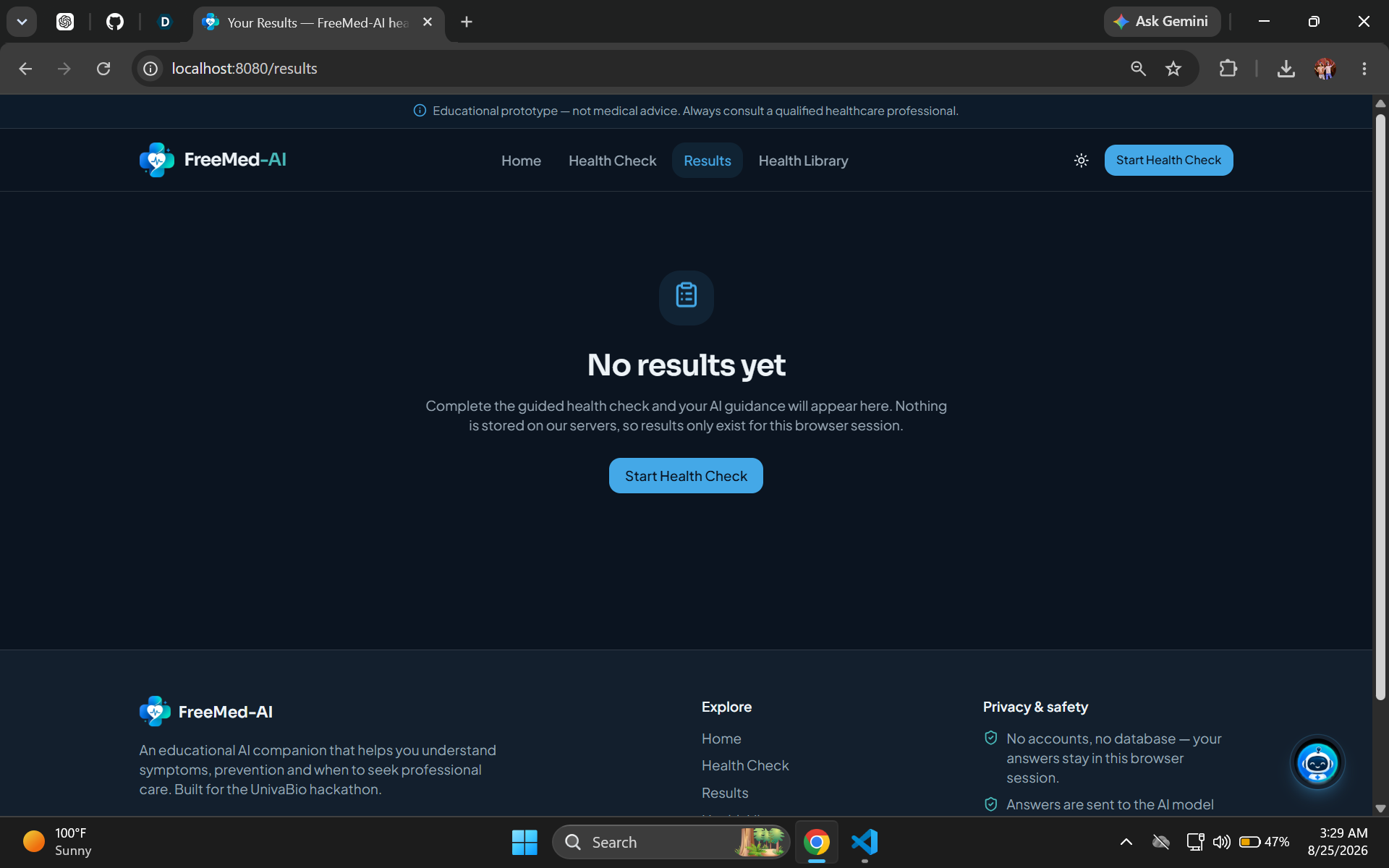
Results — Empty State: Your health check results appear here after completing the guided assessment.
-
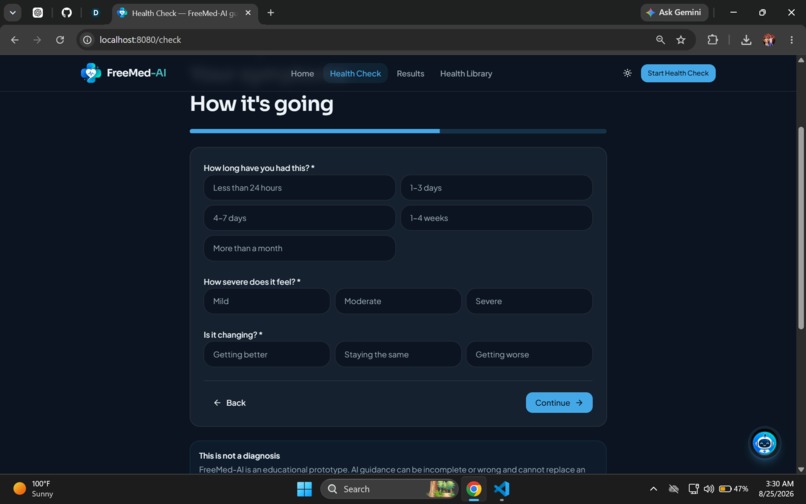
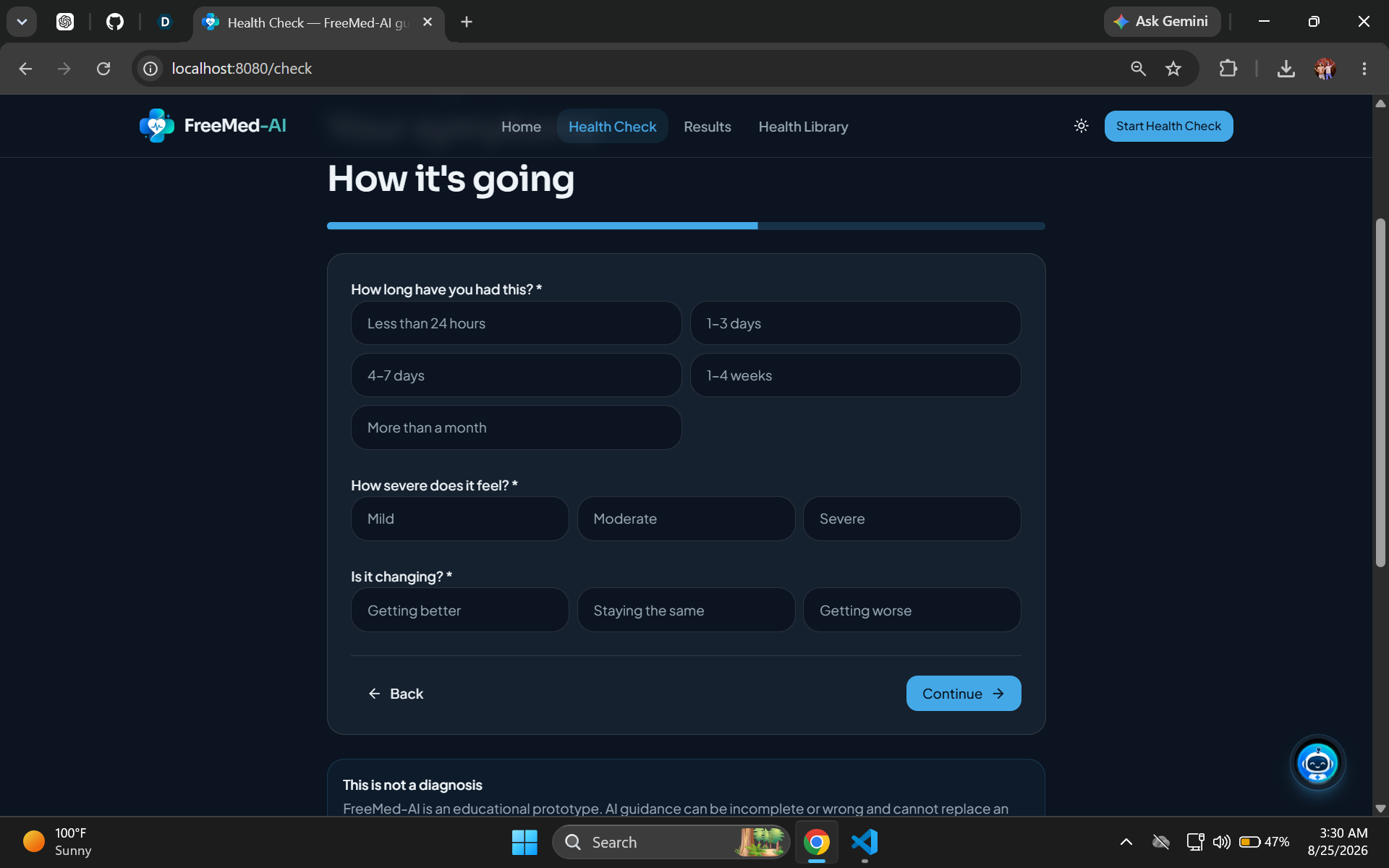
Health Check — Duration & Severity: Add details about how long symptoms have lasted, their severity, and whether they're changing.
-
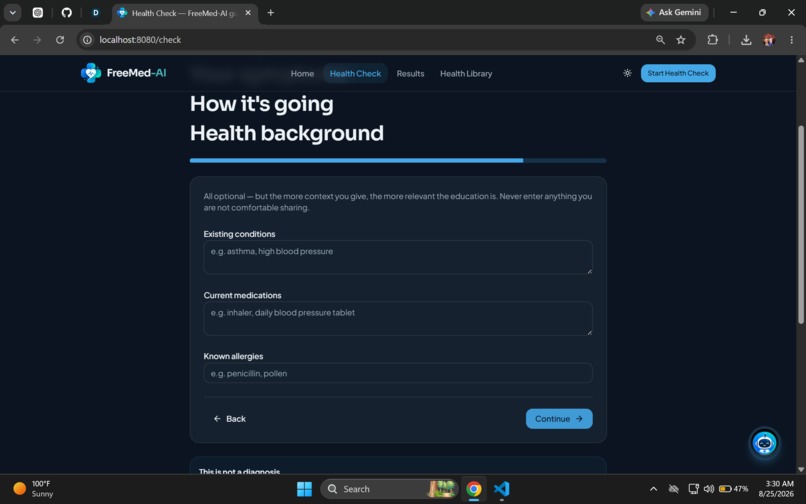
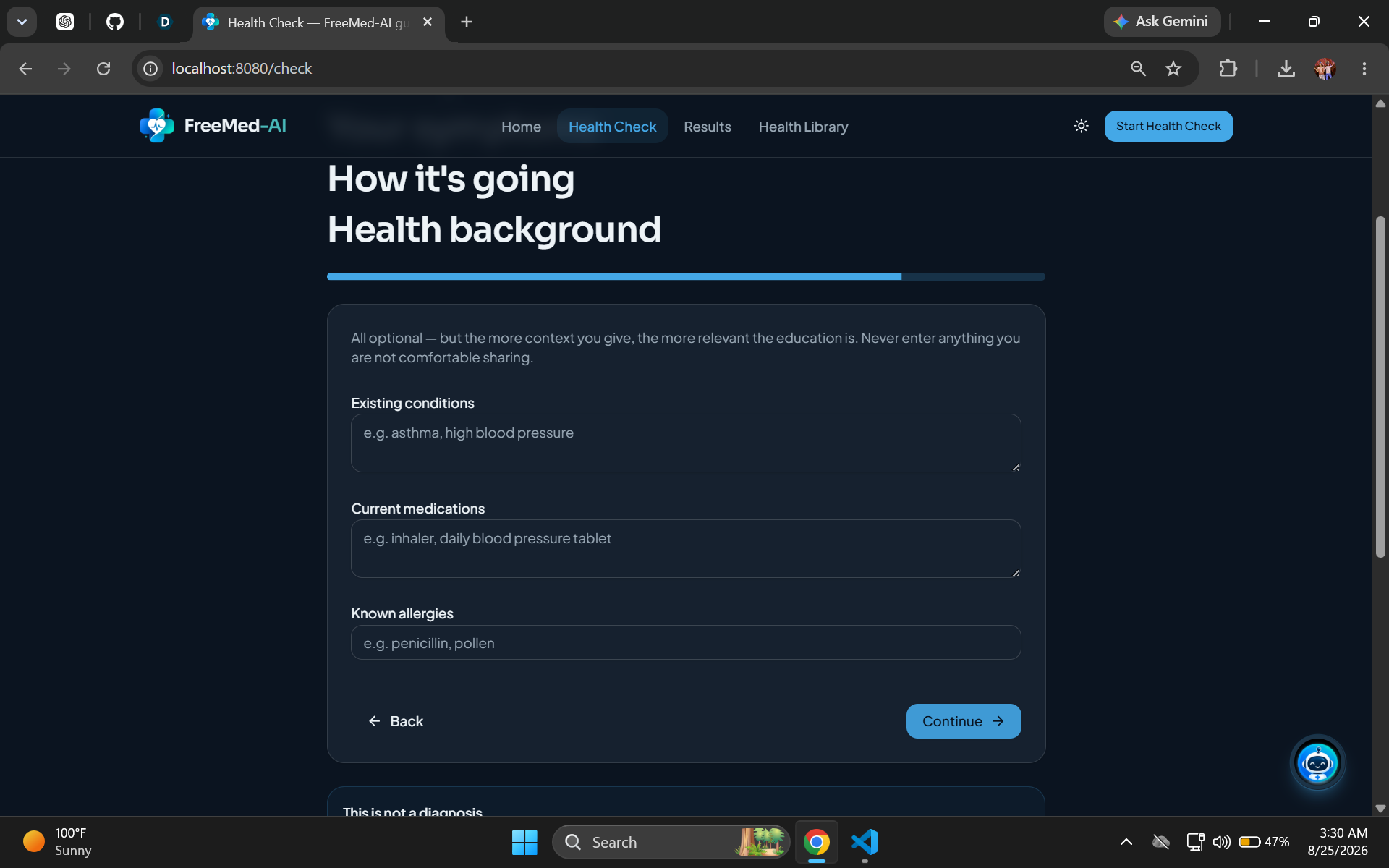
Health Background: Optionally provide existing conditions, medications, and allergies for more relevant guidance.
-
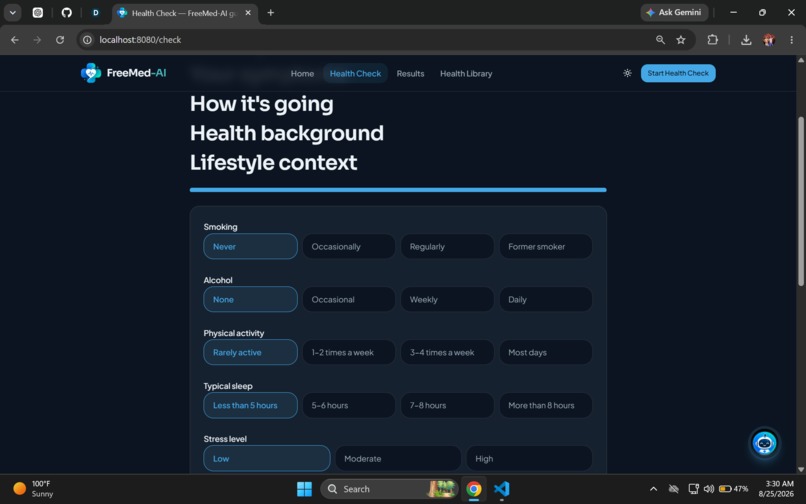
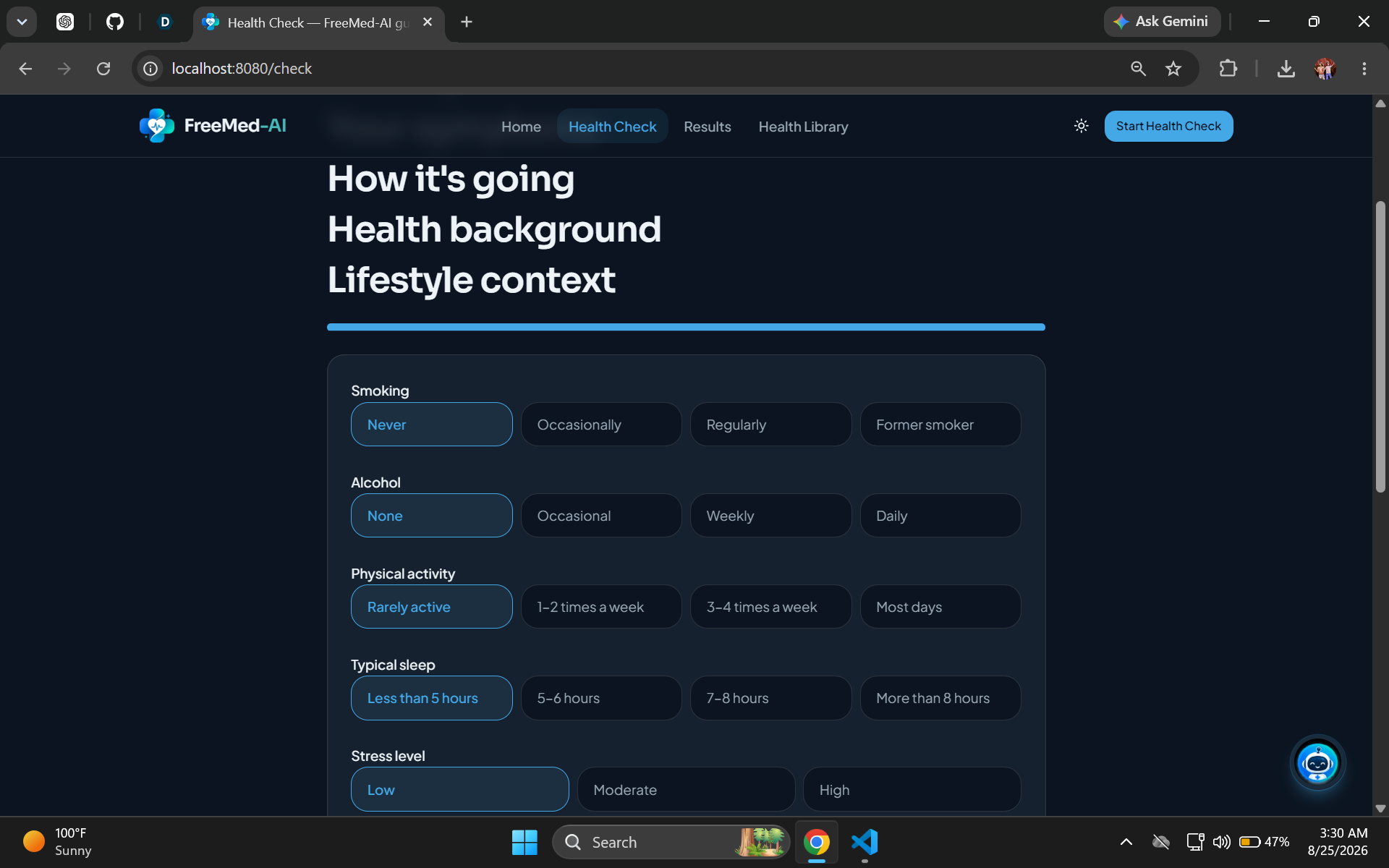
Lifestyle Context: Add lifestyle information such as activity, sleep, smoking, alcohol, and stress.
-
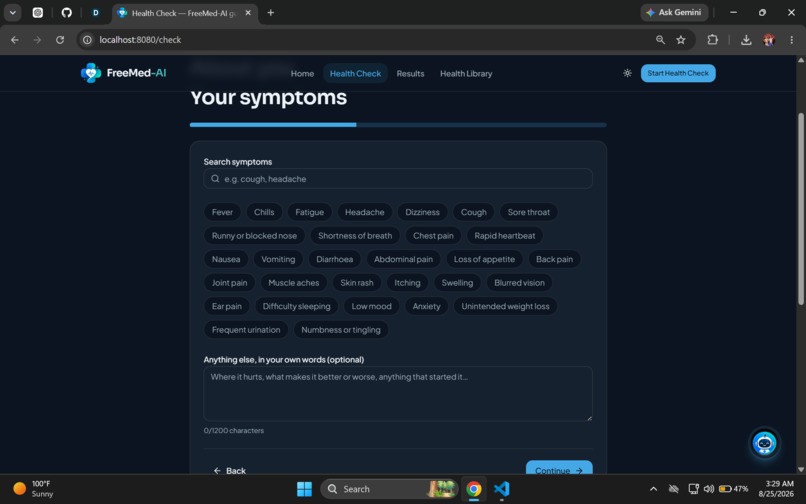
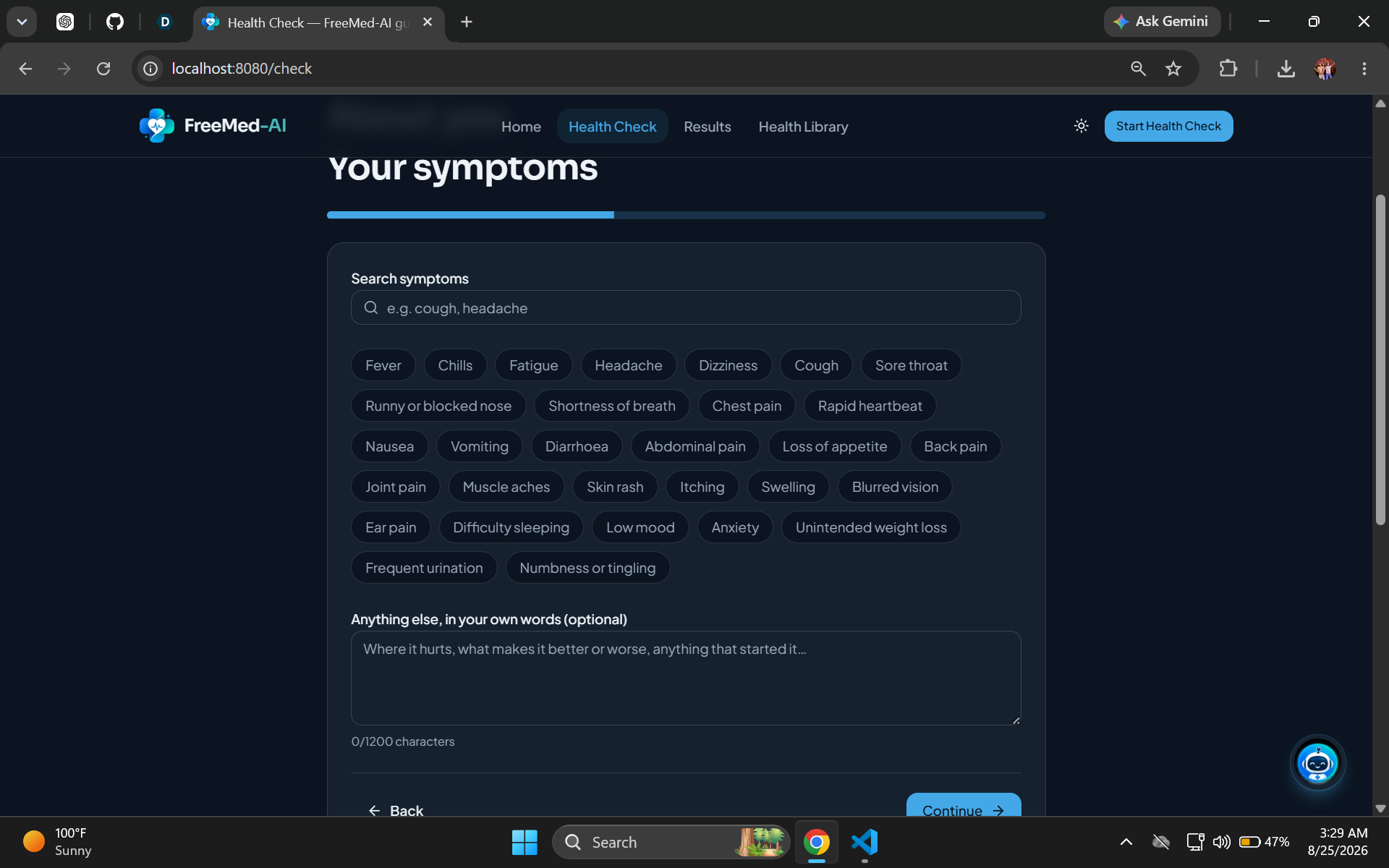
Health Check — Symptoms: Select common symptoms or describe what you're experiencing in your own words.
-
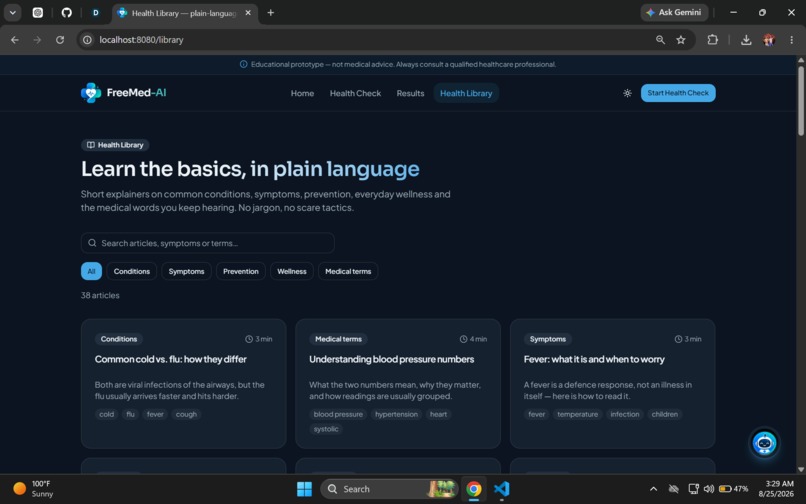
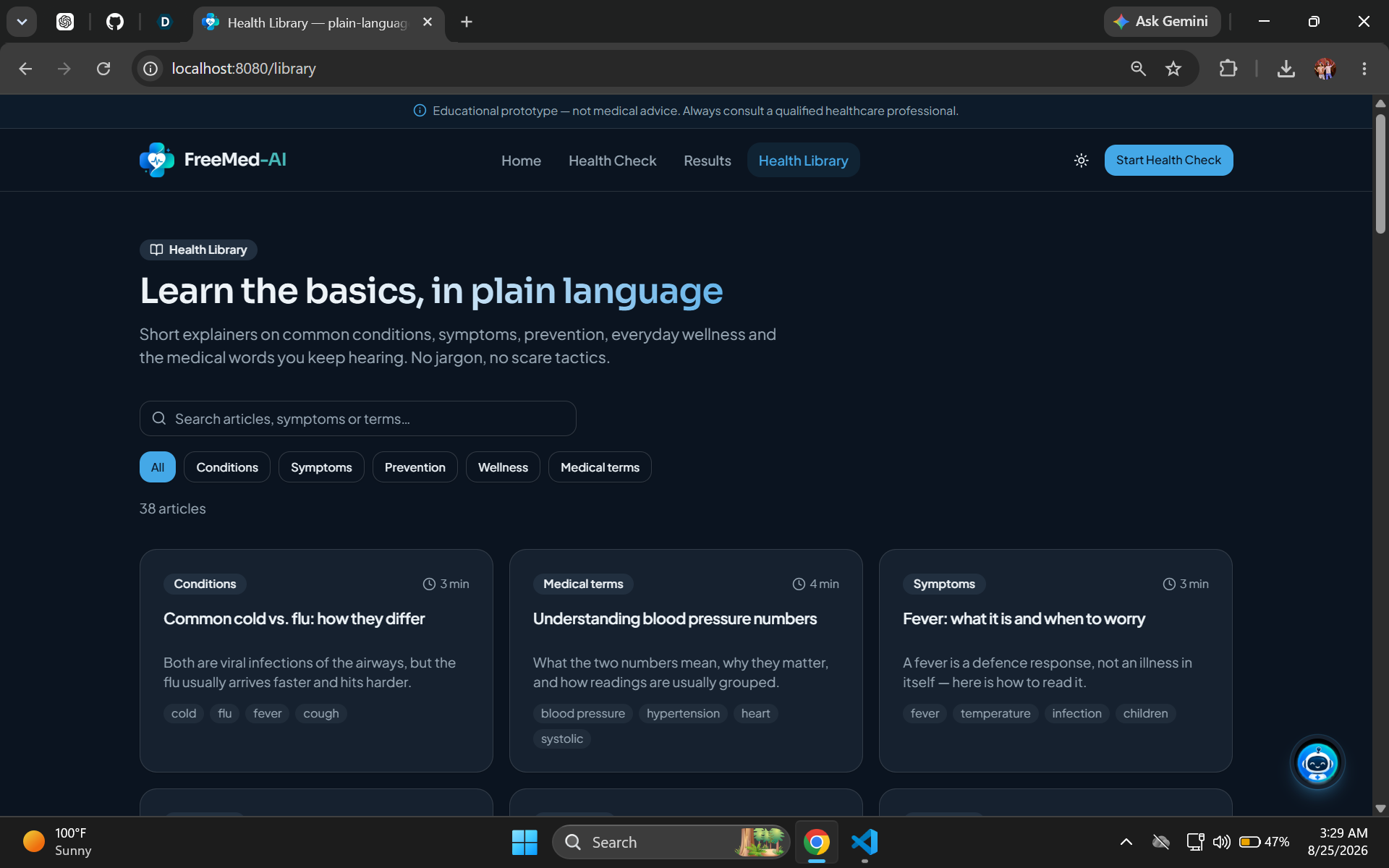
Health Library: Explore 38 plain-language articles covering conditions, symptoms, prevention, wellness, and medical terms.
-
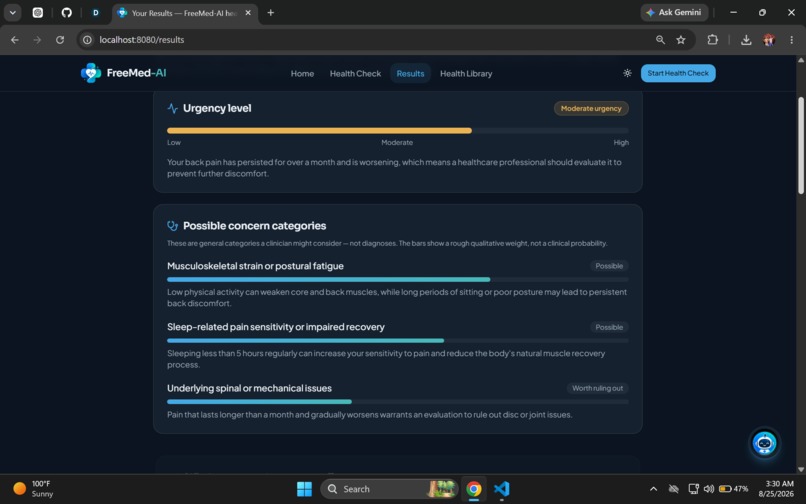
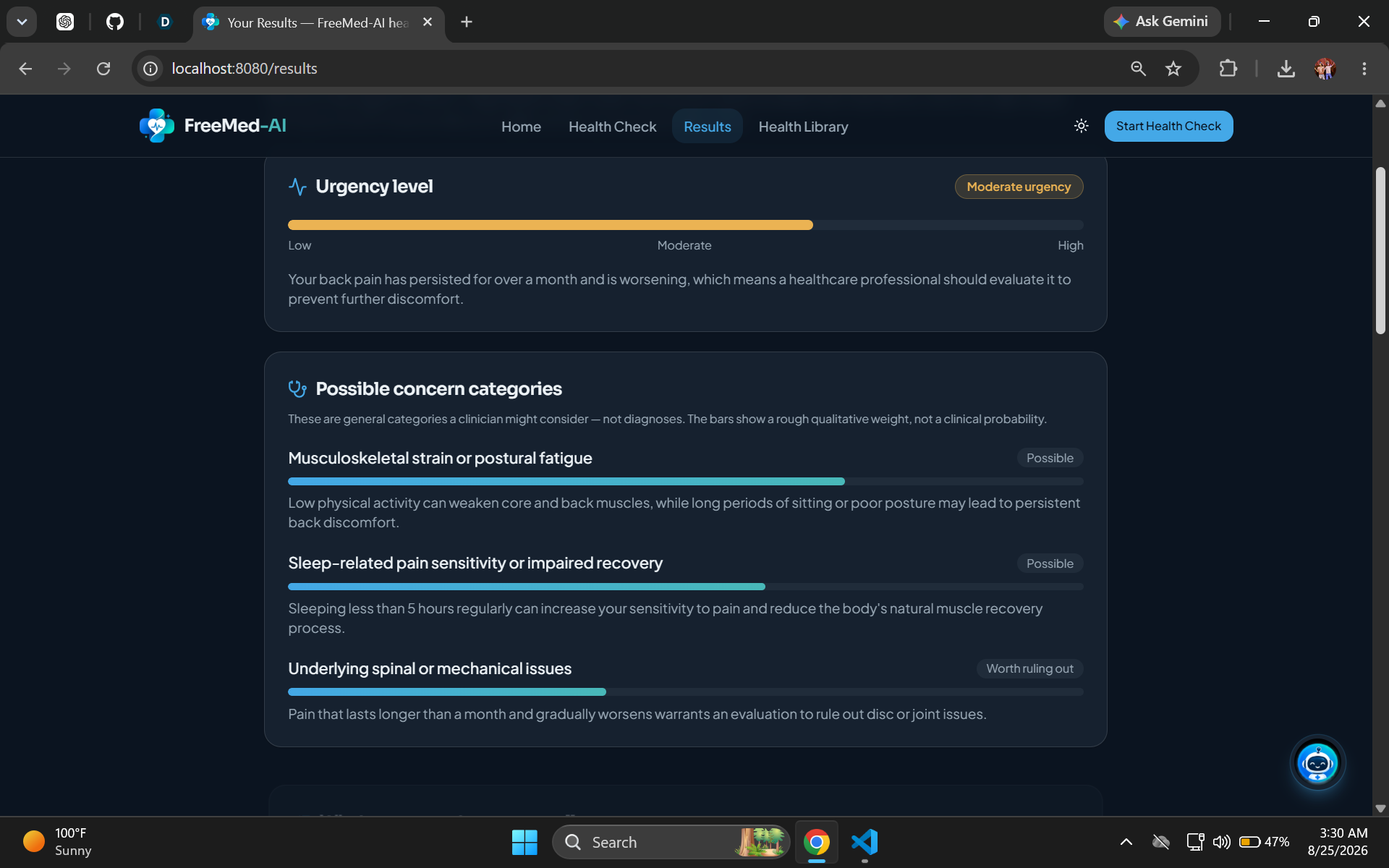
Health Results — Concern Categories: Review possible concern categories and understand why professional evaluation may be recommended.
-
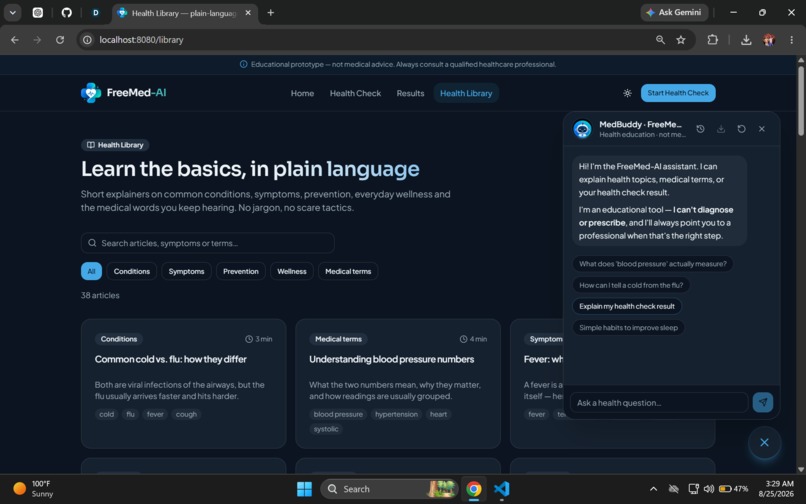
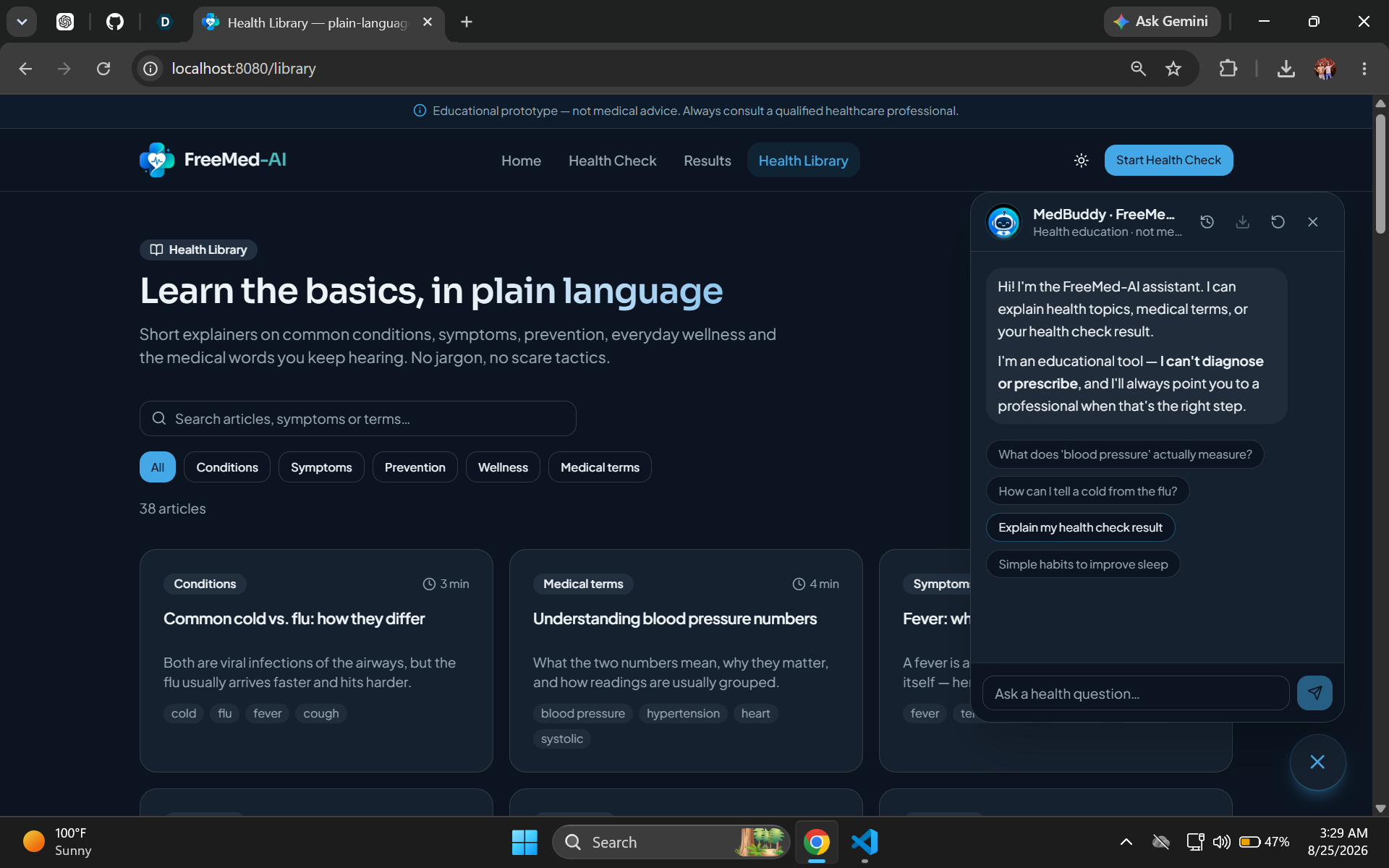
MedBuddy AI Assistant: Ask health questions and get educational explanations without diagnoses or prescriptions.
-
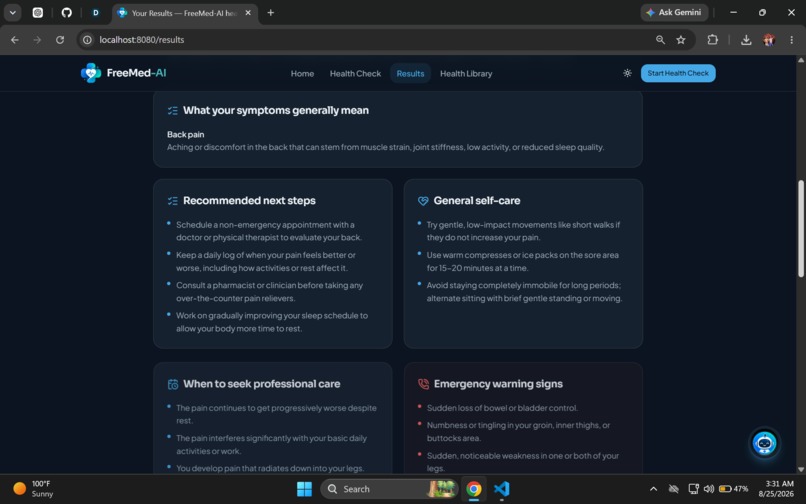
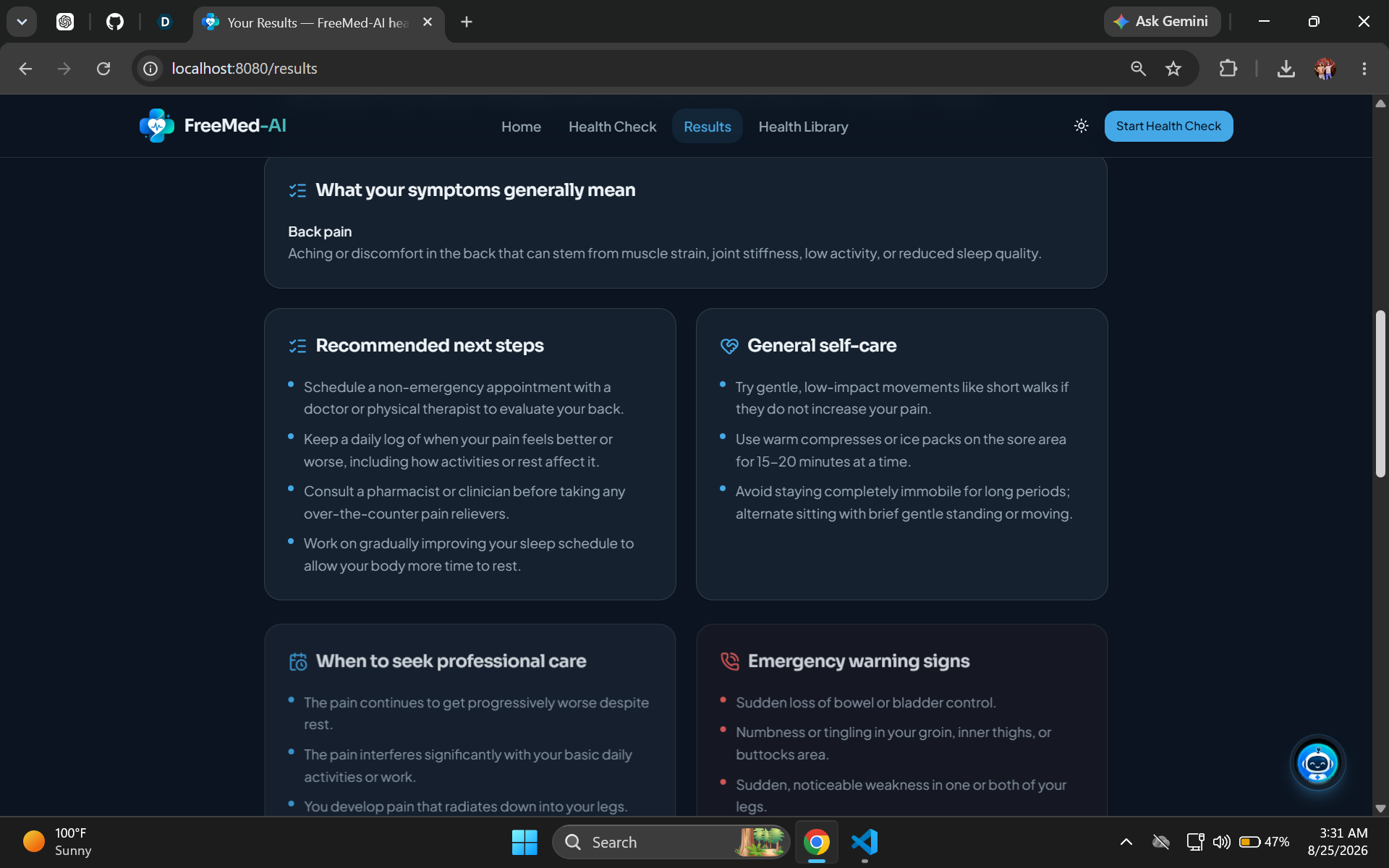
Health Results — Next Steps: Get educational guidance, self-care suggestions, professional-care advice, and emergency warning signs.
-
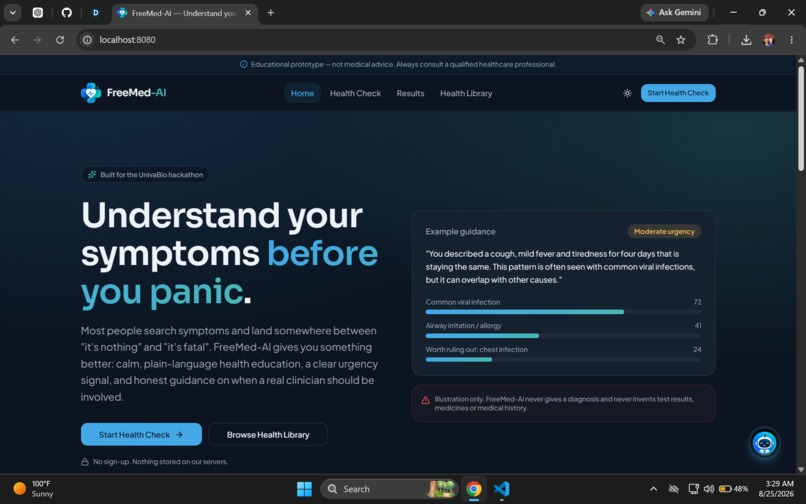
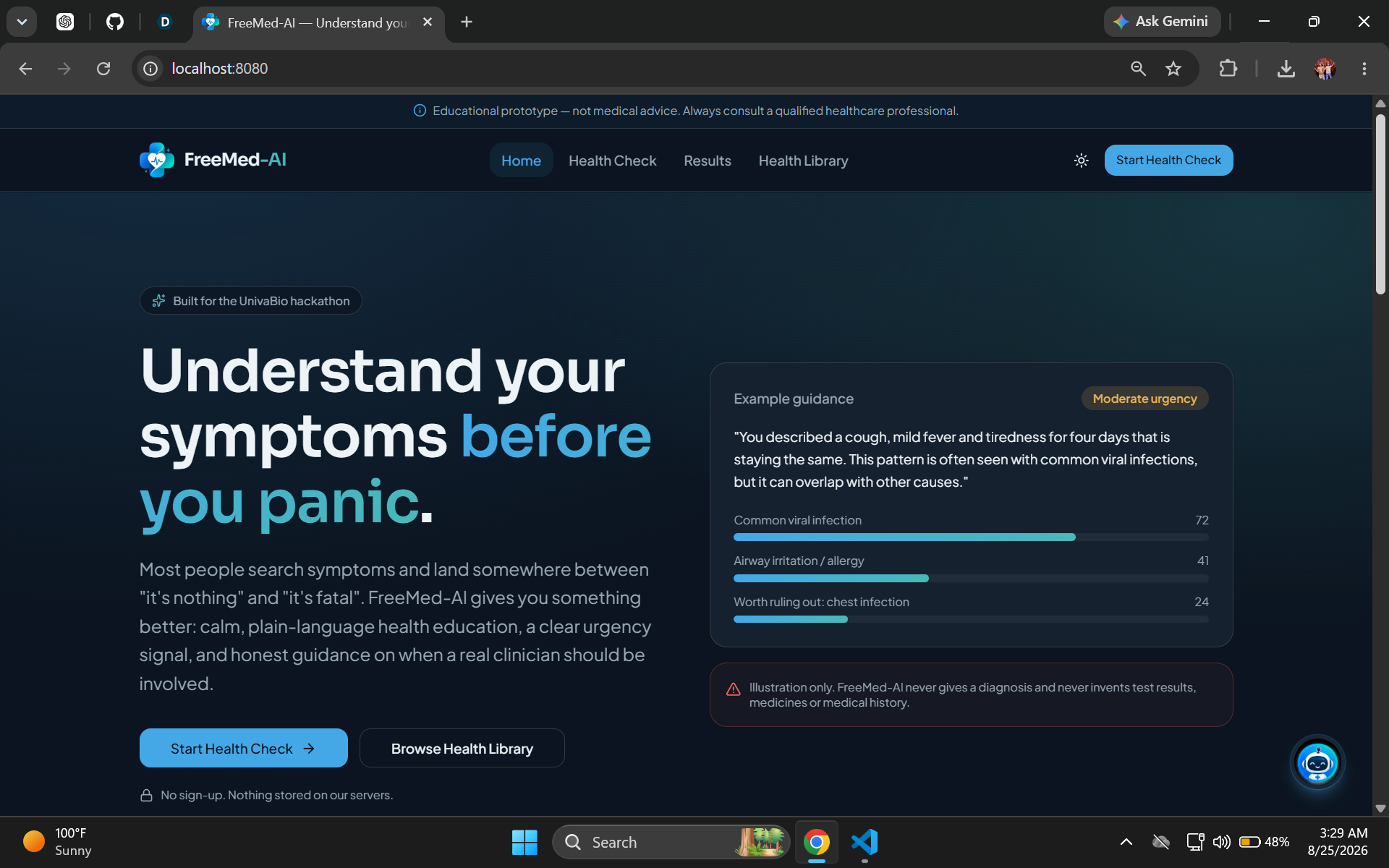
FreeMed-AI homepage: Understand your symptoms in plain language with calm, educational guidance and clear next steps.
Inspiration
Many people struggle to understand health information, symptoms, and when they should seek professional care. We wanted to build a simple AI-powered tool that makes health guidance easier to understand while staying clear about its limitations.
What it does
FreeMed-AI provides guided health checks where users can enter symptoms, duration, severity, and optional health context. Gemini analyzes the submitted information and provides educational guidance, possible concern categories, urgency information, next steps, and warning signs.
The app also includes a health library and a global AI assistant that can explain medical terms and help users understand their results.
FreeMed-AI is an educational prototype, not a diagnostic or treatment tool.
How we built it
We built FreeMed-AI as a responsive web application using React, TypeScript, Tailwind CSS, TanStack Start, and Google Gemini. Health-check responses use structured JSON validated with Zod. Session data is kept temporarily in the browser rather than stored in a database.
Challenges
The main challenge was making the AI useful while avoiding unsupported medical claims. We focused on structured responses, validation, uncertainty language, emergency warning detection, privacy, and clear safety messaging.
What's next
Future versions could add more evidence-based educational resources, stronger medical-domain evaluation, multilingual support, and additional safety-focused features.
Built With
- google-gemini
- query
- react
- tailwind-css
- tanstack-start
- typescript
- zod

Log in or sign up for Devpost to join the conversation.