Inspiration
I'd be reading an article or reviewing a PR, and a thought would pop up. So I'd Cmd+T, open a note app, type it, then try to get back to where I was. By then, the original thought had already half-evaporated. This happened dozens of times a day — the constant context switch between browsing and note-taking was killing my flow. I wanted something dead simple: a notepad that just floats on the page. Press a shortcut, it appears. Type your thought. Press the shortcut again, it's gone. You never leave the page.
What it does
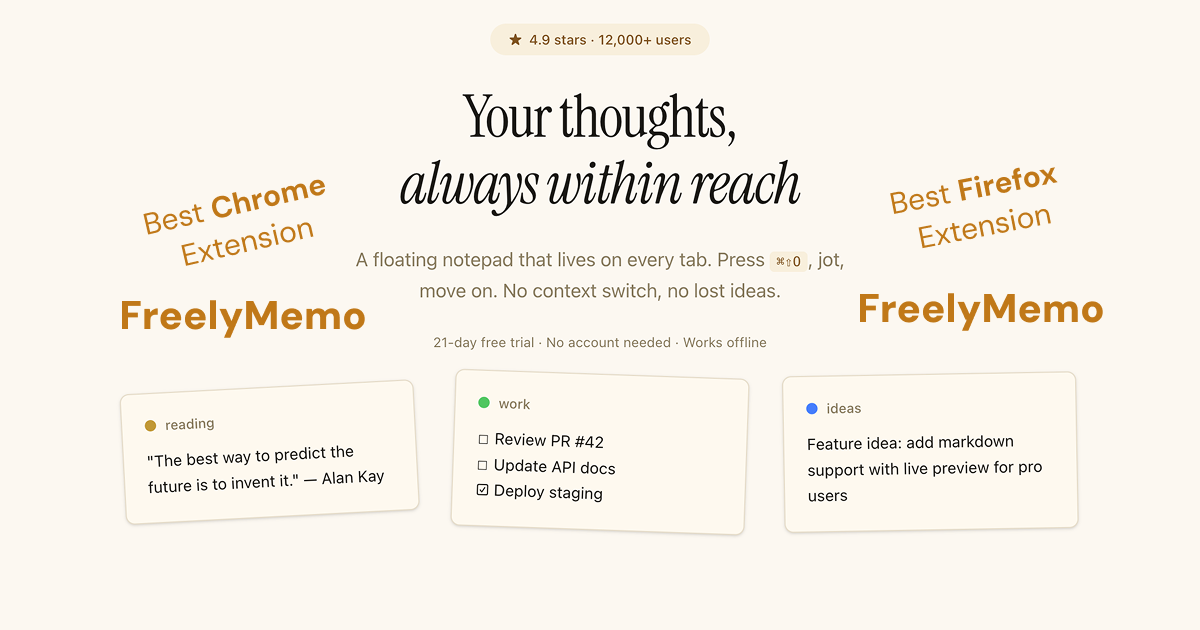
FreelyMemo is a browser extension (Chrome & Firefox) that puts a floating notepad on every tab you open. Press ⌘⇧O (Ctrl+Shift+O on Windows/Linux) and a notepad overlay appears right on the page — type your thought, close it, keep browsing. No tab switching.
Key features:
- Multiple notes with color-coded tabs to organize different topics
- Tag system to categorize and find notes fast
- Right-click any selected text on a page → "Save to FreelyMemo" — instant web clipping
- Auto-save as you type, works offline
- Export to Markdown or JSON anytime
- 100% private — all data stays in your browser, no account needed
How we built it
The stack is WXT (Web Extension Toolkit) + React. WXT handles the cross-browser manifest and build pipeline, letting us ship to Chrome and Firefox from a single codebase. React renders the overlay UI inside a shadow DOM, which isolates the extension's styles from the host page — no CSS conflicts regardless of what site you're on.
All data lives in the browser's local storage. There are zero network requests for core functionality — no server, no database, no telemetry. The extension runs as a content script that injects only when activated, keeping it lightweight.
Challenges we ran into
Shadow DOM CSS isolation was the biggest headache. We needed the notepad to look consistent across every website while ensuring our styles never leak into (or get affected by) the host page's CSS. Getting this right across edge cases took significant iteration.
Cross-browser compatibility between Chrome's Manifest V3 and Firefox's implementation differences required careful abstraction. WXT helped a lot, but there were still platform-specific quirks to handle.
Content script lifecycle — getting the injection timing right so the notepad activates instantly without interfering with page load performance. We also had to figure out payment and licensing without a user account system, since the whole product philosophy is "no account needed."
Accomplishments that we're proud of
- Privacy-first architecture — zero data leaves your browser. No account, no server, no analytics on what you write. We didn't want to build a product that makes money from your data.
- Cross-browser from one codebase — Chrome and Firefox, same code, same experience.
- $5 one-time pricing — not a subscription. Note-taking tools should be utilities, not rent-seeking SaaS. The marginal cost of another user is effectively zero — there's no server to scale.
- Instant activation — shortcut to notepad in under 100ms. It feels native.
- 21-day free trial with full access — no credit card, no email required.
What we learned
Building browser extensions is its own ecosystem with unique constraints. Shadow DOM patterns are powerful but have a learning curve. Local-first storage means total privacy but no sync — that's a deliberate trade-off we're transparent about.
On the business side, we learned that $5 one-time resonates more than we expected. People are tired of subscriptions for simple tools. Solving your own problem first turns out to be the best product research — if you feel the pain daily, you build something that actually works.
What's next for FreelyMemo
We're working on richer notes format — moving beyond plain text to support formatting, links, and structured content within the notepad. The other major direction is sync to third-party services like Notion, so users can push their quick captures into their existing knowledge management workflow without sacrificing the local-first experience. We're also exploring deeper browser integration to make the capture-and-organize loop even faster.
Built With
- react
- wxt

Log in or sign up for Devpost to join the conversation.