-
-
Freefall
Inspiration
I wanted to make an arcade game that people can play again and again. Something with the Subway Surfers and Temple Run vibes. Initially, I was making a superhero game where the user is flying upwards. Then I asked myself - "What is more interesting than flying?" It's falling. And that's where I thought of free falling. I had also played a game called 'Hyperloop' by VyuXR and I also drew inspiration from that game given how addictive it felt.
What I Learned
I come from a design background. I am comfortable with designing 2D and 3D assets. However, I did not know much about coding or building game logic/architecture. That's what I focused the most in this hackathon. The GenAI helped me a lot in generating the 3D assets along with the textures. It also tremendously helped in writing code for me. I didn't have to write a single line of code in Typescript to make the logic work. I just had to gain understanding of the framework and the documentation helped me through it.
P.S. I opened Worlds Desktop Editor the first time 2 weeks ago in Worlds Creator Academy workshop conducted in South Korea.
Gameplay
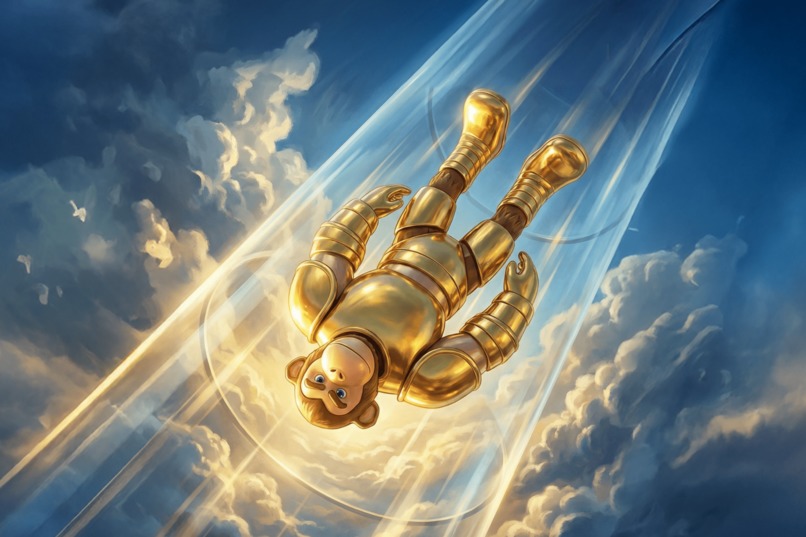
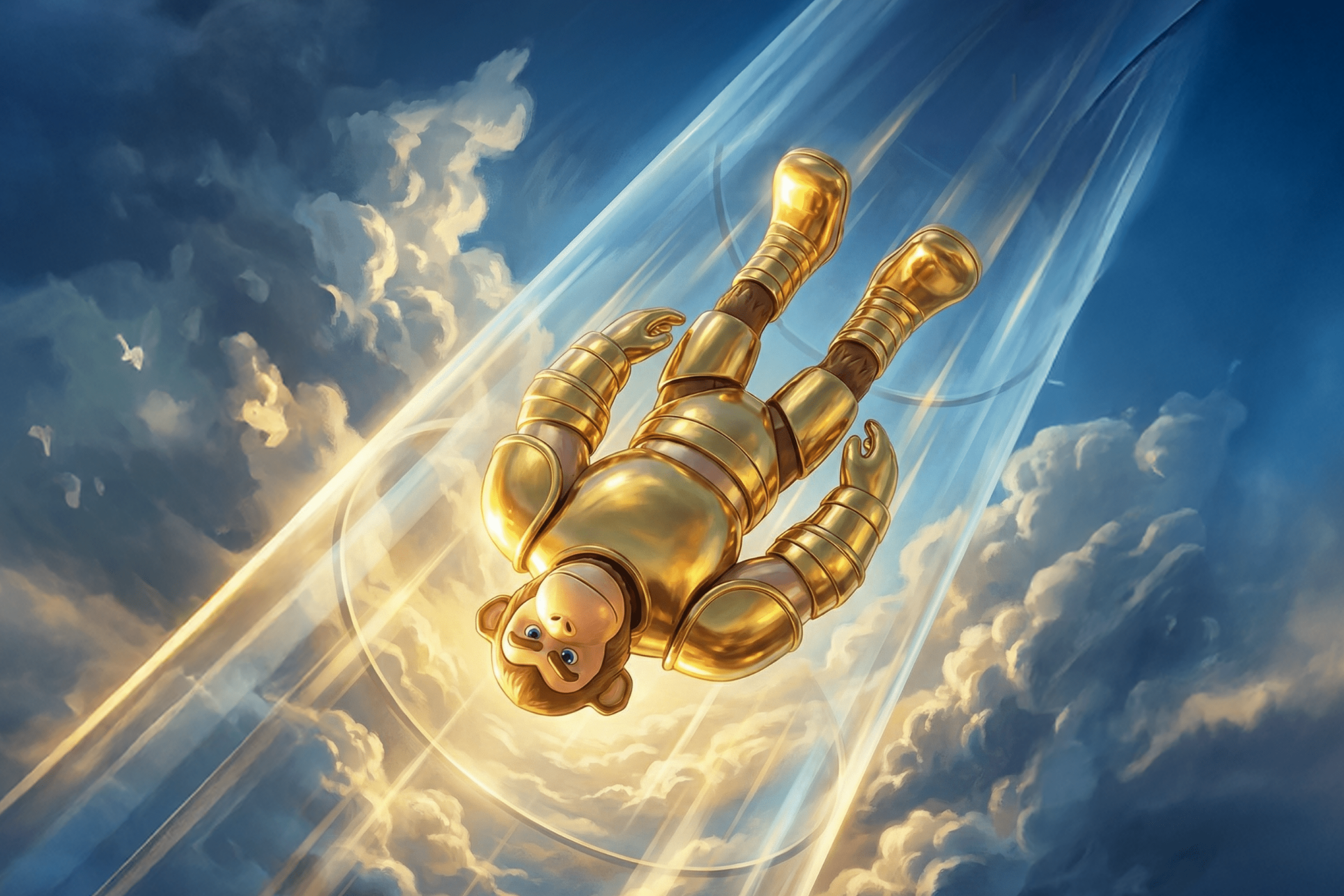
The game starts with the default avatar falling into a tunnel. As soon as you enter the tunnel, you get converted into a special character - Falling Monkey. Your motive is to dodge the obstacles coming your way while falling down. Hitting an obstacle (satellite shards and asteroids) ends the game; the longer you survive, the higher your score.
How I built Freefall
After thinking thoroughly about the game's experience, I generated assets using GenAI feature. I wanted to have a lot of time to figure out the logic of the game as I only had 3 days of time (I started really late because of personal commitments). I kind of liked the challenge of completing everything in just 3 days. After generating set of obstacles, I modelled an elongated Tunnel in Cinema 4D. I used a placeholder 'sphere' as my character since it'd take longer to think of a character. I spent considerable amount of time to figure out the Attach Camera function from the Camera API to make the camera focus on my custom character. I didn't want to use Fixed Camera since I wanted it to rotate along with the player when the user taps. After that I tackled the problem of hiding the movement Gizmo and the jump button. I eventually used FocusedUI Interaction mode for that. Then I started figuring the main game logic. The endless tunnel movement (treadmill effect). Asteroids should rotate and all the obstacles should move up and regenerate to form a loop. I could build the logic of gameover (it logs in the console), but I couldn't implement a few crucial things.
[I COULDN'T COMPLETE THE FOLLOWING] As soon as the player hits an obstacle the gameplay should stop and their score should be displayed. The rotation movement should be smooth. The UI and the complete game visual identity was left for the end but I couldn't complete it.
What's next?
The game experience is incomplete. However, I believe in its potential. I have played such games before and I know how addictive they are. Therefore, I will continue to build on the initial vision I have. I will hand-paint my character's mesh and may remodel it from the ground-up. I will also do basic rigging and make it fall dynamically. The asteroids' meshes are fine but textures need retouching. The satellite shards should be redone from the ground-up. I will figure out the best way to implement the leaderboard and complete the game UI.
After completing the game experience, I have more in mind. I'd like to introduce power-ups (speed boosts, temporary invincibility). The users will be able to change the character's clothes and looks. And also different type of scenes will be introduced while the character is falling. For example, the current theme is Space (asteroids, nebula lights, satellites). I would like to come up with different themes and introduce them with the user's progression.
Built With
- cinema4d
- figma
- typescript



Log in or sign up for Devpost to join the conversation.